See KareShift for New Zealand care providers
Real screenshots from KareShift demo accounts. No signup needed — browse the features below.
Disability & Community Care — Coordinator View
Managing your support worker team — roster, compliance, client records, and Whaikaha readiness.
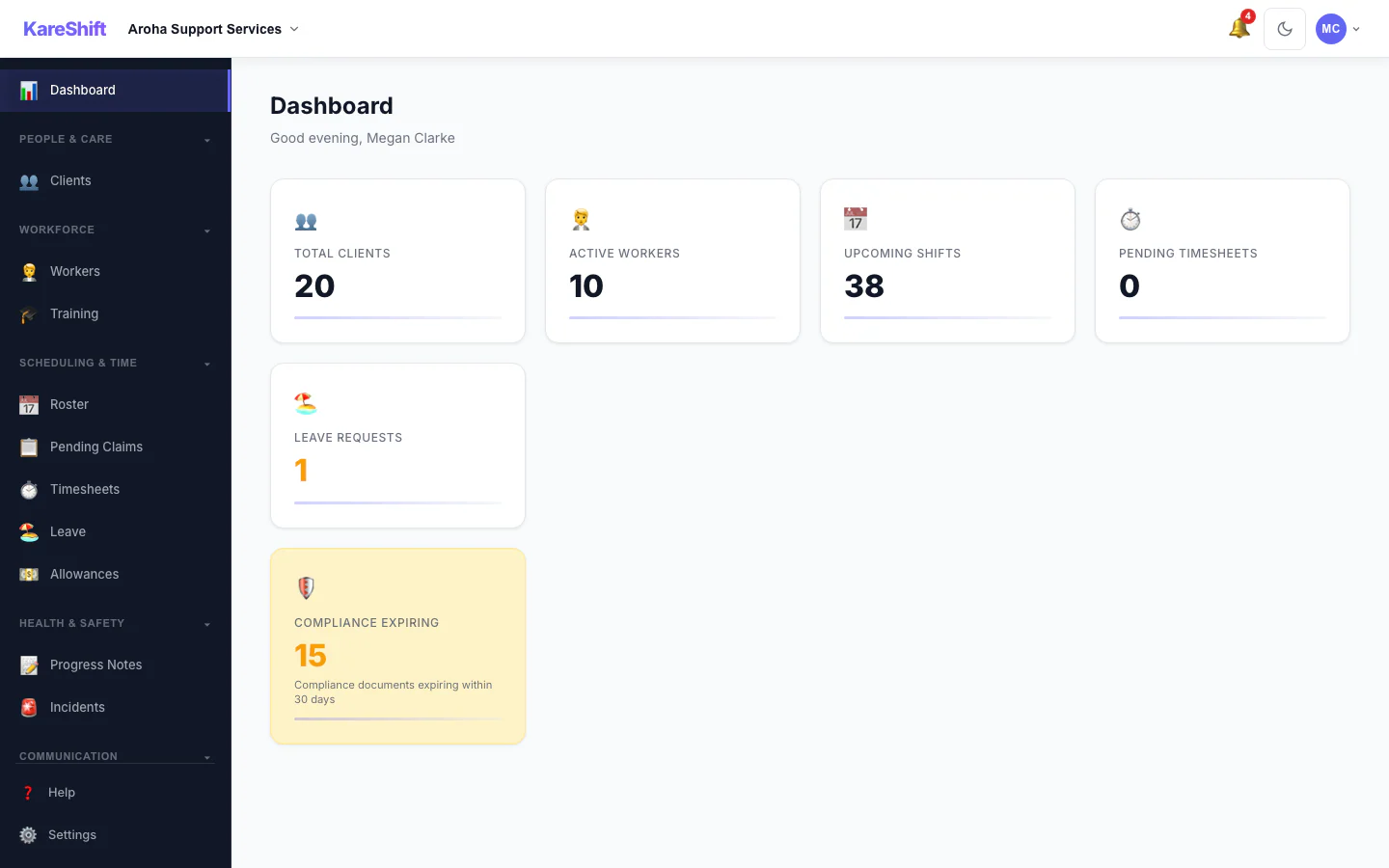
Dashboard
Daily overview — roster coverage, compliance alerts, worker stats, operational status.
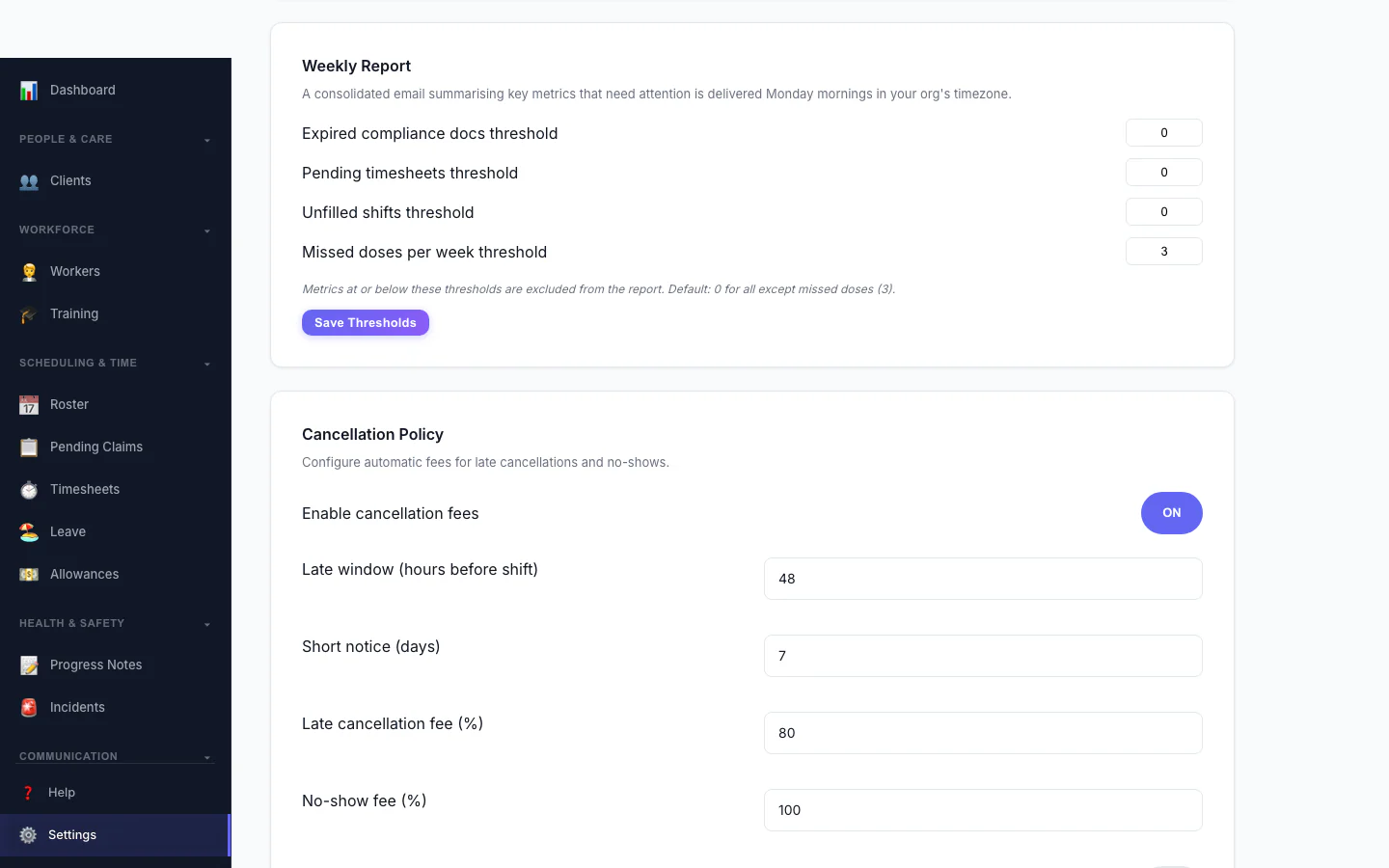
Cancellation Policy
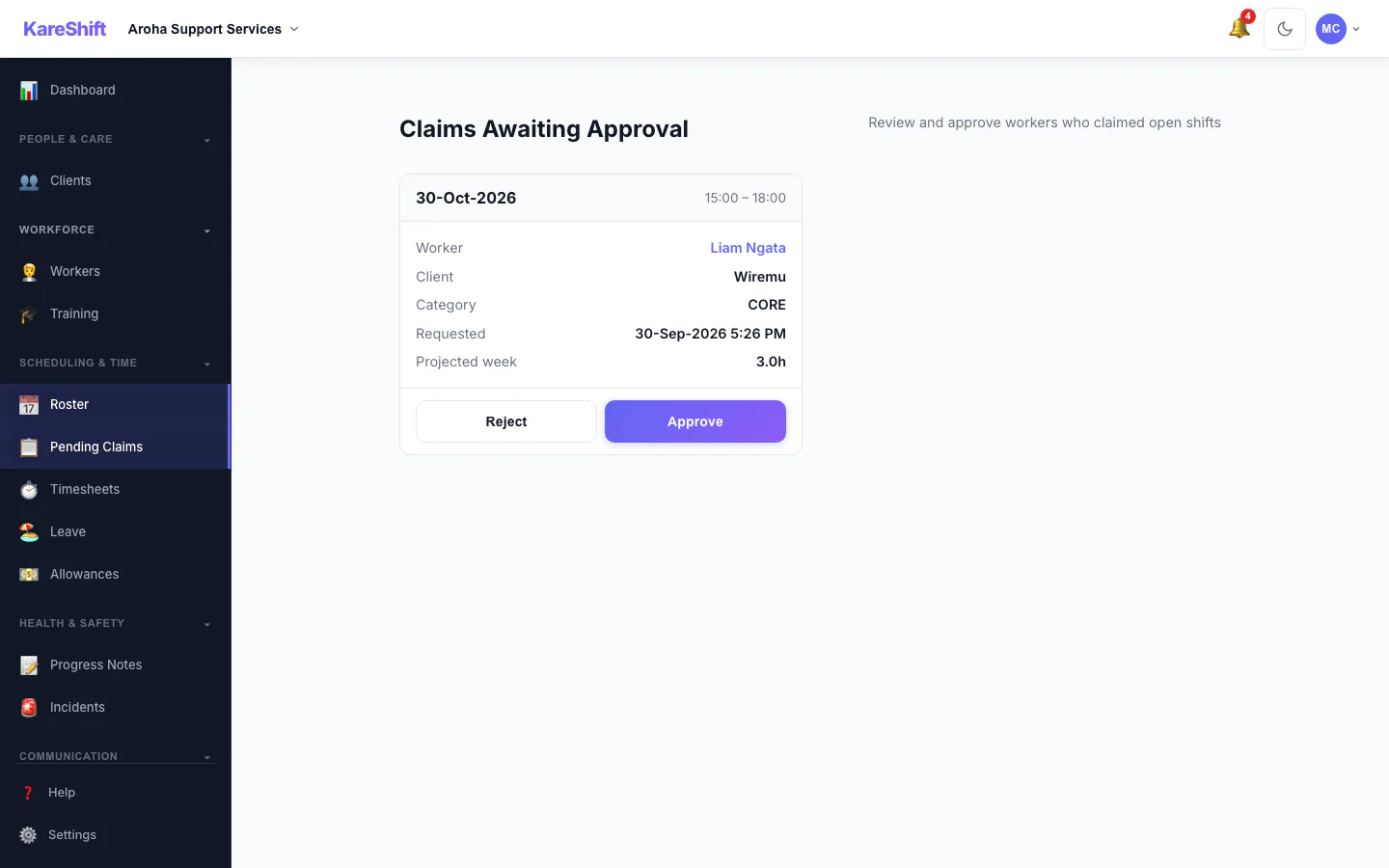
Claim Approval
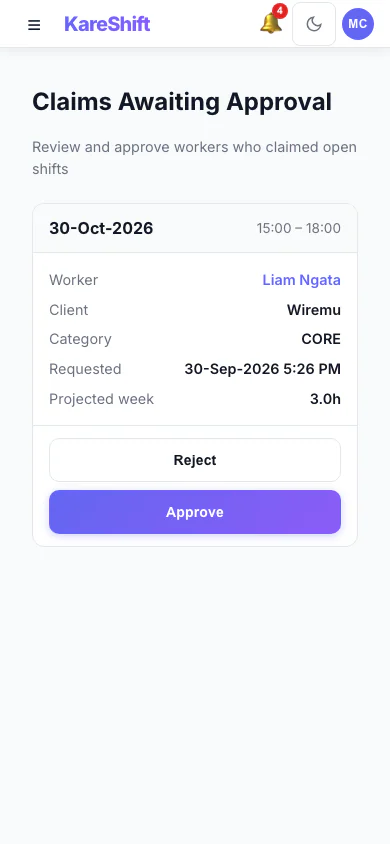
Claim Approval (Mobile)
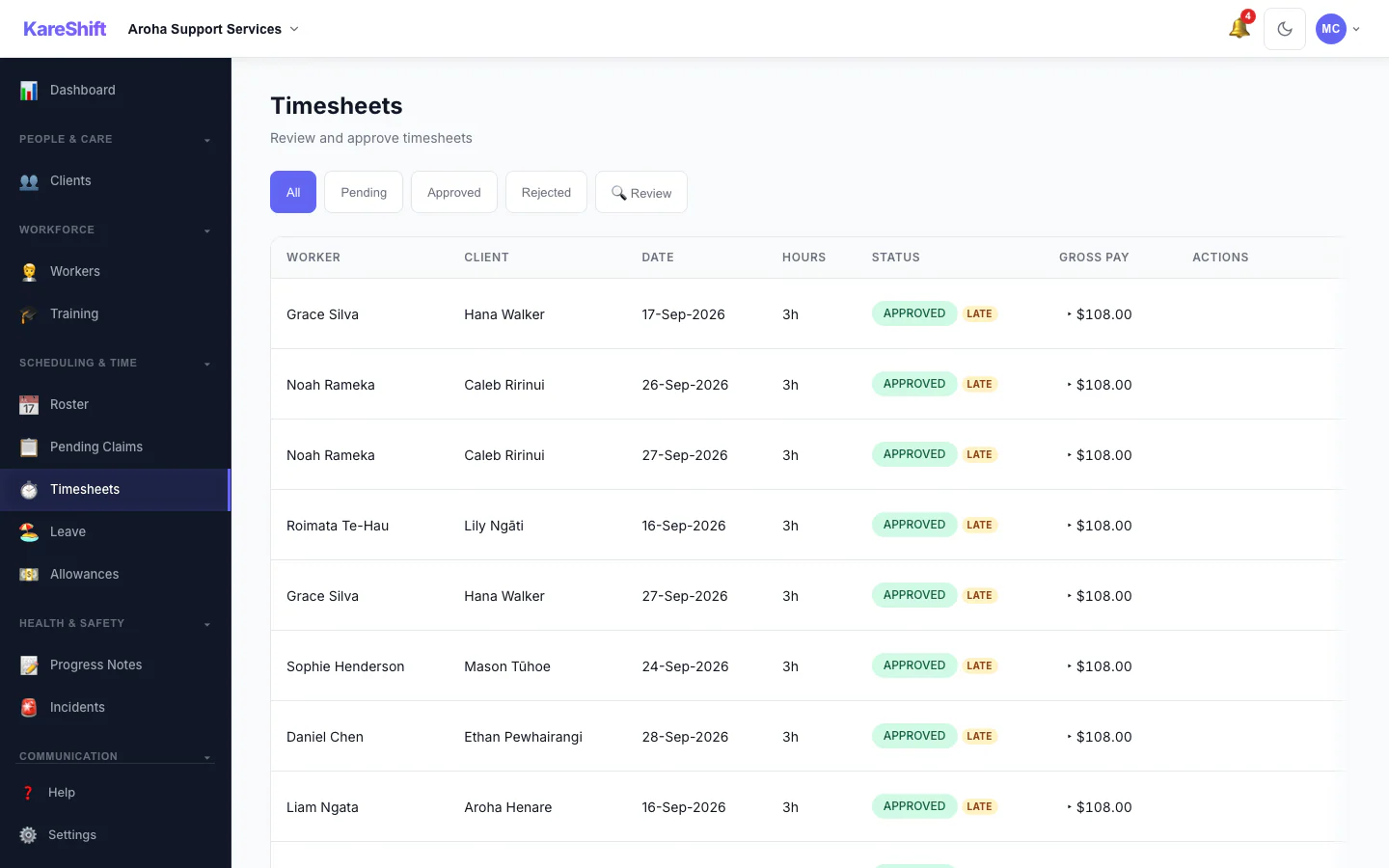
Visit Confirmation
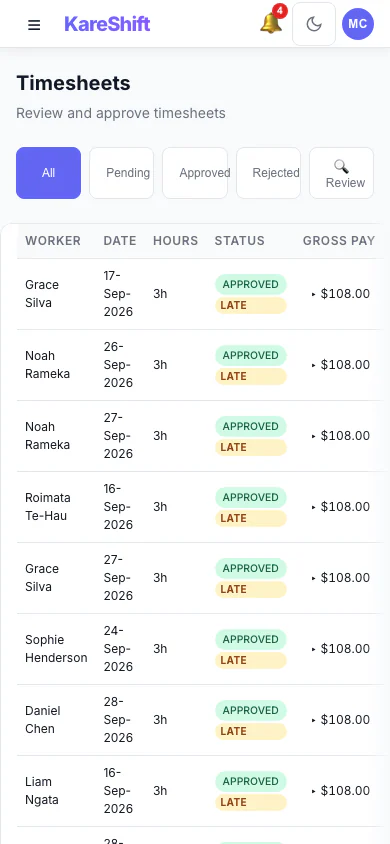
Visit Confirmation (Mobile)
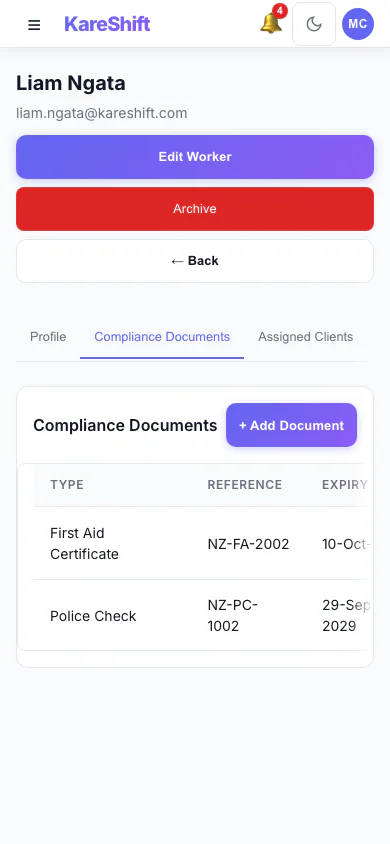
Worker Compliance (Mobile)
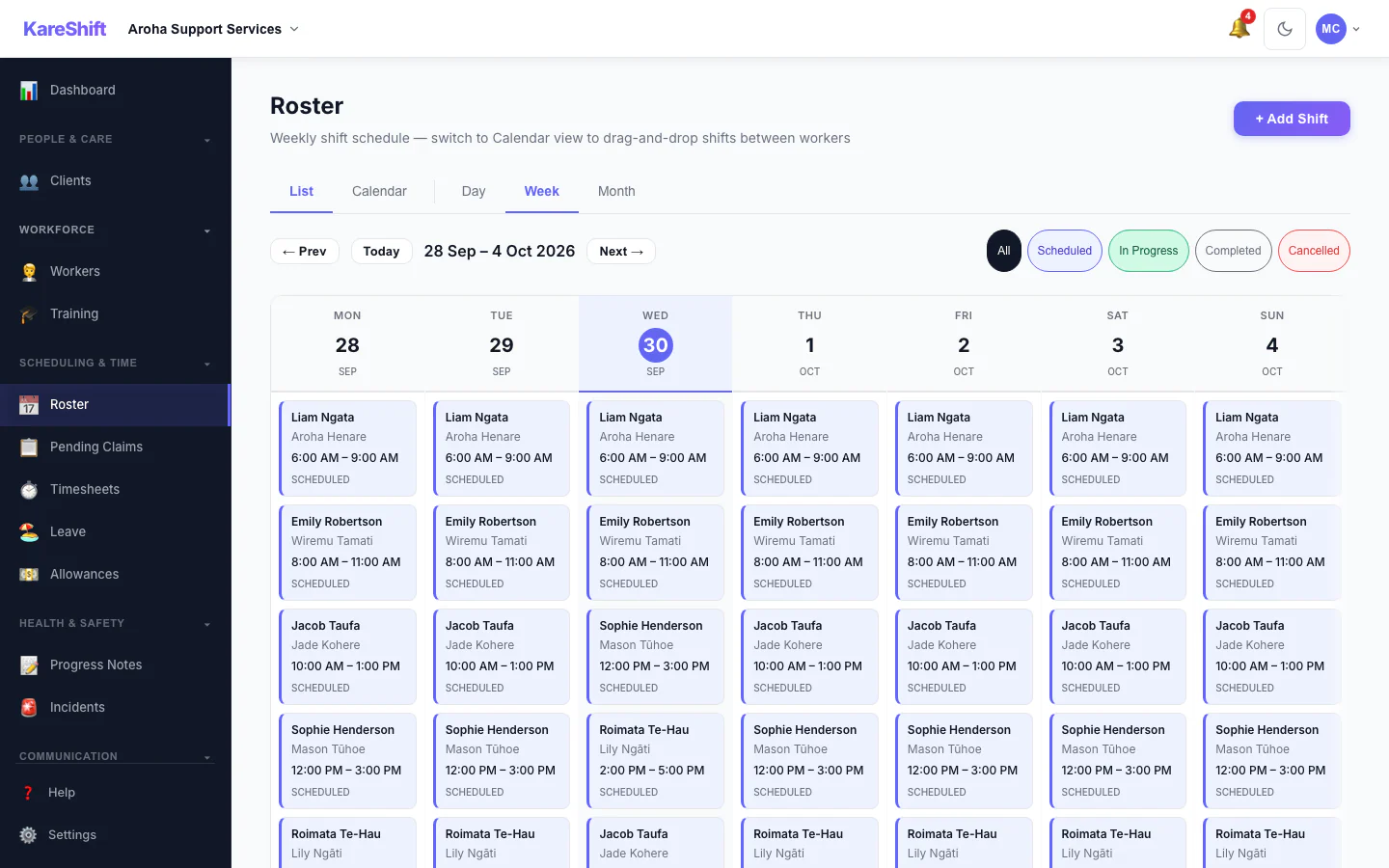
Roster Management
Weekly roster with NZ shift presets. Drag-and-drop scheduling for community and SIL support.
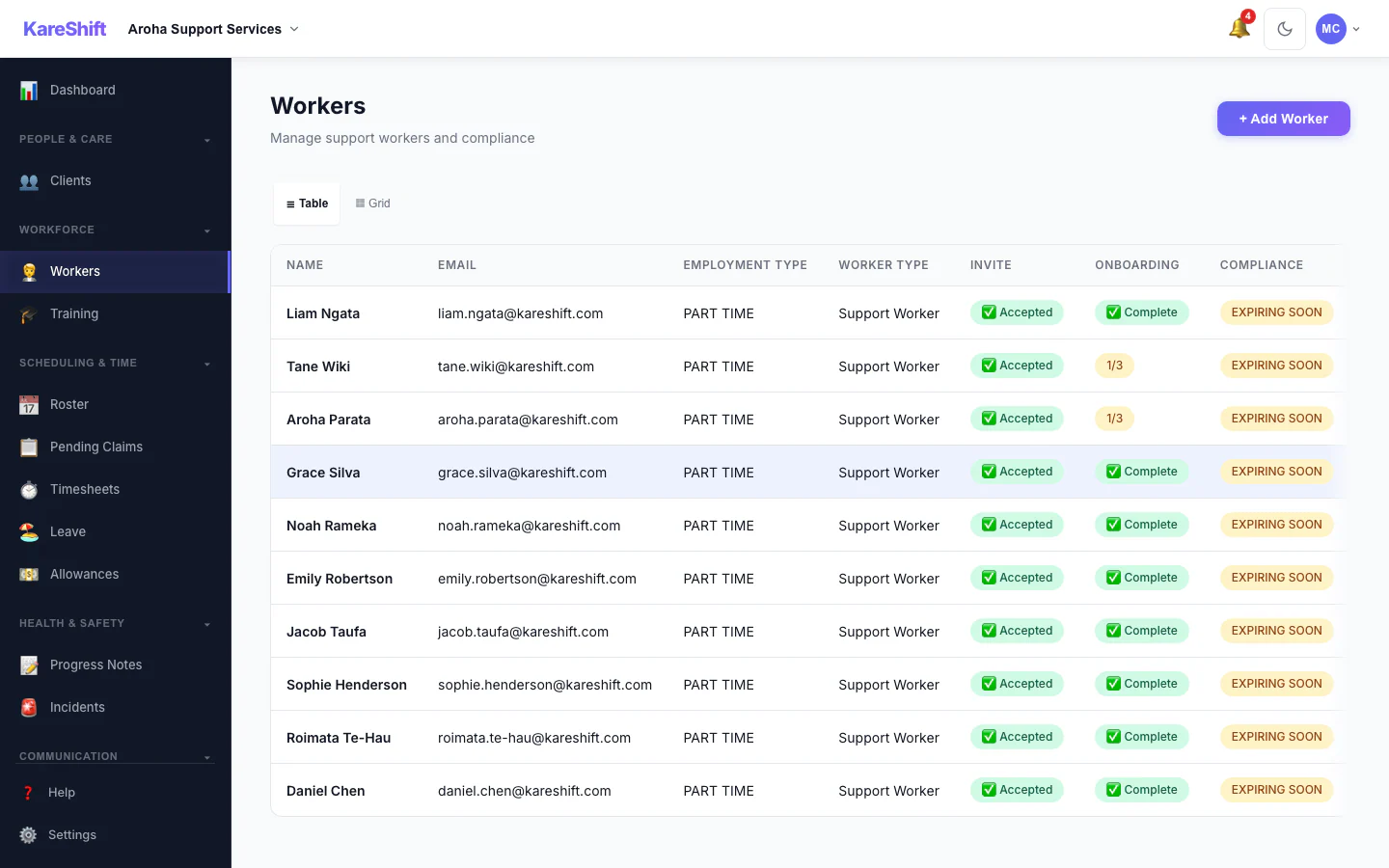
Support Workers
Your full team — police check status, first aid, availability, hours this week.
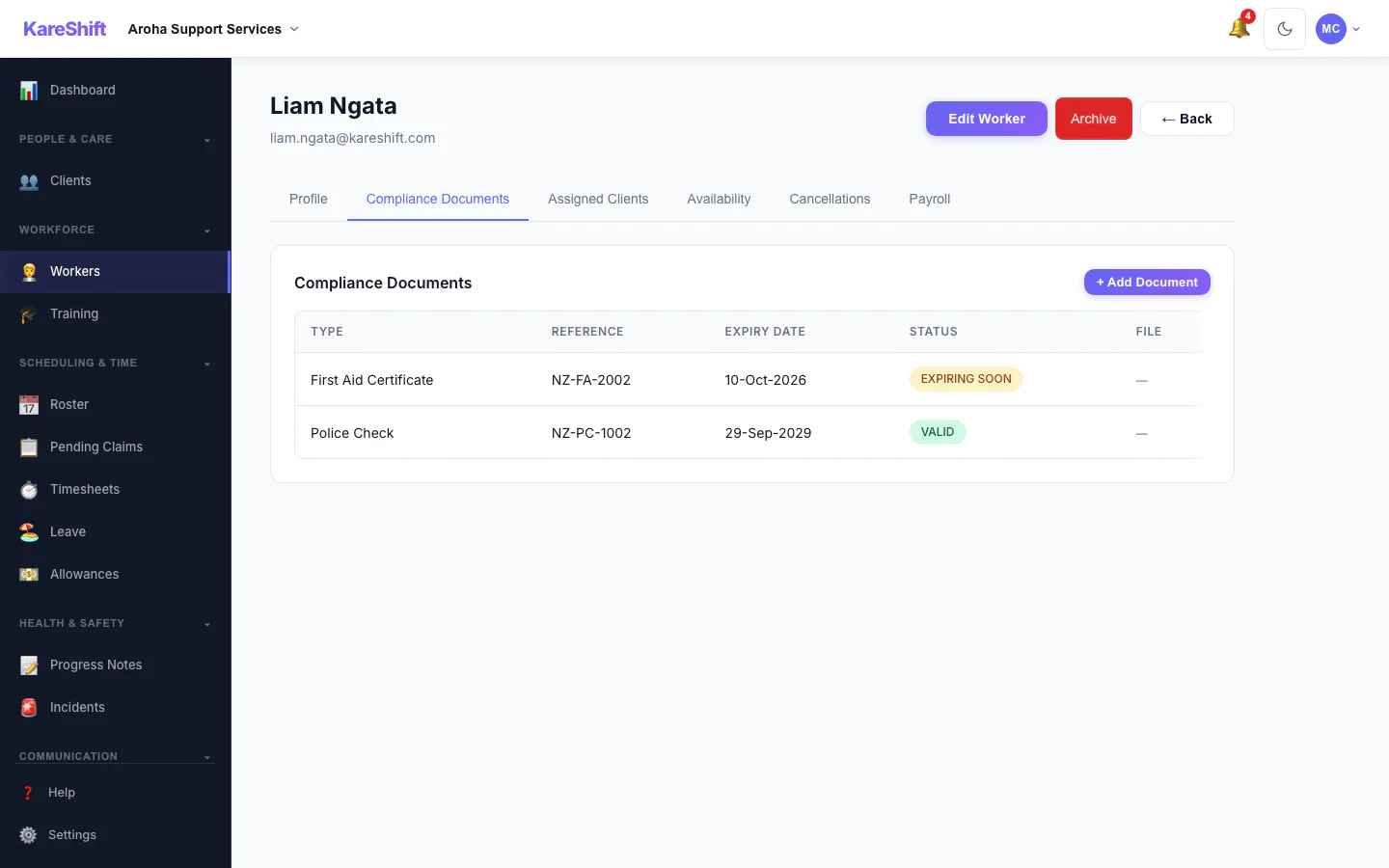
Worker Compliance
Document tracking — police check, first aid, training and learning records, expiry alerts.
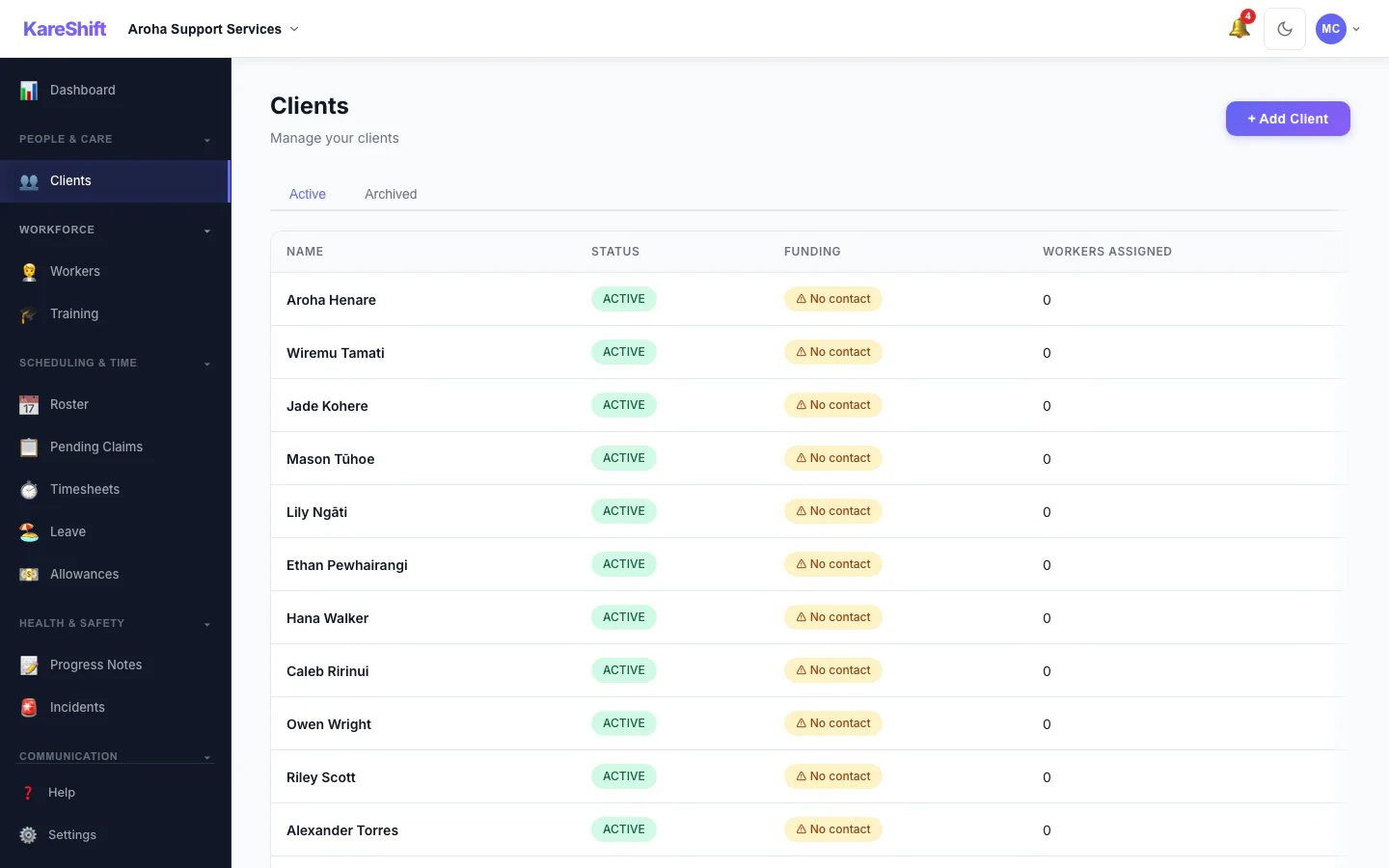
Clients
All clients with NHI number, funding type (Whaikaha, NASC, self-funded), and support status.
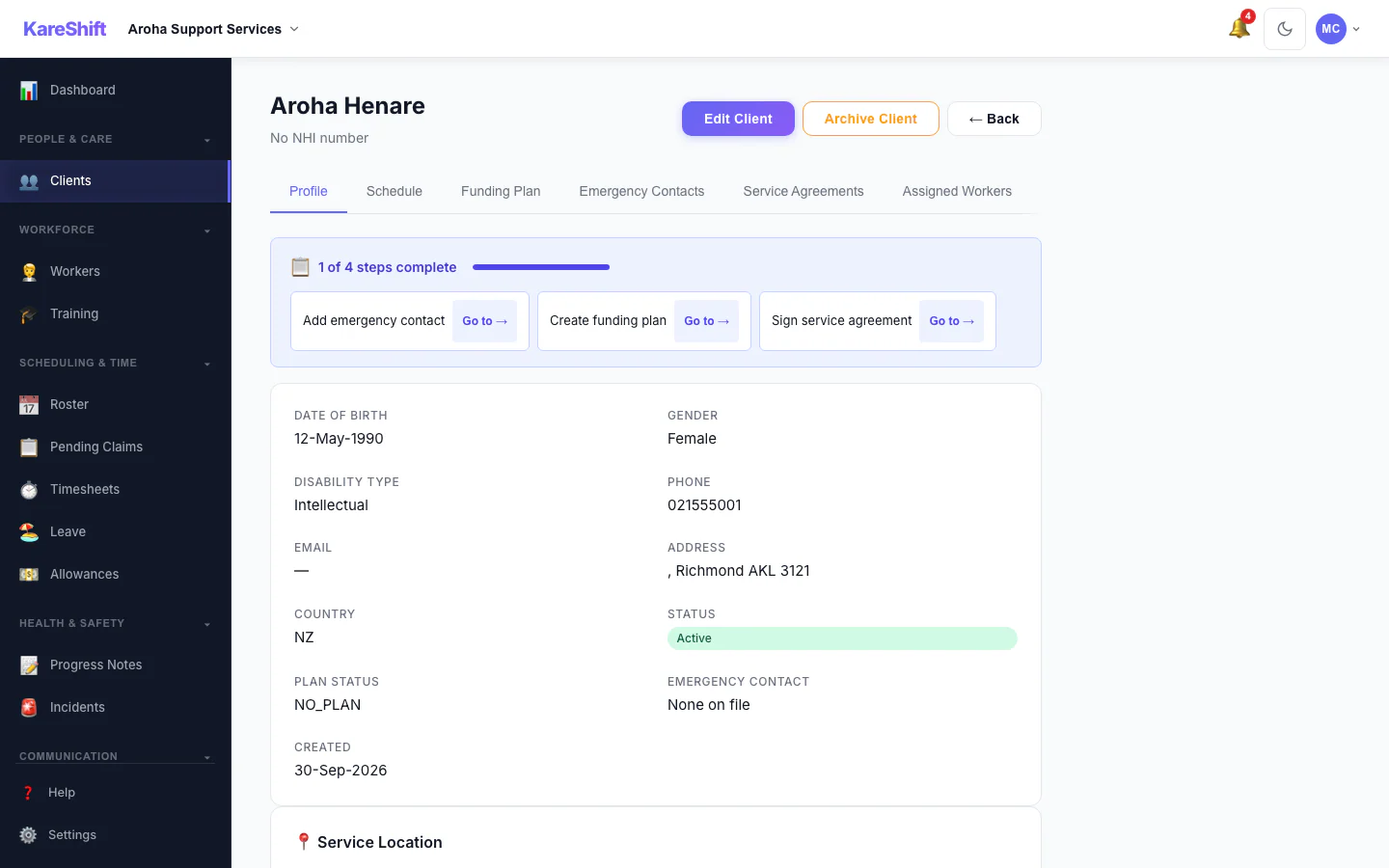
Client Detail
Full client profile — NHI number, funding, support goals, NOK.
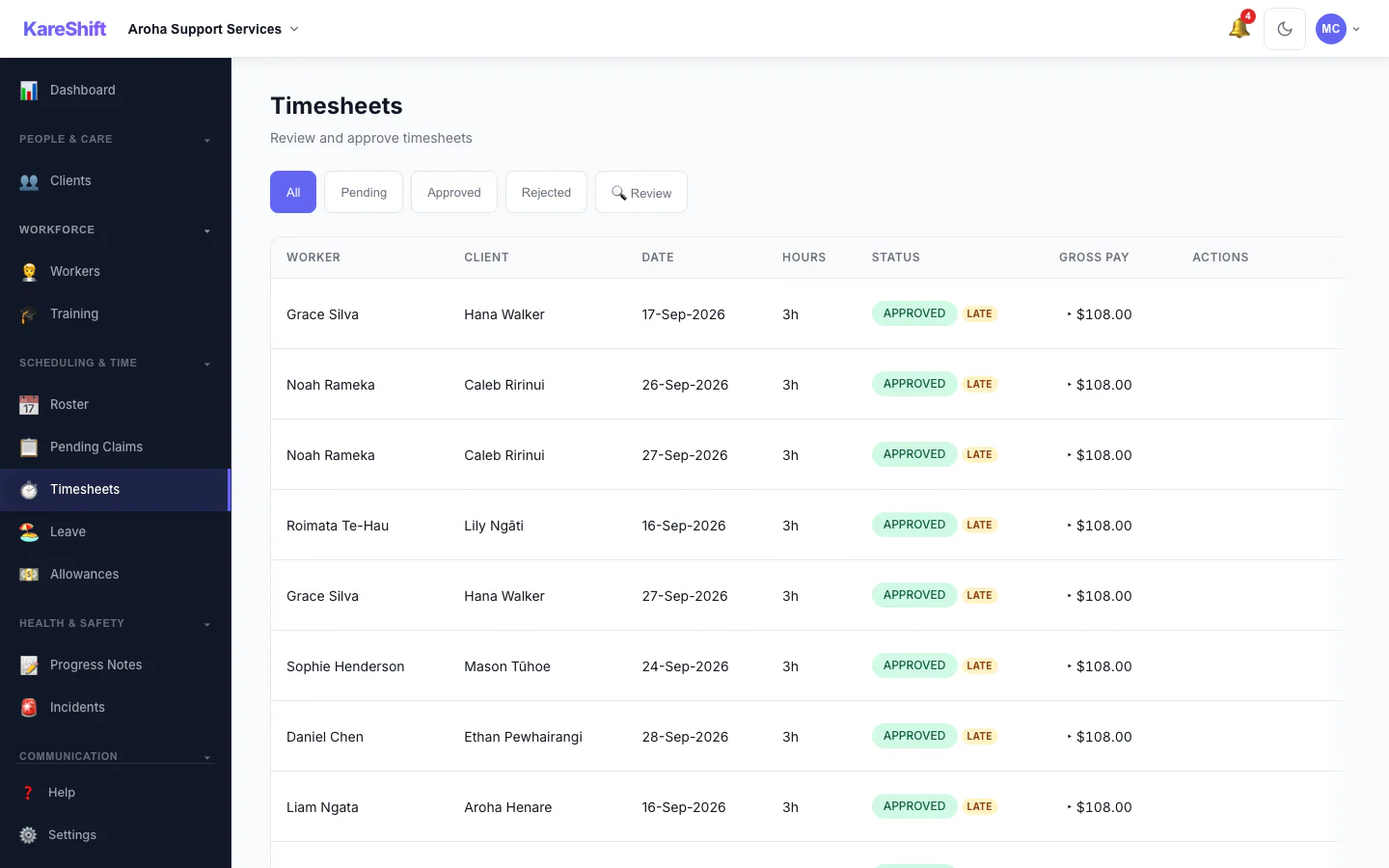
Timesheets
Auto-generated from GPS clock-in. Approve, export to payroll, track hours and costs.
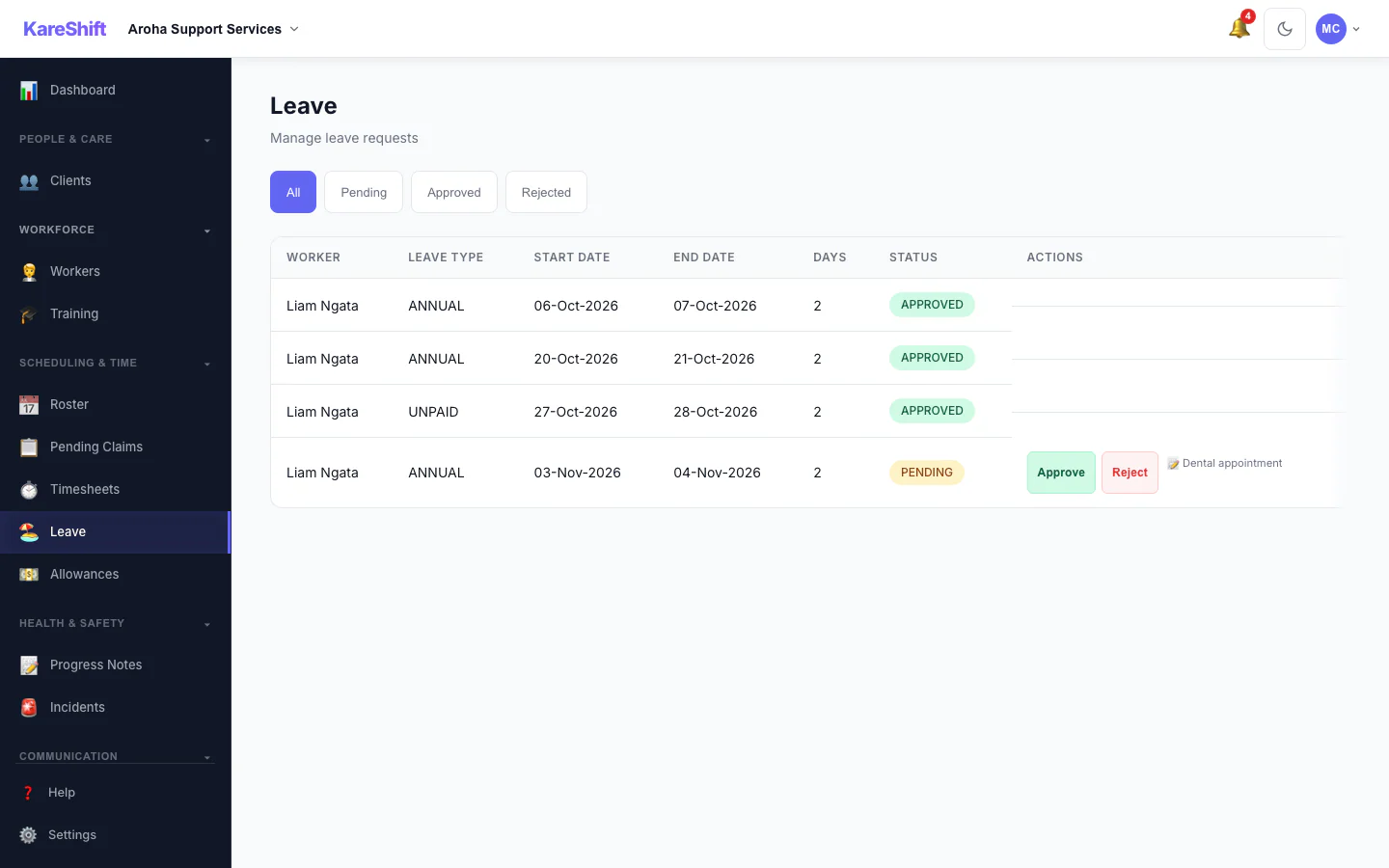
Leave Management
Annual leave, sick leave, bereavement — approve/reject with roster impact visibility.
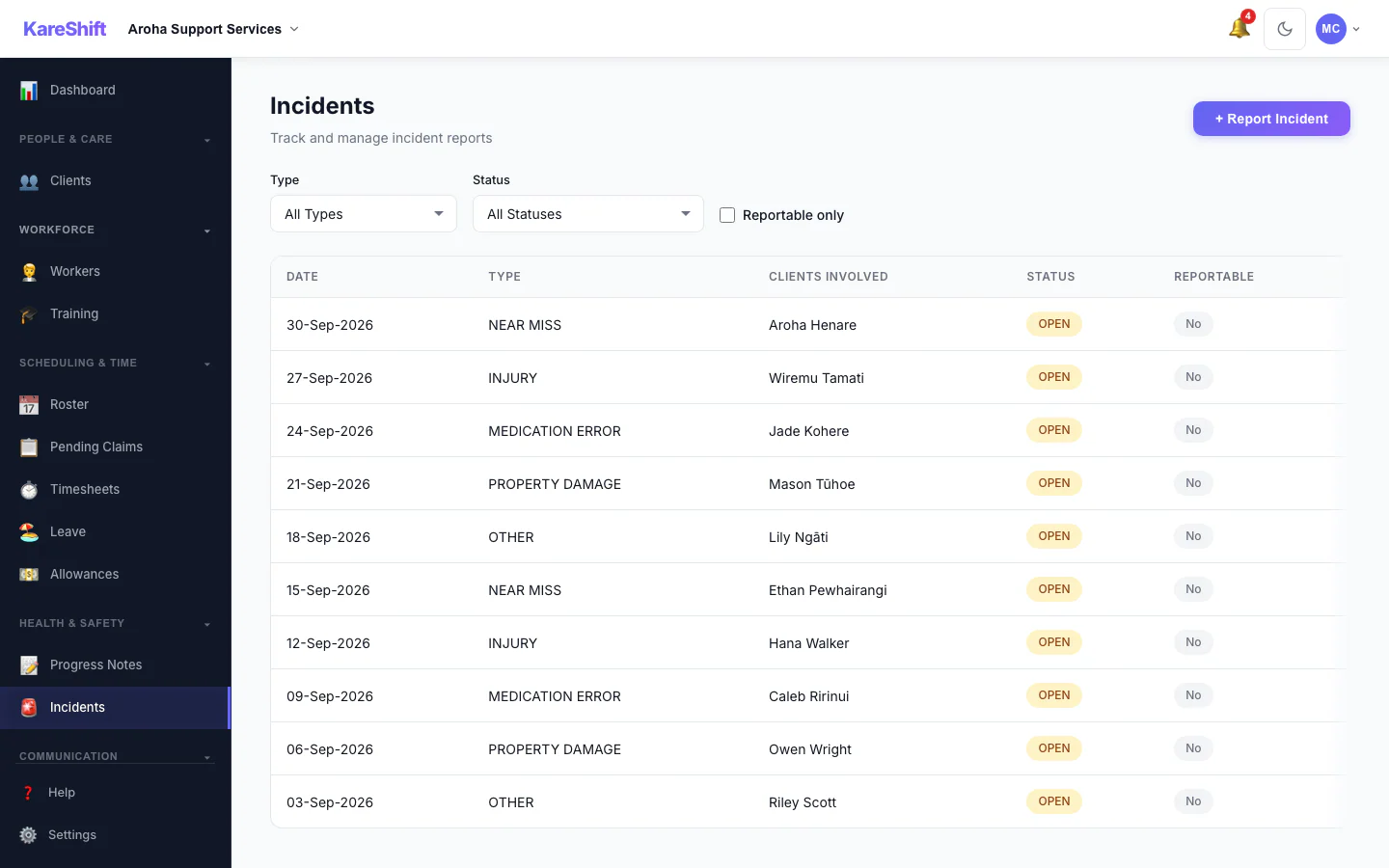
Incidents & Safeguarding
Record, classify, and track incidents. Meets MoH and Whaikaha incident reporting expectations.
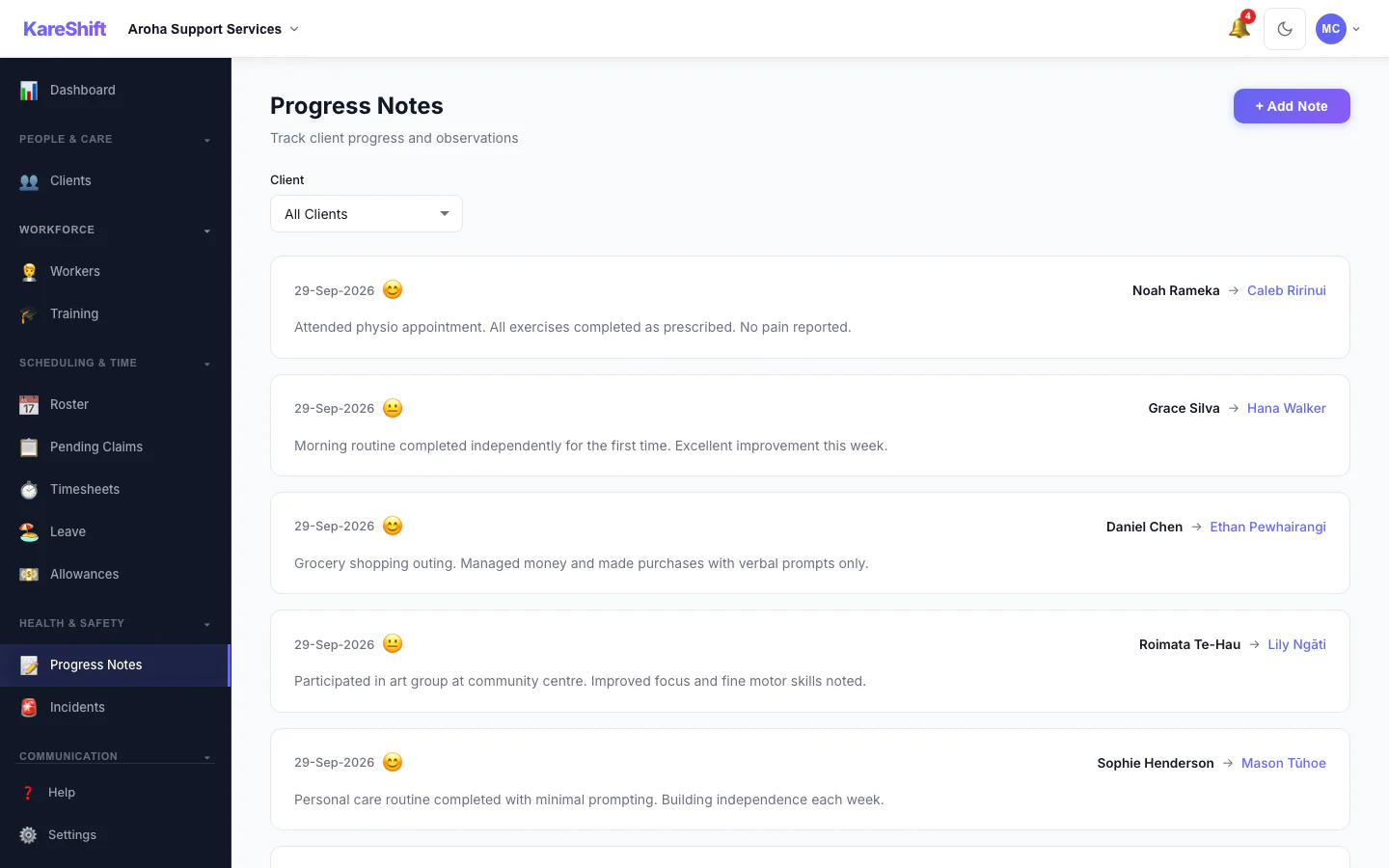
Support Notes
Visit notes linked to clients. Searchable, timestamped, audit-ready.
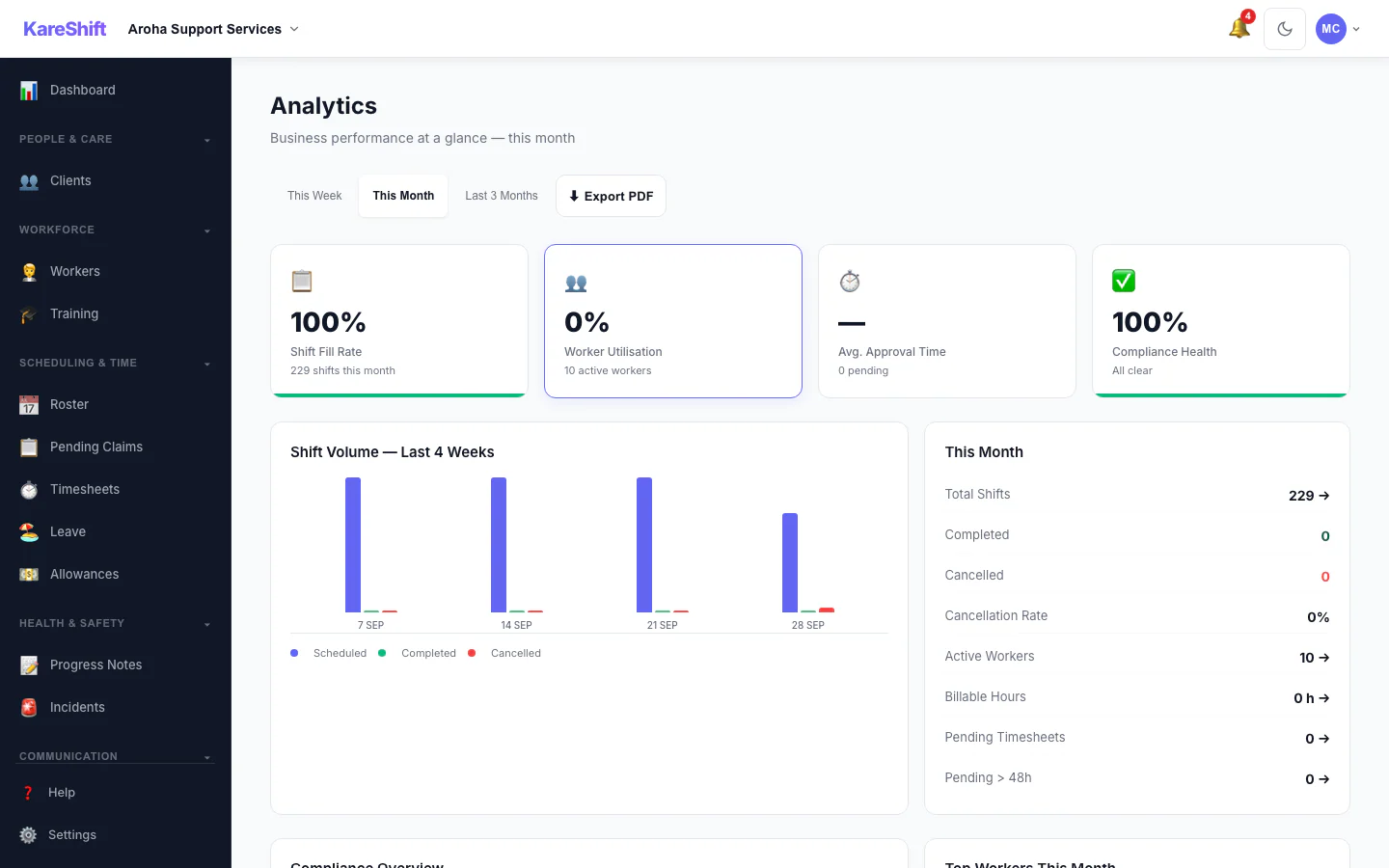
Analytics
Staffing metrics, compliance health, shift fill rates — data-driven management.
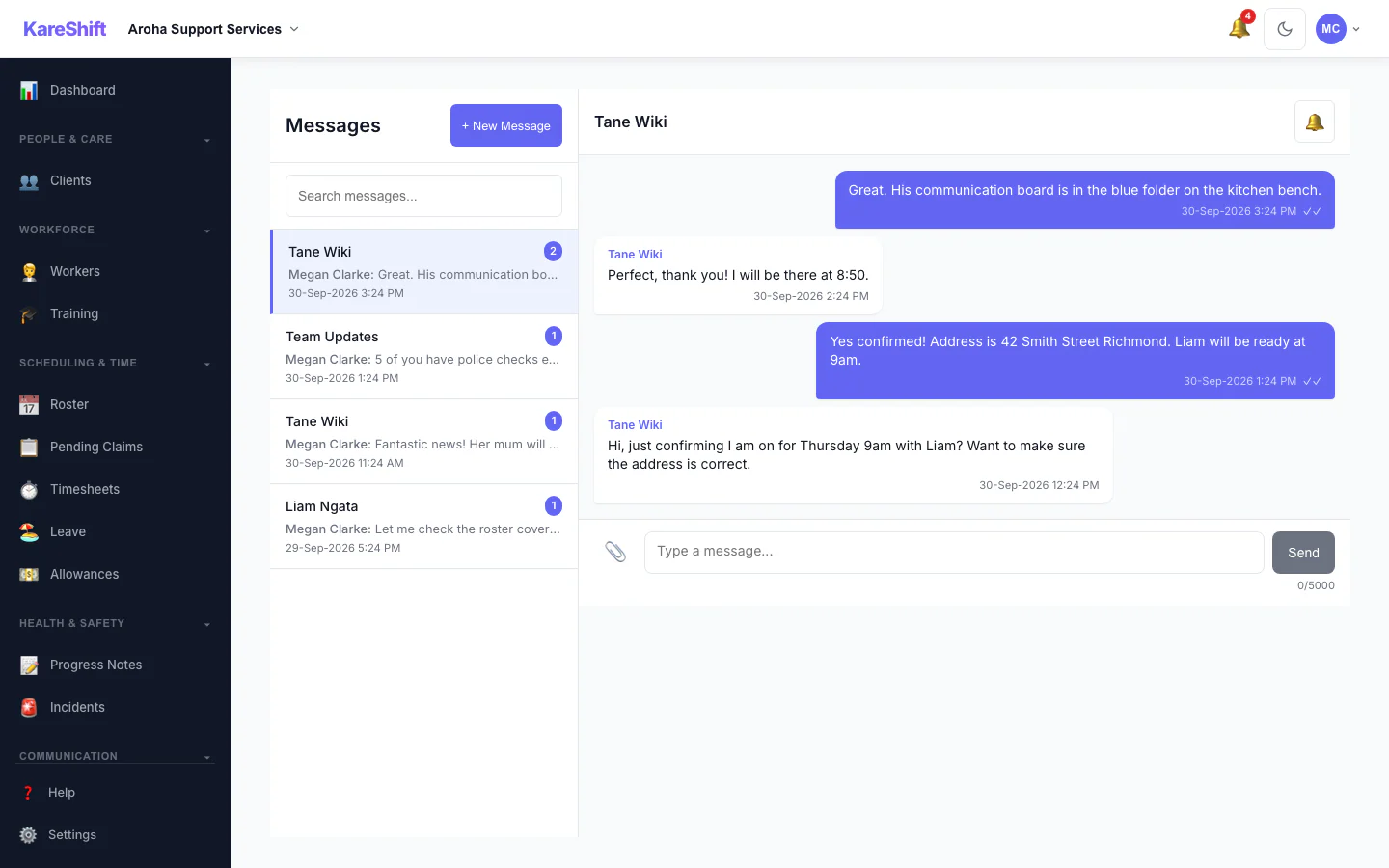
Team Messaging
Secure 1:1 and group messaging. File sharing, read receipts.
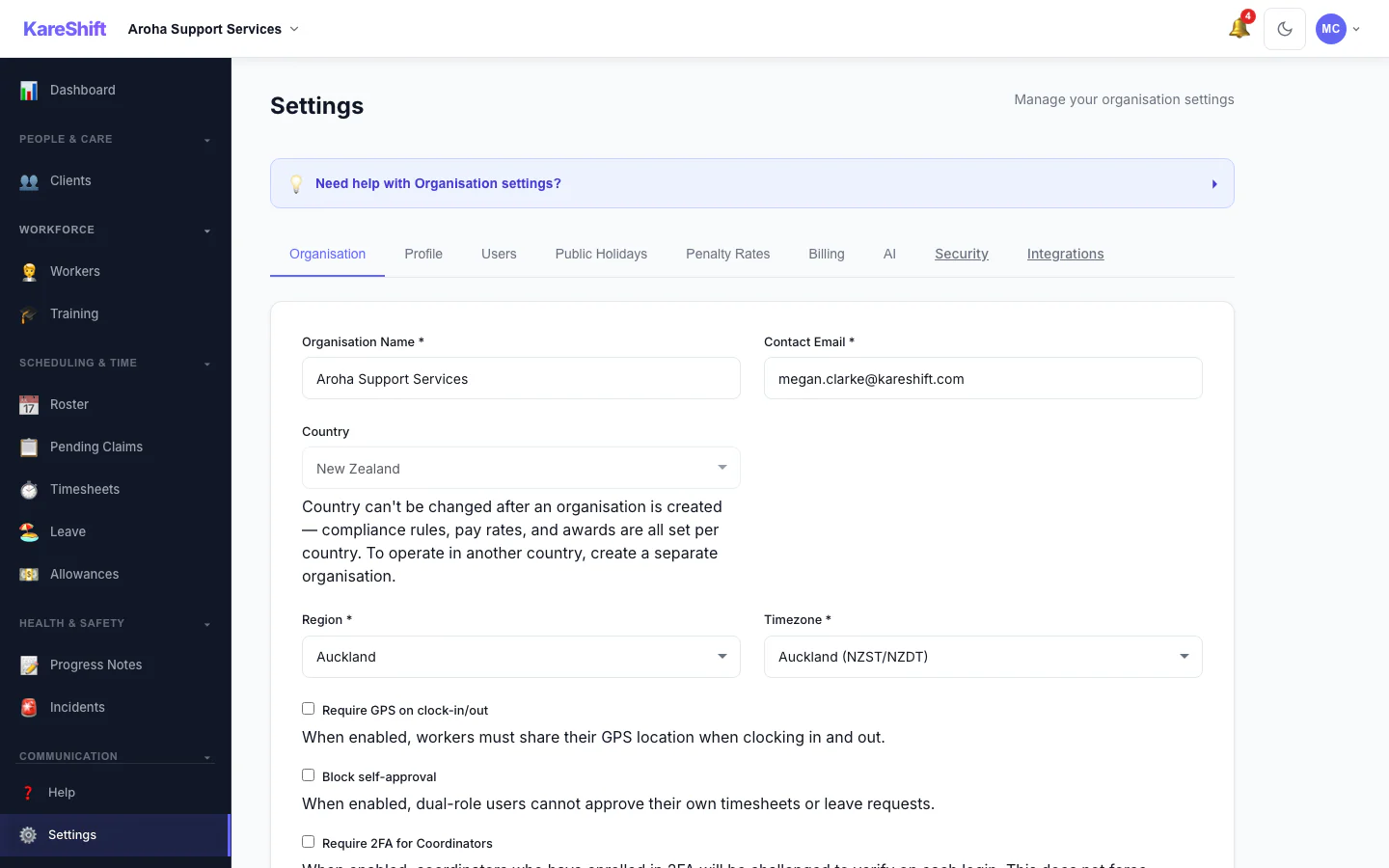
Settings & Billing
Organisation details, billing in NZD, subscription management, timezone (Pacific/Auckland).
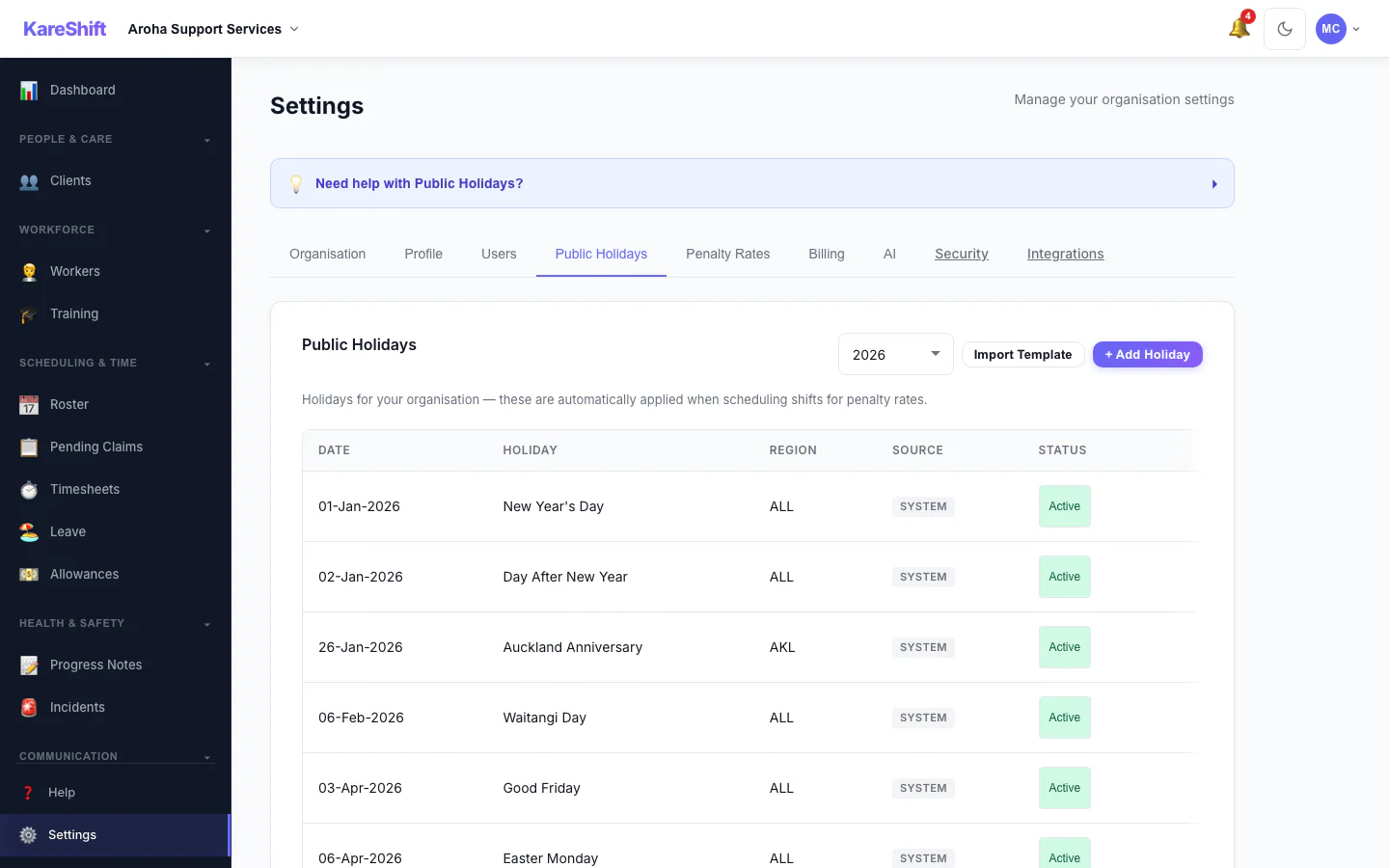
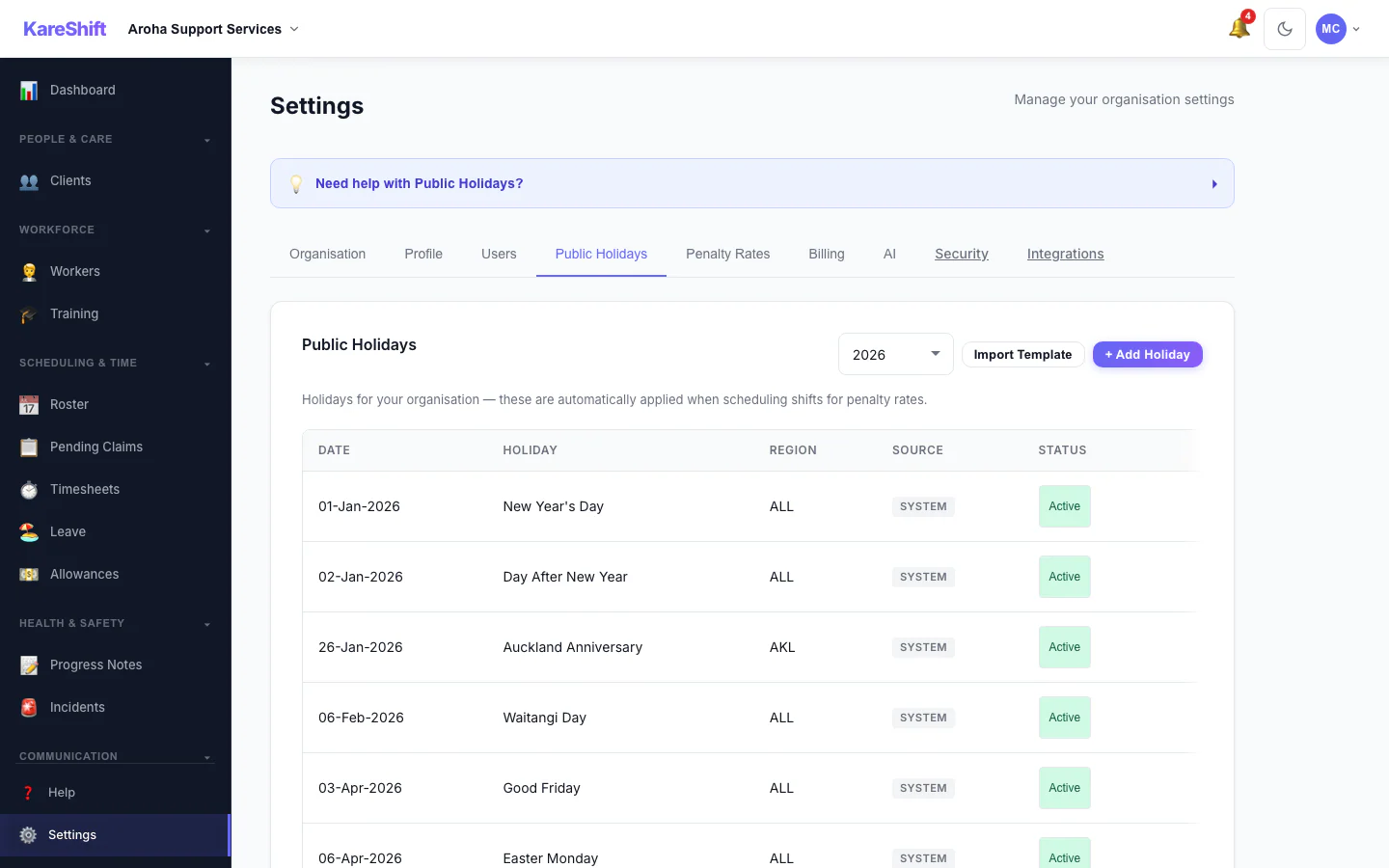
Public Holidays
NZ public holidays pre-loaded. Add custom holidays that trigger penalty rates on shifts.
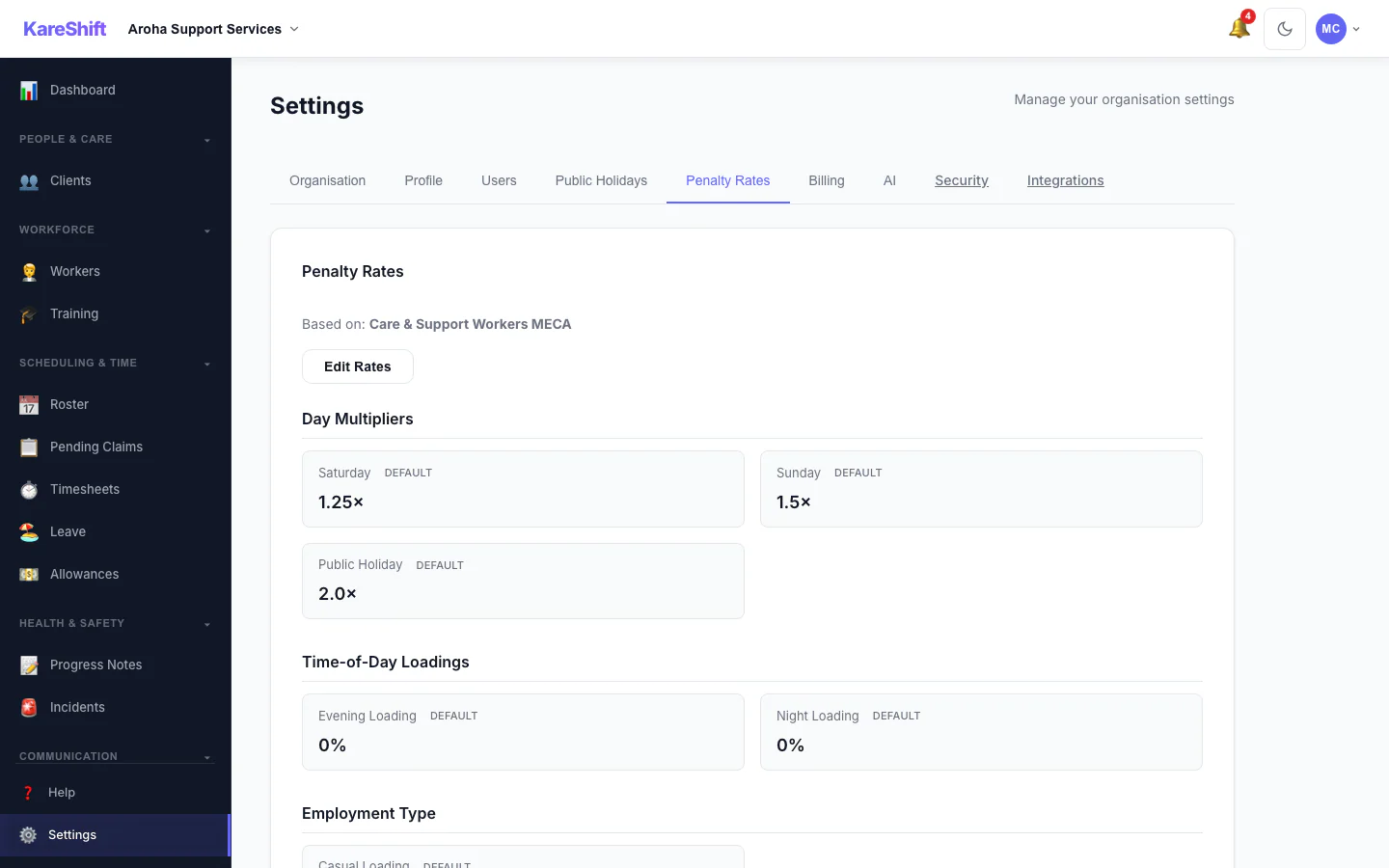
Penalty Rates
Weekend, public holiday, and overtime multipliers. Customise per org or use MECA defaults.
Holiday Self-Service
Toggle public holidays Active or Excluded — excluded days won't trigger penalty rates.
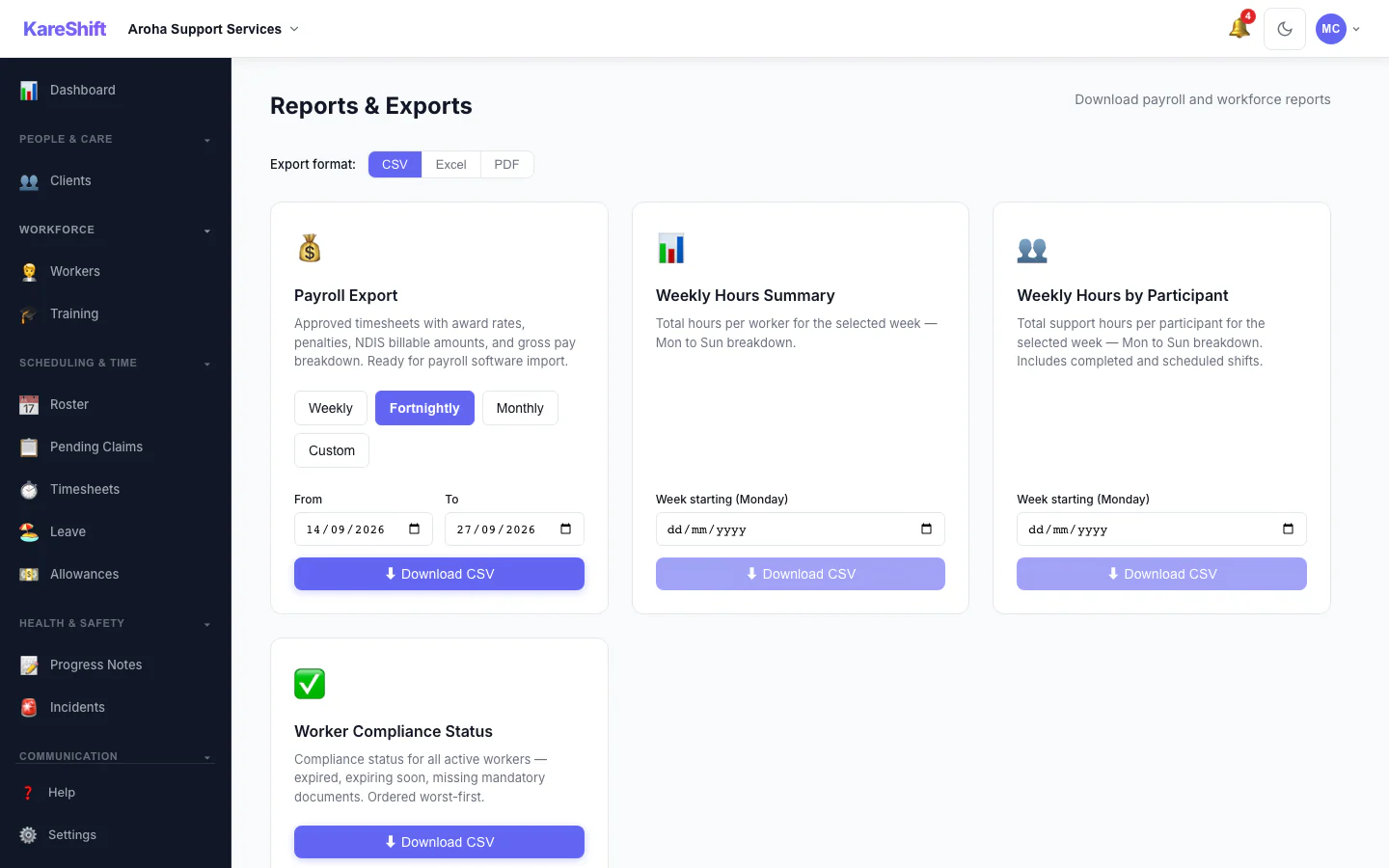
Reports & Export
Payroll-ready CSV, branded PDF, and Excel exports (payroll export is on the Scale and aged-care plans). Timesheet summaries and compliance reports.
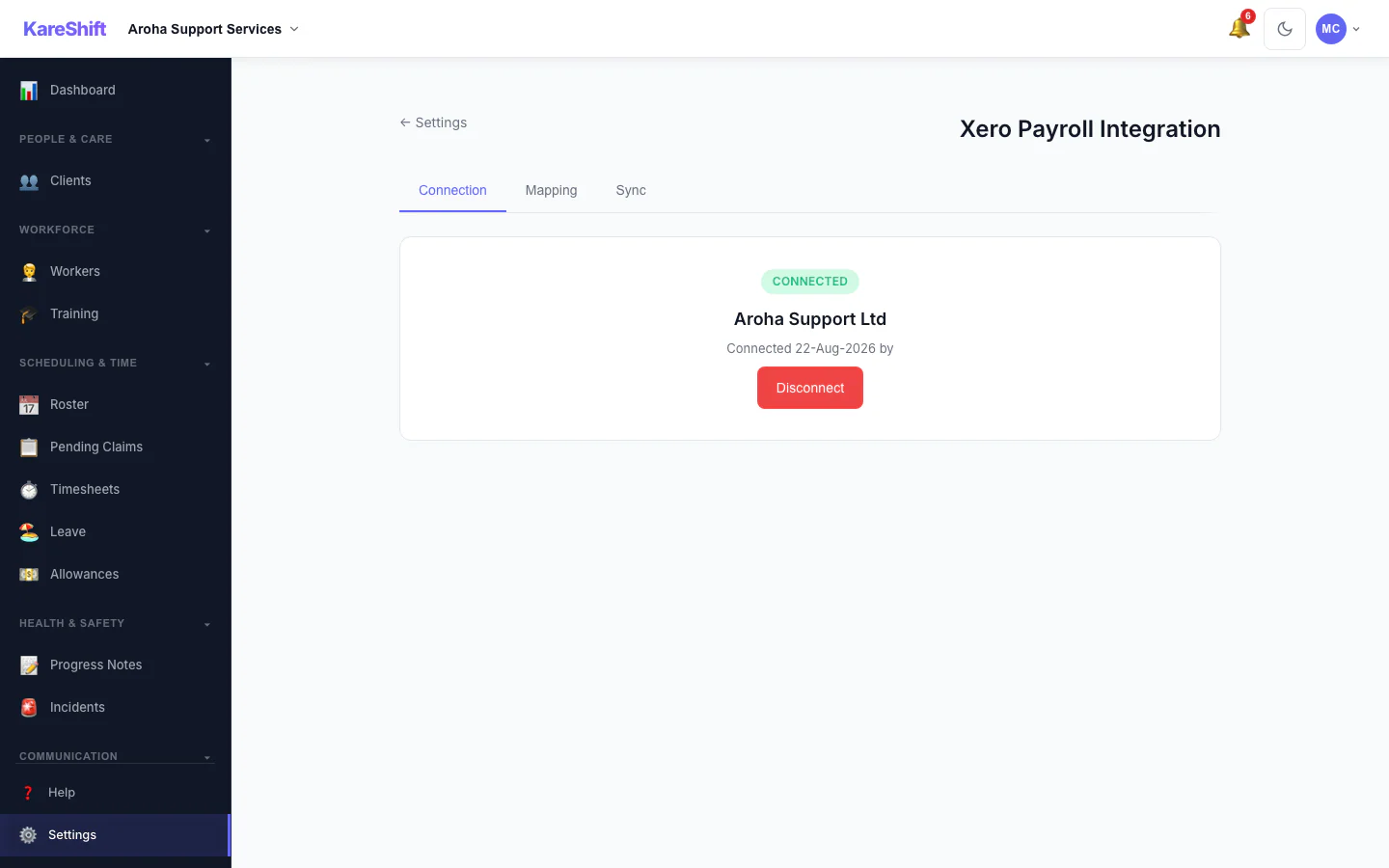
Xero Payroll Integration
Direct connection to Xero Payroll. Push approved timesheets with decomposed earnings lines — no manual CSV export needed. Available on the Scale and aged-care plans, not during the free trial.
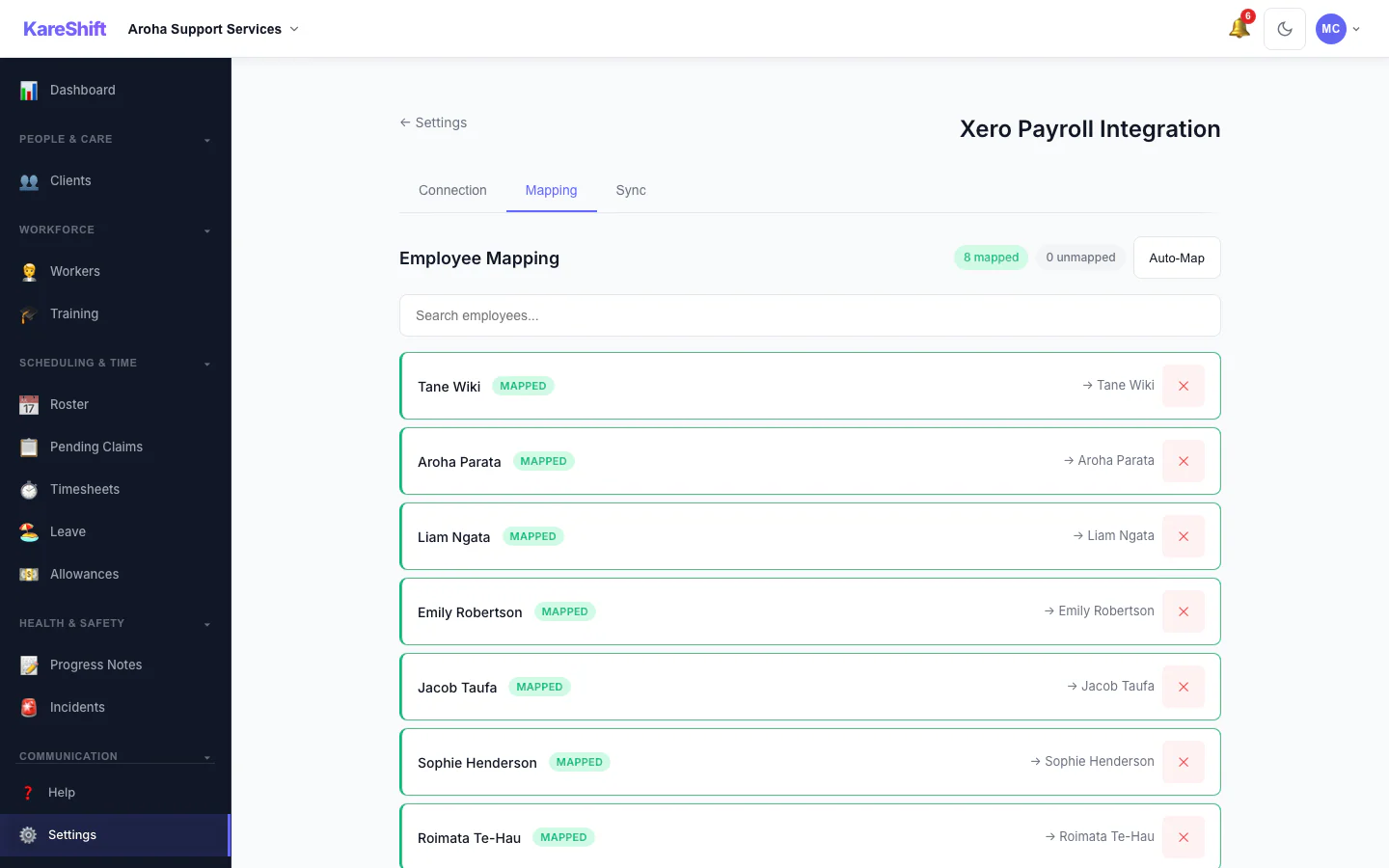
Employee & Rate Mapping
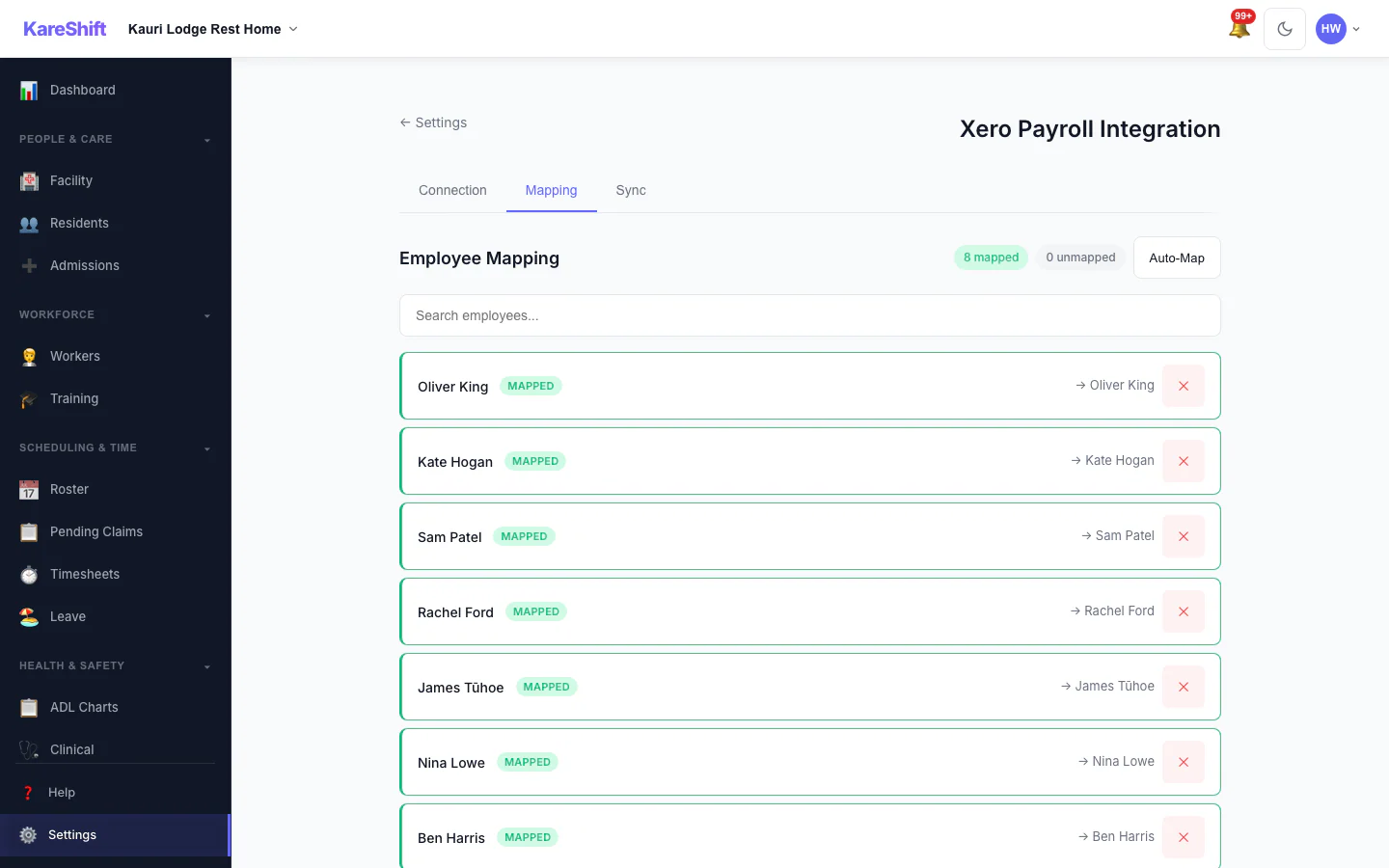
Map workers to Xero employees. Map pay components (overtime, penalties, allowances) to Xero earnings rates.
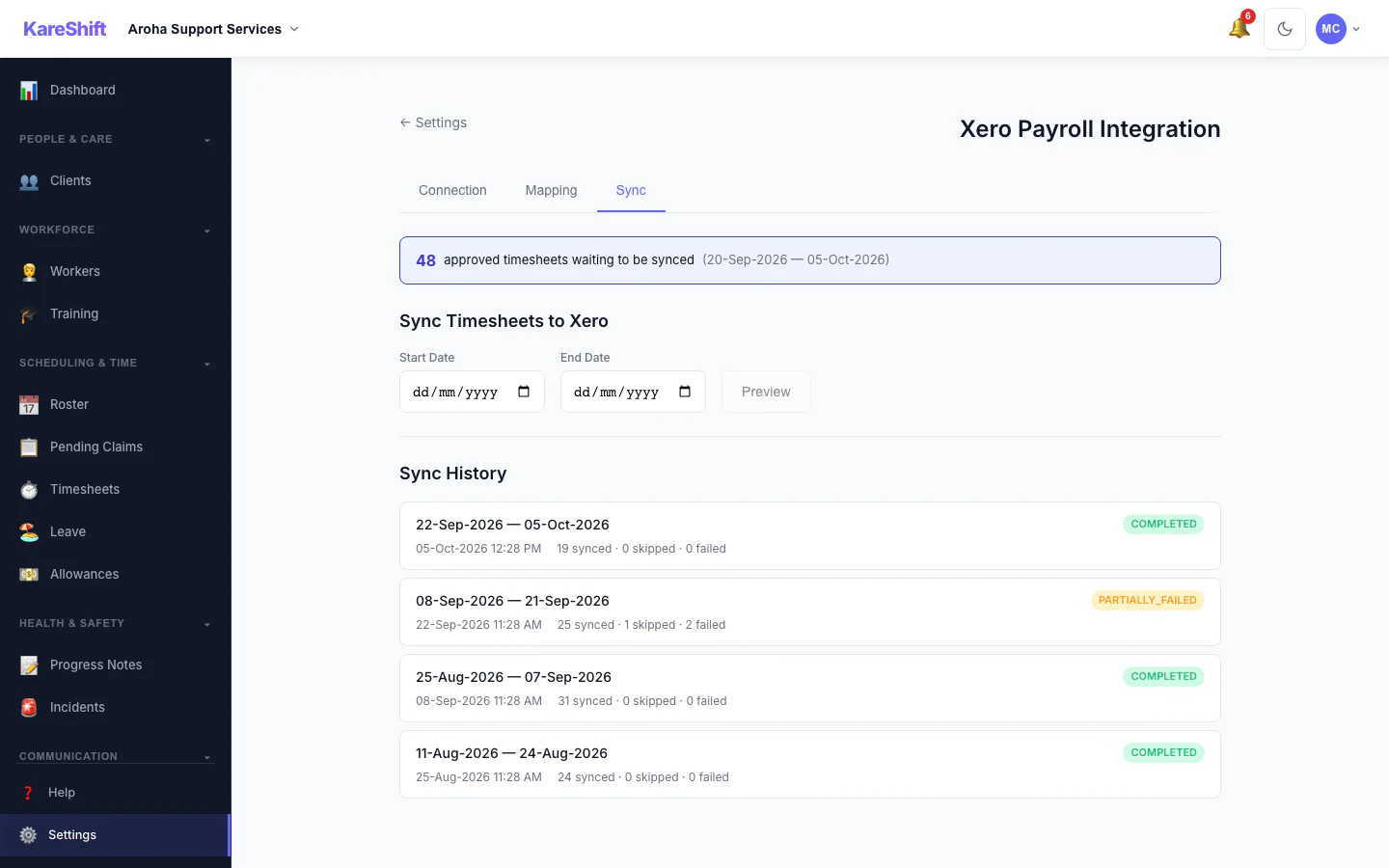
Timesheet Sync
Push timesheets in batches. Preview before syncing. Full sync history with per-item status.
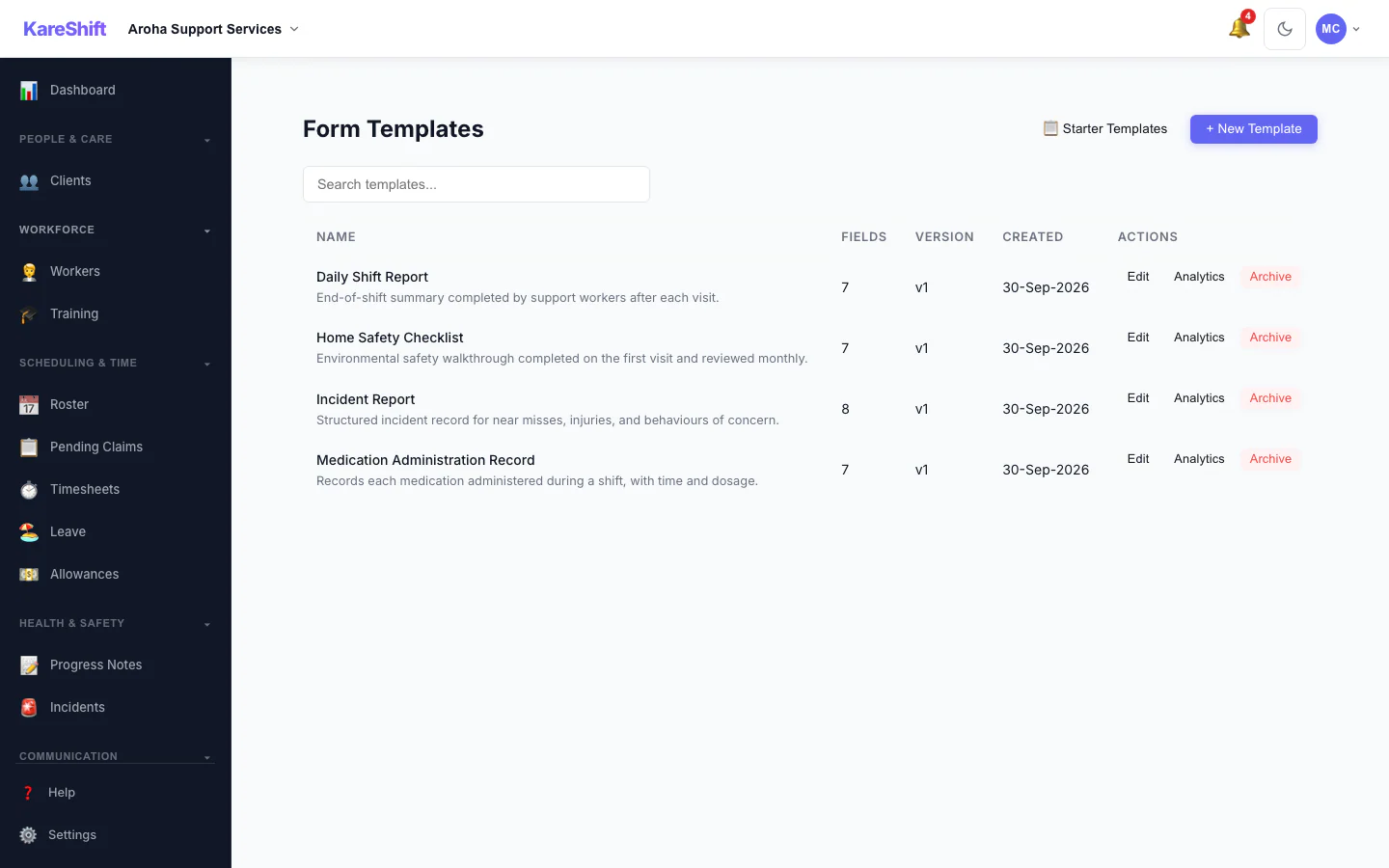
Custom Forms
Build checklists and assessments. Attach to shifts. Workers complete on-site.
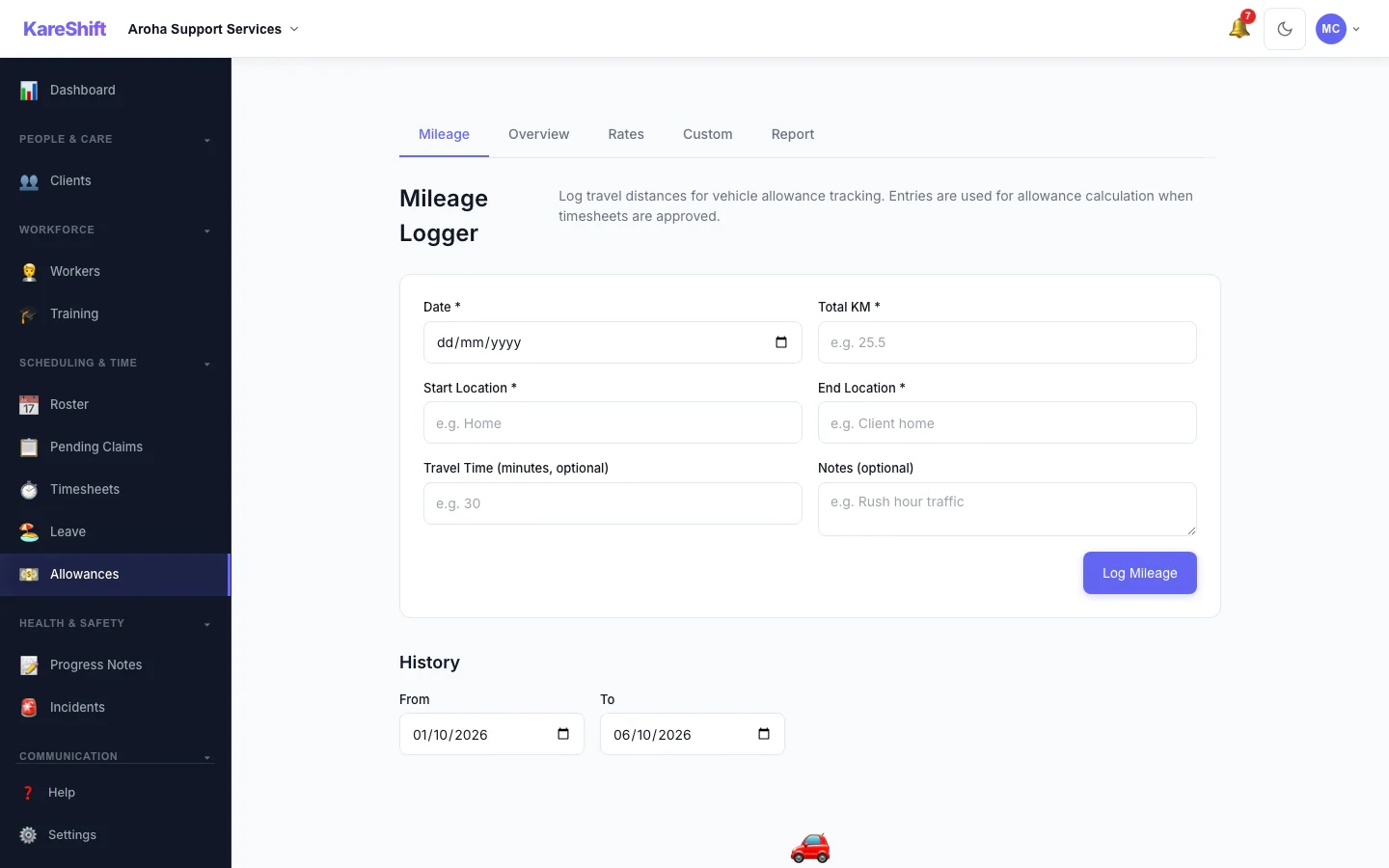
Allowances
Mileage, travel time, broken shift allowances — tracked and exported for payroll.
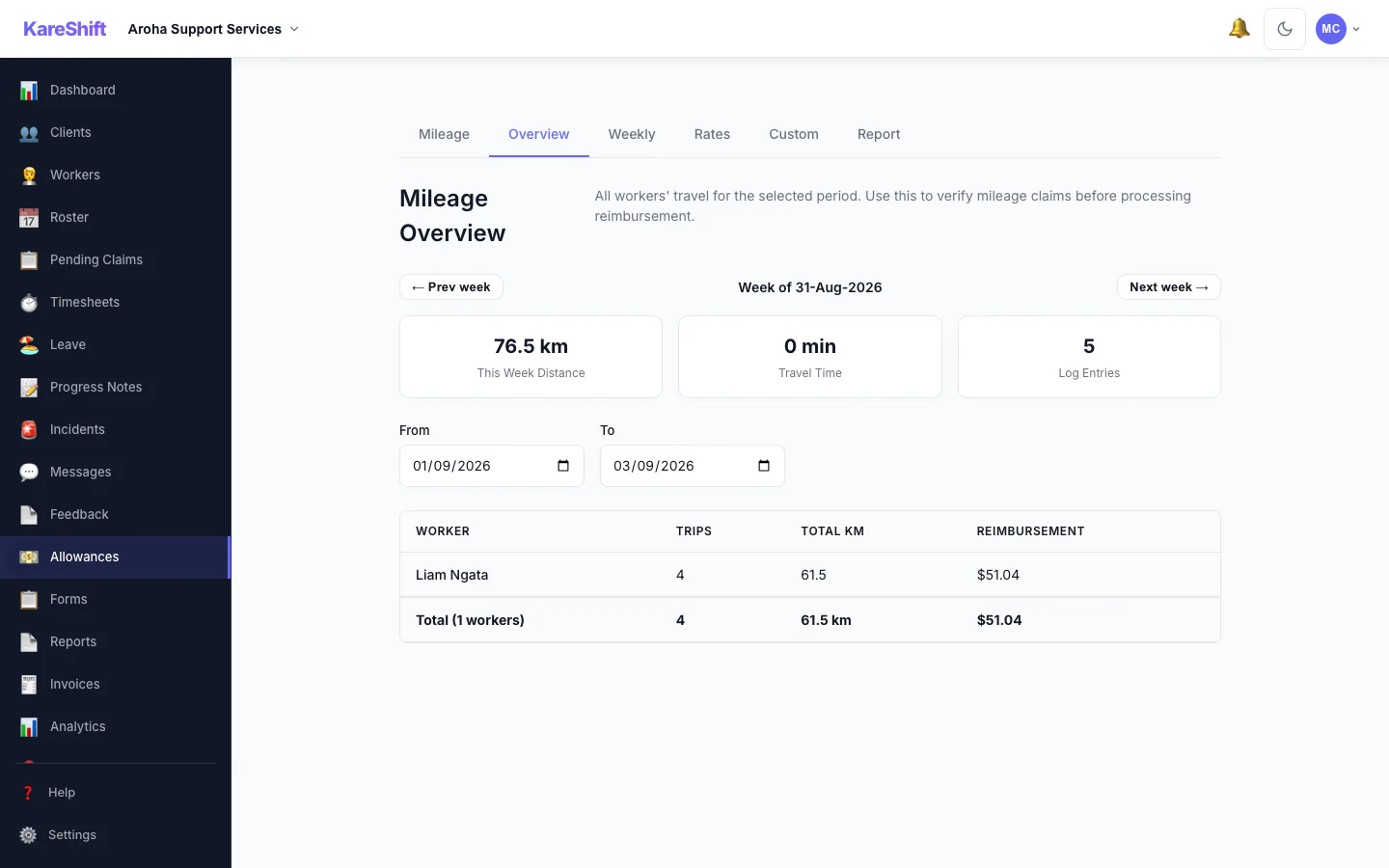
Mileage Overview
Worker travel totals, distances, and reimbursement summaries.
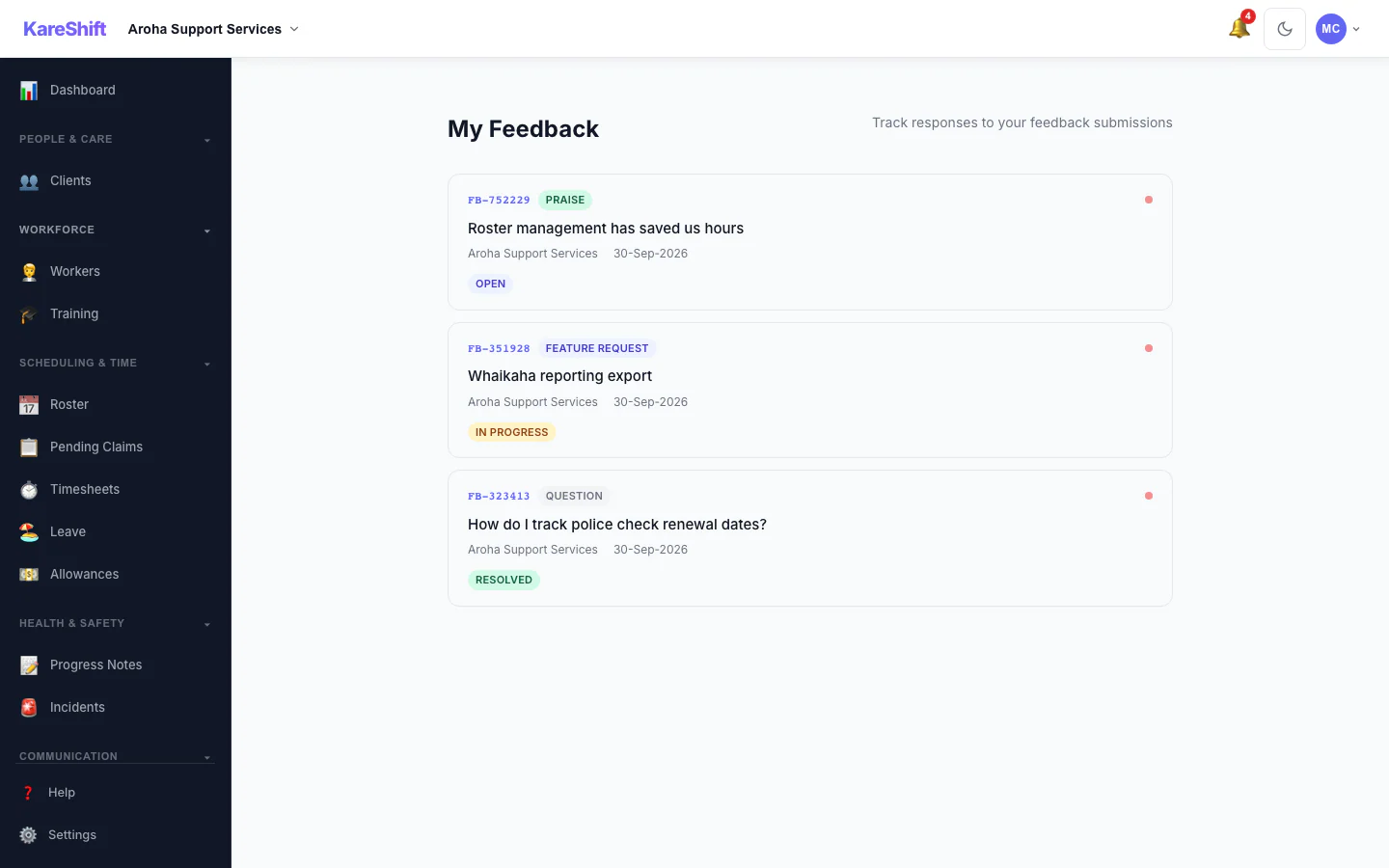
Feedback
In-app feedback system. Report bugs, request features, track responses.
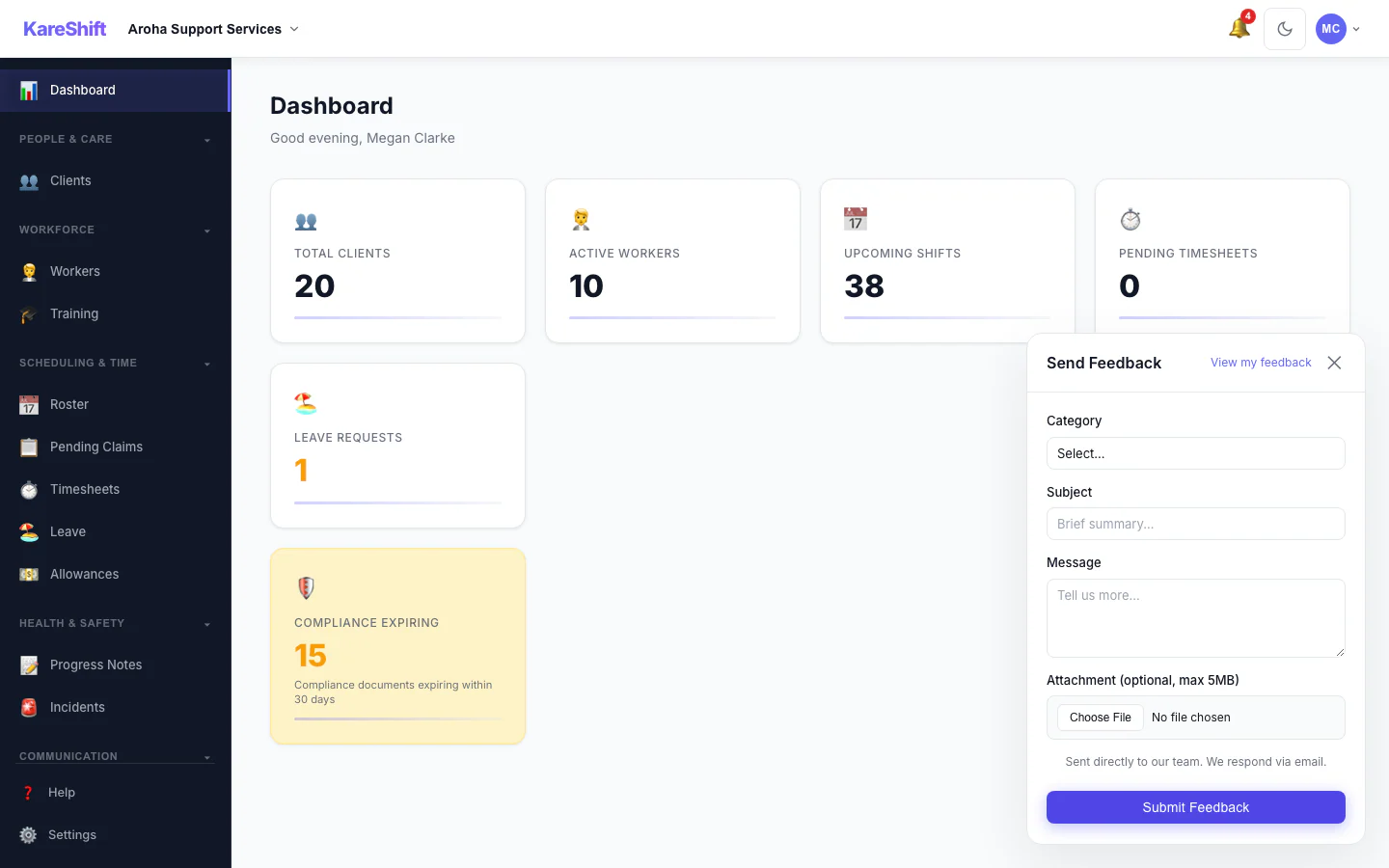
Feedback Widget
Quick-access feedback widget from any page.
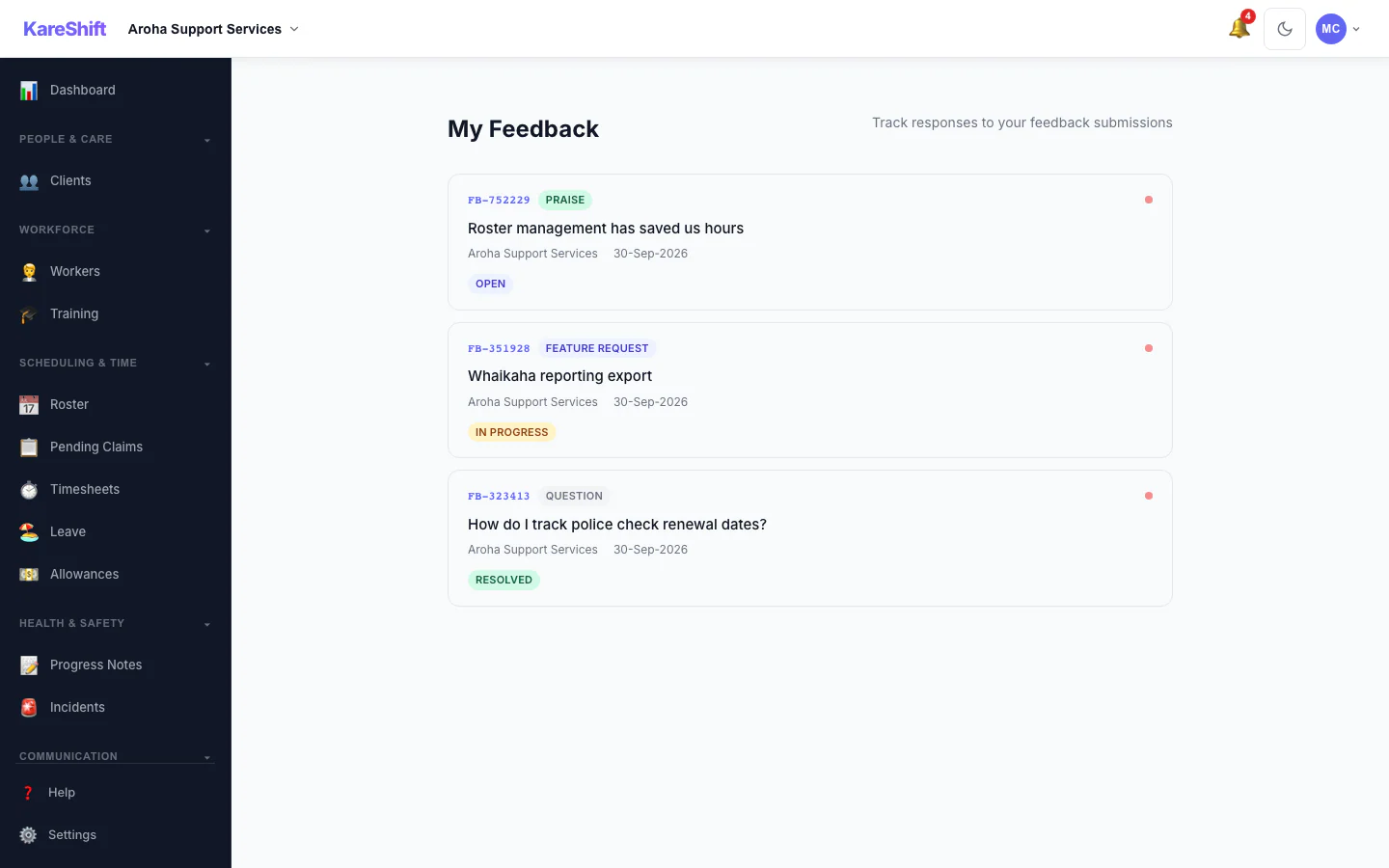
Feedback List
All submitted feedback — track status and responses.
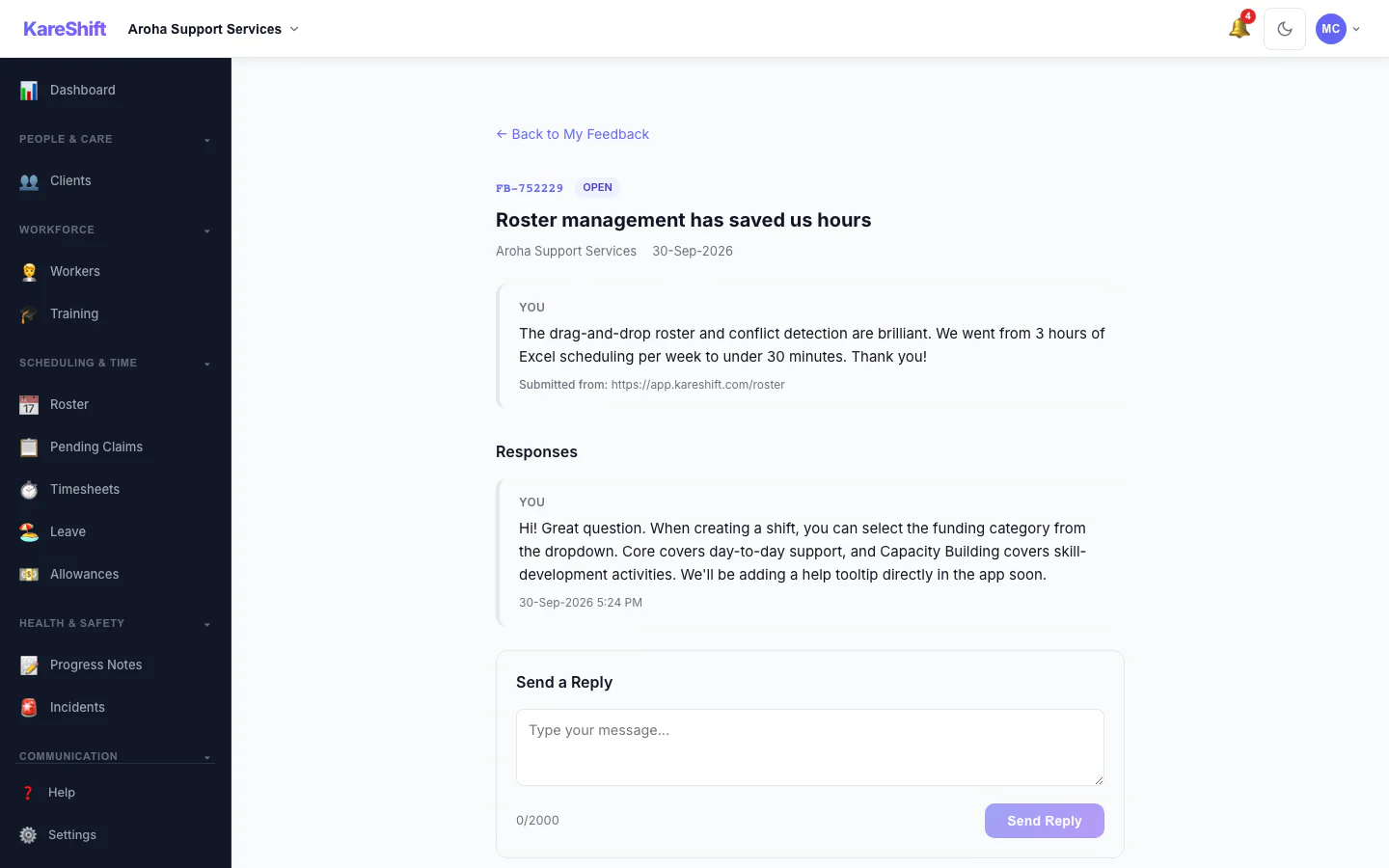
Feedback Detail
Individual feedback thread with replies and status updates.
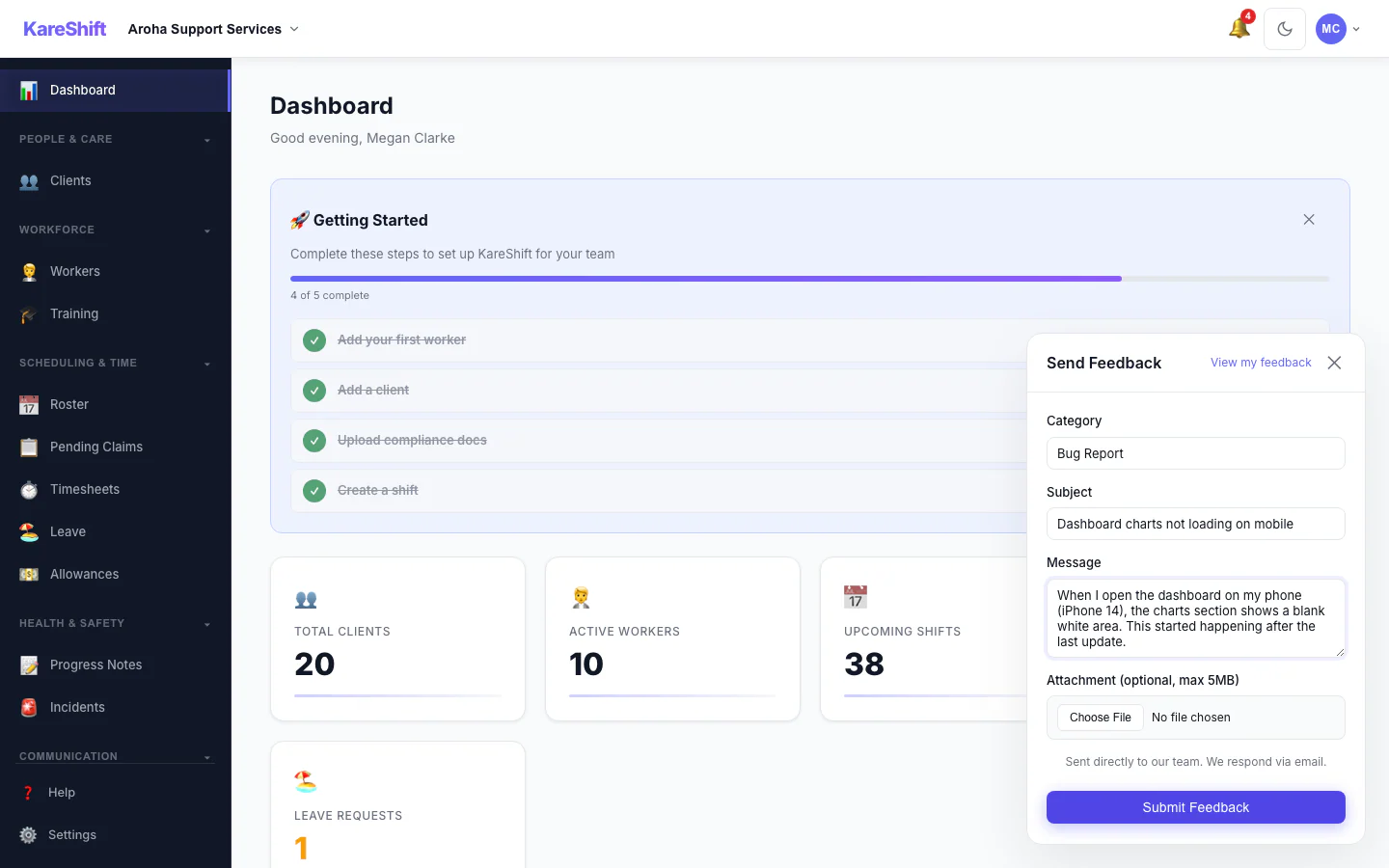
Submit Feedback
Filled feedback form — category, subject, description.
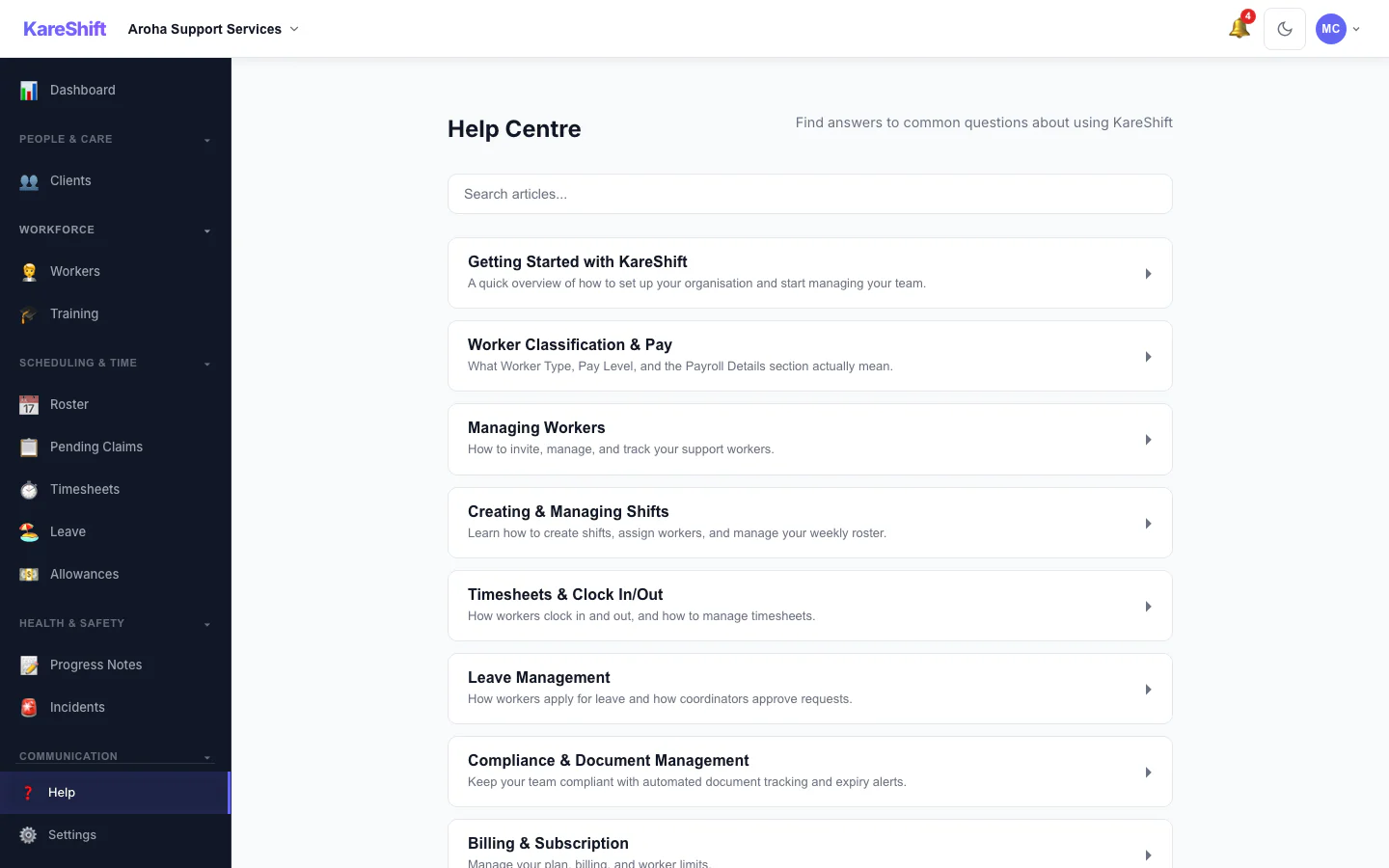
Help Centre
Searchable knowledge base, video guides, and quick-start tutorials.
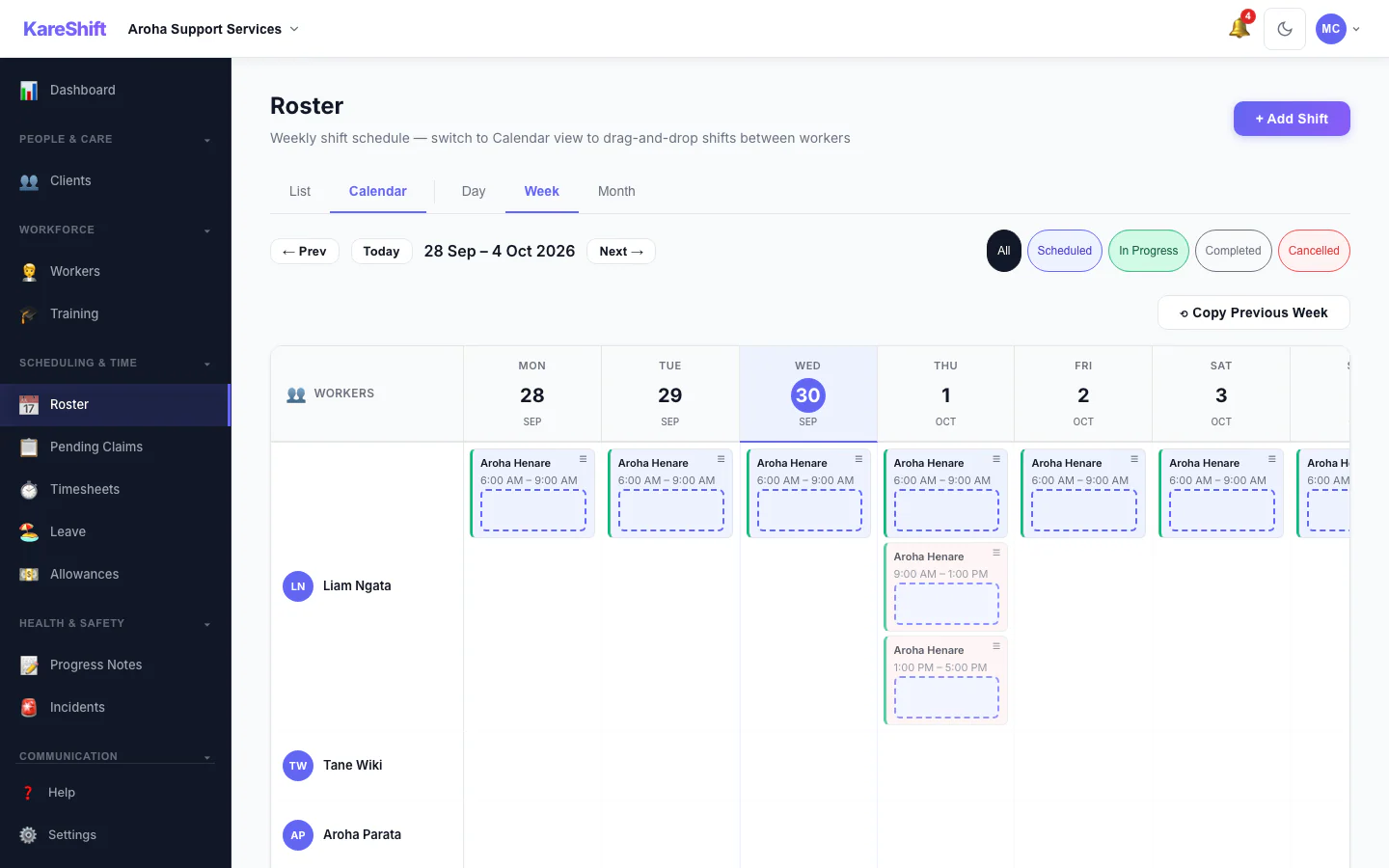
Roster Calendar
Visual calendar view — see the full week at a glance with colour-coded shifts.
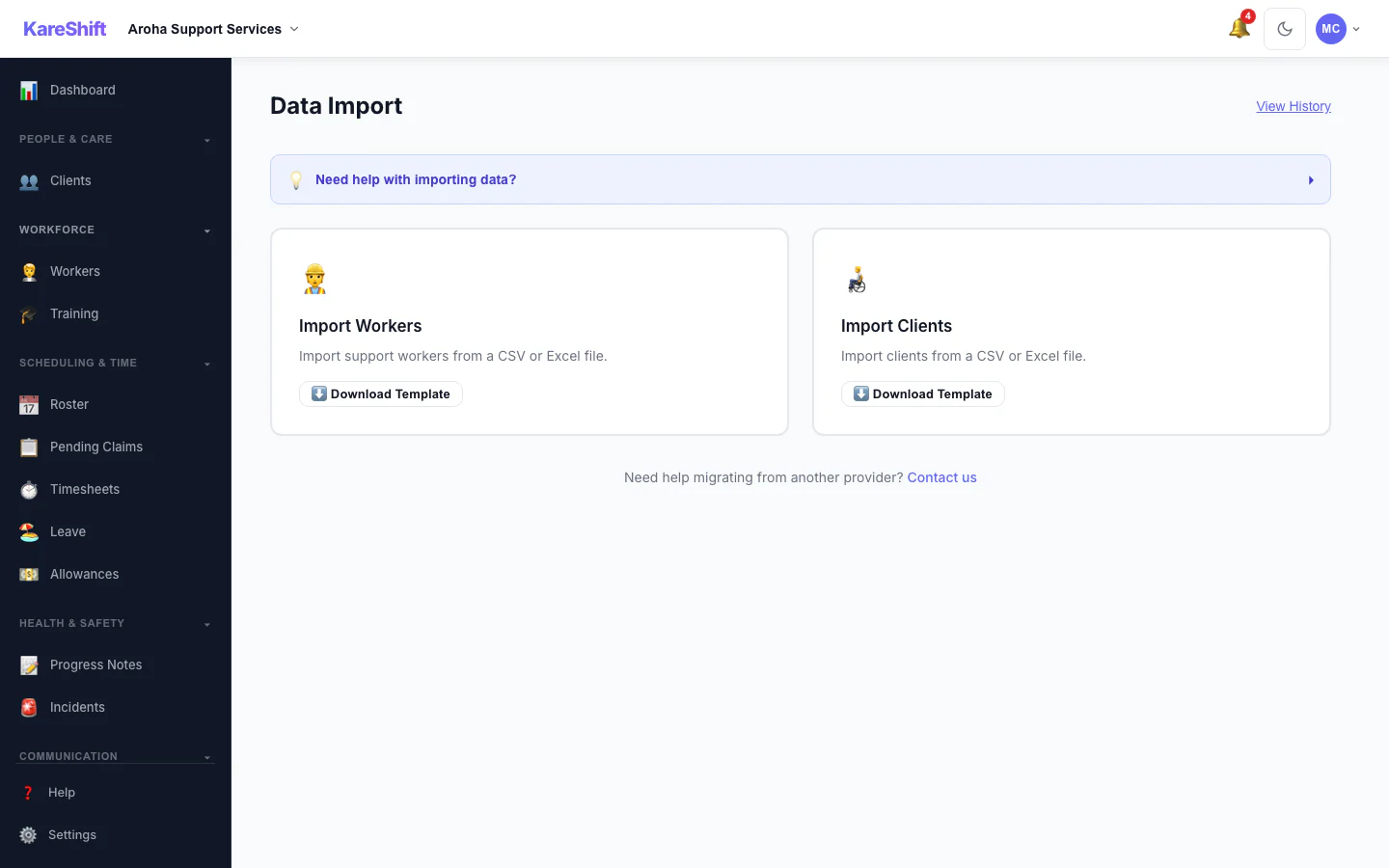
Bulk Import
Import workers and clients from CSV or Excel. Validation before save.
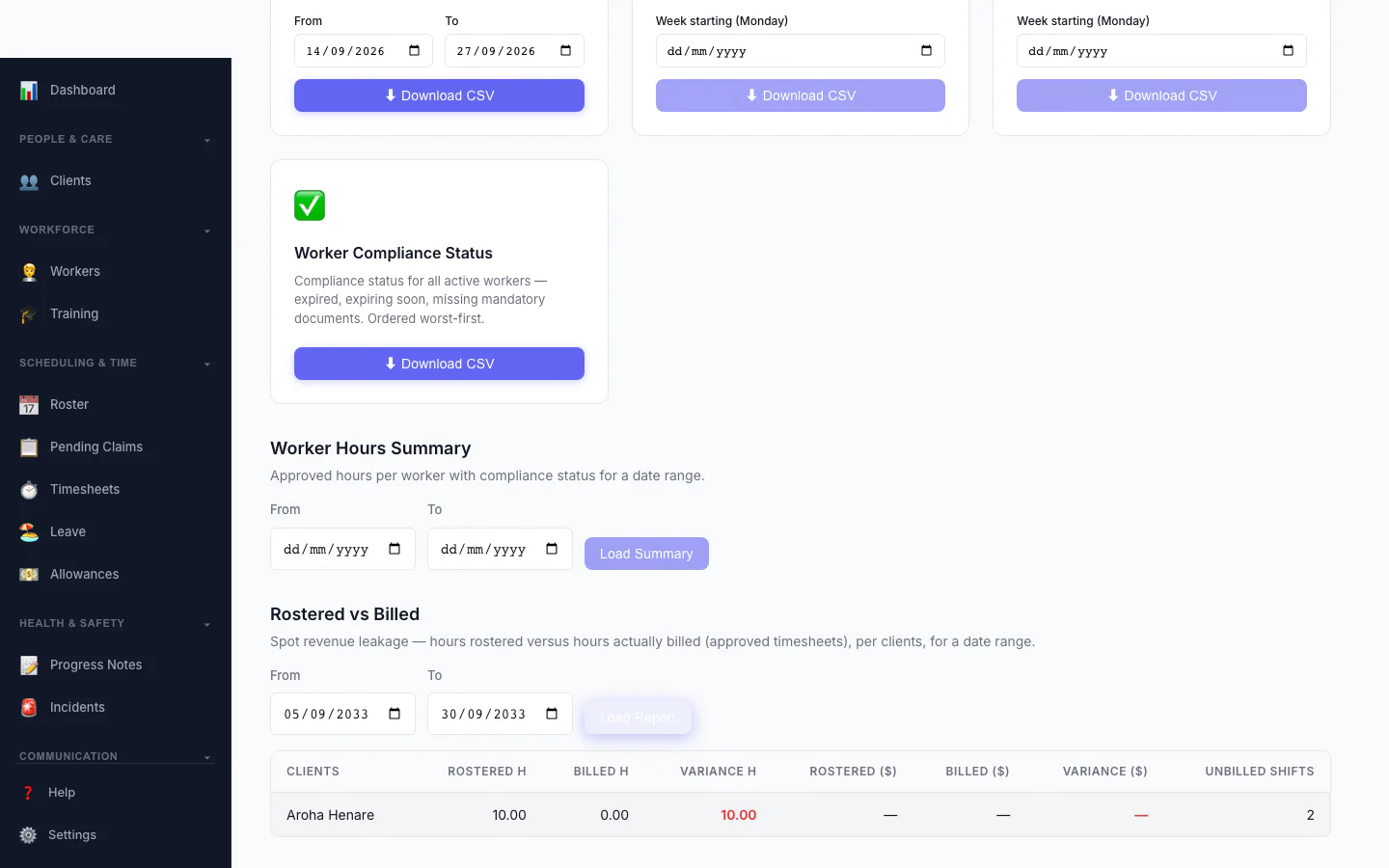
Rostered vs Billed
Spot revenue leakage at a glance — rostered hours versus hours actually billed, per client, with the shortfall highlighted.
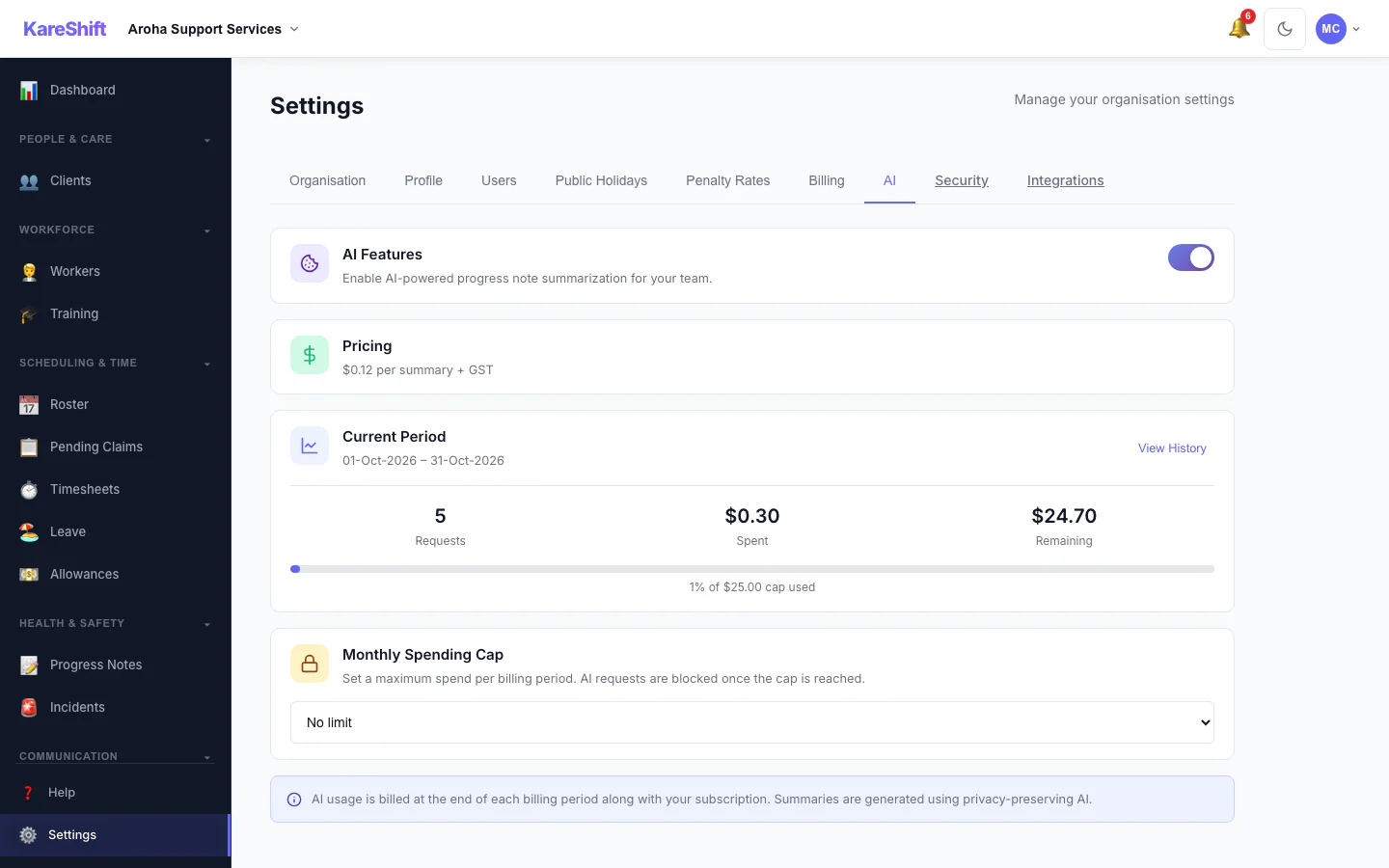
AI Settings
Turn AI progress summaries on for your organisation, set a monthly spending cap and see this period's usage.
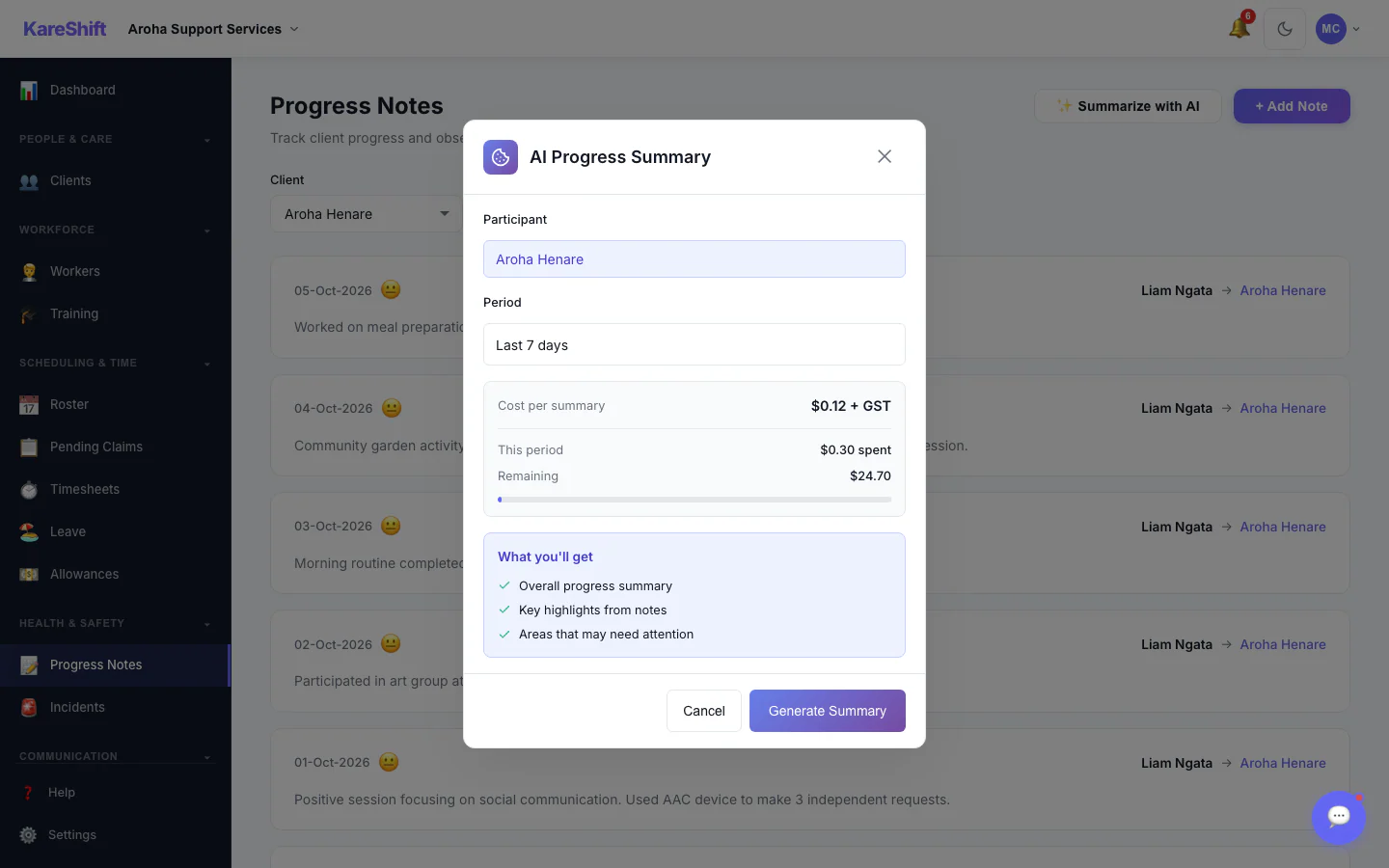
AI Progress Summary — Choose a Period
Pick a participant and a date range, see the cost per summary, then generate. Off by default; owners switch it on.
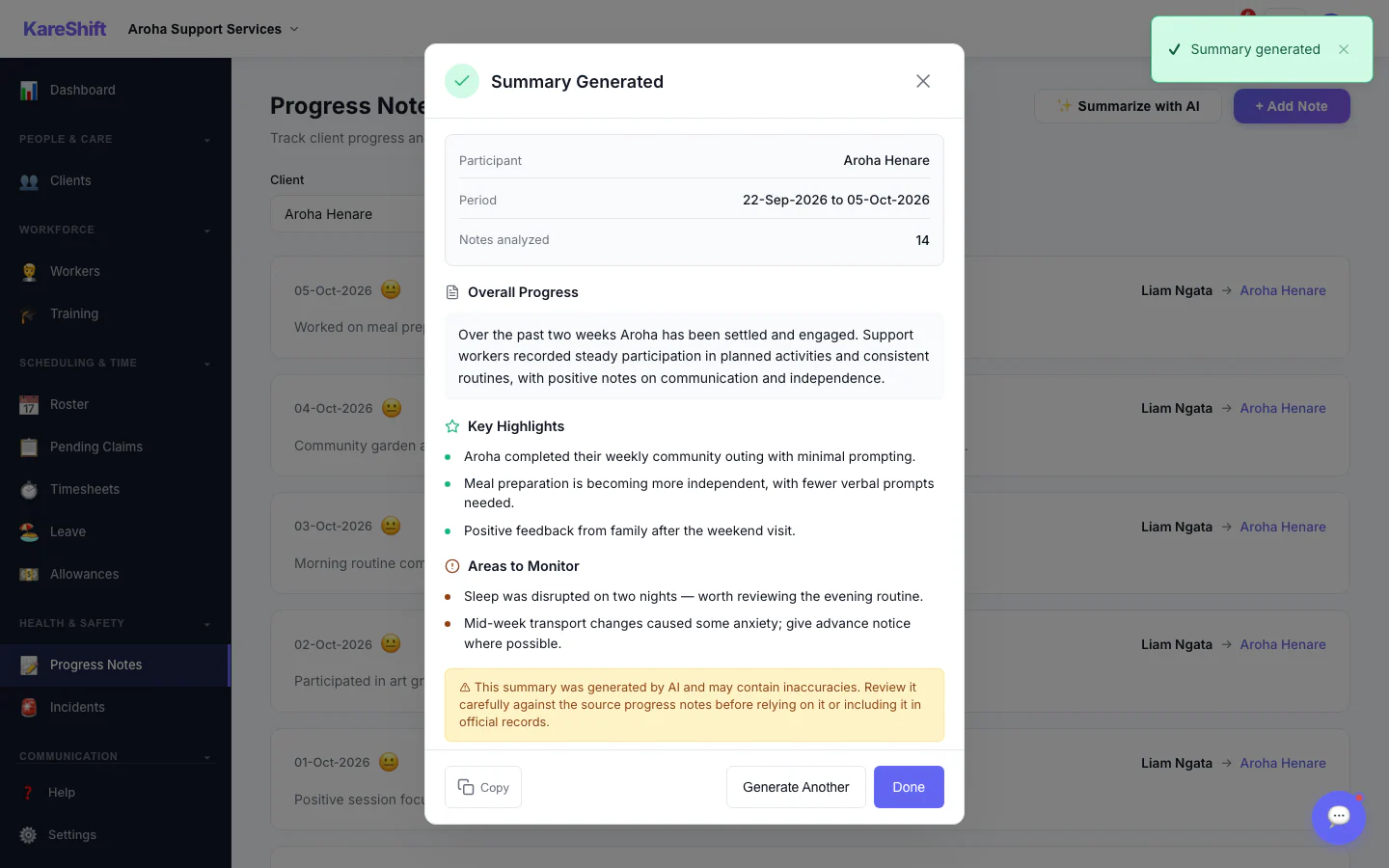
AI Progress Summary — Result
A written summary with highlights and areas to monitor. Staff review it before relying on it.
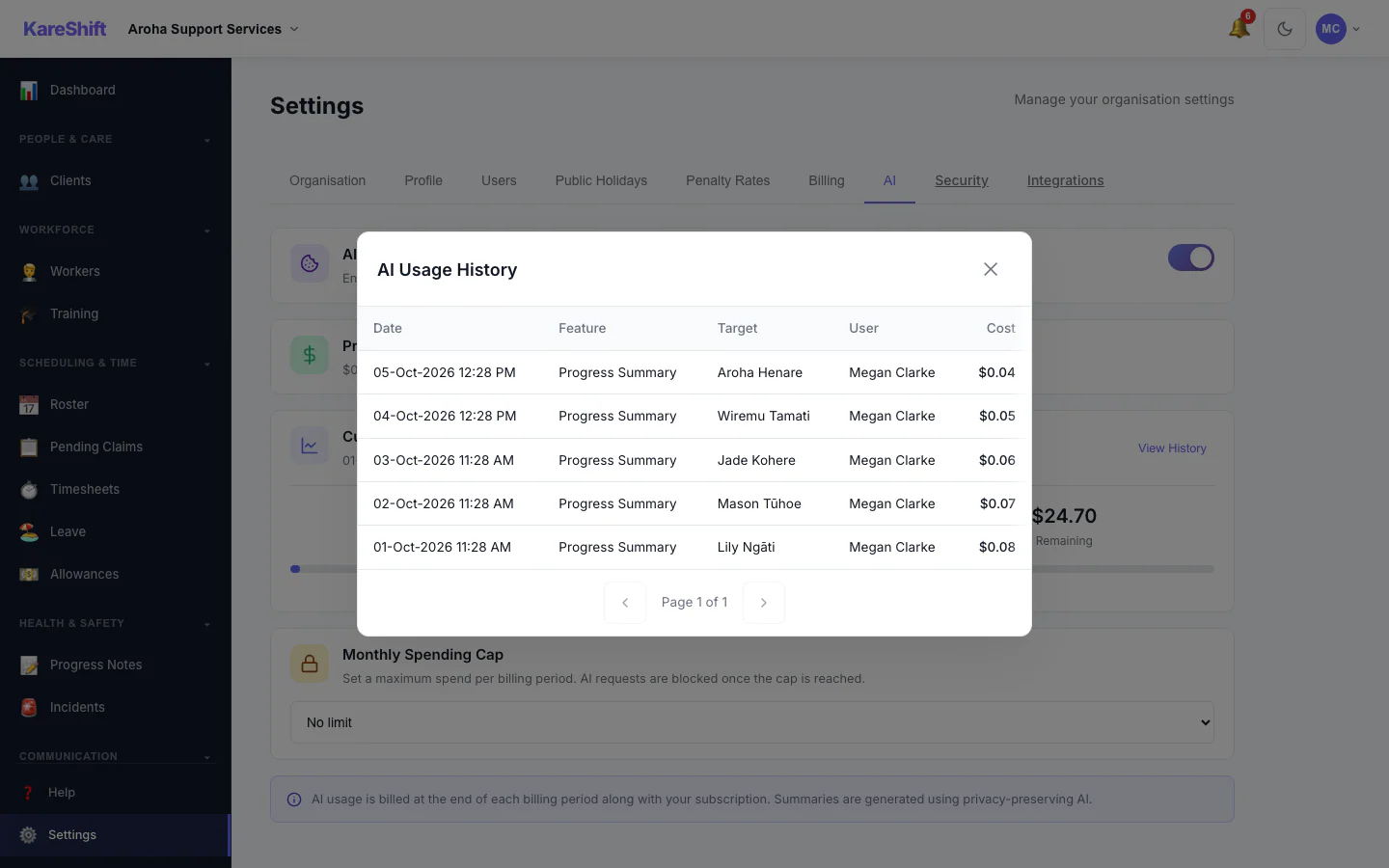
AI Usage History
Every summary generated, who ran it, for whom and what it cost.
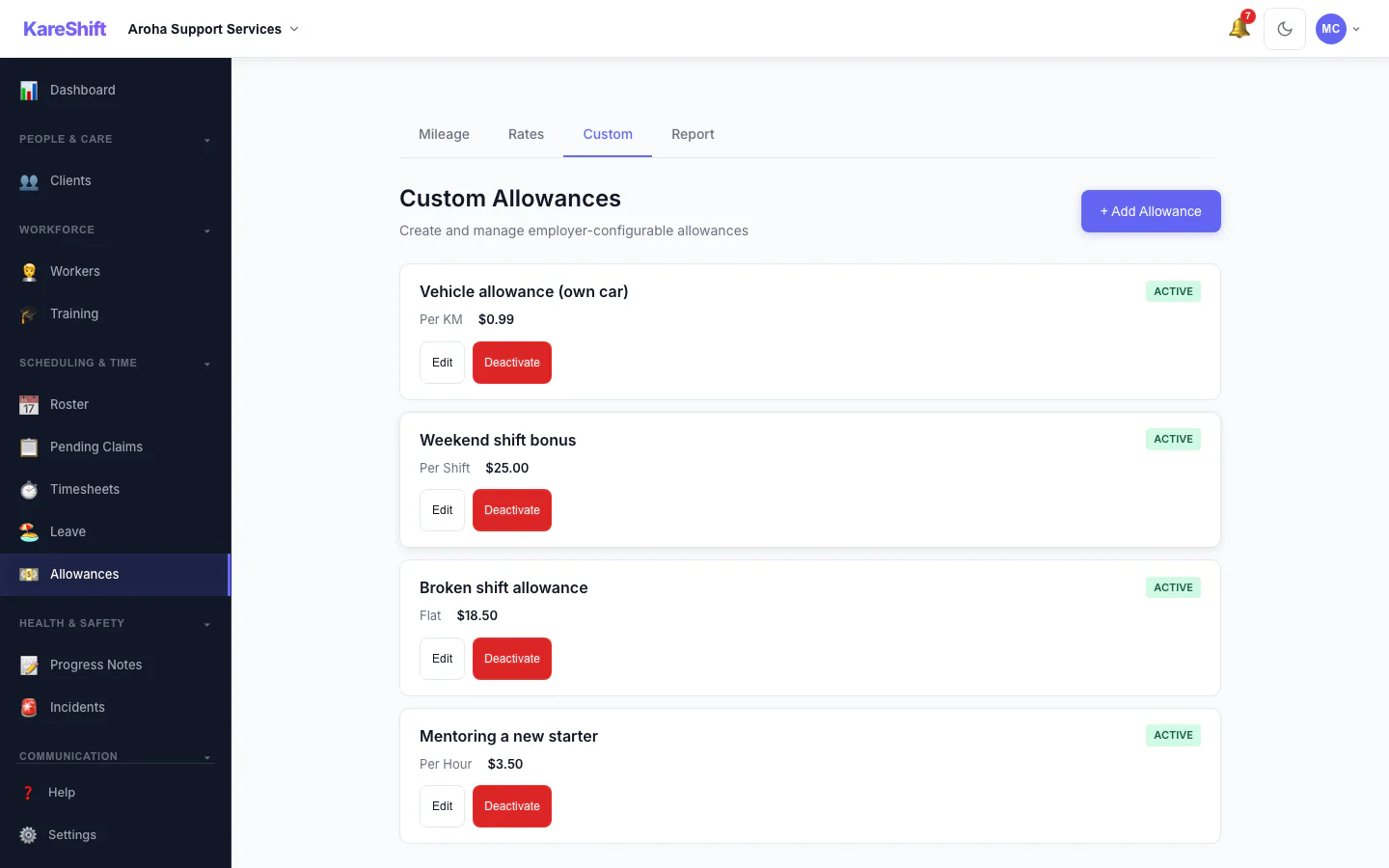
Custom Allowances
Create your own allowances beyond the standard ones, each with its own rate.
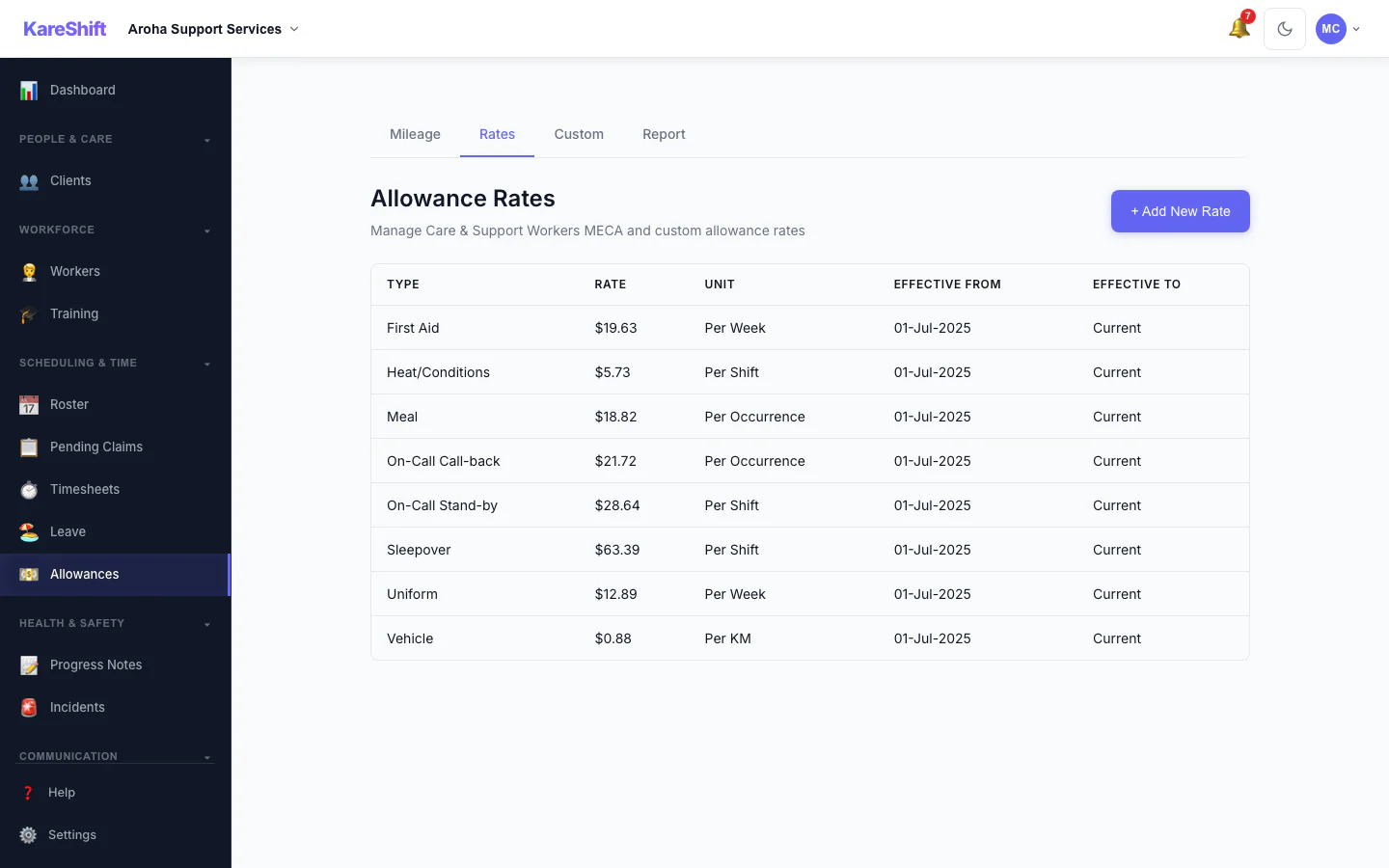
Allowance Rates
The rates used for each allowance, in one table.
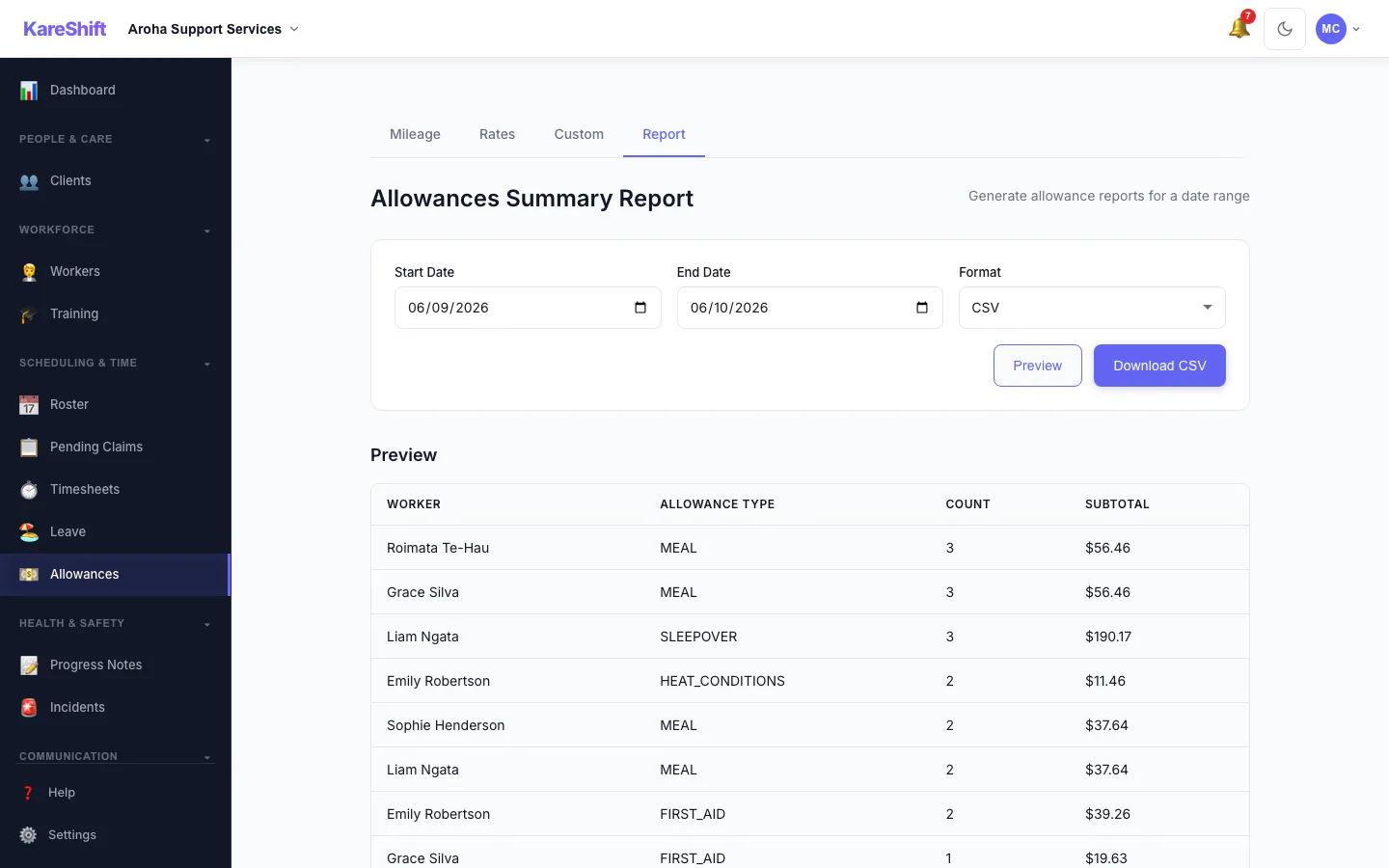
Allowances Report
Preview and export what was paid in allowances over a period, with a grand total.
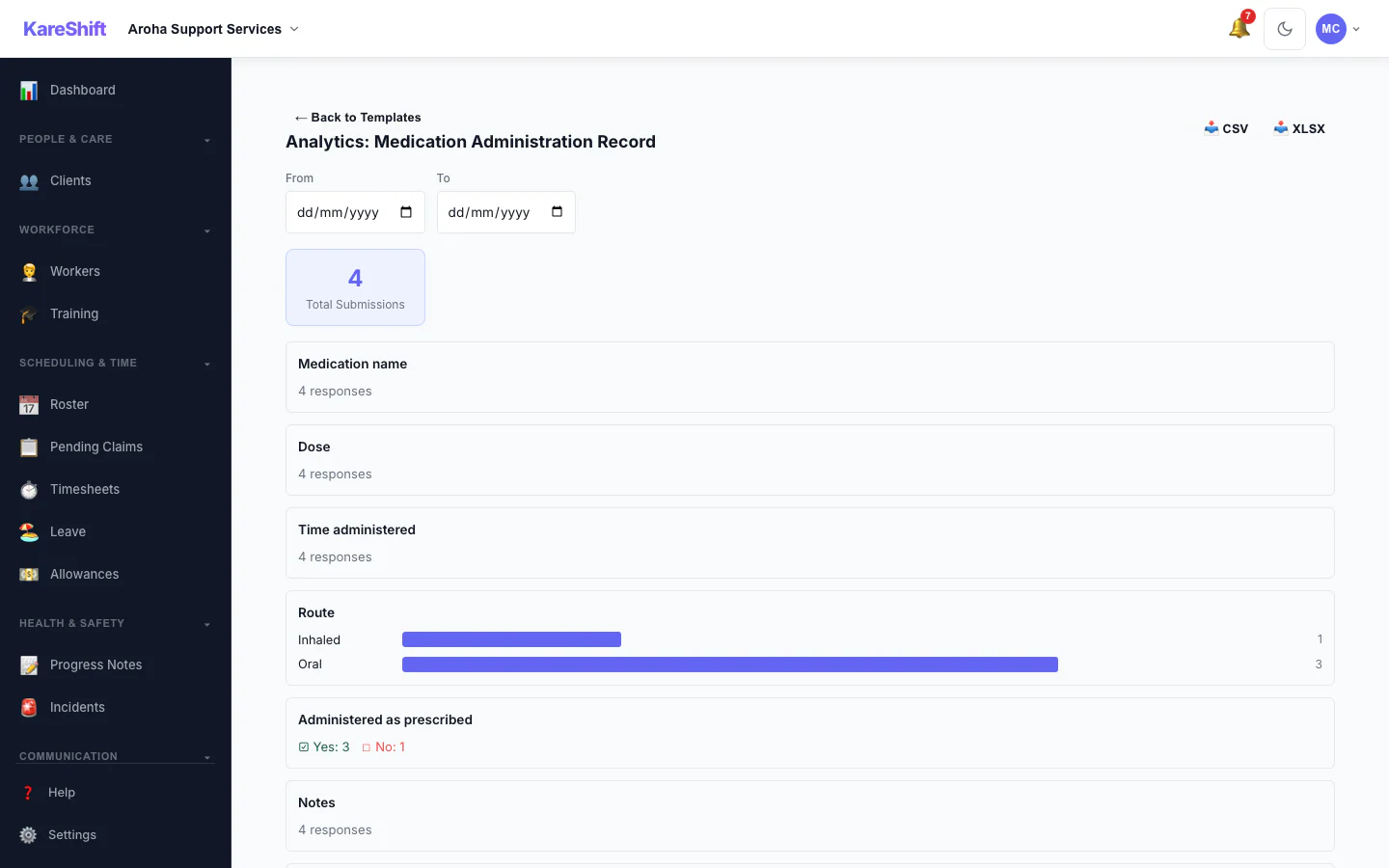
Form Analytics
Totals and answer distributions for a custom form across all submissions.
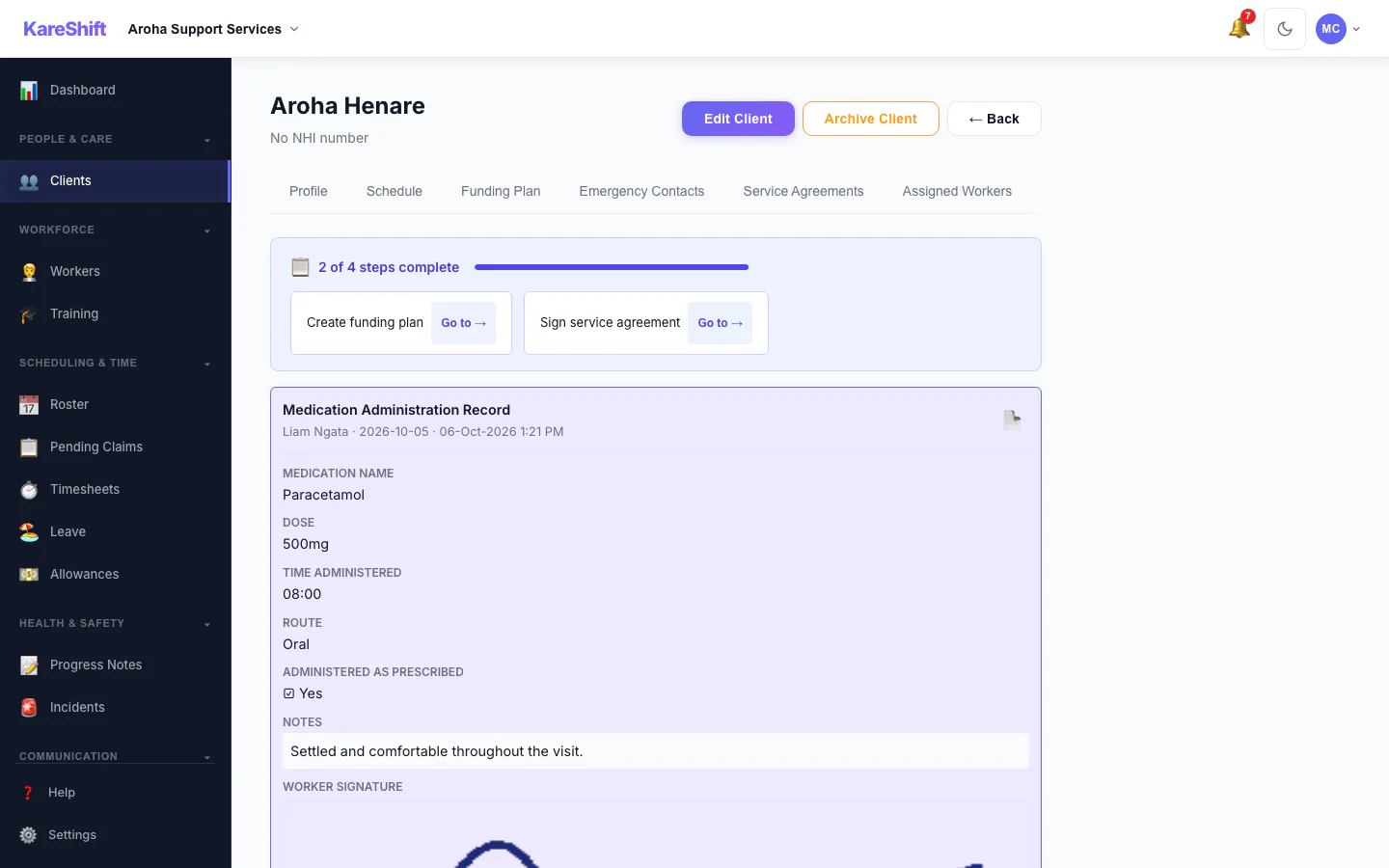
Form Submissions
Completed forms on a participant's record, with signatures.
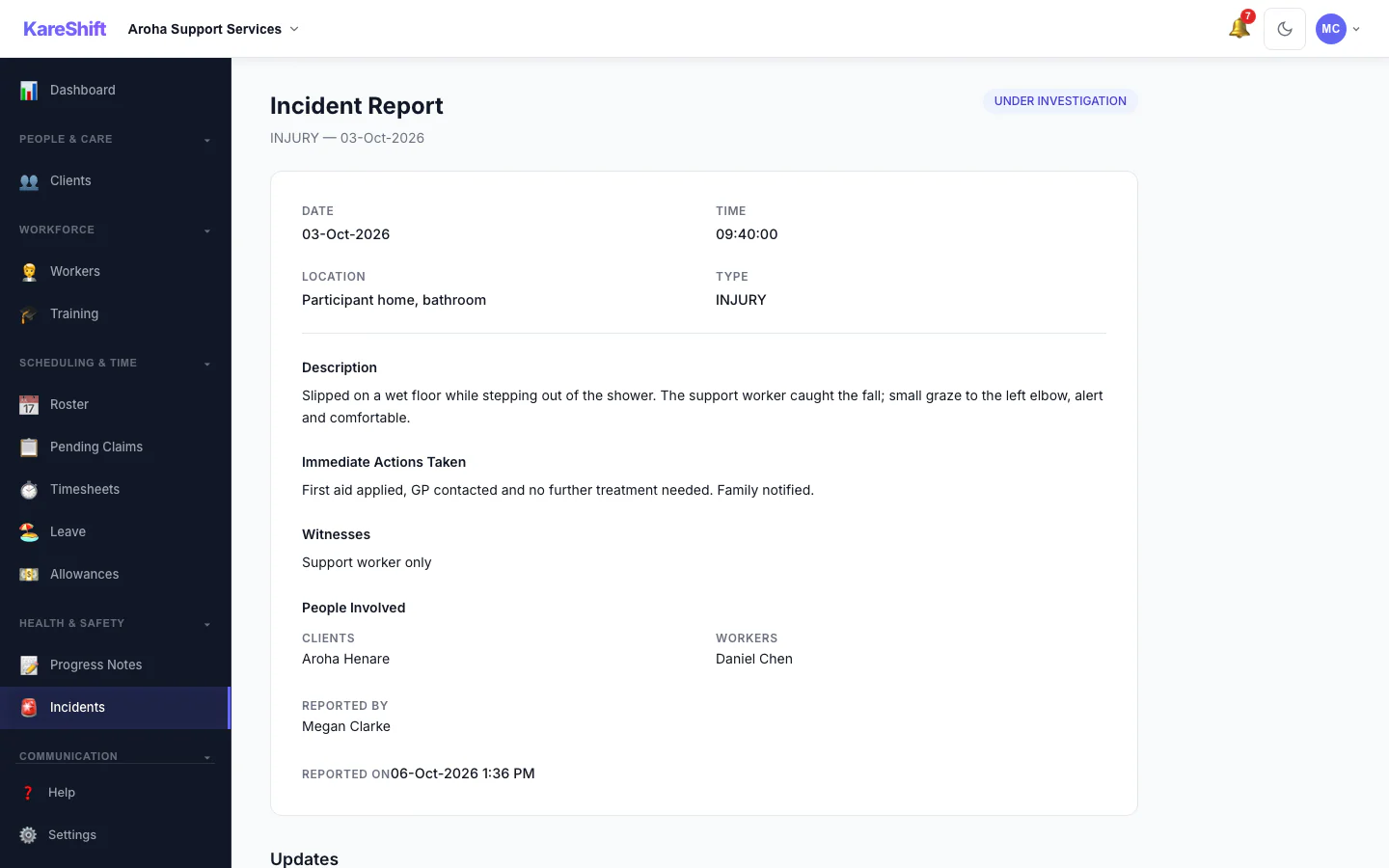
Incident Detail
An incident with its status, details and the update trail of who did what.
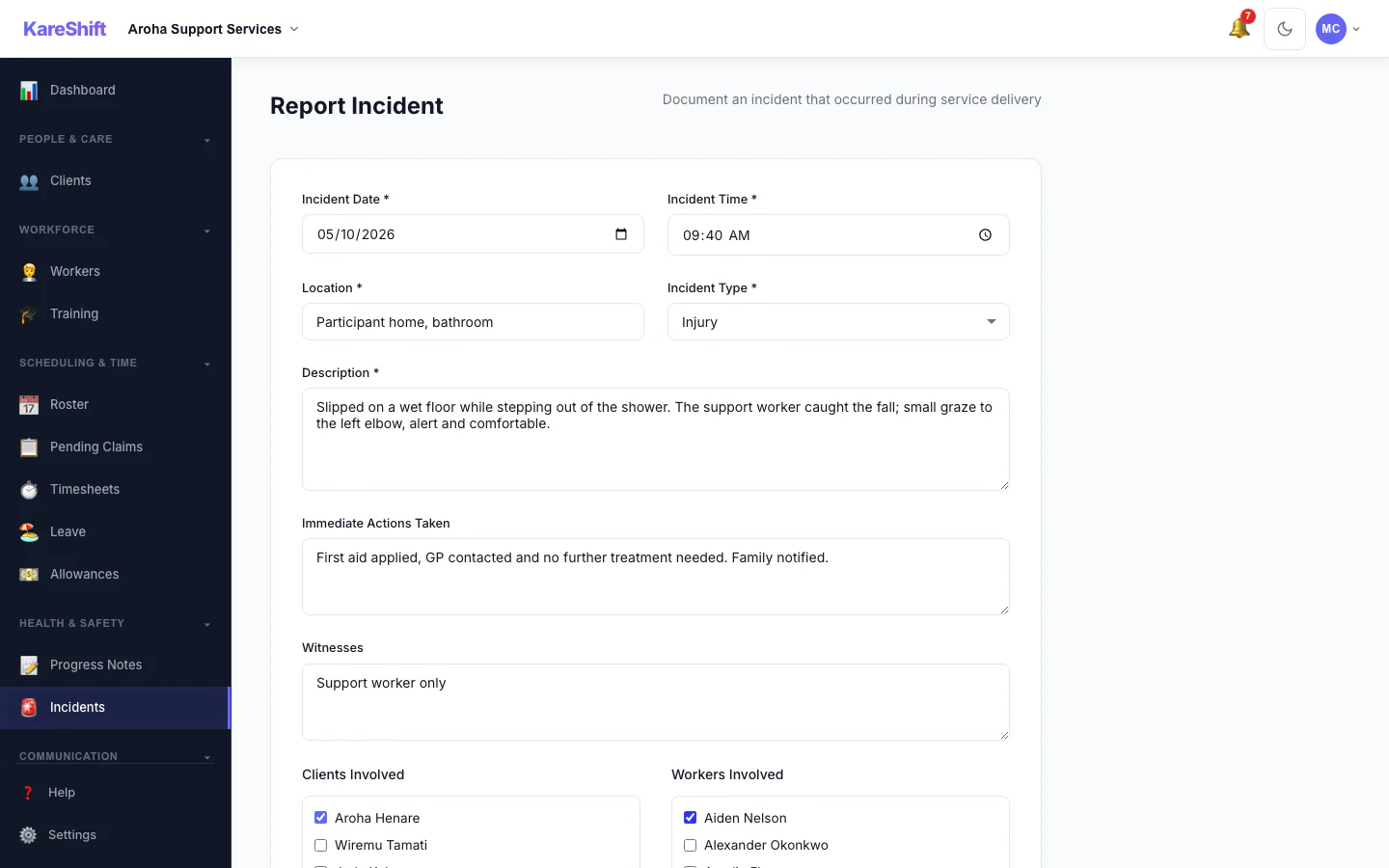
Report an Incident
Record what happened, who was involved and what was done straight away.
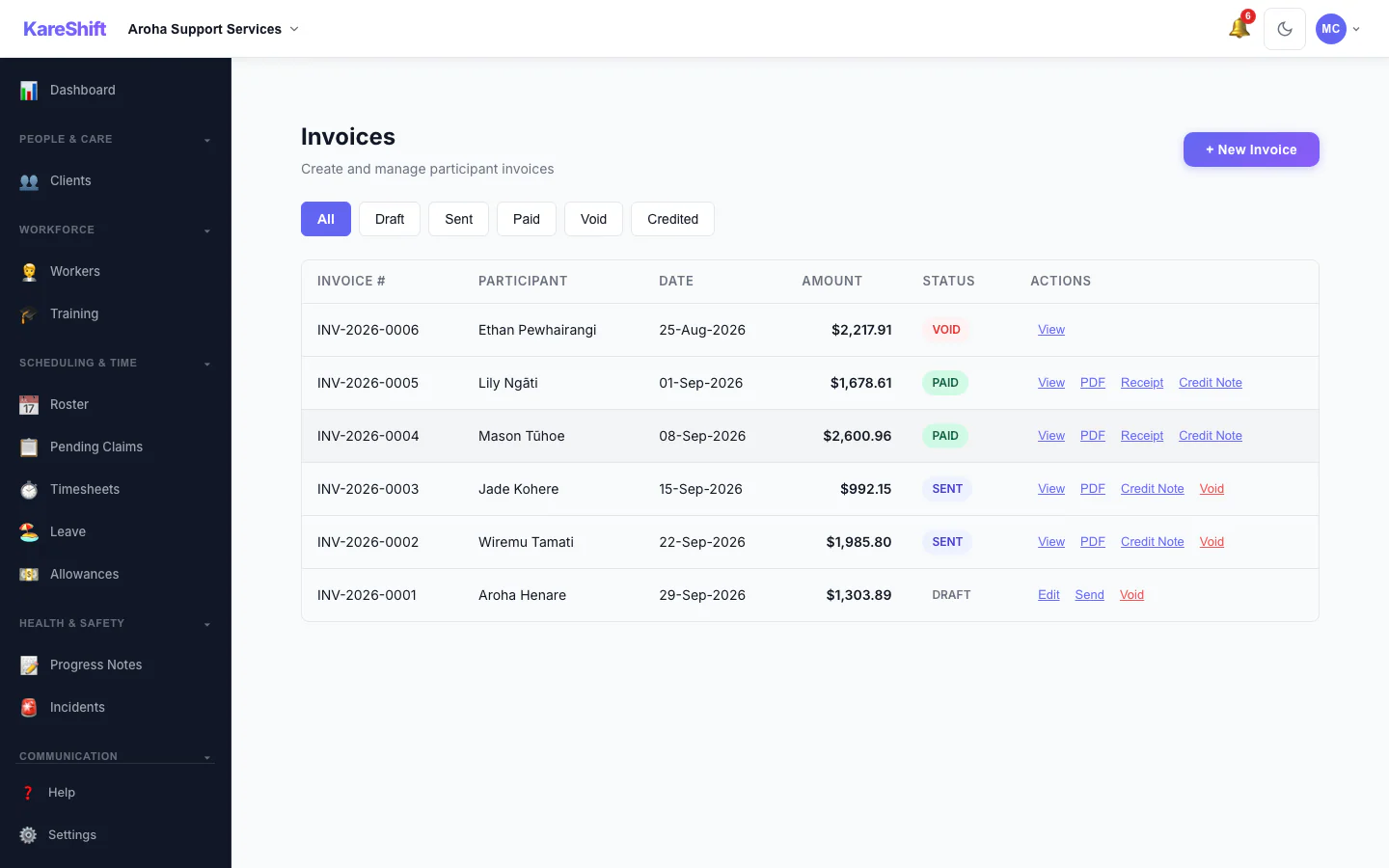
Invoices
Draft, sent, paid and voided invoices in one list, with PDF, receipt and credit note actions.
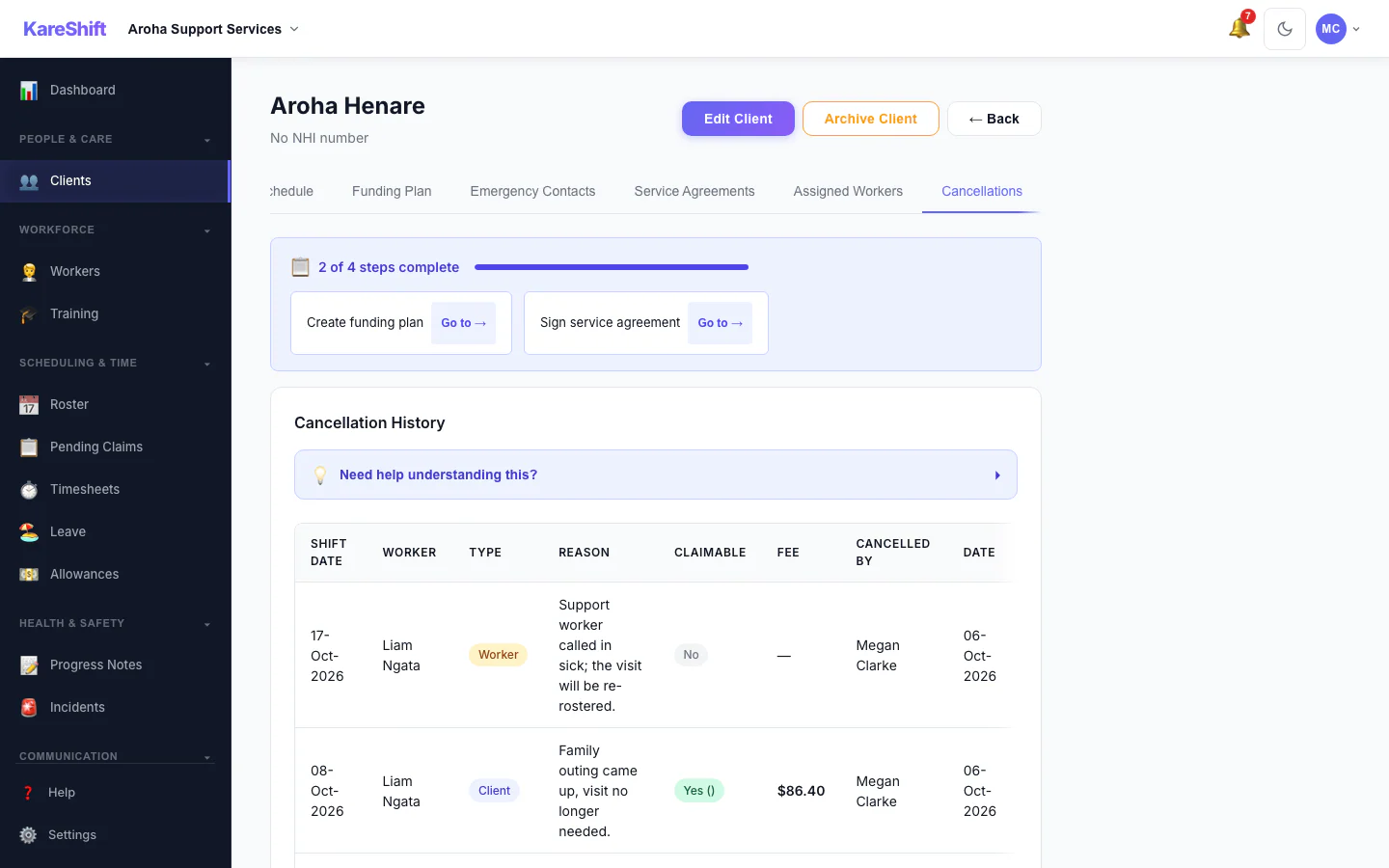
Cancellation History
Cancelled visits with who cancelled, whether the fee is claimable and the amount.
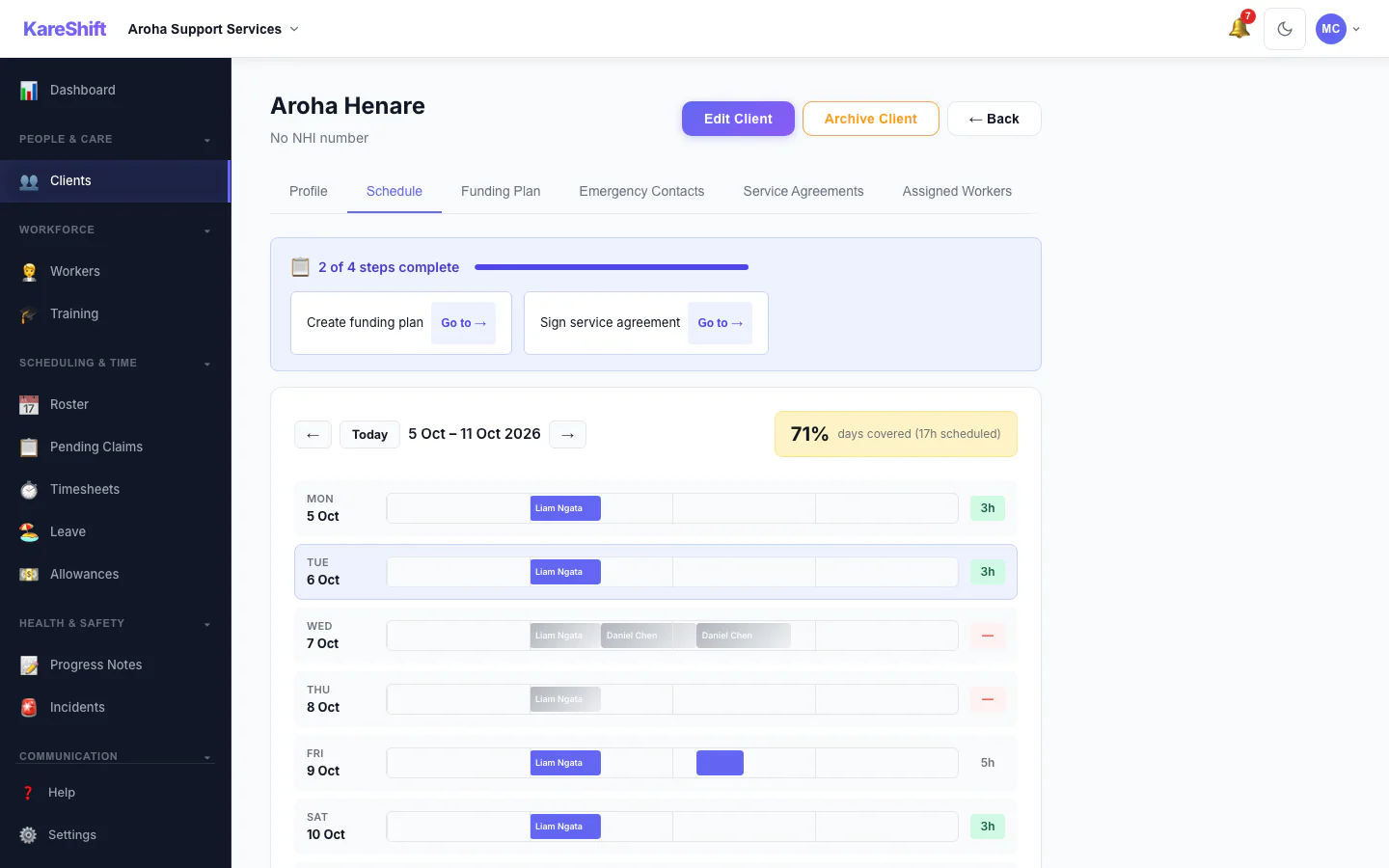
Participant Schedule
A participant's week of support and how well it is covered.
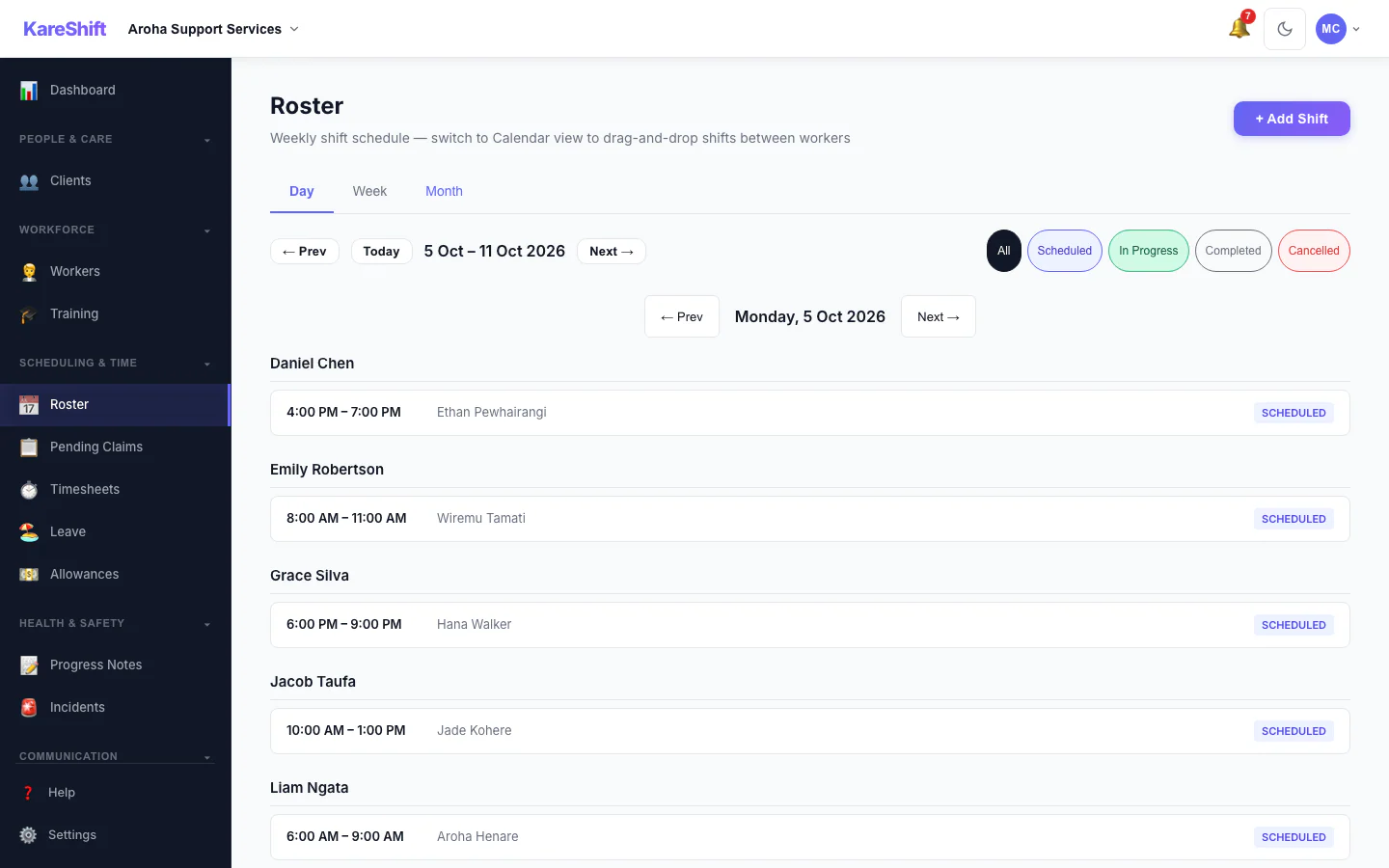
Roster — Day View
One day's shifts grouped by worker.
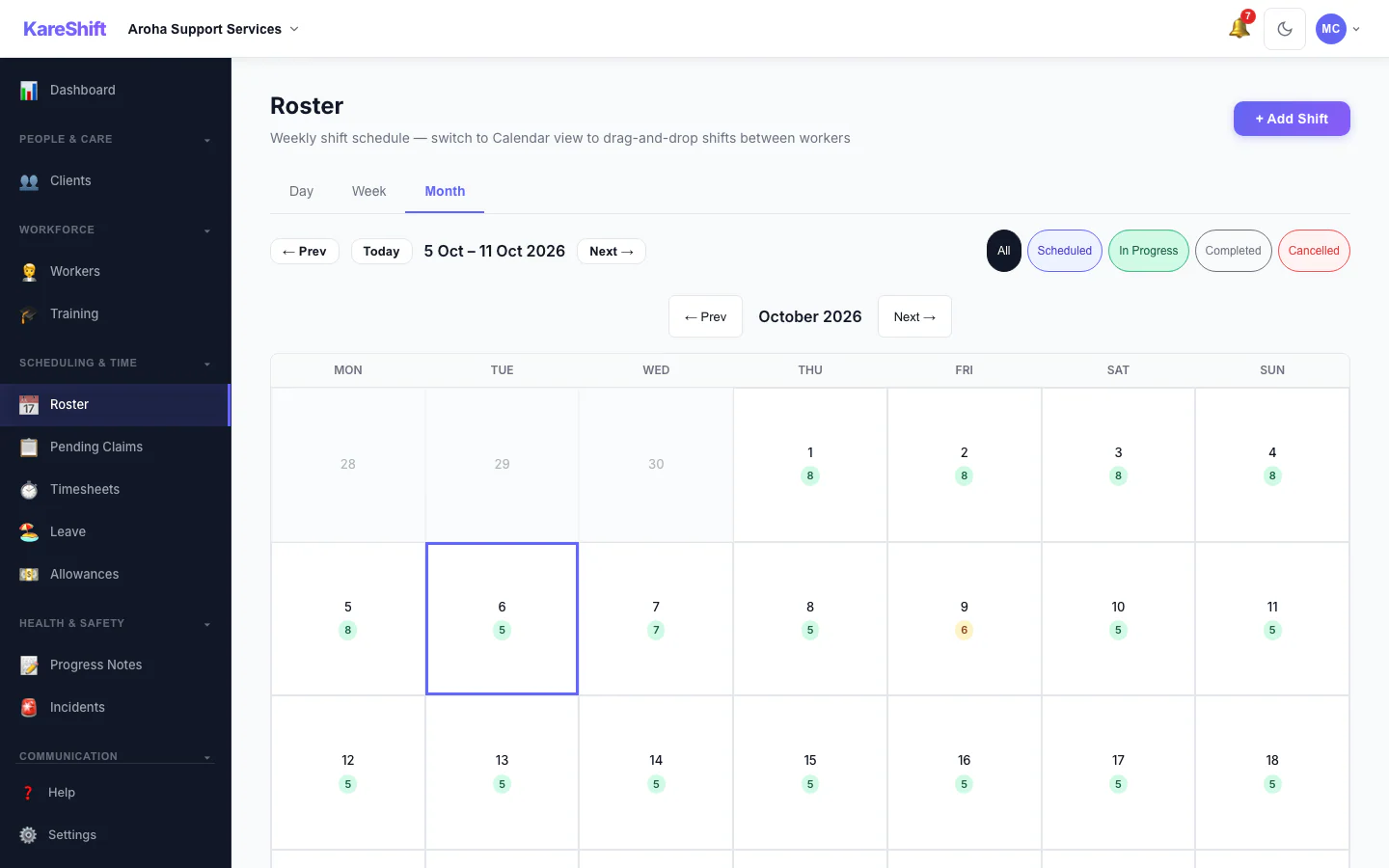
Roster — Month View
A month at a glance with shift counts for each day.
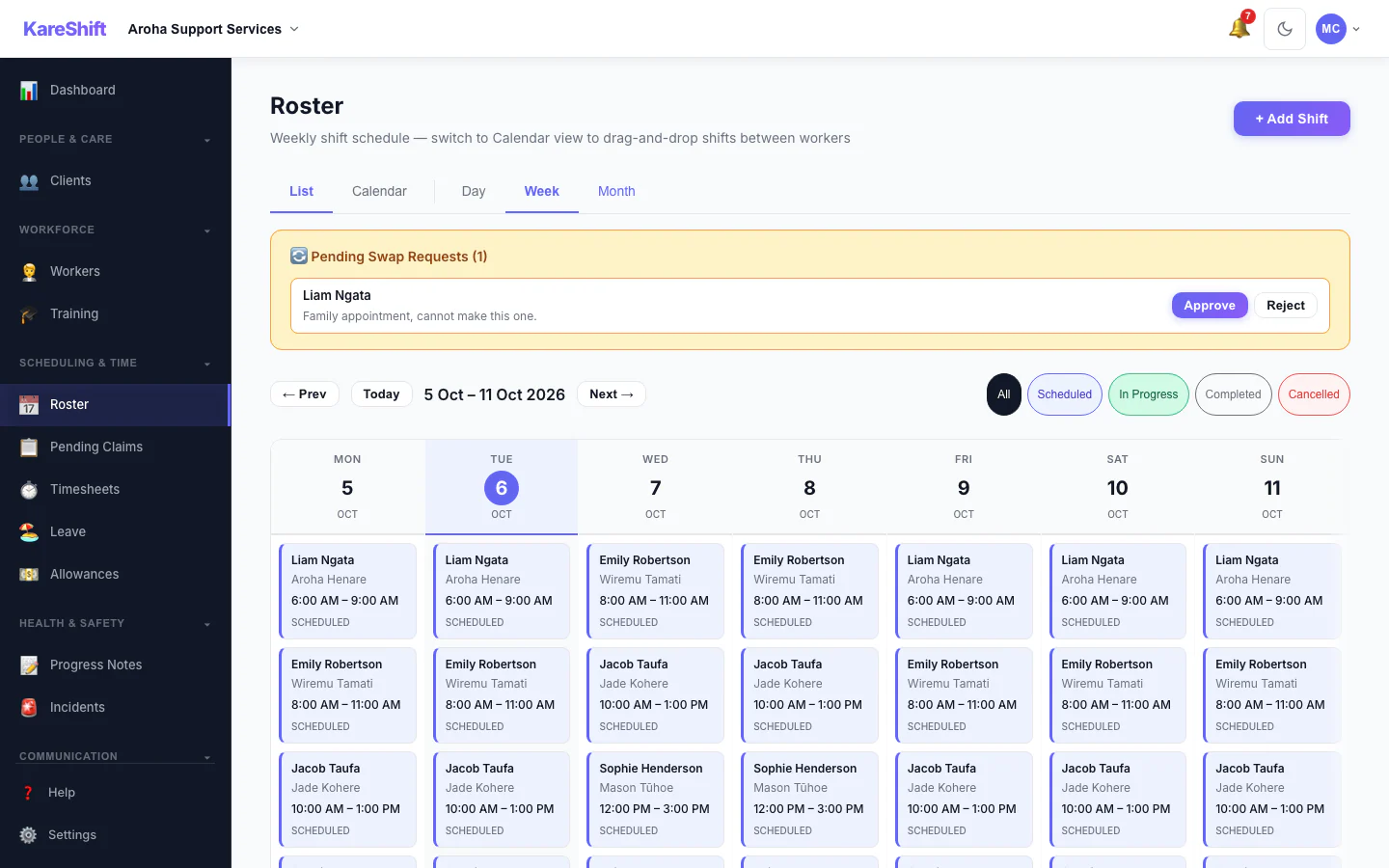
Shift Swap Requests
Pending swap requests with approve and reject.
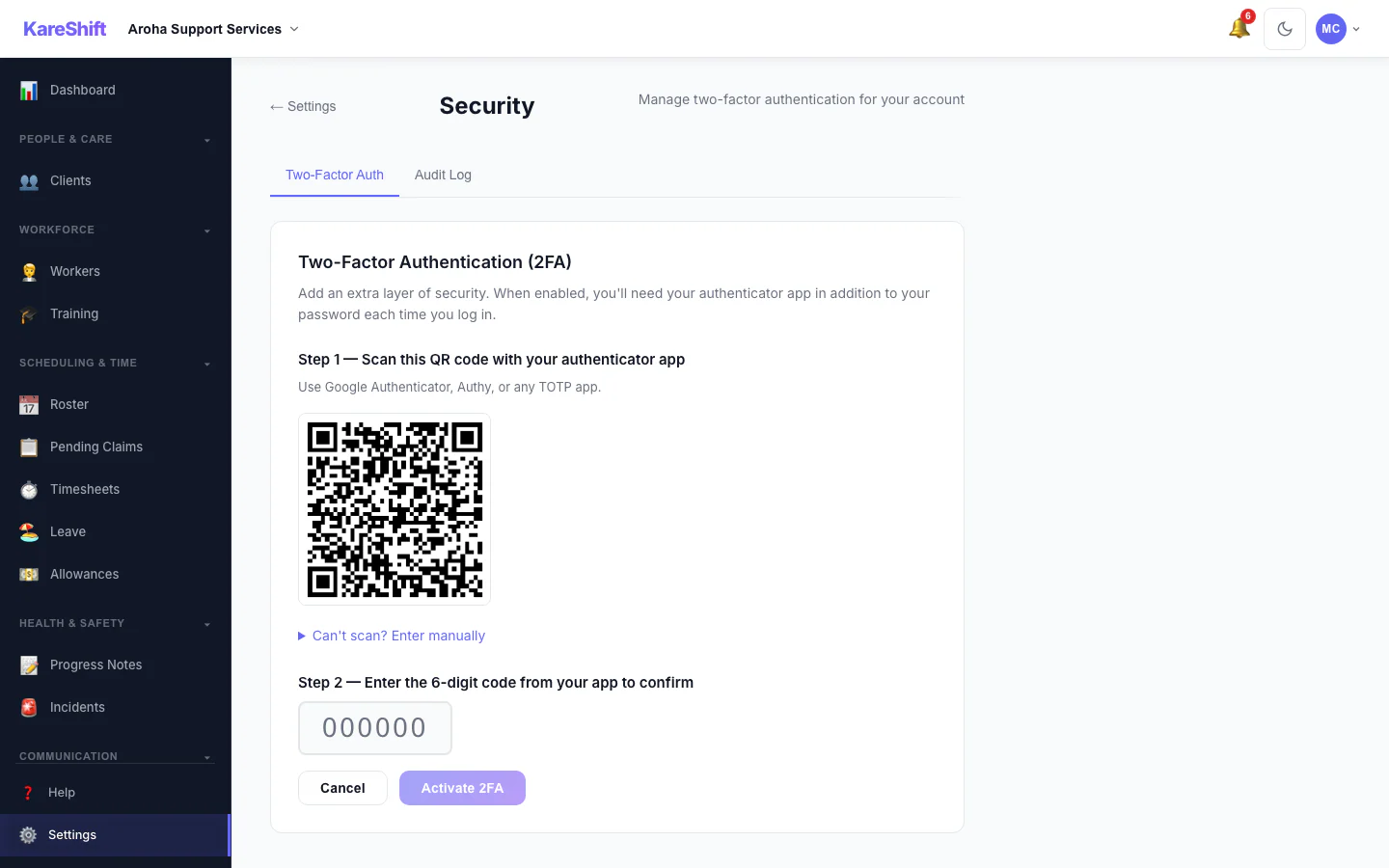
Set Up Two-Factor Authentication
Scan a code with an authenticator app, then enter the six-digit code to switch it on.
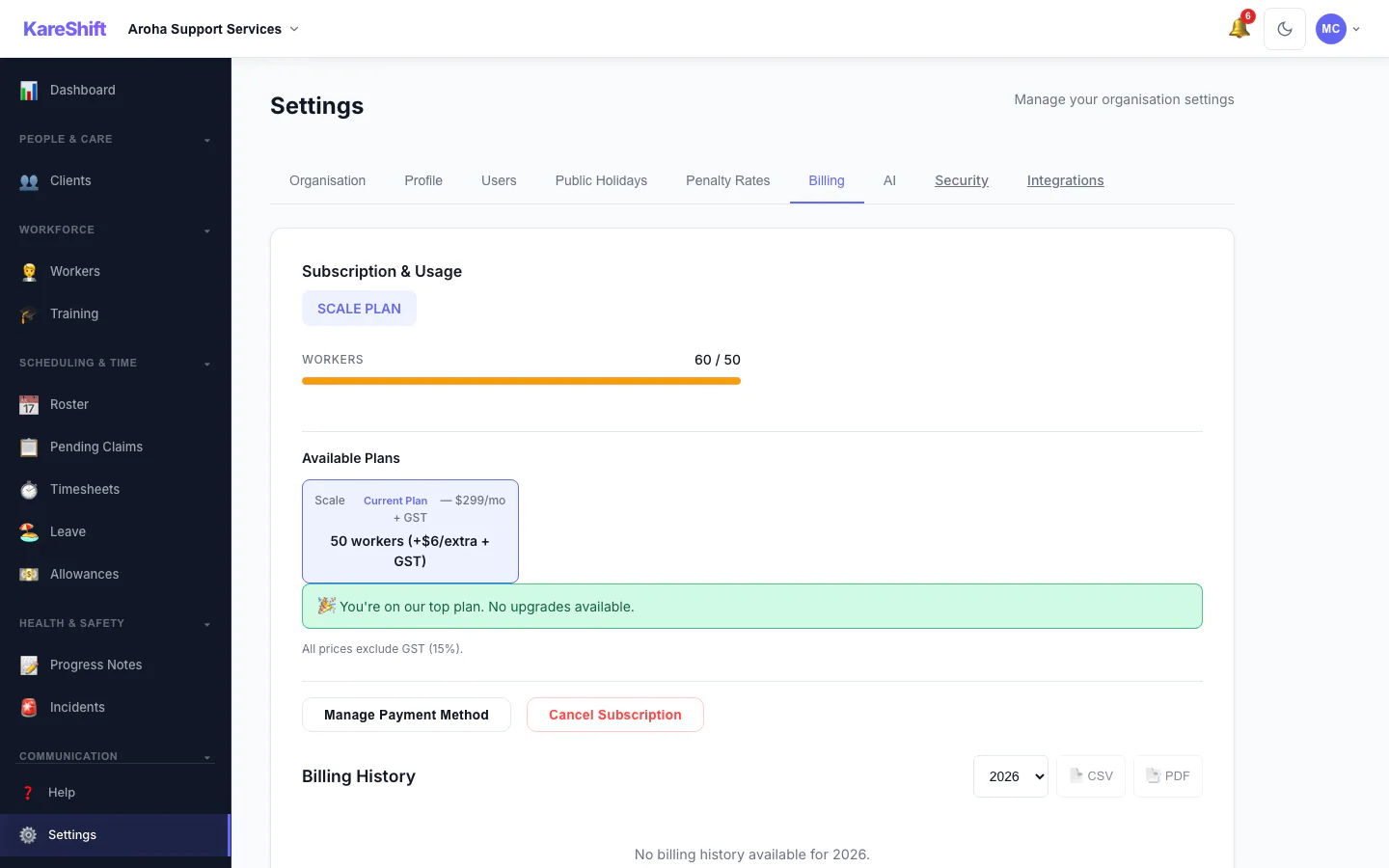
Billing and Plan
Your plan, worker usage and billing history.
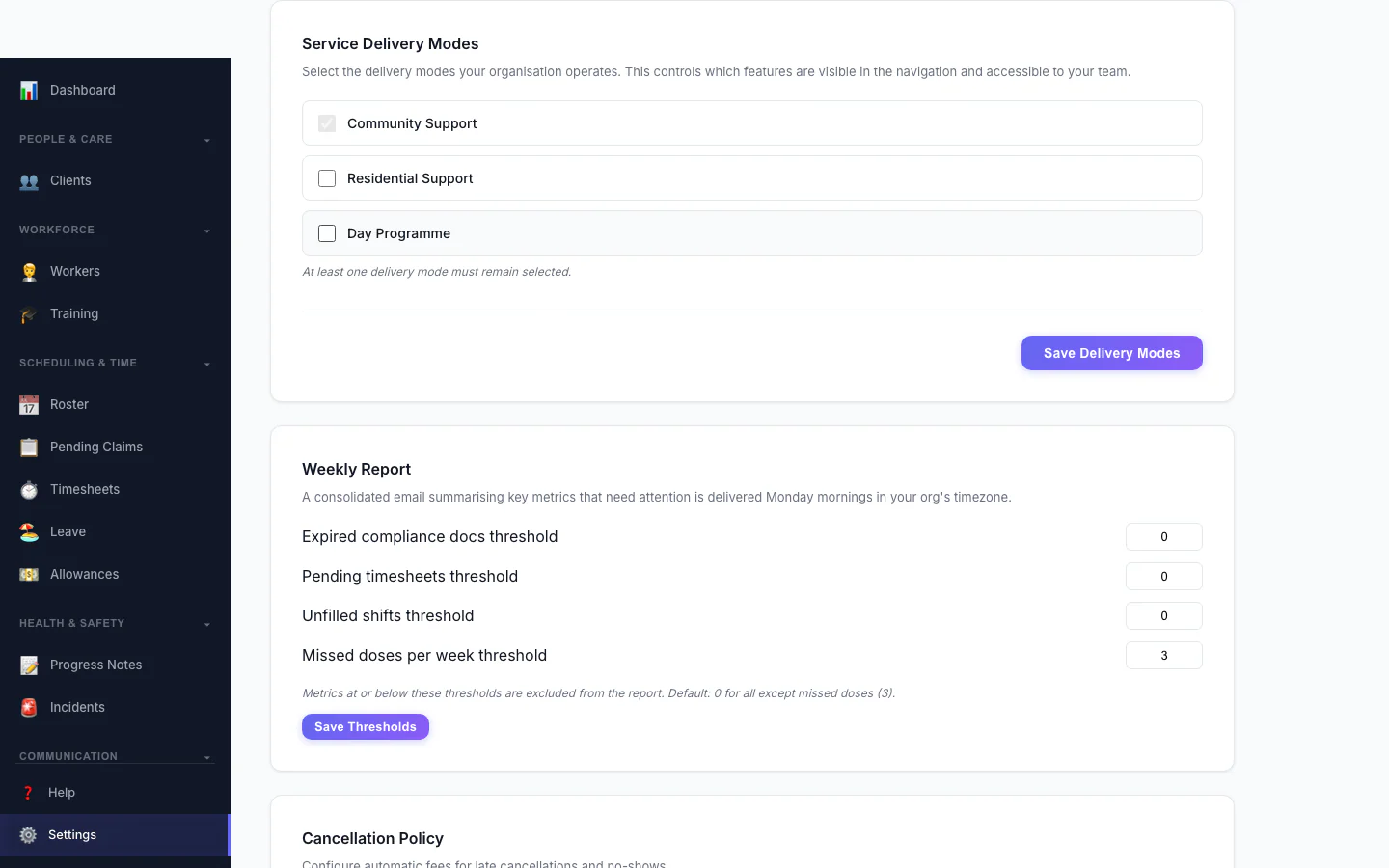
Service Delivery Modes
Choose which kinds of service your organisation delivers.
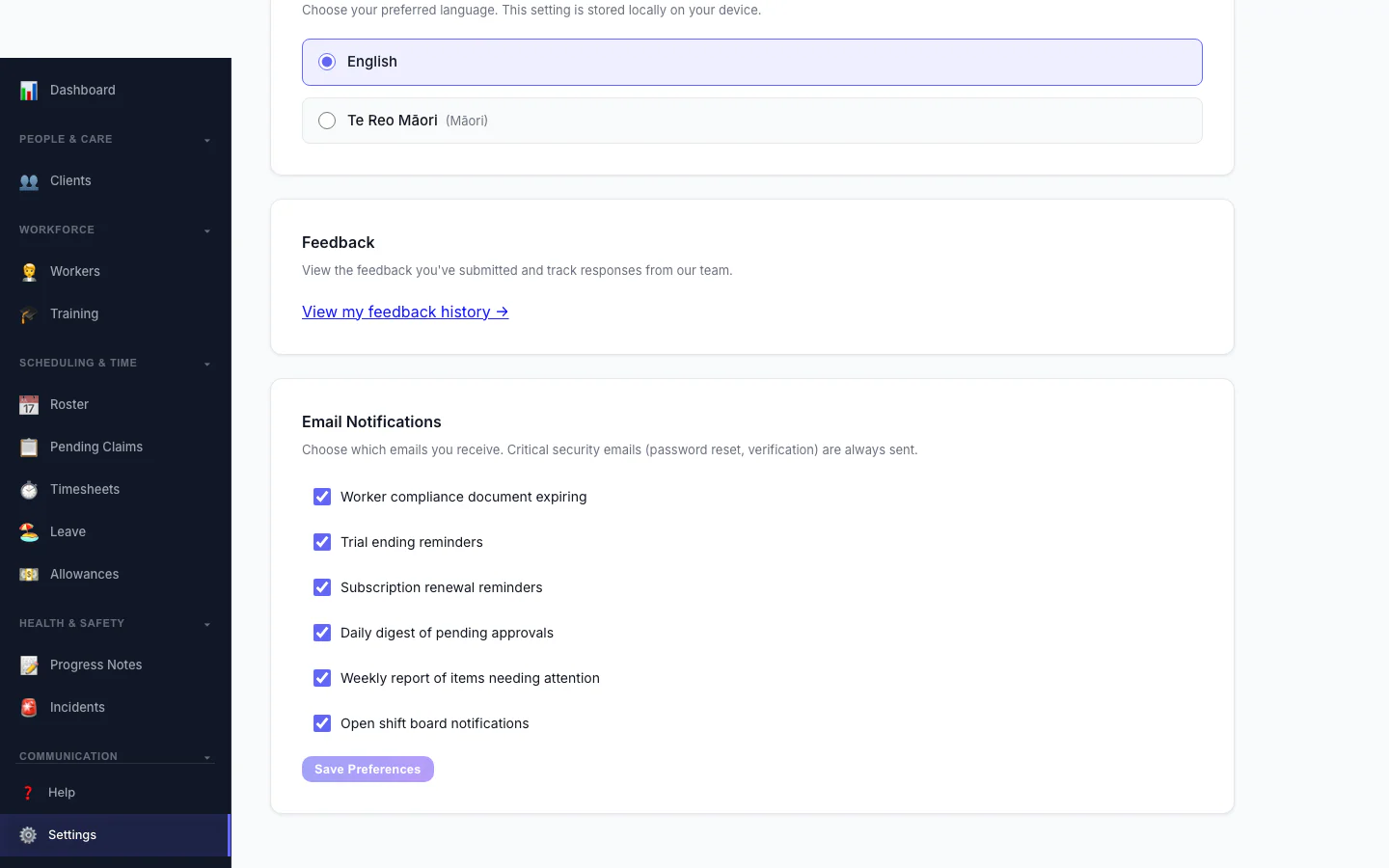
Notification Preferences
Choose which emails you receive.
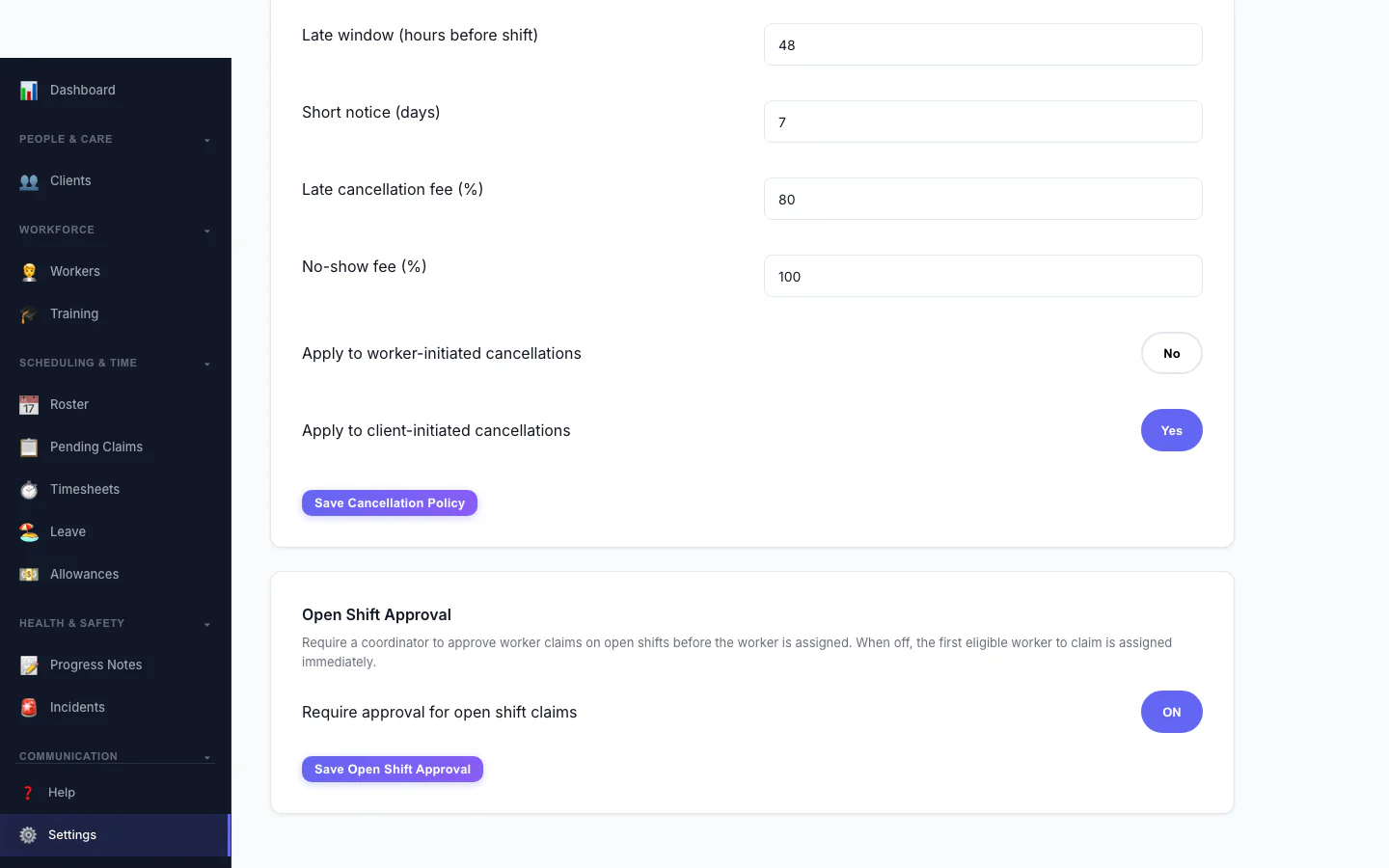
Open Shift Approval
Decide whether workers can claim open shifts straight away or need approval.
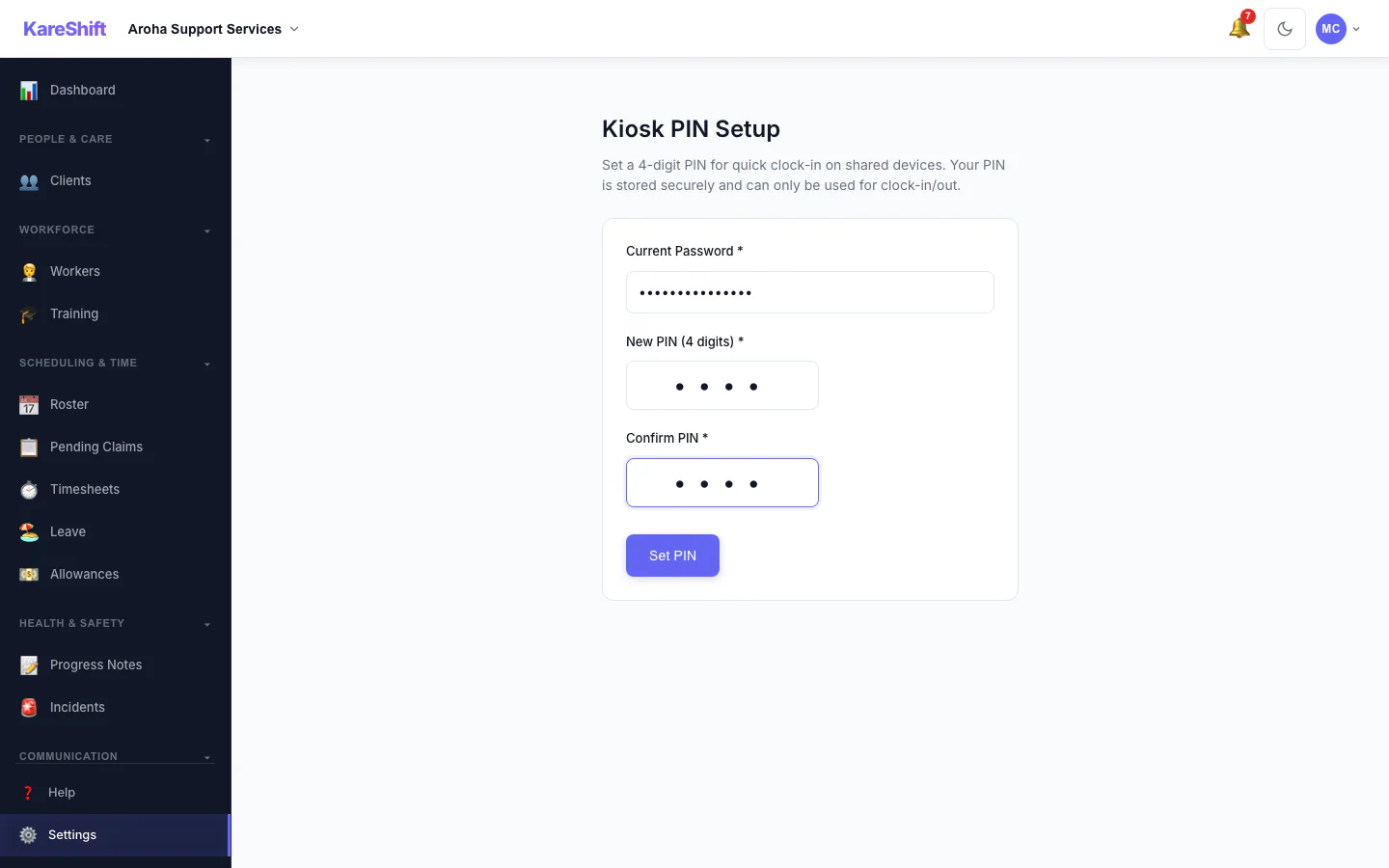
Kiosk PIN
Set the PIN workers use at a shared kiosk.
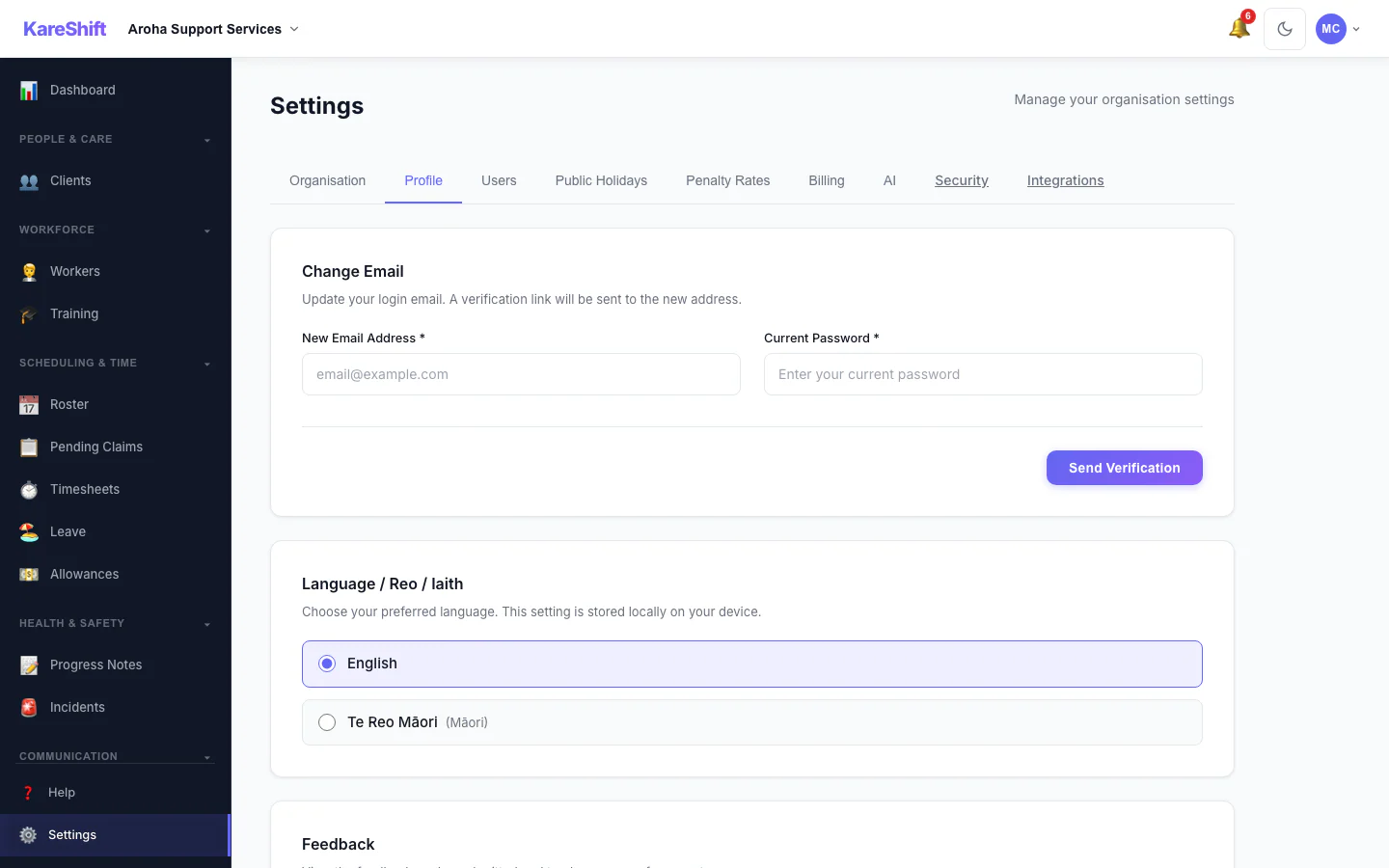
Your Profile Settings
Your login email and email notification choices.
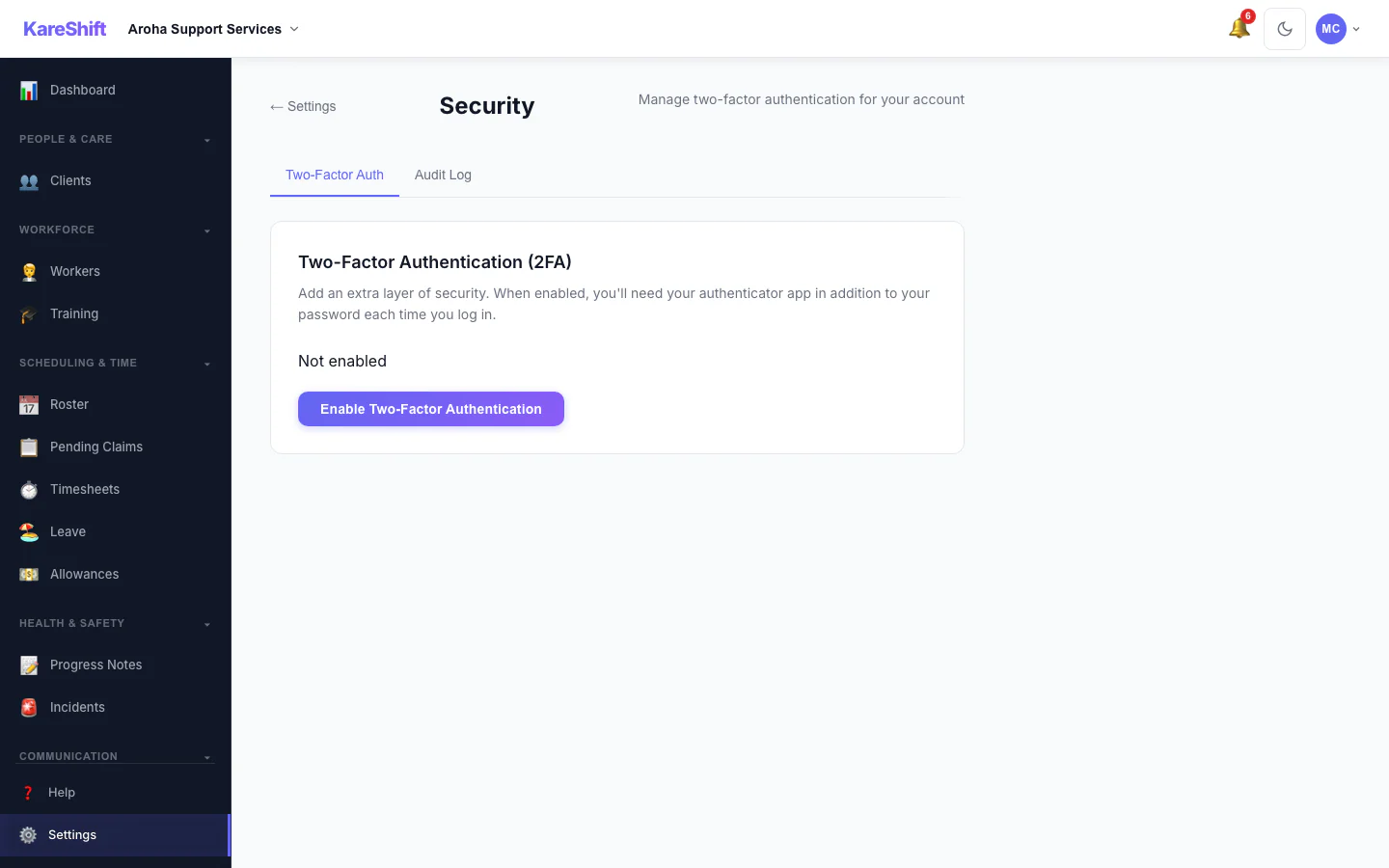
Security Settings
Two-factor status for your account, with trusted devices and an audit log for owners.
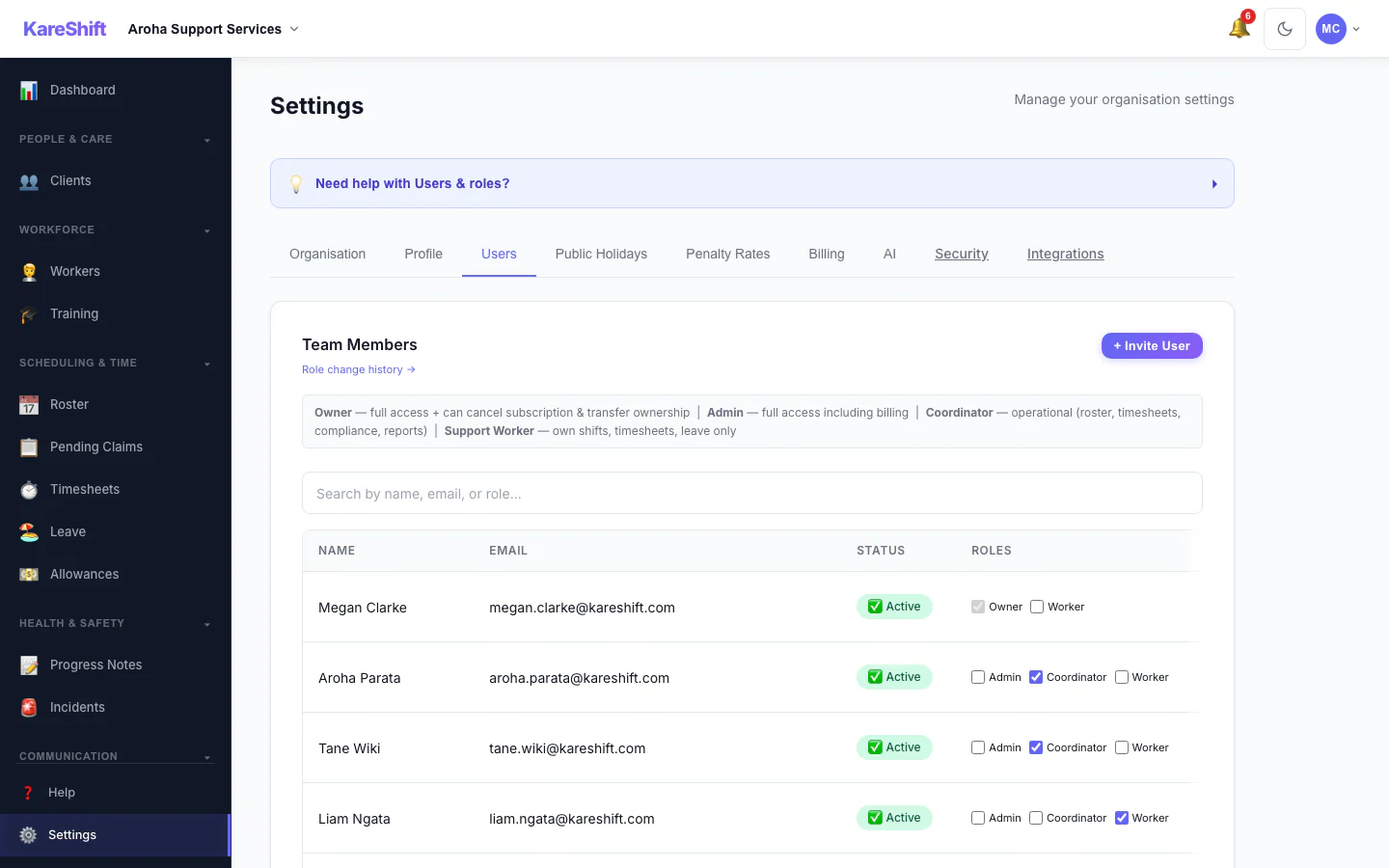
Team Members and Roles
Everyone in your organisation, their status and roles.
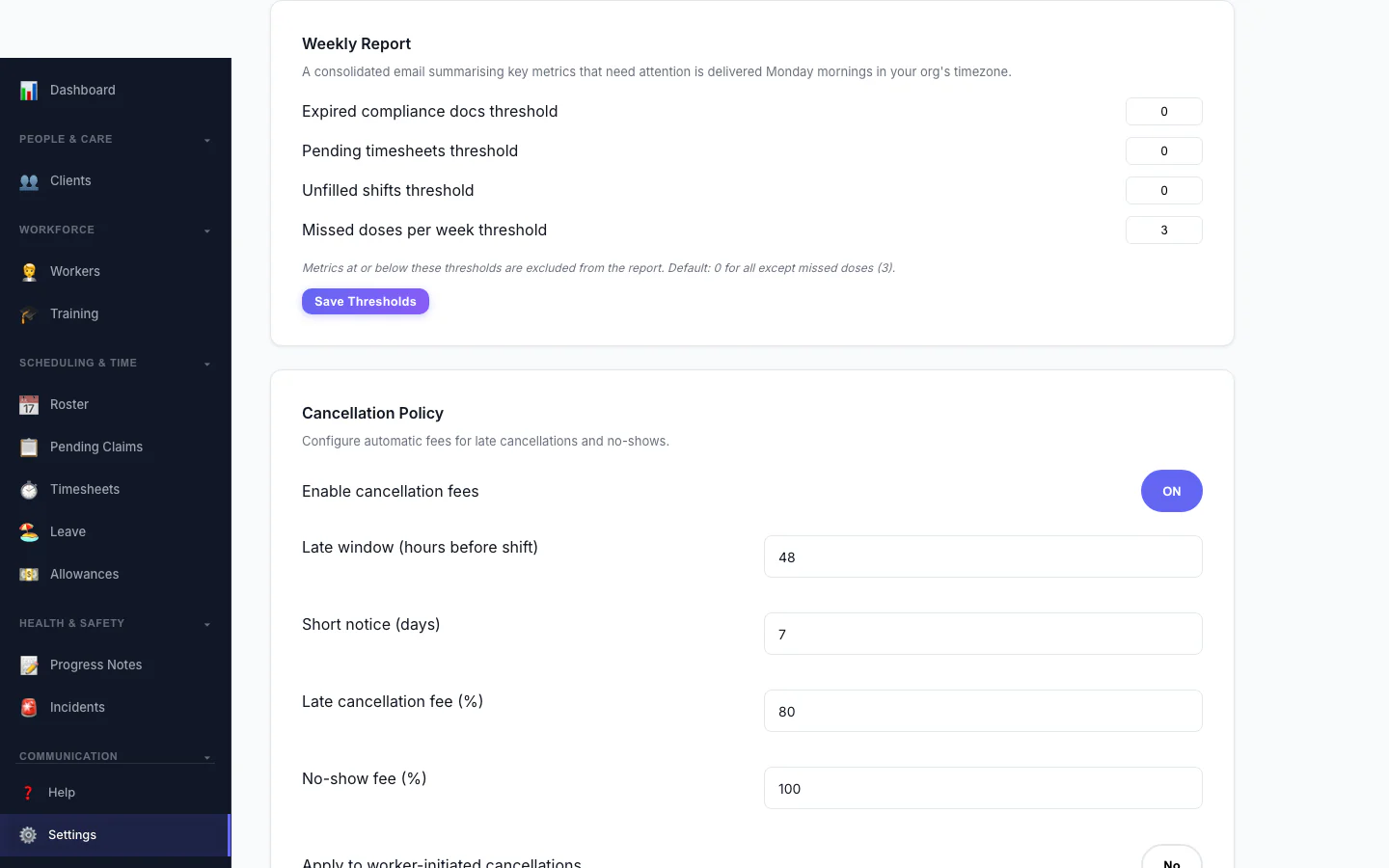
Weekly Report
Set the thresholds for the weekly summary email.
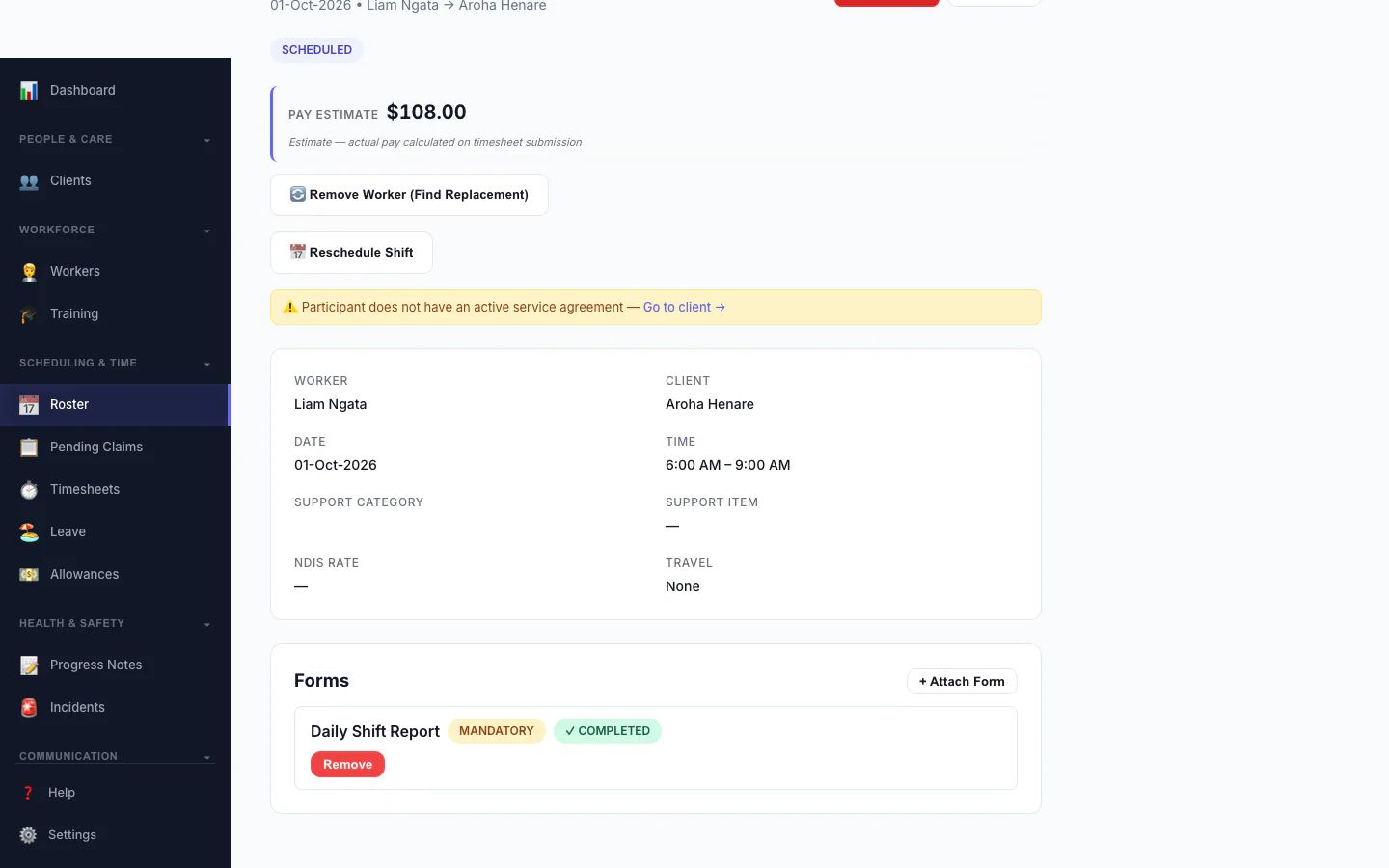
Forms Attached to a Shift
A shift with a mandatory form marked completed.
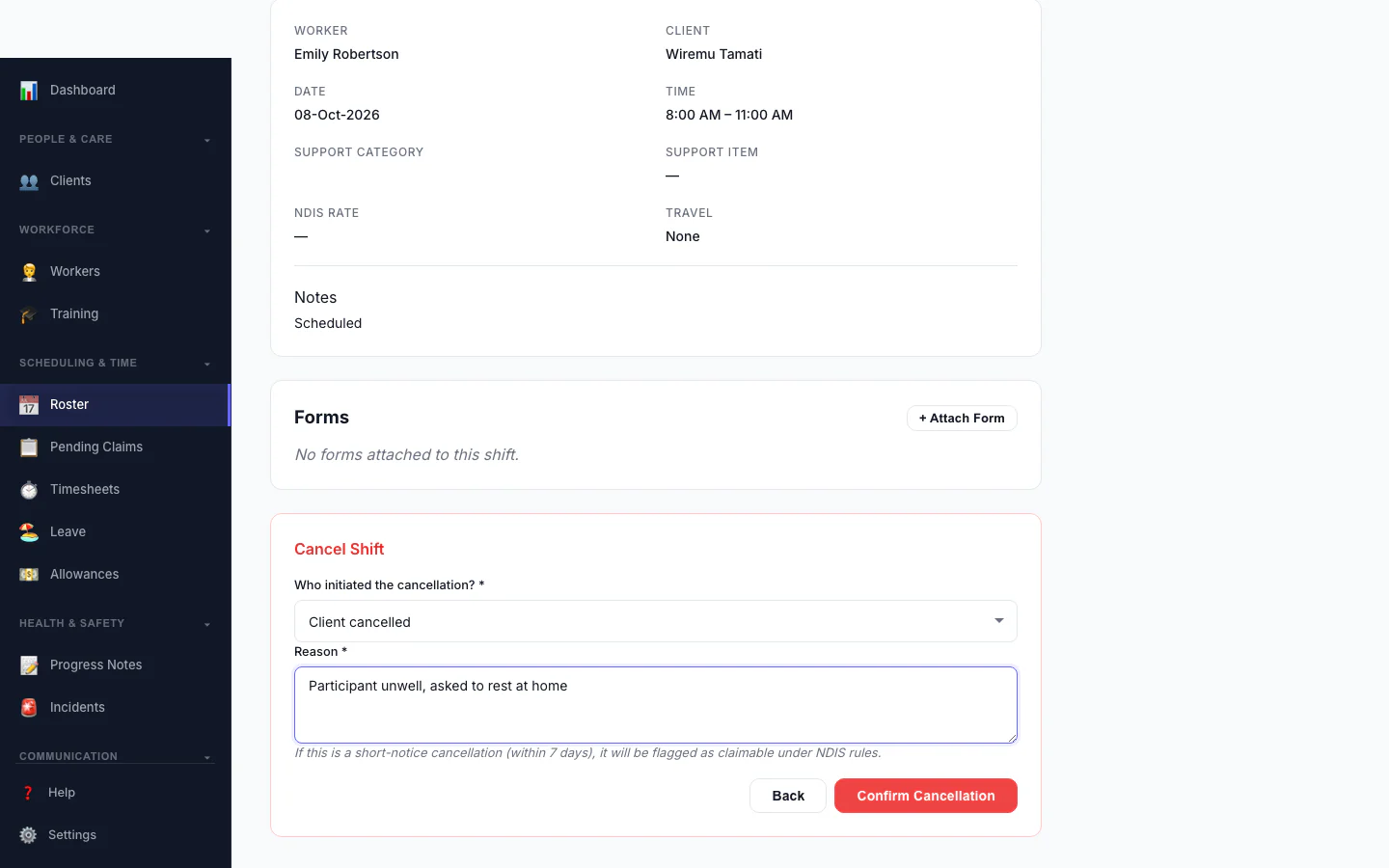
Cancel a Shift
Record who cancelled and why, so the right fee is applied.
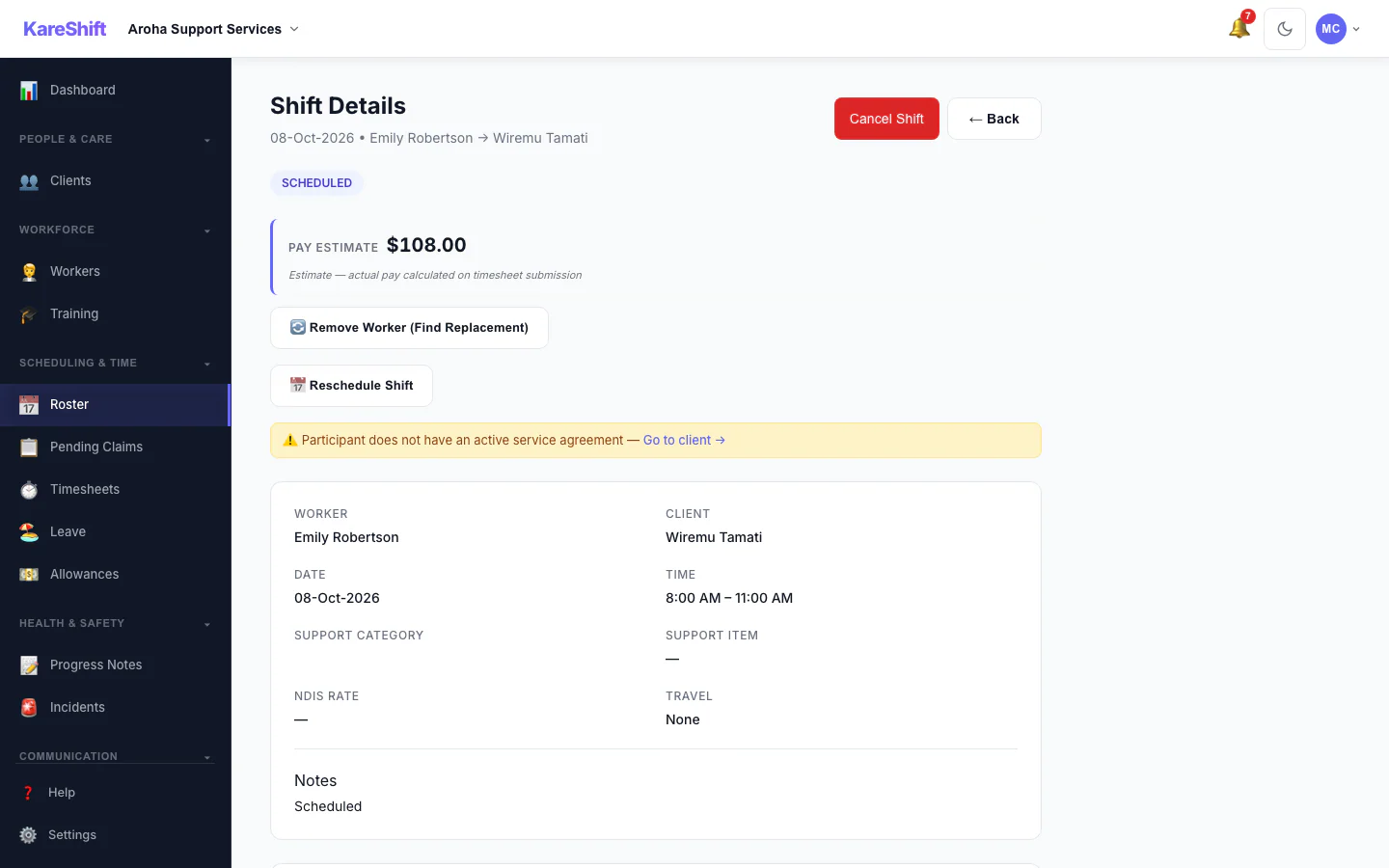
Shift Detail
A shift with its worker, pay estimate and attached forms.
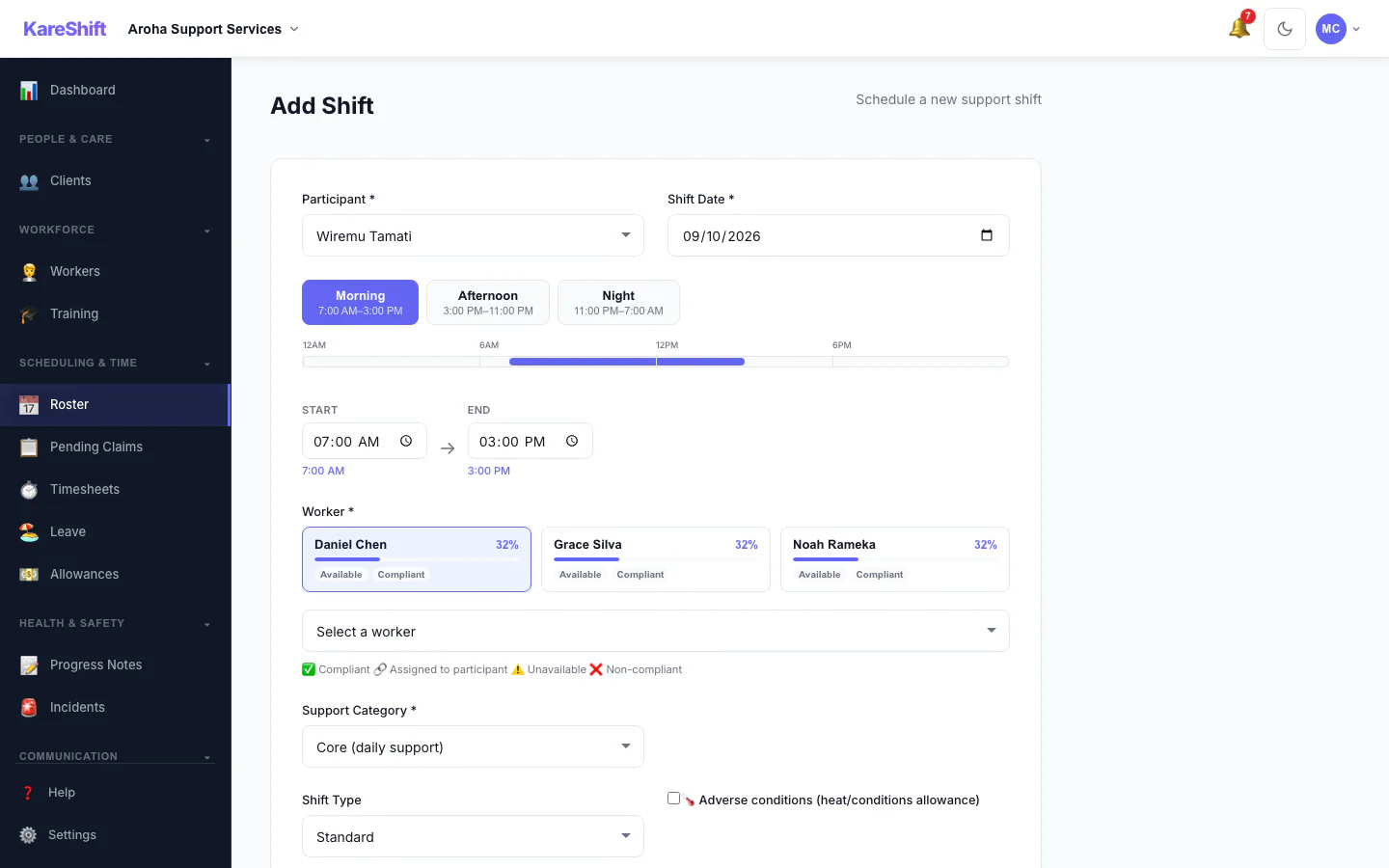
Add a Shift
Pick the person, date and times, and see suggested workers.
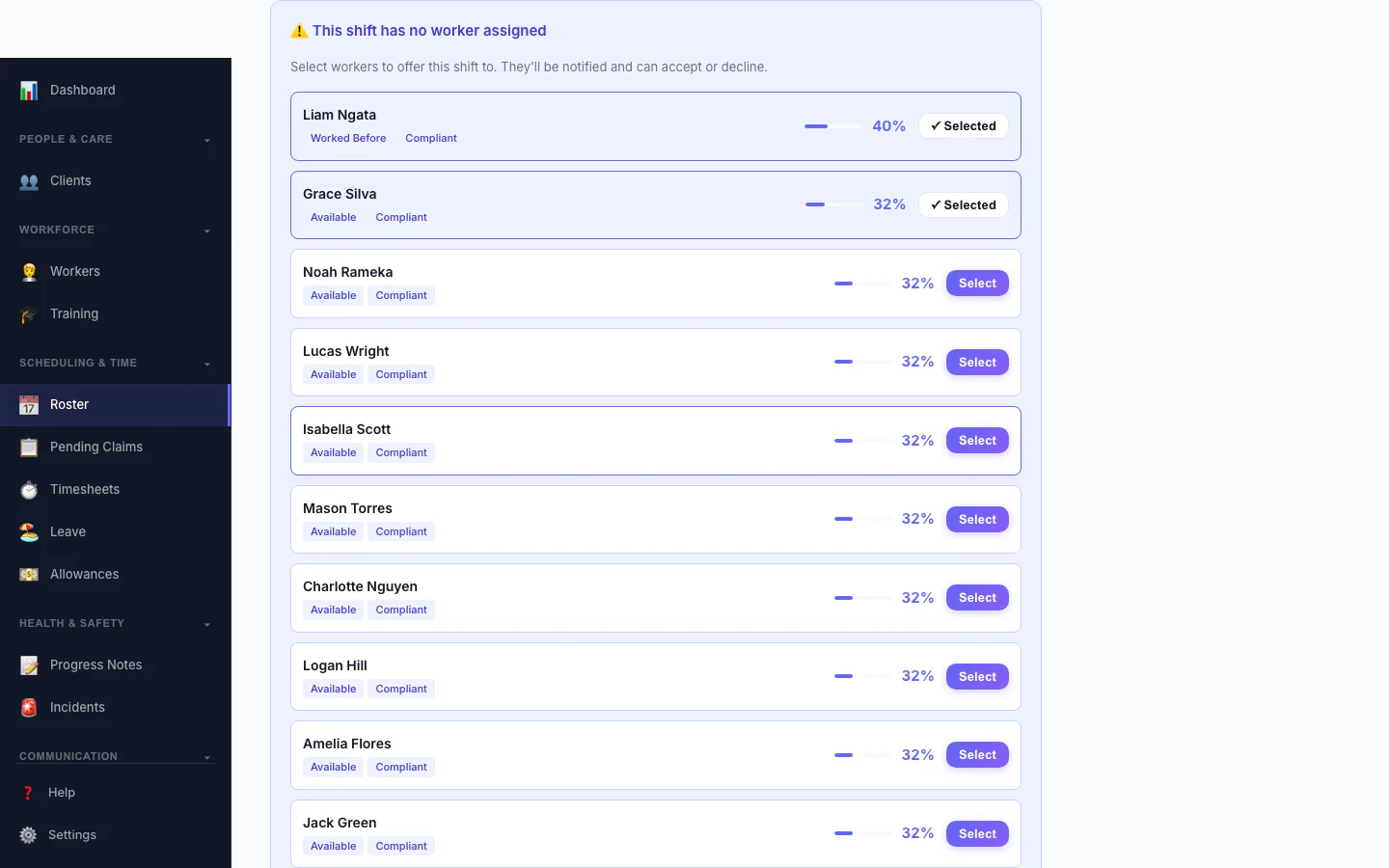
Replacement Assistant
A vacant shift with ranked replacement workers and one-click offers.
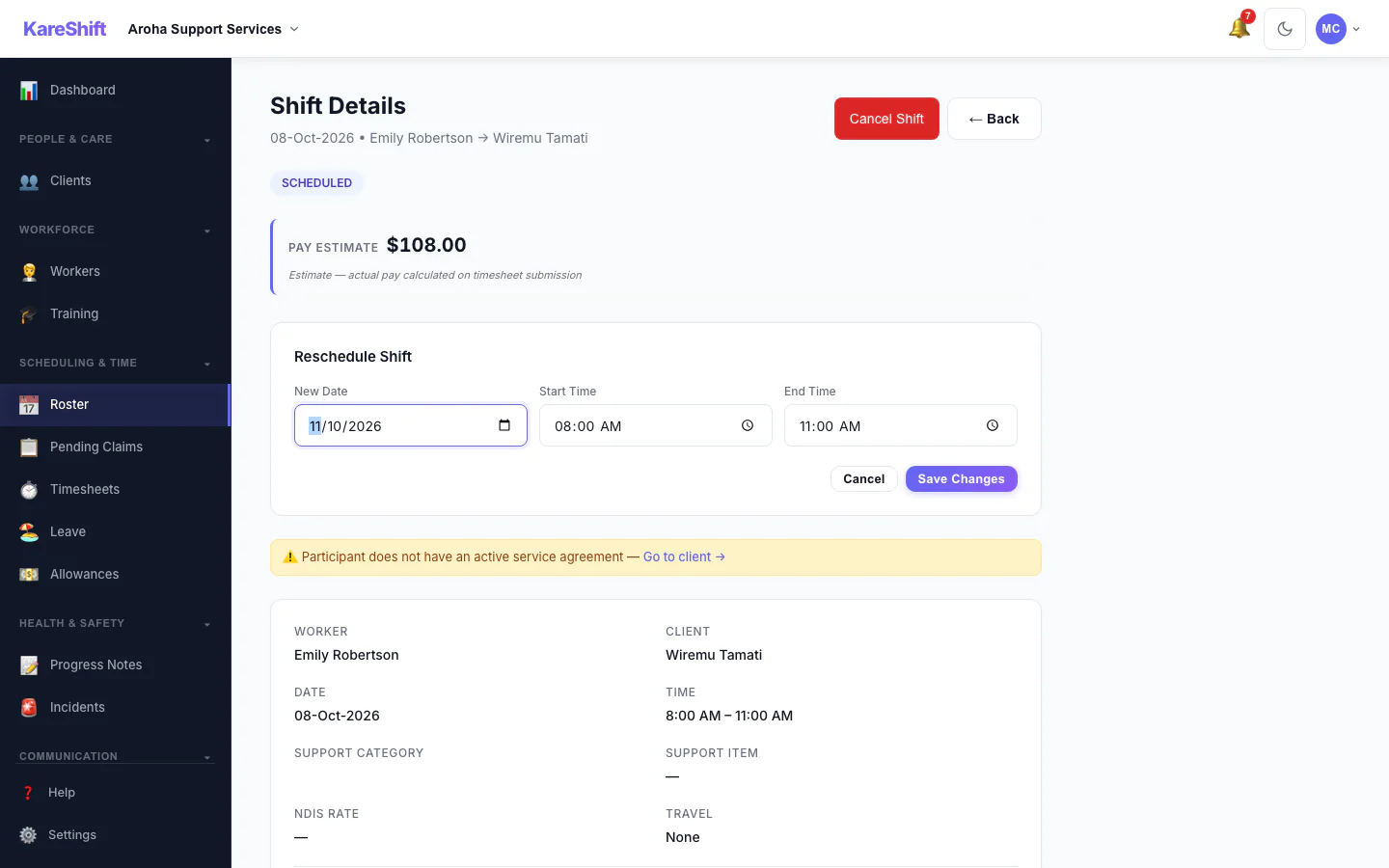
Reschedule a Shift
Move a shift to a new date and time.
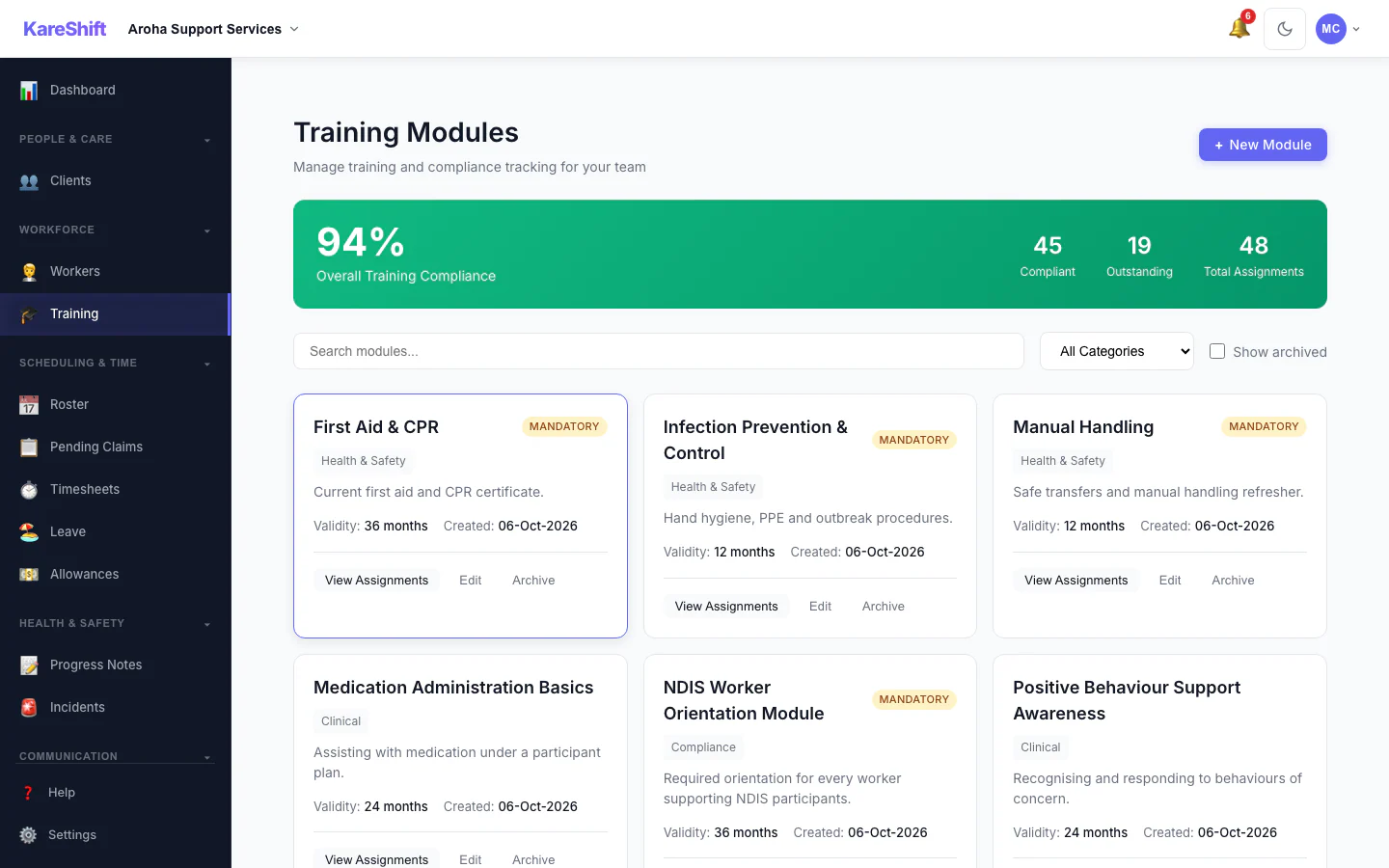
Training Modules
Mandatory and optional training, overall compliance and who is due.
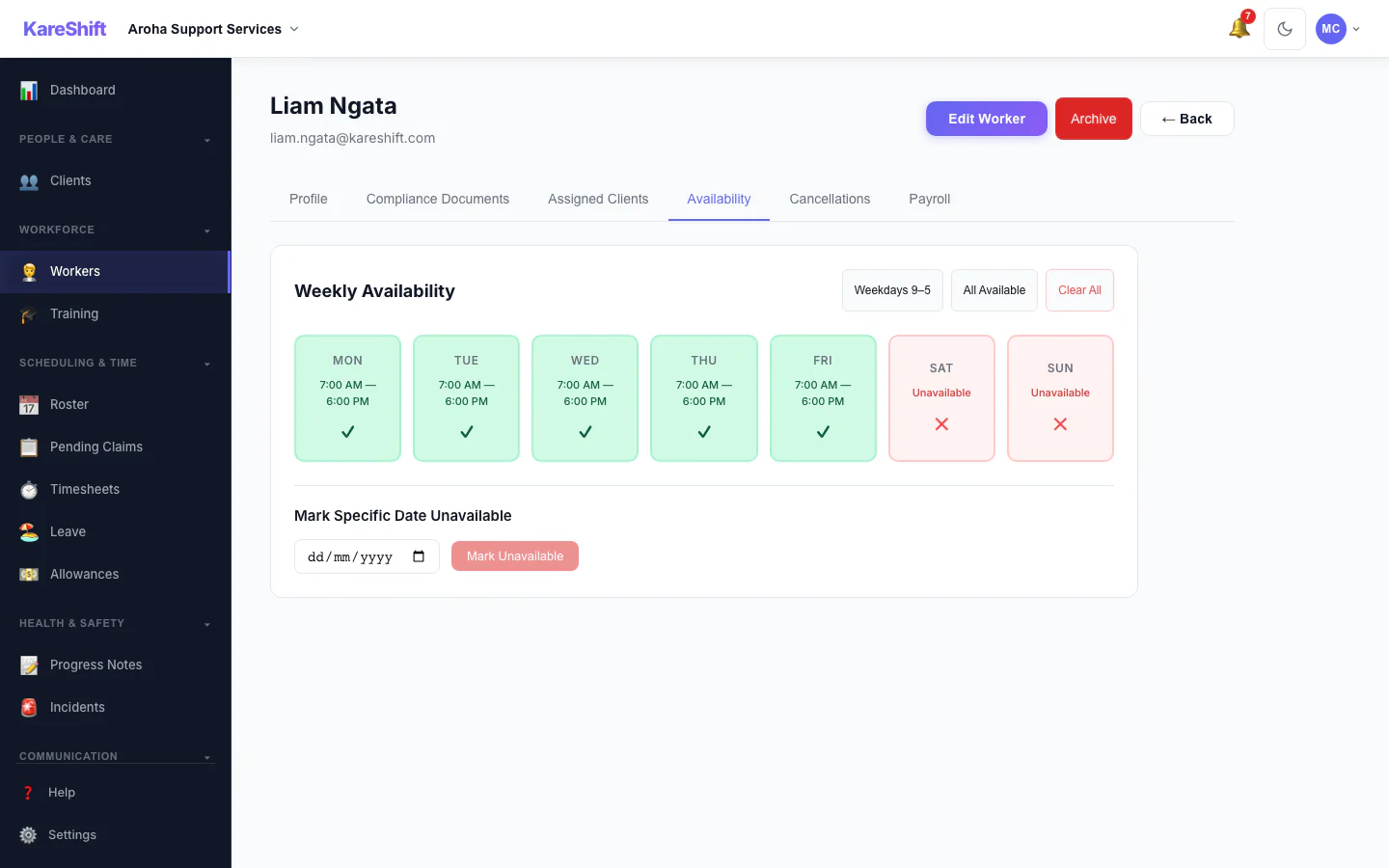
Worker Availability
A worker's weekly availability grid.
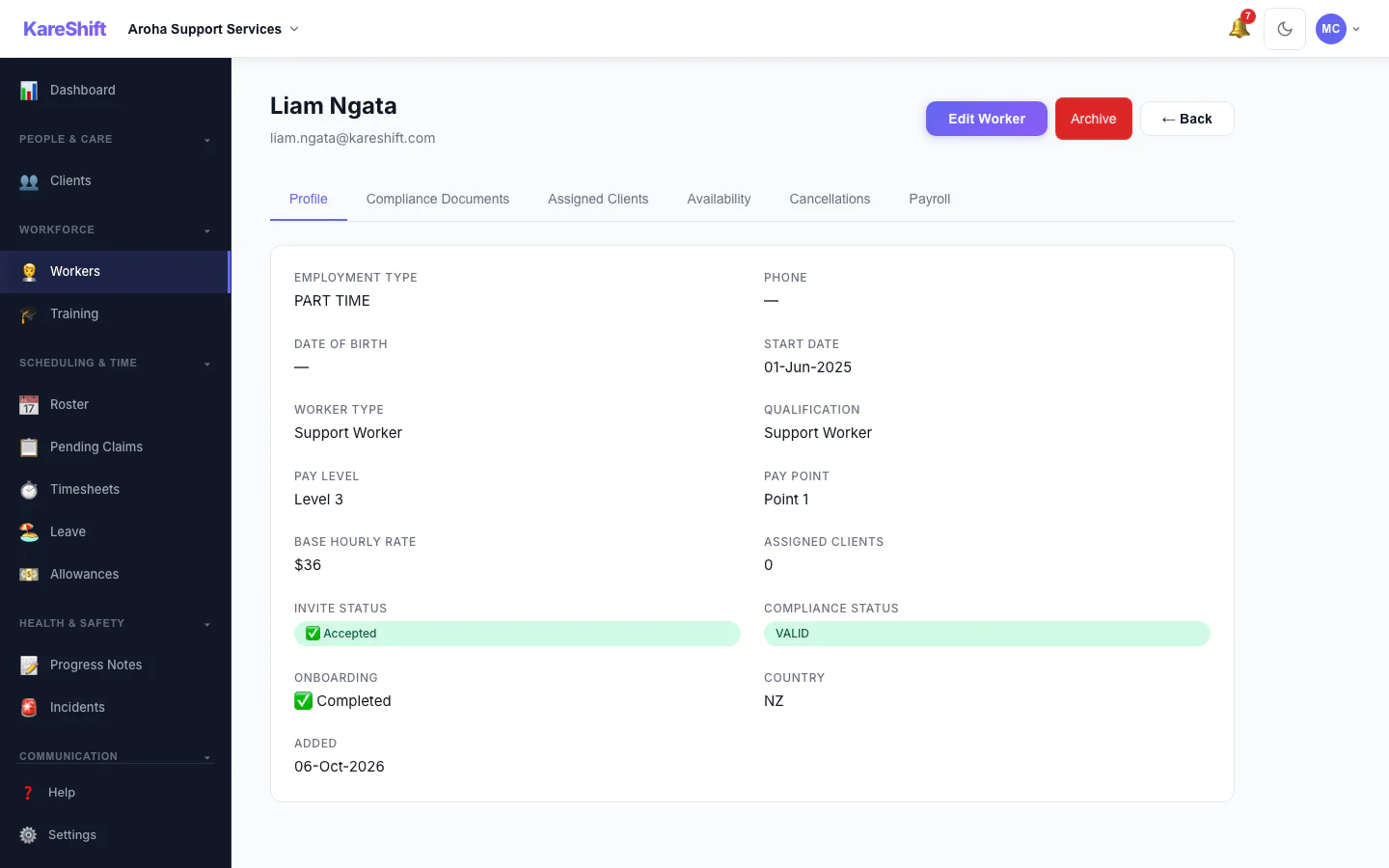
Worker Profile
A worker's profile and details.
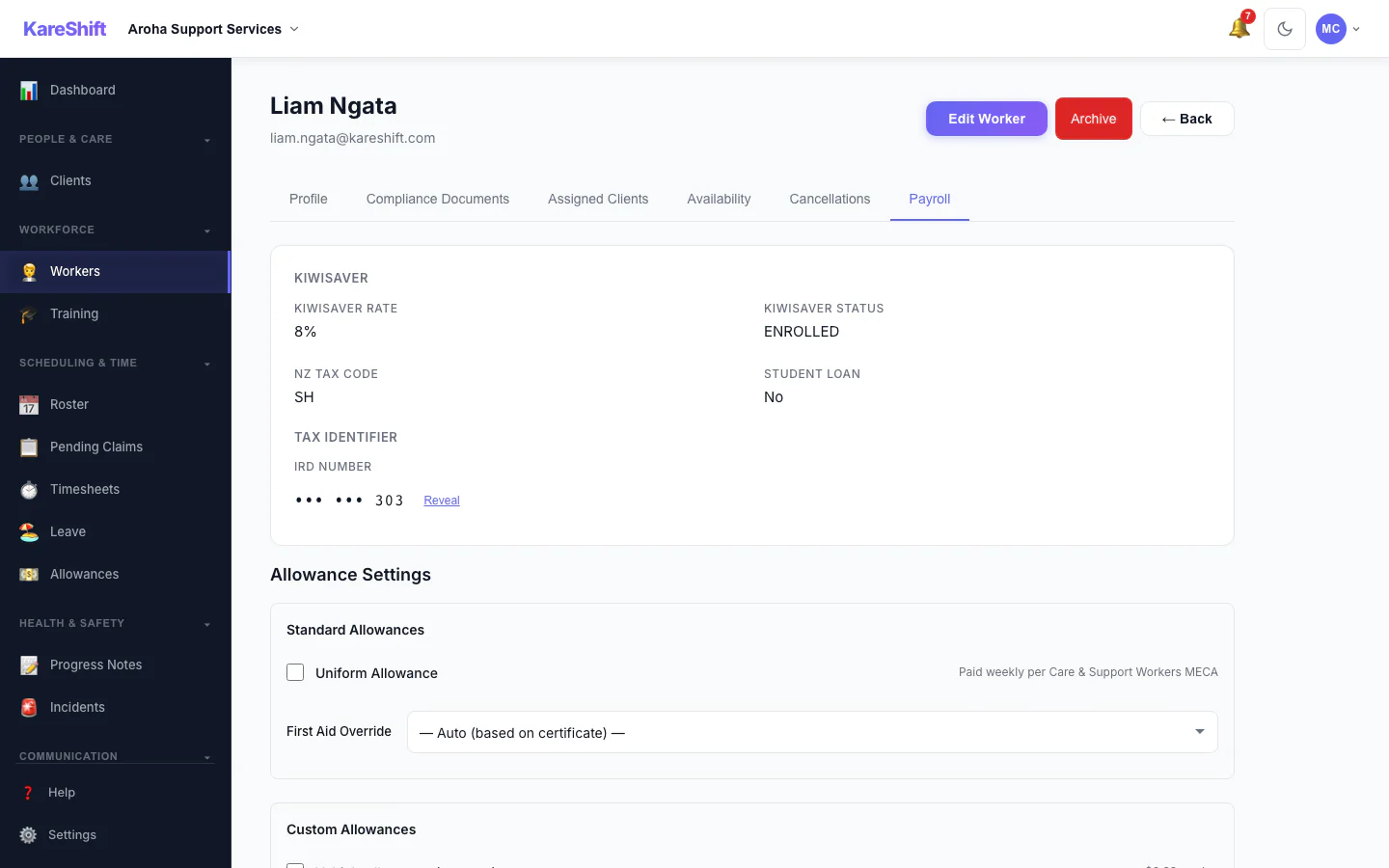
Worker Payroll Details
Payroll details and allowance settings for a worker.
Mobile Experience
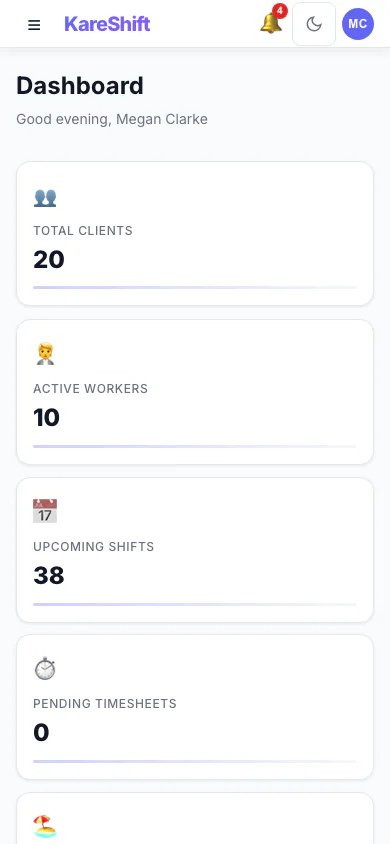
Dashboard (Mobile)
The same dashboard, laid out for your phone.
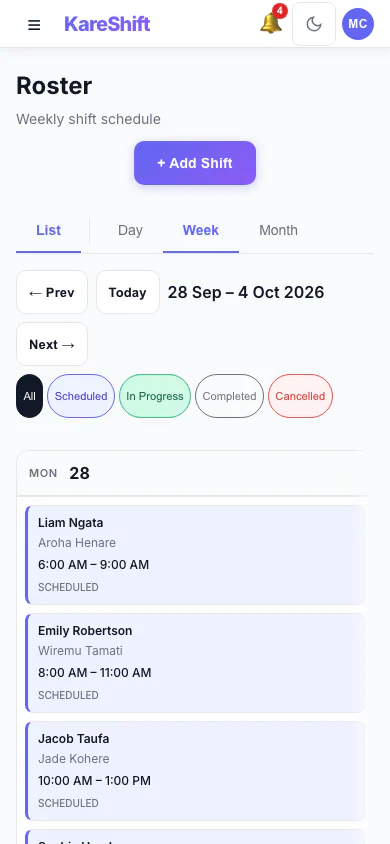
Roster (Mobile)
View and manage shifts from your phone.
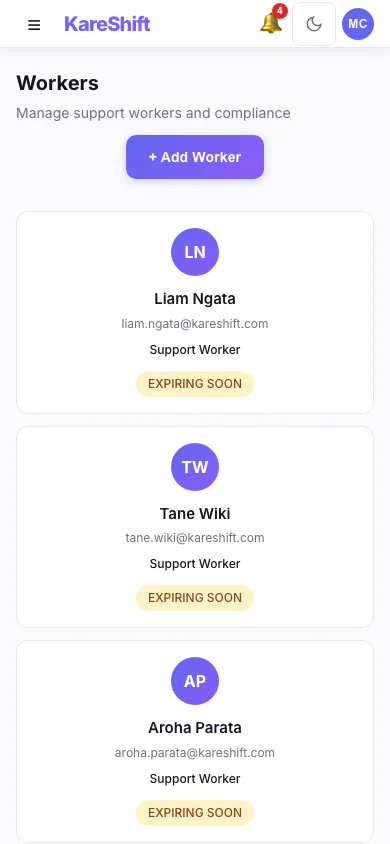
Workers (Mobile)
Full team list on mobile — compliance status at a glance.
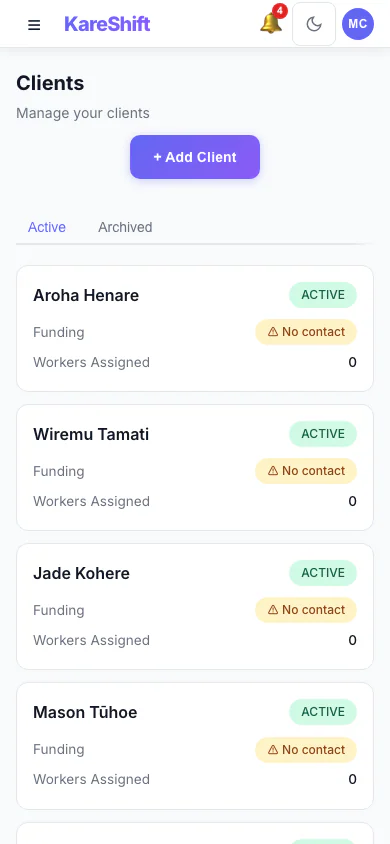
Clients (Mobile)
Browse clients, check funding status on the go.
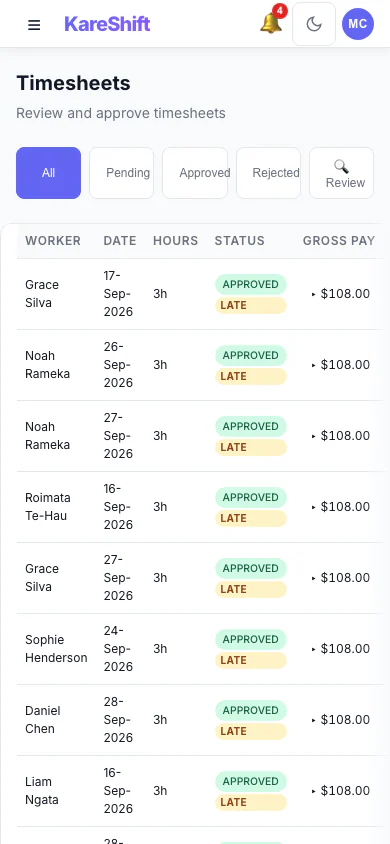
Timesheets (Mobile)
Approve hours on the go. Tap to review.
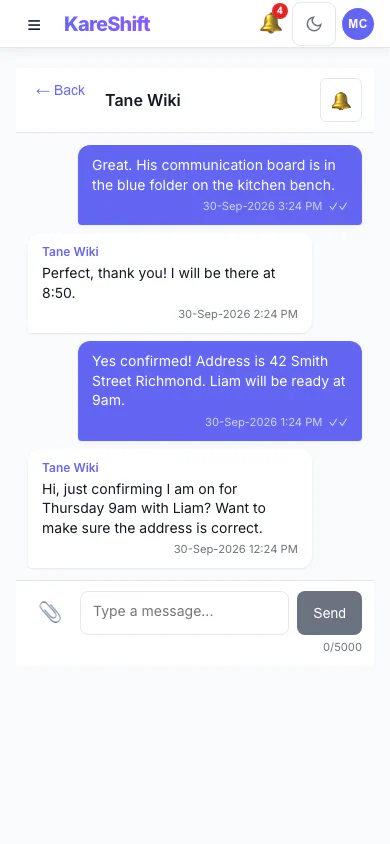
Messages (Mobile)
Team messaging on the go — quick replies and notifications.
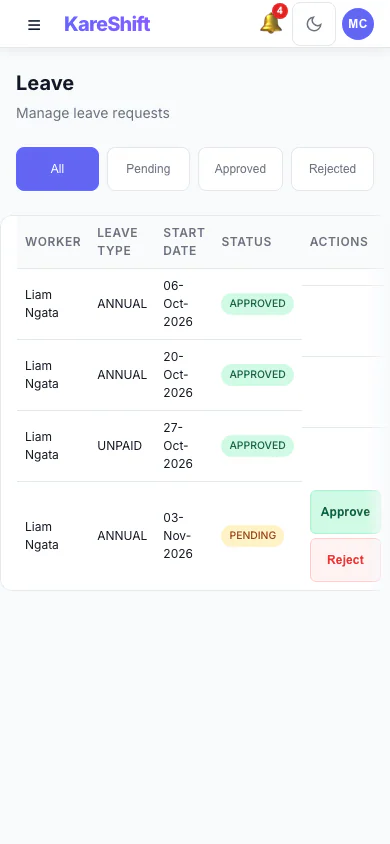
Leave (Mobile)
Approve leave requests on mobile.
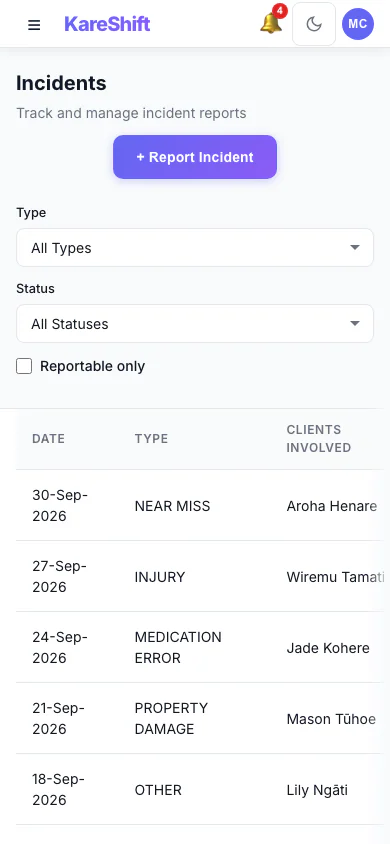
Incidents (Mobile)
Record and review incidents on your phone.
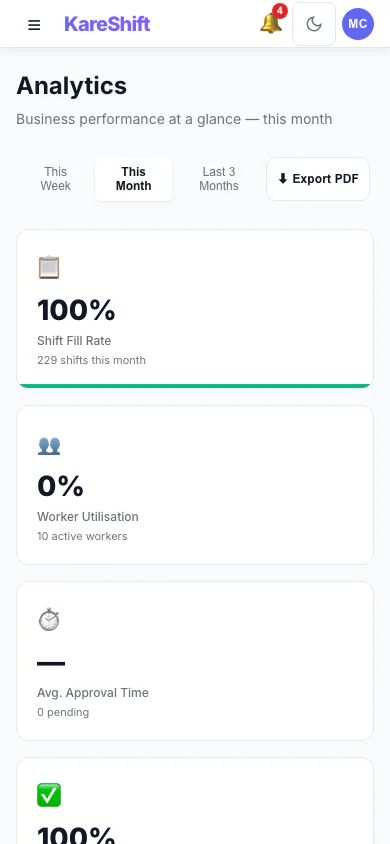
Analytics (Mobile)
Staffing metrics and compliance on mobile.
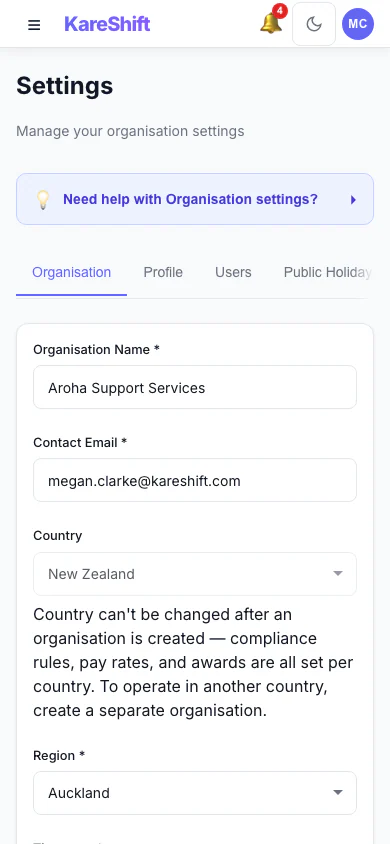
Settings (Mobile)
Manage organisation settings from your phone.
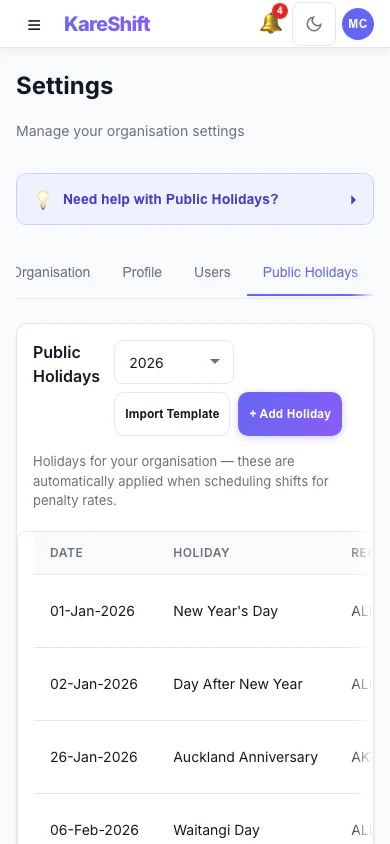
Holidays (Mobile)
View and manage public holidays on mobile.
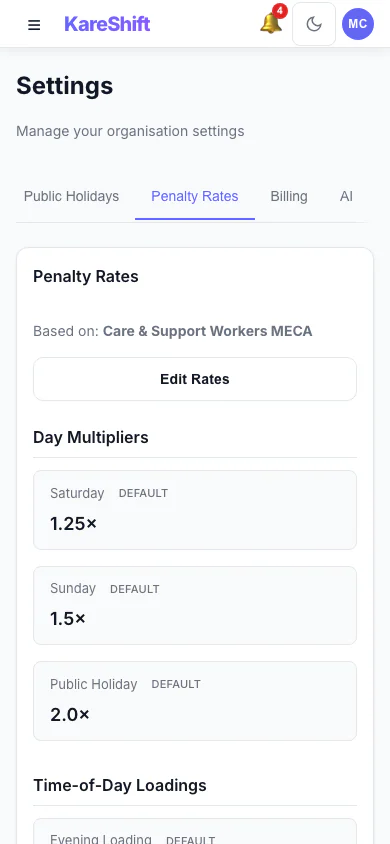
Penalty Rates (Mobile)
Penalty rate configuration on your phone.
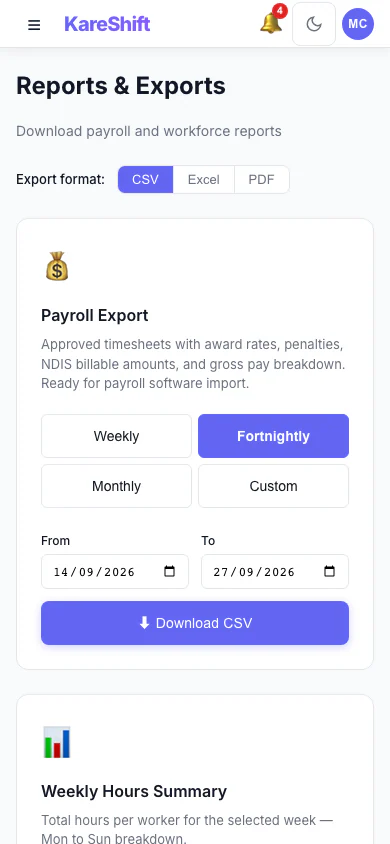
Reports (Mobile)
Generate and view reports from your phone.
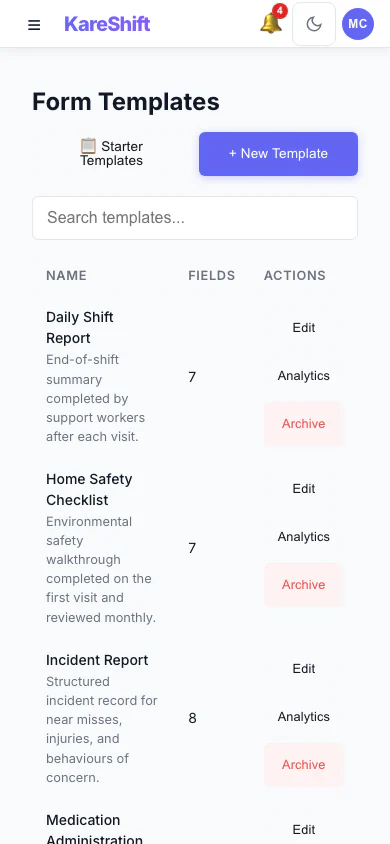
Forms (Mobile)
View custom forms on mobile.
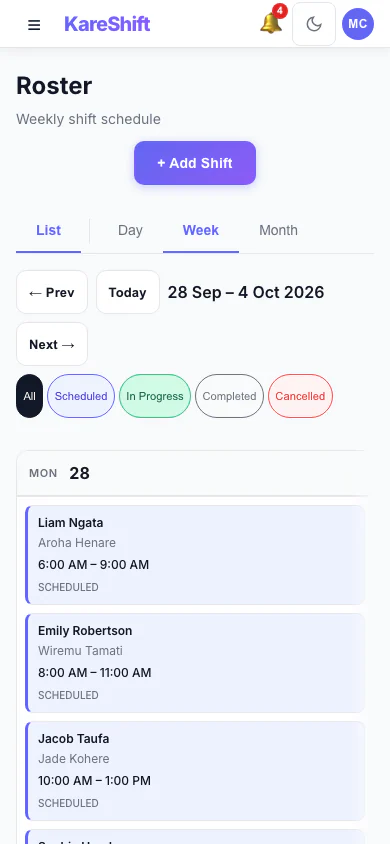
Roster Calendar (Mobile)
Visual calendar view on your phone.
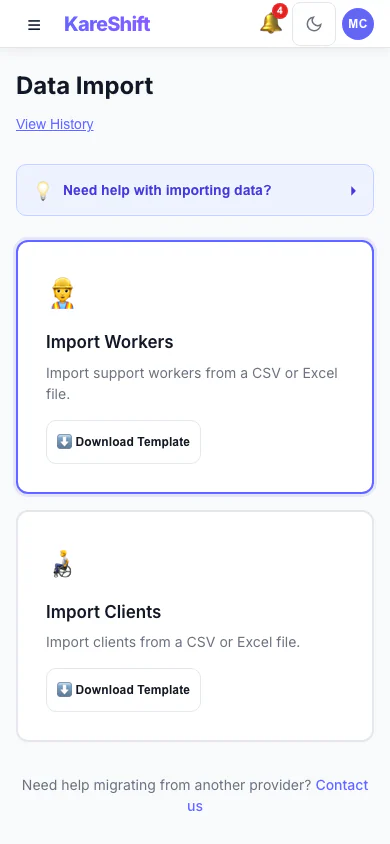
Import (Mobile)
Bulk import on mobile.
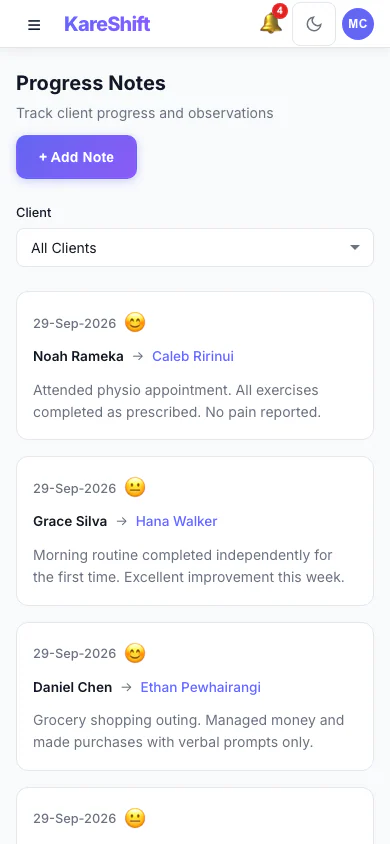
Support Notes (Mobile)
Log visit notes from your phone.
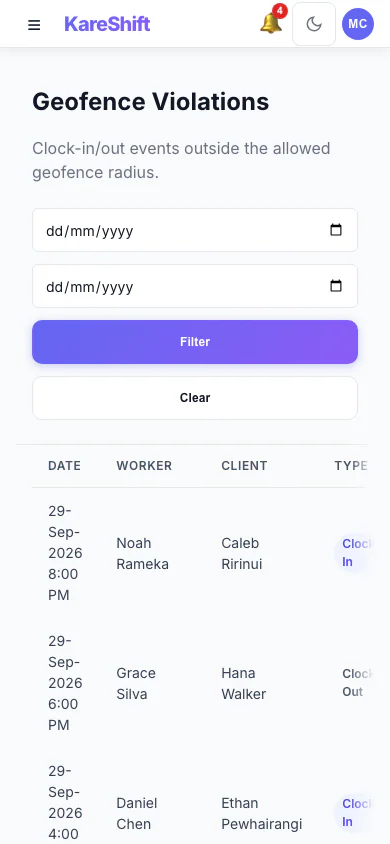
Geofence Violations (Mobile)
Review clock-in violations on mobile.
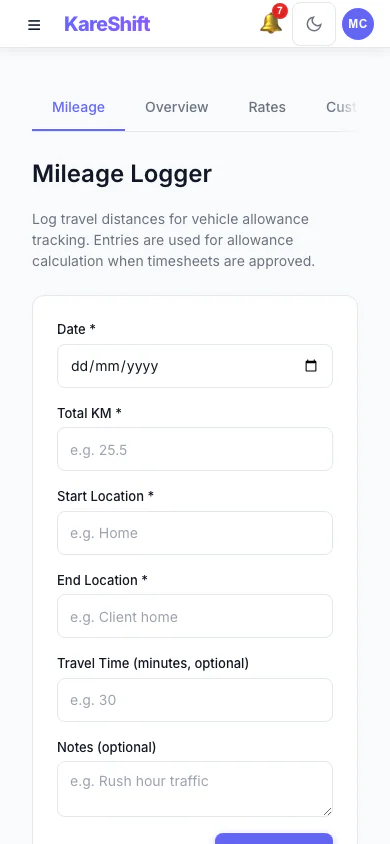
Allowances (Mobile)
Mileage and allowances on mobile.
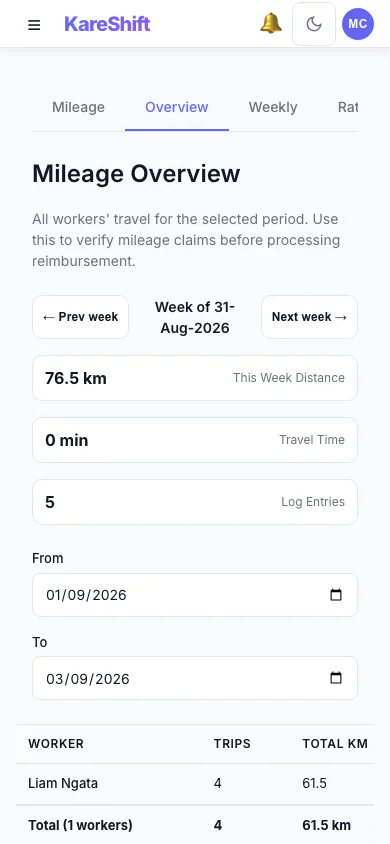
Mileage (Mobile)
Travel totals on your phone.
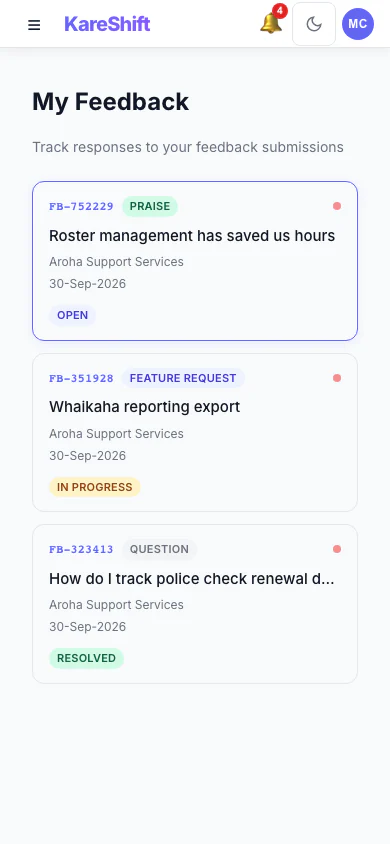
Feedback (Mobile)
In-app feedback on mobile.
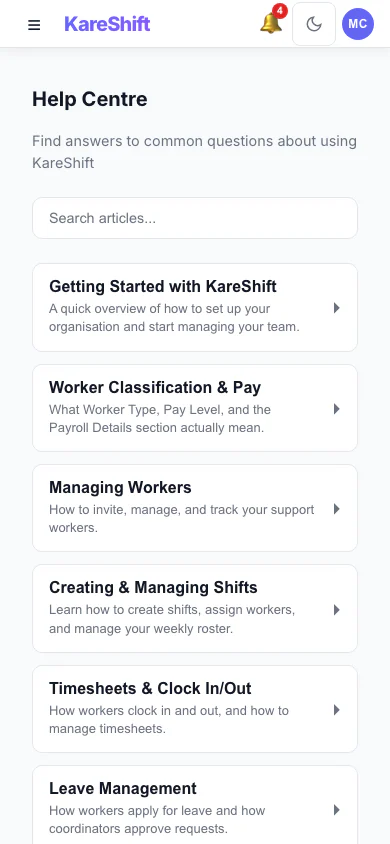
Help (Mobile)
Knowledge base on mobile.
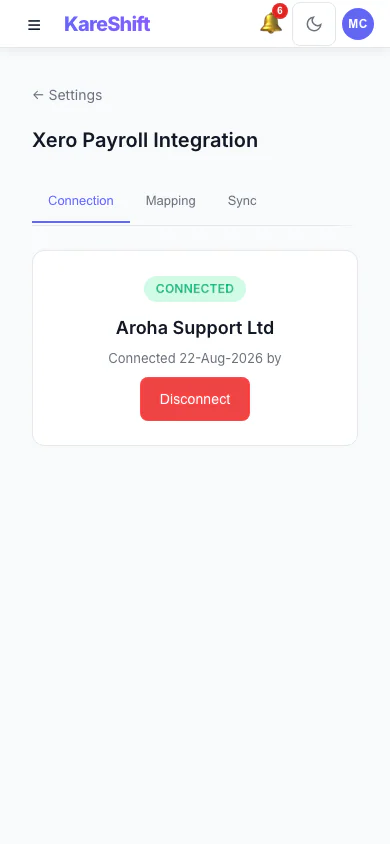
Xero Connection (Mobile)
Check Xero connection status from your phone.
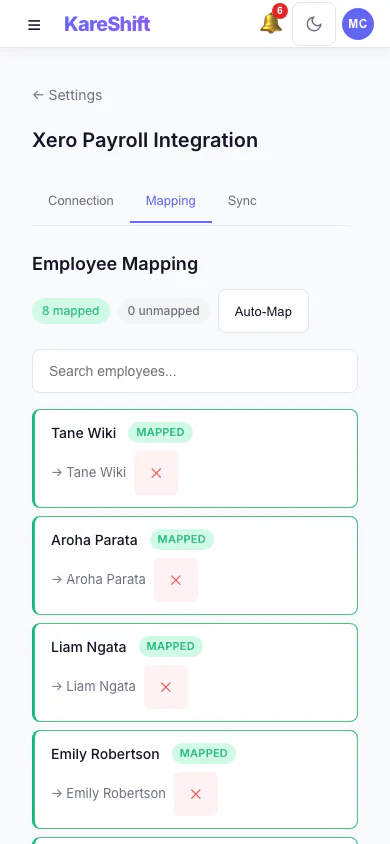
Xero Mapping (Mobile)
Employee and rate mapping on mobile.
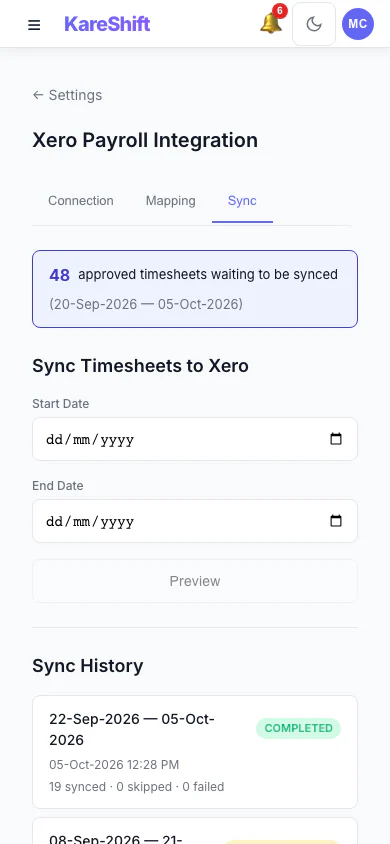
Xero Sync (Mobile)
Timesheet sync history on your phone.
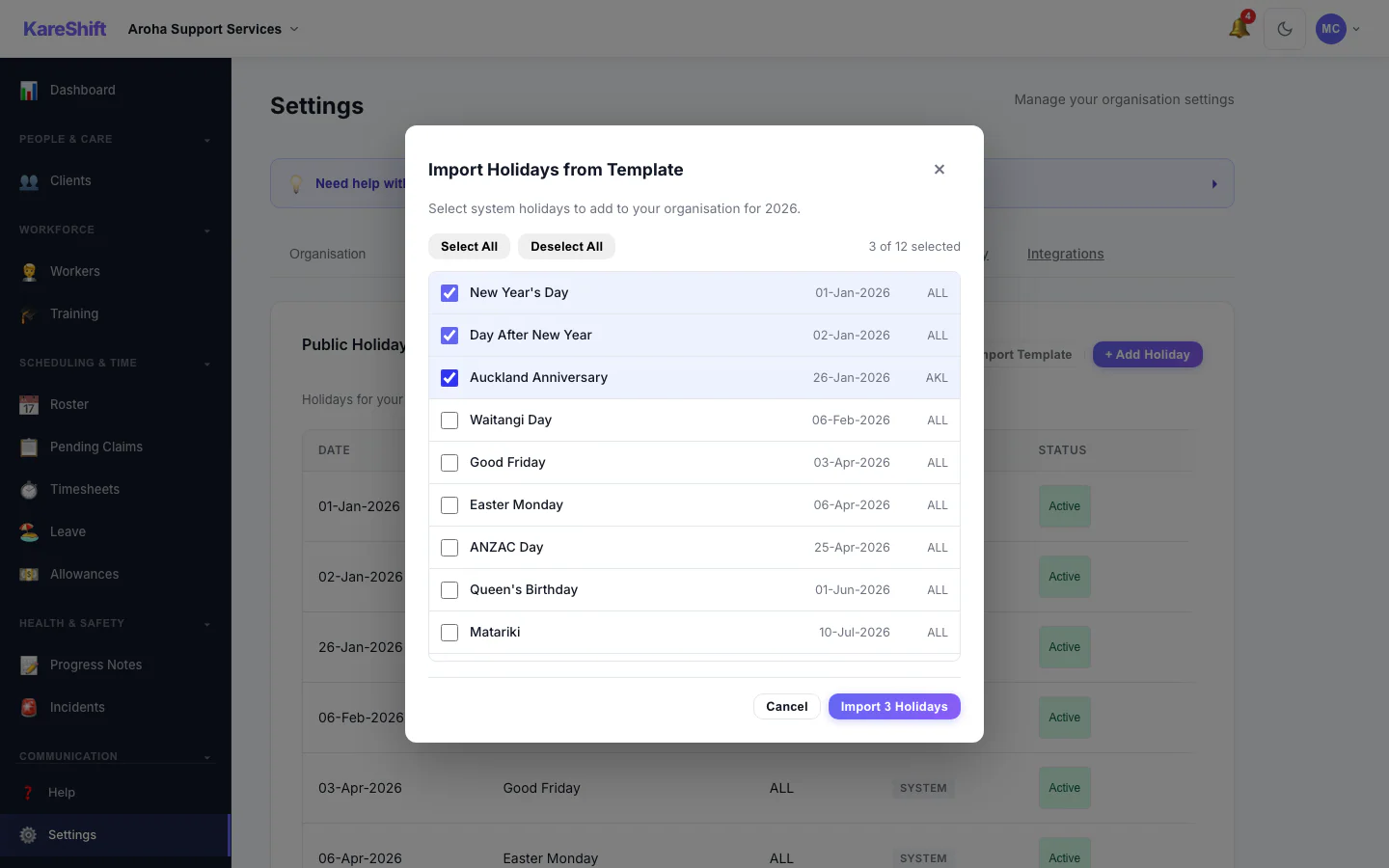
Template Import
Import roster templates from CSV.
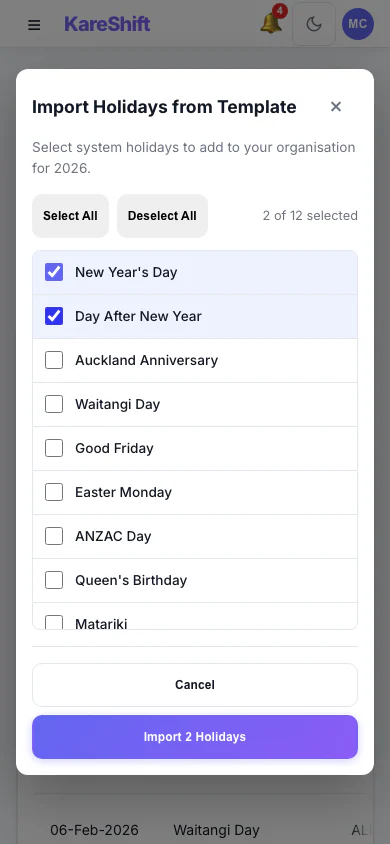
Template Import (Mobile)
Template import on mobile.
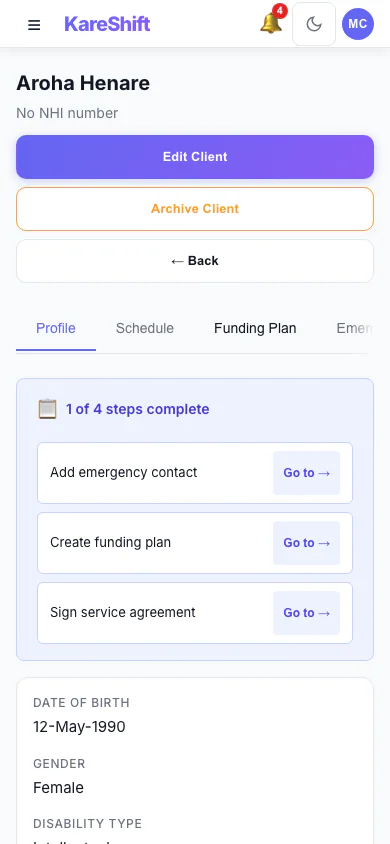
Client Detail (Mobile)
Full client profile on your phone.
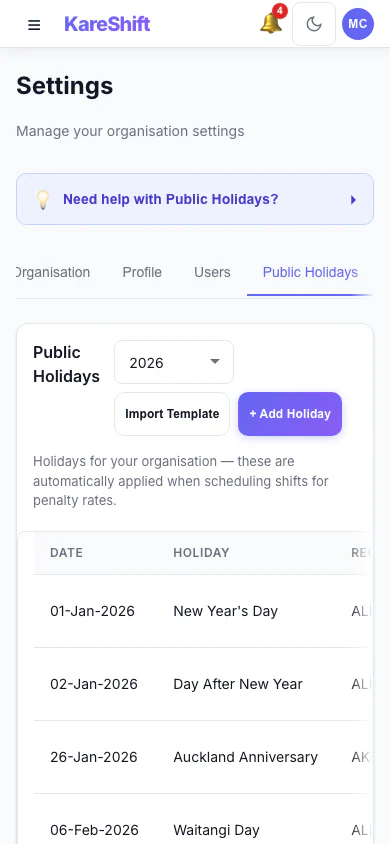
Holiday Exclusion (Mobile)
Toggle holidays on mobile.
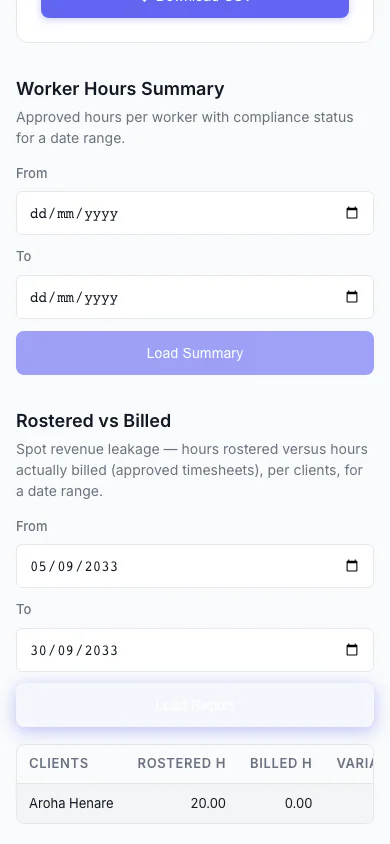
Rostered vs Billed (Mobile)
Spot revenue leakage at a glance — rostered hours versus hours actually billed, per client, with the shortfall highlighted.
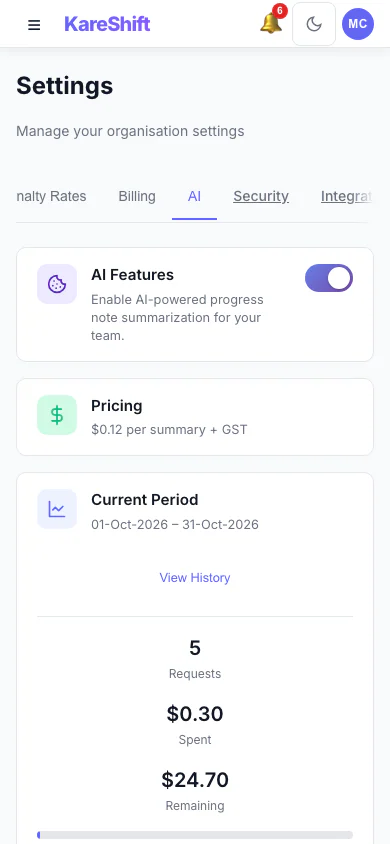
AI Settings (Mobile)
Turn AI progress summaries on for your organisation, set a monthly spending cap and see this period's usage.
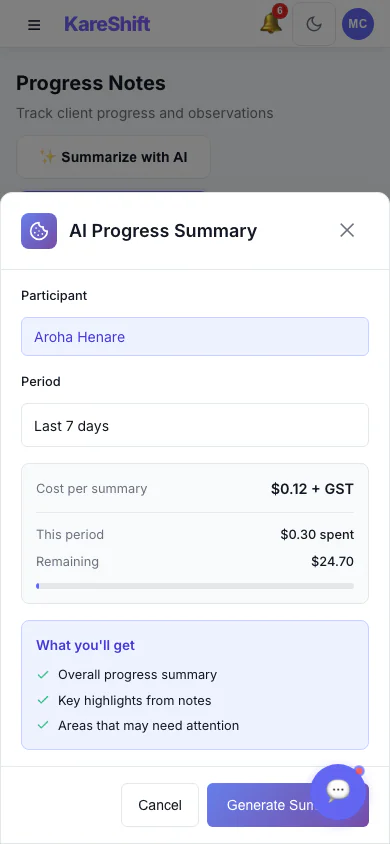
AI Progress Summary — Choose a Period (Mobile)
Pick a participant and a date range, see the cost per summary, then generate. Off by default; owners switch it on.
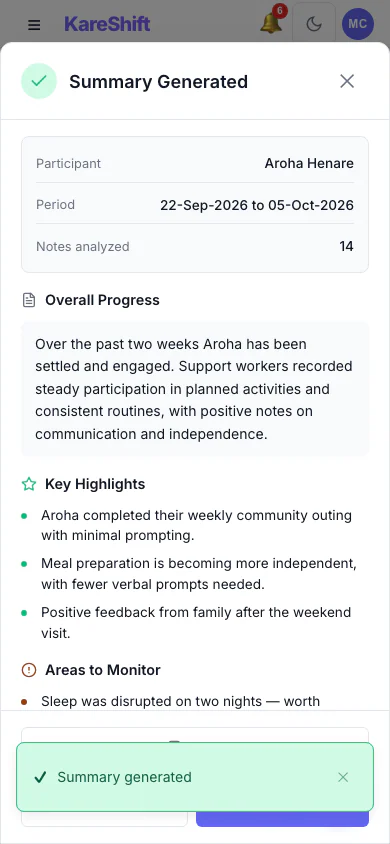
AI Progress Summary — Result (Mobile)
A written summary with highlights and areas to monitor. Staff review it before relying on it.
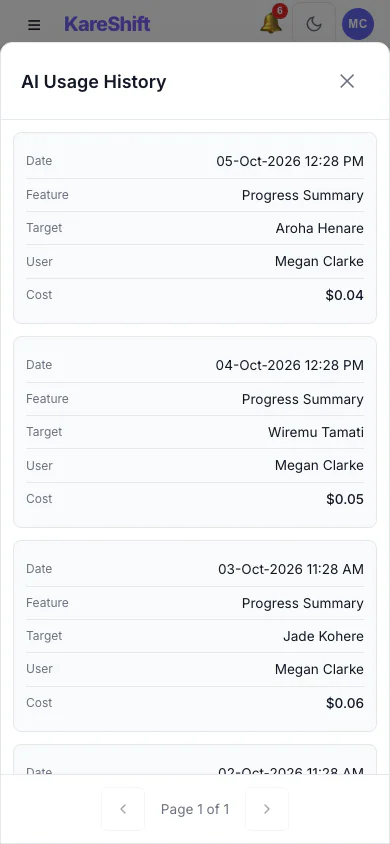
AI Usage History (Mobile)
Every summary generated, who ran it, for whom and what it cost.
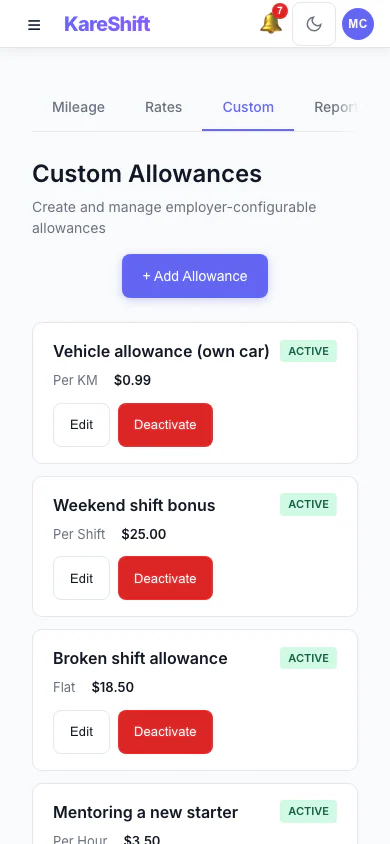
Custom Allowances (Mobile)
Create your own allowances beyond the standard ones, each with its own rate.
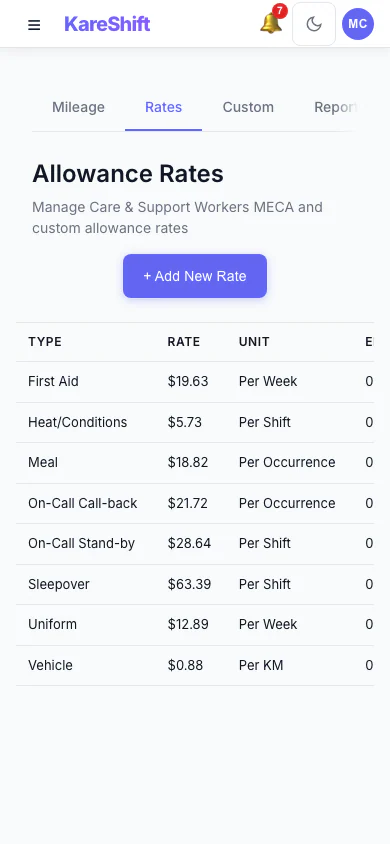
Allowance Rates (Mobile)
The rates used for each allowance, in one table.
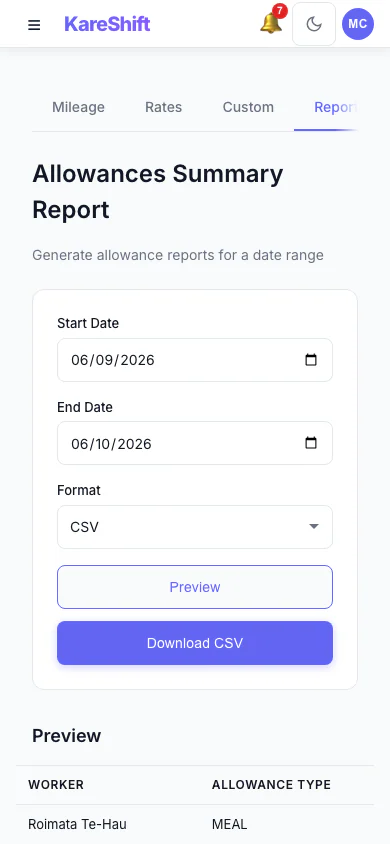
Allowances Report (Mobile)
Preview and export what was paid in allowances over a period, with a grand total.
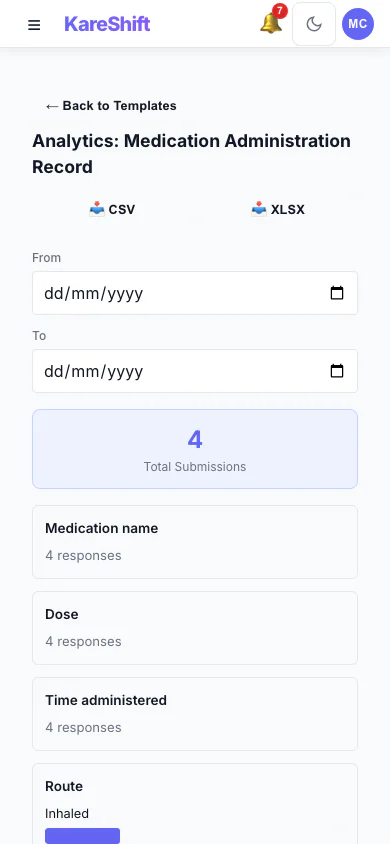
Form Analytics (Mobile)
Totals and answer distributions for a custom form across all submissions.
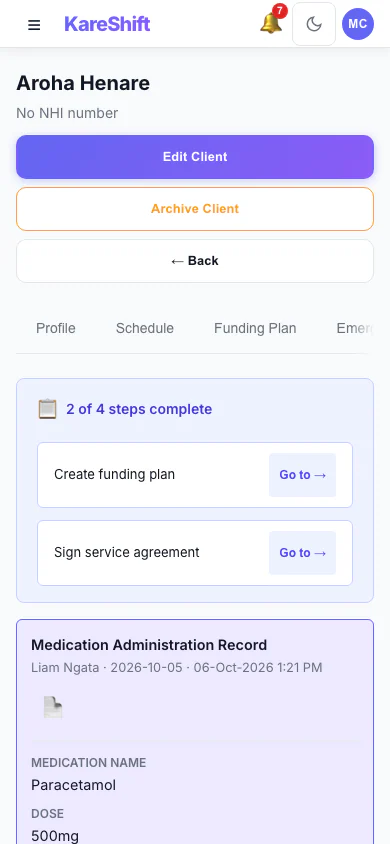
Form Submissions (Mobile)
Completed forms on a participant's record, with signatures.
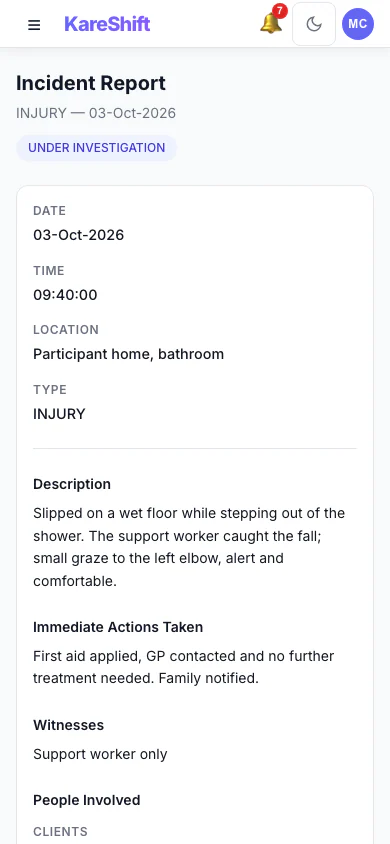
Incident Detail (Mobile)
An incident with its status, details and the update trail of who did what.
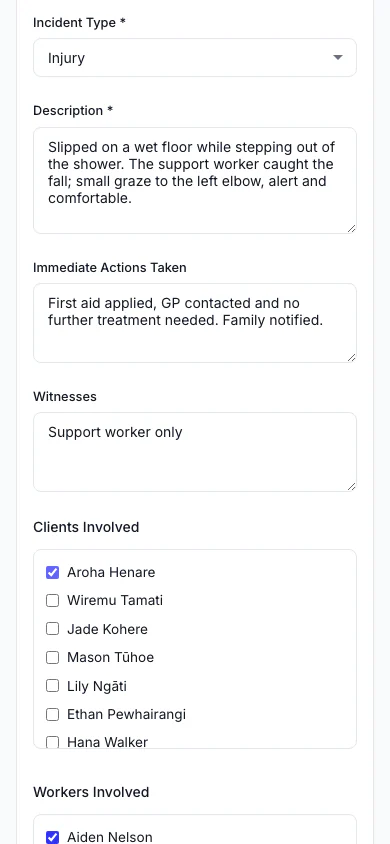
Report an Incident (Mobile)
Record what happened, who was involved and what was done straight away.
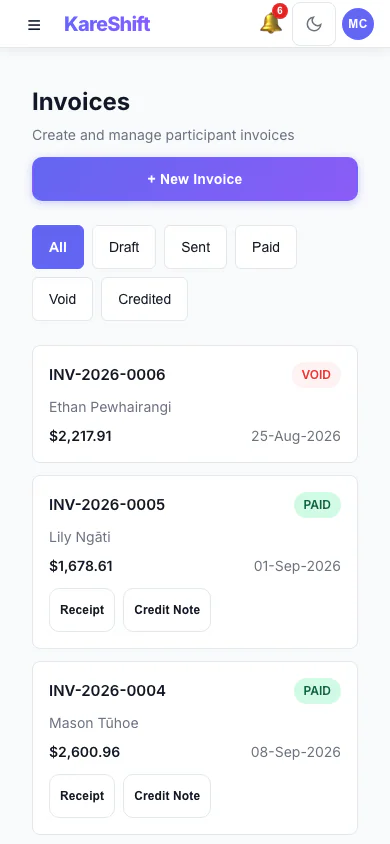
Invoices (Mobile)
Draft, sent, paid and voided invoices in one list, with PDF, receipt and credit note actions.
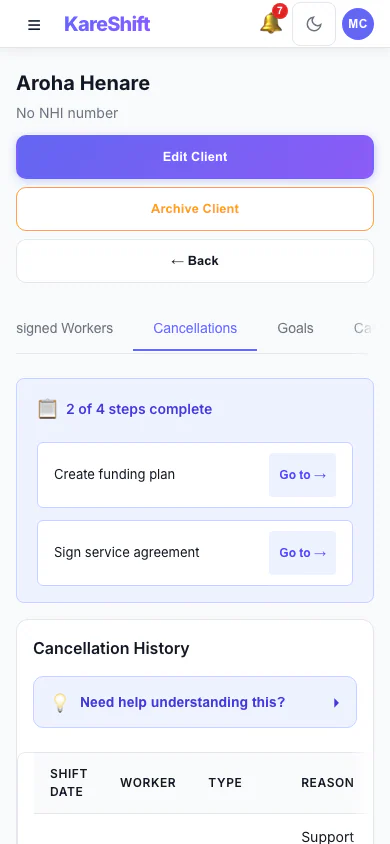
Cancellation History (Mobile)
Cancelled visits with who cancelled, whether the fee is claimable and the amount.
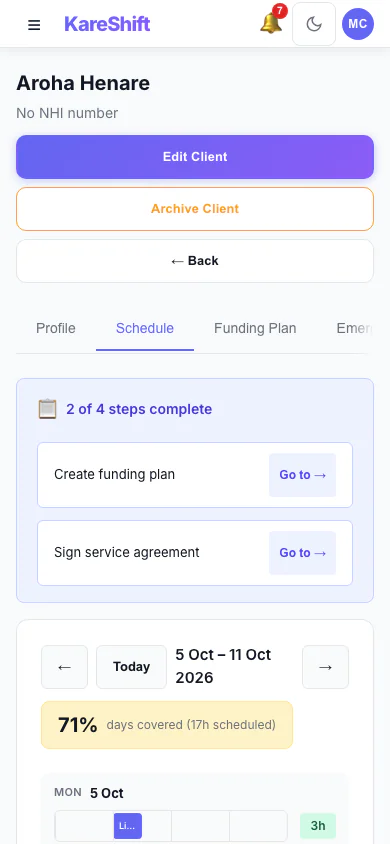
Participant Schedule (Mobile)
A participant's week of support and how well it is covered.
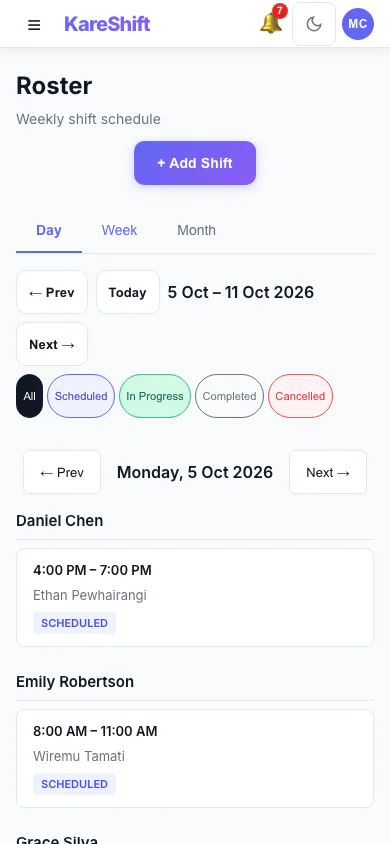
Roster — Day View (Mobile)
One day's shifts grouped by worker.
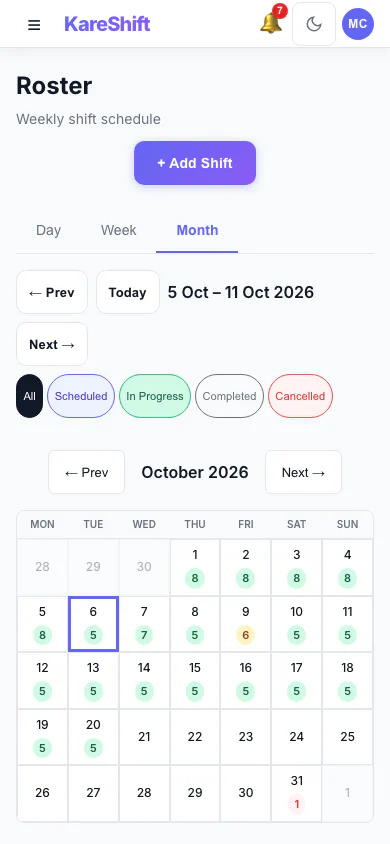
Roster — Month View (Mobile)
A month at a glance with shift counts for each day.
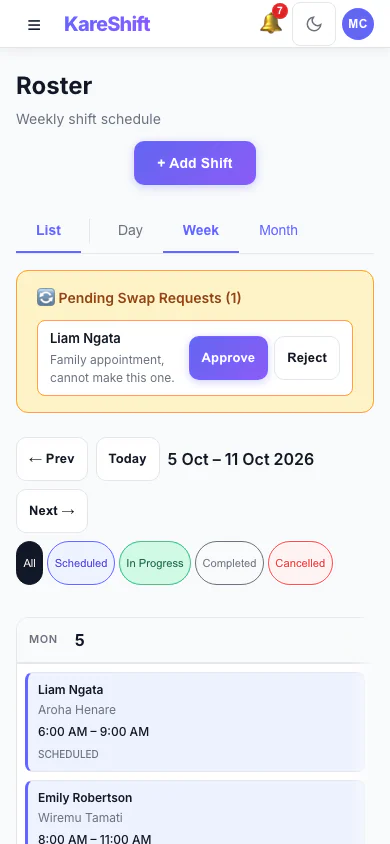
Shift Swap Requests (Mobile)
Pending swap requests with approve and reject.
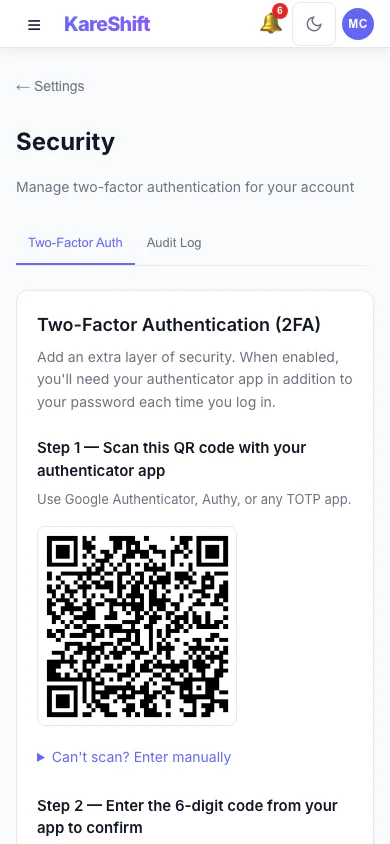
Set Up Two-Factor Authentication (Mobile)
Scan a code with an authenticator app, then enter the six-digit code to switch it on.
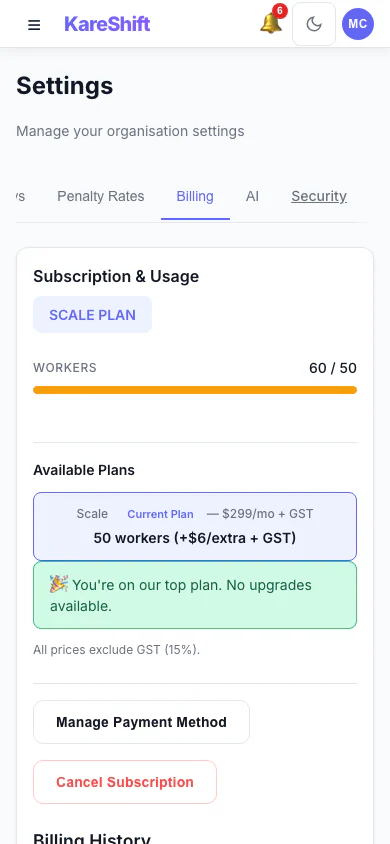
Billing and Plan (Mobile)
Your plan, worker usage and billing history.
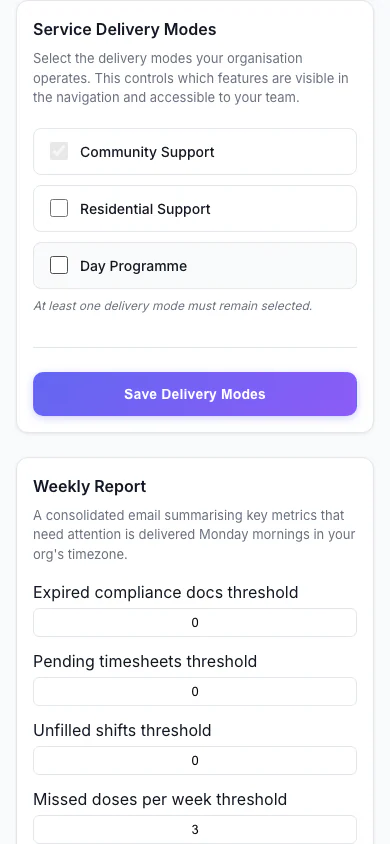
Service Delivery Modes (Mobile)
Choose which kinds of service your organisation delivers.
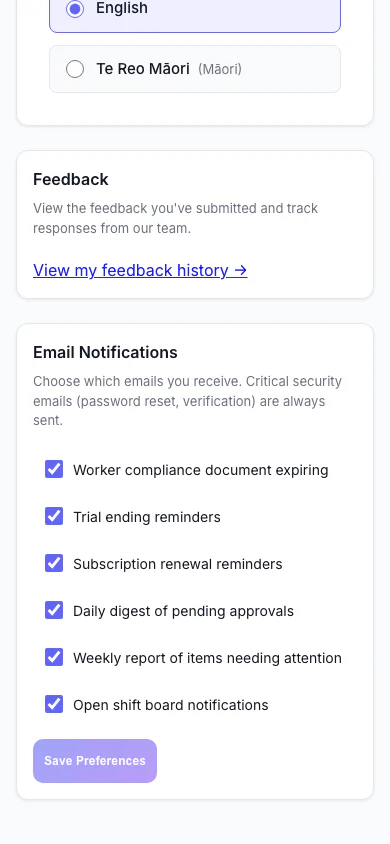
Notification Preferences (Mobile)
Choose which emails you receive.
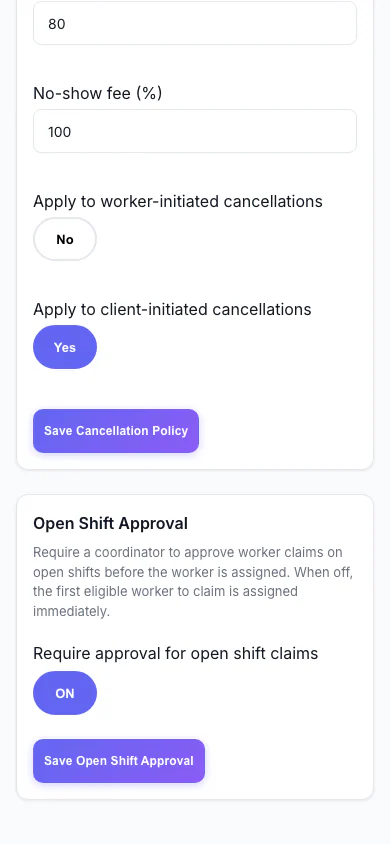
Open Shift Approval (Mobile)
Decide whether workers can claim open shifts straight away or need approval.
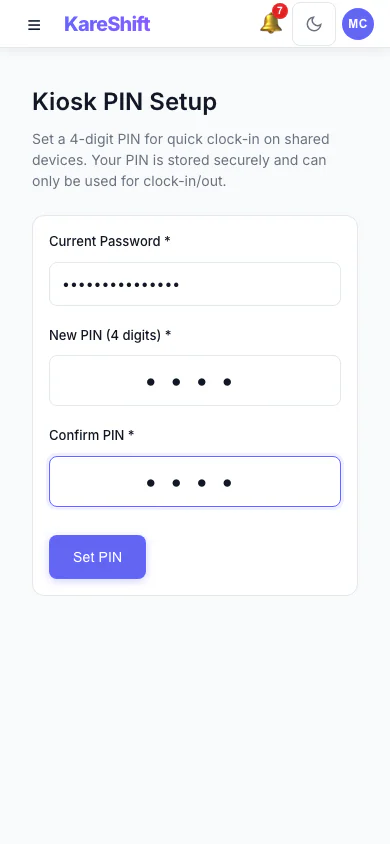
Kiosk PIN (Mobile)
Set the PIN workers use at a shared kiosk.
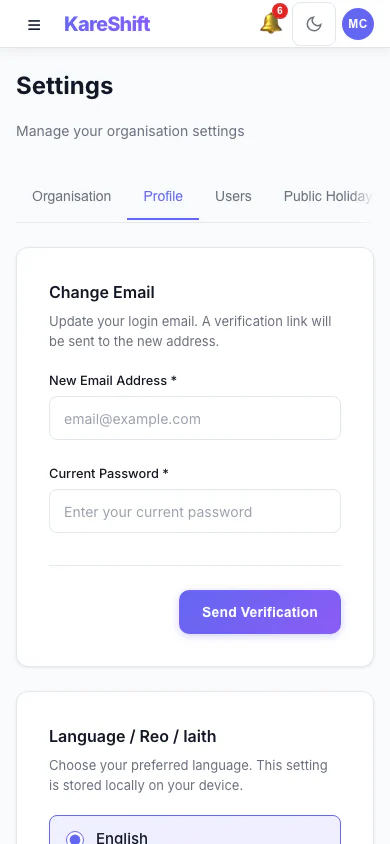
Your Profile Settings (Mobile)
Your login email and email notification choices.
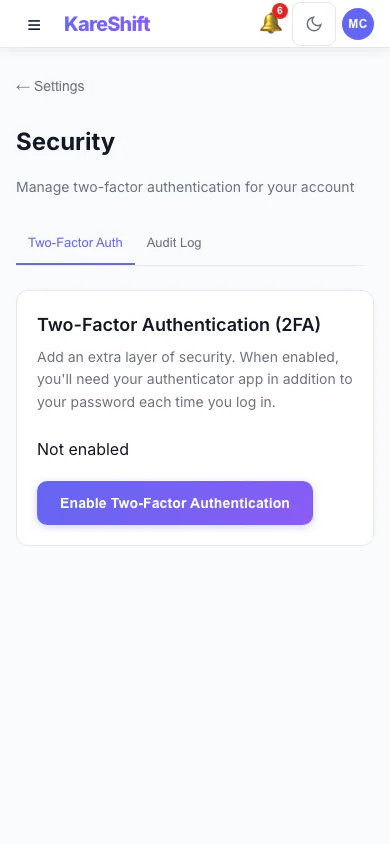
Security Settings (Mobile)
Two-factor status for your account, with trusted devices and an audit log for owners.
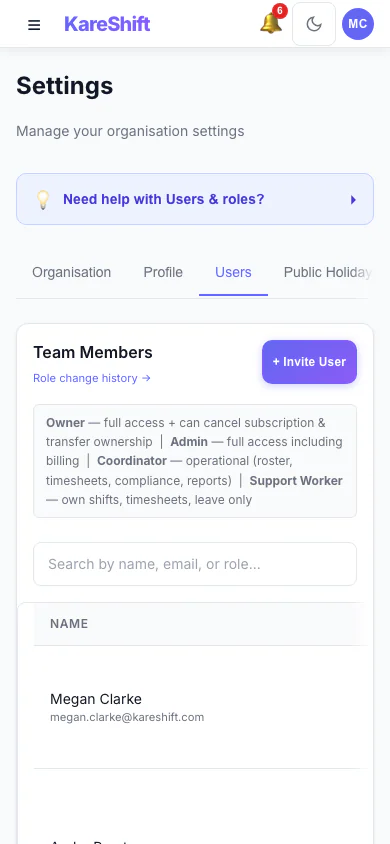
Team Members and Roles (Mobile)
Everyone in your organisation, their status and roles.
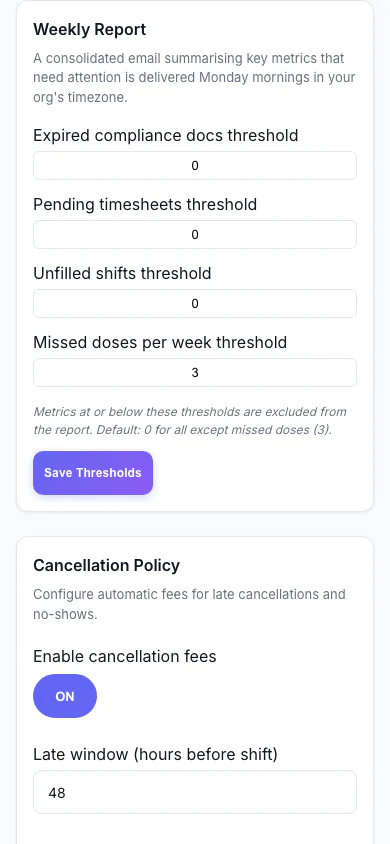
Weekly Report (Mobile)
Set the thresholds for the weekly summary email.
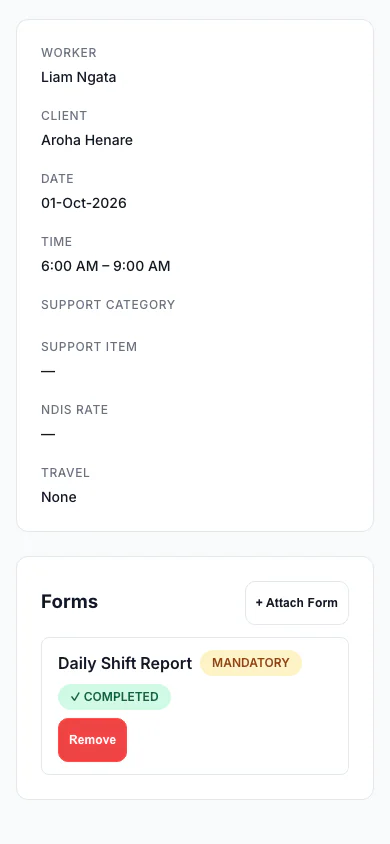
Forms Attached to a Shift (Mobile)
A shift with a mandatory form marked completed.
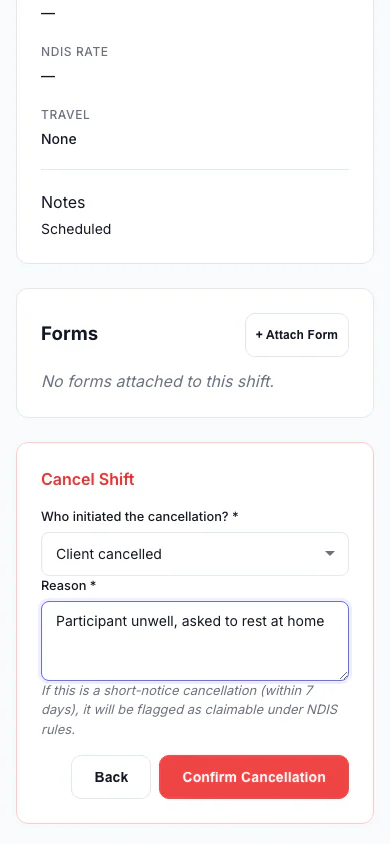
Cancel a Shift (Mobile)
Record who cancelled and why, so the right fee is applied.
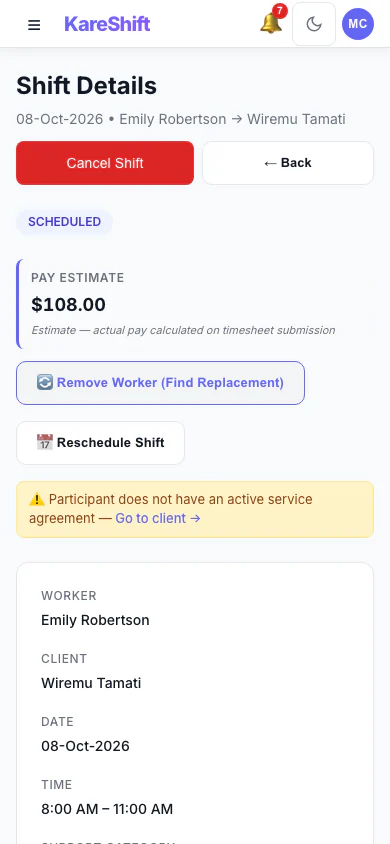
Shift Detail (Mobile)
A shift with its worker, pay estimate and attached forms.
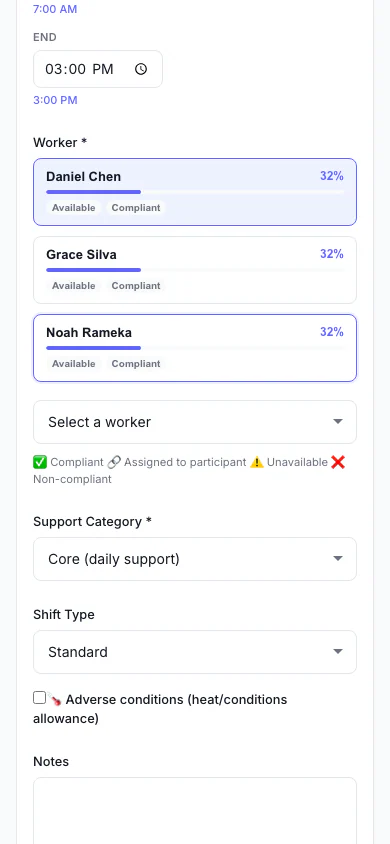
Add a Shift (Mobile)
Pick the person, date and times, and see suggested workers.
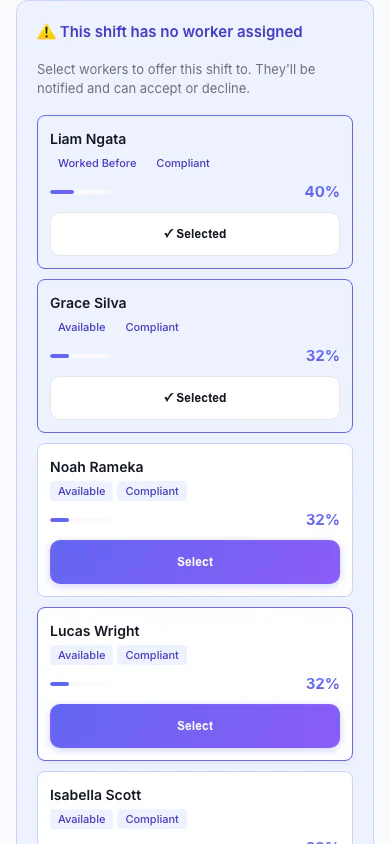
Replacement Assistant (Mobile)
A vacant shift with ranked replacement workers and one-click offers.
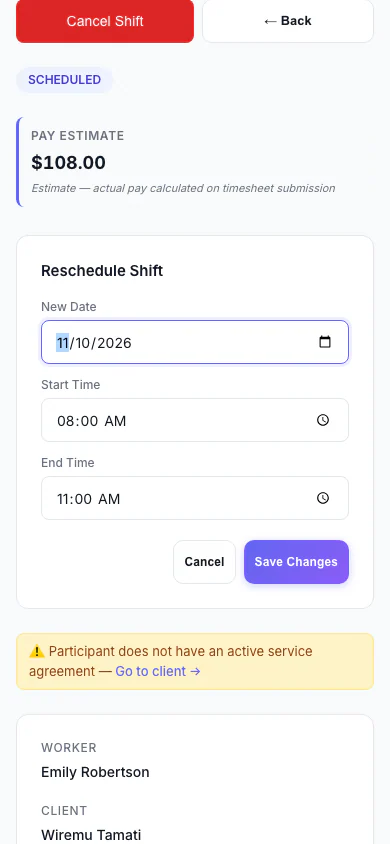
Reschedule a Shift (Mobile)
Move a shift to a new date and time.
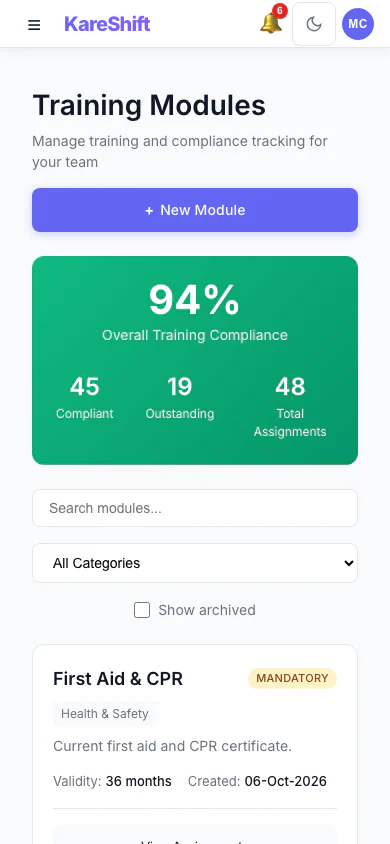
Training Modules (Mobile)
Mandatory and optional training, overall compliance and who is due.
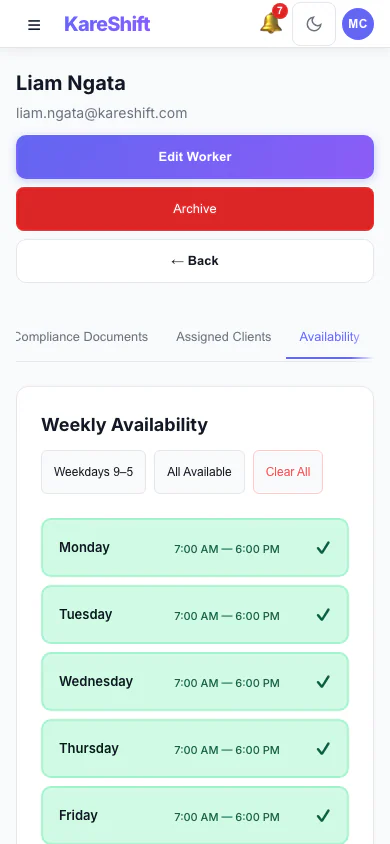
Worker Availability (Mobile)
A worker's weekly availability grid.
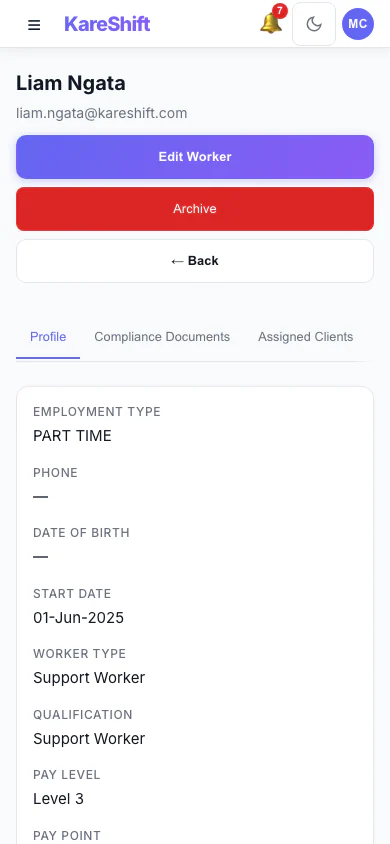
Worker Profile (Mobile)
A worker's profile and details.
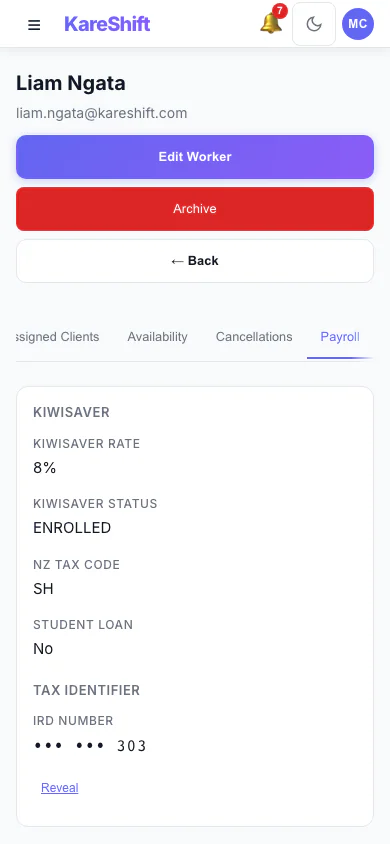
Worker Payroll Details (Mobile)
Payroll details and allowance settings for a worker.
Support Worker View
What your support workers see — roster, clock-in, notes, messaging.
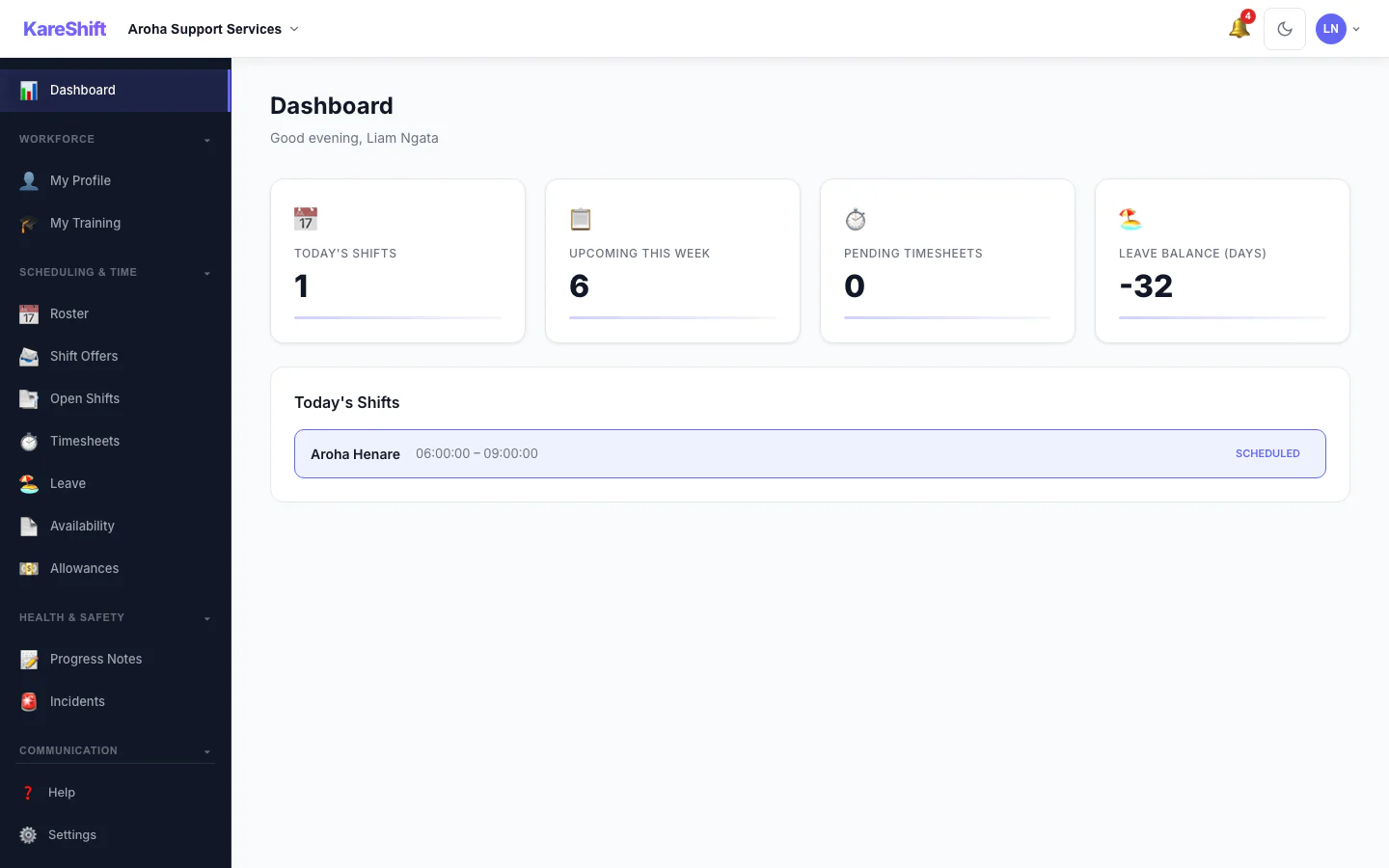
Worker Dashboard
Today's shifts, upcoming roster, clock-in status, and notifications.
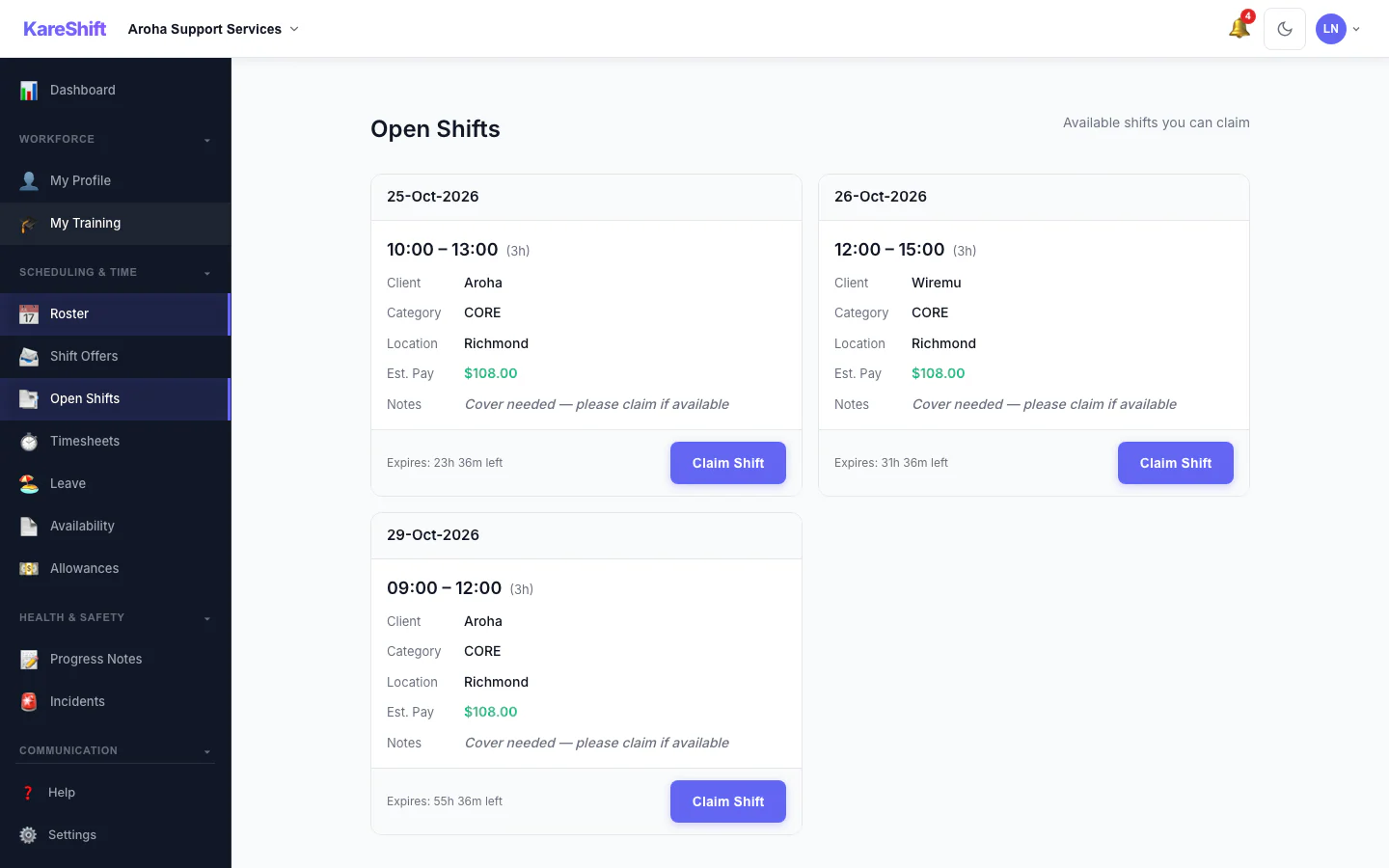
Open Shift Board
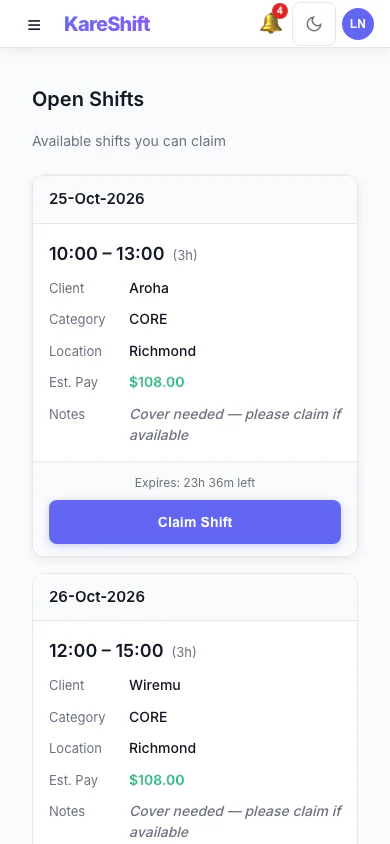
Open Shift Board (Mobile)
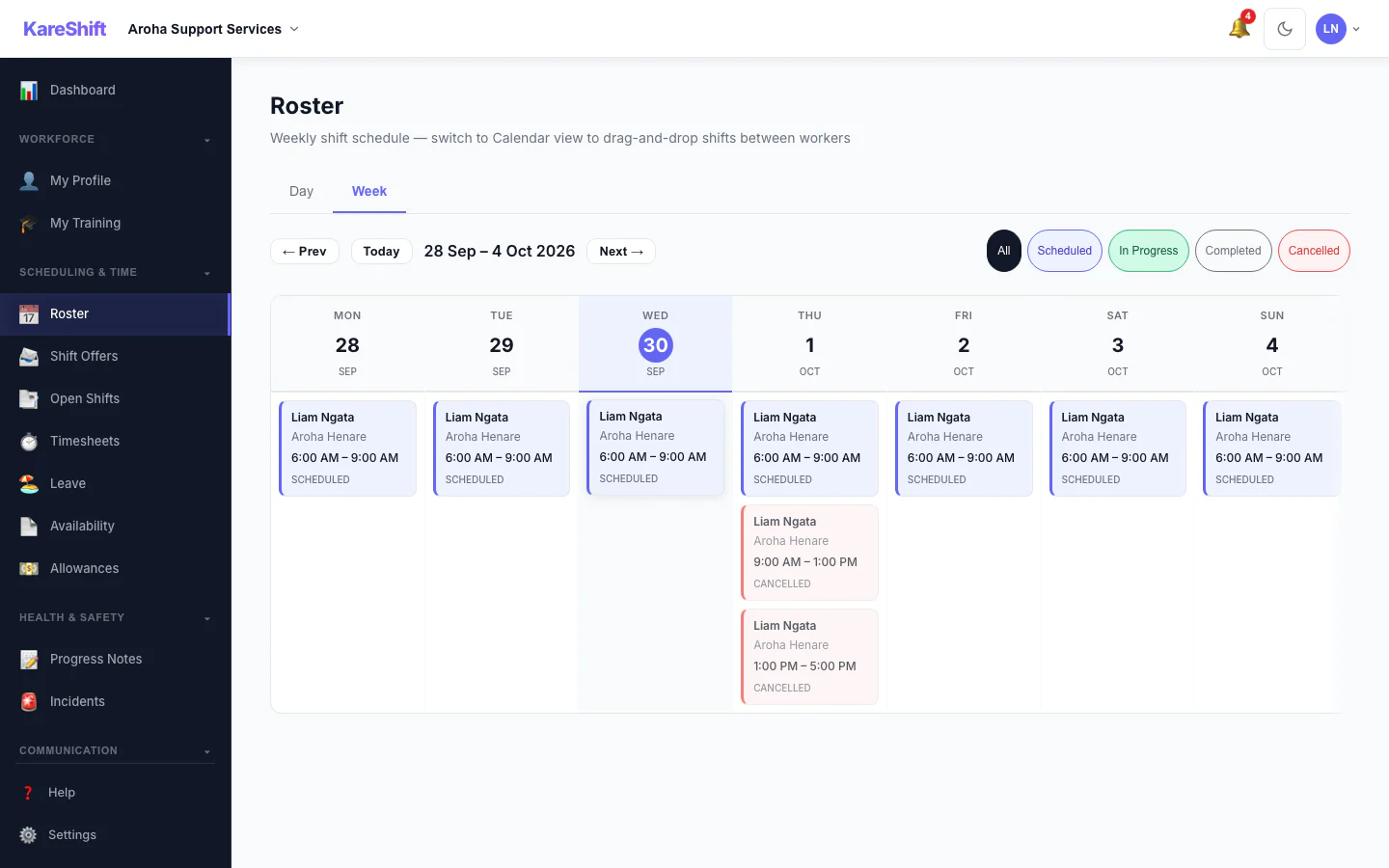
GPS Clock-In
One tap to clock in. GPS verified. Timesheet auto-generated.
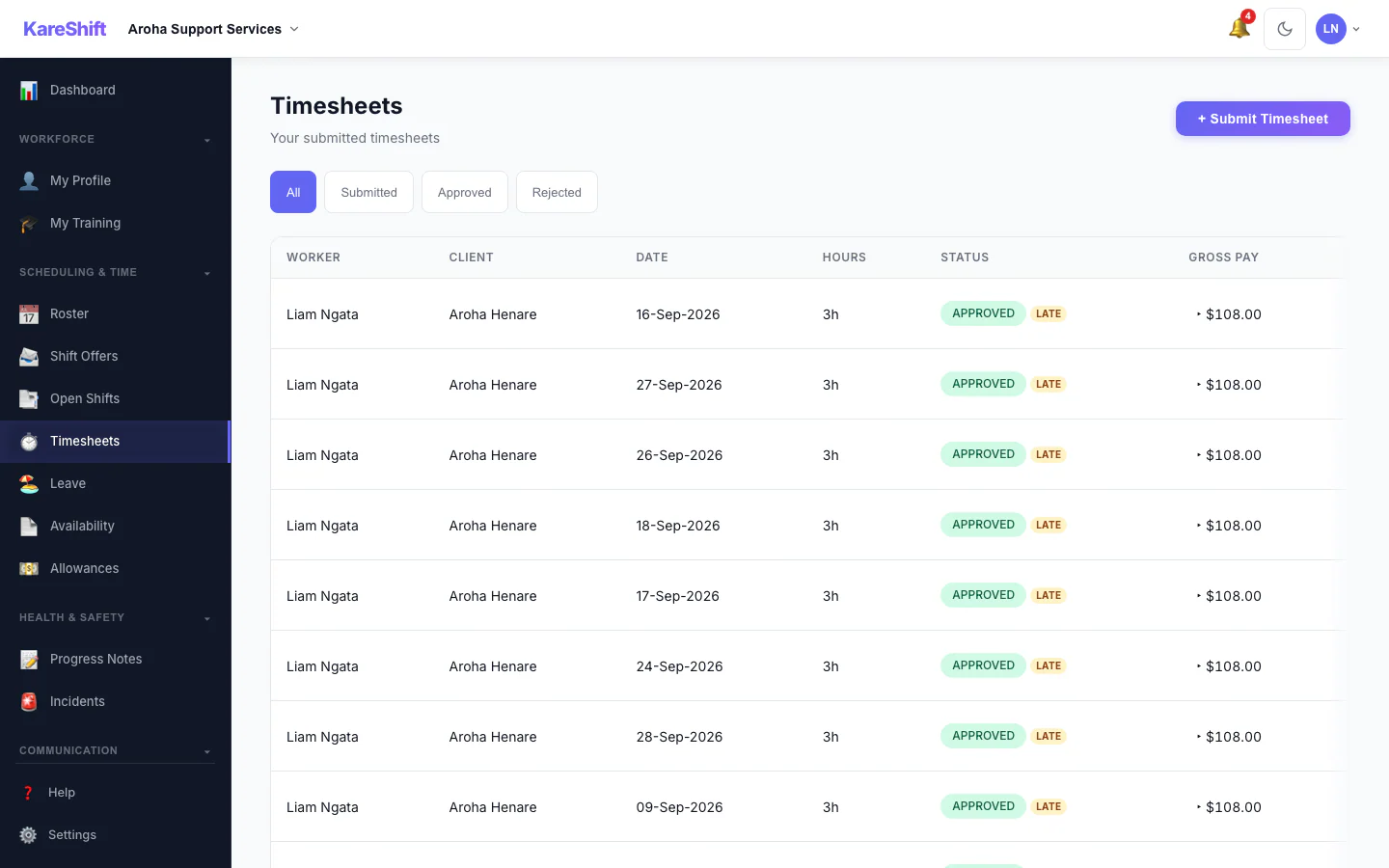
Support Notes
Log notes by text or voice dictation after each visit. Quick and timestamped.
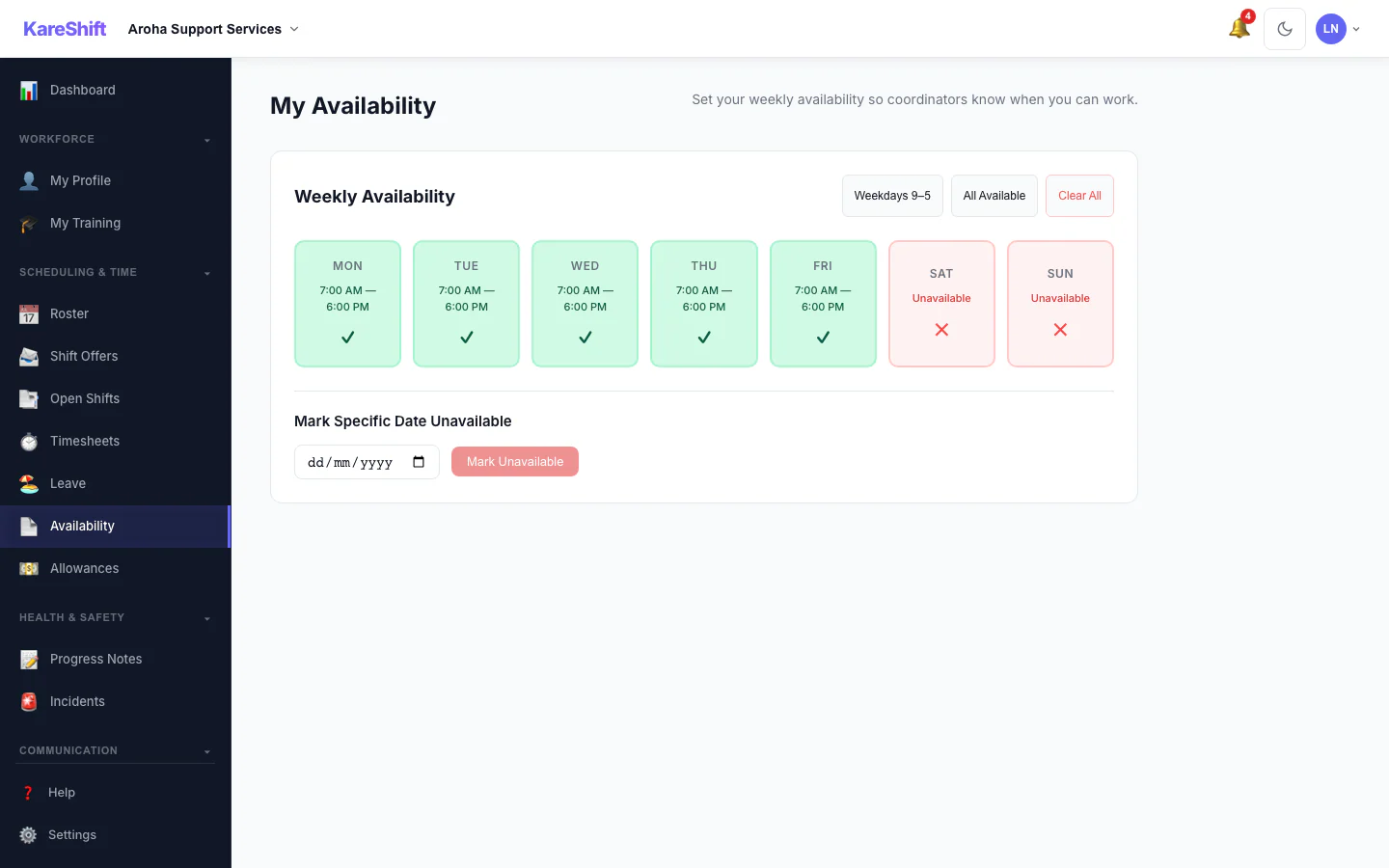
Availability
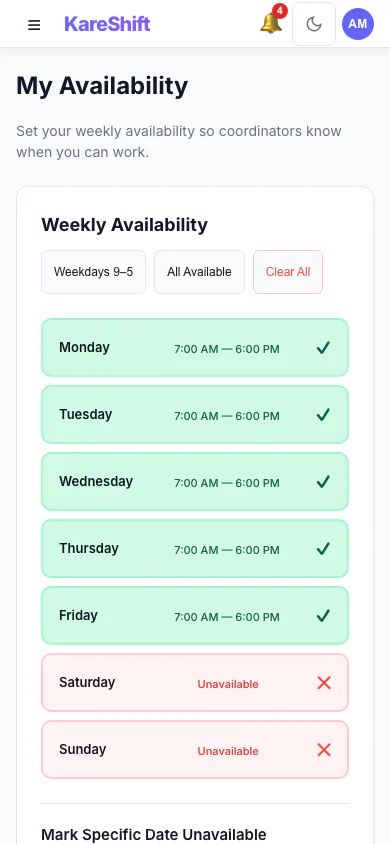
Set weekly availability. Conflict warnings shown when rostered against unavailable times.
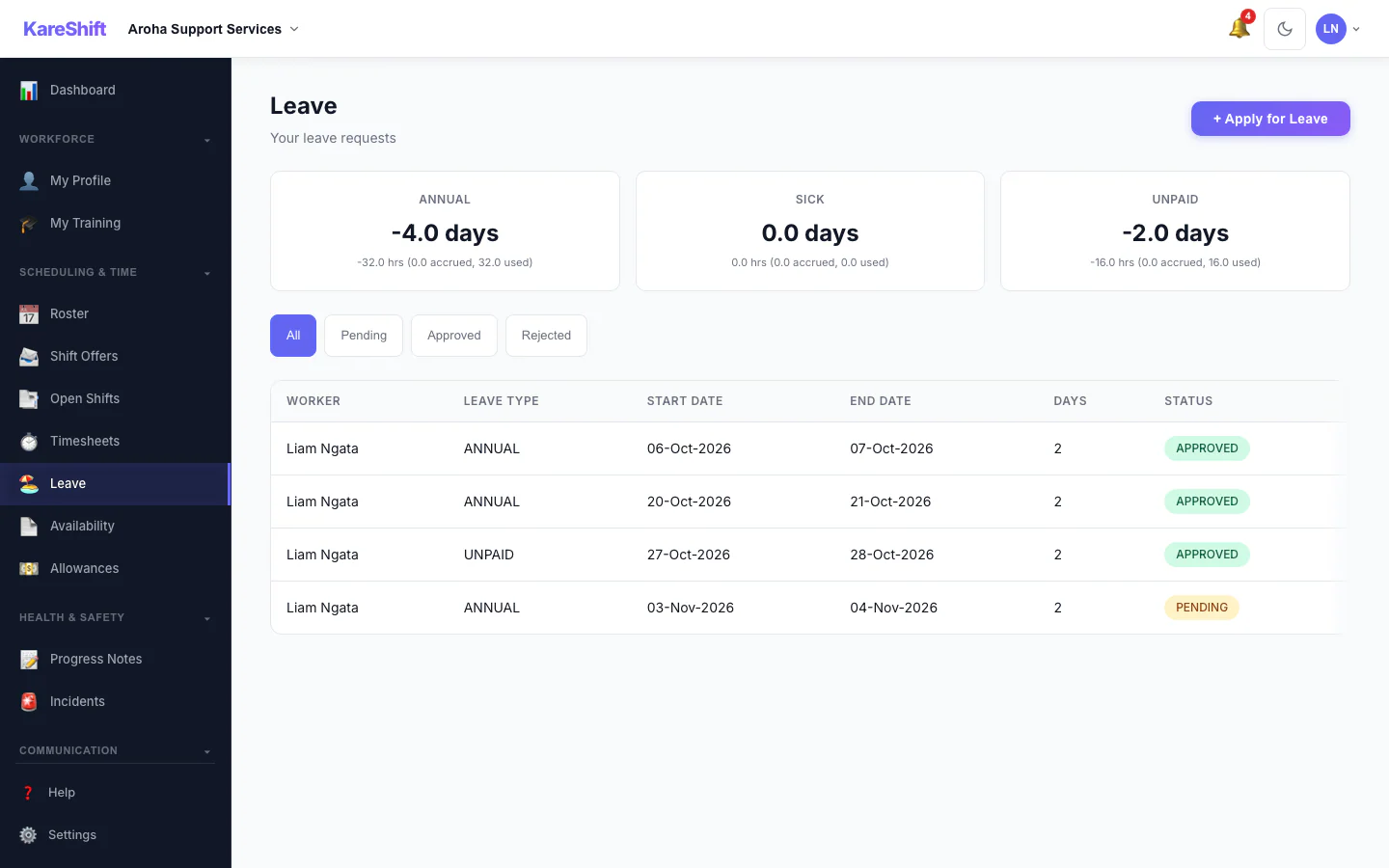
Apply for Leave
Request annual, sick, or bereavement leave. Track balance and approval status.
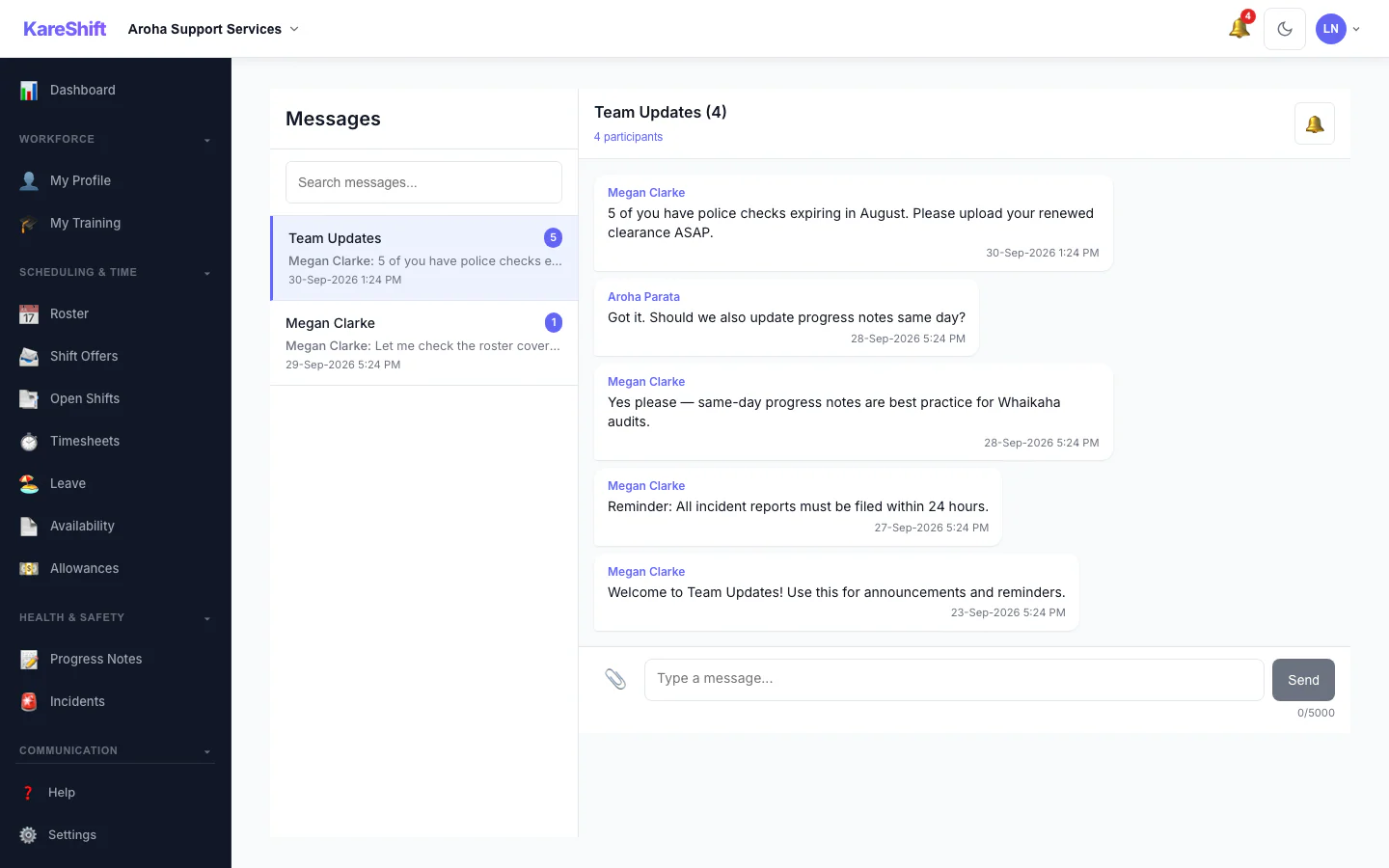
Messages
Chat with coordinators. Shift-linked messages and push notifications.
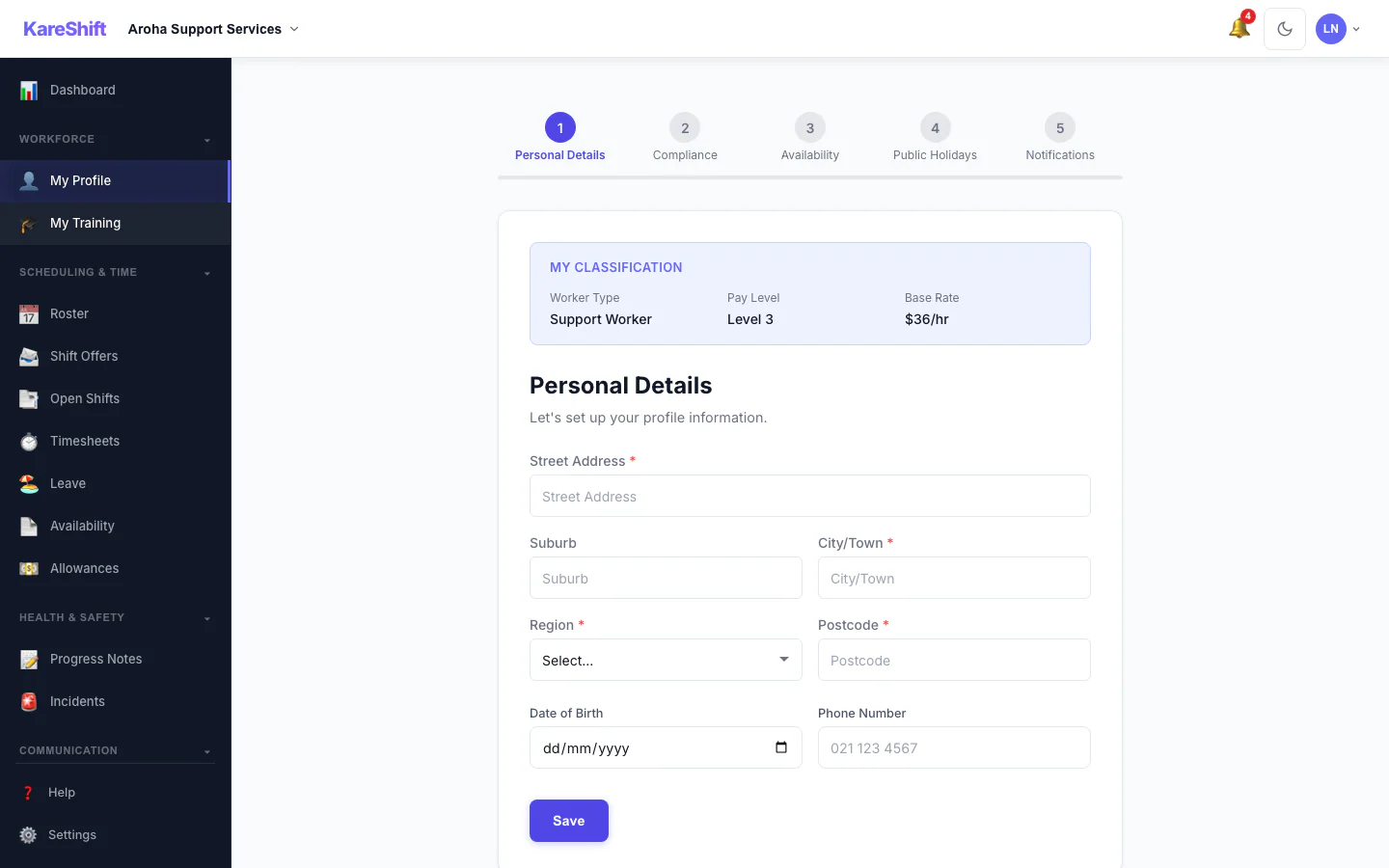
Onboarding
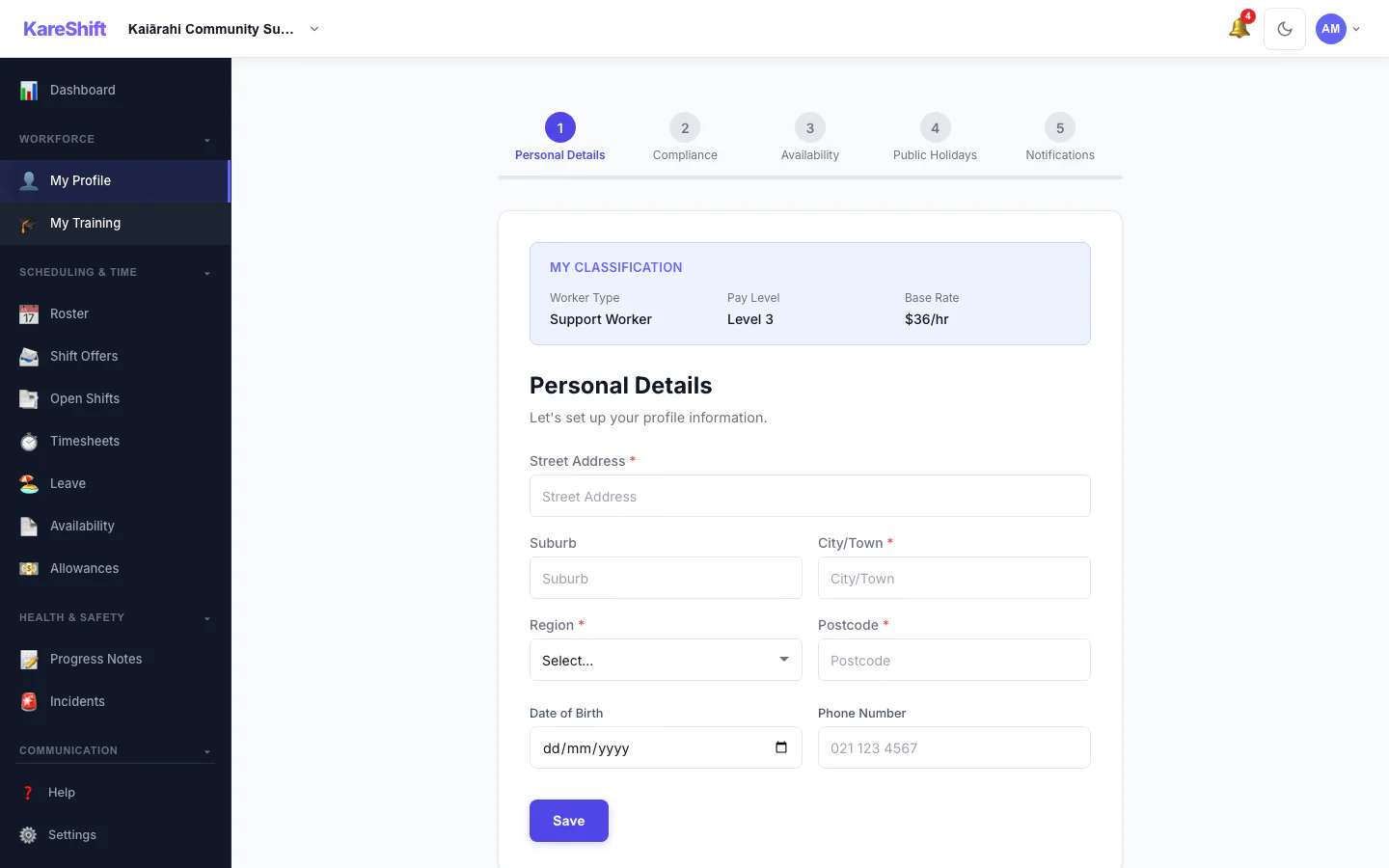
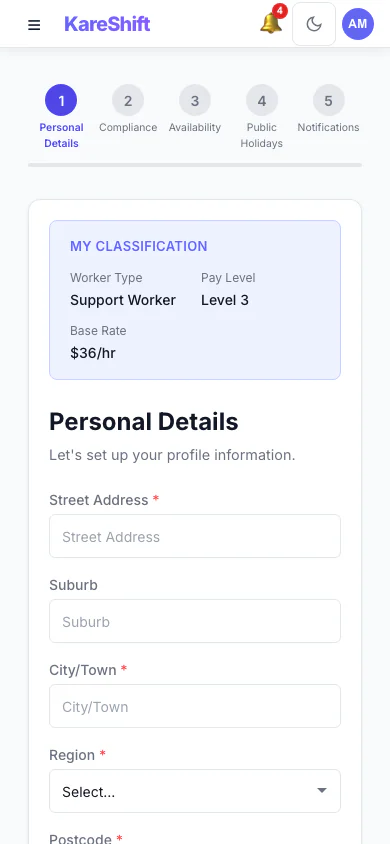
Guided onboarding for new workers — upload documents, set availability, complete profile.
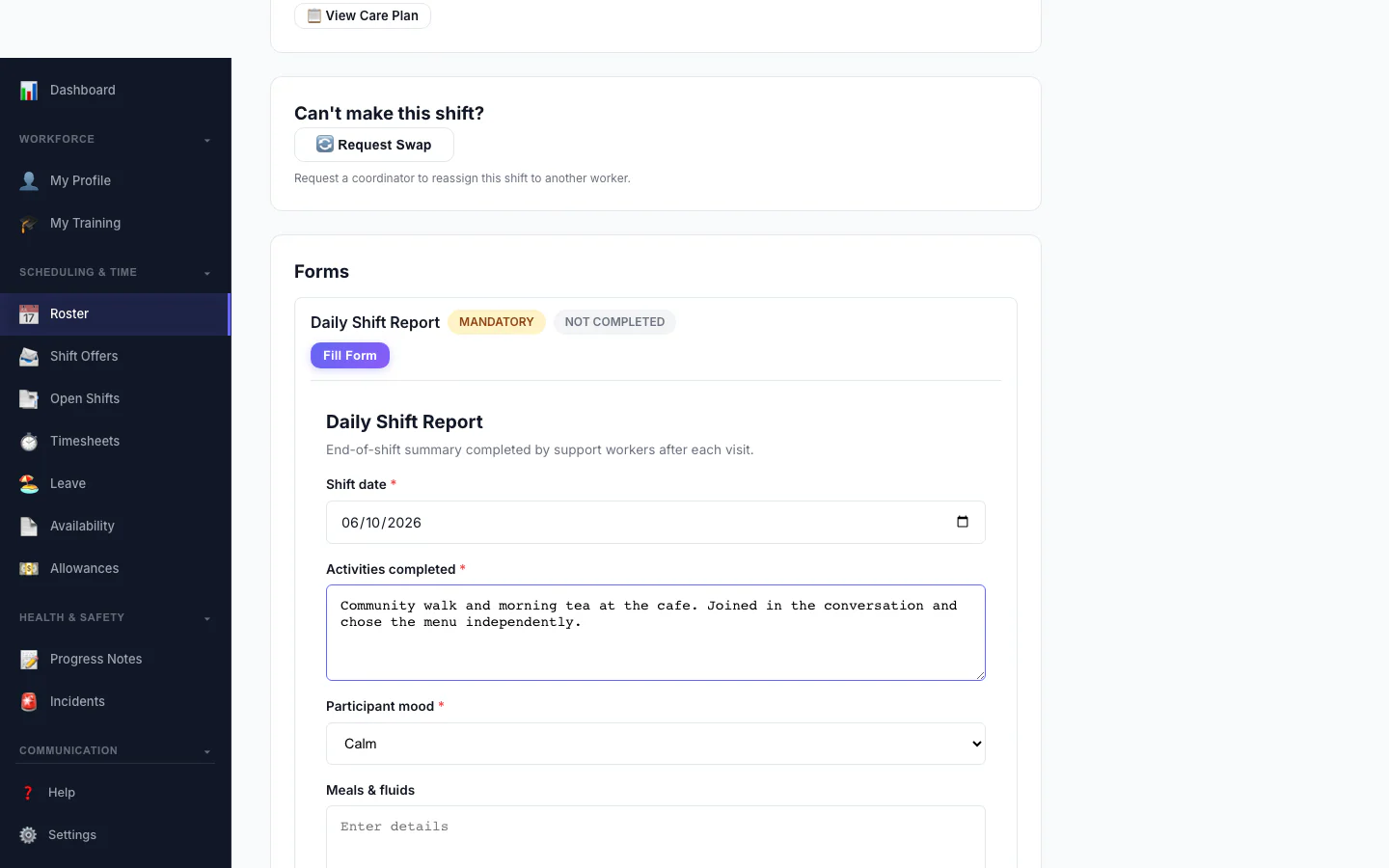
Filling a Form
A worker fills a custom form on their phone as part of a shift.
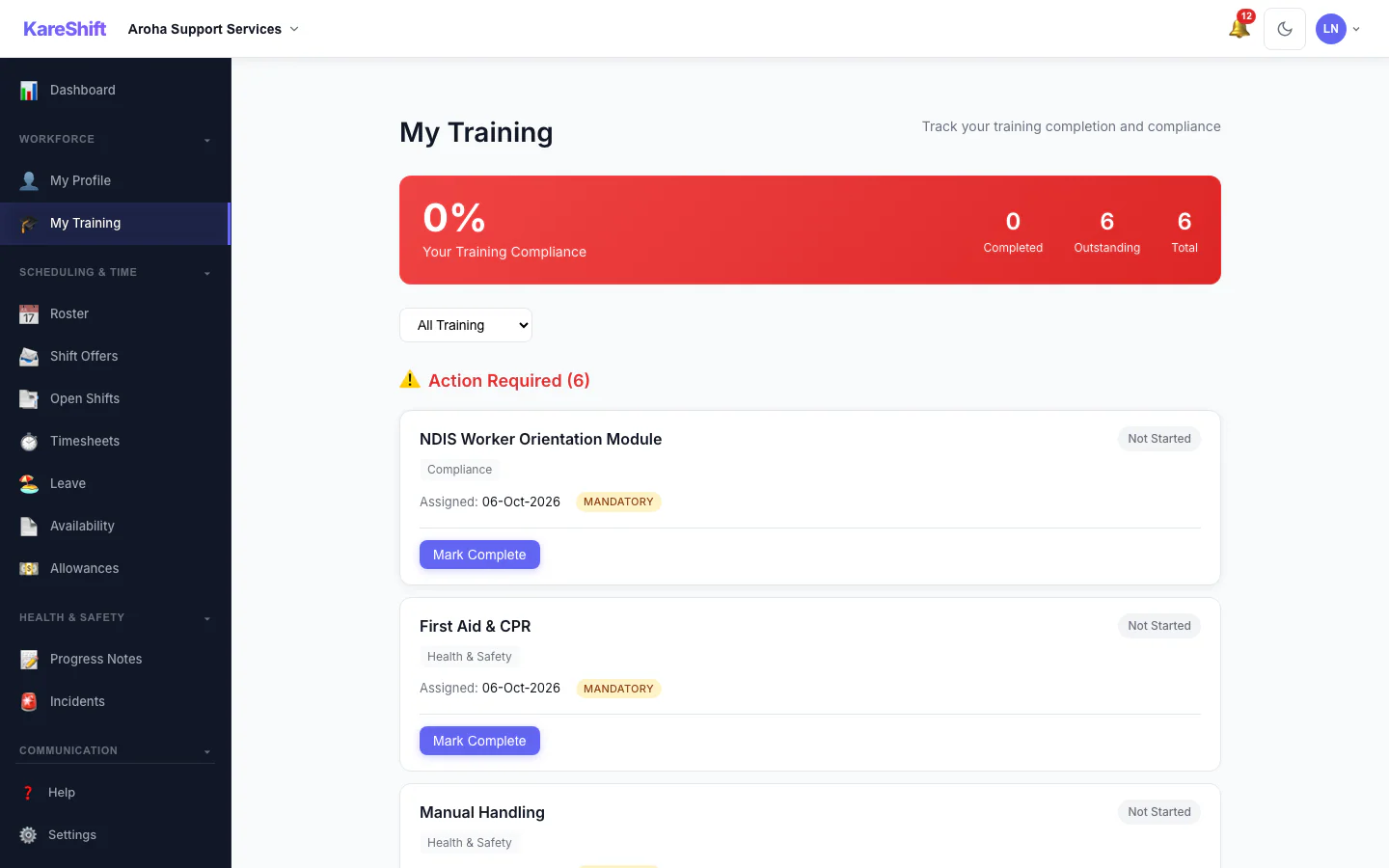
My Training
A worker sees the training assigned to them and what is complete.
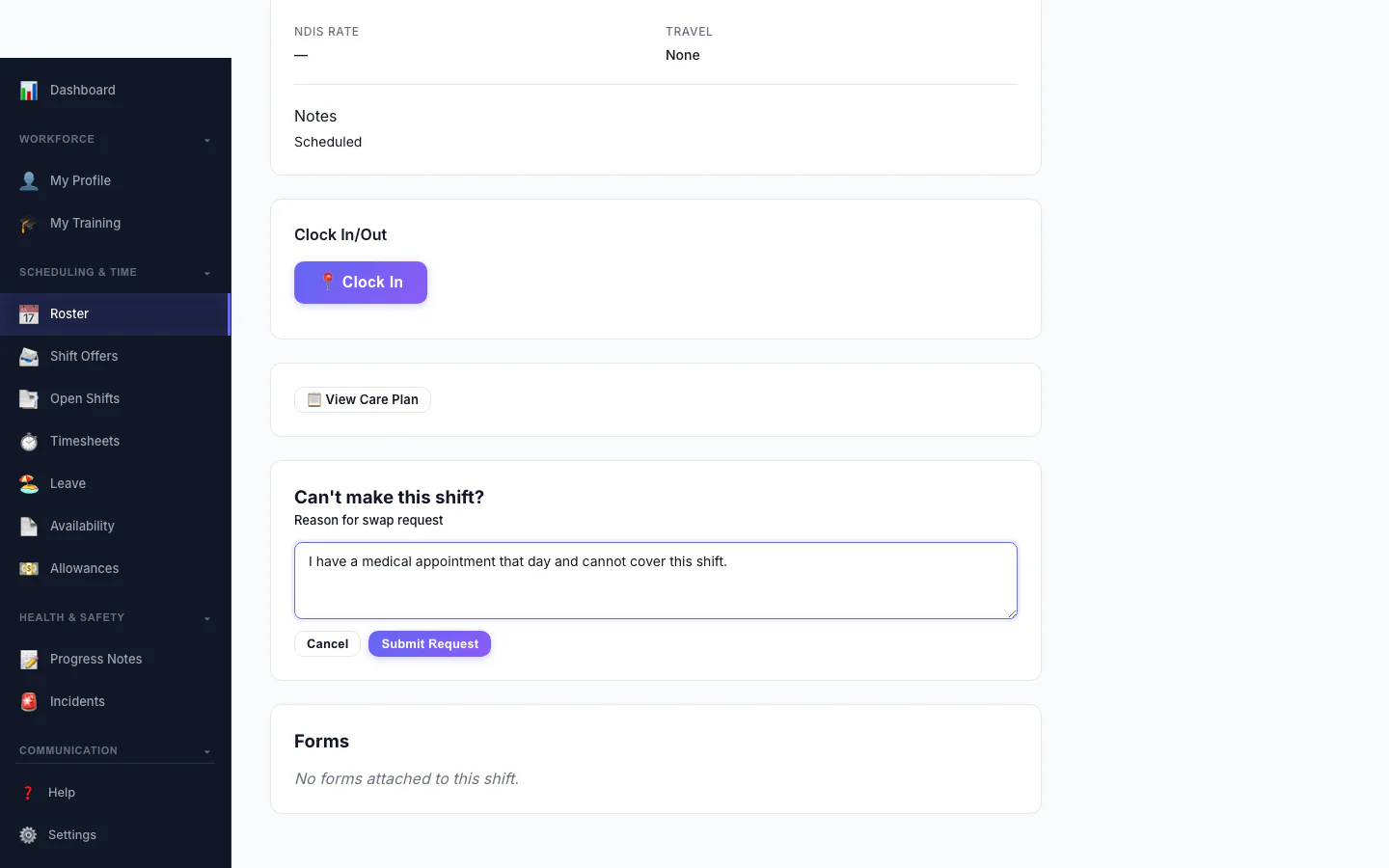
Ask to Swap a Shift
A worker who can't make a shift asks to swap it and says why.
Worker Mobile
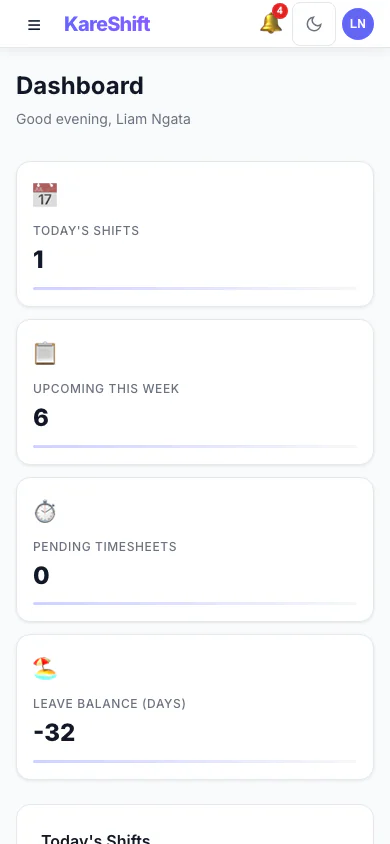
Dashboard (Mobile)
Today's shifts and clock-in on your phone.
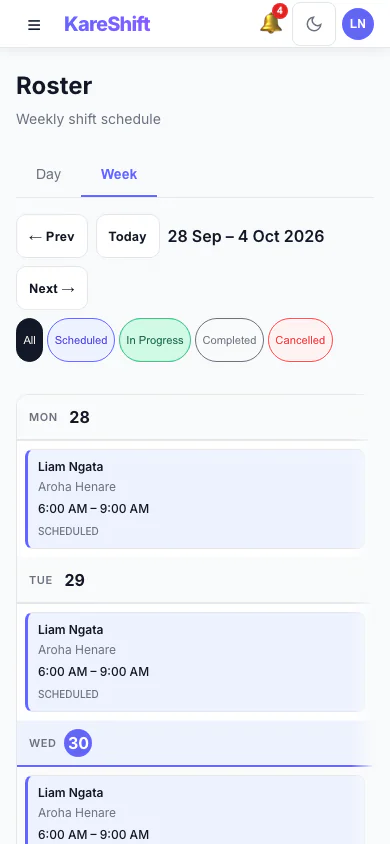
My Shifts (Mobile)
Weekly shift view on your phone.
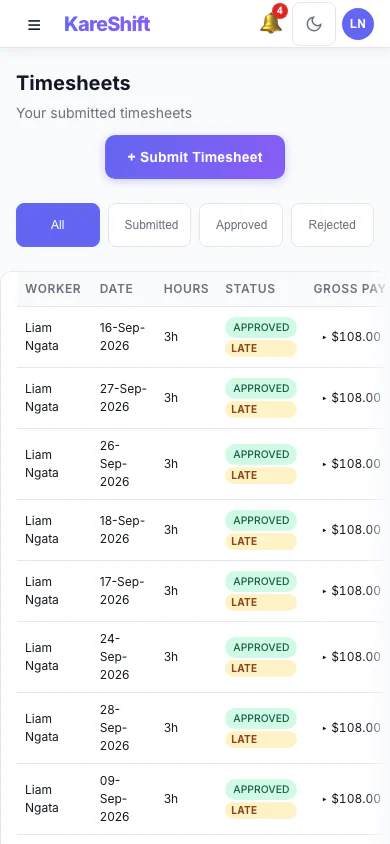
Timesheets (Mobile)
View submitted hours on mobile.
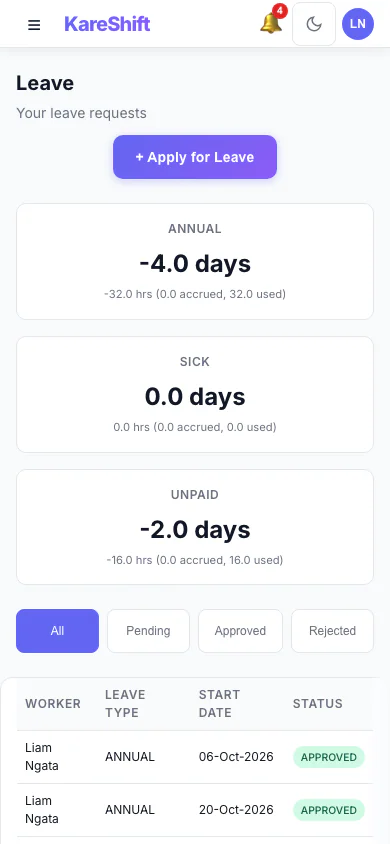
Leave (Mobile)
Apply for leave from your phone.
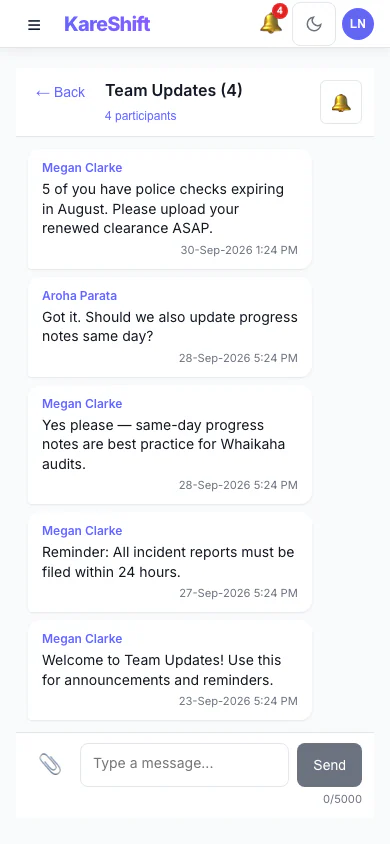
Messages (Mobile)
Chat with coordinators on the go.
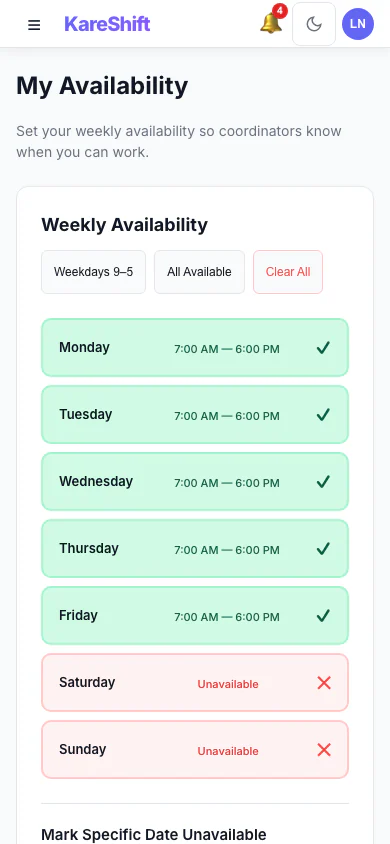
Availability (Mobile)
Set weekly availability from your phone.
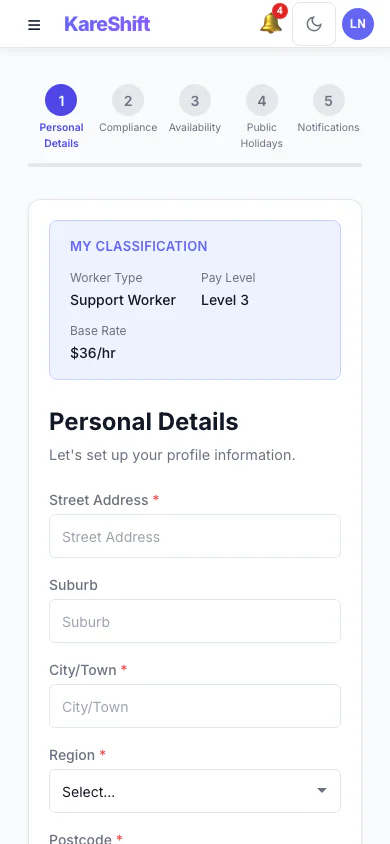
Onboarding (Mobile)
Complete onboarding from your phone.
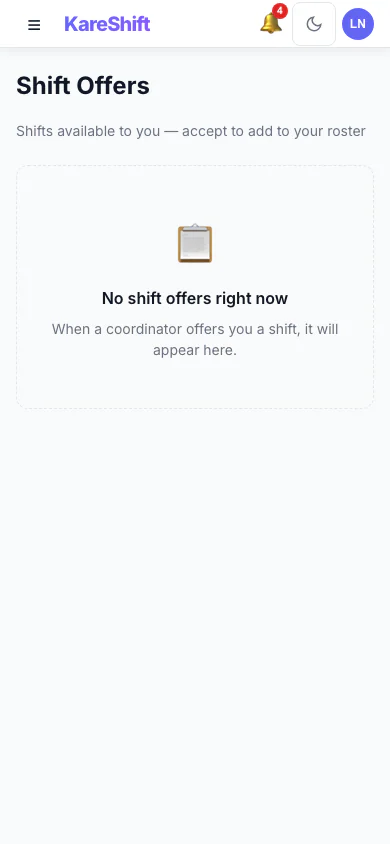
Shift Offers (Mobile)
Accept or decline open shifts from your phone.
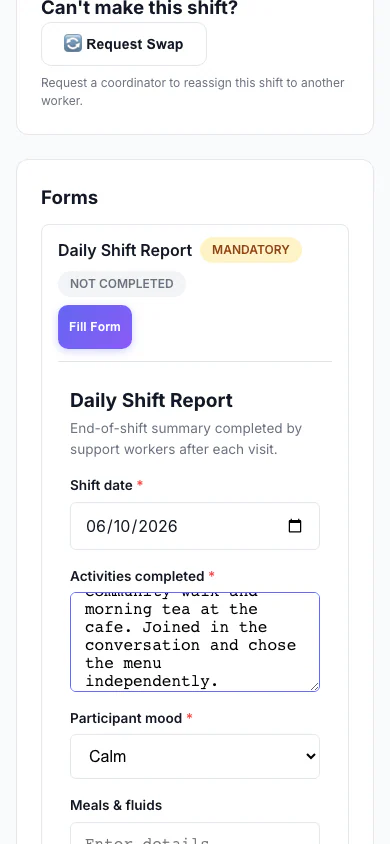
Filling a Form (Mobile)
A worker fills a custom form on their phone as part of a shift.
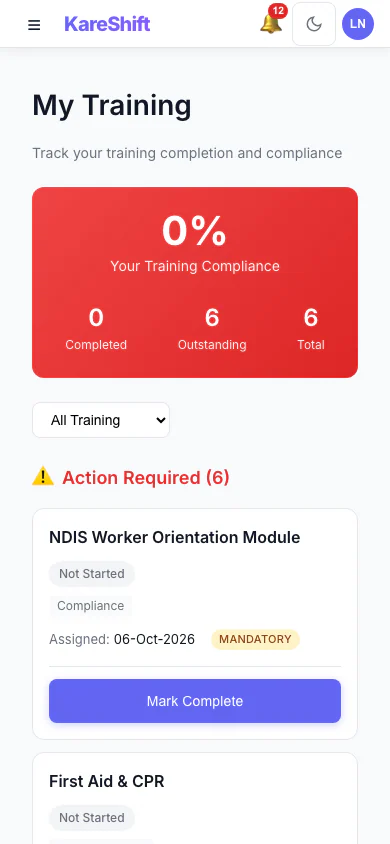
My Training (Mobile)
A worker sees the training assigned to them and what is complete.
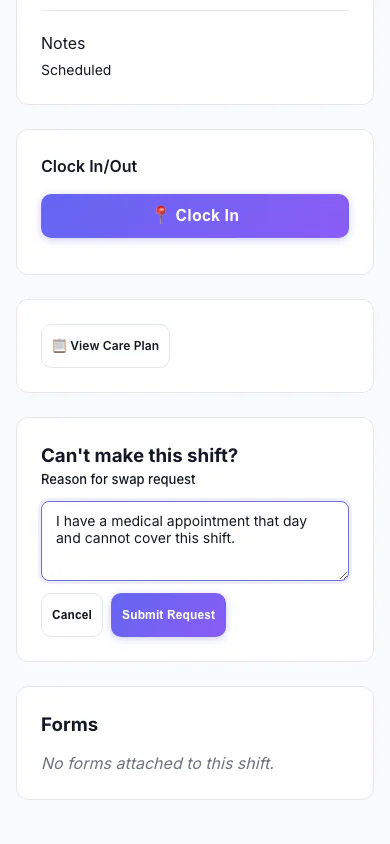
Ask to Swap a Shift (Mobile)
A worker who can't make a shift asks to swap it and says why.
Aged Care Residential — Manager View
Managing your aged care facility — residents, roster, clinical observations, and occupancy.
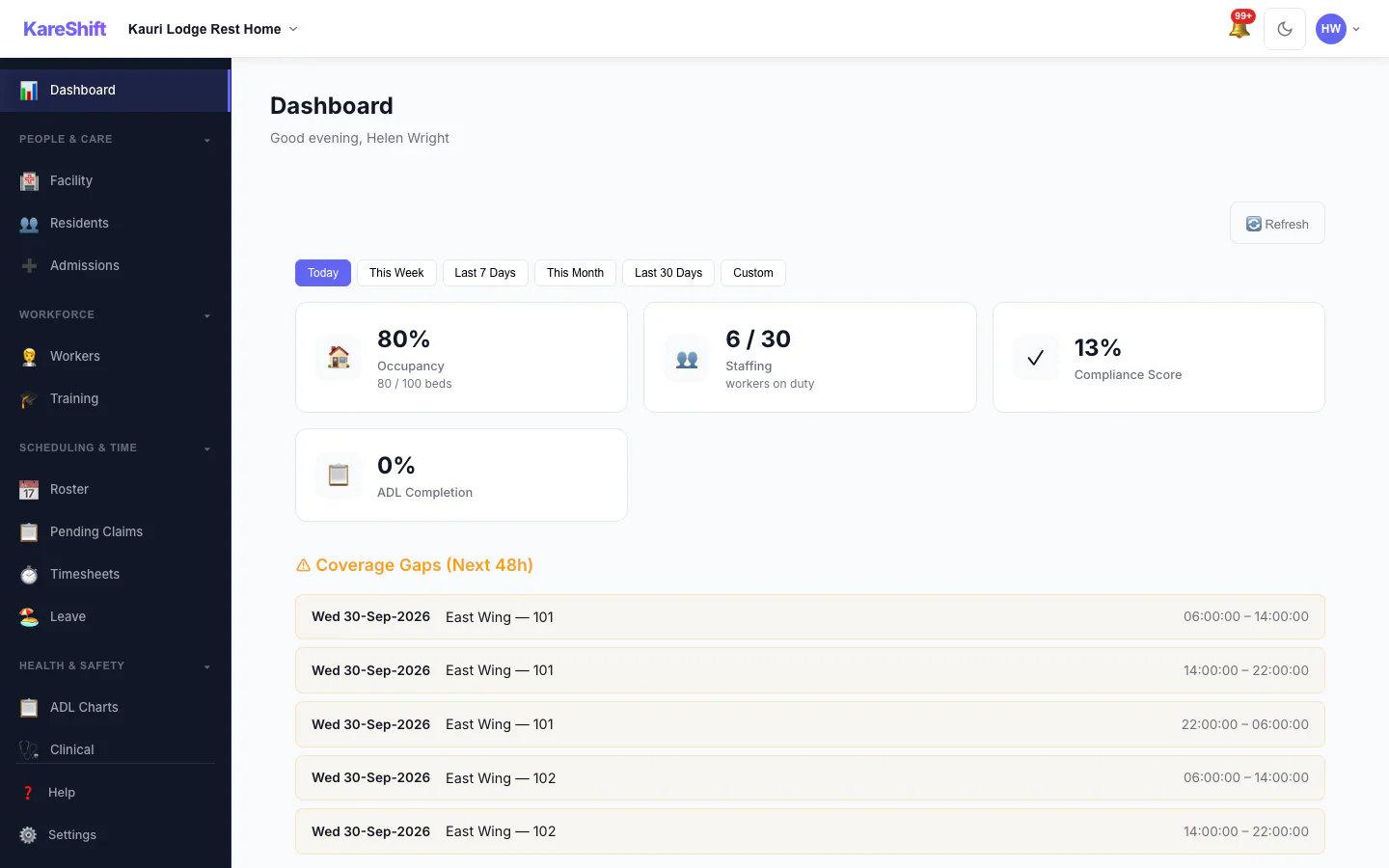
Dashboard
Facility overview — bed occupancy, compliance alerts, roster coverage, staffing status.
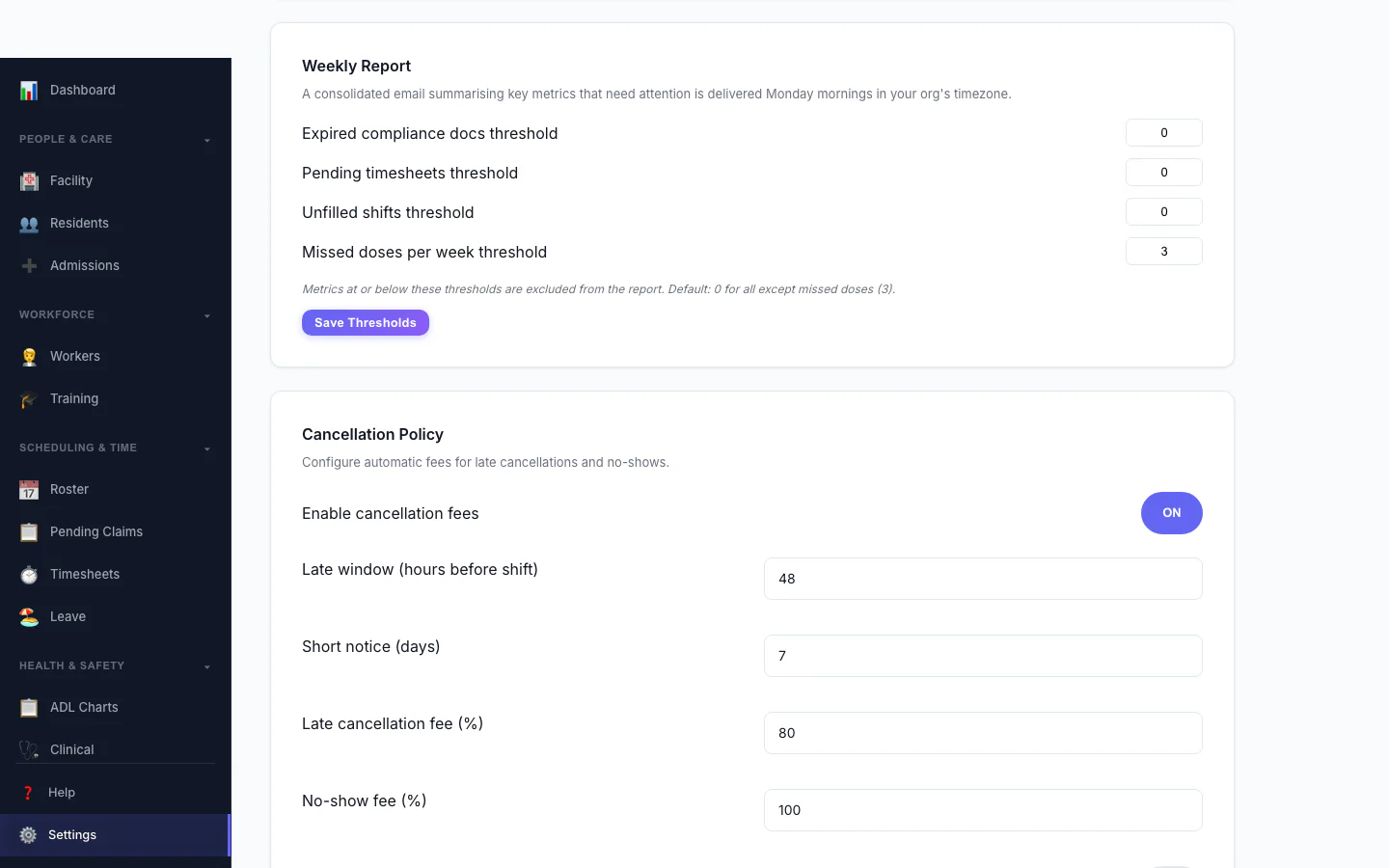
Cancellation Policy
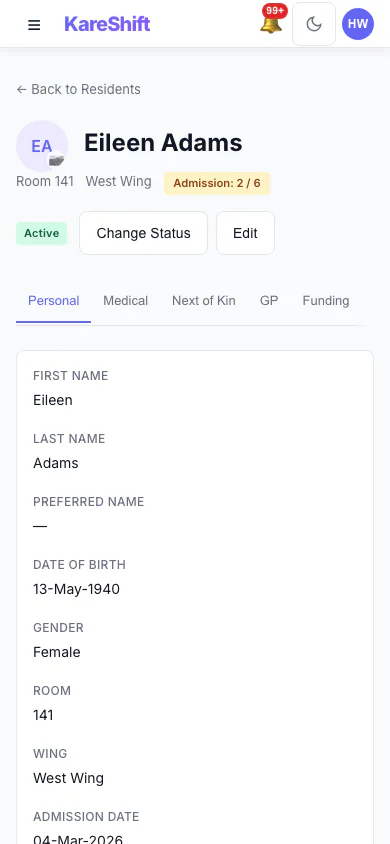
Resident Detail (Mobile)
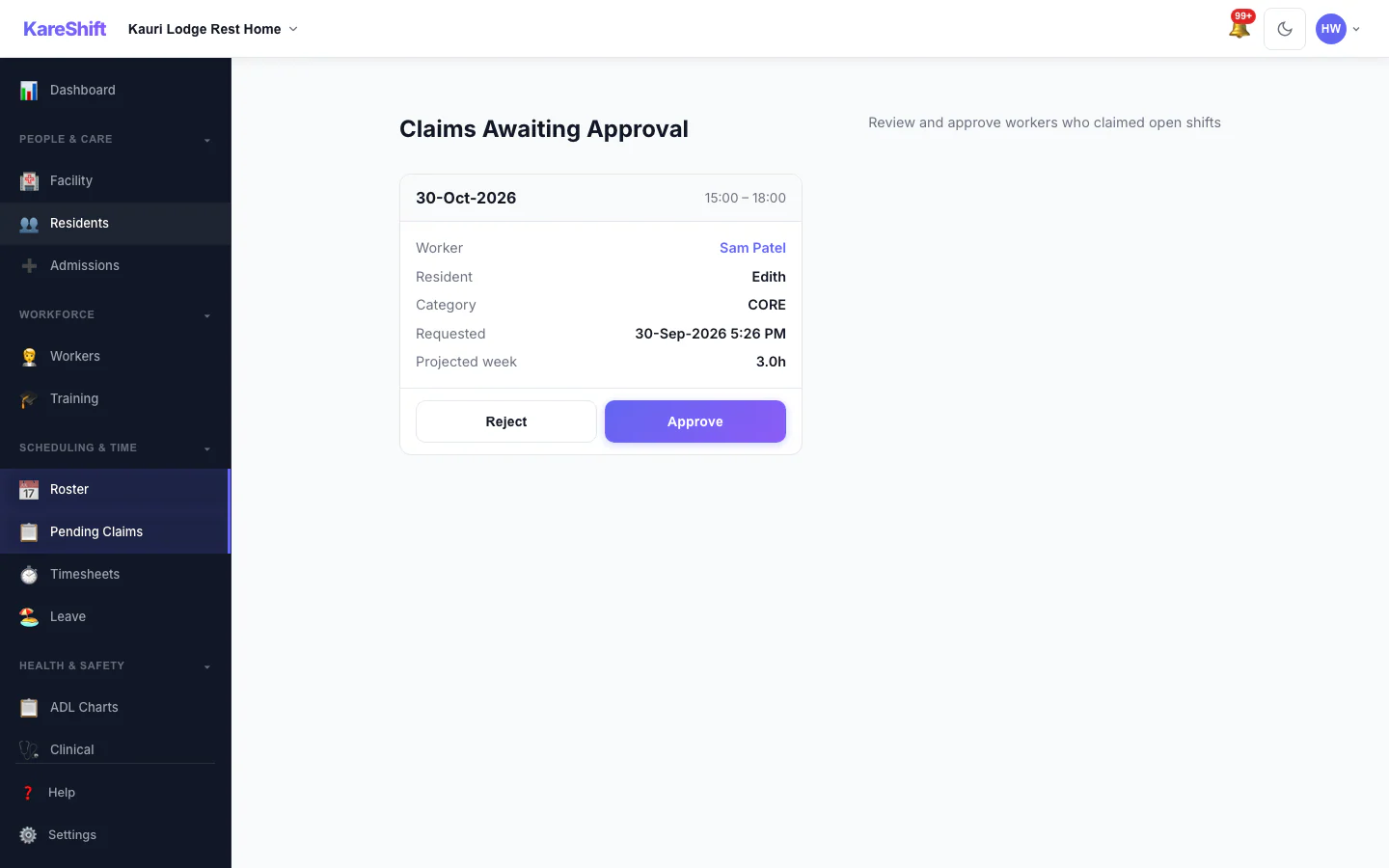
Claim Approval
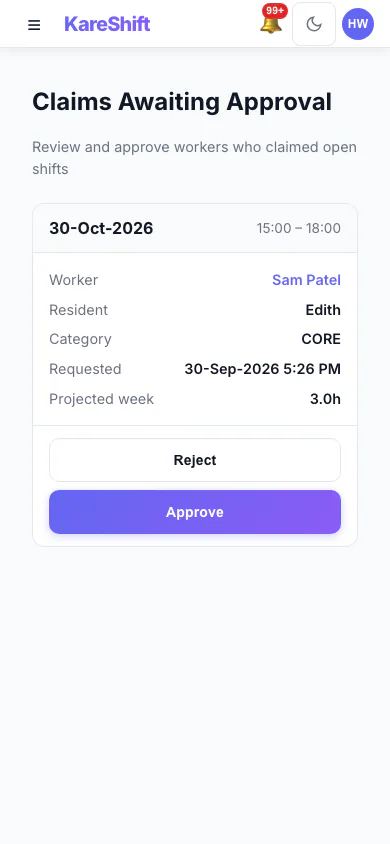
Claim Approval (Mobile)
Visit Confirmation
Visit Confirmation (Mobile)
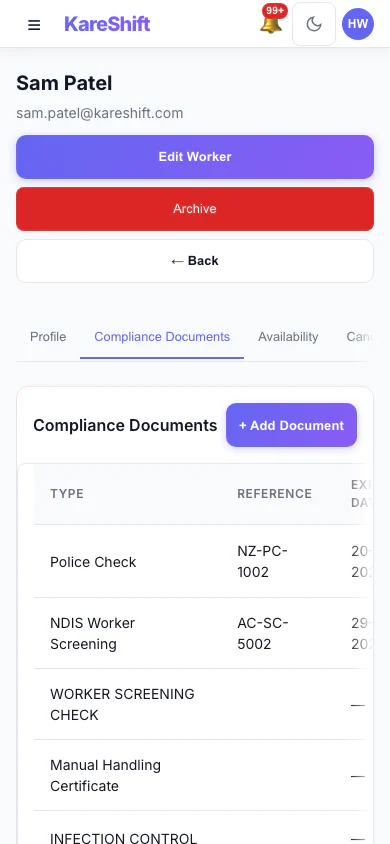
Worker Compliance (Mobile)
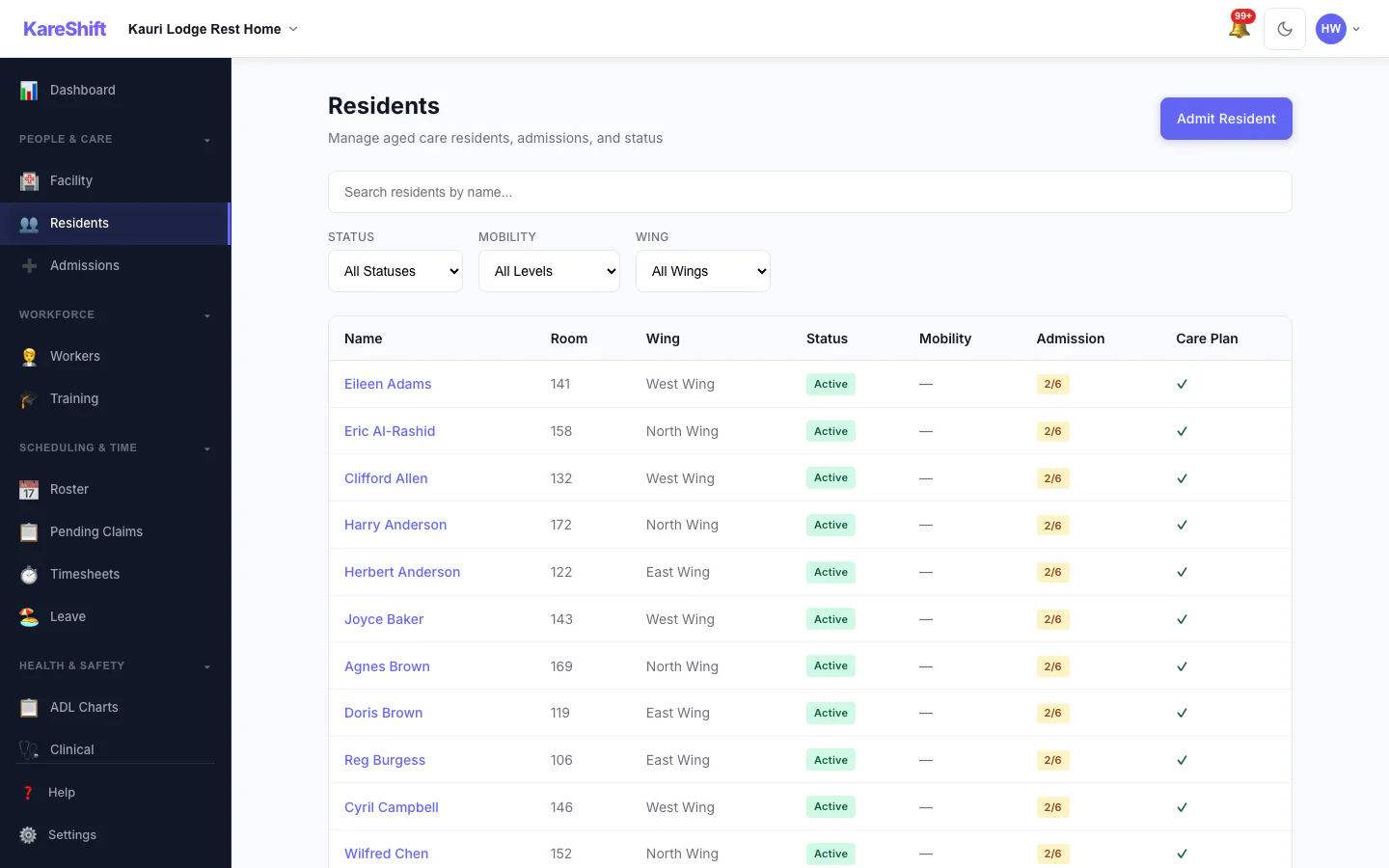
Residents
All residents with NHI number, funding type (DHB, MoH, self-funded), admission date, and care status.
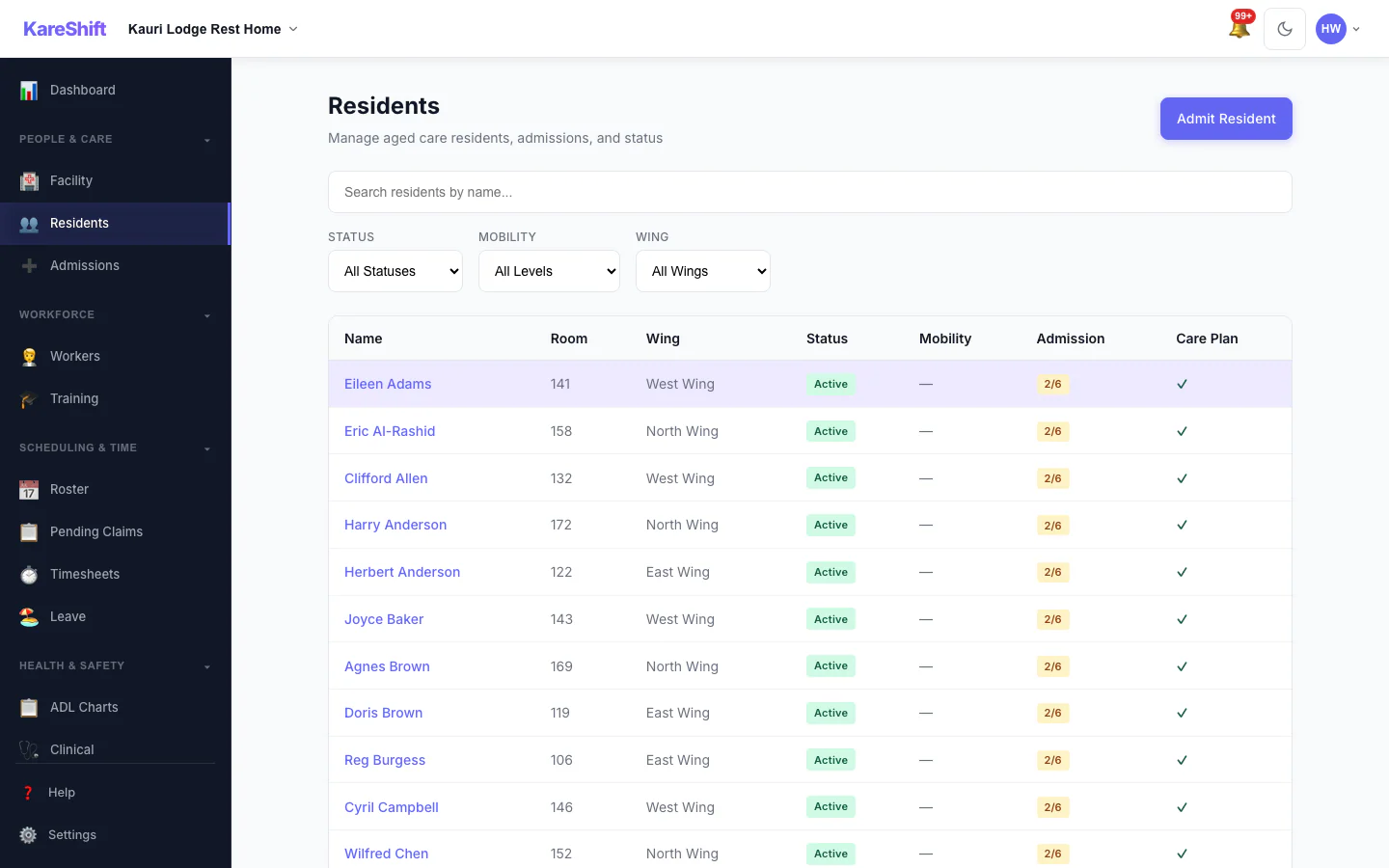
Resident Detail
Full resident profile — NHI number, funding, care needs, NOK, GP details.
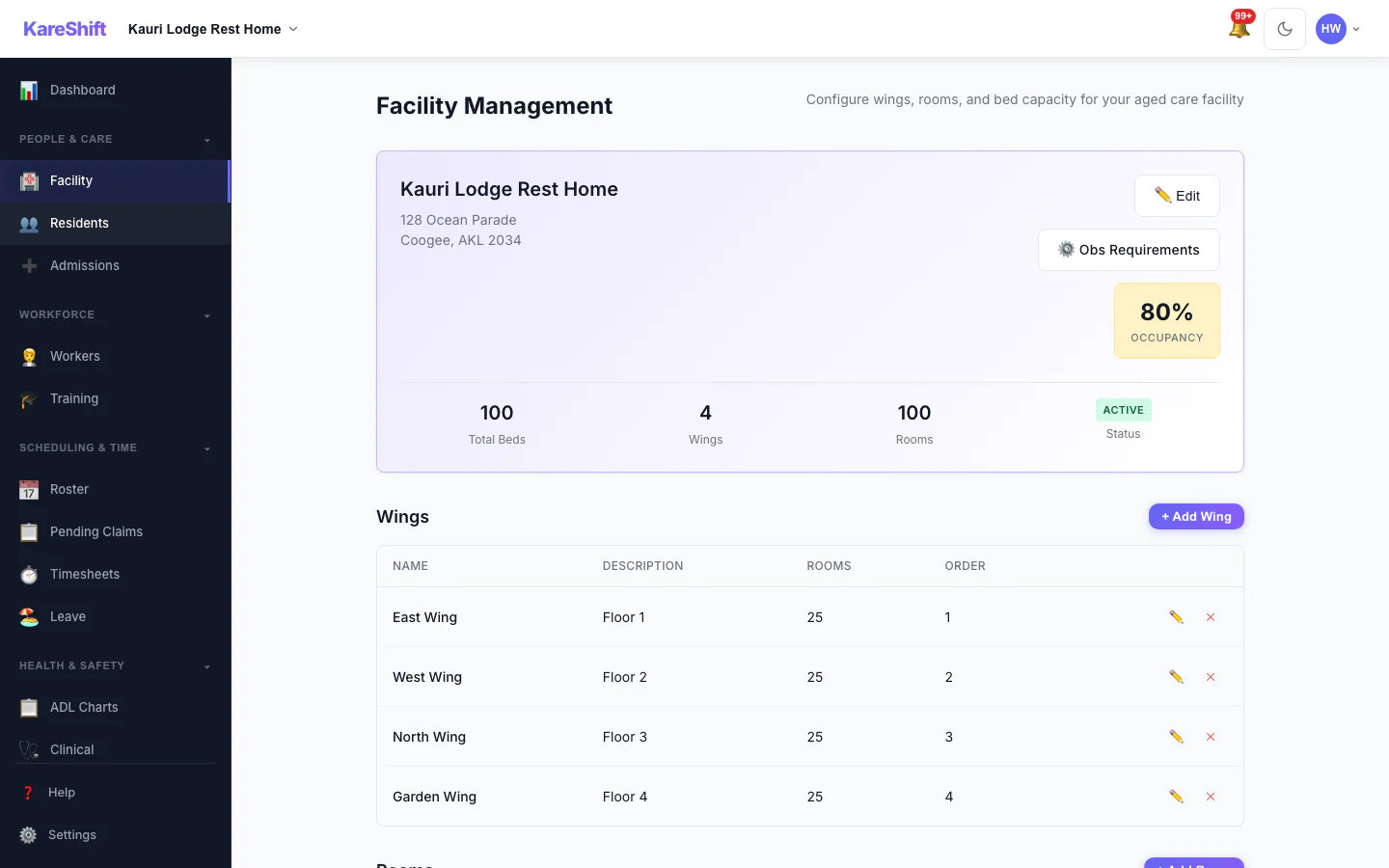
Facility Management
Visual bed map — wings, rooms, occupancy at a glance. Admission and discharge workflows.
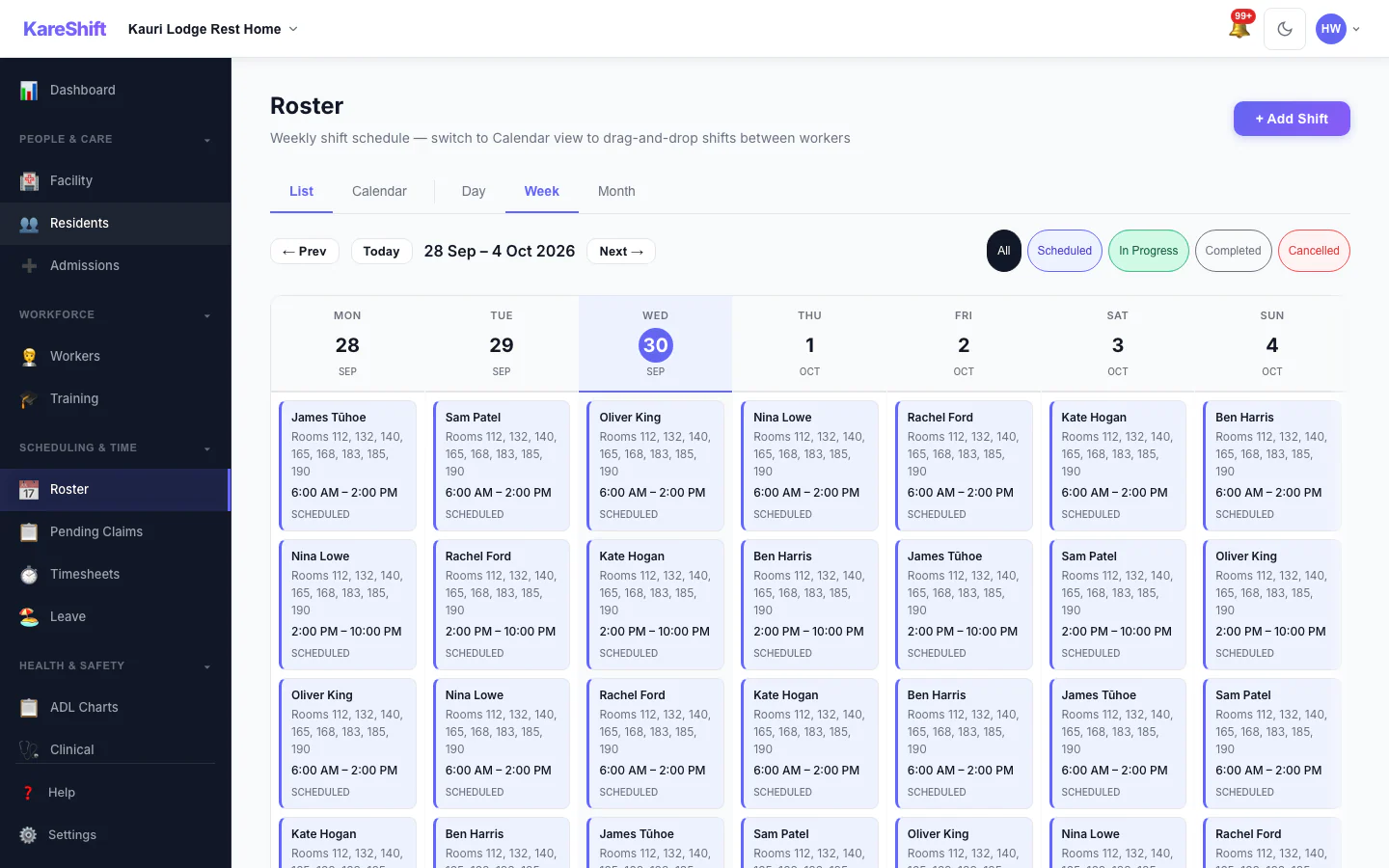
Roster
Staff rostering across shifts and care areas. Coverage gap alerts and overtime tracking.
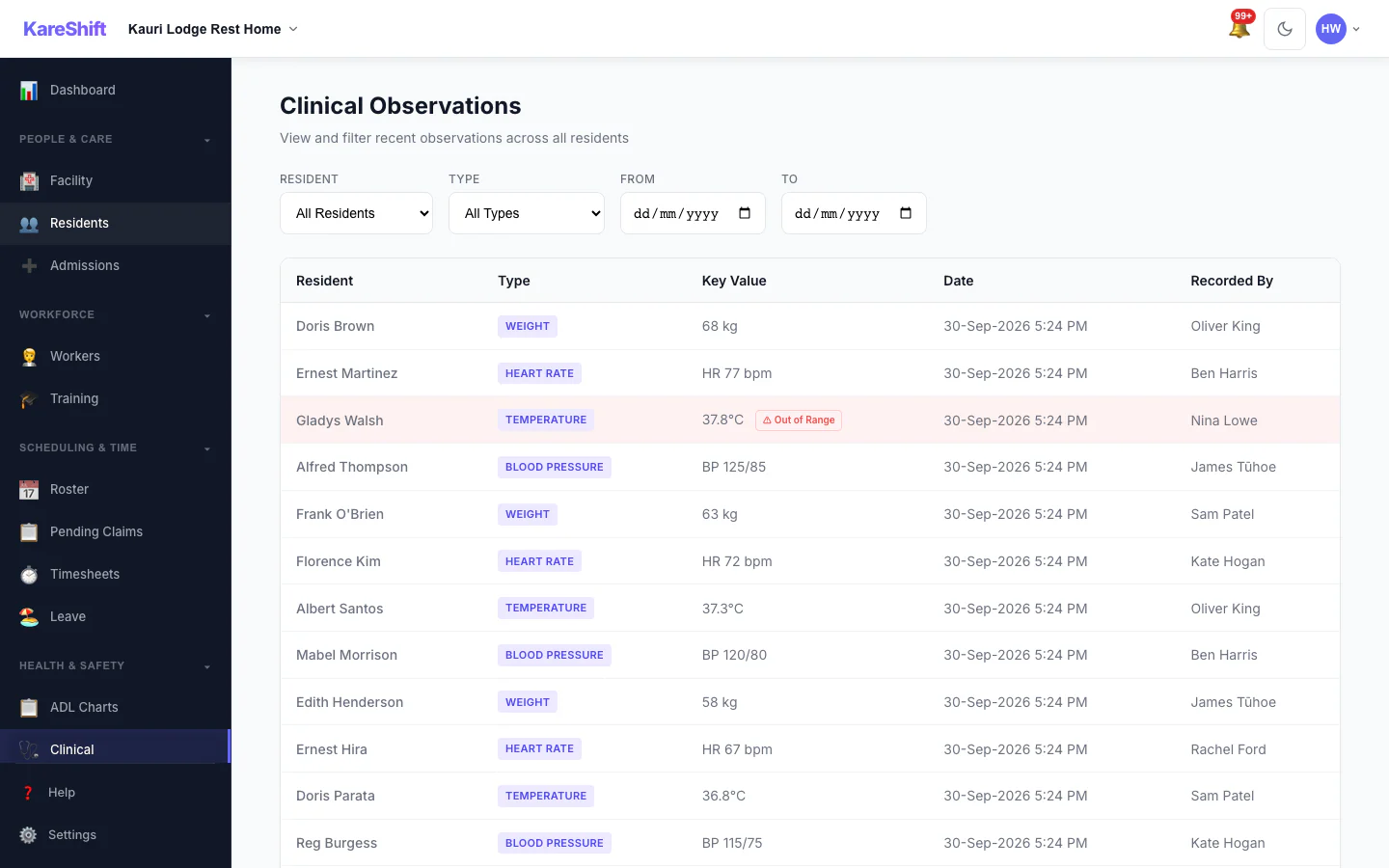
Clinical Observations
ADL charts, vital signs, skin integrity, weight, and pain scale — all linked to each resident.
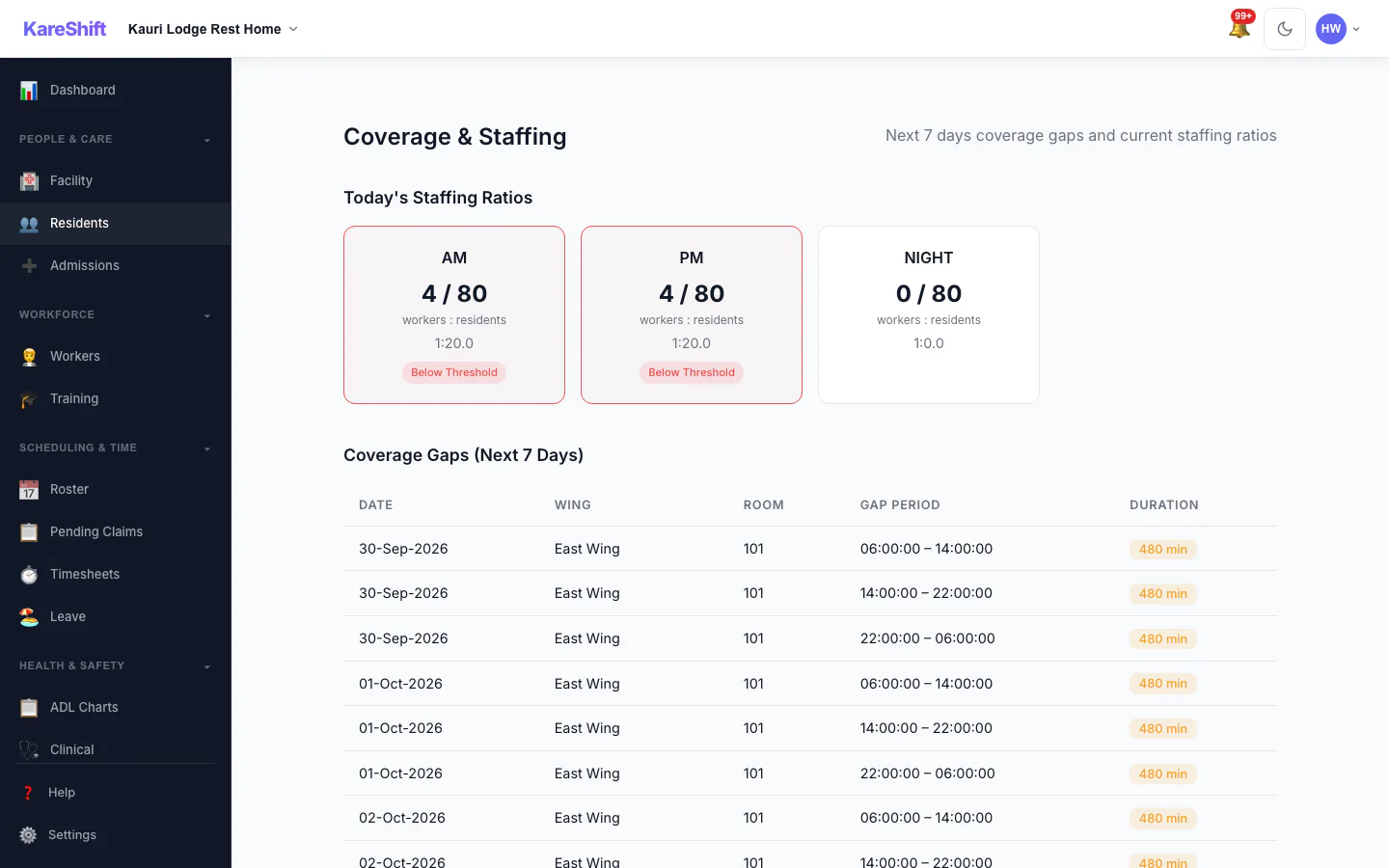
Coverage Monitoring
Detect staffing gaps for the next 7 days. Alerts on understaffed shifts.
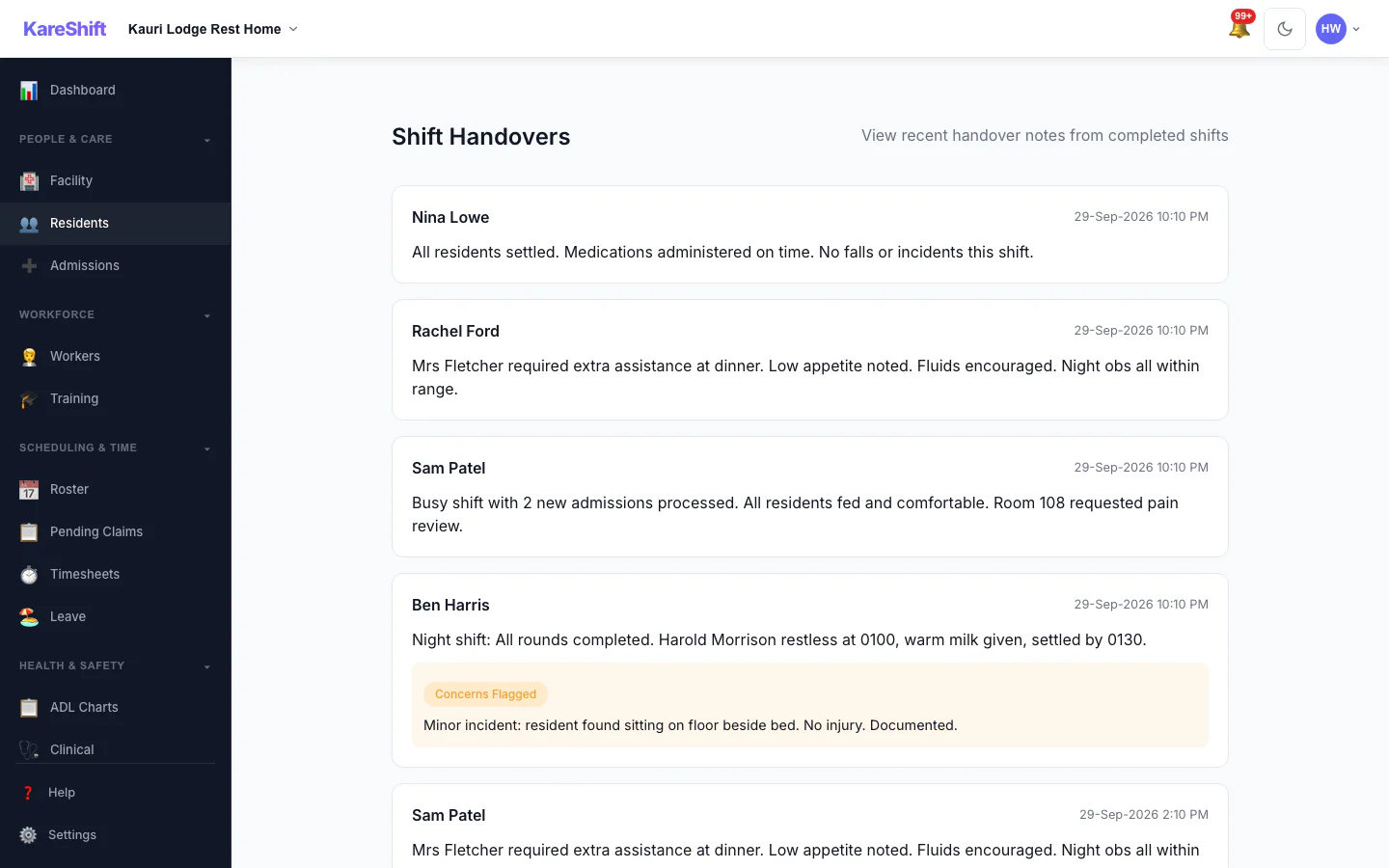
Shift Handover
Structured handover from outgoing to incoming staff. Priority tasks highlighted.
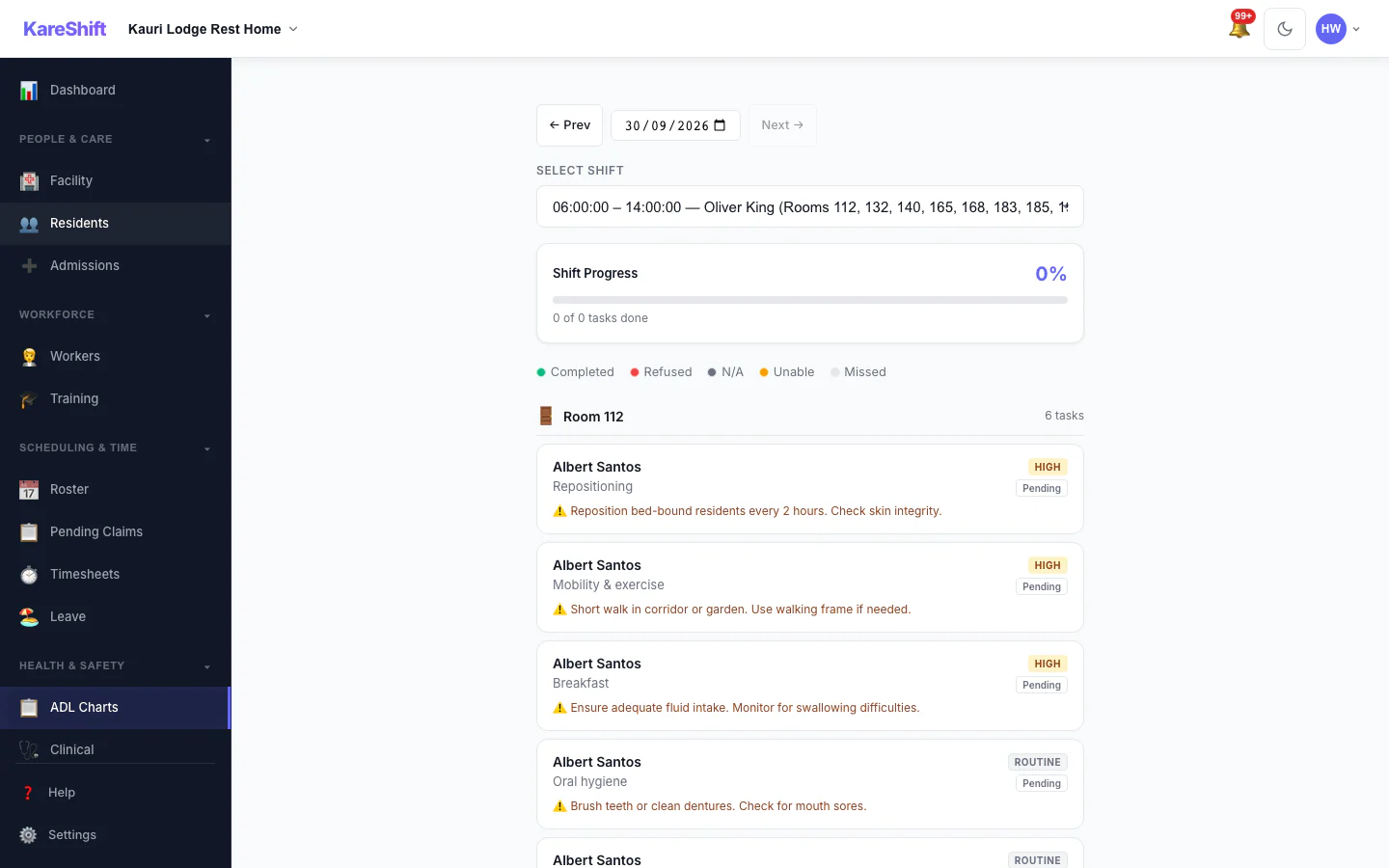
ADL Charts
Activities of daily living tracking — mobility, hygiene, nutrition, engagement.
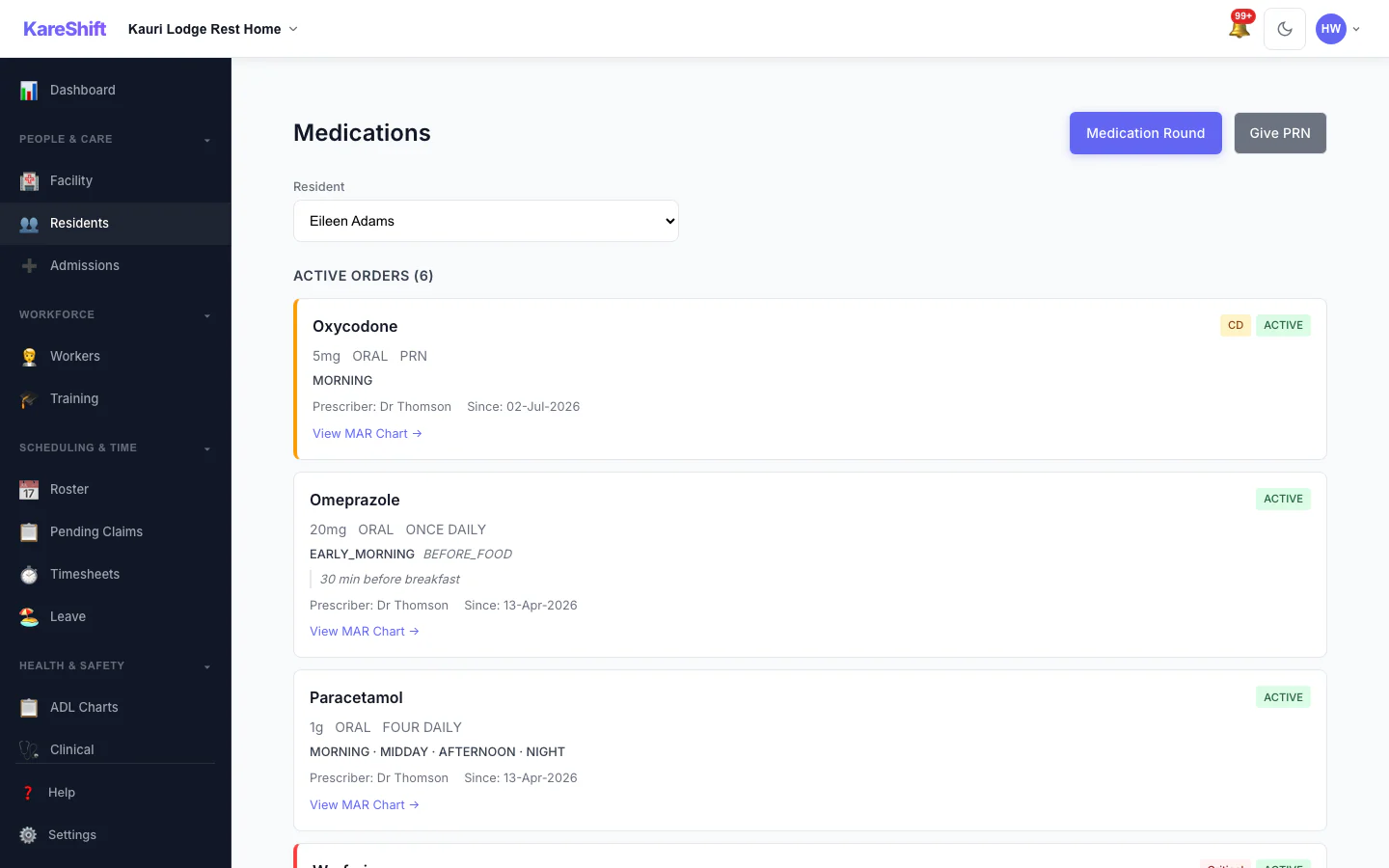
eMAR — Medication Orders
Full medication management — orders, PRN, controlled drugs. Real-time compliance with missed dose alerts.
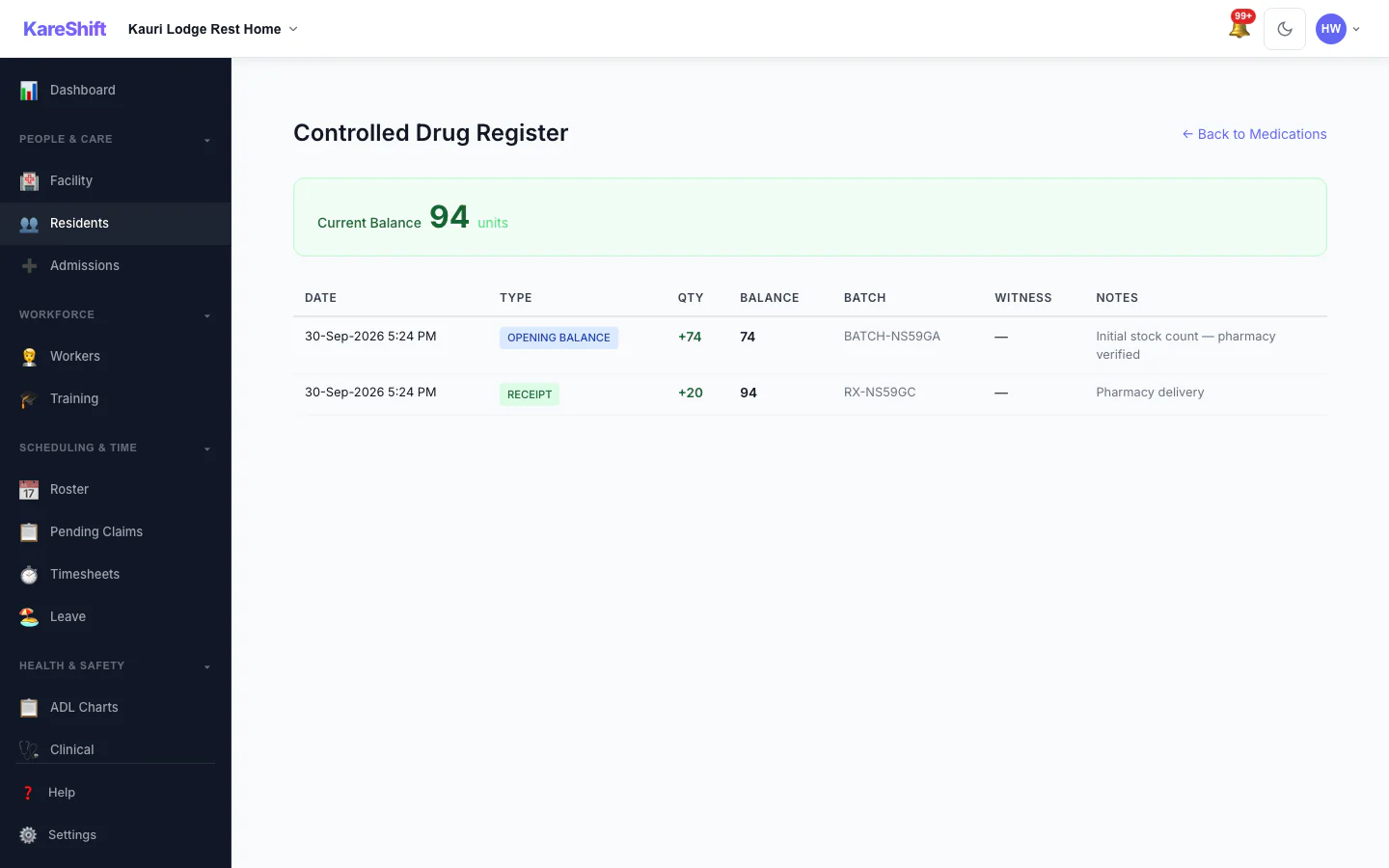
Controlled Drug Register
Full chain of custody — opening balance, receipts, administrations, disposals, and discrepancy alerts.
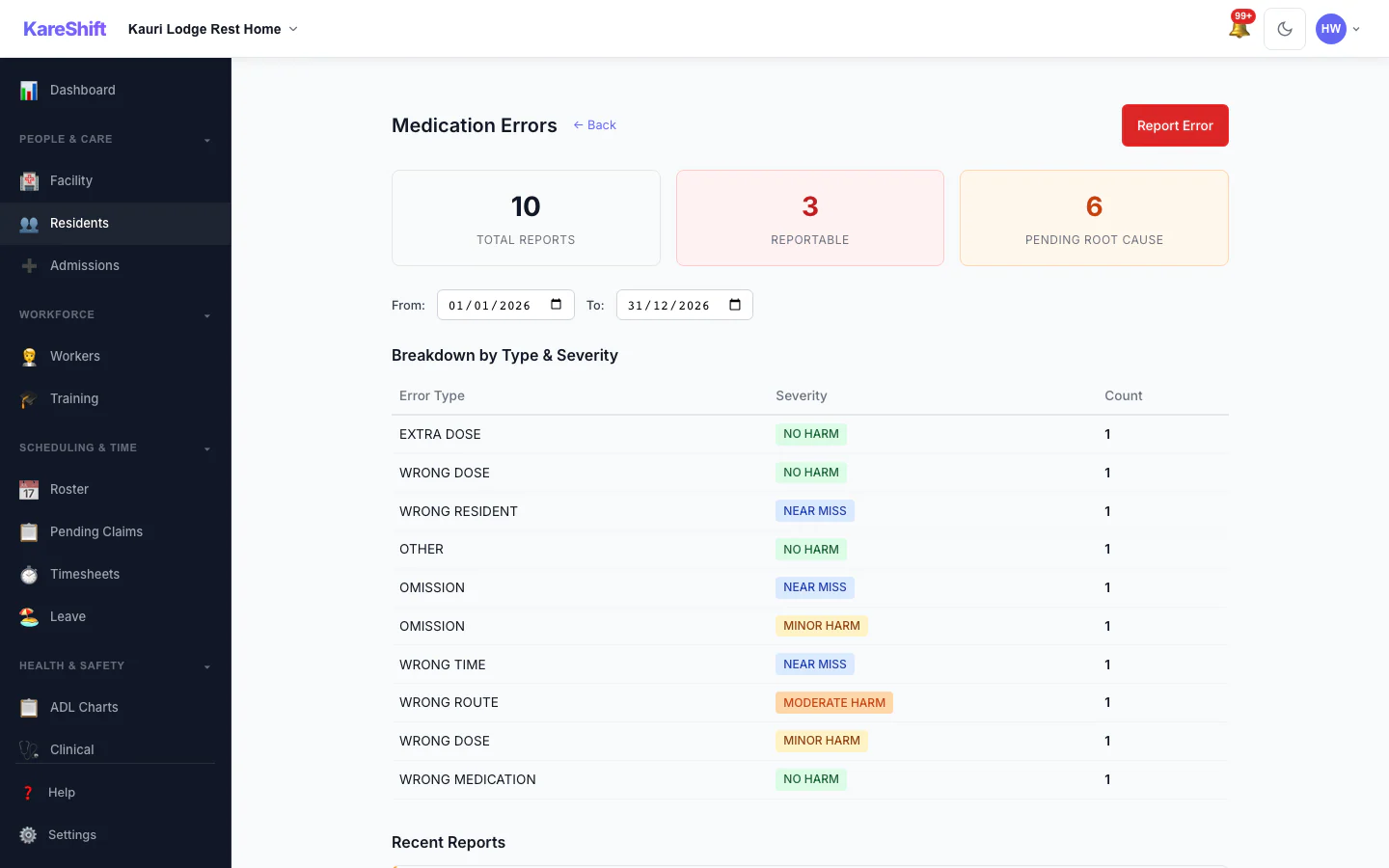
Medication Error Reports
Track and analyse medication errors — type, severity, root cause analysis.
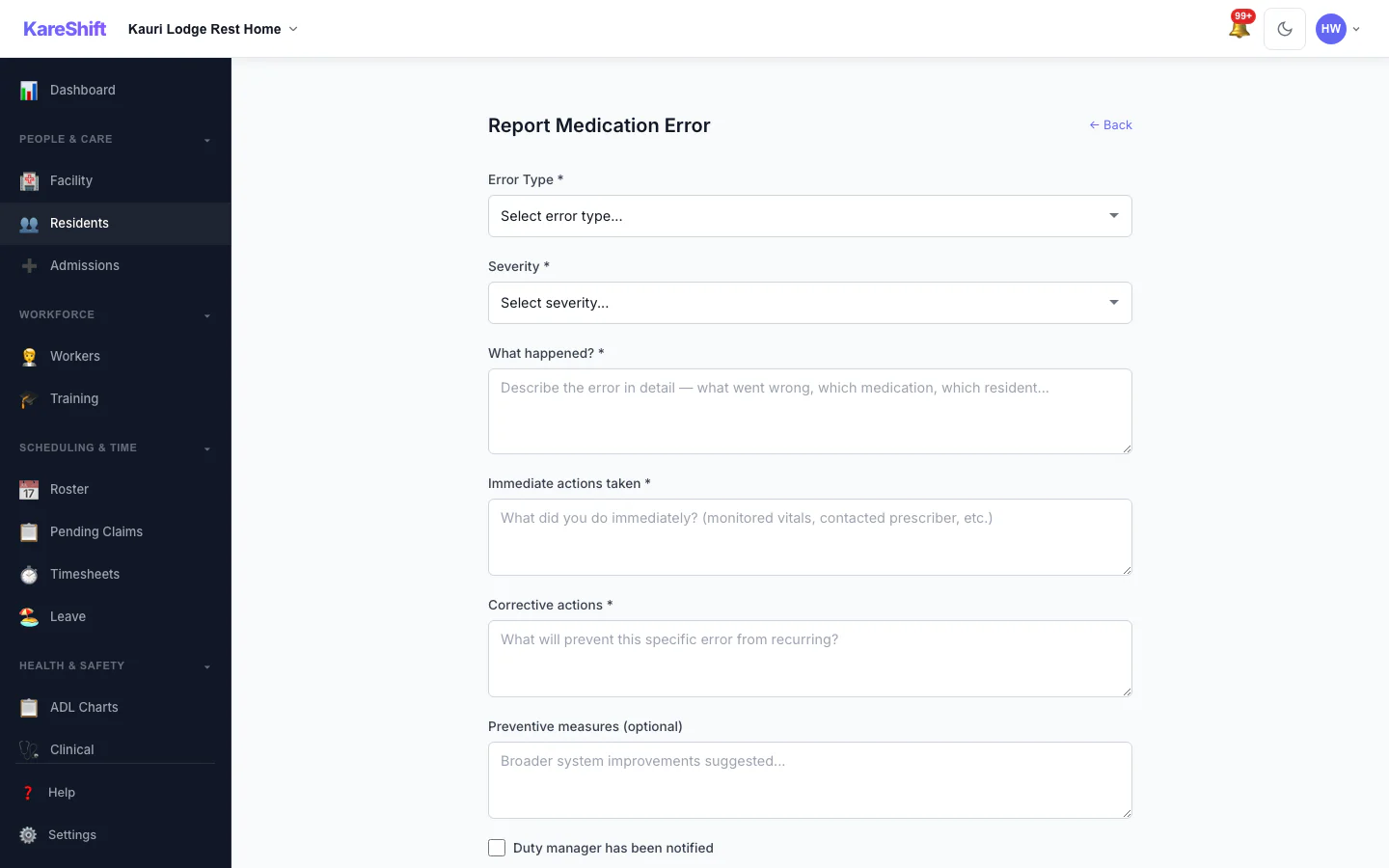
Report Medication Error
Structured error reporting — wrong dose, wrong time, omission. Immediate and corrective actions.
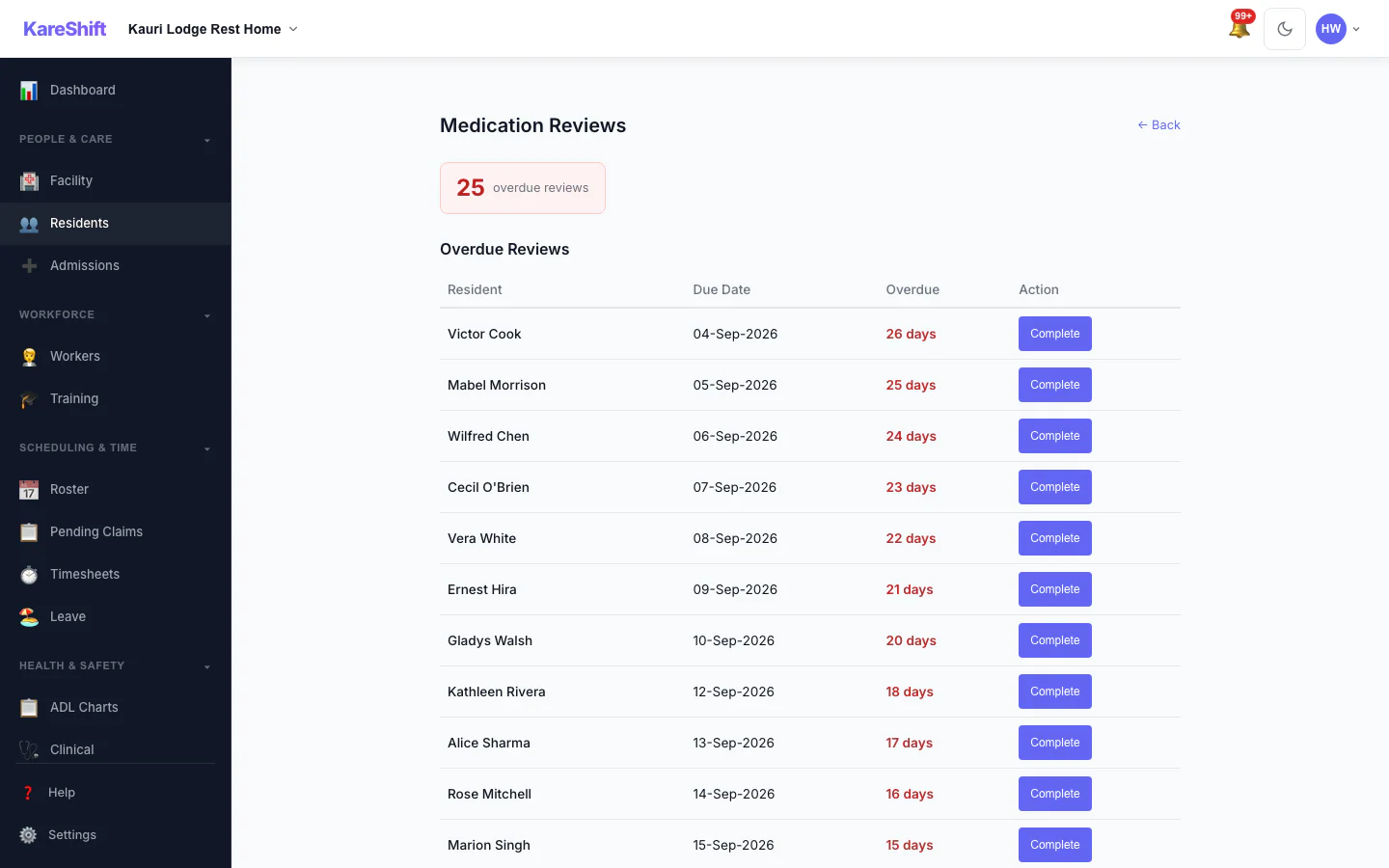
Medication Reviews
Track overdue medication reviews. Quarterly scheduling, GP/pharmacist sign-off.
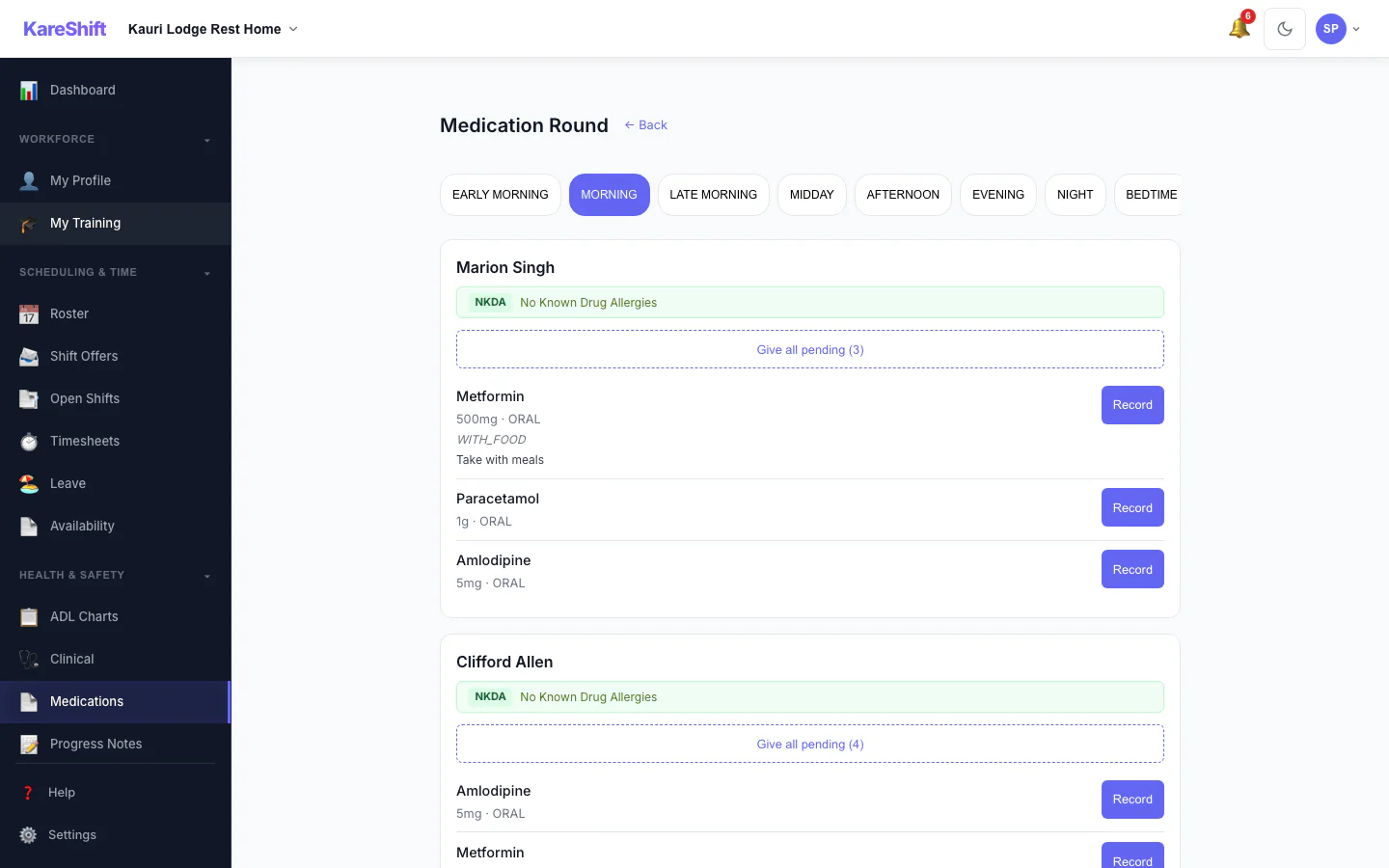
Medication Rounds
Room-by-room medication checklist. Care workers administer from their phone.
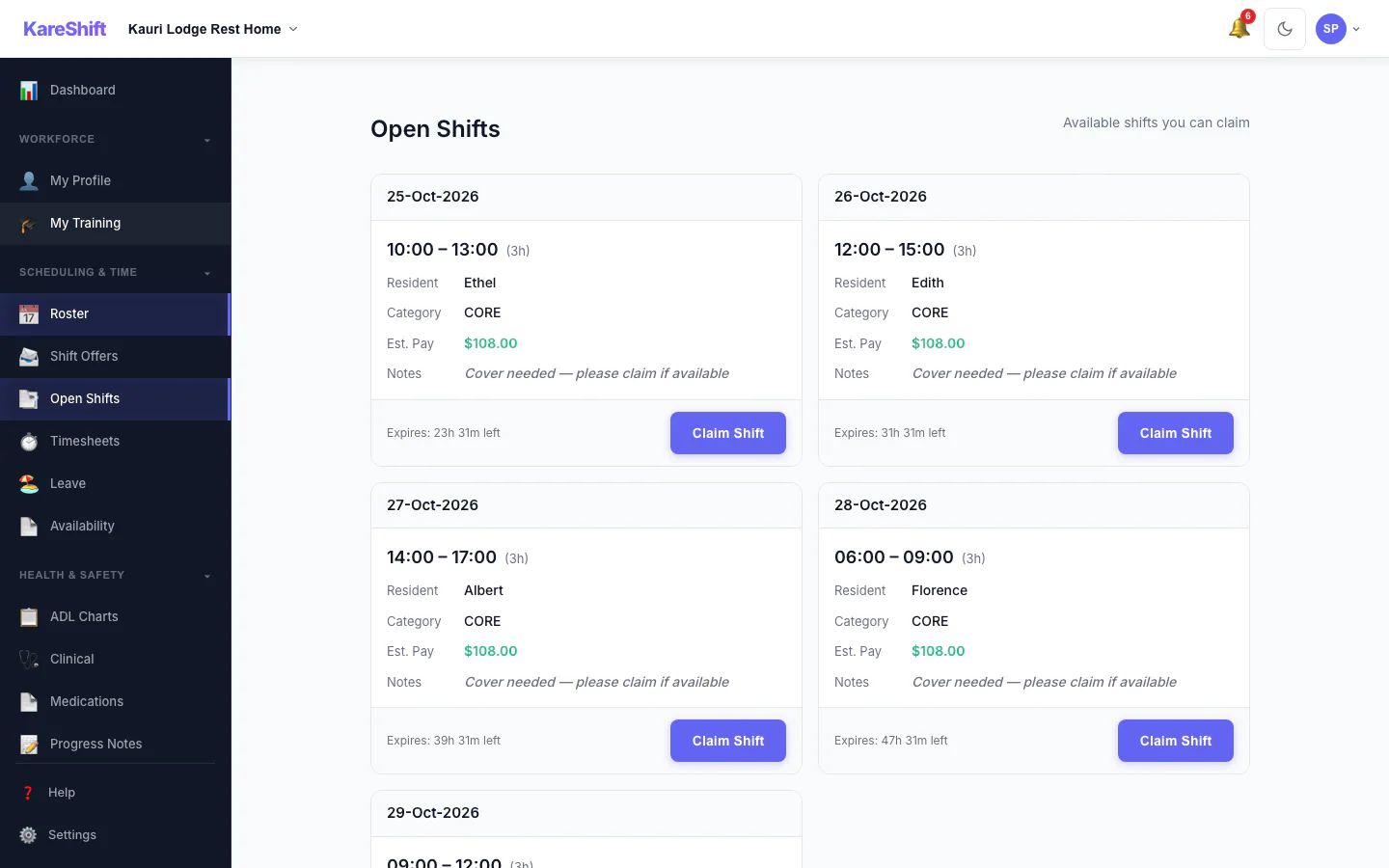
Open Shift Board
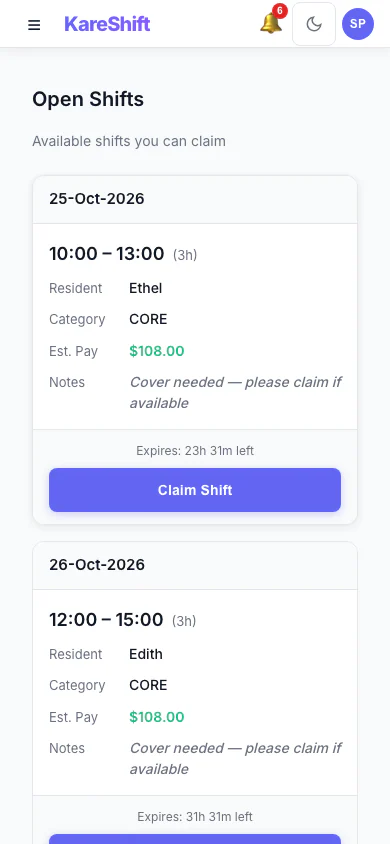
Open Shift Board (Mobile)
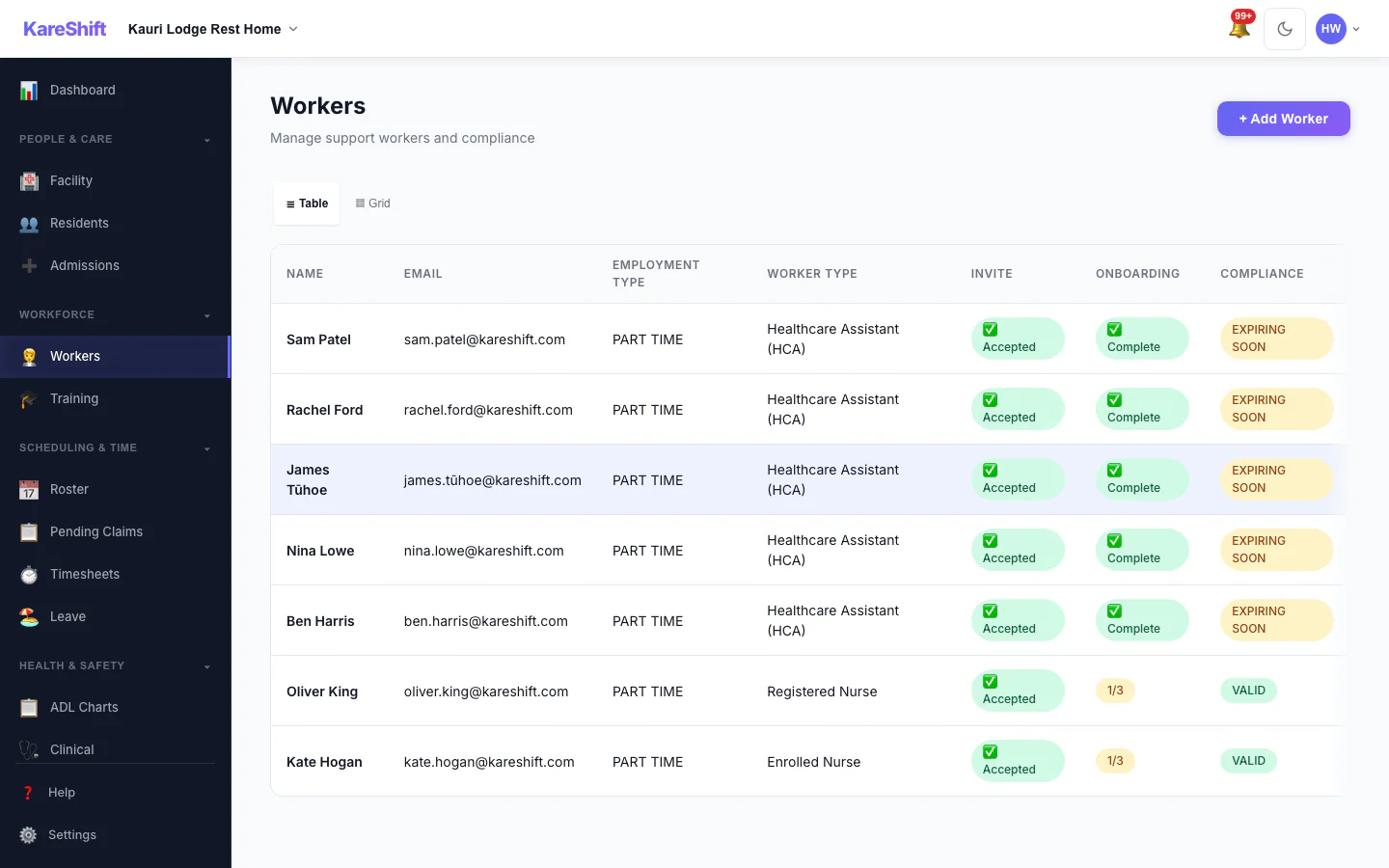
Workers
Full staff list — compliance, availability, hours this week.
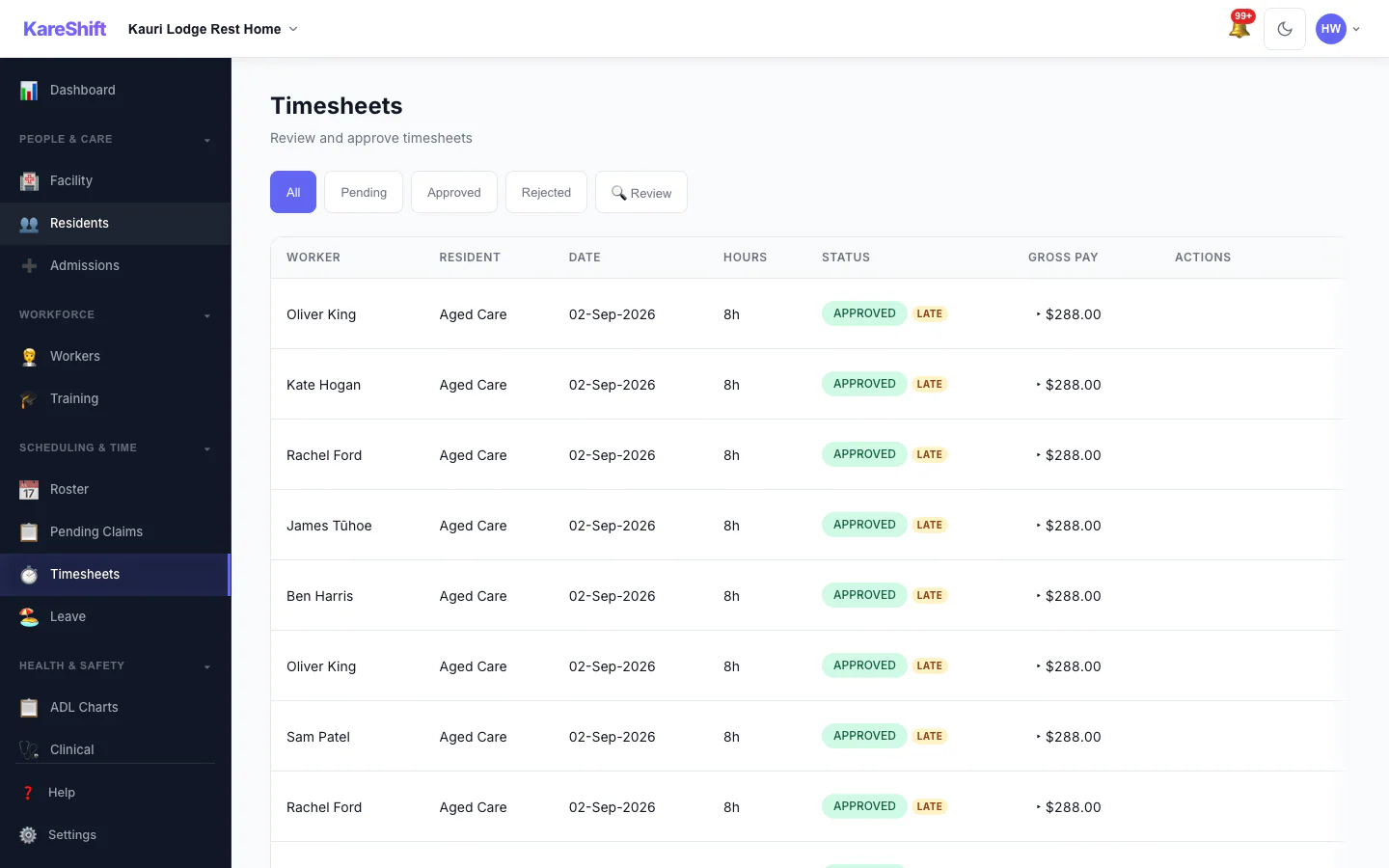
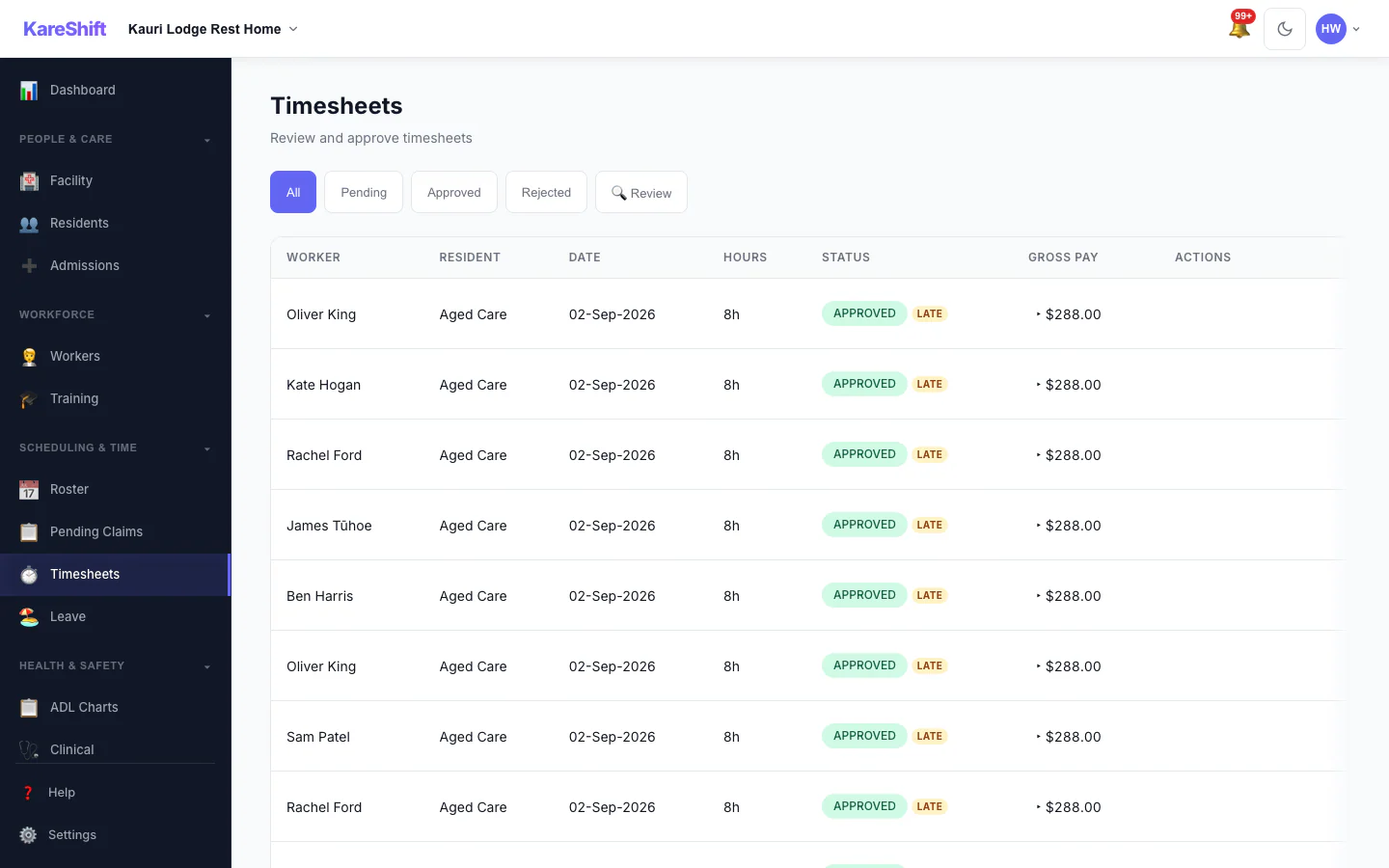
Timesheets
Auto-generated timesheets. Approve and export to payroll.
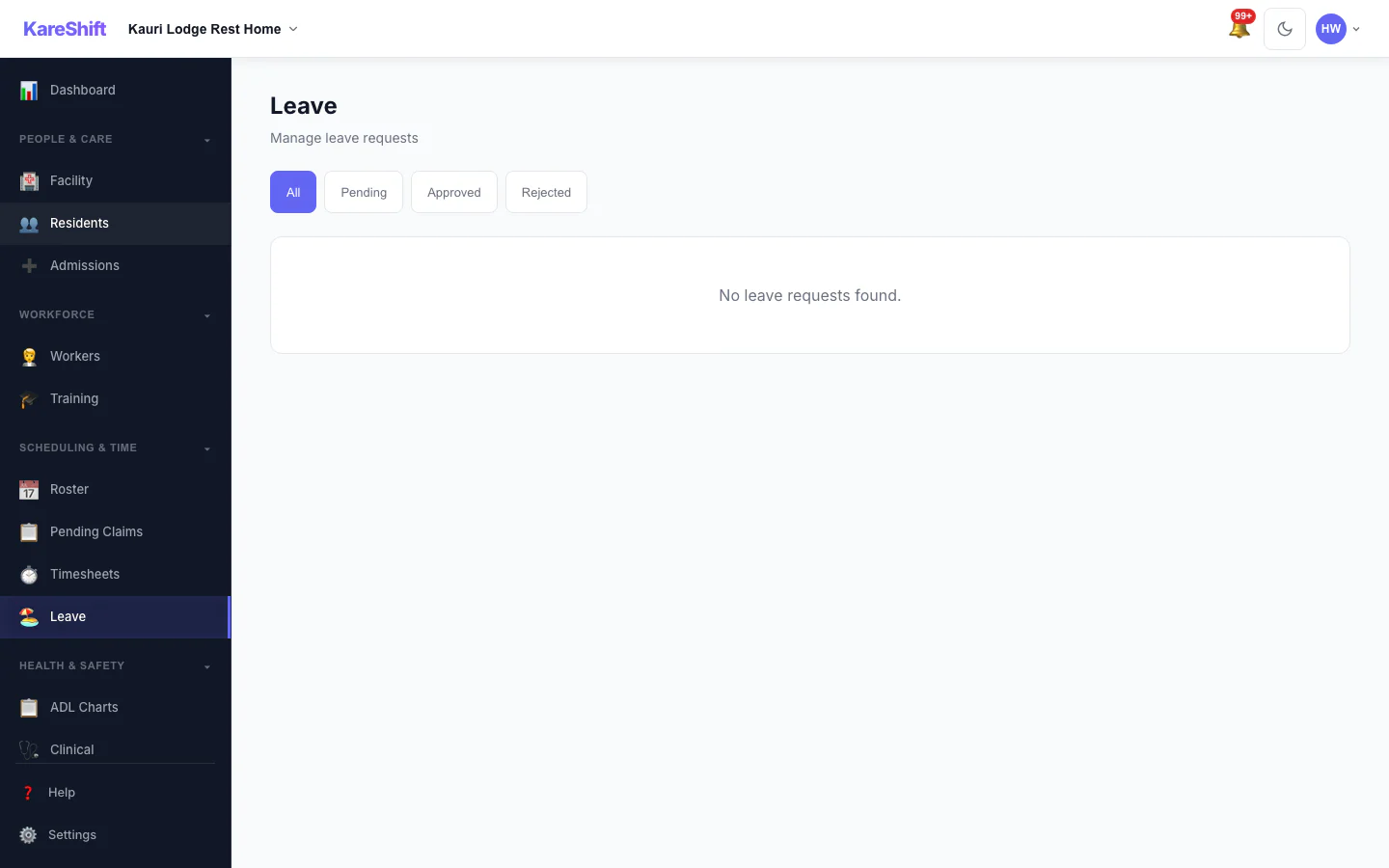
Leave
Annual, sick, and bereavement leave — approve with roster impact visibility.
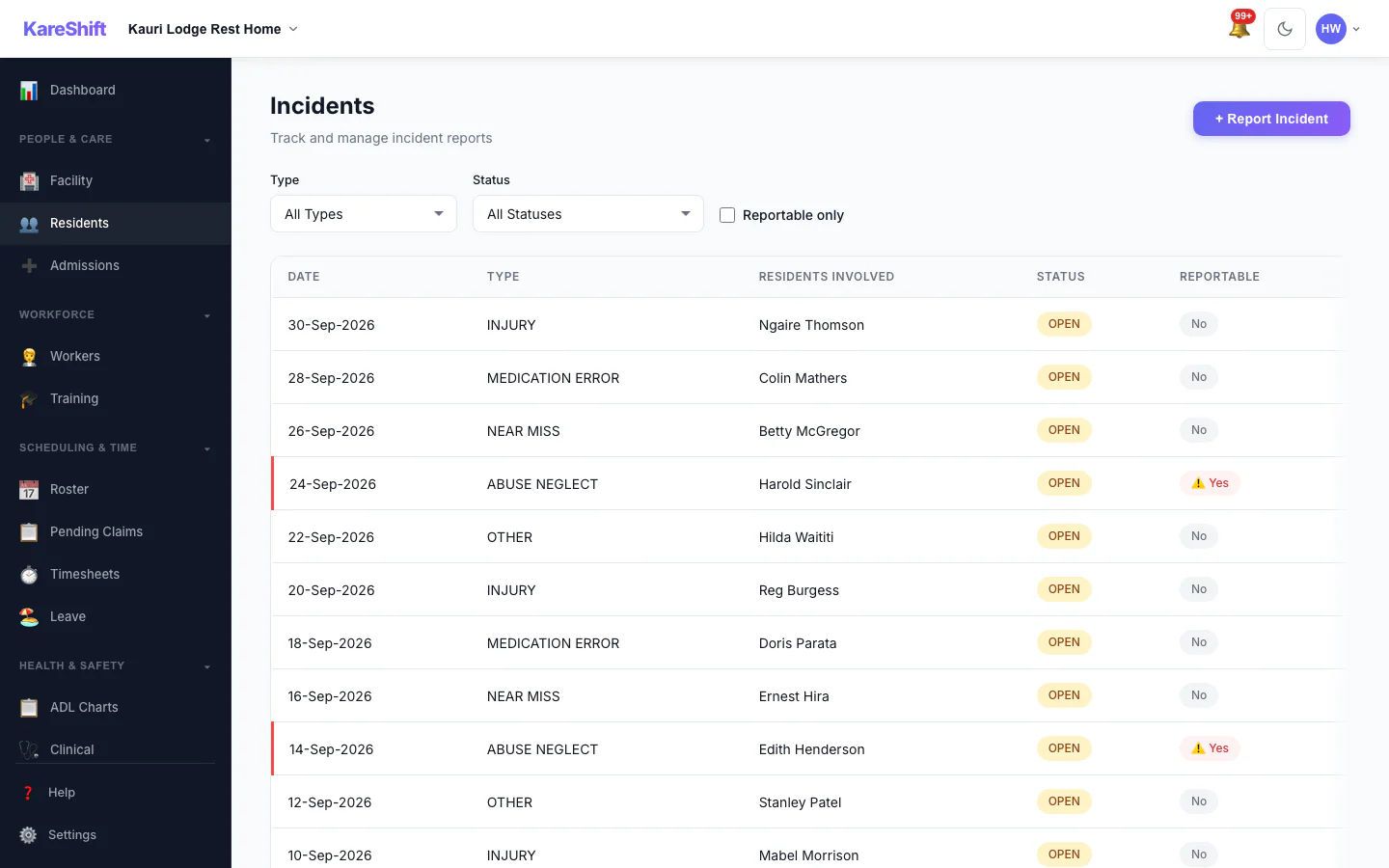
Incidents
Record and classify incidents. WorkSafe NZ reporting compliance.
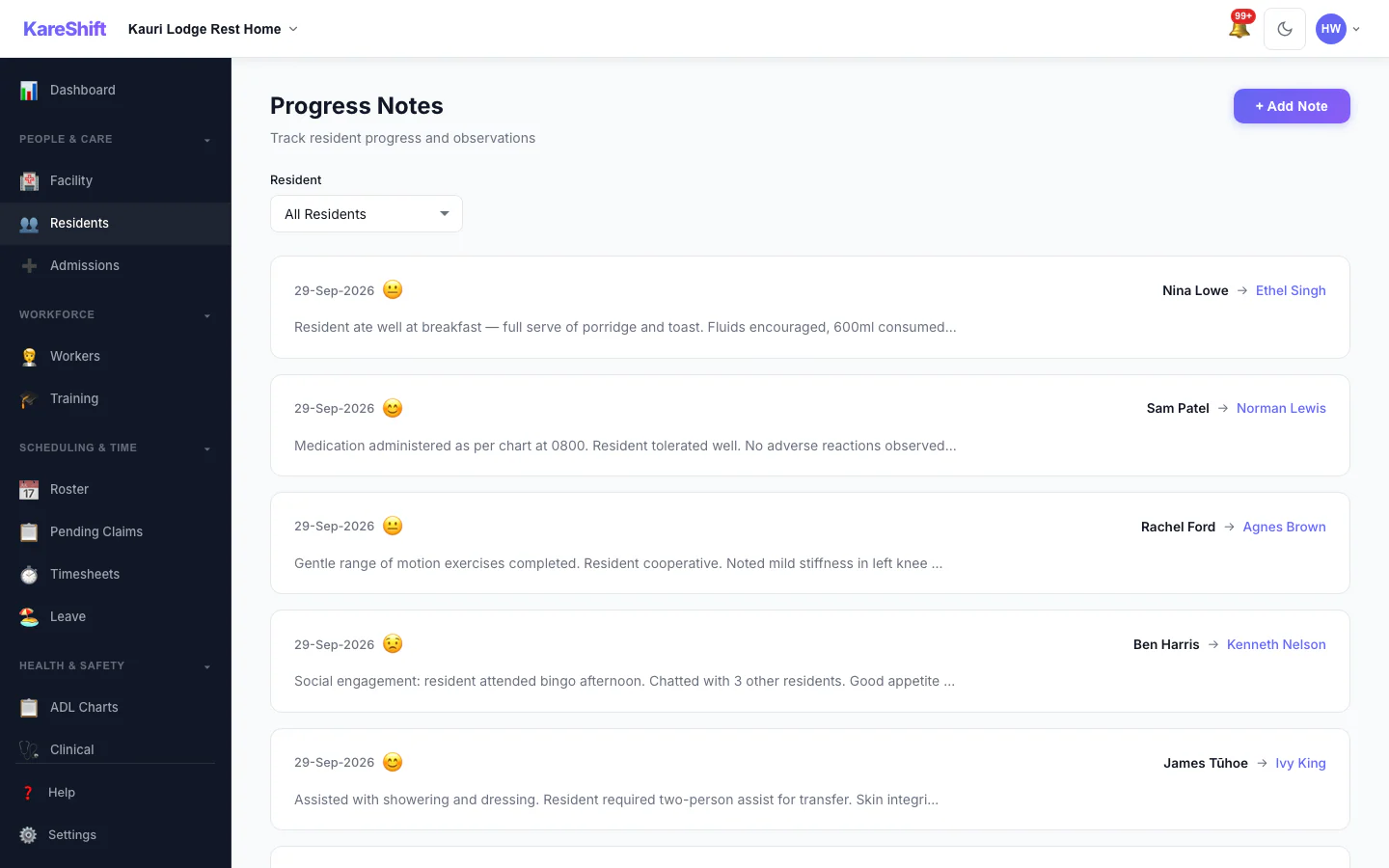
Progress Notes
Per-resident progress notes. Searchable, timestamped, exportable.
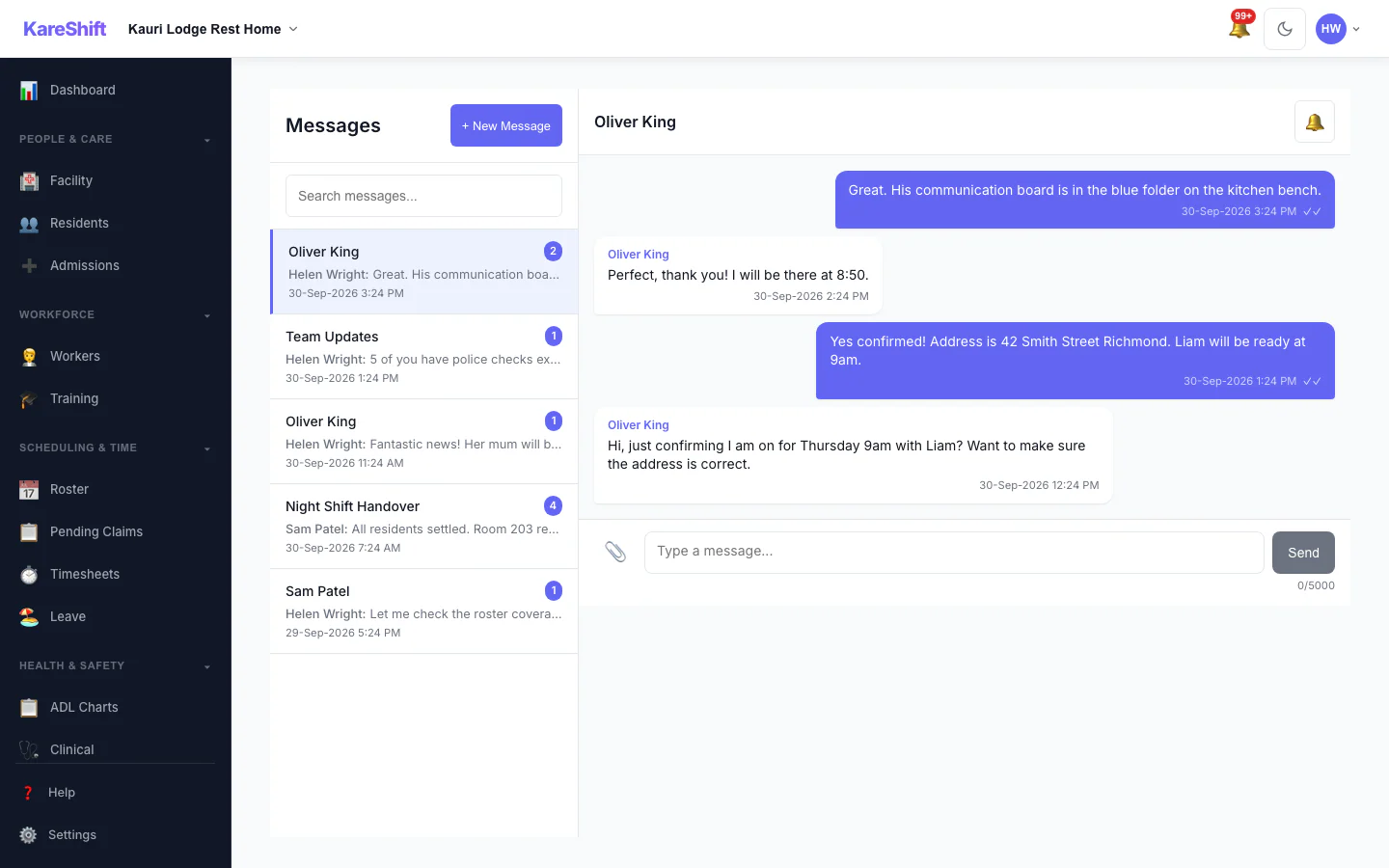
Messages
Secure team messaging with push notifications.
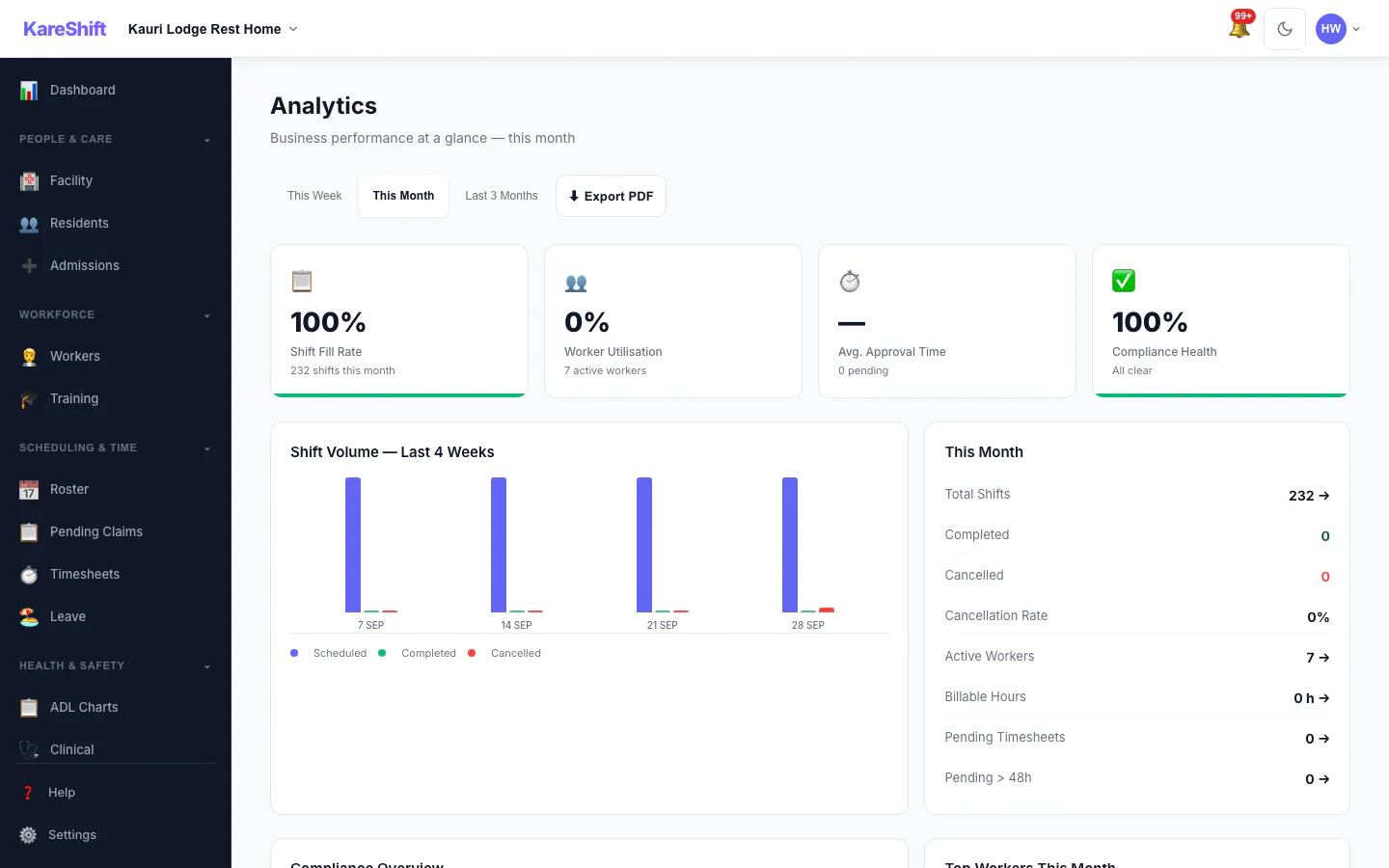
Analytics
Staffing metrics, occupancy trends, compliance health.
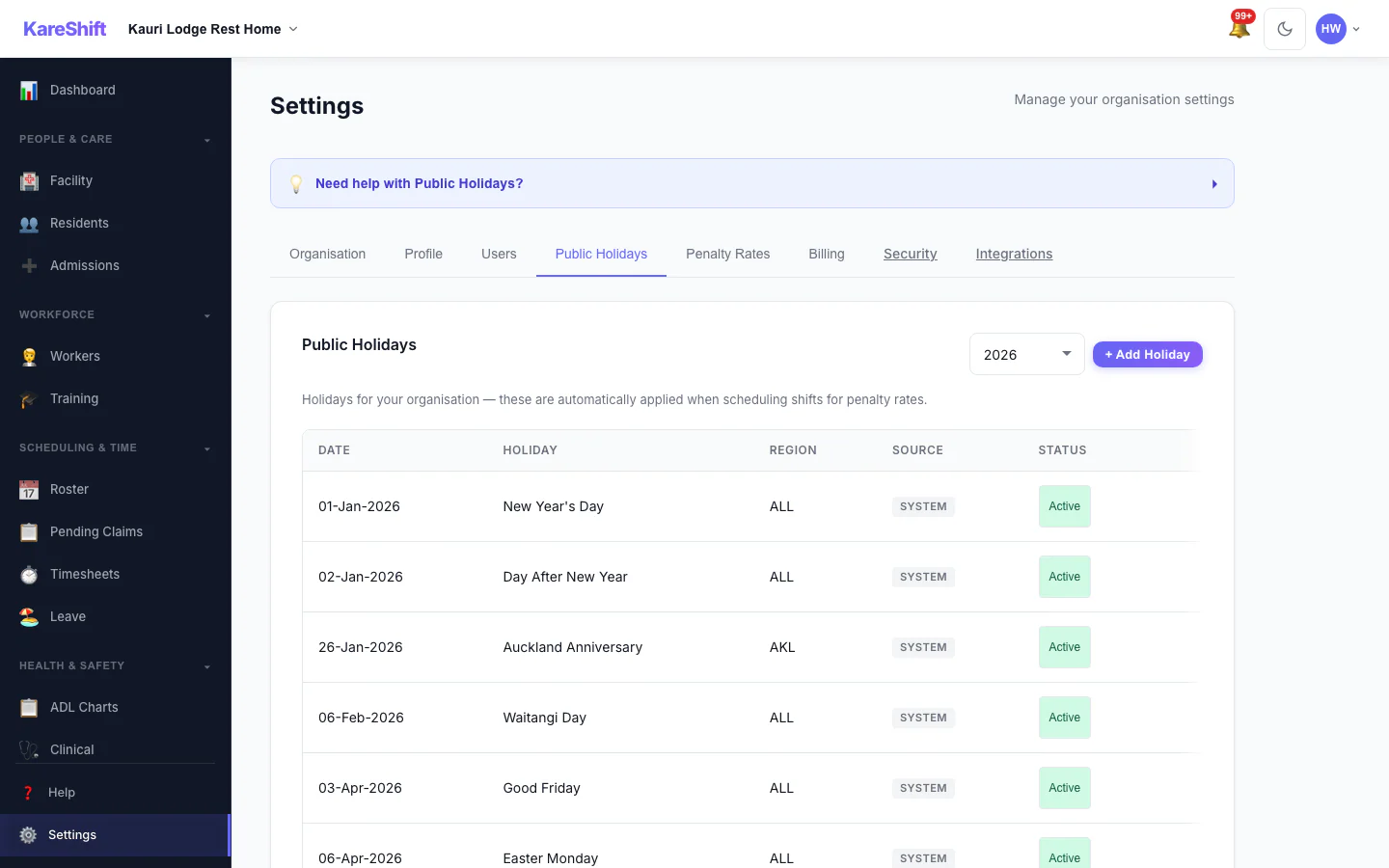
Public Holidays
NZ public holidays pre-loaded. Custom holidays for penalty rate triggers.
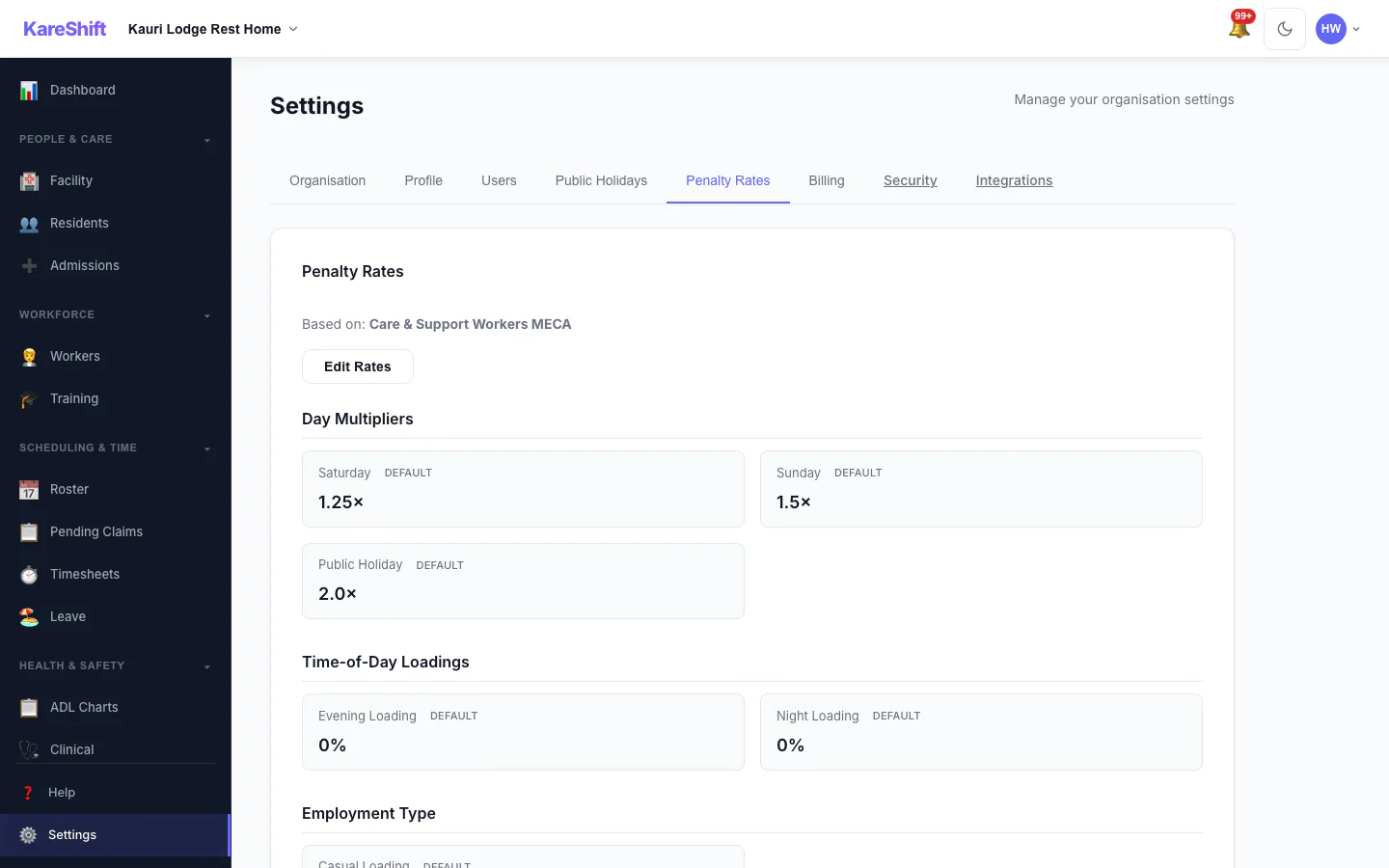
Penalty Rates
Configurable penalty rate multipliers. Override defaults per org.
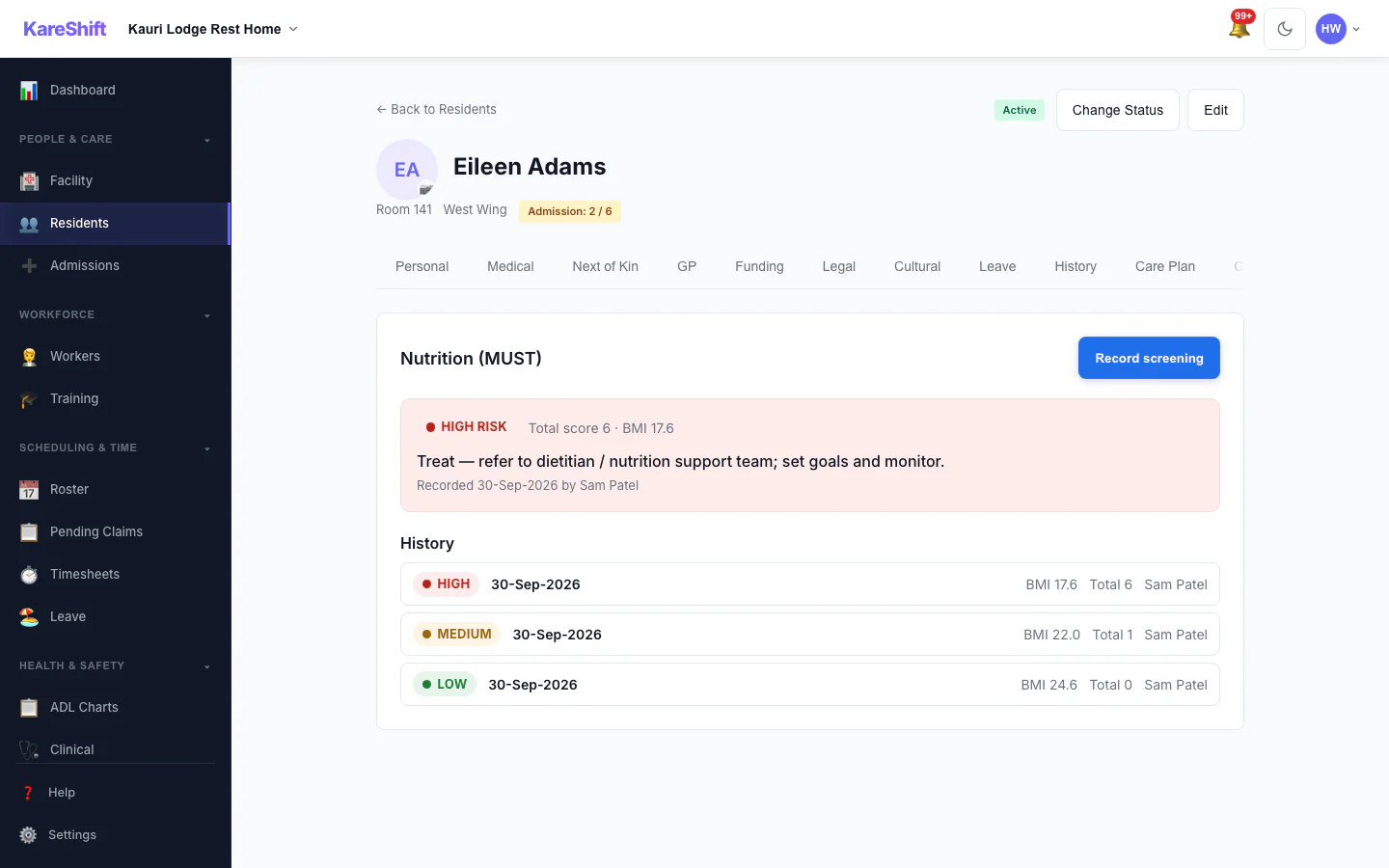
Nutrition Screening (MUST)
Record MUST screenings for each resident and see the risk level, the recommended action and the full screening history.
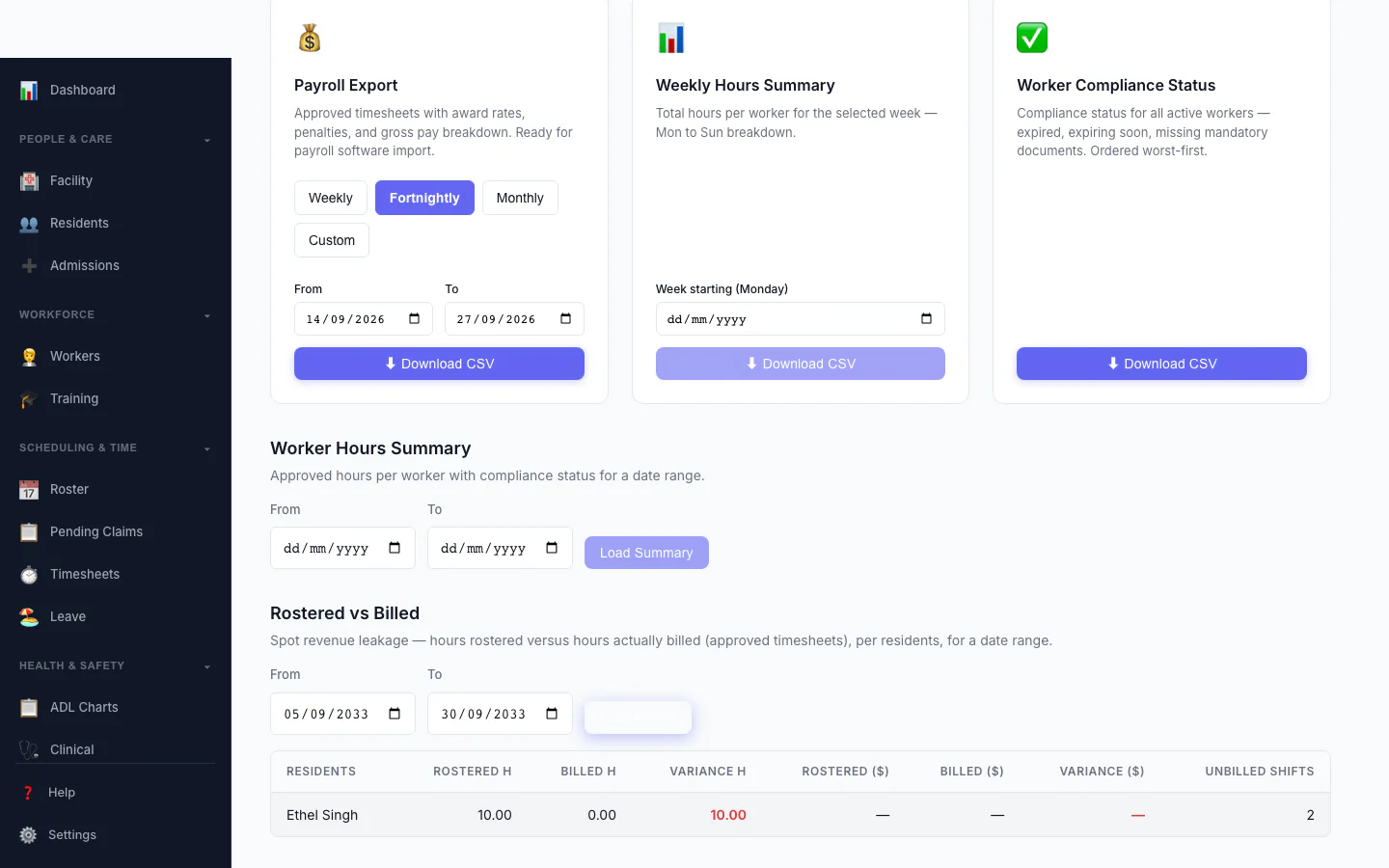
Rostered vs Billed
Spot revenue leakage at a glance — rostered hours versus hours actually billed, per resident, with the shortfall highlighted.
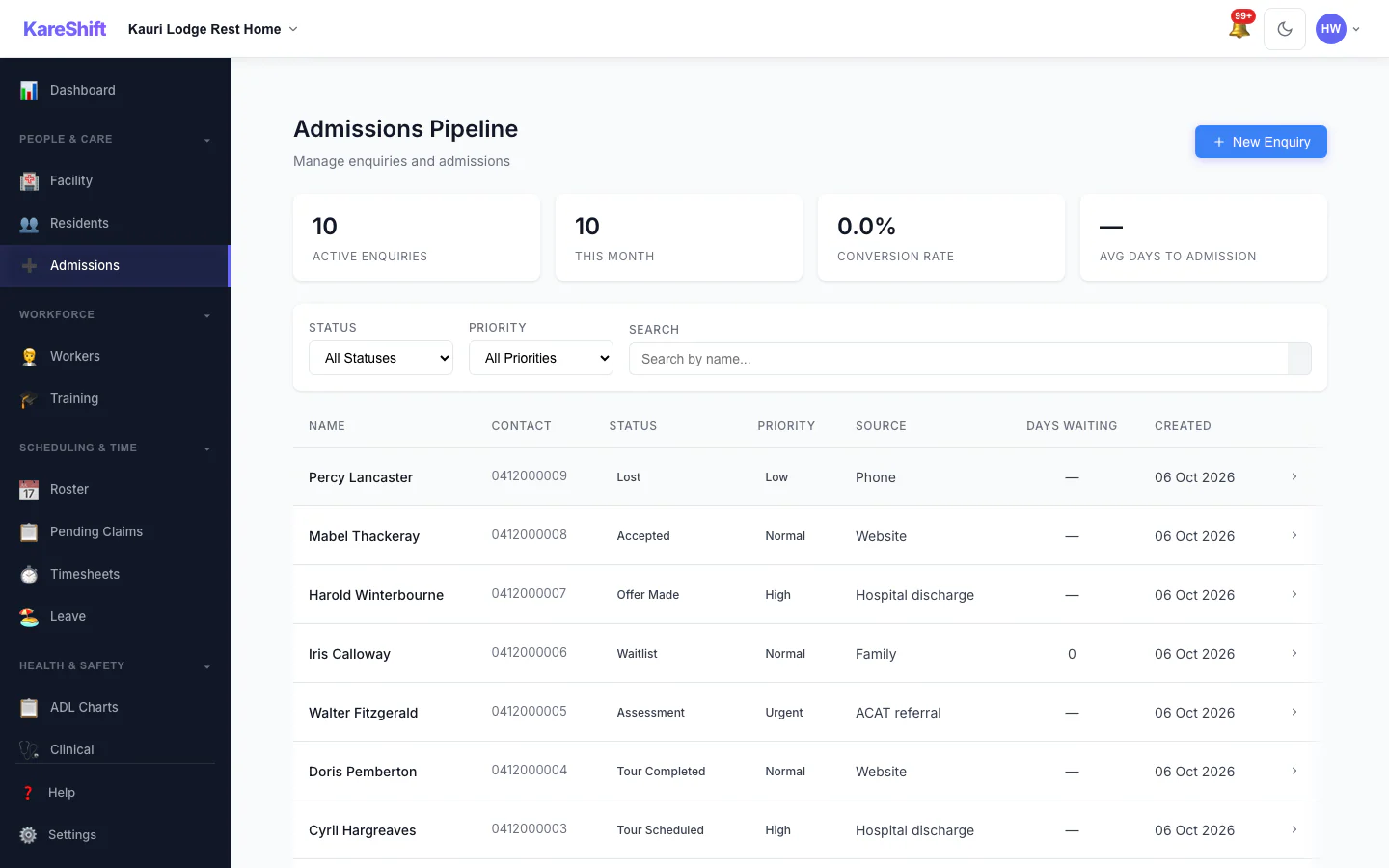
Admissions Pipeline
Track every enquiry from first call to admission: stage, priority, source and days waiting.
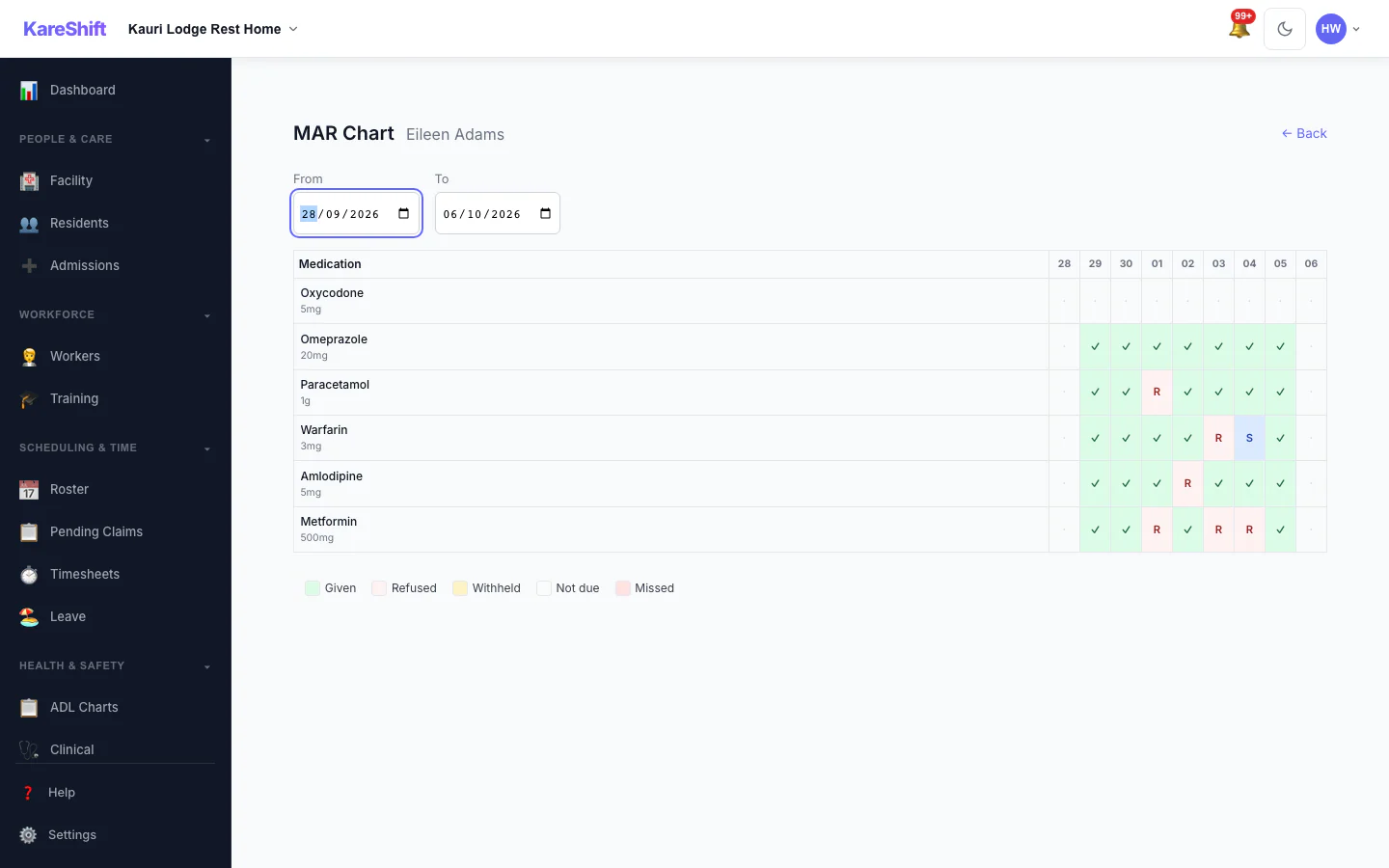
MAR Chart
A resident's medication administration over a week: given, refused, withheld and missed.
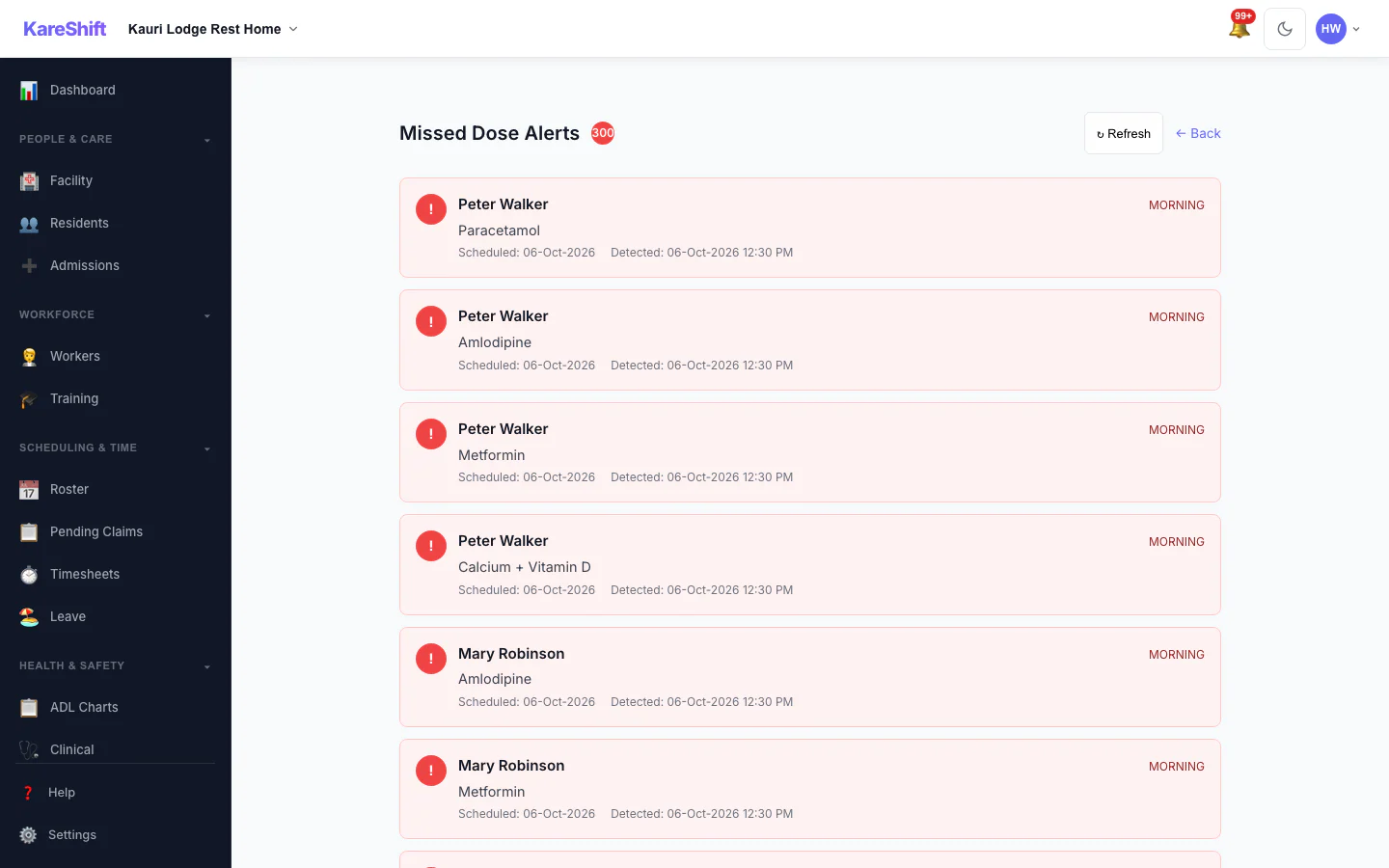
Missed Dose Alerts
Doses that were due and not recorded, so nothing is missed between rounds.
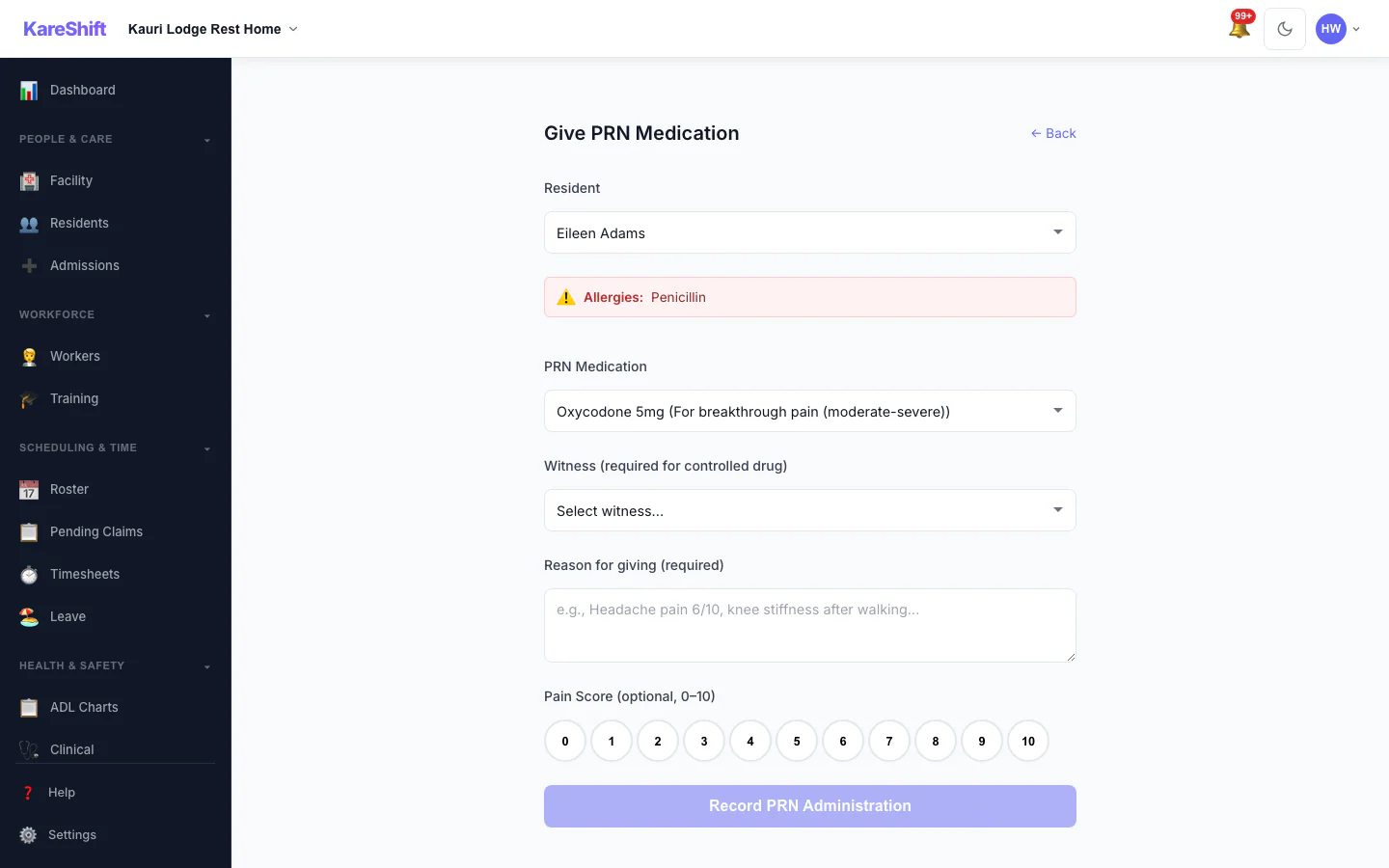
Give PRN Medication
Record an as-needed dose with the reason and a pain score; allergies and controlled-drug witnesses are shown.
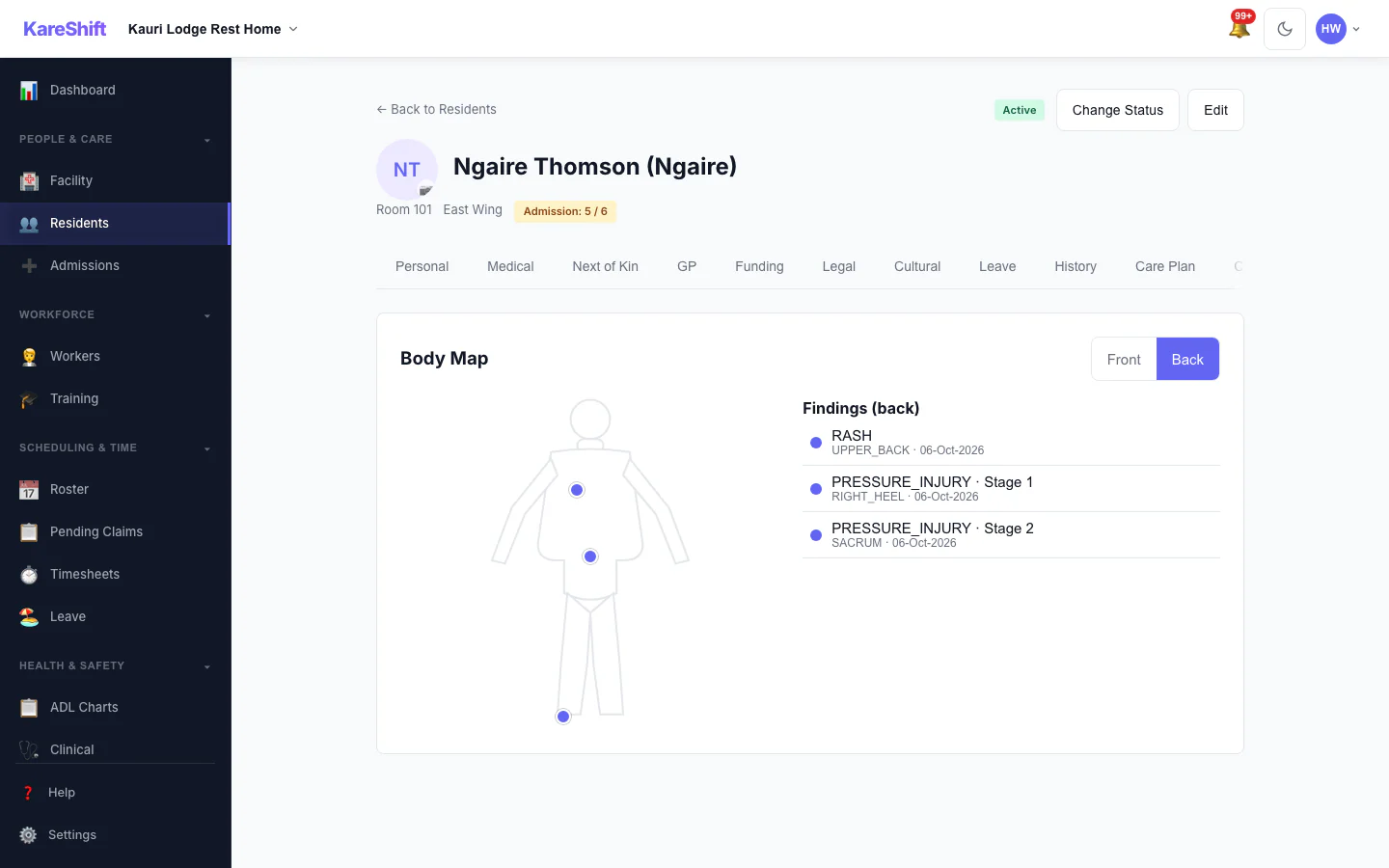
Body Map — Back
Back view with sacrum and heel pressure injuries recorded.
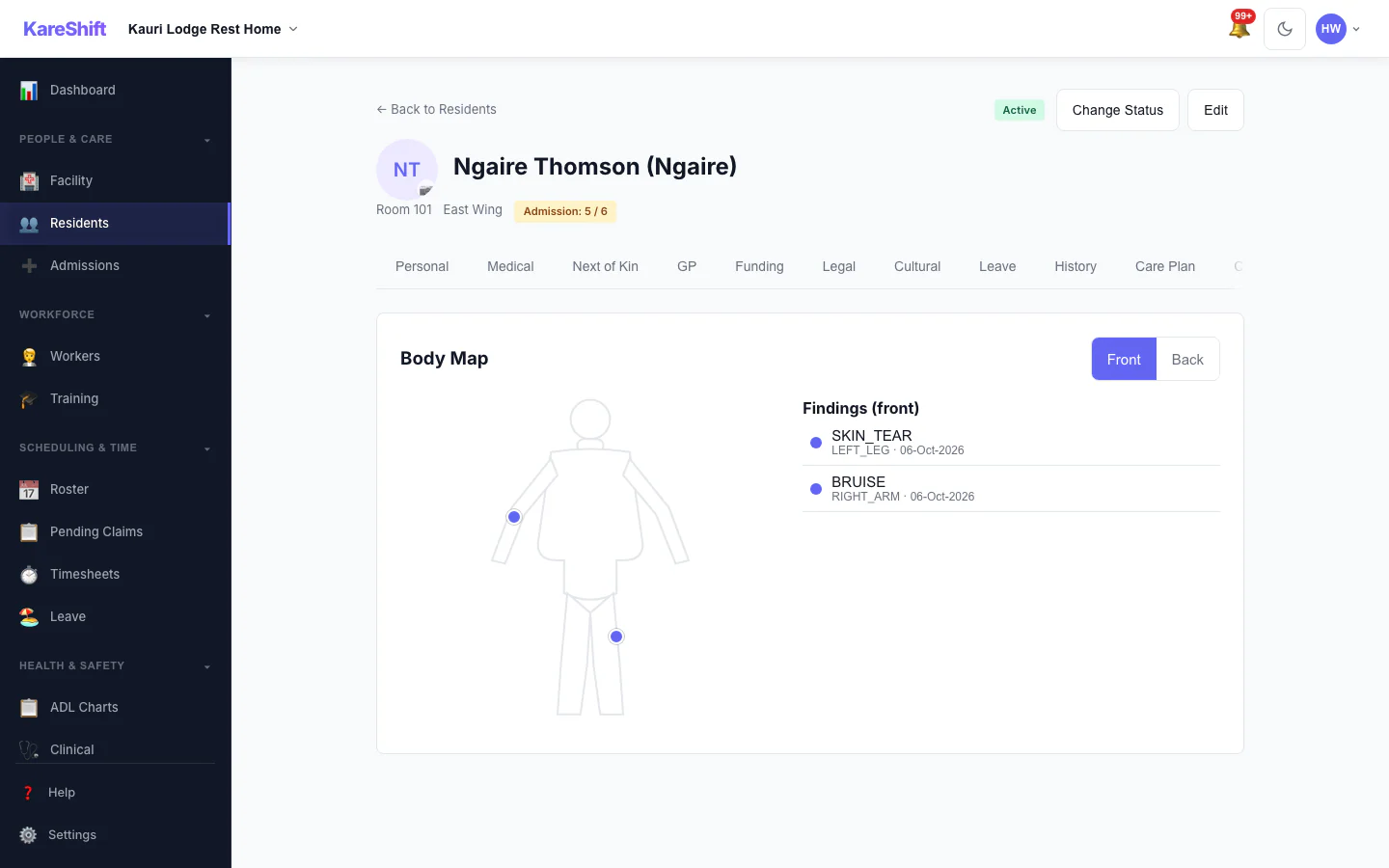
Body Map — Front
Mark skin findings on the front of the body and see them in the resident's record.
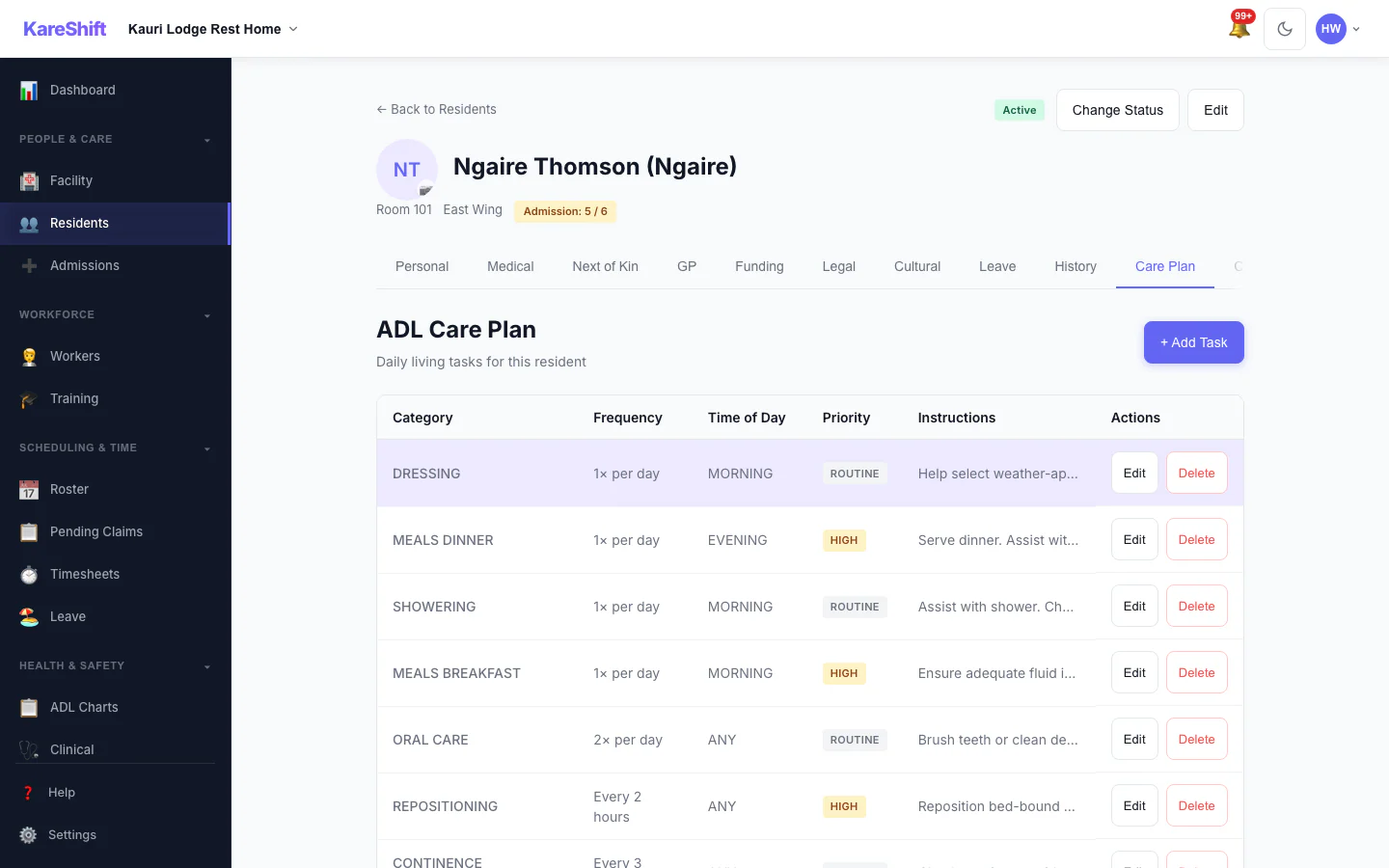
Resident Care Plan
The care plan for a resident, in the same record as everything else.
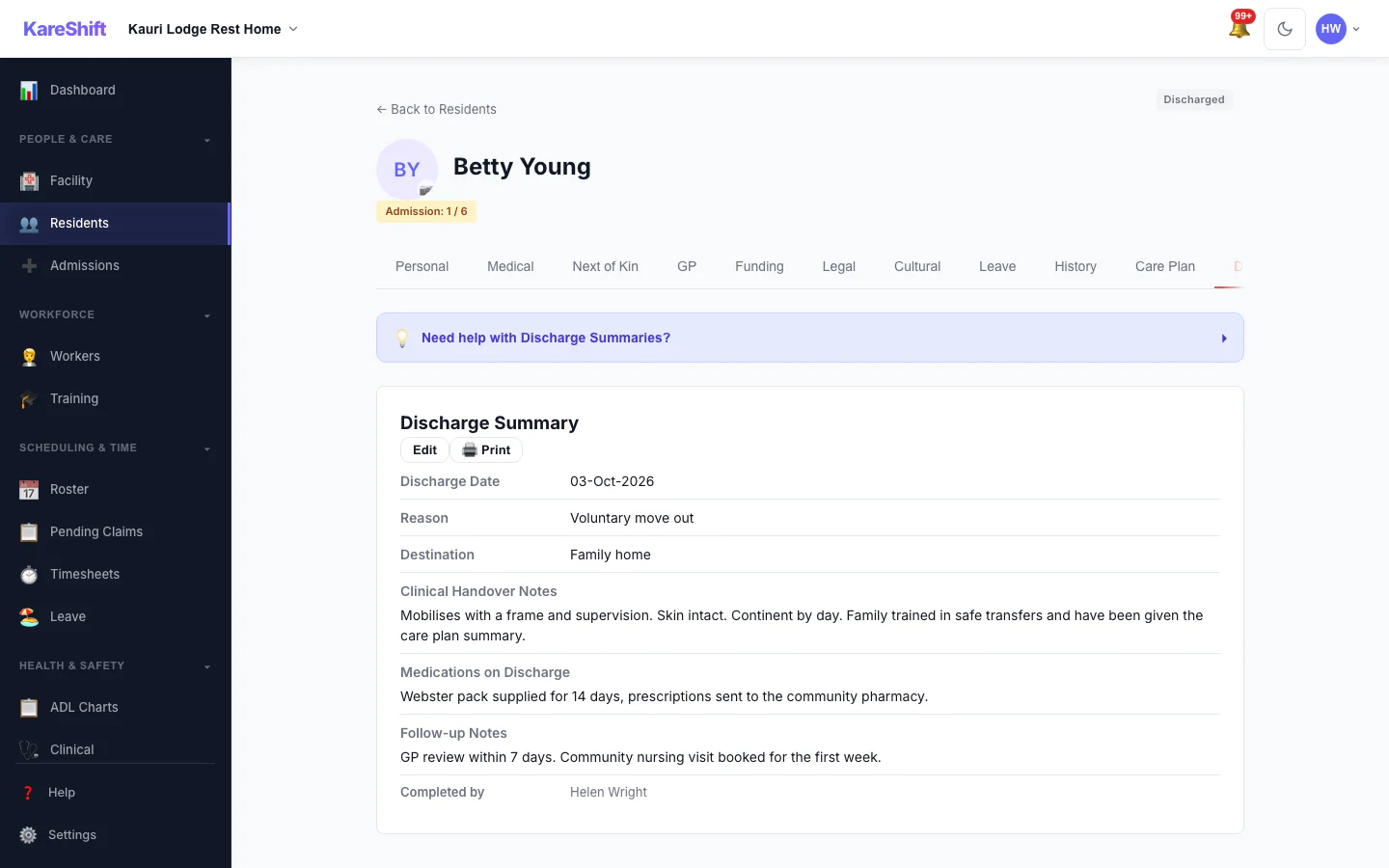
Resident Discharge
A completed discharge with its summary kept on the record.
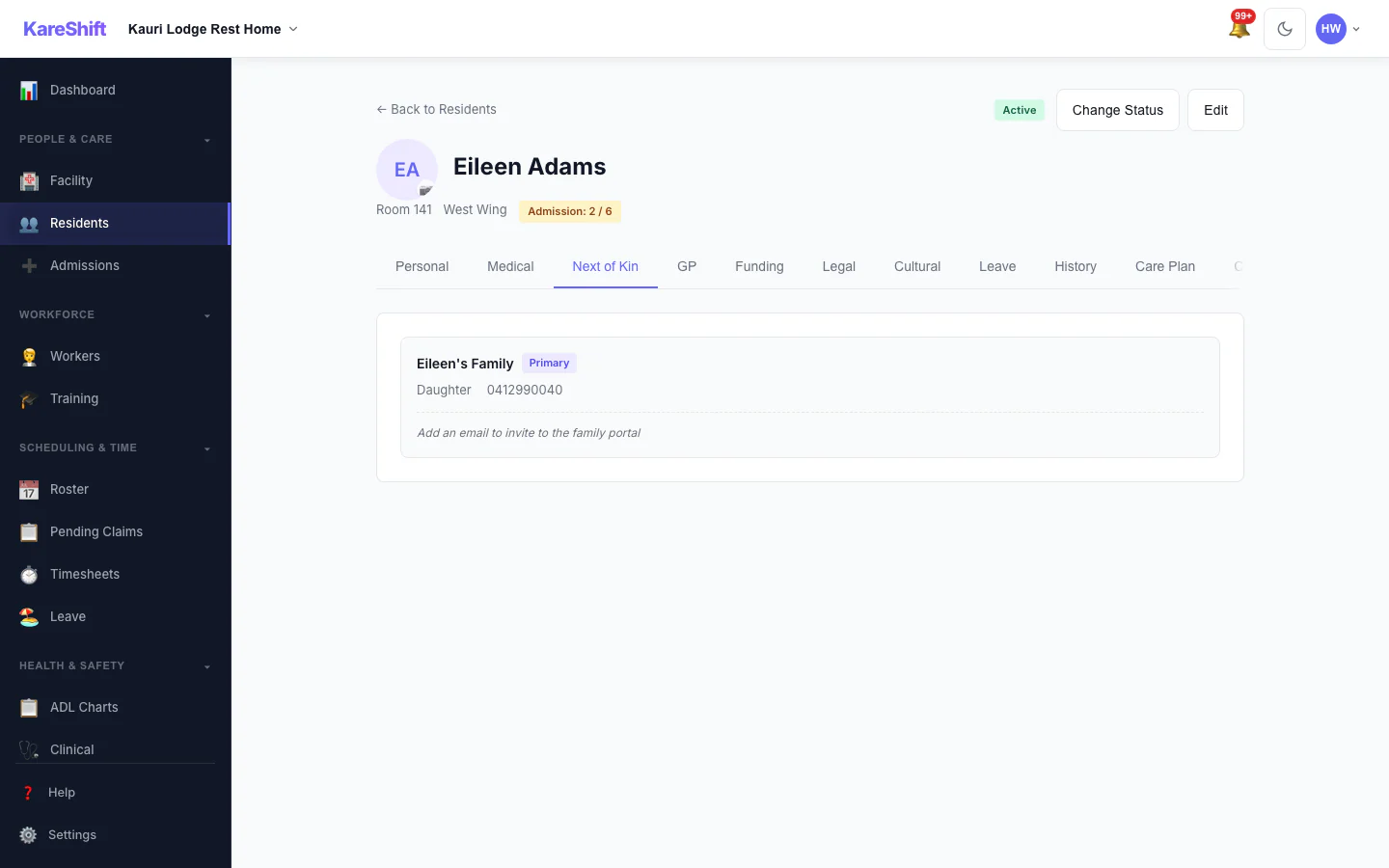
Next of Kin and Family Portal
Contacts on a resident's record, and who has family portal access.
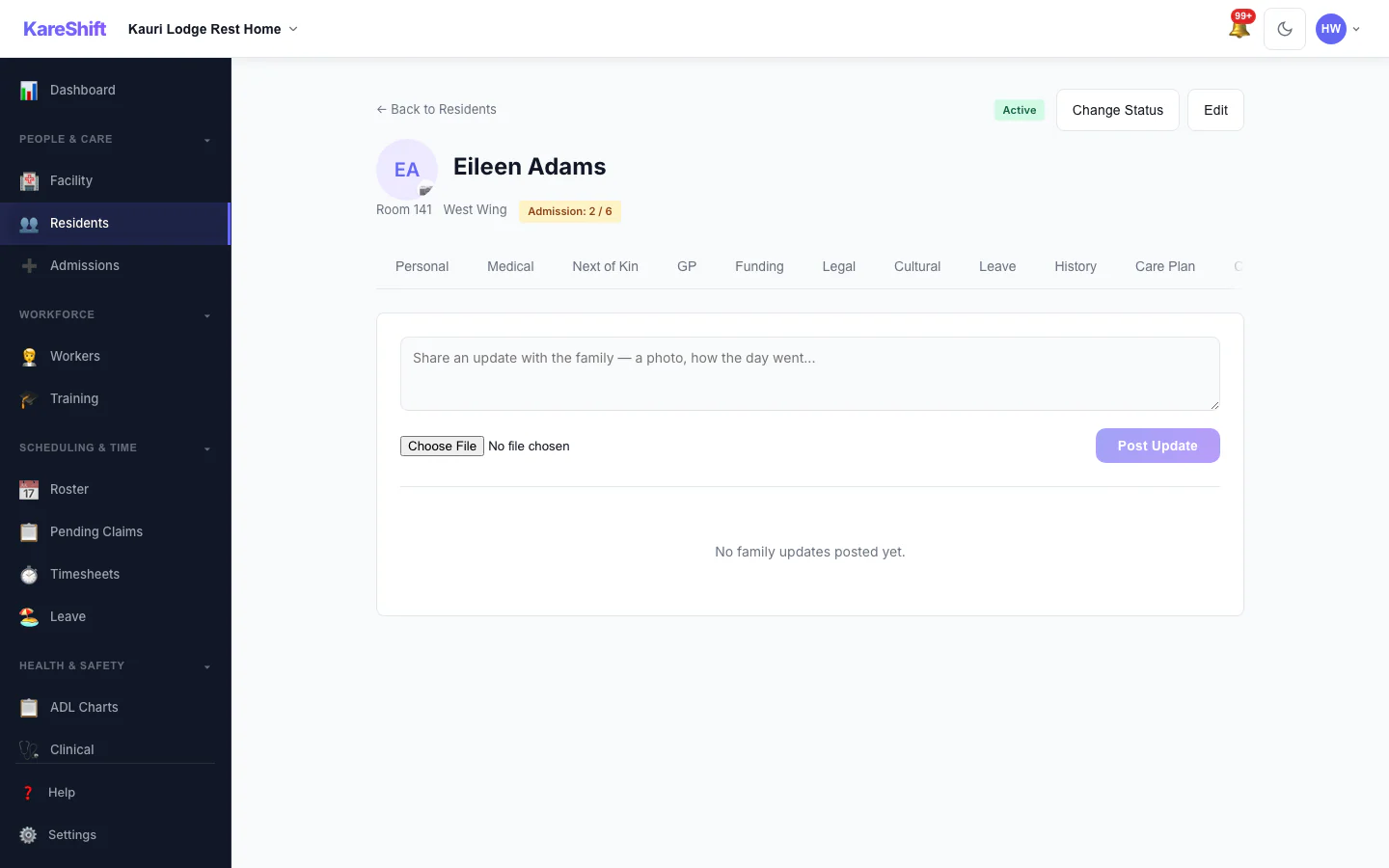
Family Updates
Post an update to the family and see what has already been shared.
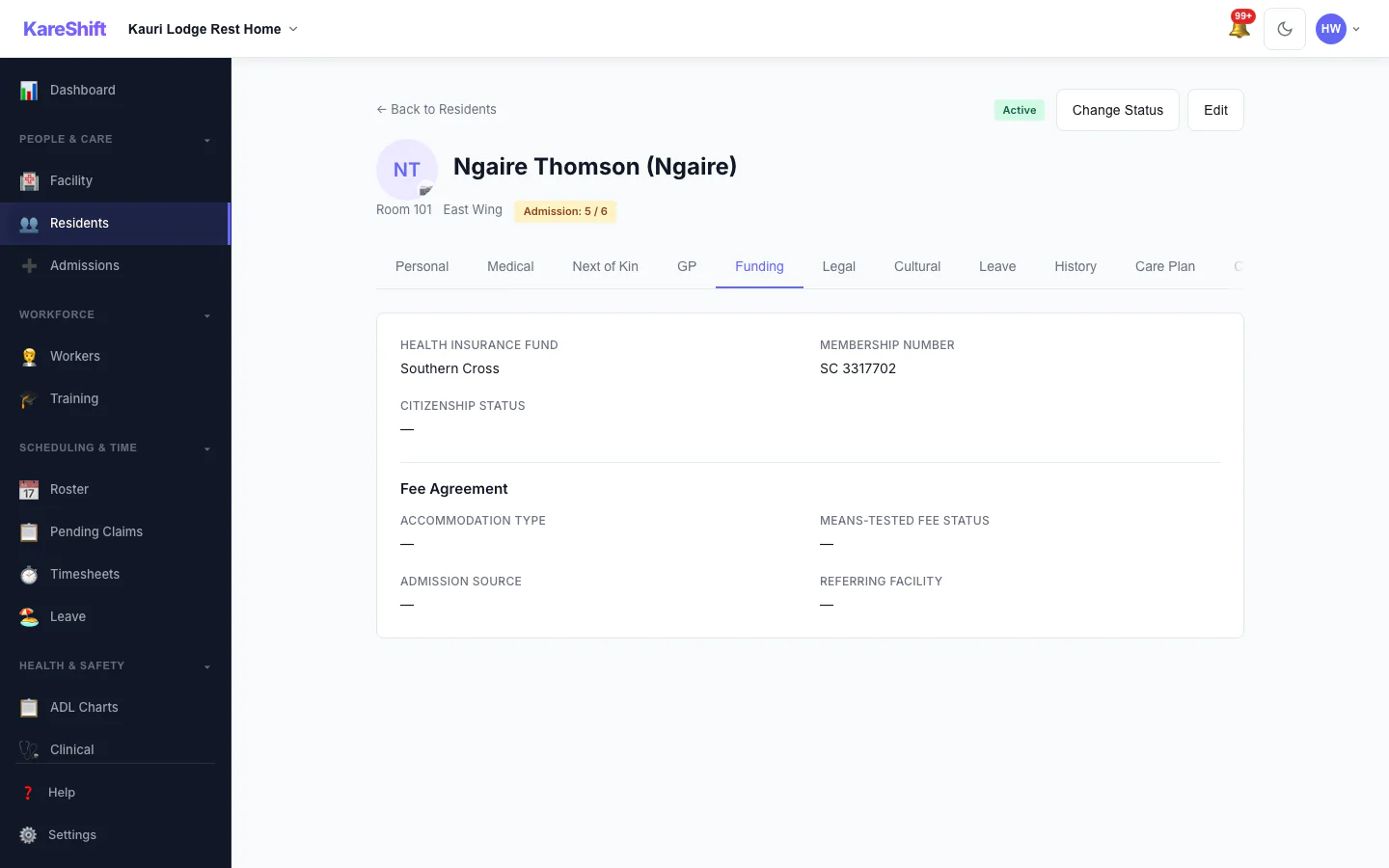
Resident Funding
Funding and fee details held on the resident's record.
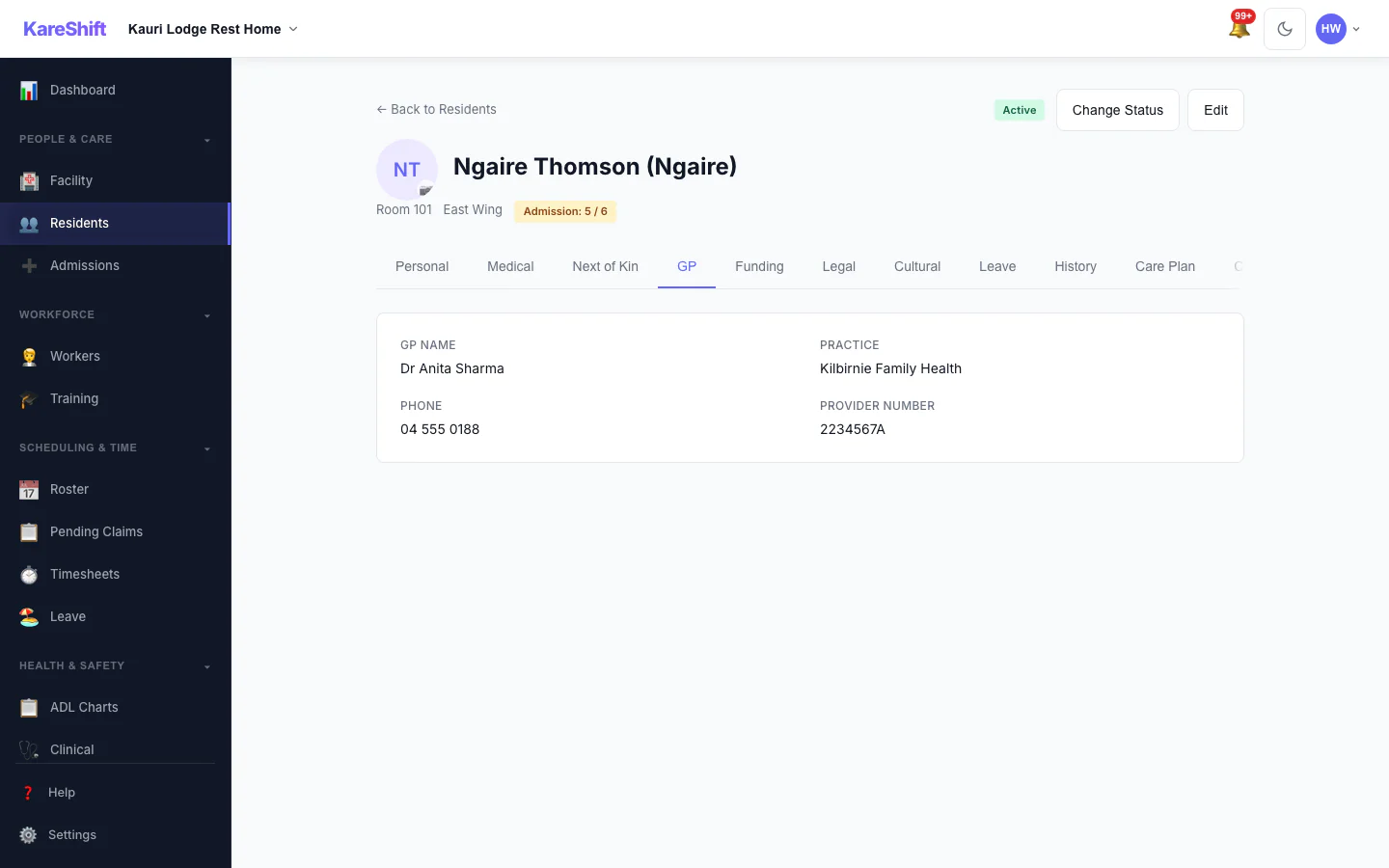
Resident GP Details
The resident's GP and contact details.
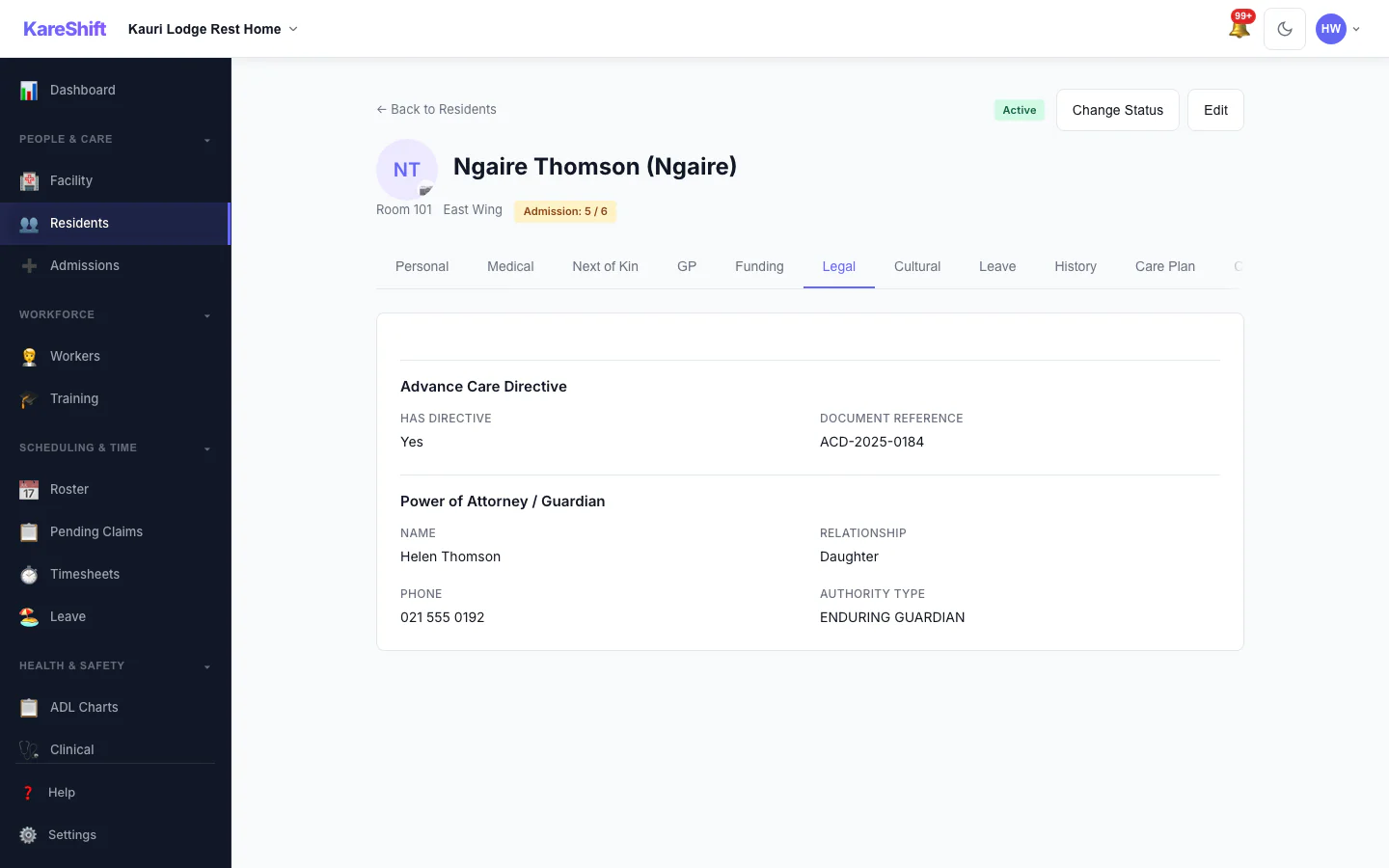
Resident Legal Documents
Advance care directive and power of attorney recorded for the resident.
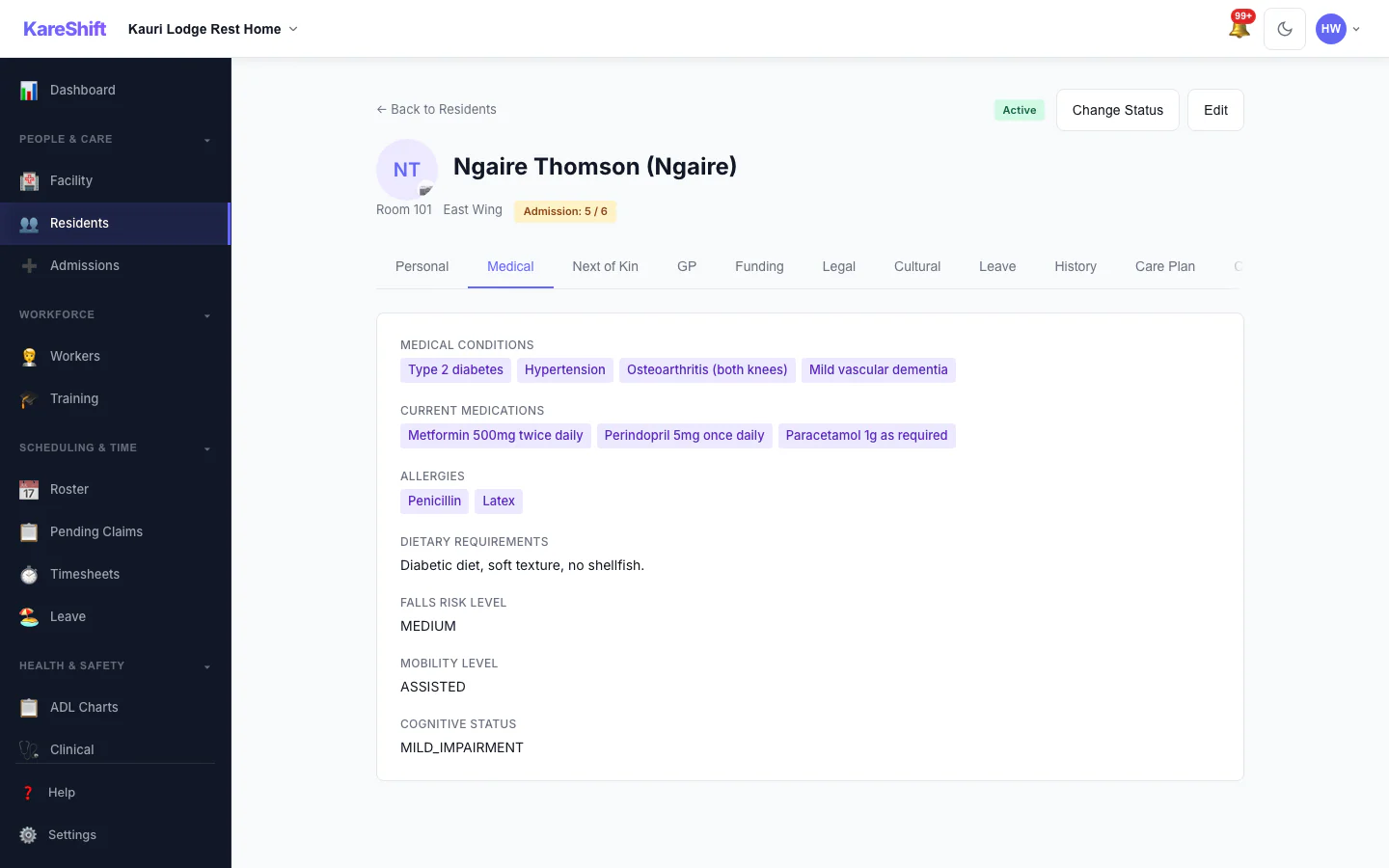
Resident Medical Profile
Conditions, medications, allergies and falls risk.
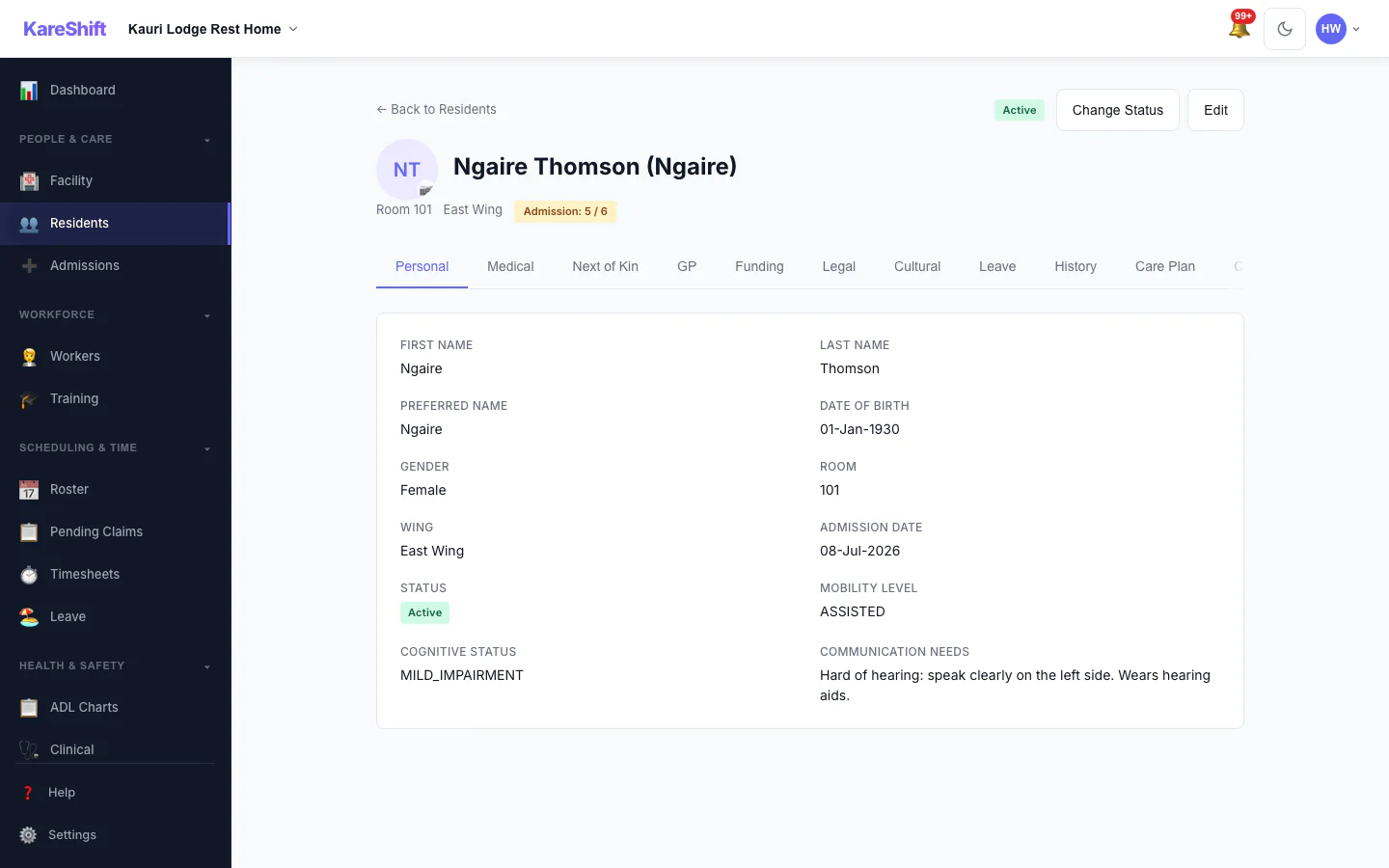
Resident Personal Details
The resident's personal details and room.
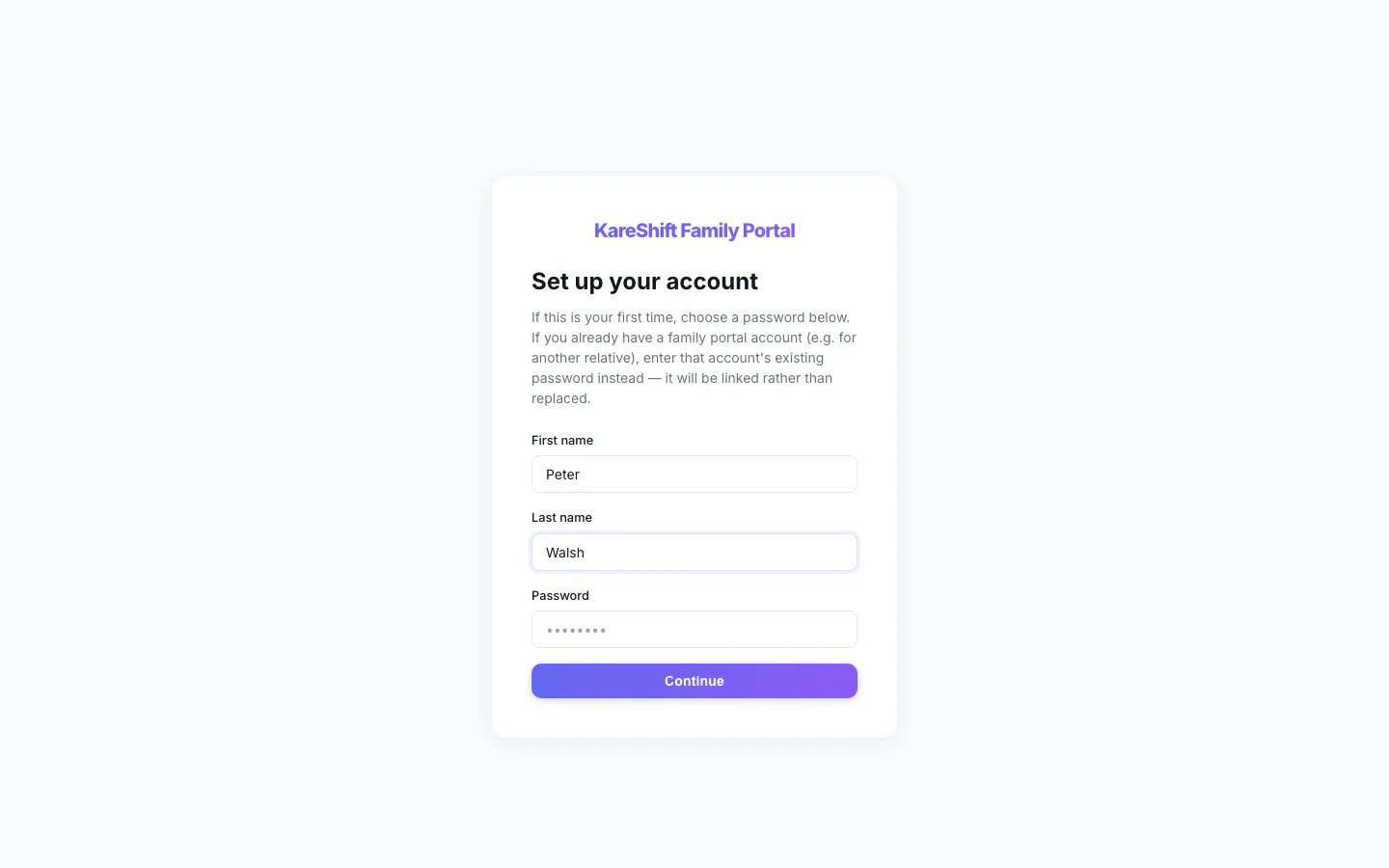
Family Portal — Accept Invitation
A relative accepts an invitation with a name and a password.
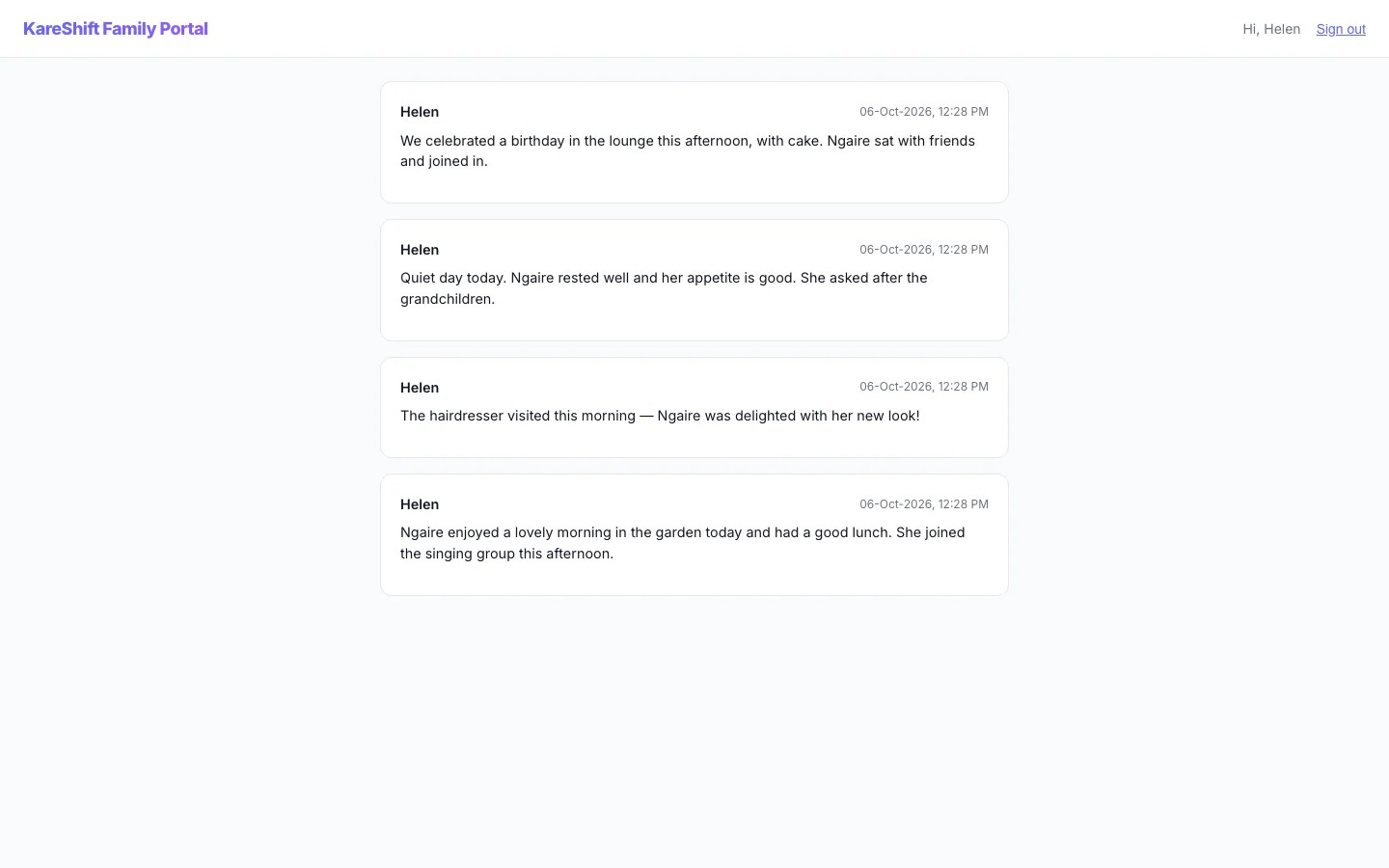
Family Portal — Updates
A relative's private feed of staff-written updates about their family member.
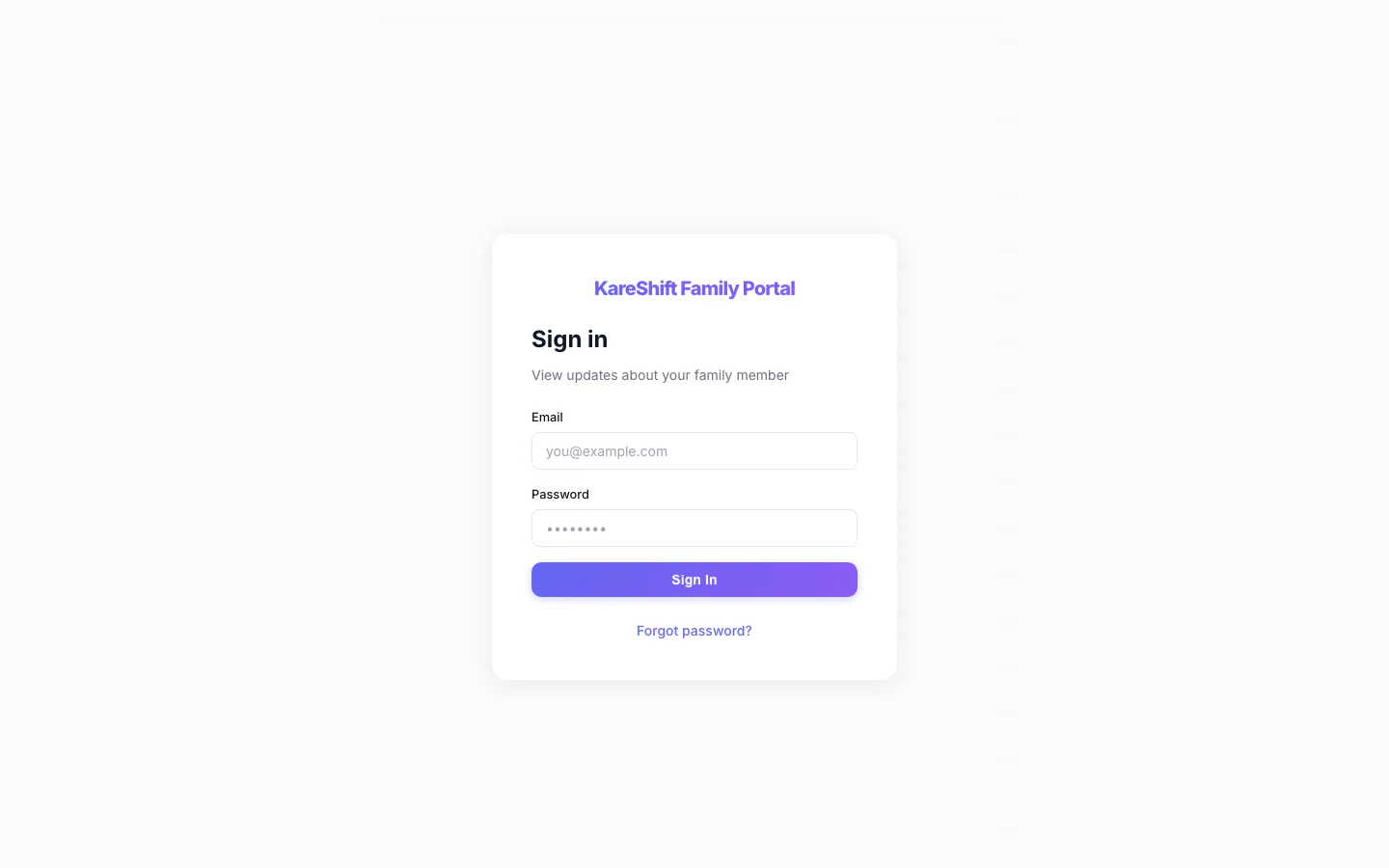
Family Portal — Sign In
Relatives sign in to their own portal, separate from the staff app.
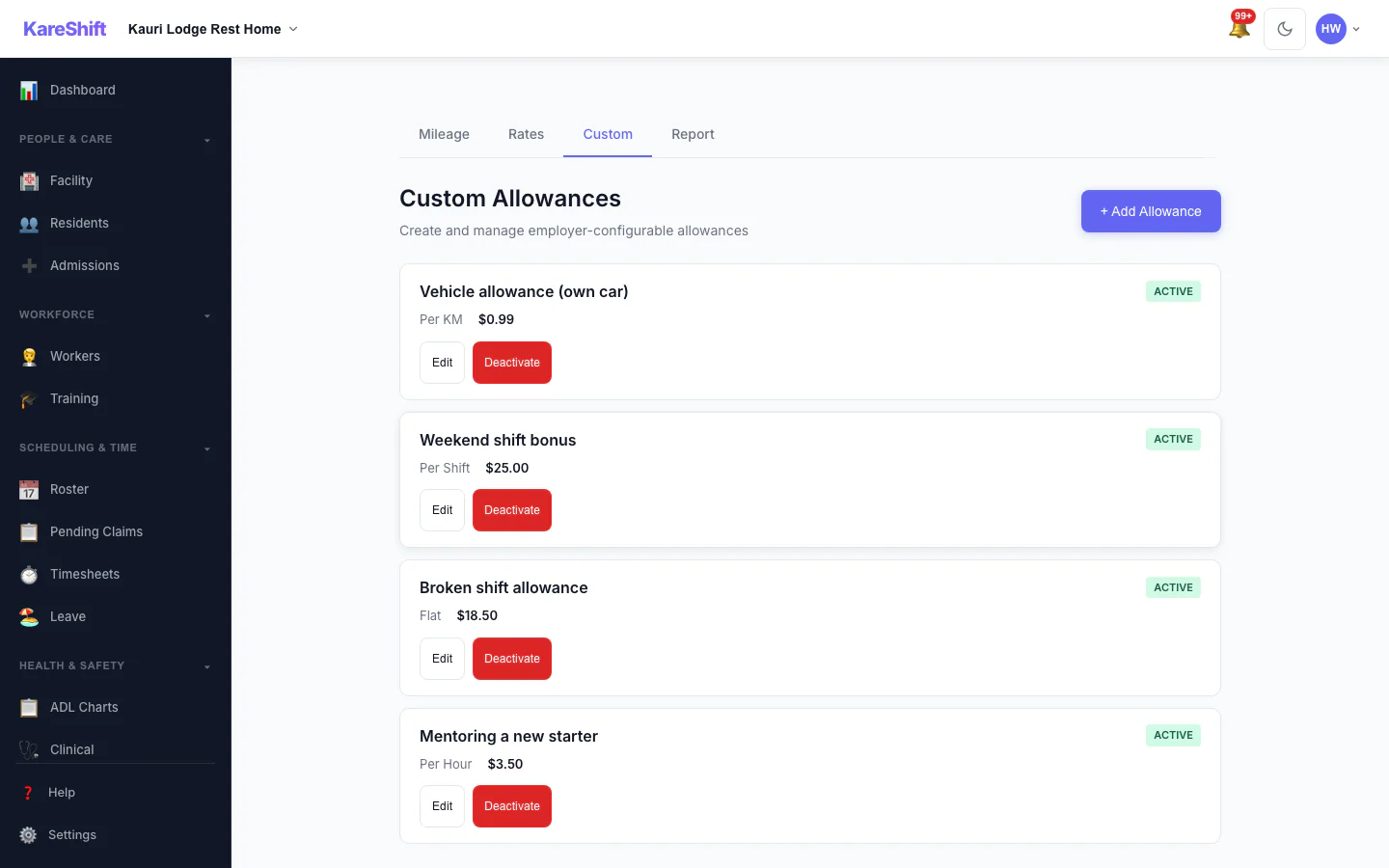
Custom Allowances
Create your own allowances beyond the standard ones, each with its own rate.
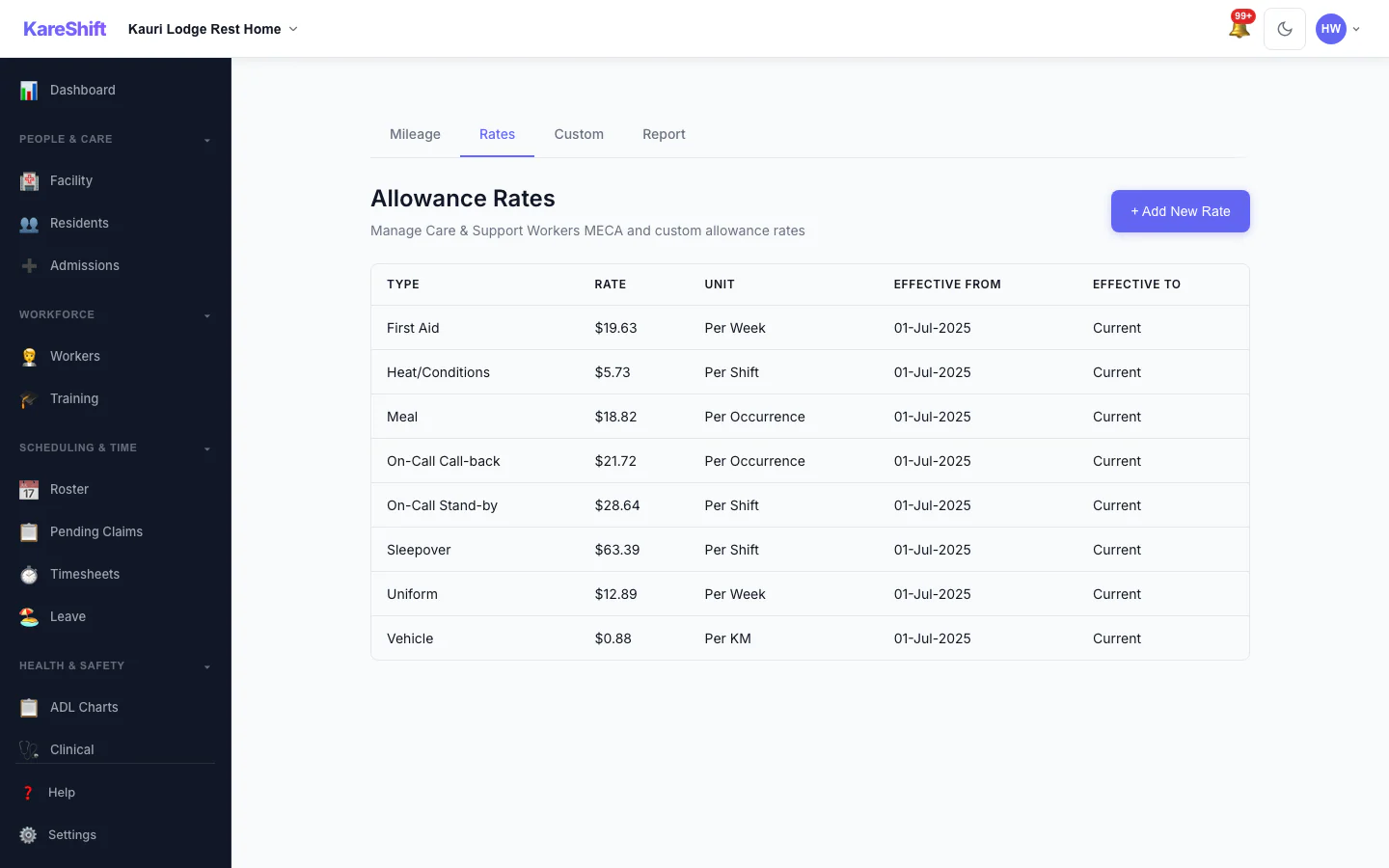
Allowance Rates
The rates used for each allowance, in one table.
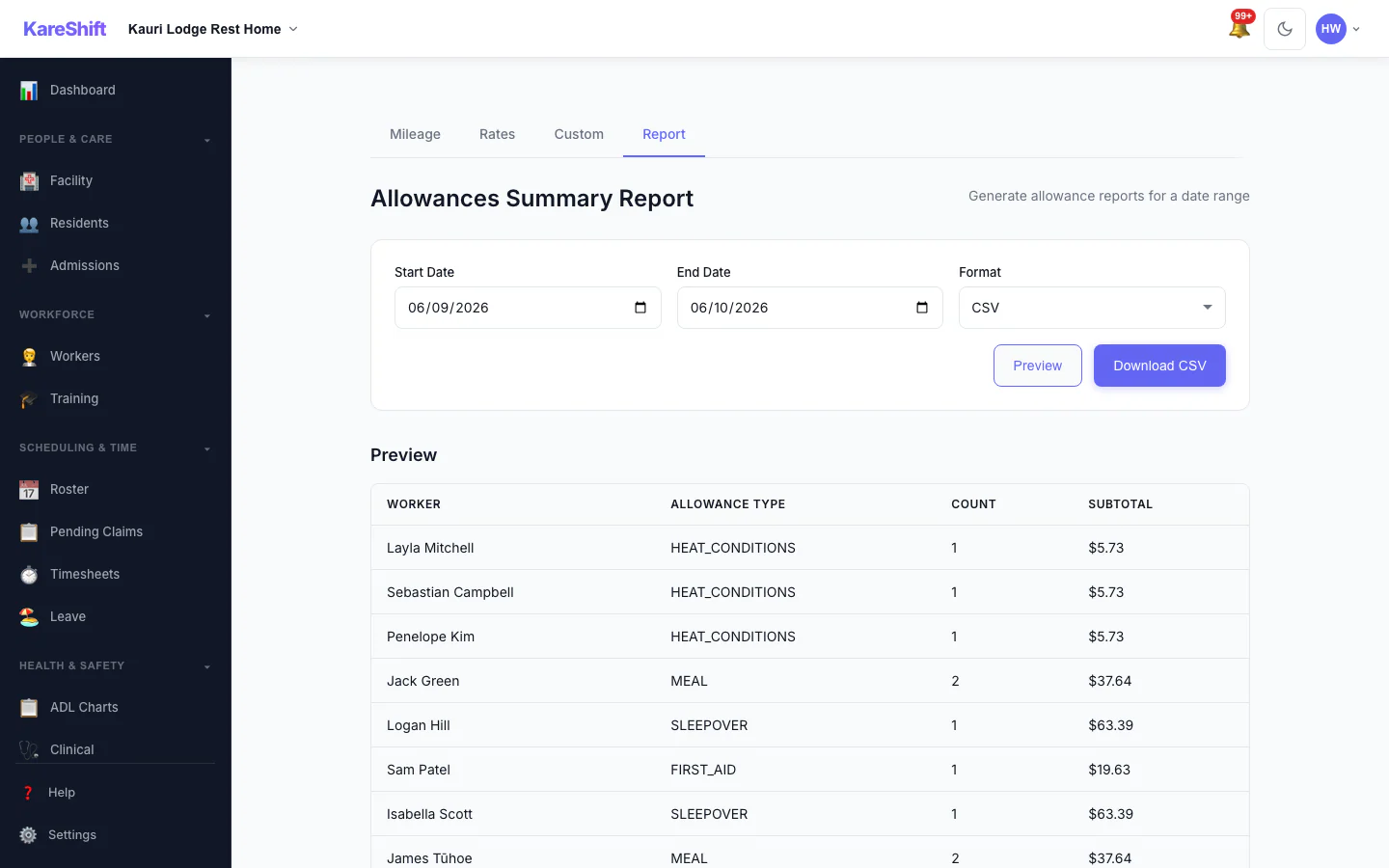
Allowances Report
Preview and export what was paid in allowances over a period, with a grand total.
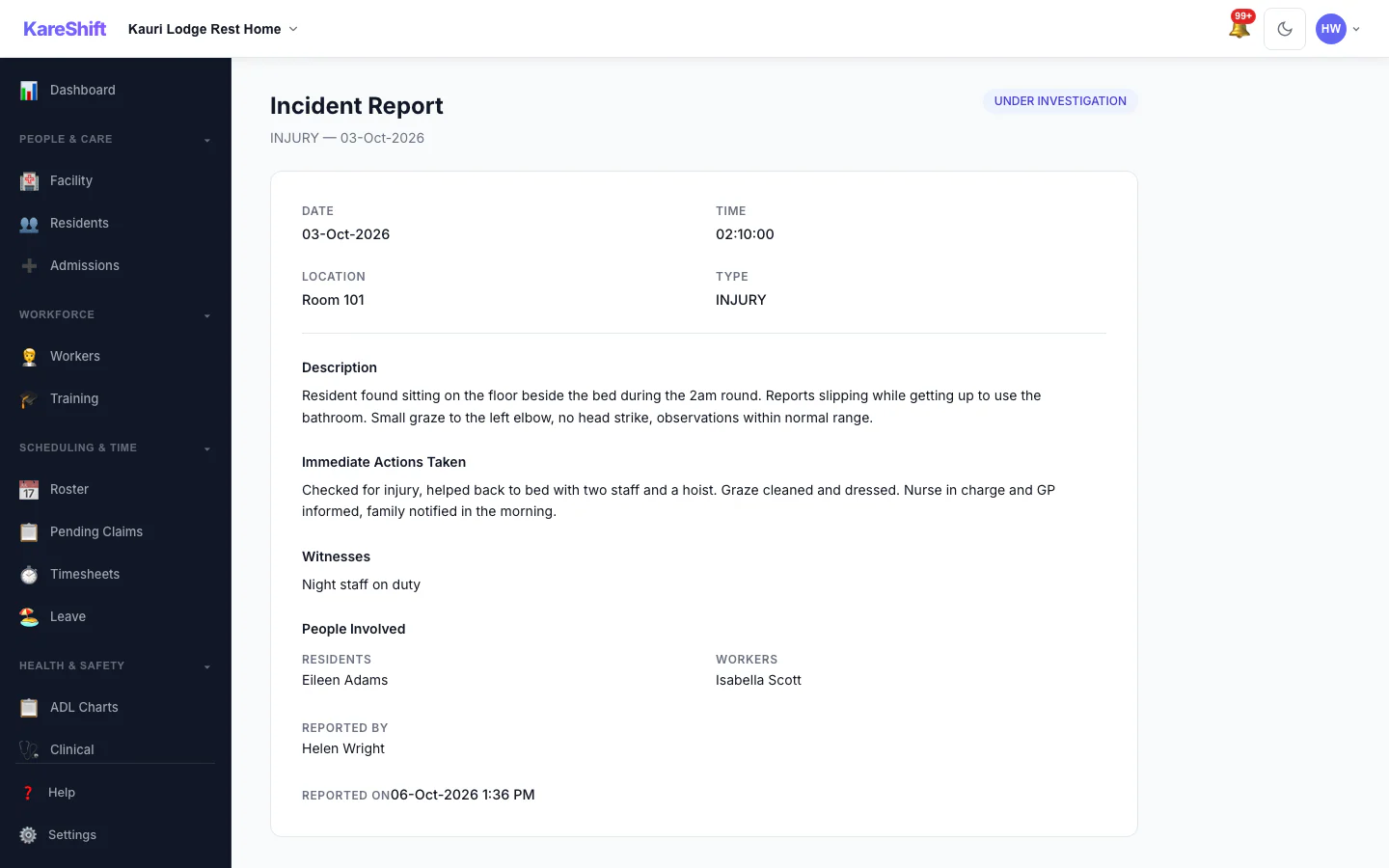
Incident Detail
An incident with its status, details and the update trail of who did what.
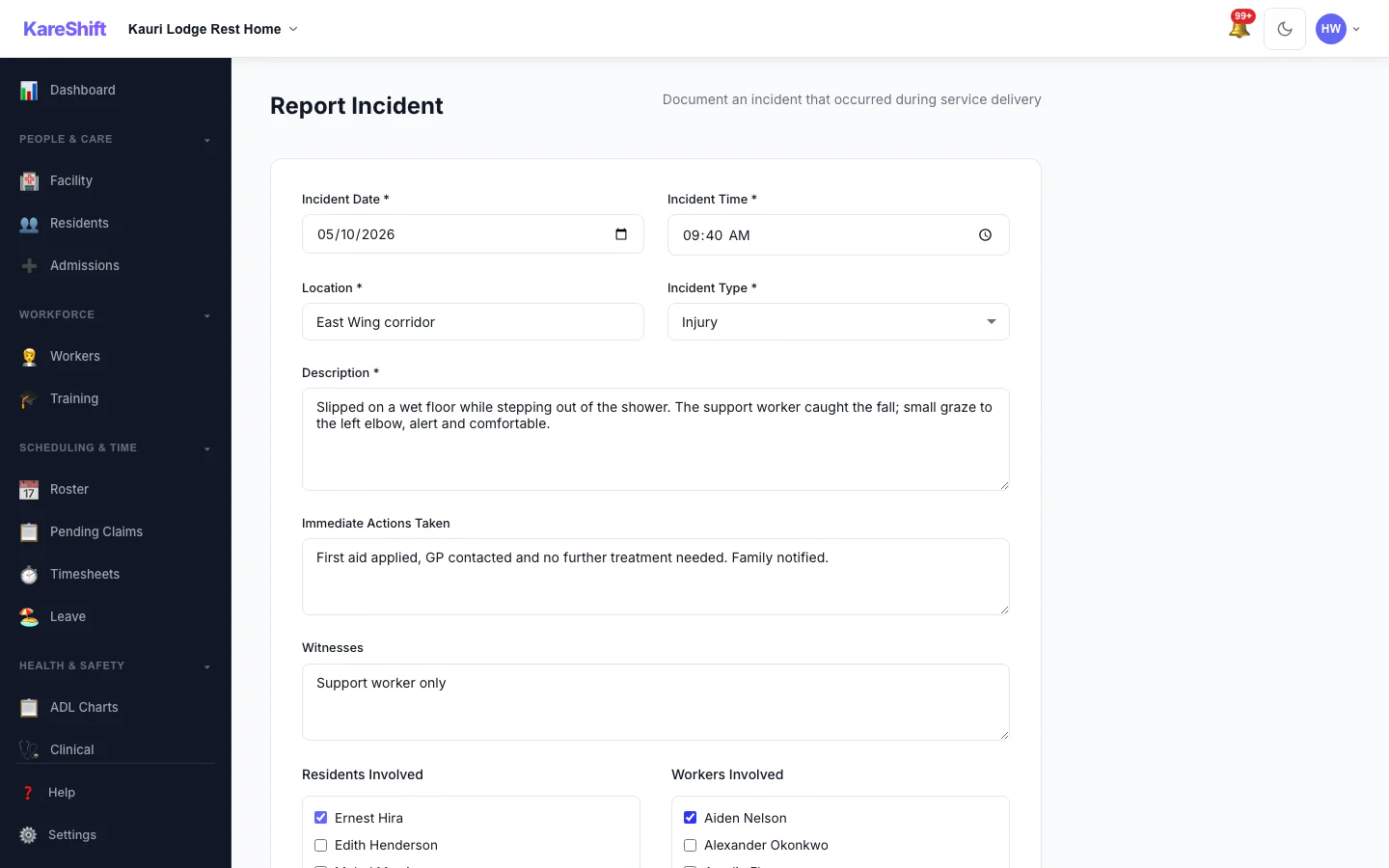
Report an Incident
Record what happened, who was involved and what was done straight away.
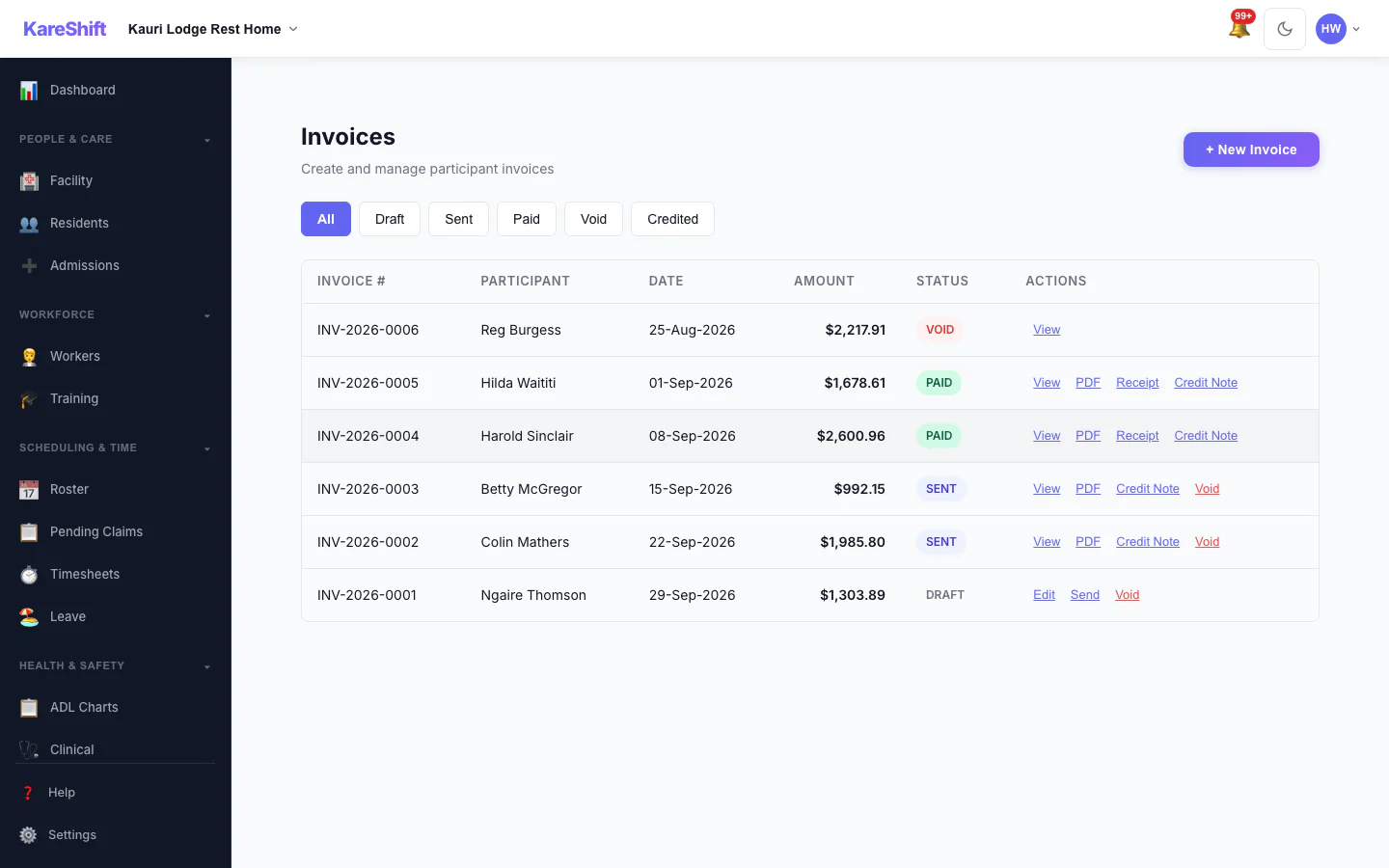
Invoices
Draft, sent, paid and voided invoices in one list, with PDF, receipt and credit note actions.
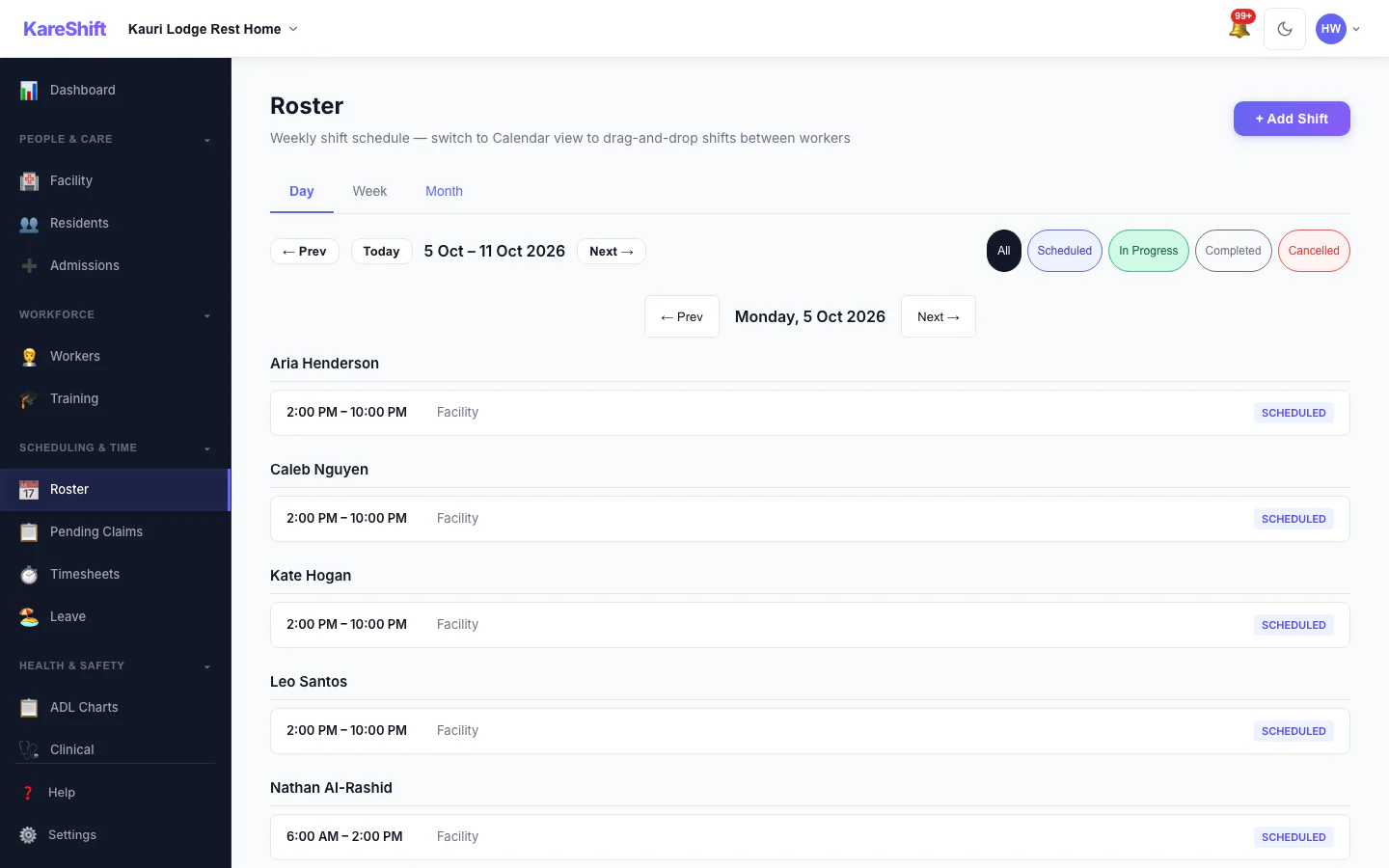
Roster — Day View
One day's shifts grouped by worker.
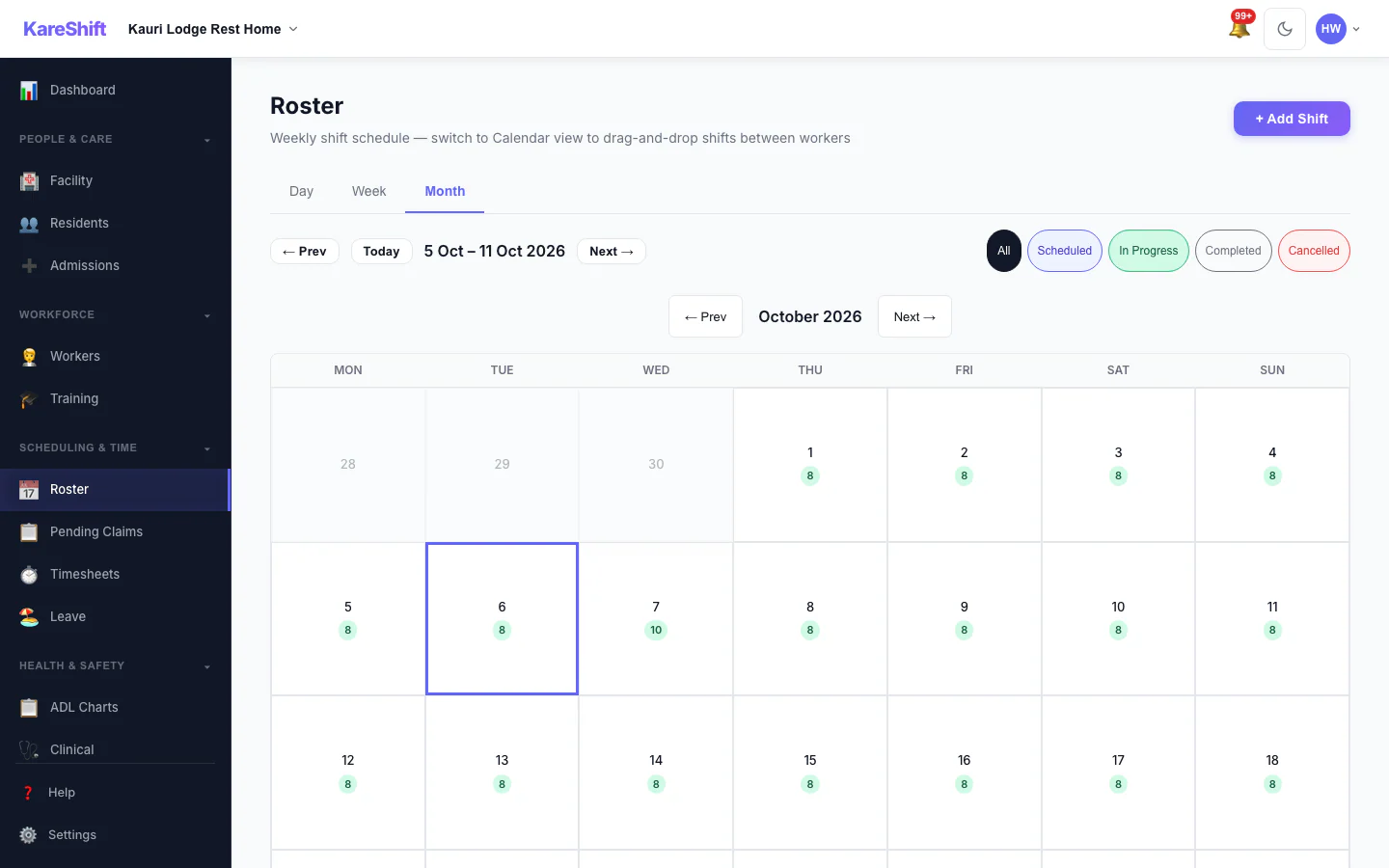
Roster — Month View
A month at a glance with shift counts for each day.
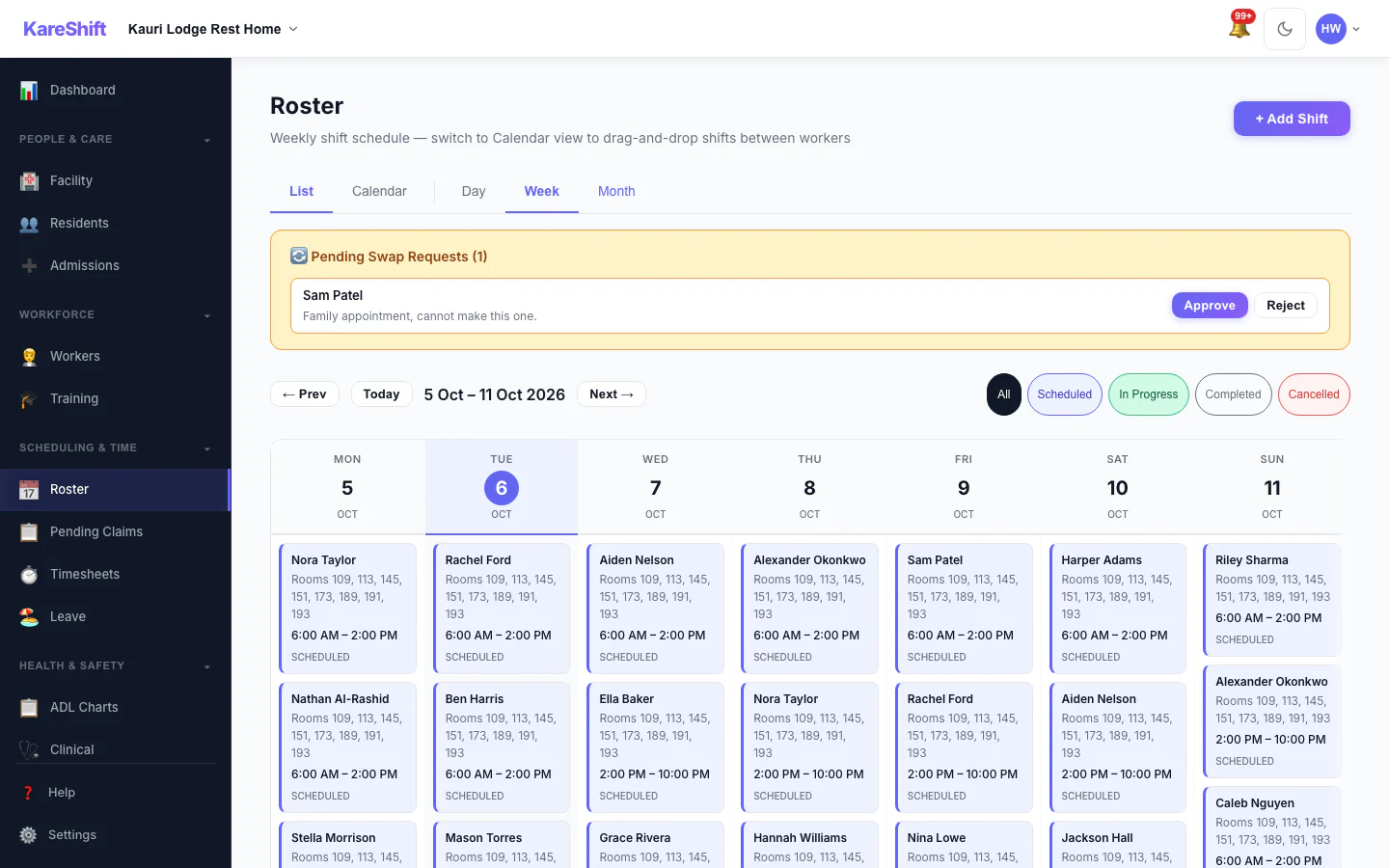
Shift Swap Requests
Pending swap requests with approve and reject.
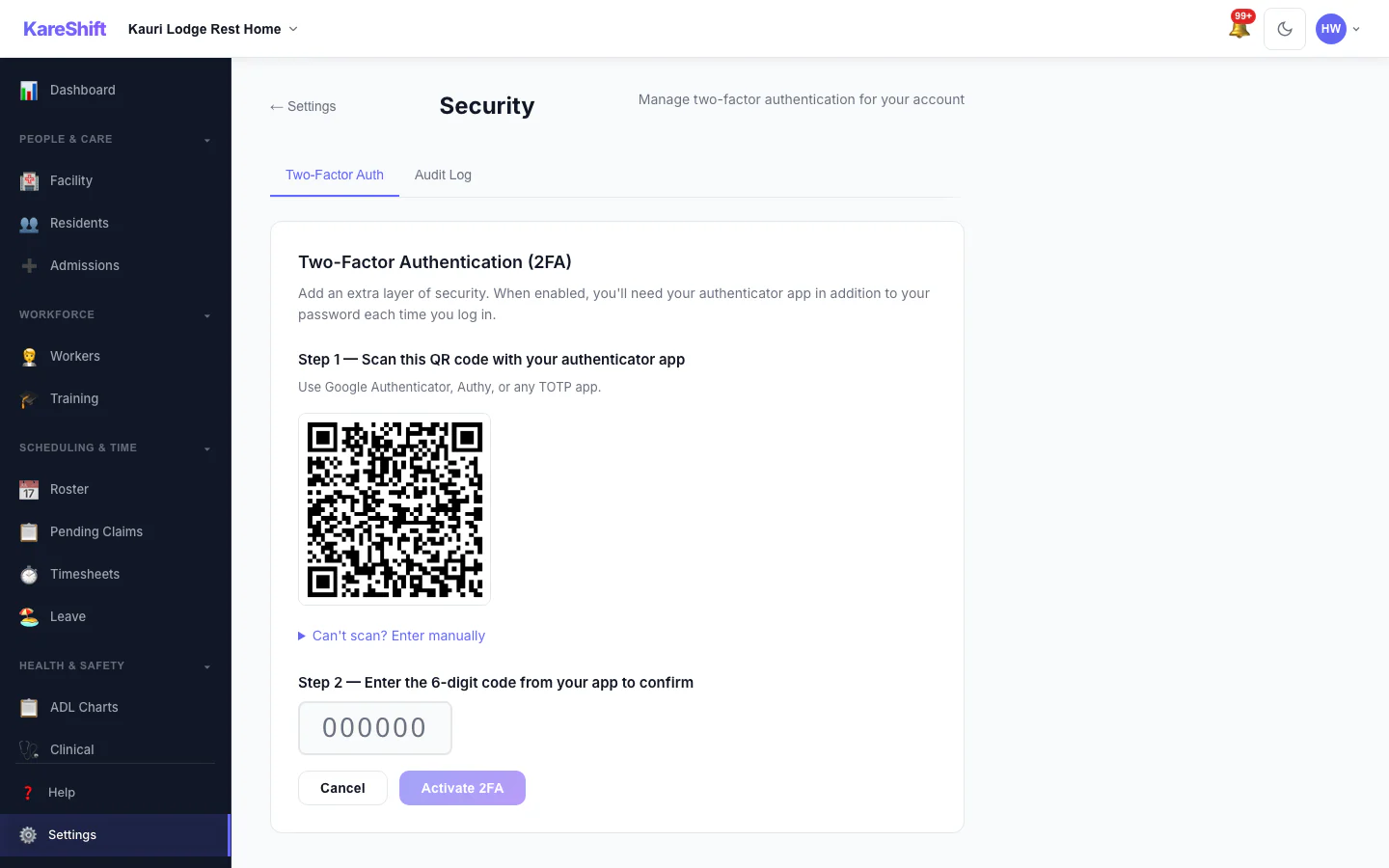
Set Up Two-Factor Authentication
Scan a code with an authenticator app, then enter the six-digit code to switch it on.
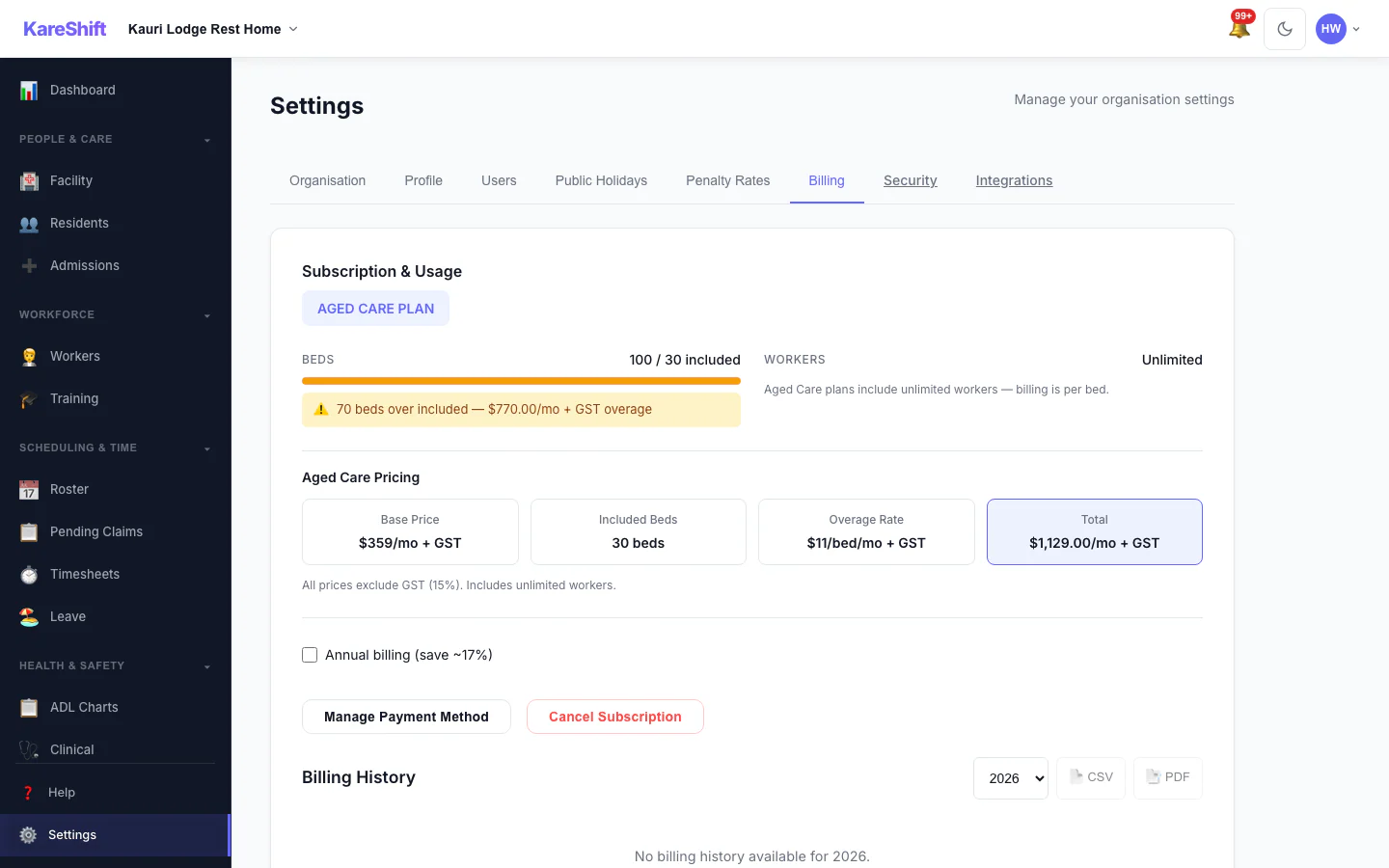
Billing and Plan
Your plan, worker usage and billing history.
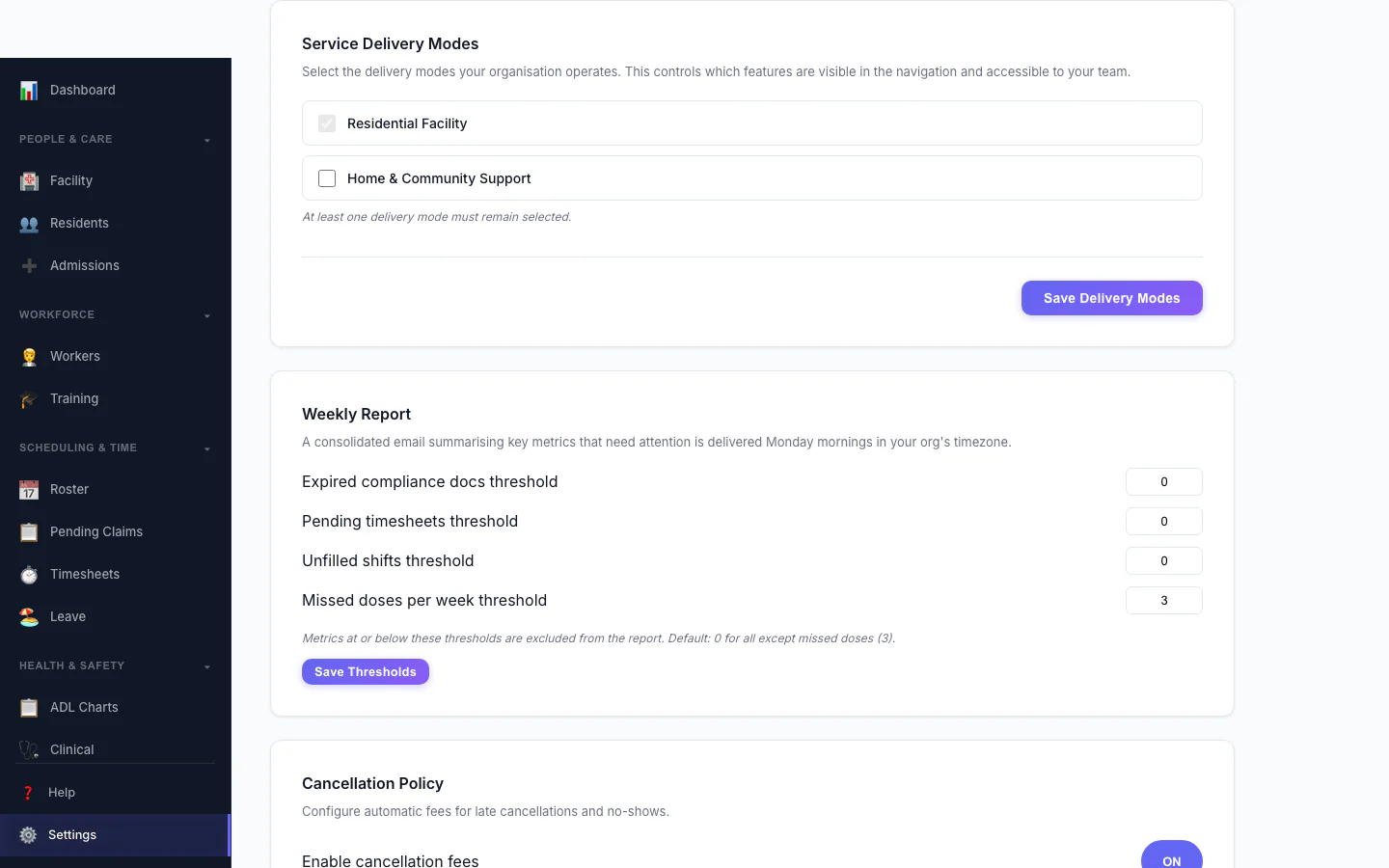
Service Delivery Modes
Choose which kinds of service your organisation delivers.
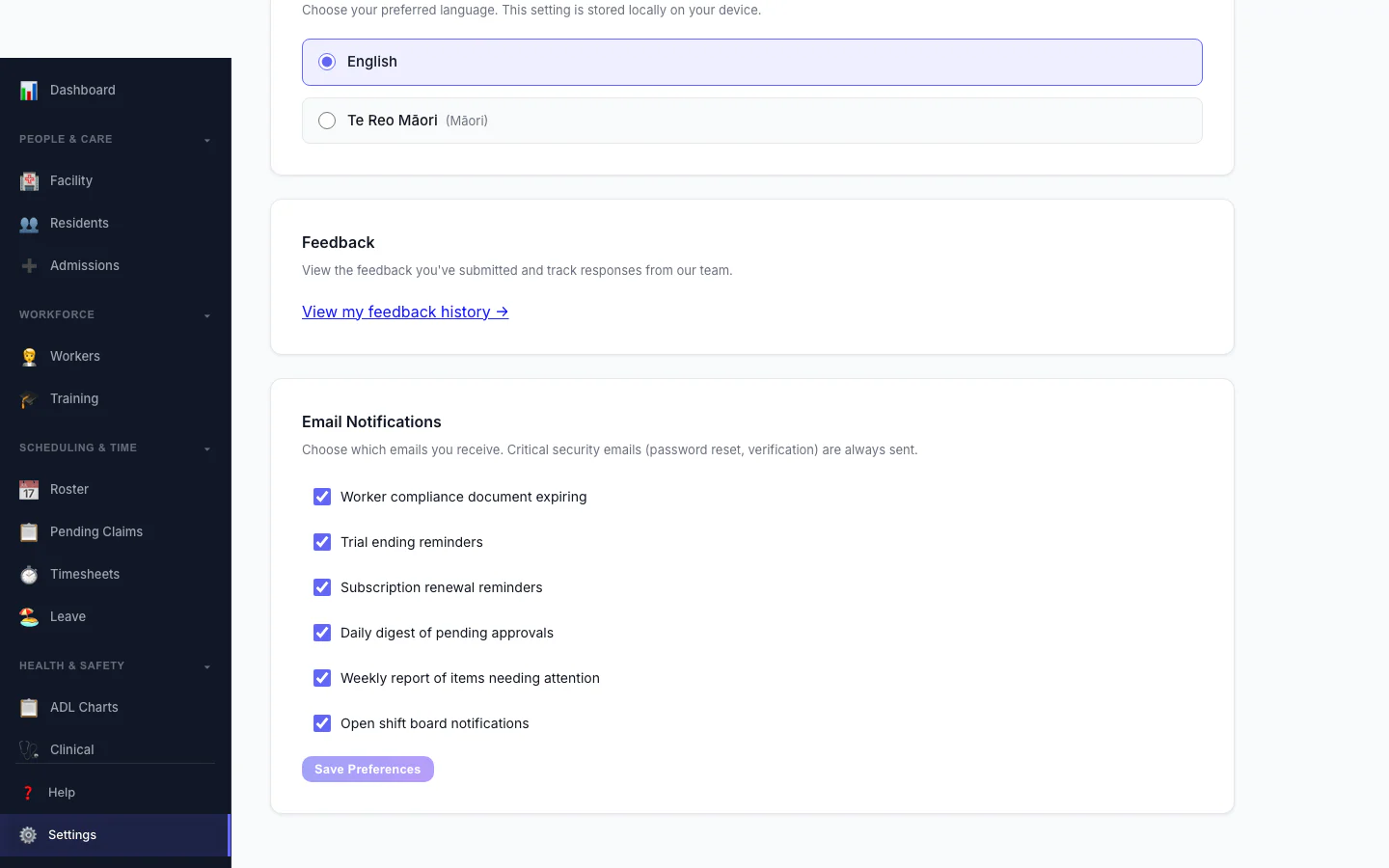
Notification Preferences
Choose which emails you receive.
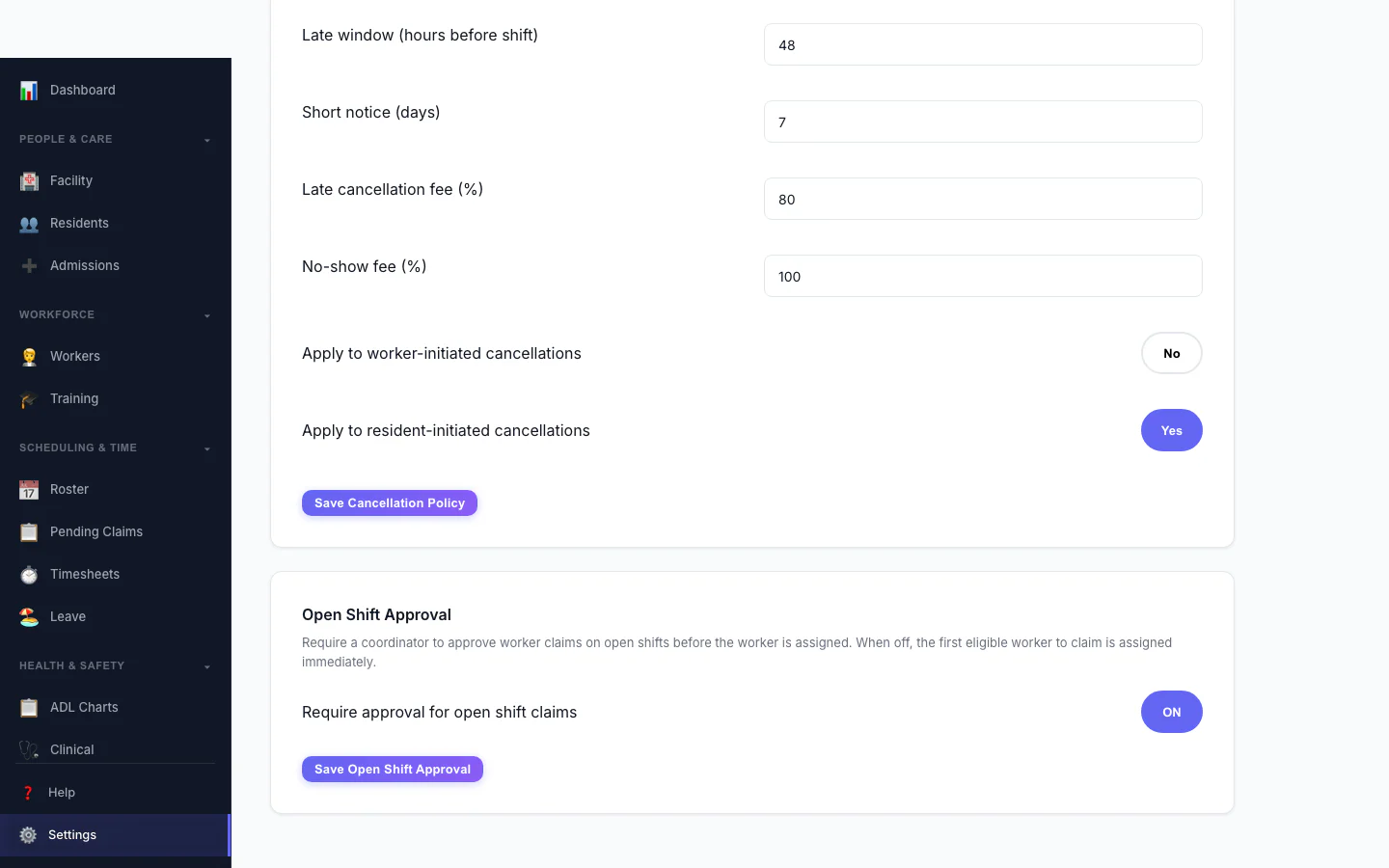
Open Shift Approval
Decide whether workers can claim open shifts straight away or need approval.
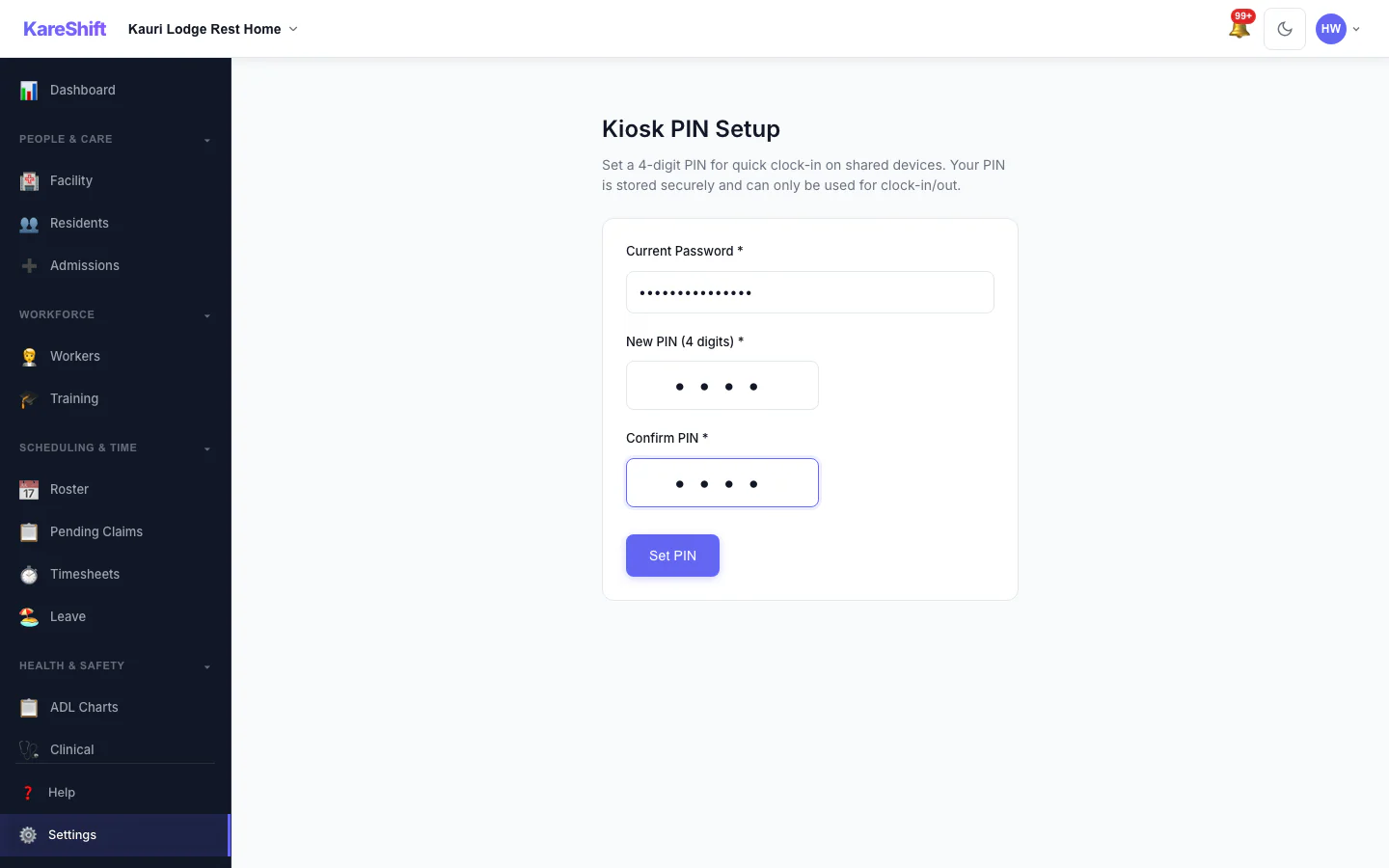
Kiosk PIN
Set the PIN workers use at a shared kiosk.
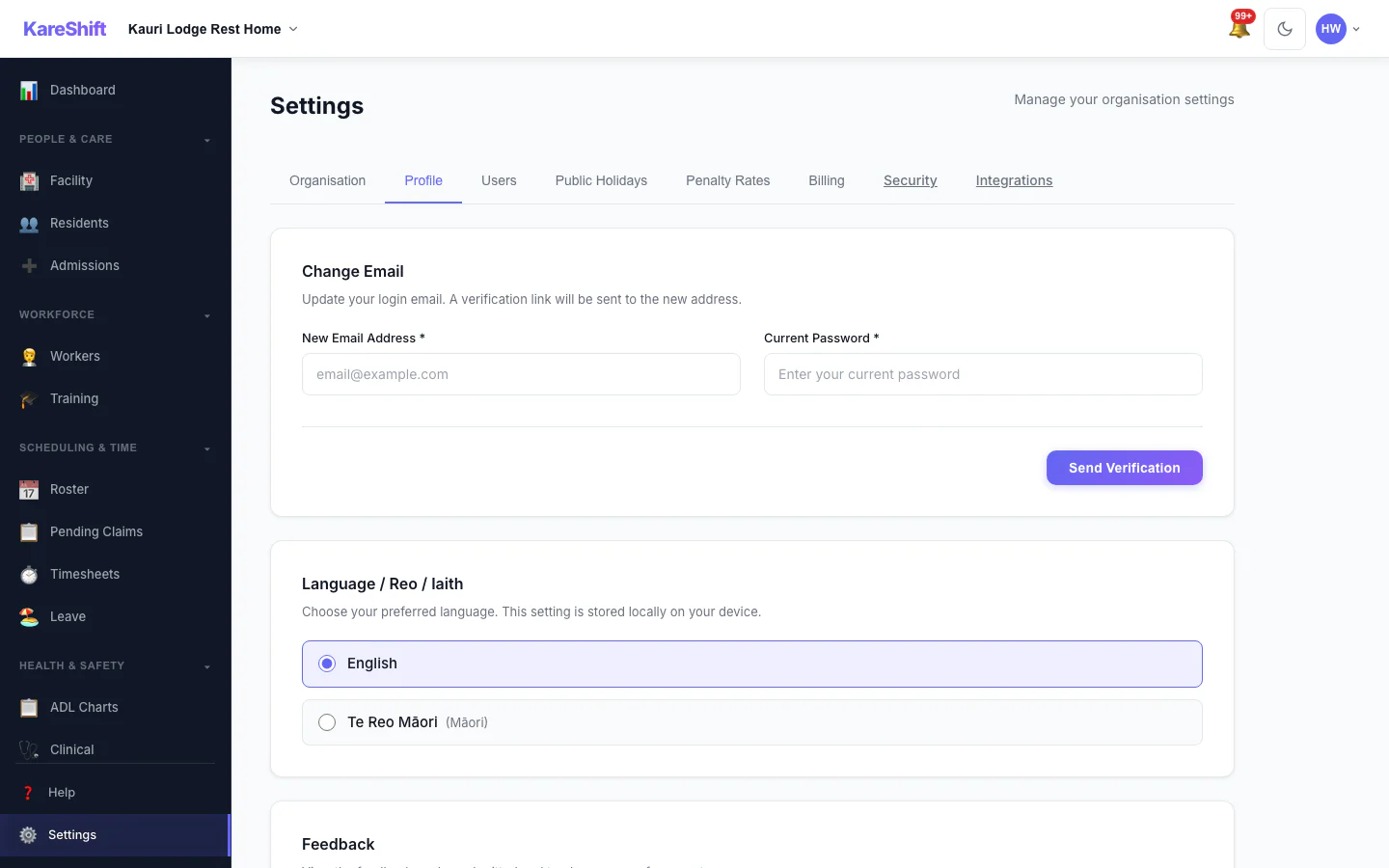
Your Profile Settings
Your login email and email notification choices.
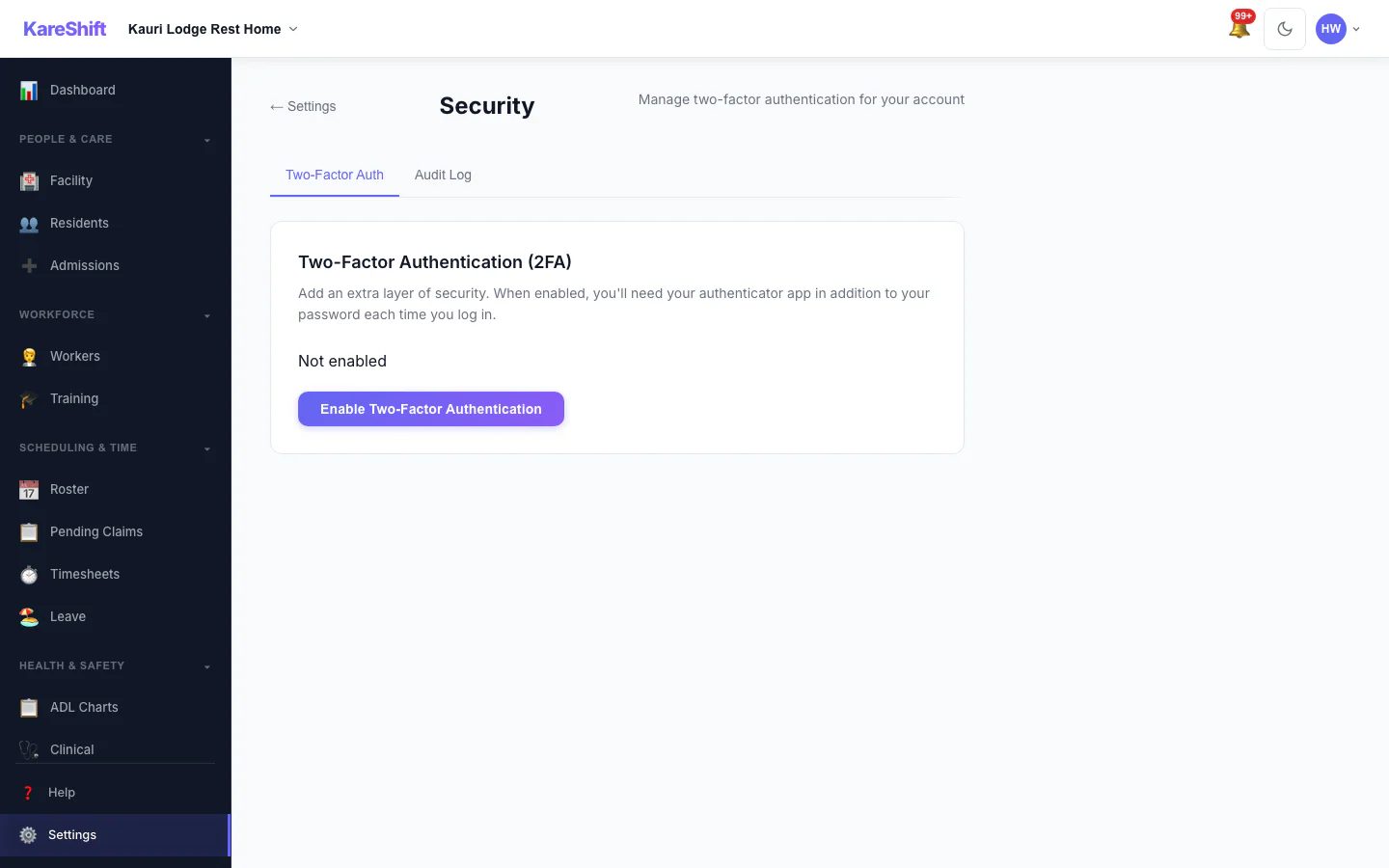
Security Settings
Two-factor status for your account, with trusted devices and an audit log for owners.
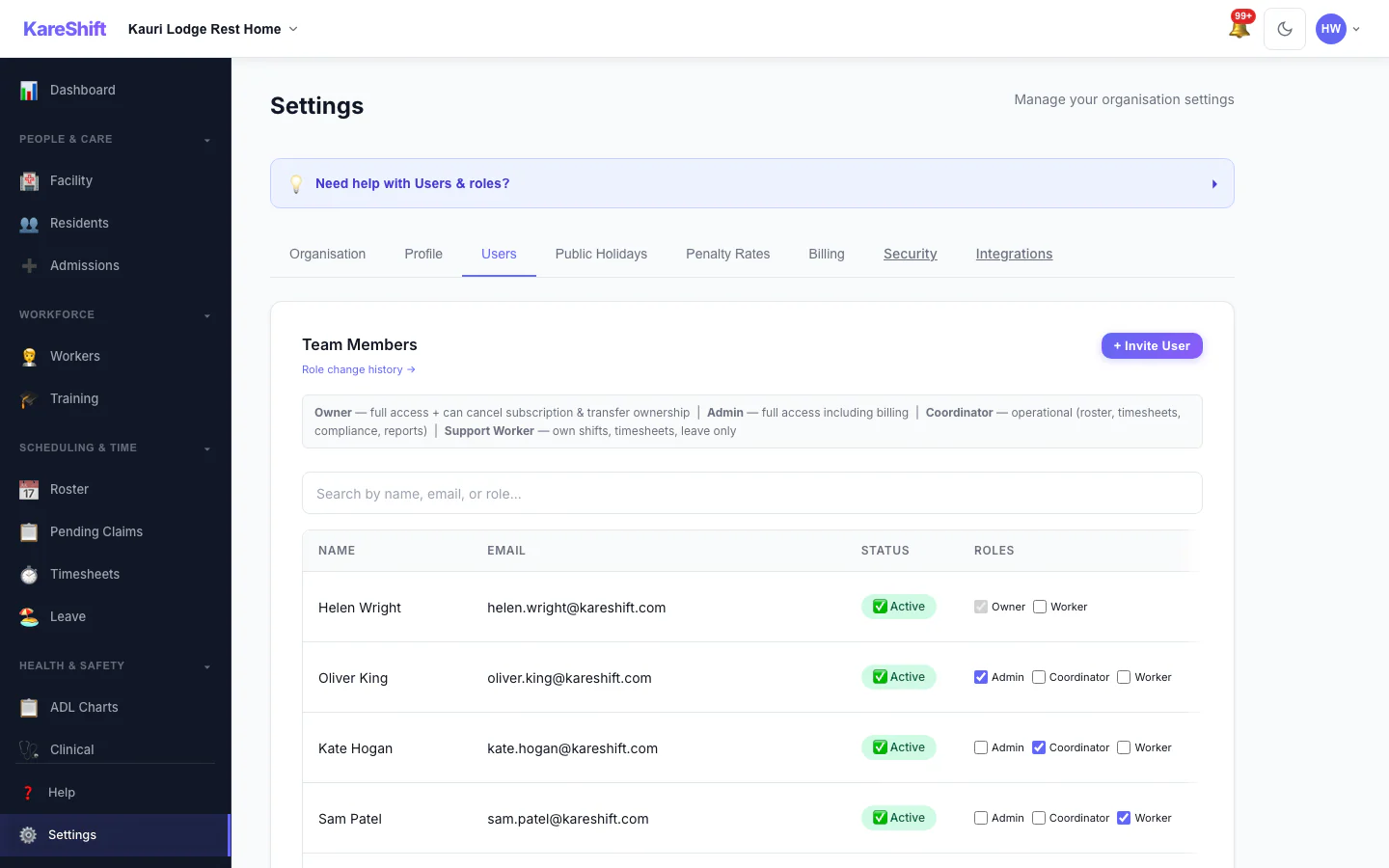
Team Members and Roles
Everyone in your organisation, their status and roles.
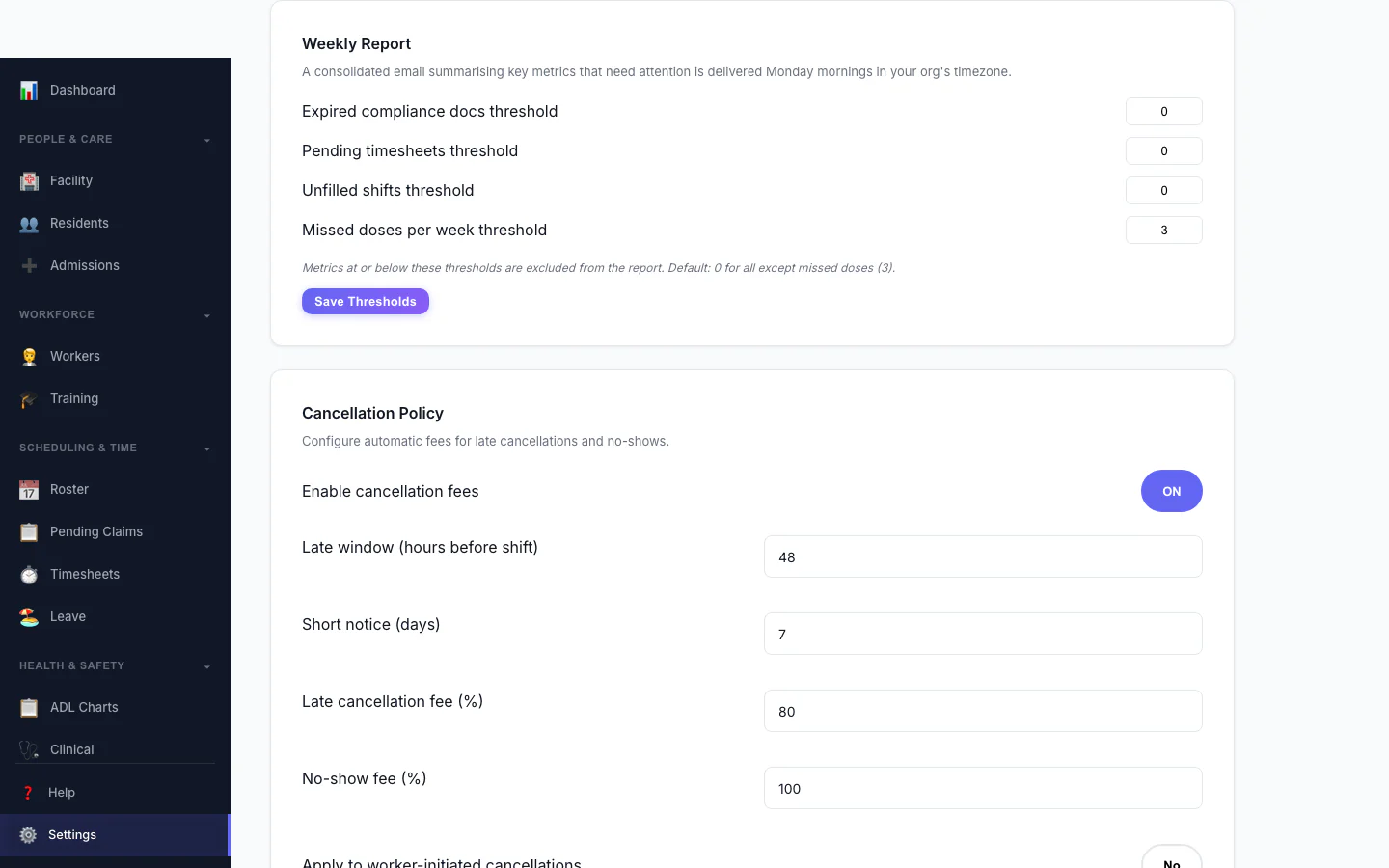
Weekly Report
Set the thresholds for the weekly summary email.
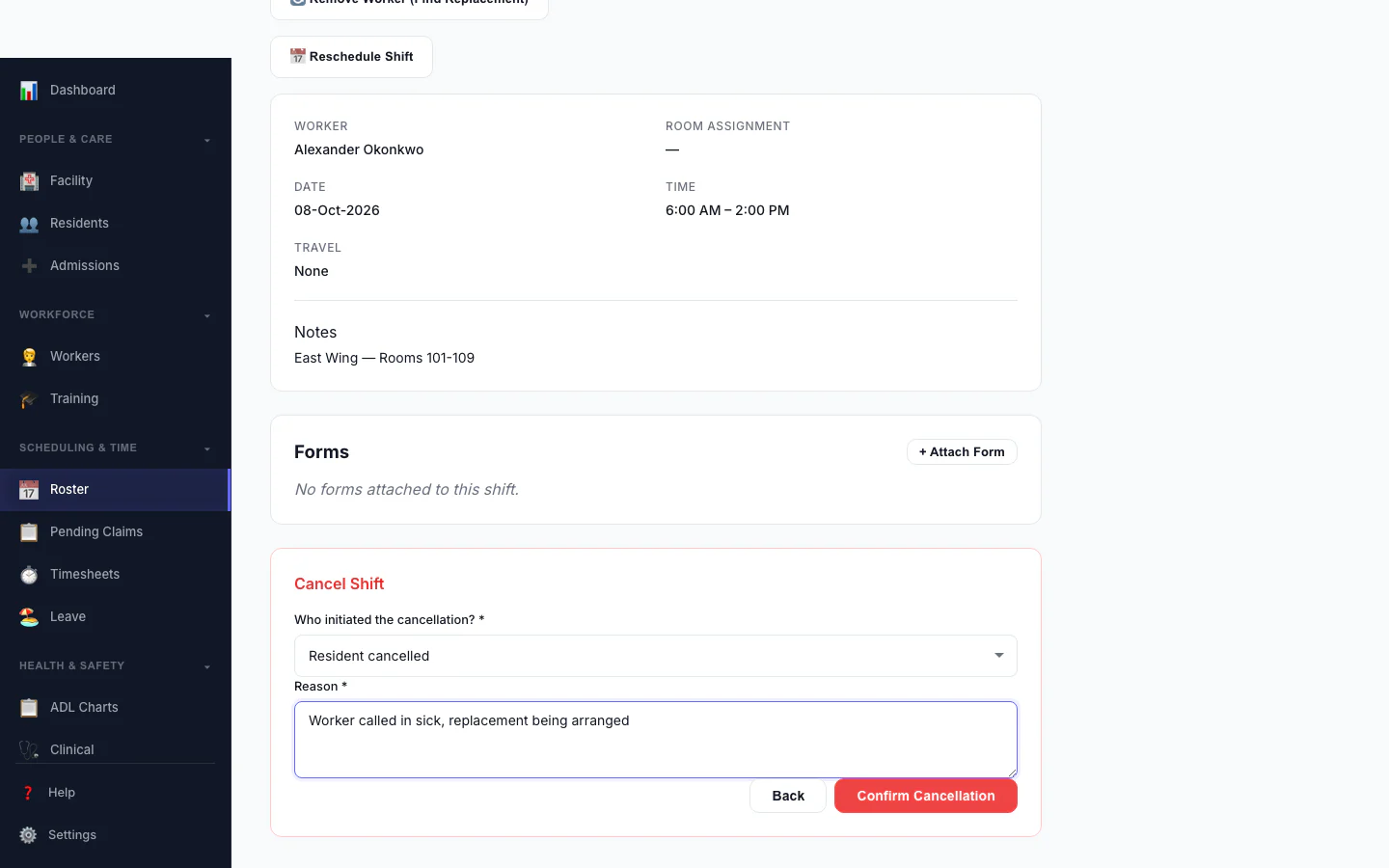
Cancel a Shift
Record who cancelled and why, so the right fee is applied.
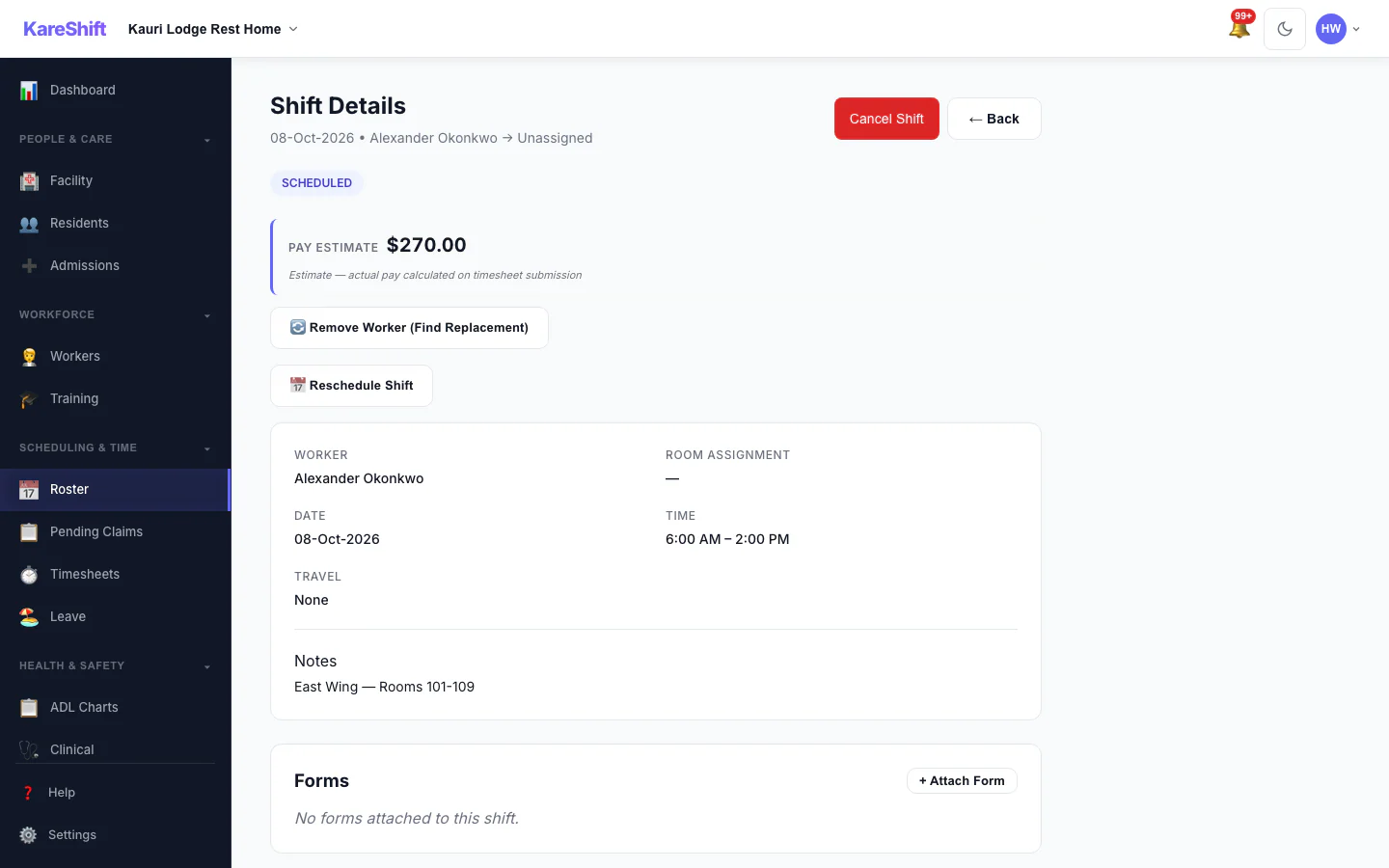
Shift Detail
A shift with its worker, pay estimate and attached forms.
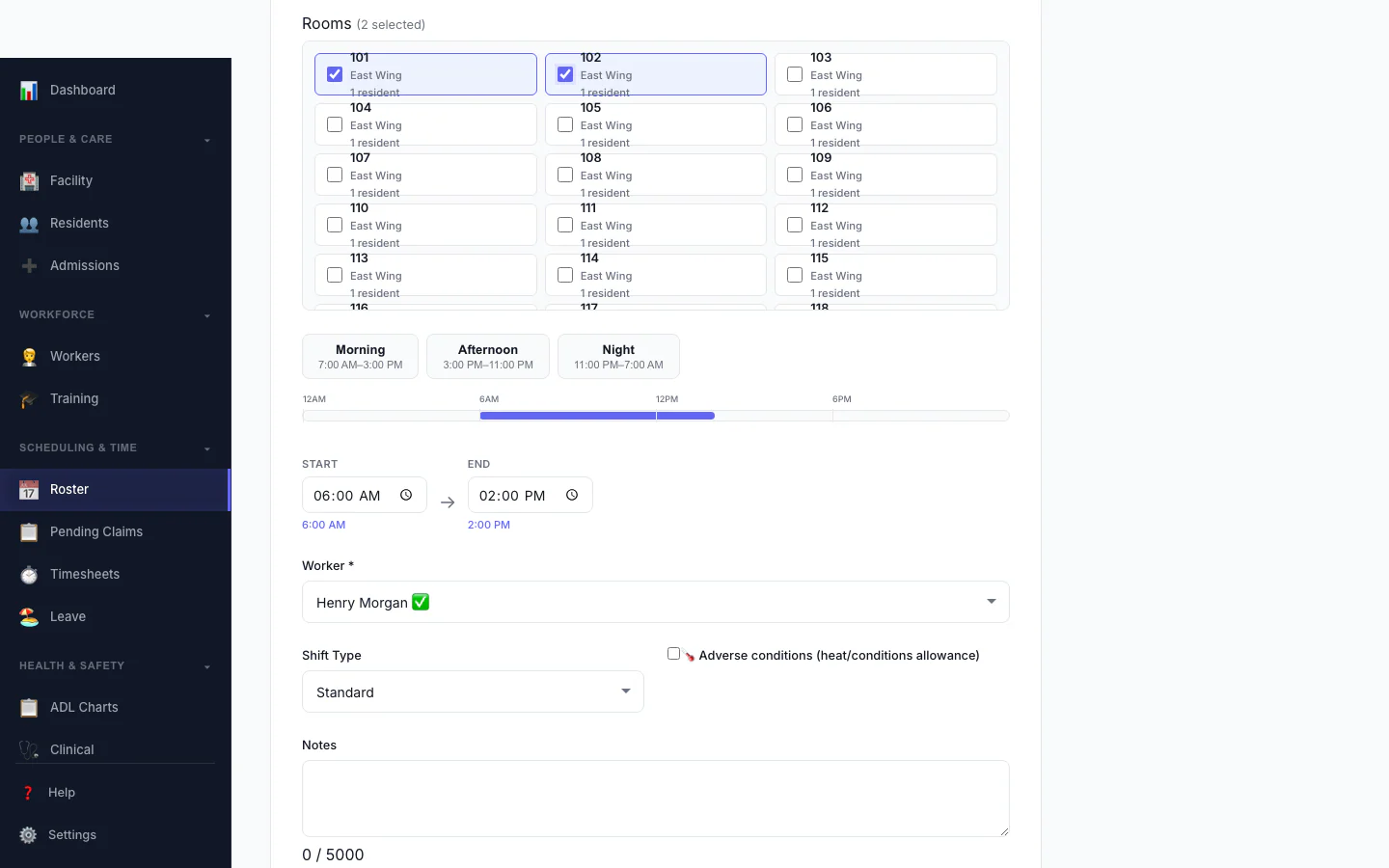
Add a Shift
Pick the person, date and times, and see suggested workers.
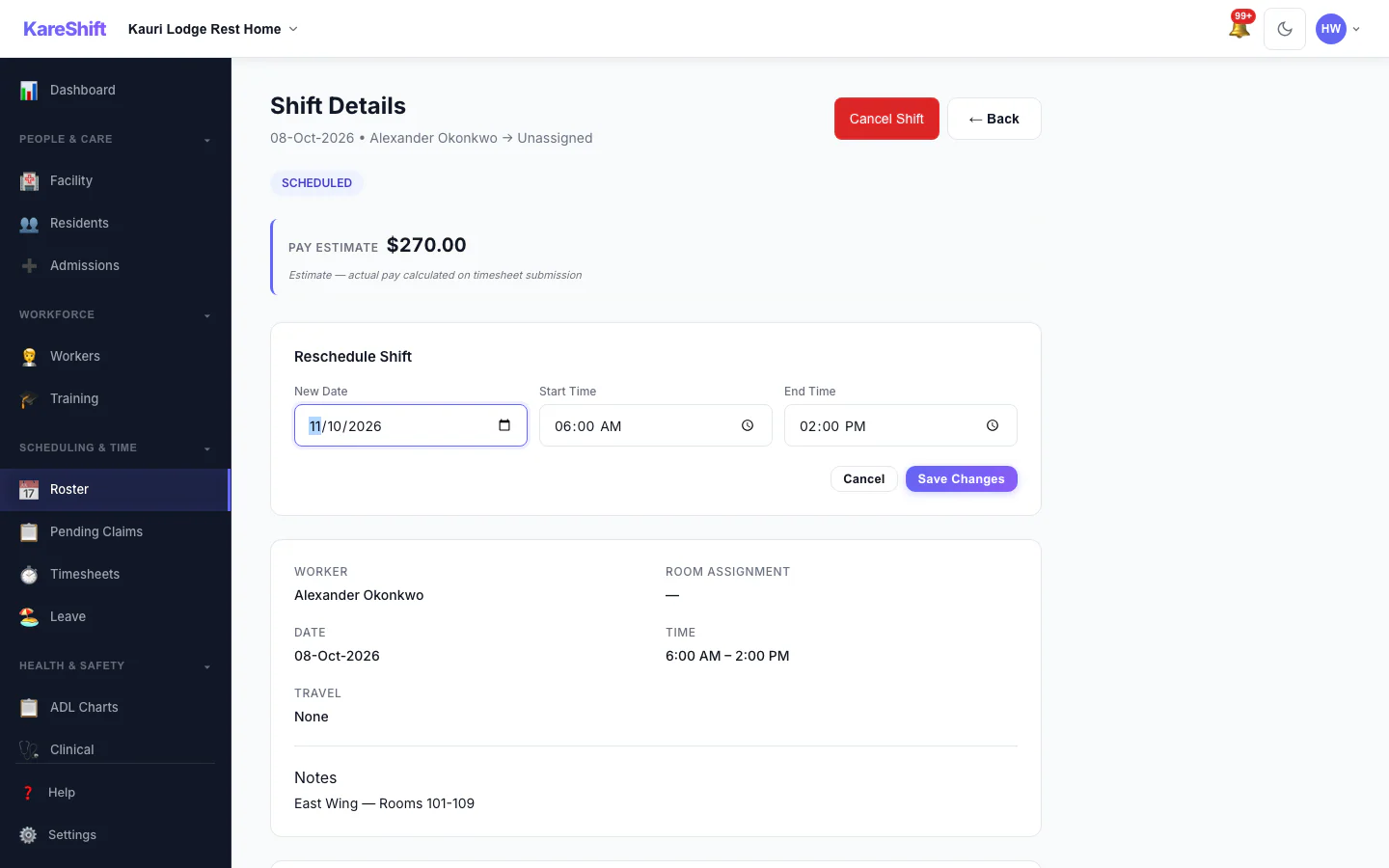
Reschedule a Shift
Move a shift to a new date and time.
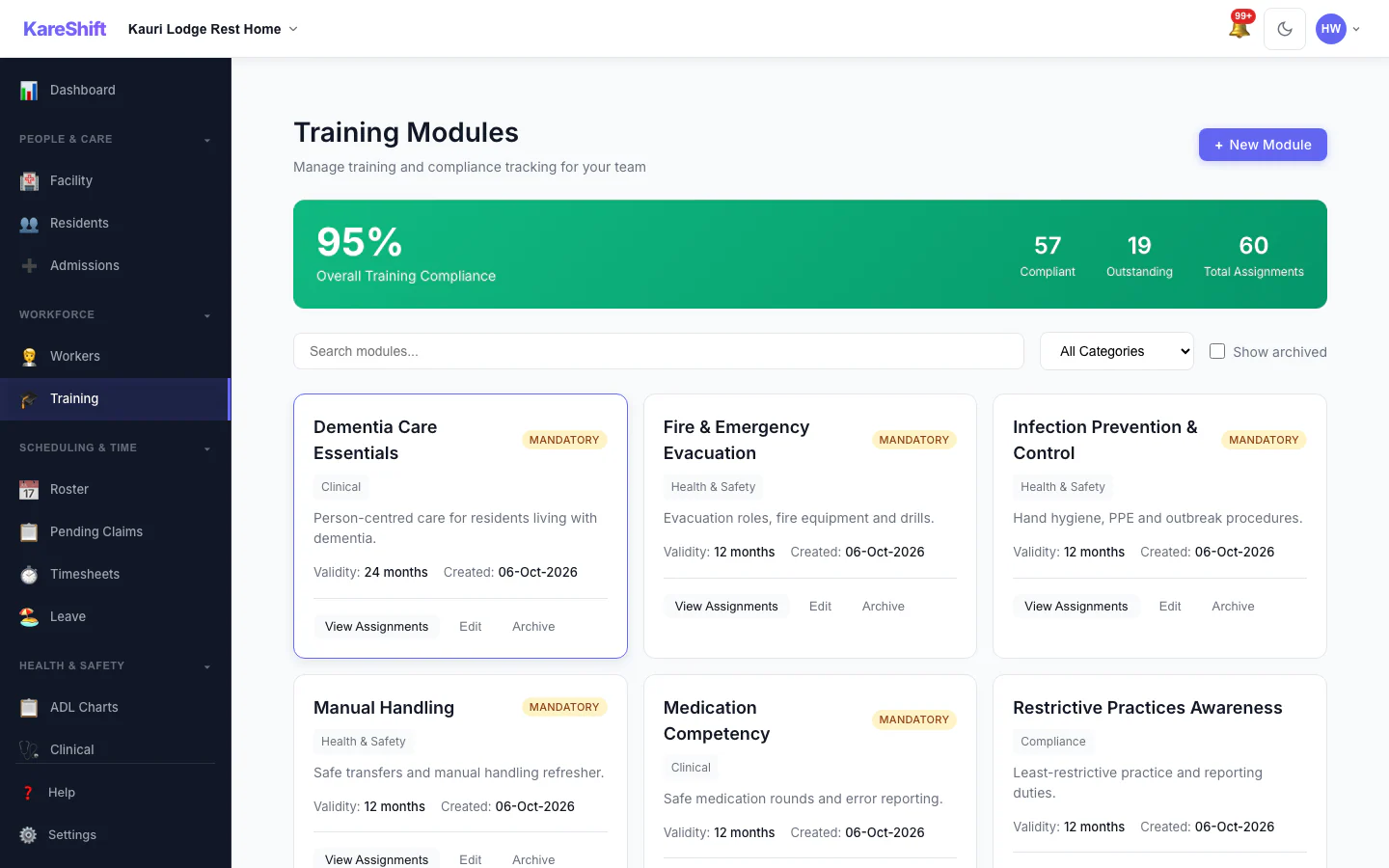
Training Modules
Mandatory and optional training, overall compliance and who is due.
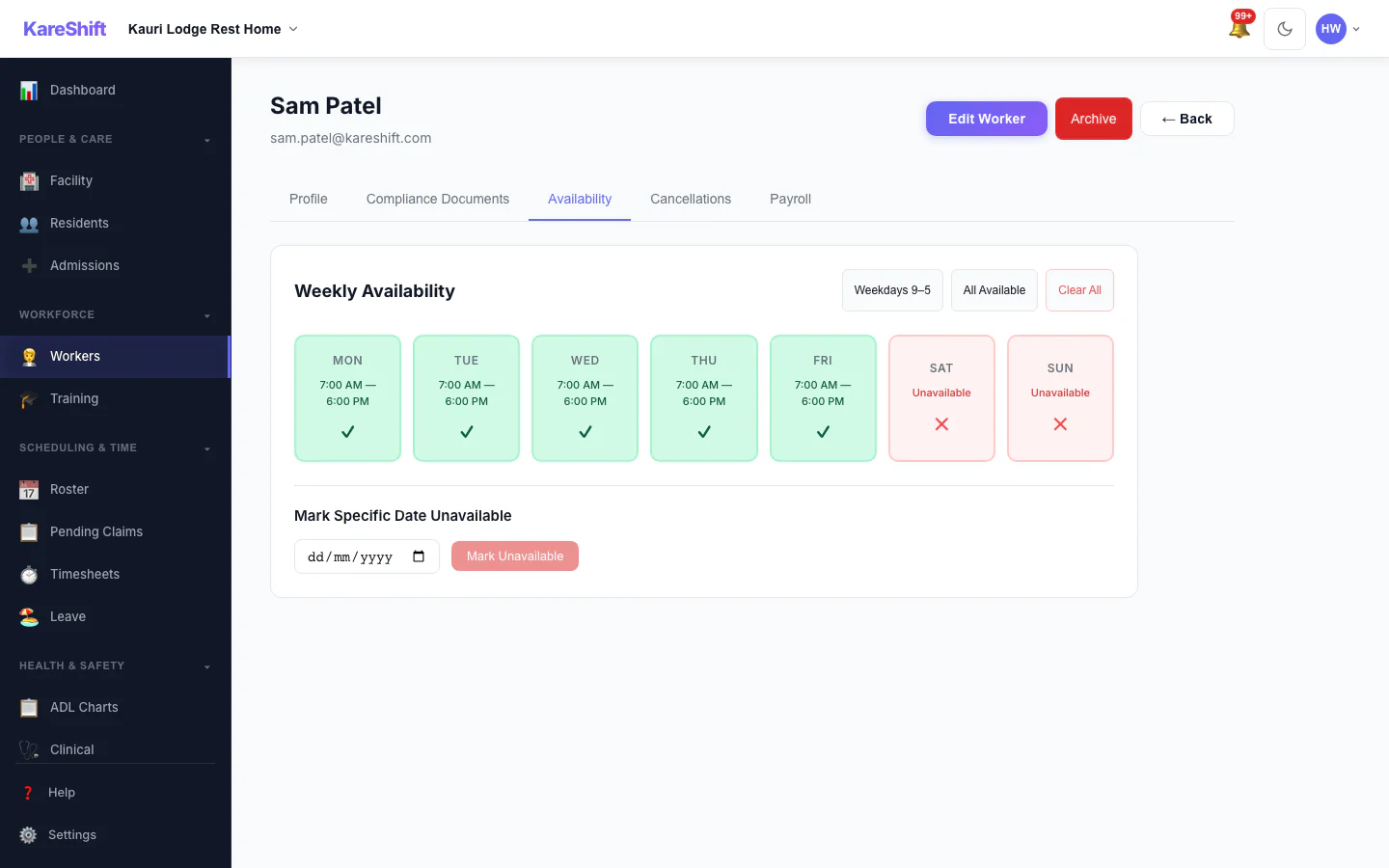
Worker Availability
A worker's weekly availability grid.
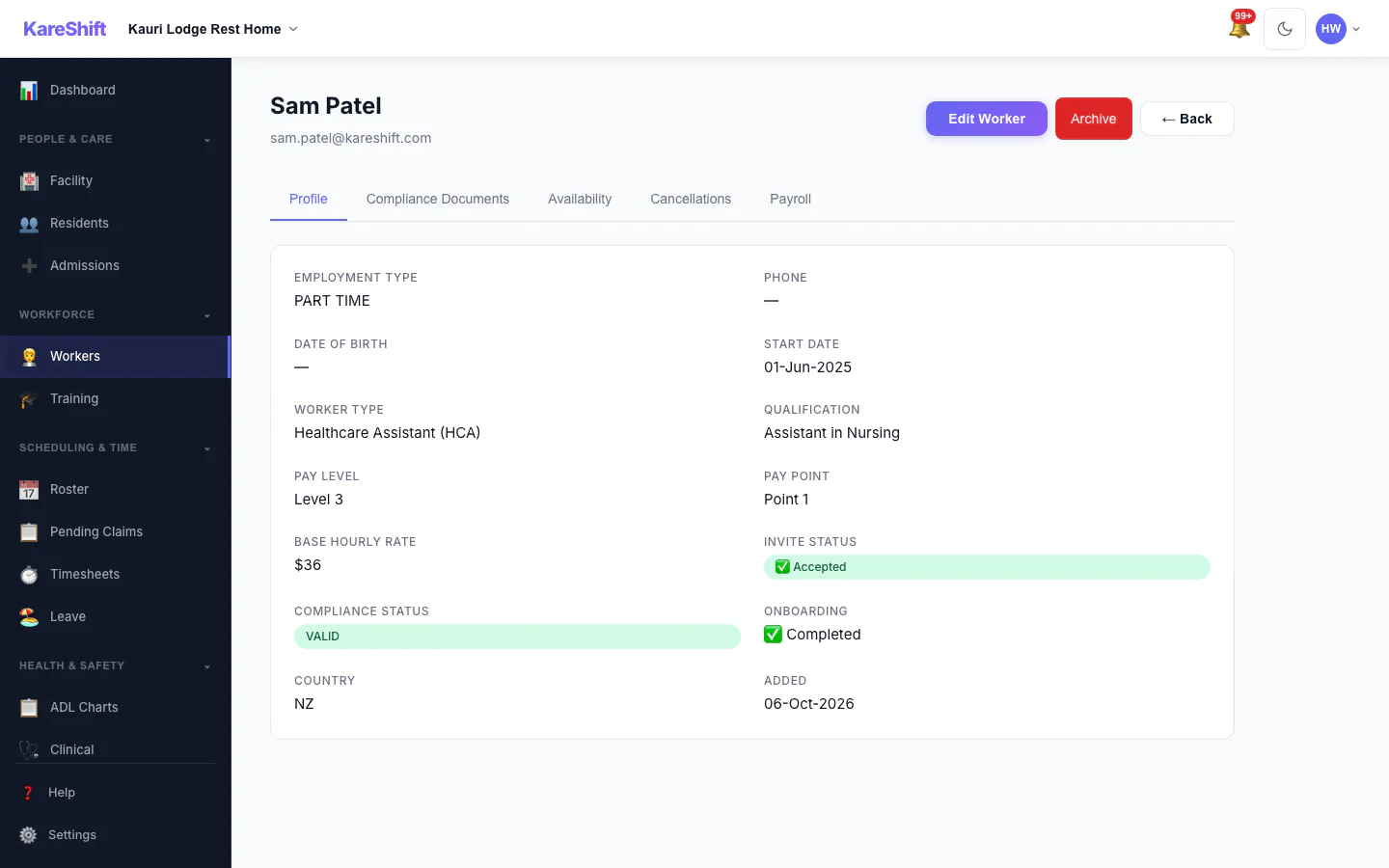
Worker Profile
A worker's profile and details.
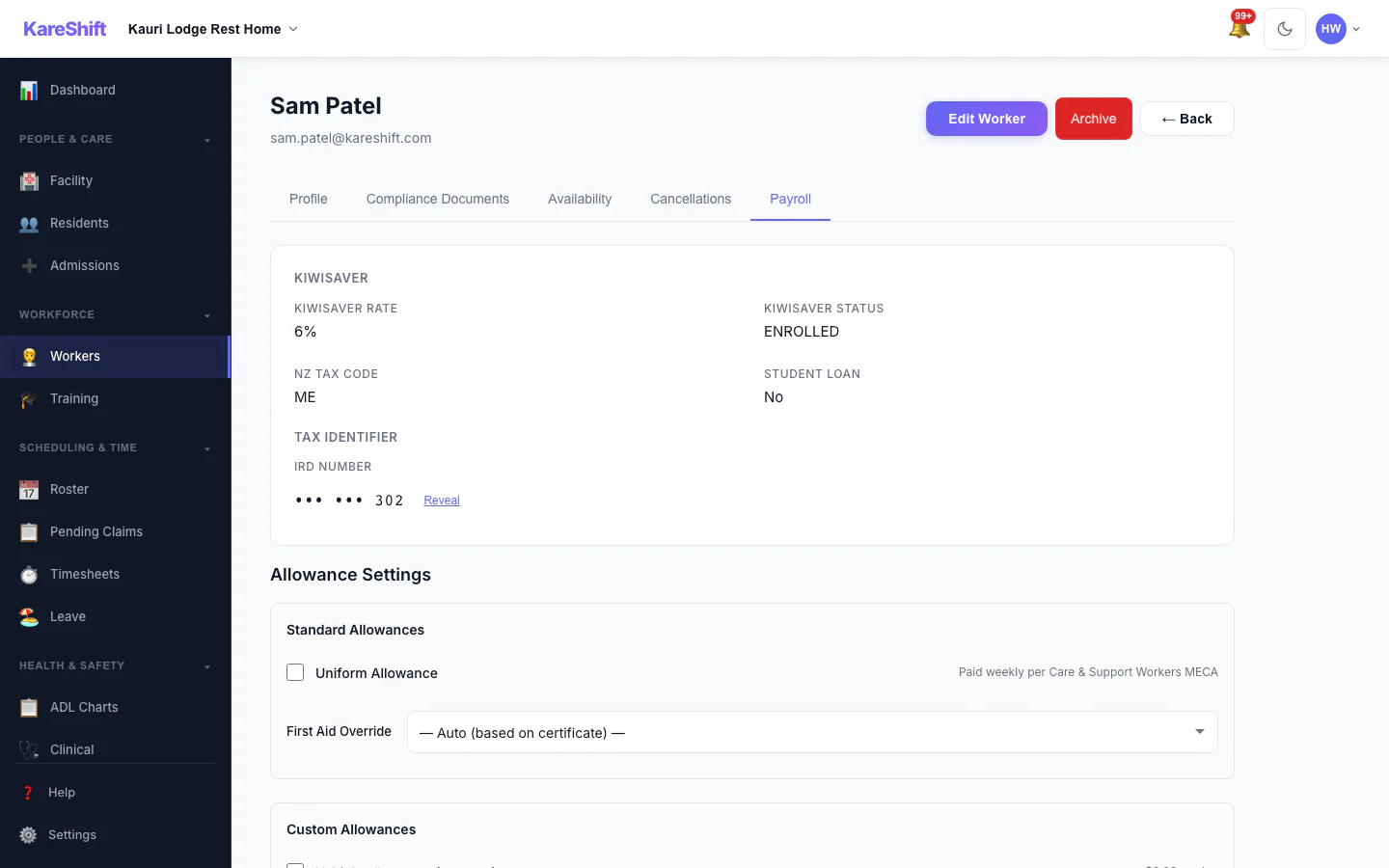
Worker Payroll Details
Payroll details and allowance settings for a worker.
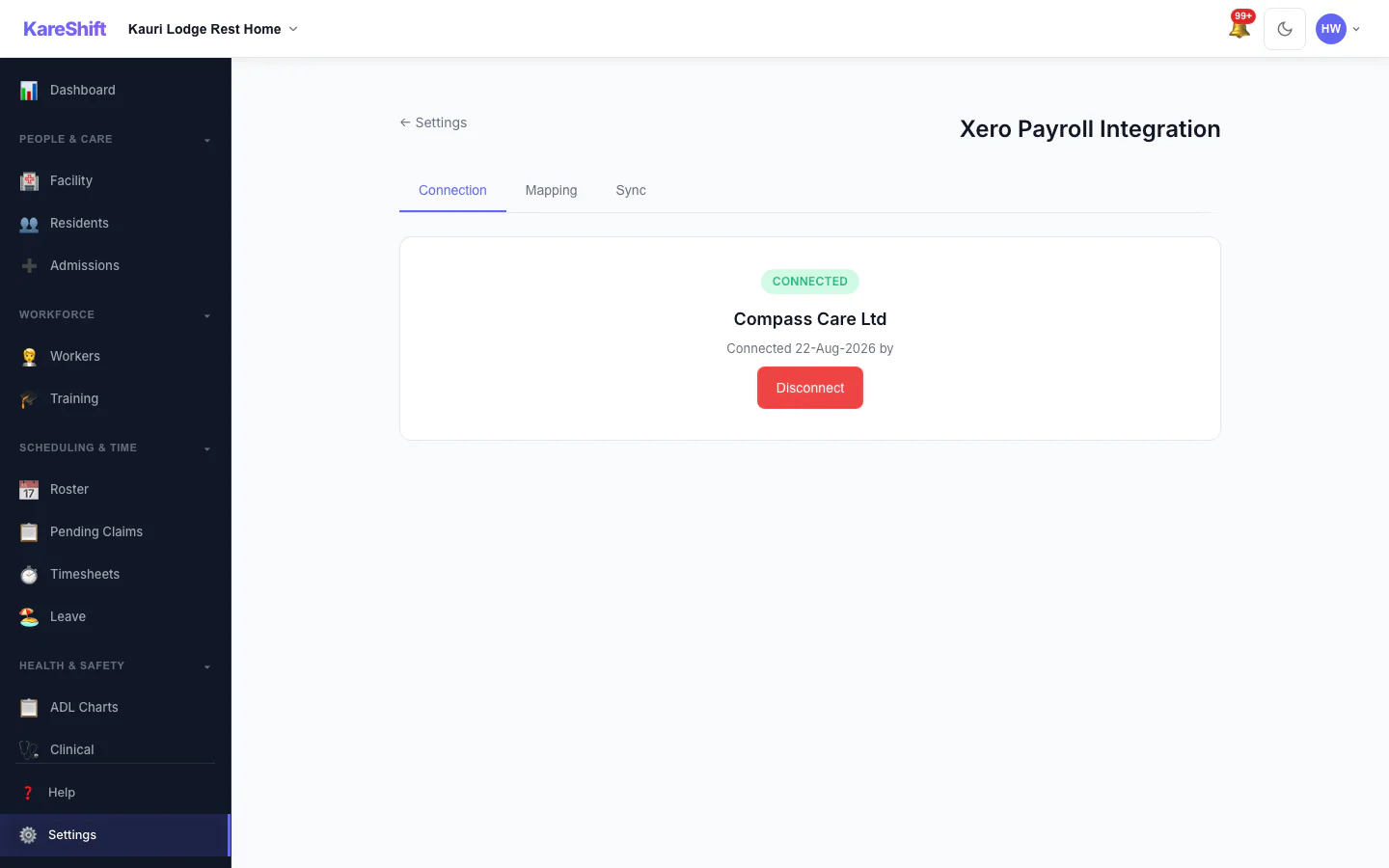
Xero Connection
Connect your Xero organisation once.
Xero Pay-Item Mapping
Map KareShift pay categories to your Xero earnings rates.
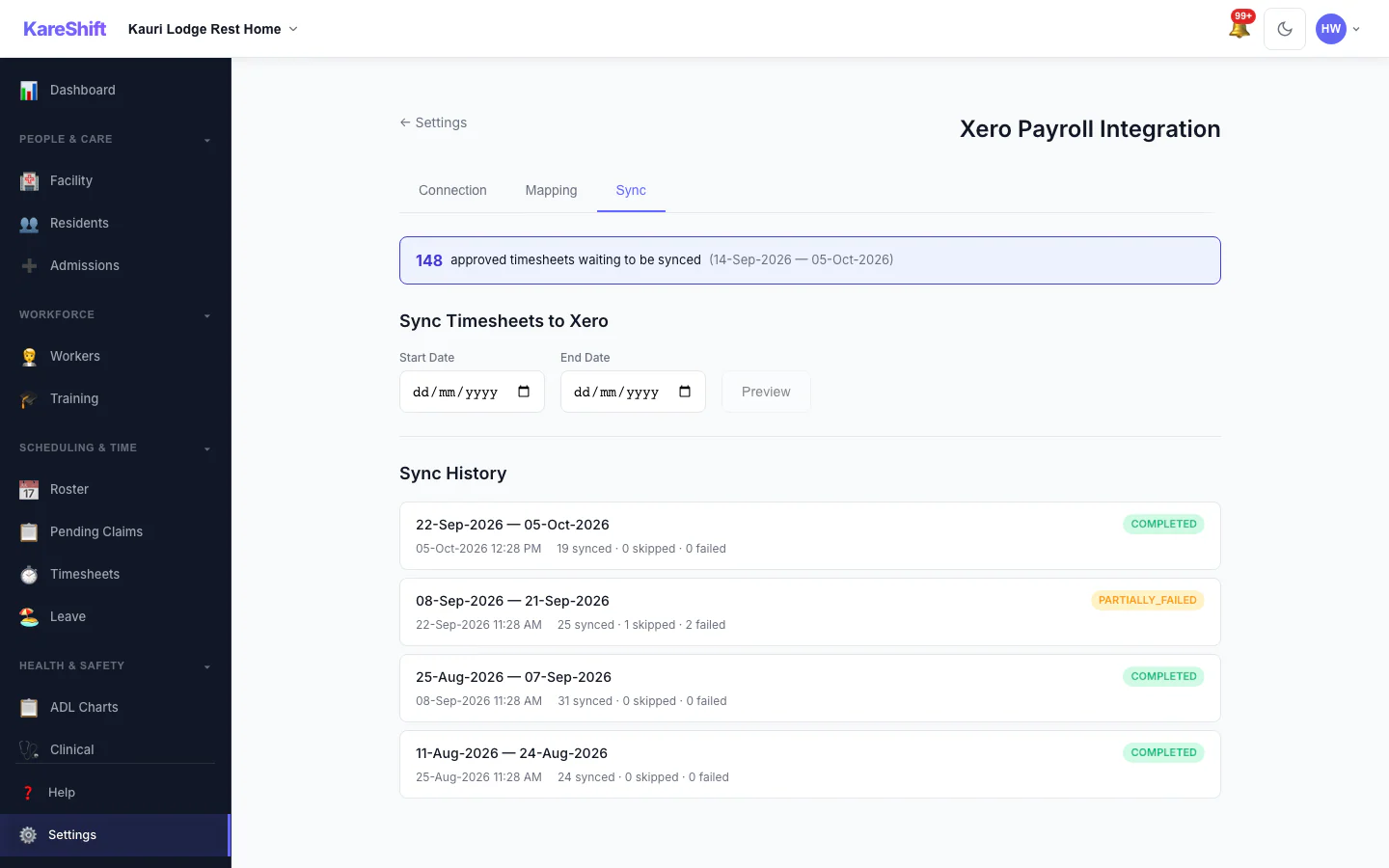
Xero Sync History
Past syncs with what succeeded and what failed.
More Features — Desktop & Mobile
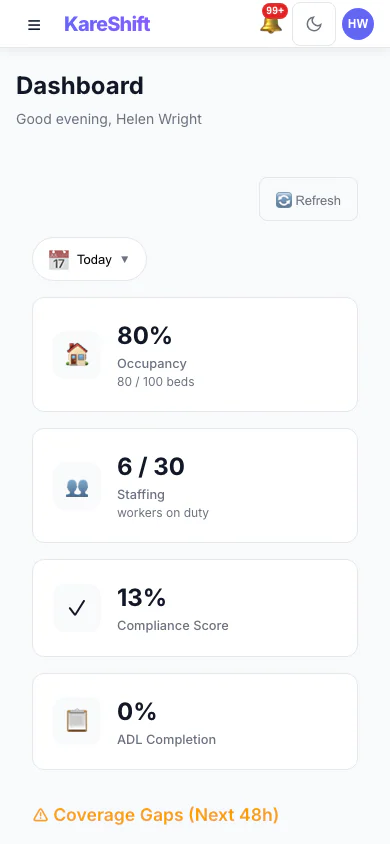
Dashboard (Mobile)
Facility overview on your phone — occupancy and compliance at a glance.
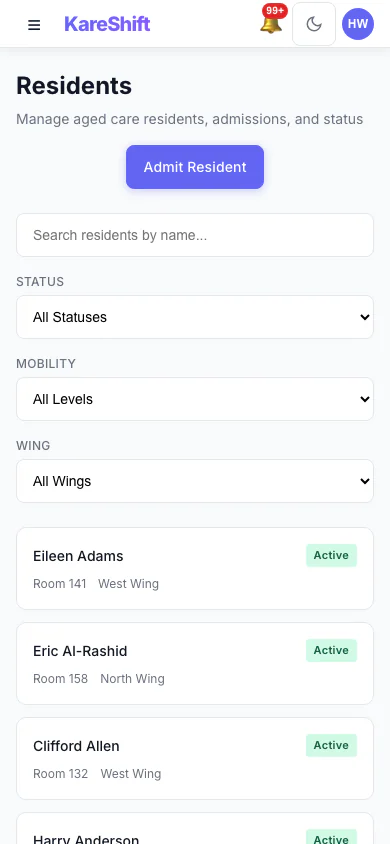
Residents (Mobile)
Browse residents and check care status from your phone.
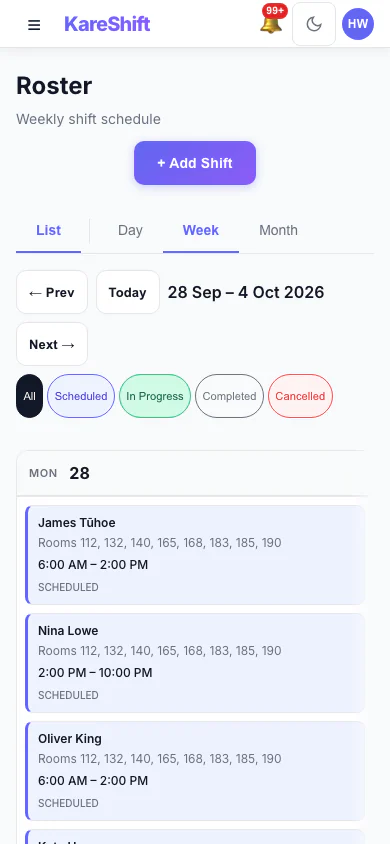
Roster (Mobile)
View and manage shifts from your phone.
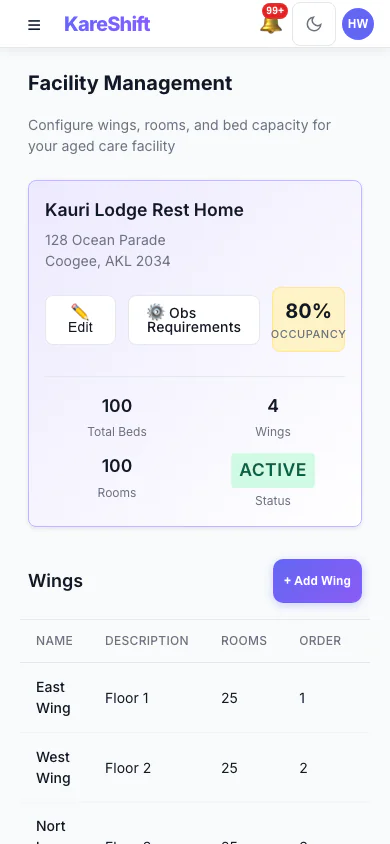
Facility (Mobile)
Bed map and wing overview on mobile.
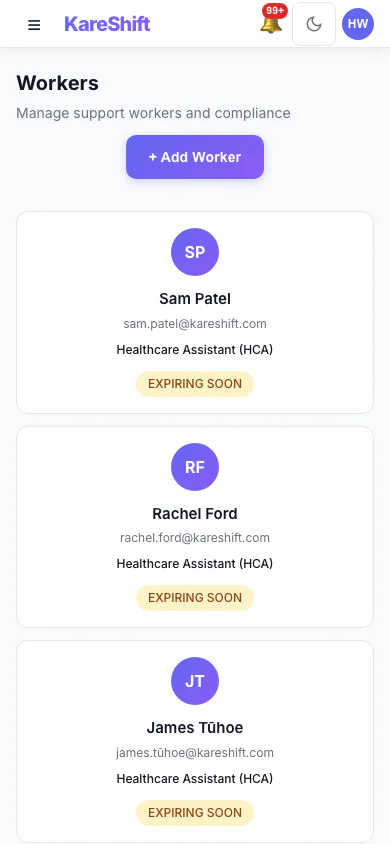
Workers (Mobile)
Staff list on your phone — compliance at a glance.
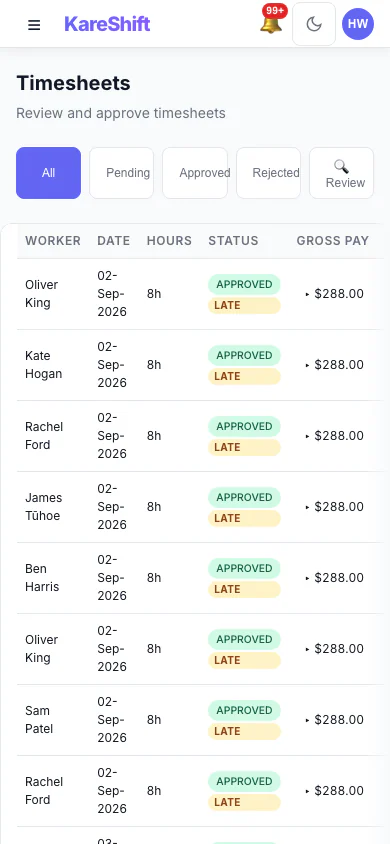
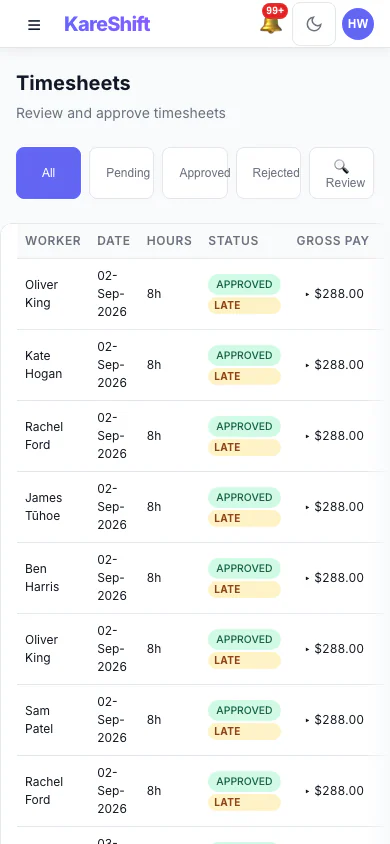
Timesheets (Mobile)
Approve hours on the go.
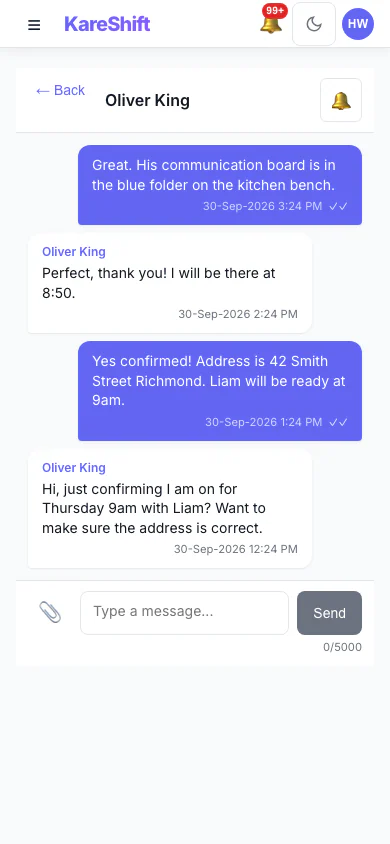
Messages (Mobile)
Team messaging on mobile.
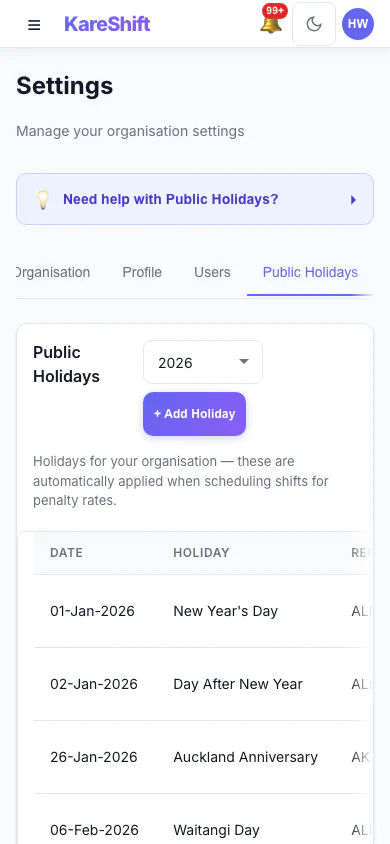
Holidays (Mobile)
Public holidays on mobile.
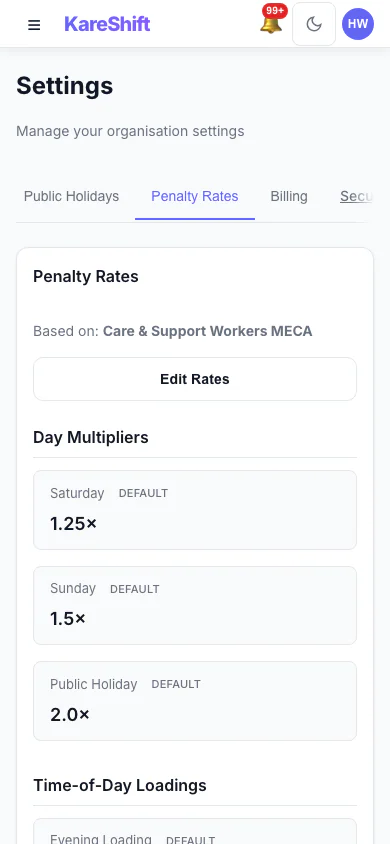
Penalty Rates (Mobile)
Rate configuration on mobile.
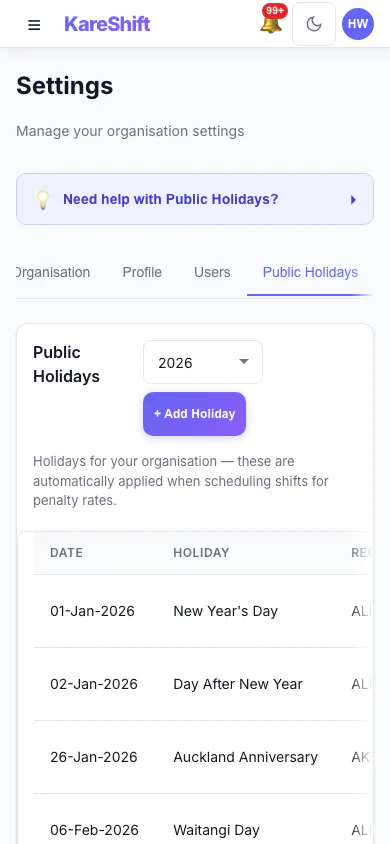
Holiday Exclusion (Mobile)
Toggle holidays on mobile.
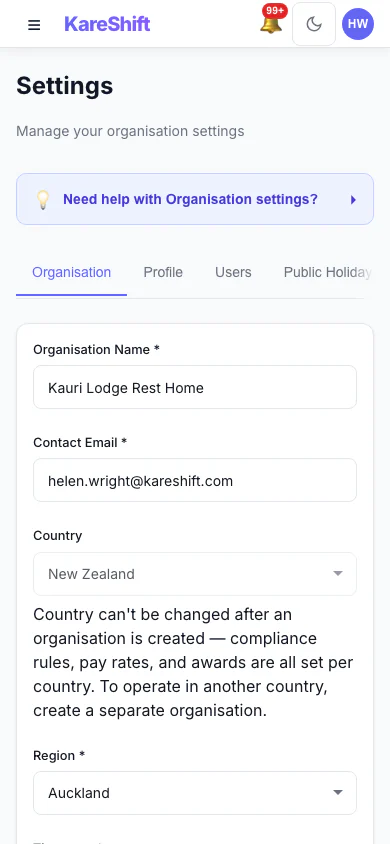
Settings (Mobile)
Org settings on mobile.
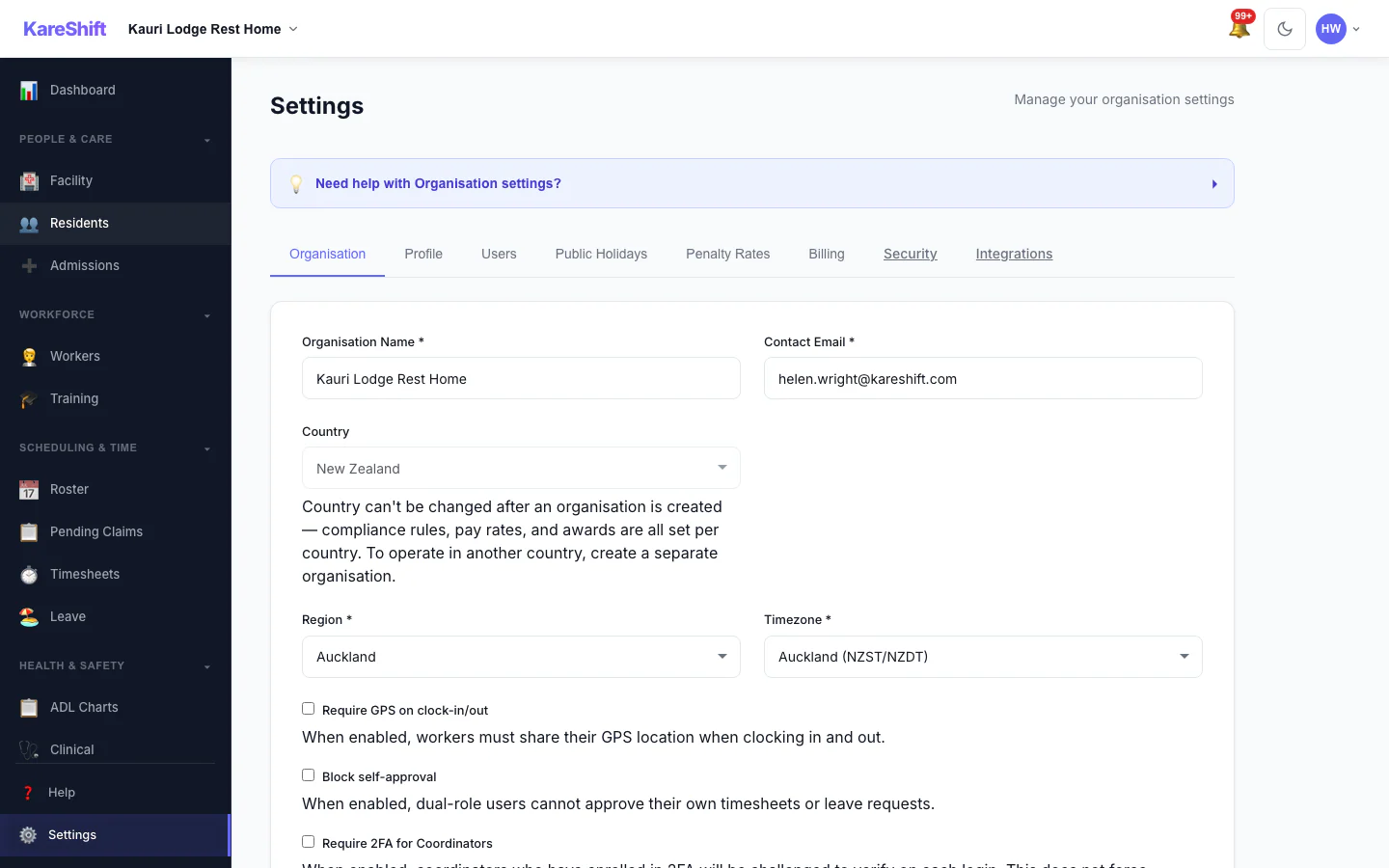
Settings
Organisation details, billing, notifications.
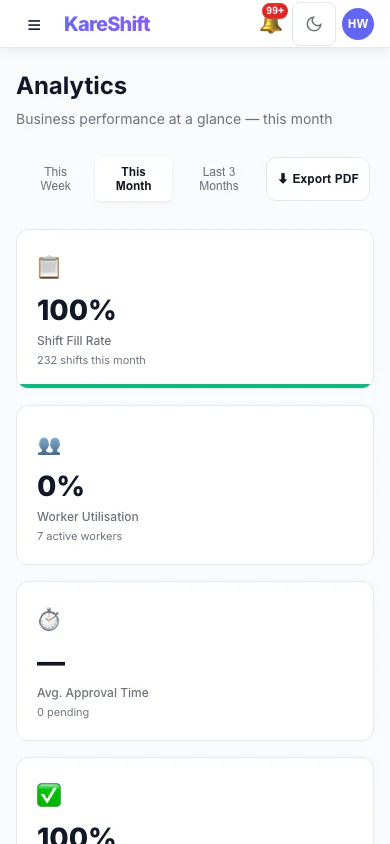
Analytics (Mobile)
Staffing metrics on mobile.
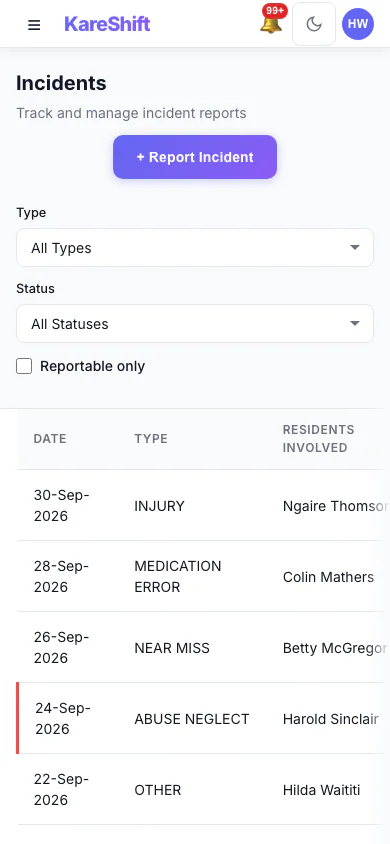
Incidents (Mobile)
Record incidents on mobile.
Leave (Mobile)
Approve leave on mobile.
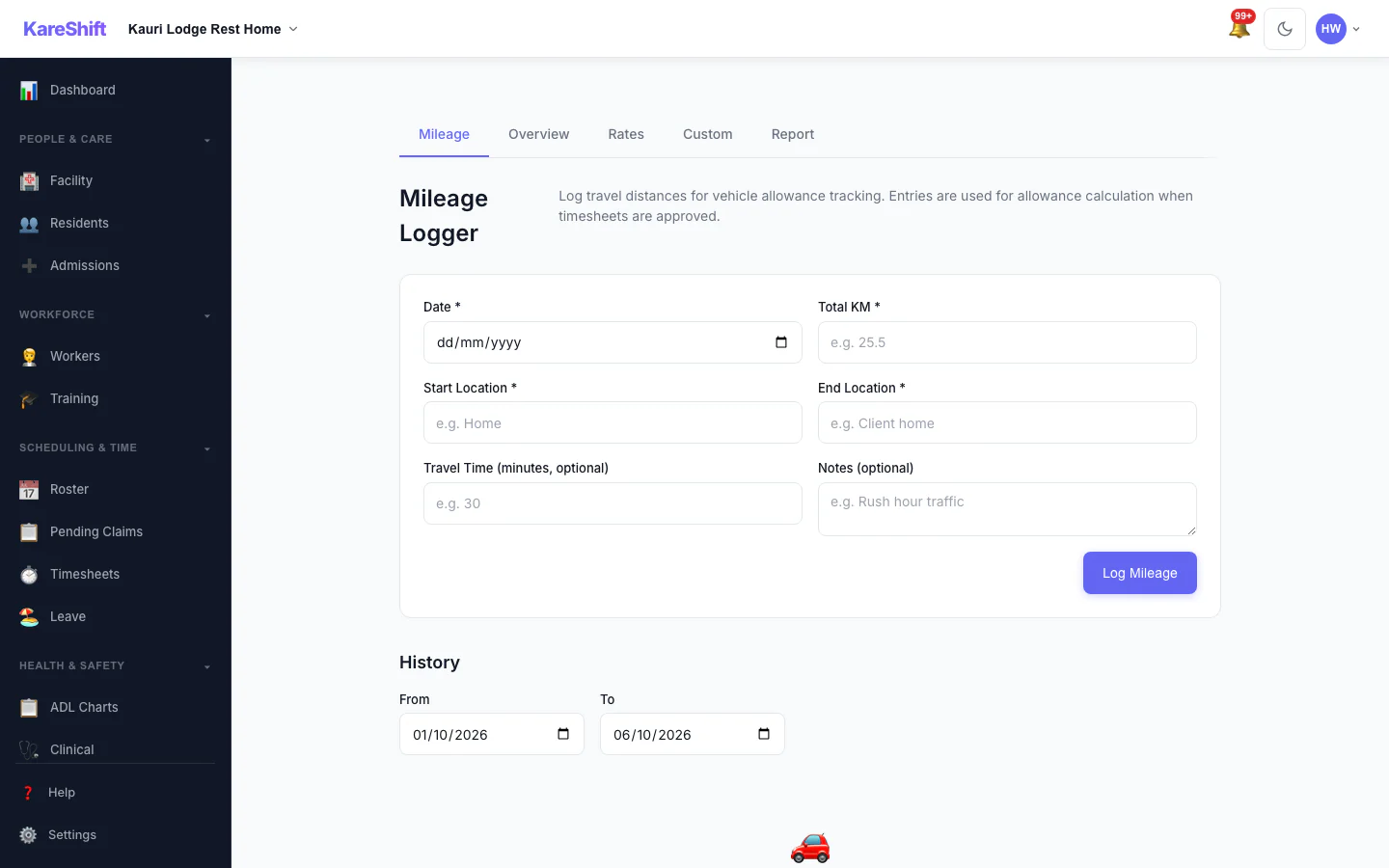
Allowances
Mileage and shift allowances.
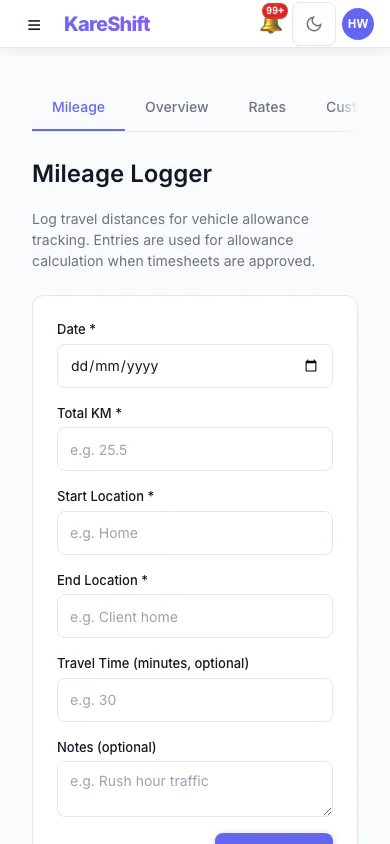
Allowances (Mobile)
Allowances on mobile.
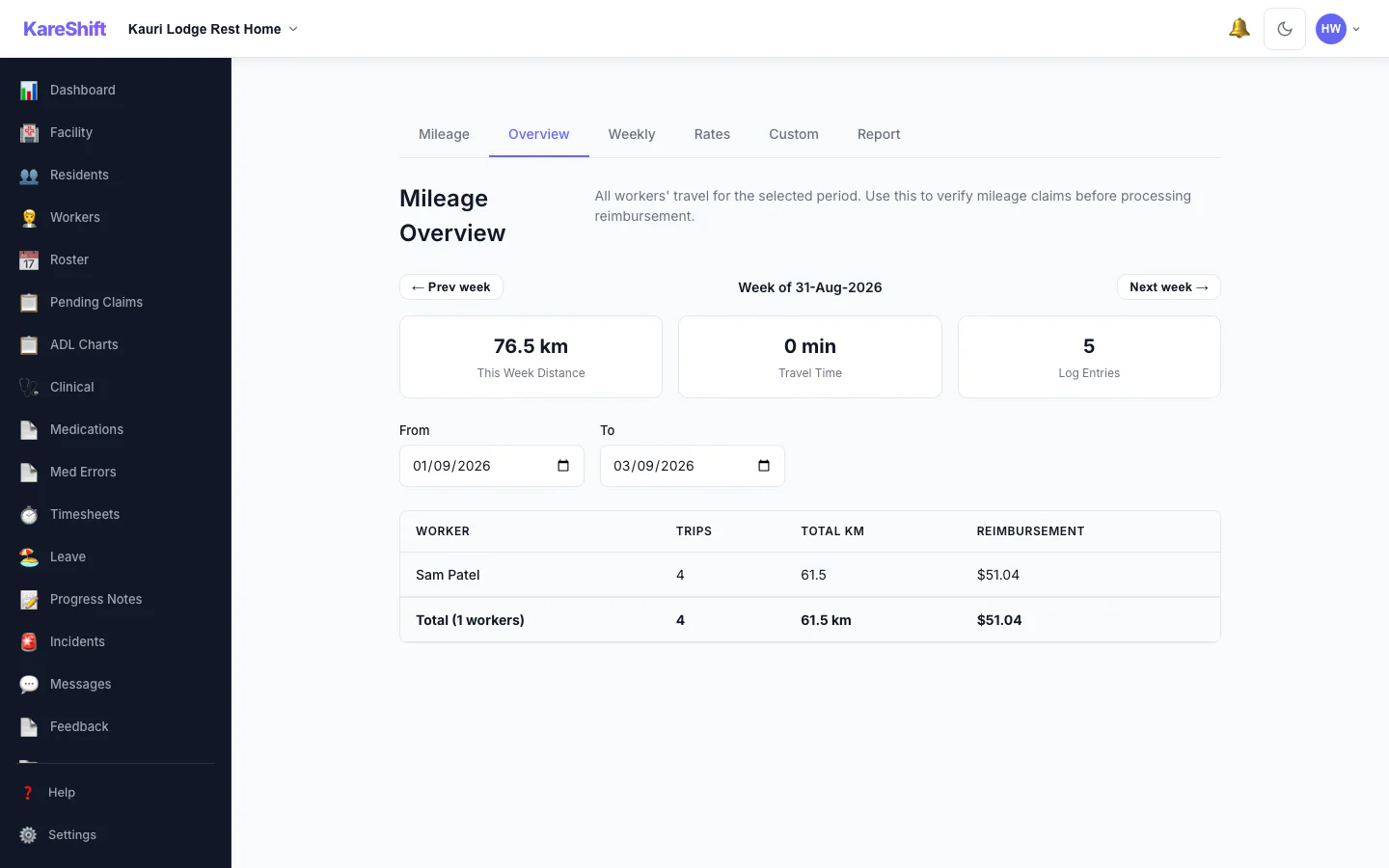
Mileage
Worker travel and reimbursement totals.
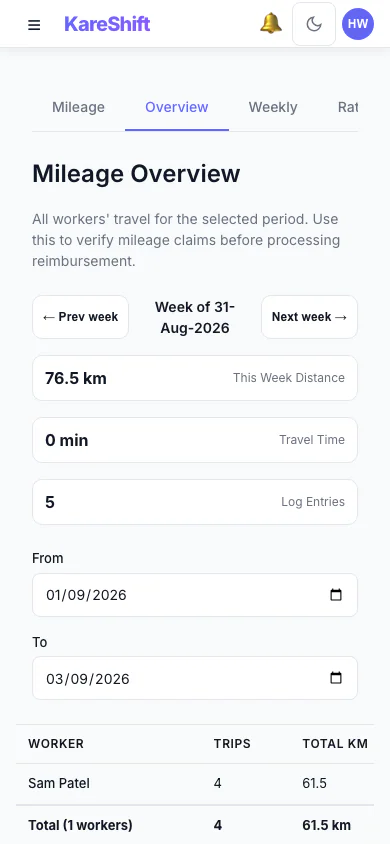
Mileage (Mobile)
Travel totals on your phone.
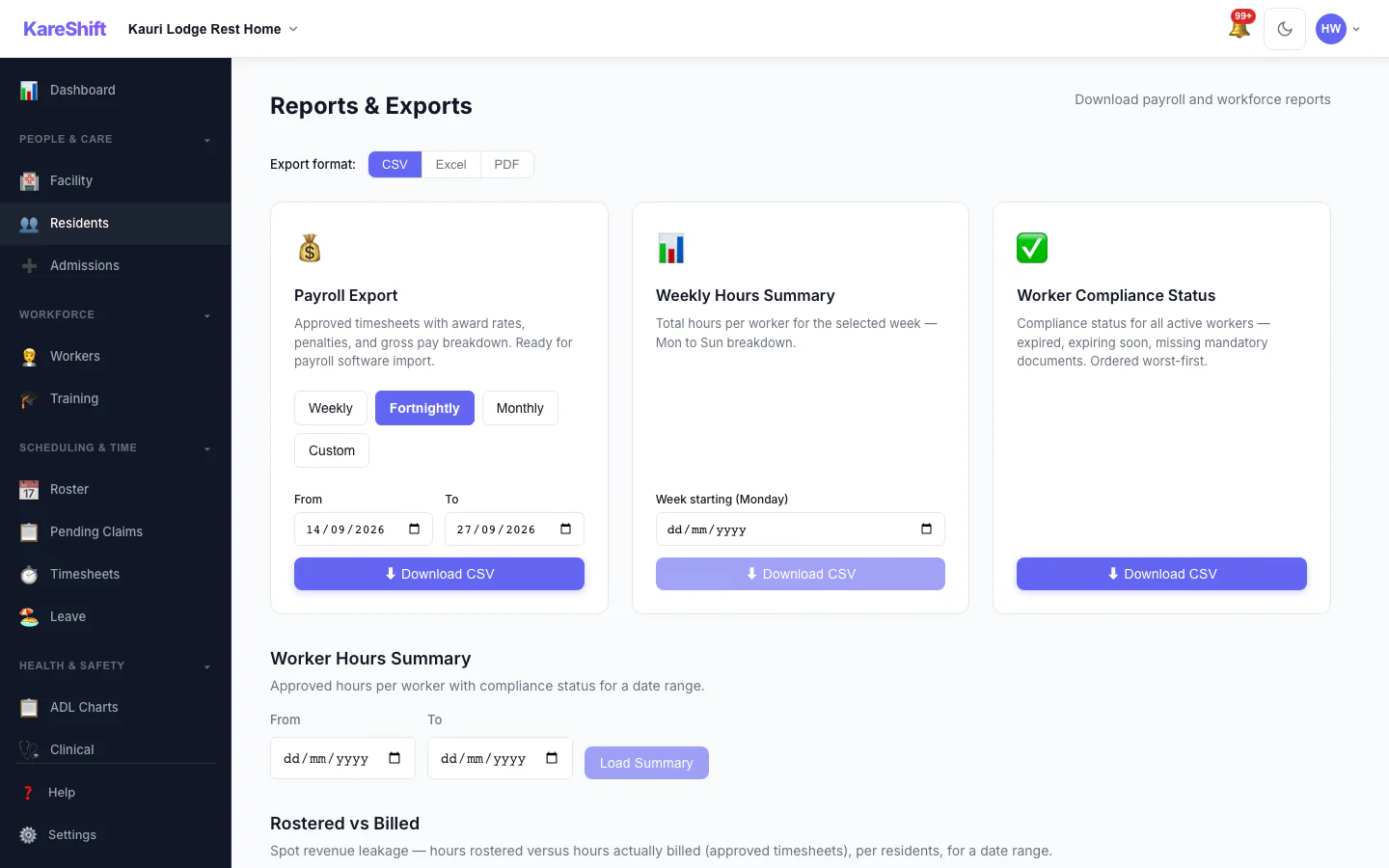
Reports
Payroll exports and compliance reports.
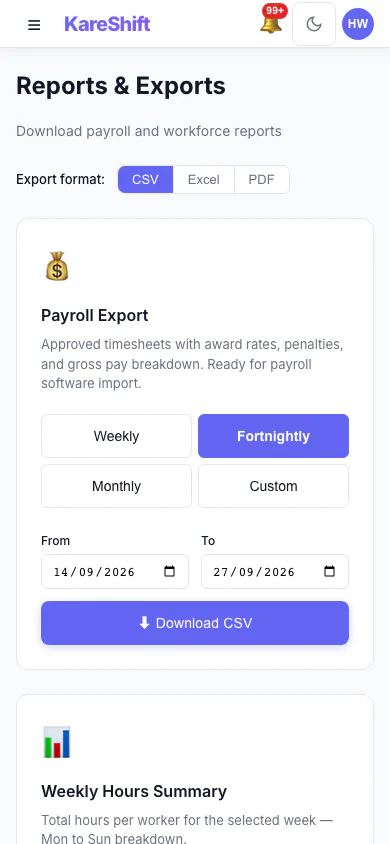
Reports (Mobile)
Reports on mobile.
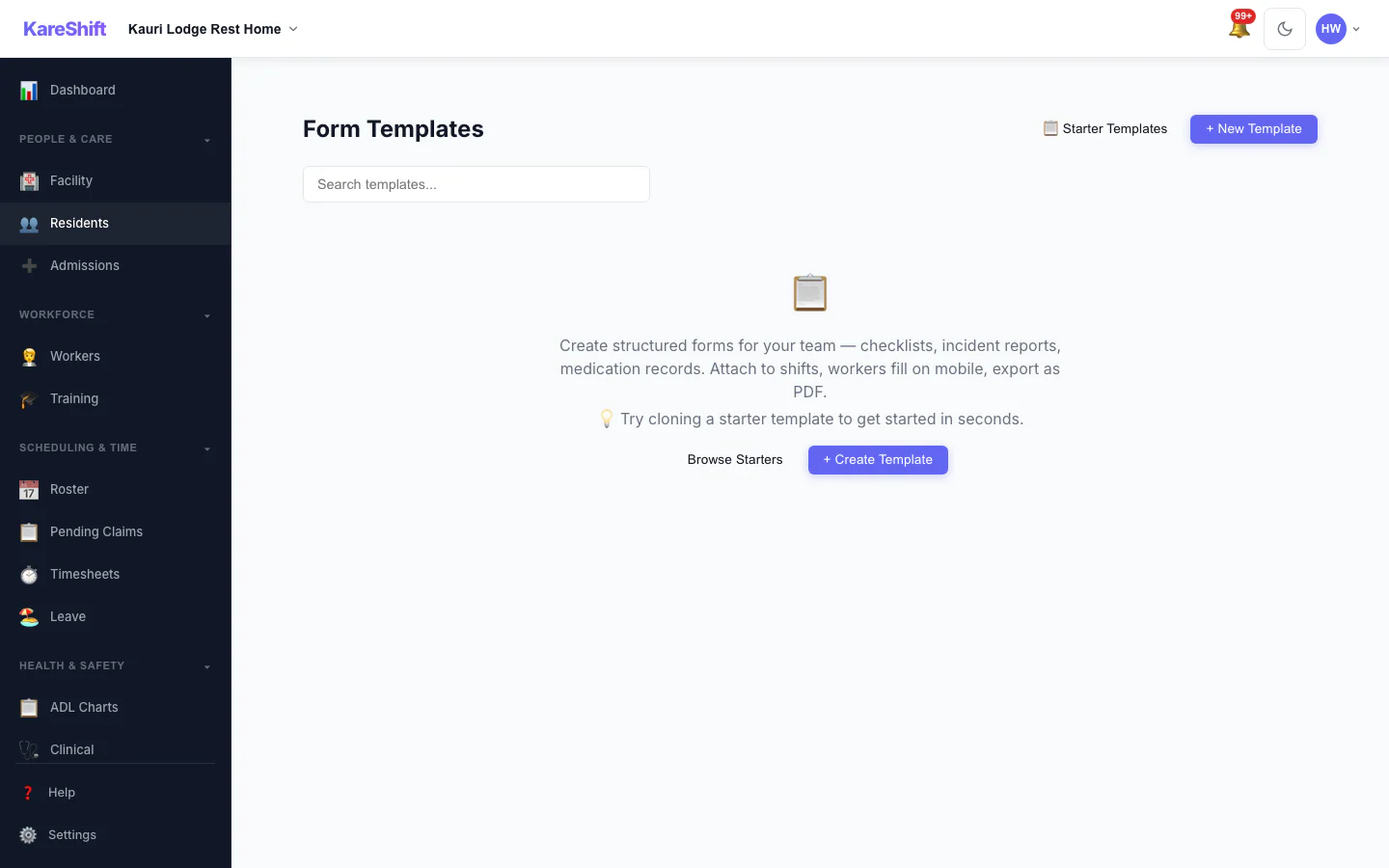
Custom Forms
Checklists and assessments.
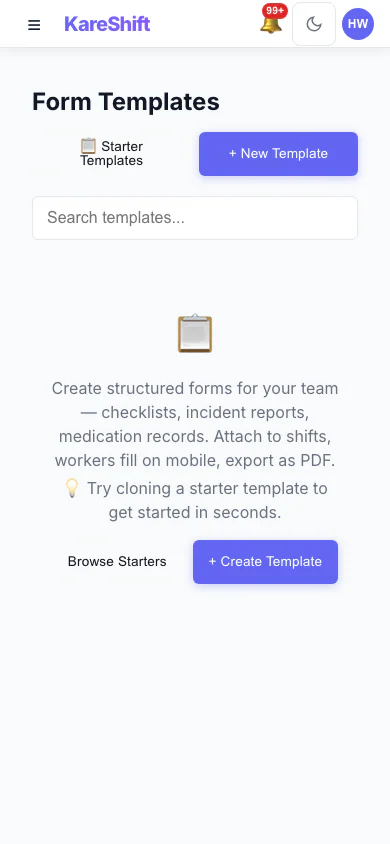
Forms (Mobile)
Forms on mobile.
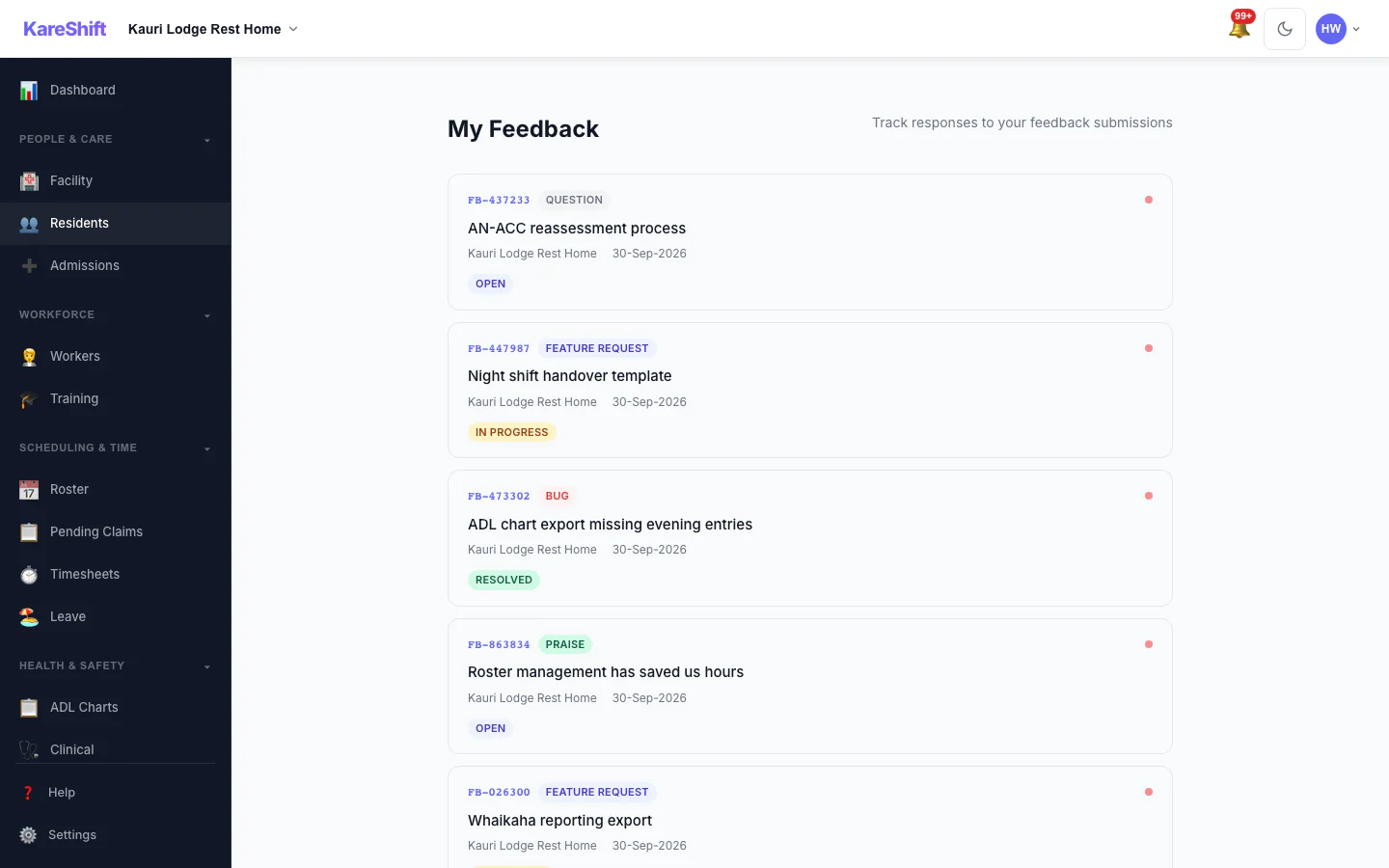
Feedback
In-app feedback system.
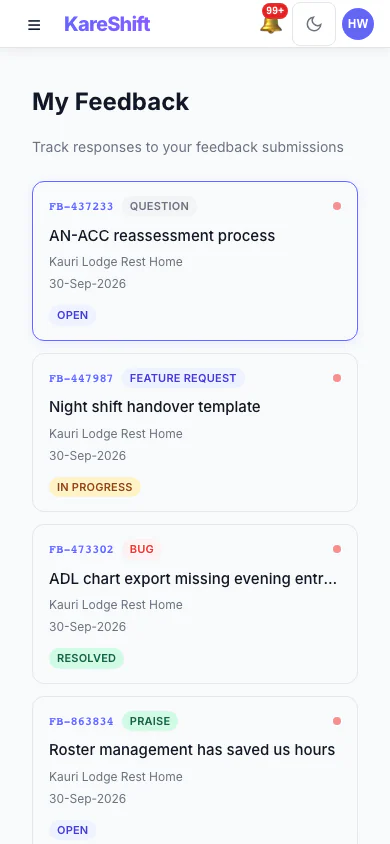
Feedback (Mobile)
Submit feedback on mobile.
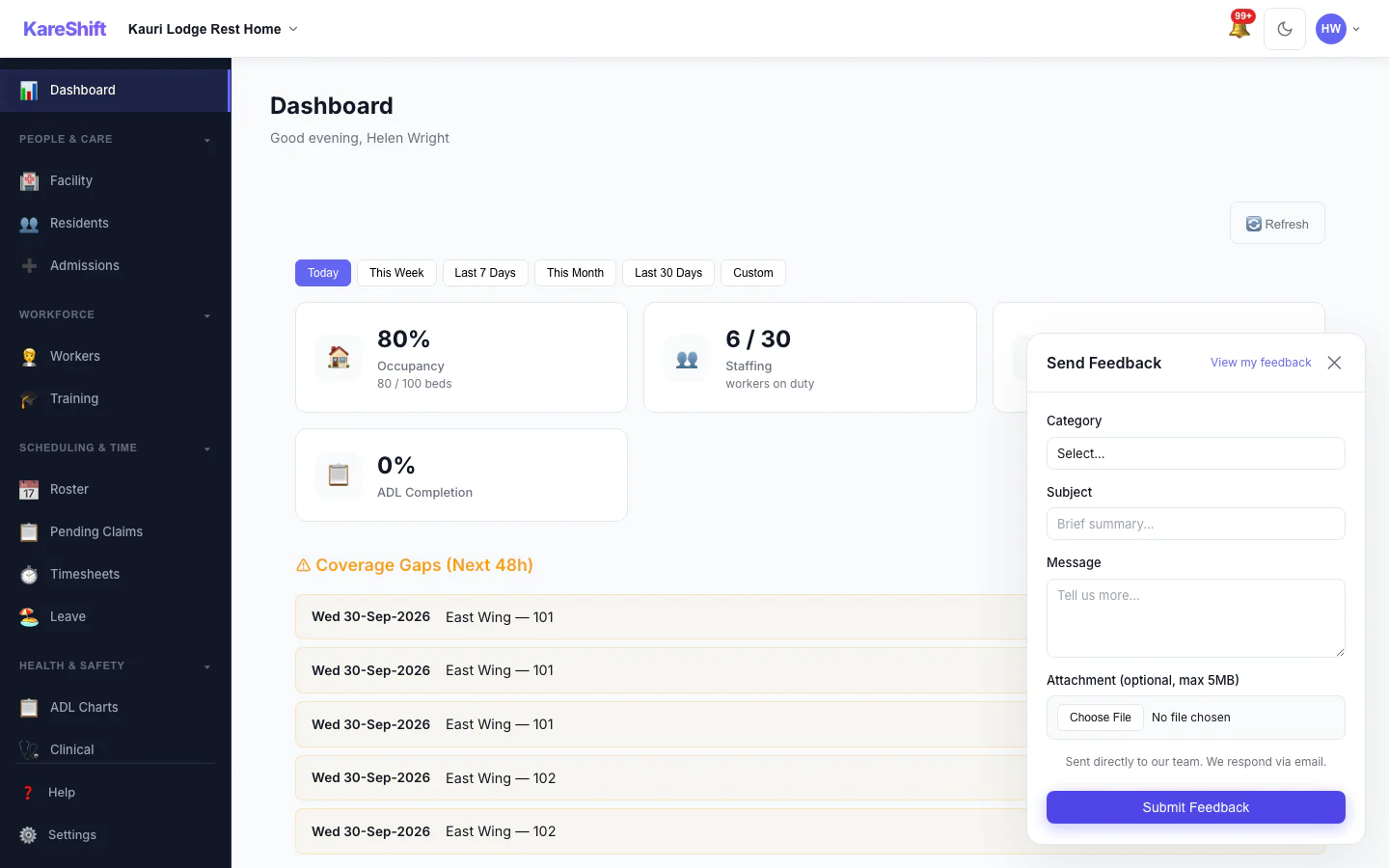
Feedback Widget
Quick feedback from any page.
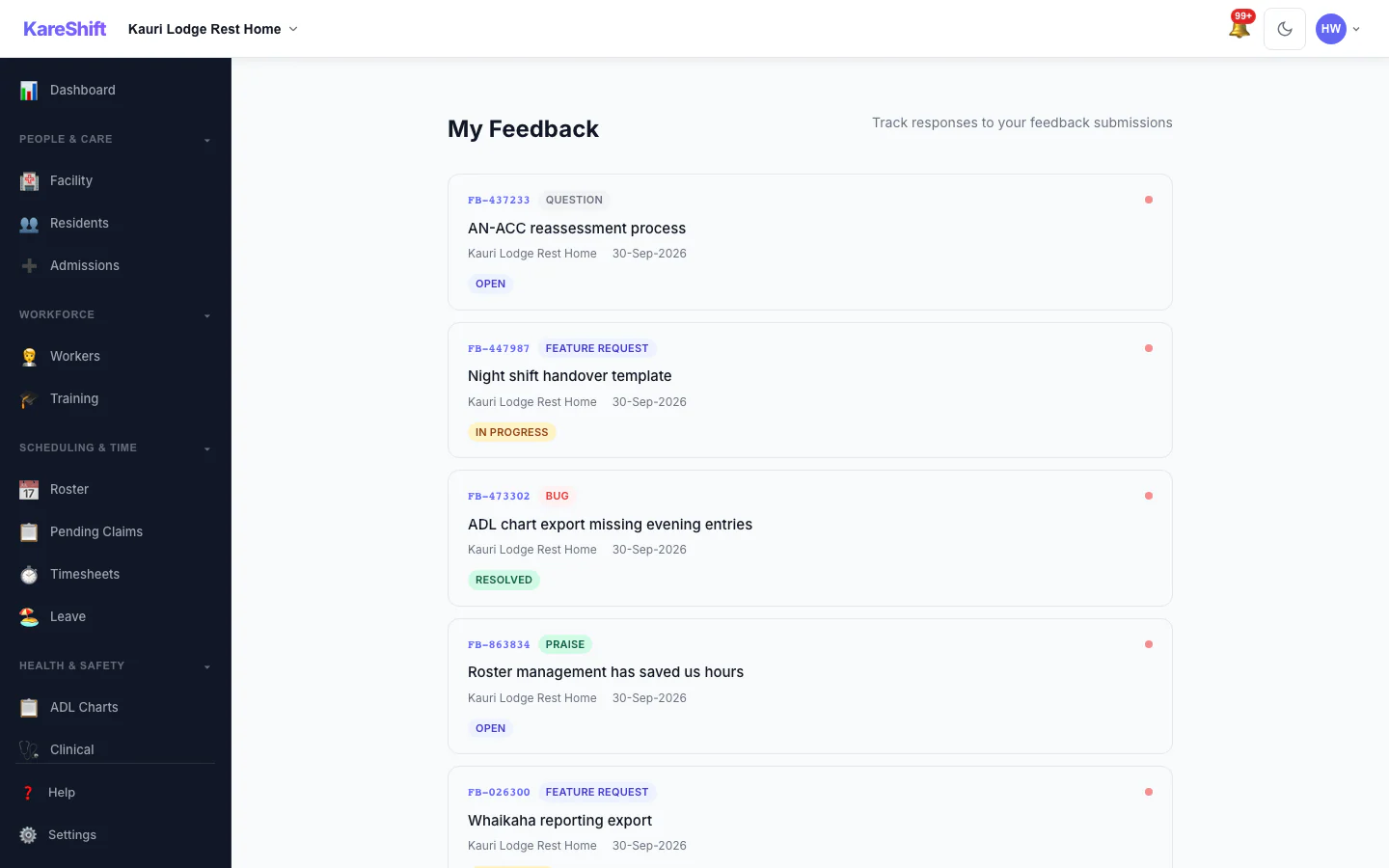
Feedback List
Track all submitted feedback.
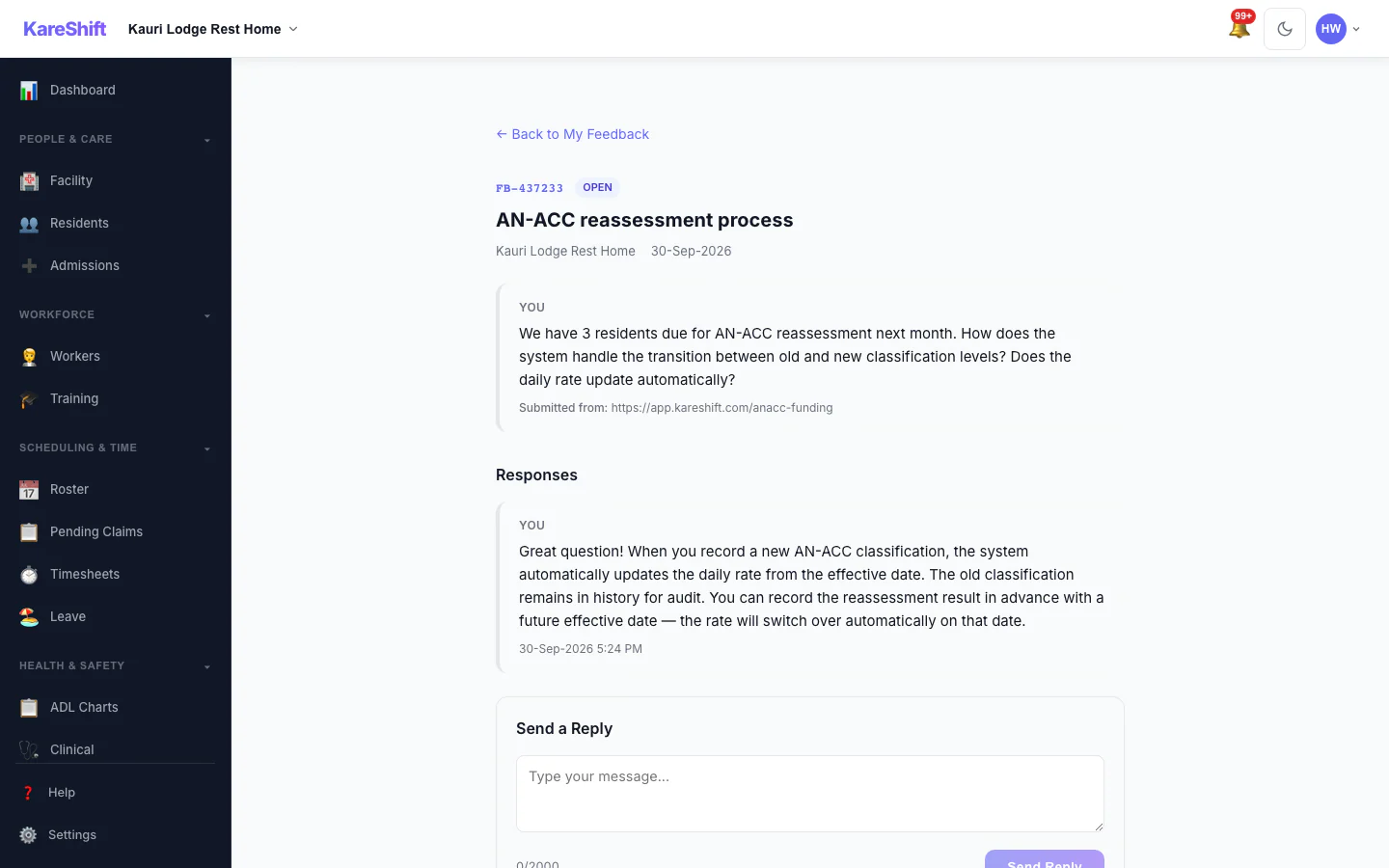
Feedback Detail
Individual feedback thread.
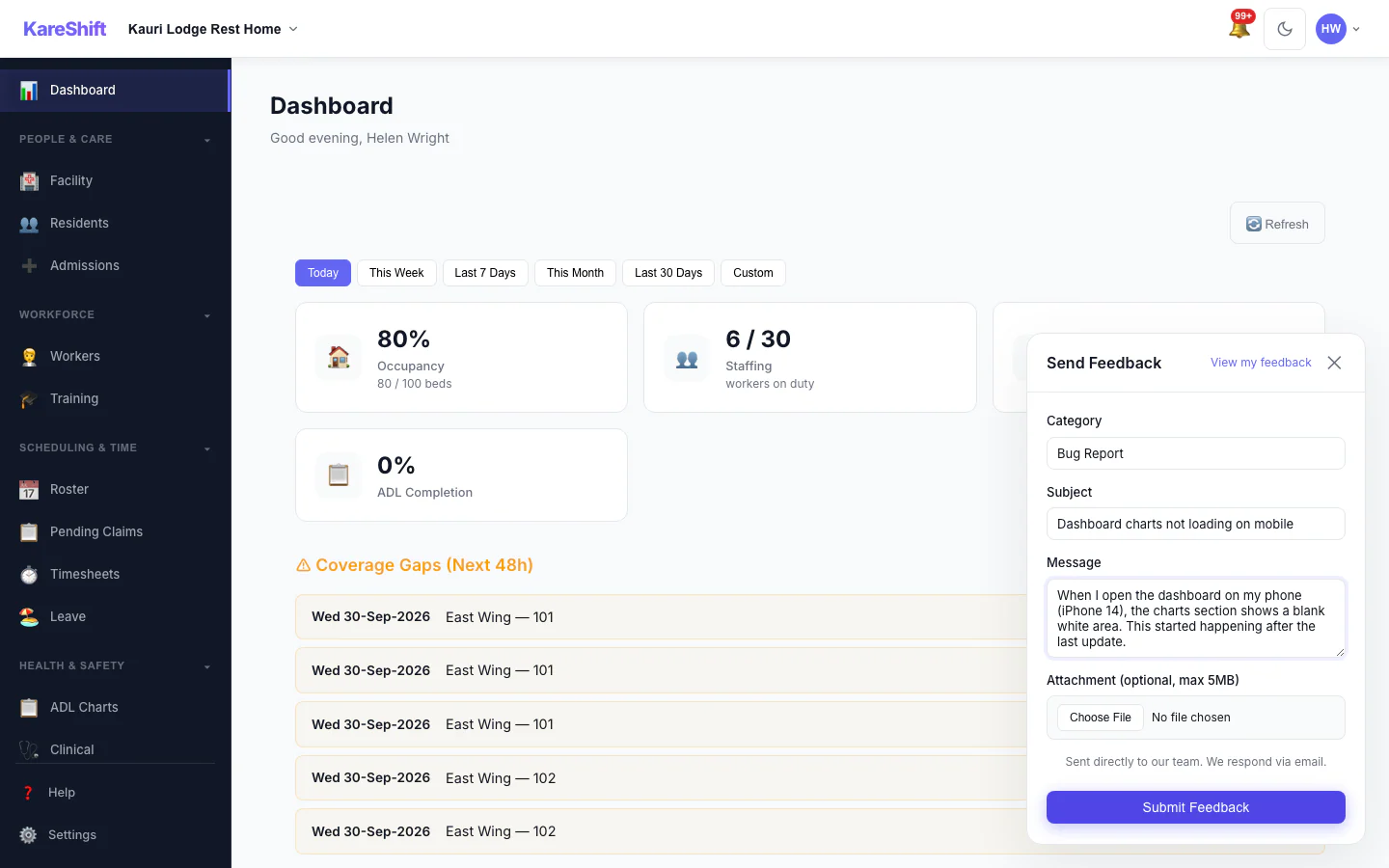
Submit Feedback
Filled feedback form.
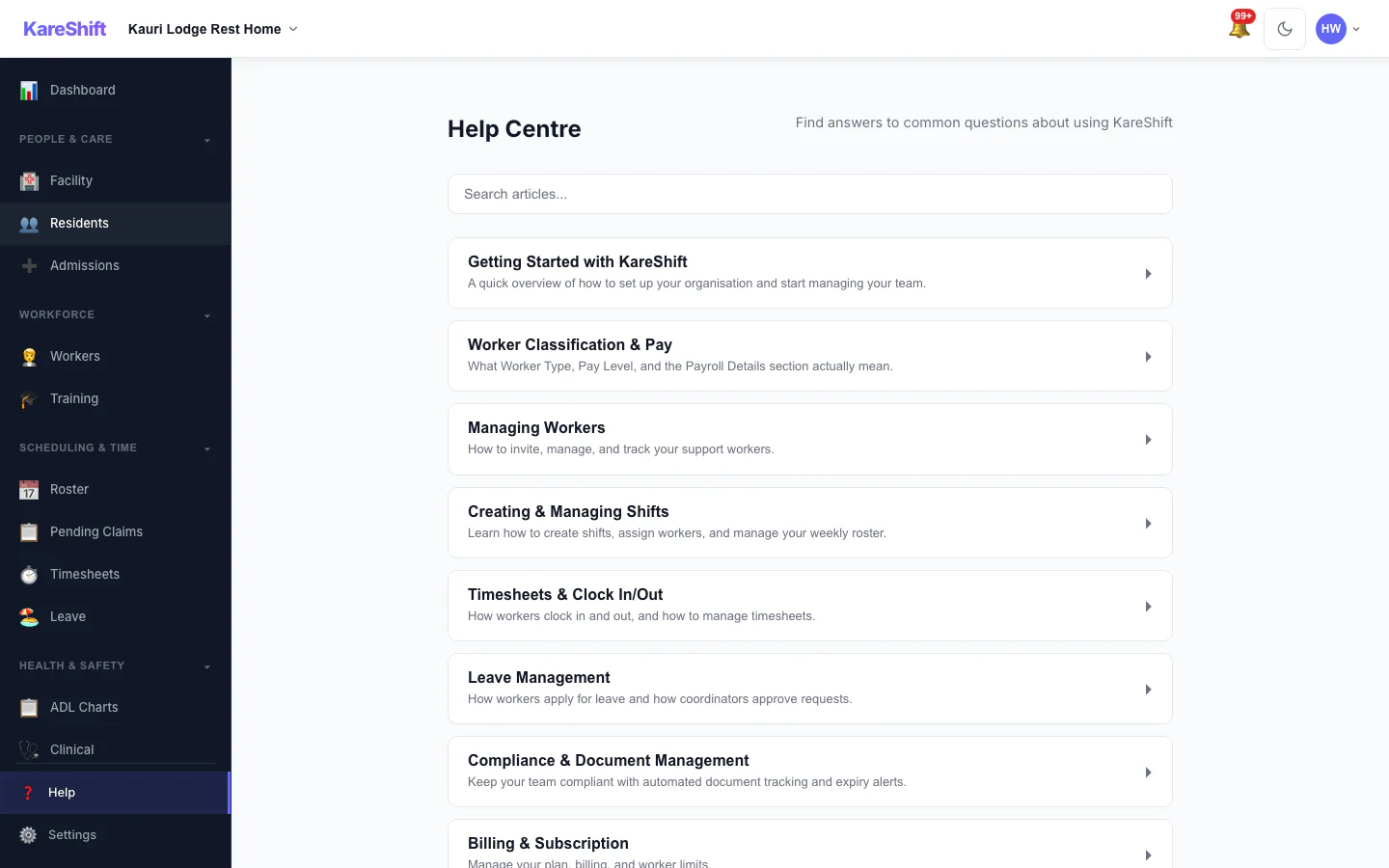
Help Centre
Knowledge base and guides.
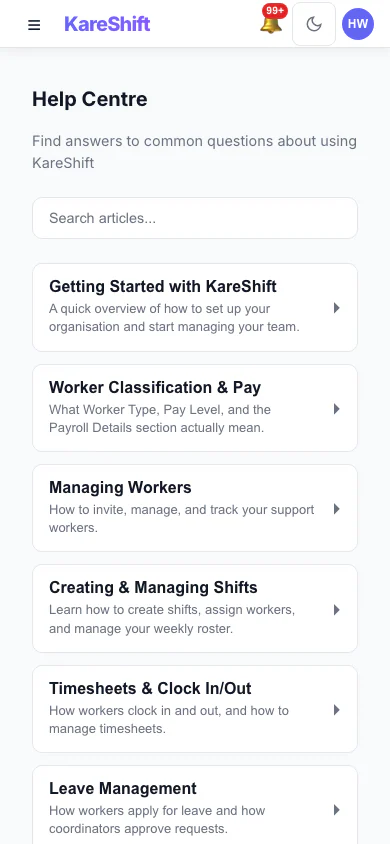
Help (Mobile)
Help on mobile.
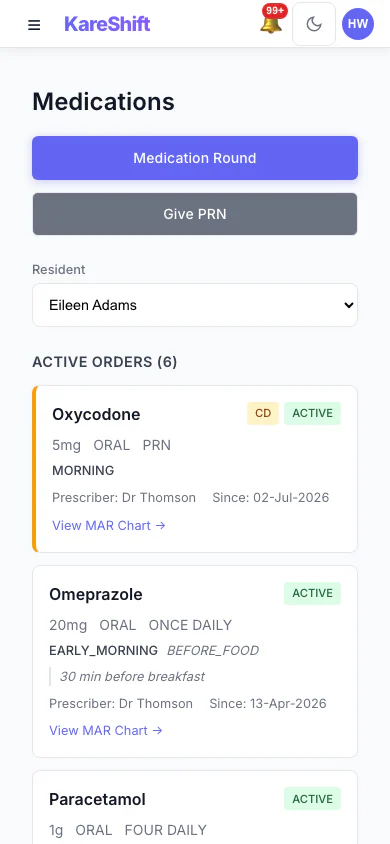
eMAR (Mobile)
Medication orders on your phone.
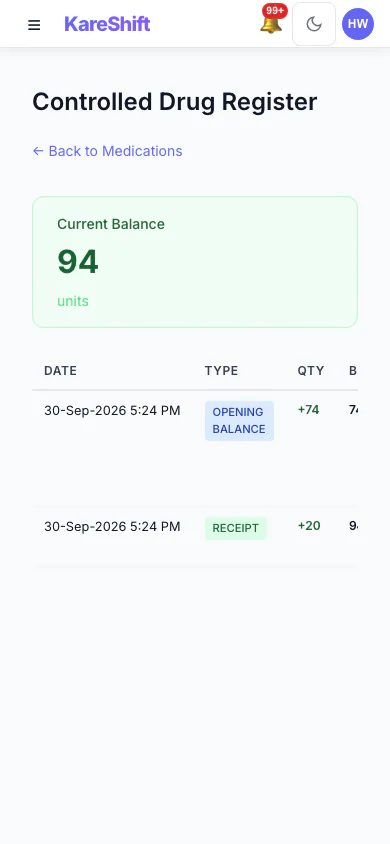
Controlled Drugs (Mobile)
CD register on mobile.
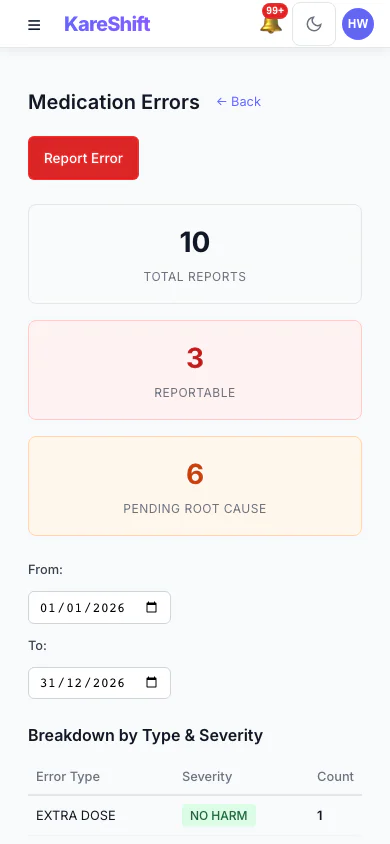
Error Reports (Mobile)
Medication error reports on your phone.
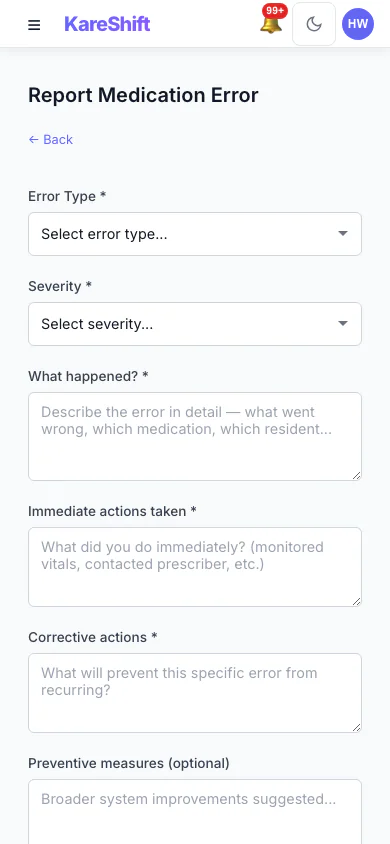
Report Error (Mobile)
Submit error reports from the floor.
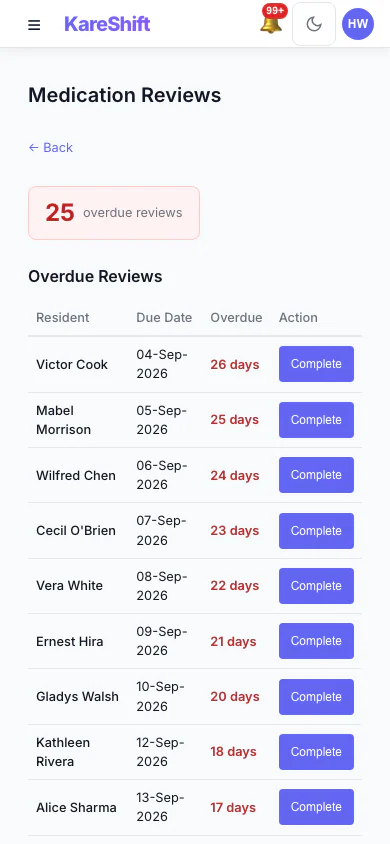
Reviews (Mobile)
Track overdue reviews on your phone.
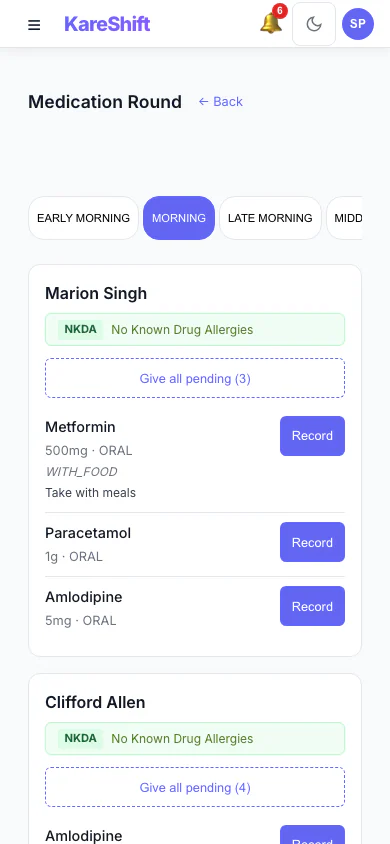
Medication Rounds (Mobile)
Workers administer medications from their phone.
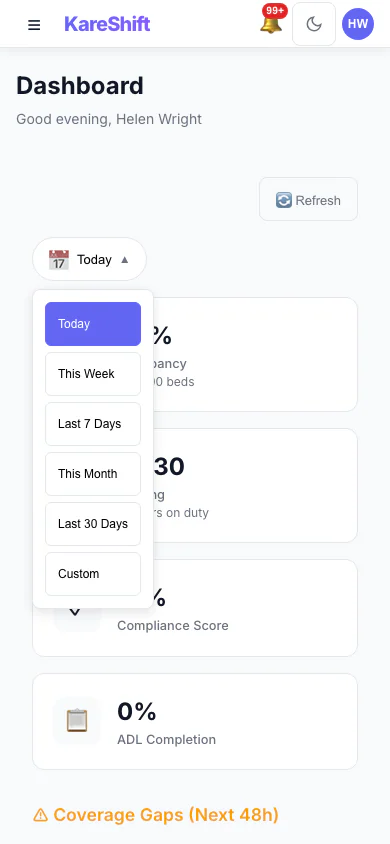
Date Range (Mobile)
Dashboard date filtering on mobile.
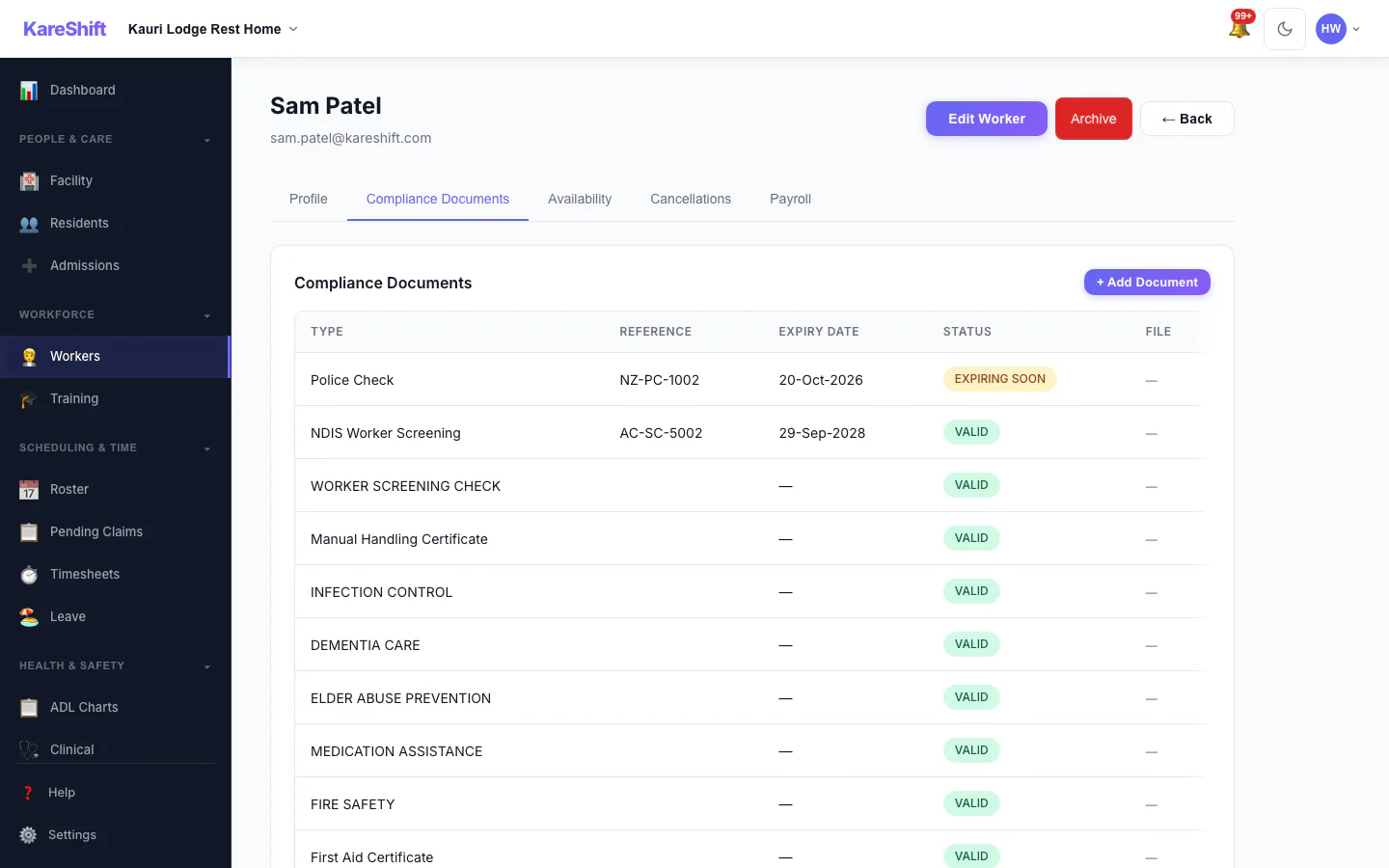
Worker Compliance
Document tracking and expiry alerts.
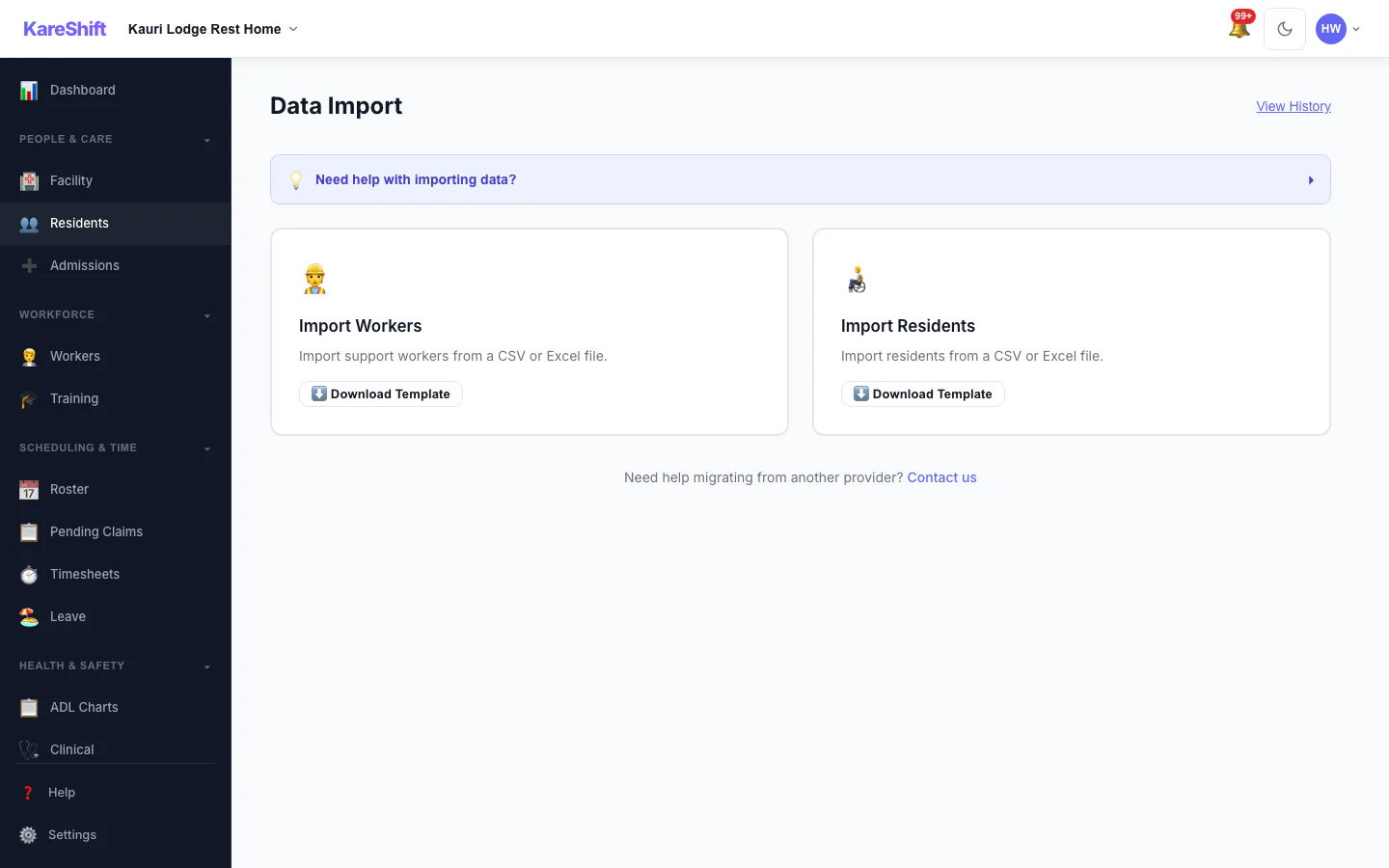
Bulk Import
Import residents and workers from CSV.
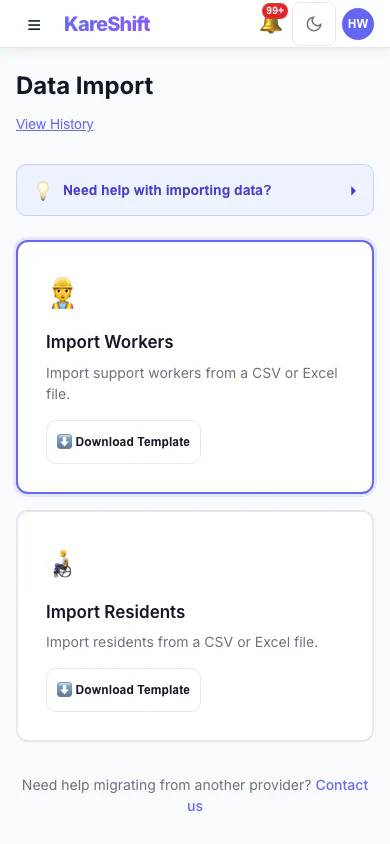
Import (Mobile)
Bulk import on mobile.
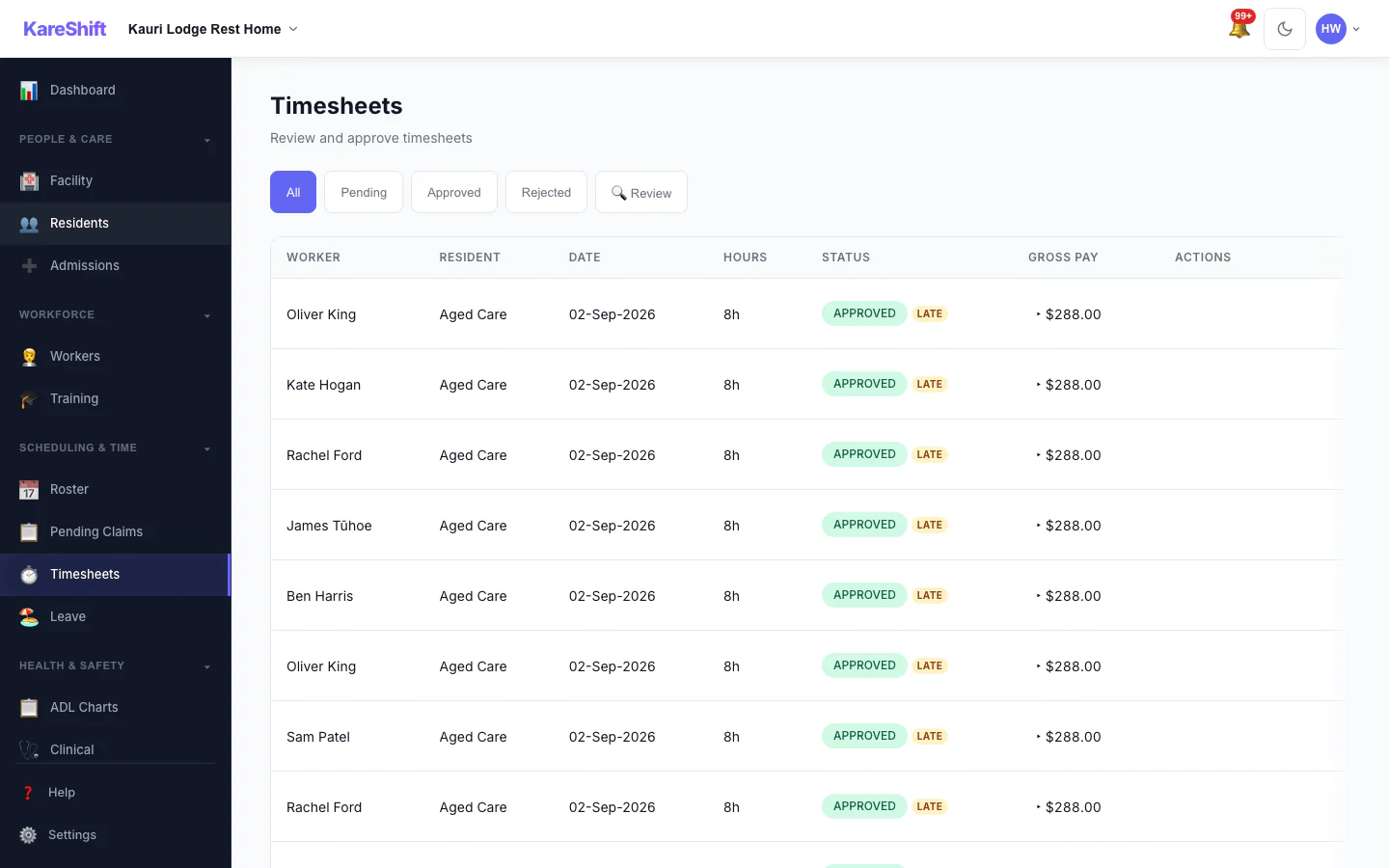
Timesheets (Residential)
Facility staff timesheets.
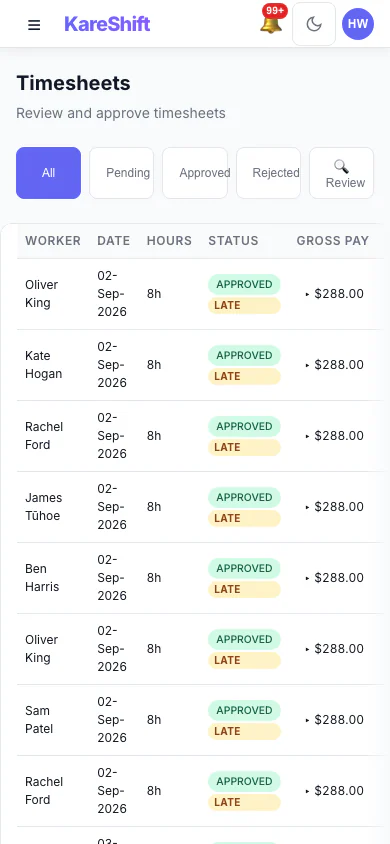
Timesheets (Mobile)
Approve timesheets on mobile.
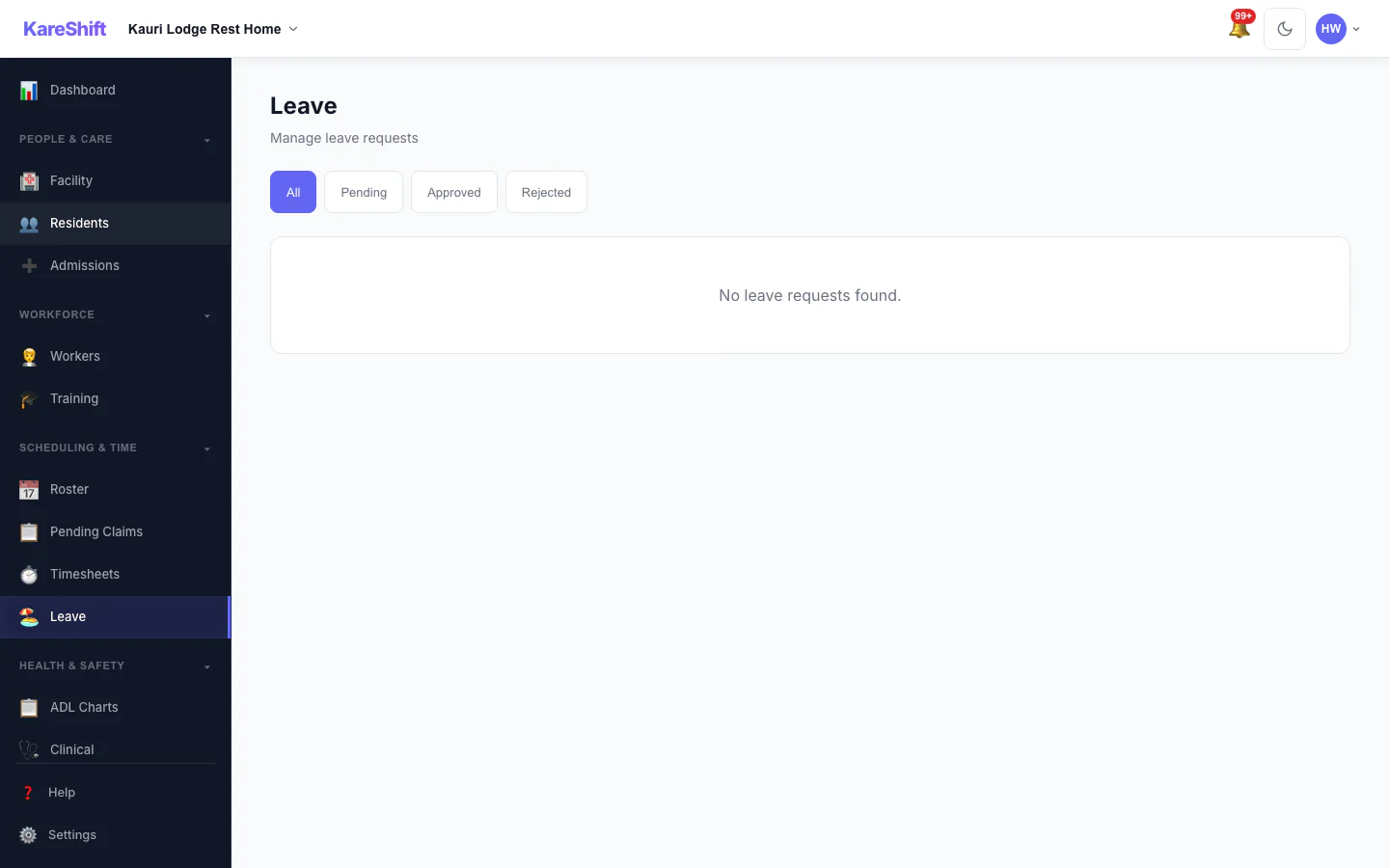
Leave (Residential)
Staff leave management.
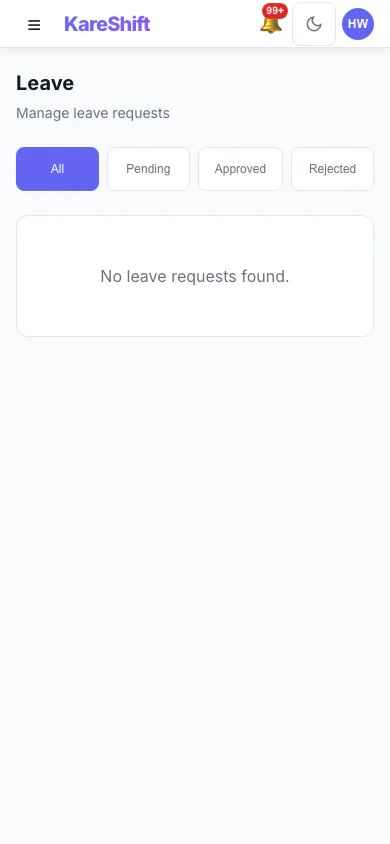
Leave (Mobile)
Leave on mobile.
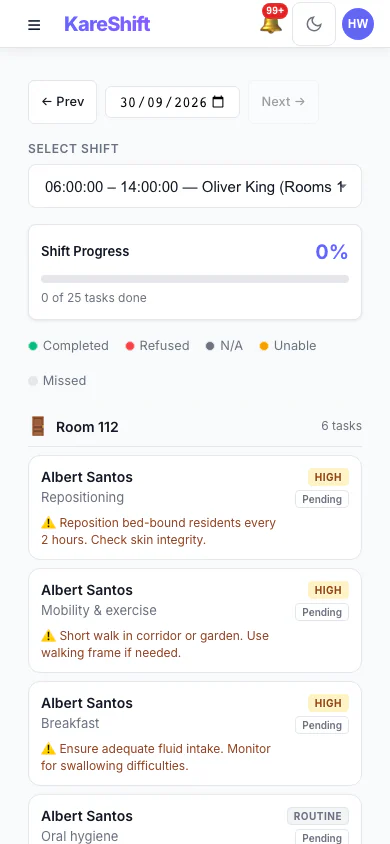
ADL Charts (Mobile)
ADL tracking on mobile.
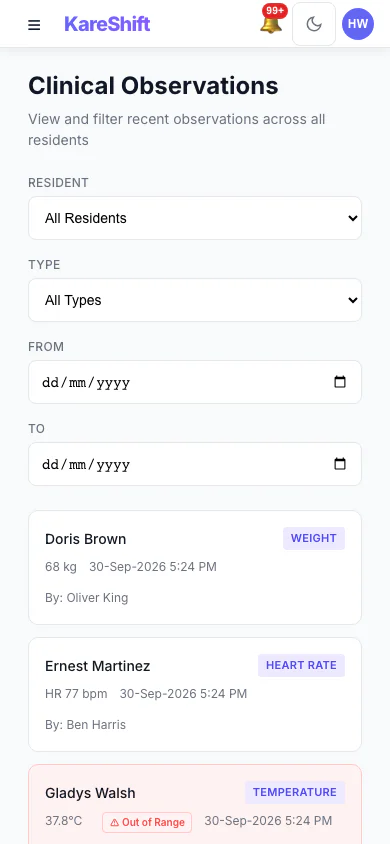
Clinical (Mobile)
Observations on mobile.
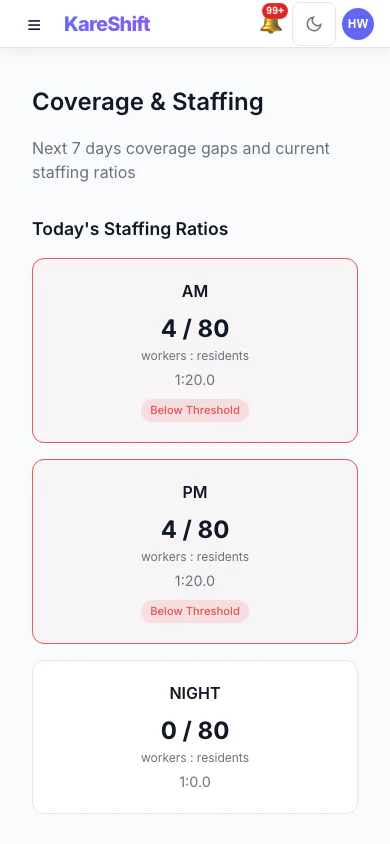
Coverage (Mobile)
Staffing gaps on mobile.
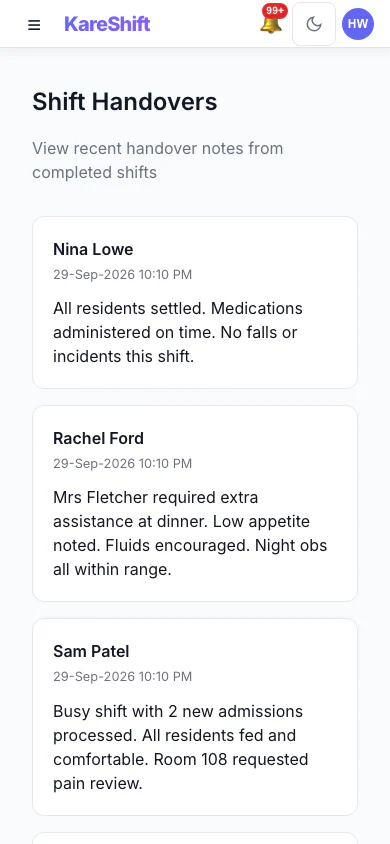
Handover (Mobile)
Shift handover on mobile.
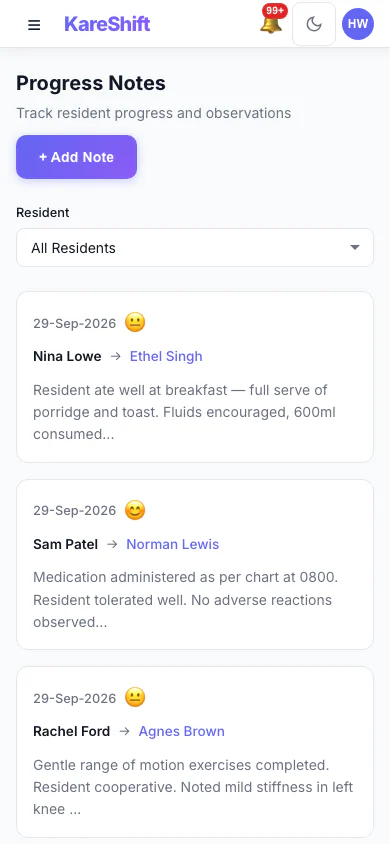
Notes (Mobile)
Progress notes on mobile.
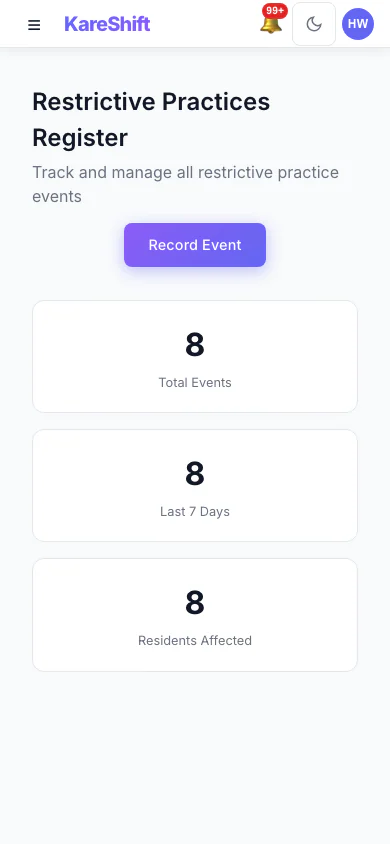
Restrictive Practices (Mobile)
Register on mobile.
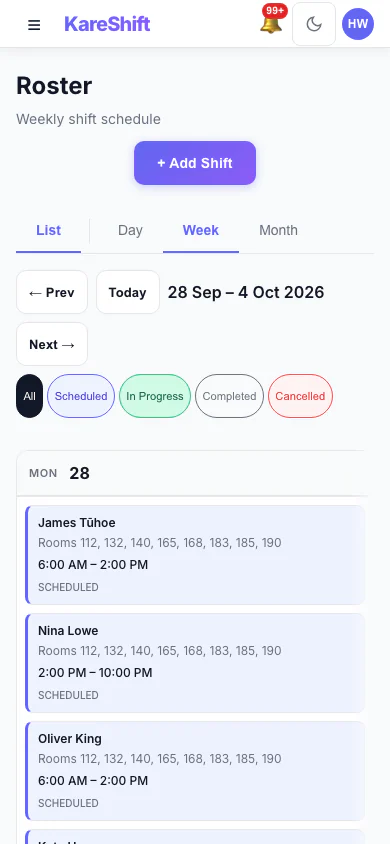
Calendar (Mobile)
Roster calendar on mobile.
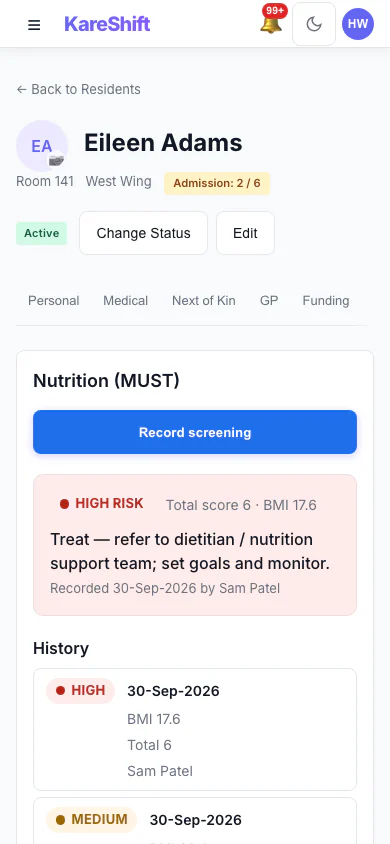
Nutrition Screening (MUST) (Mobile)
Record MUST screenings for each resident and see the risk level, the recommended action and the full screening history.
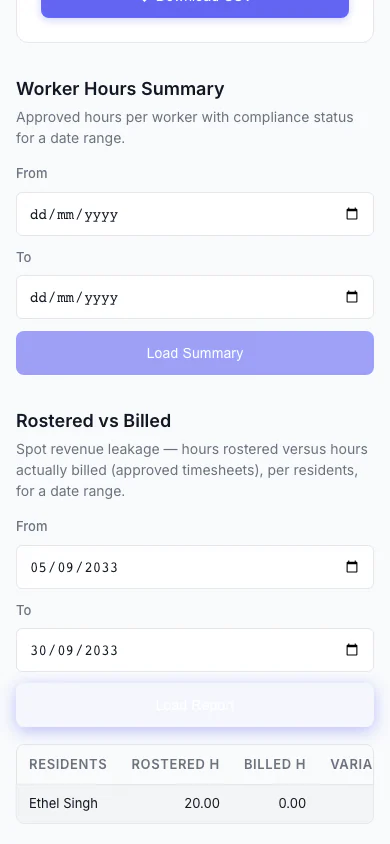
Rostered vs Billed (Mobile)
Spot revenue leakage at a glance — rostered hours versus hours actually billed, per resident, with the shortfall highlighted.
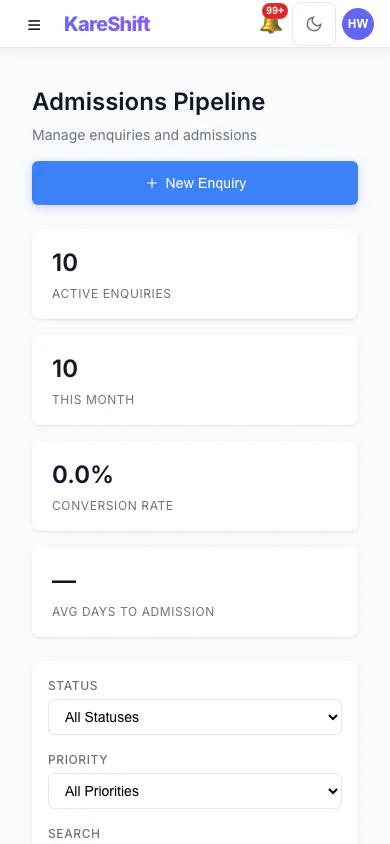
Admissions Pipeline (Mobile)
Track every enquiry from first call to admission: stage, priority, source and days waiting.
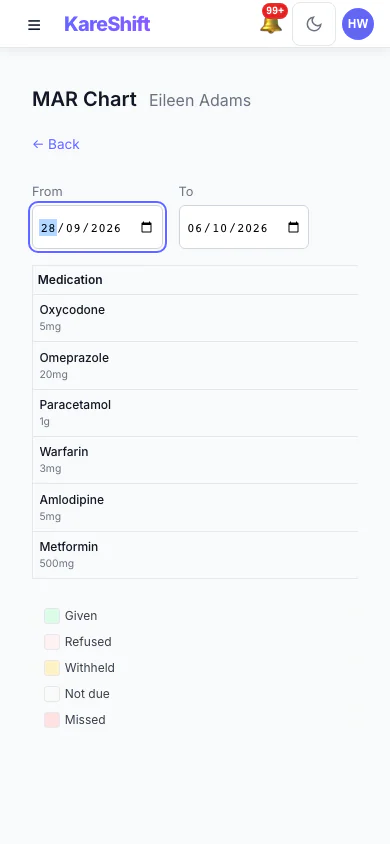
MAR Chart (Mobile)
A resident's medication administration over a week: given, refused, withheld and missed.
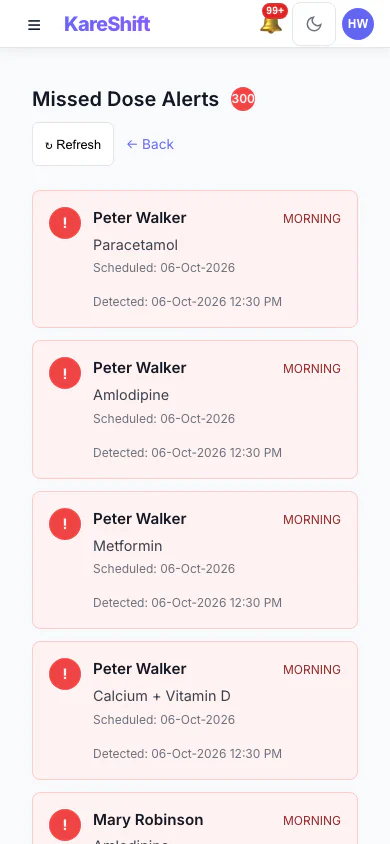
Missed Dose Alerts (Mobile)
Doses that were due and not recorded, so nothing is missed between rounds.
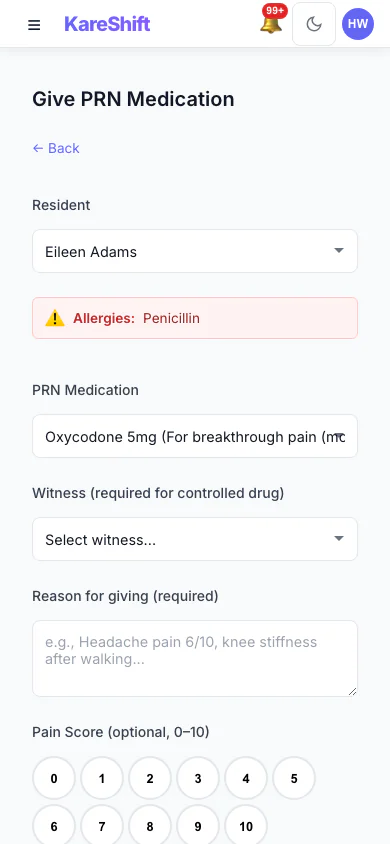
Give PRN Medication (Mobile)
Record an as-needed dose with the reason and a pain score; allergies and controlled-drug witnesses are shown.
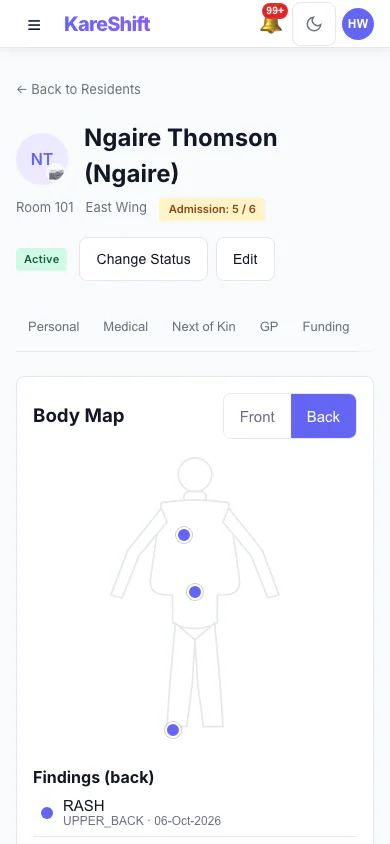
Body Map — Back (Mobile)
Back view with sacrum and heel pressure injuries recorded.
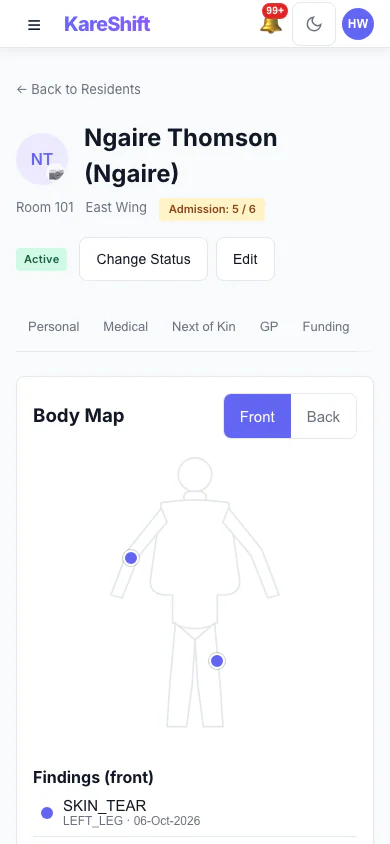
Body Map — Front (Mobile)
Mark skin findings on the front of the body and see them in the resident's record.
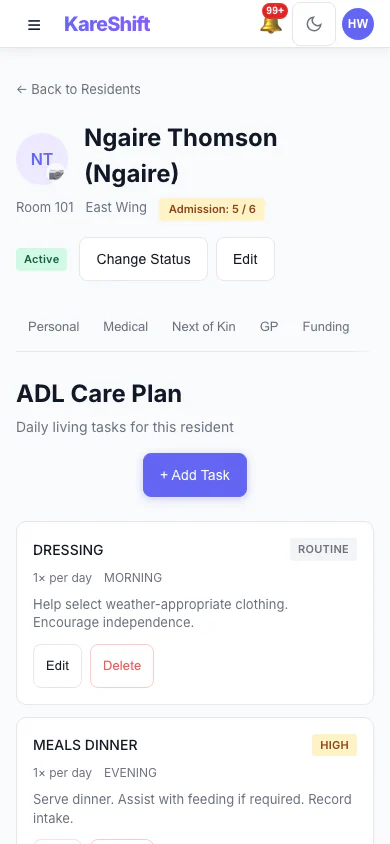
Resident Care Plan (Mobile)
The care plan for a resident, in the same record as everything else.
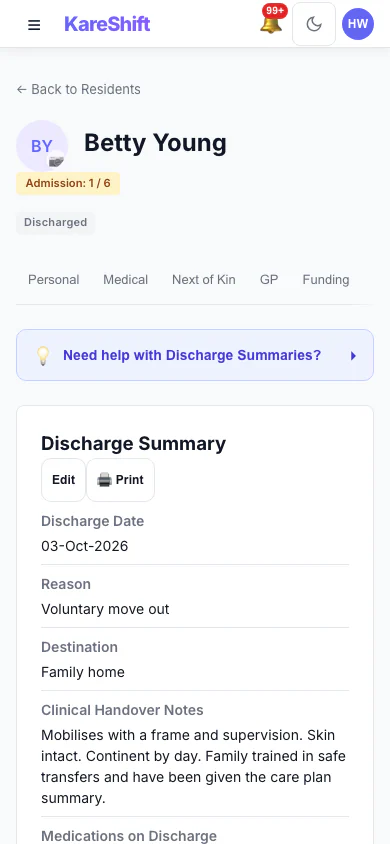
Resident Discharge (Mobile)
A completed discharge with its summary kept on the record.
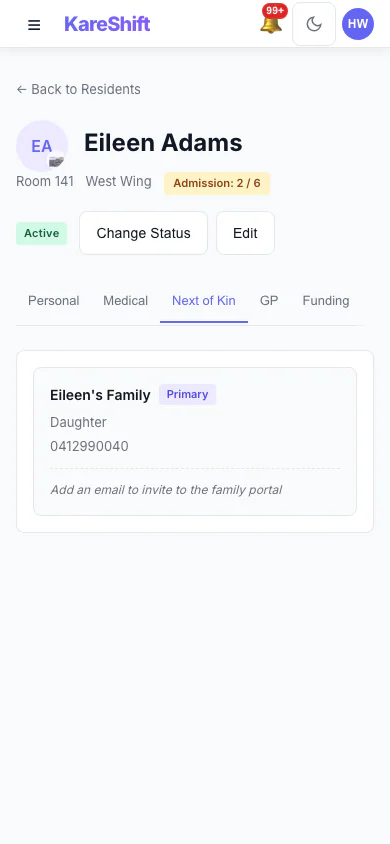
Next of Kin and Family Portal (Mobile)
Contacts on a resident's record, and who has family portal access.
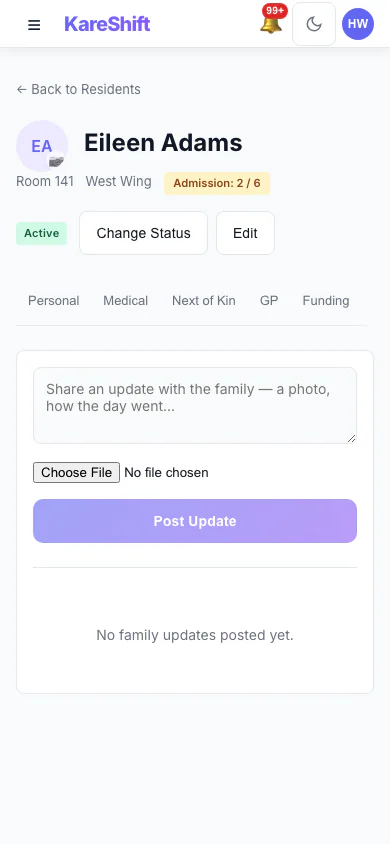
Family Updates (Mobile)
Post an update to the family and see what has already been shared.
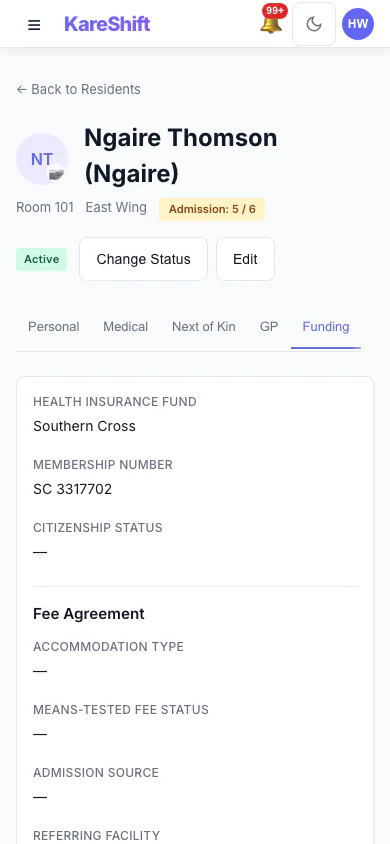
Resident Funding (Mobile)
Funding and fee details held on the resident's record.
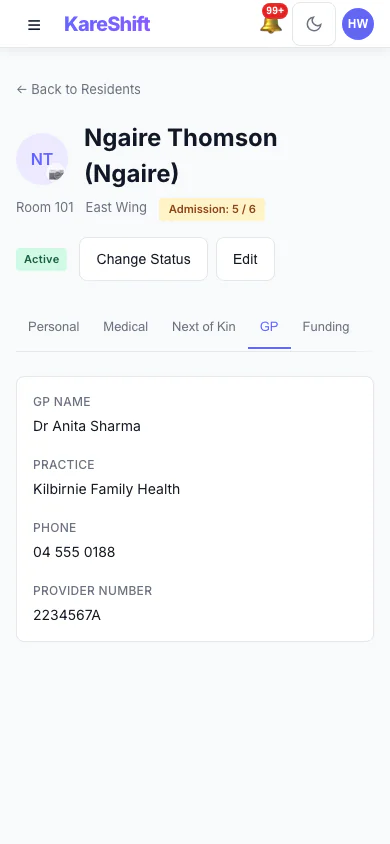
Resident GP Details (Mobile)
The resident's GP and contact details.
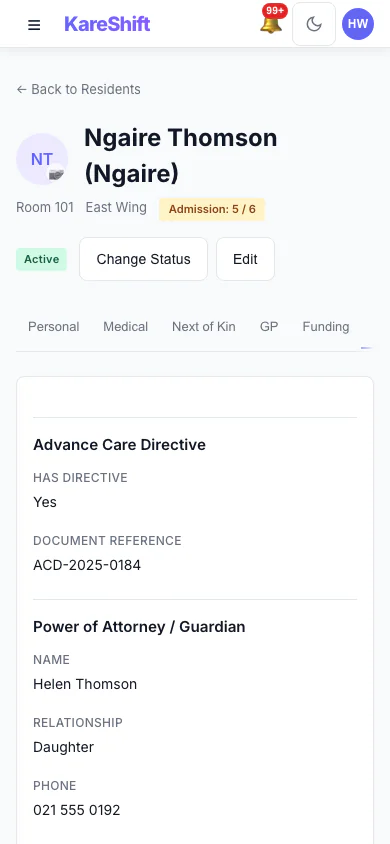
Resident Legal Documents (Mobile)
Advance care directive and power of attorney recorded for the resident.
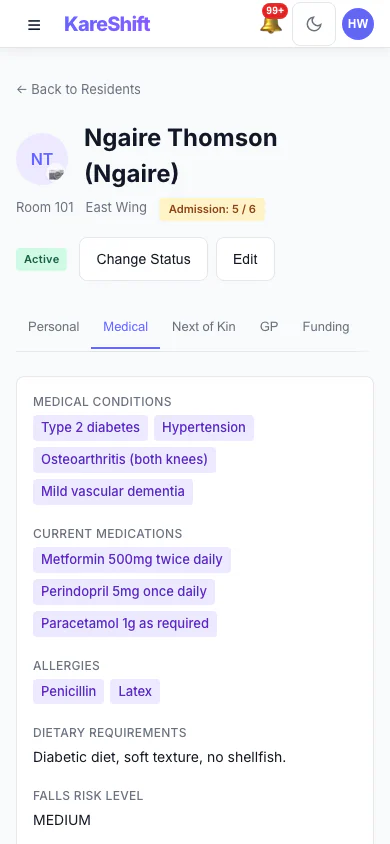
Resident Medical Profile (Mobile)
Conditions, medications, allergies and falls risk.
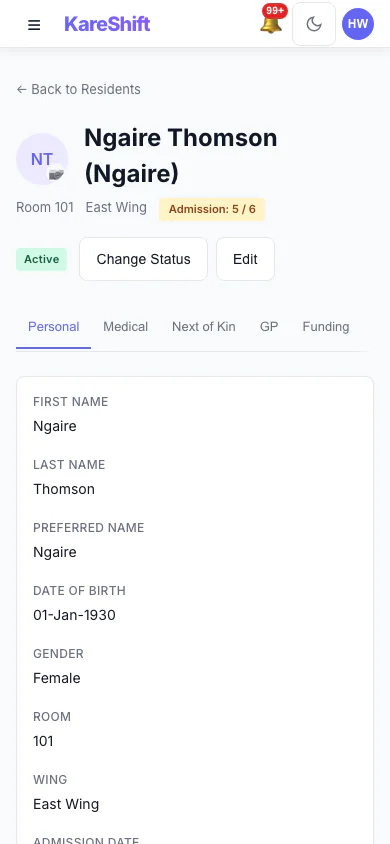
Resident Personal Details (Mobile)
The resident's personal details and room.
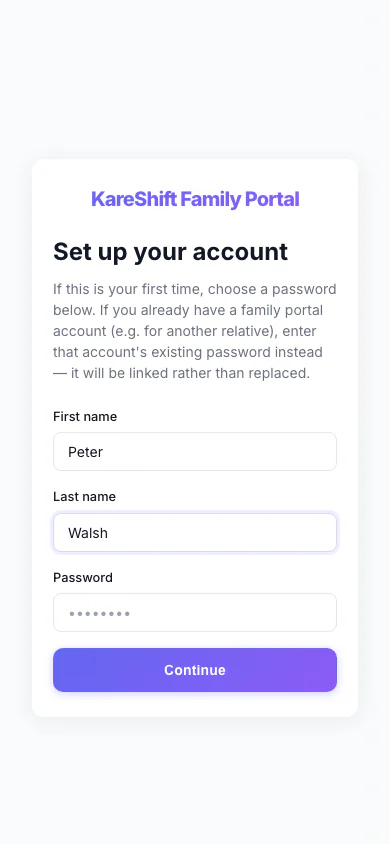
Family Portal — Accept Invitation (Mobile)
A relative accepts an invitation with a name and a password.
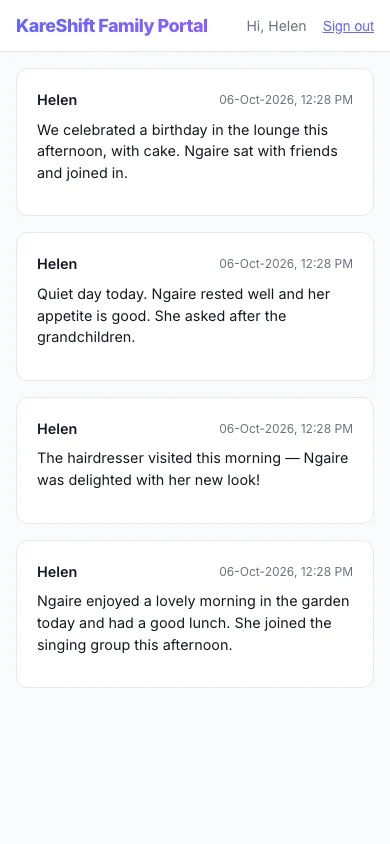
Family Portal — Updates (Mobile)
A relative's private feed of staff-written updates about their family member.
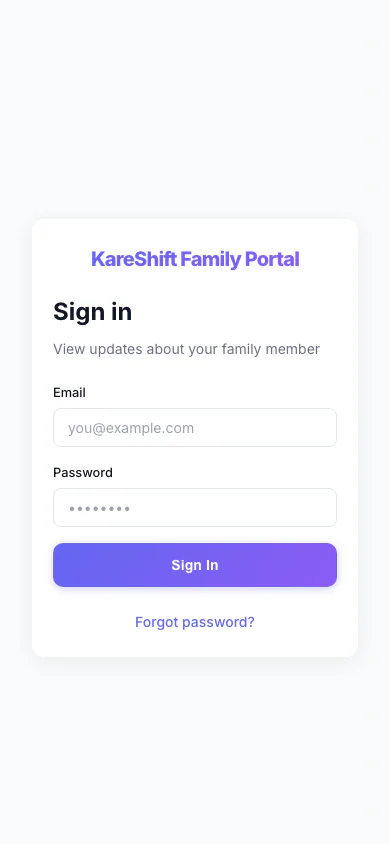
Family Portal — Sign In (Mobile)
Relatives sign in to their own portal, separate from the staff app.
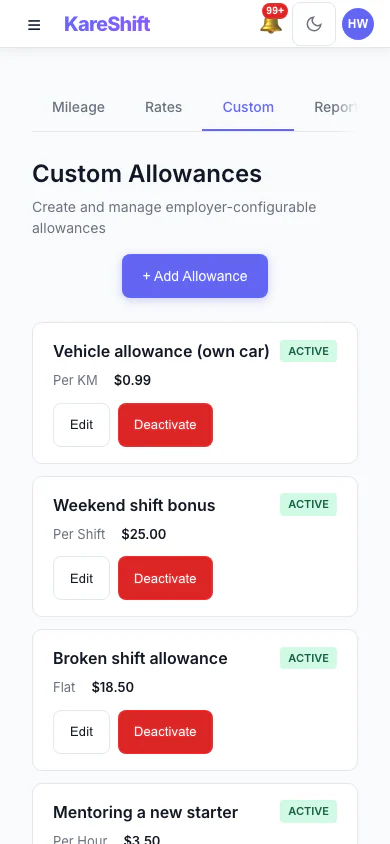
Custom Allowances (Mobile)
Create your own allowances beyond the standard ones, each with its own rate.
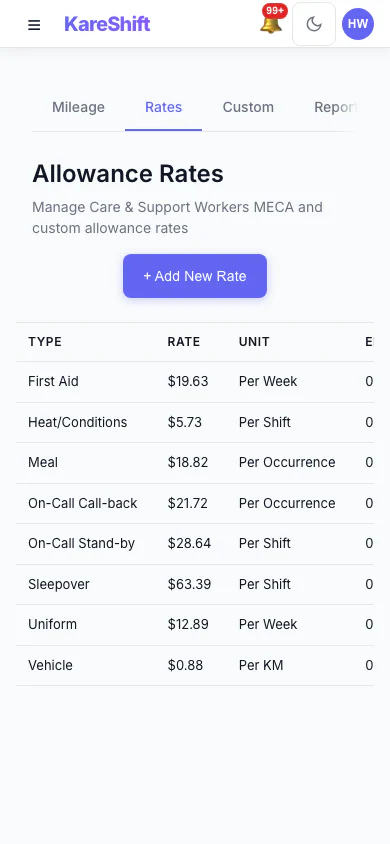
Allowance Rates (Mobile)
The rates used for each allowance, in one table.
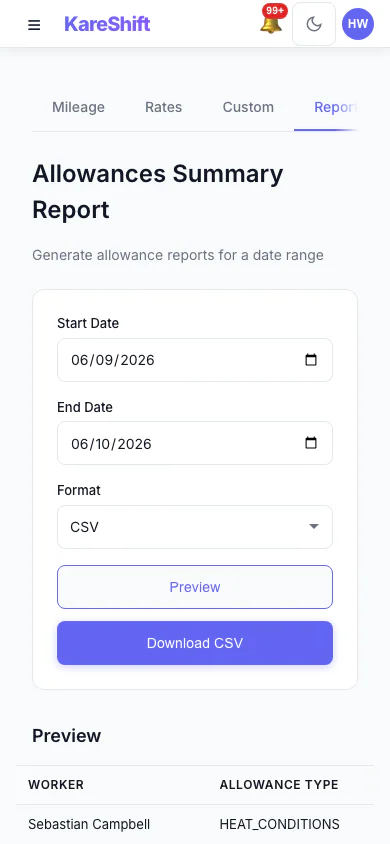
Allowances Report (Mobile)
Preview and export what was paid in allowances over a period, with a grand total.
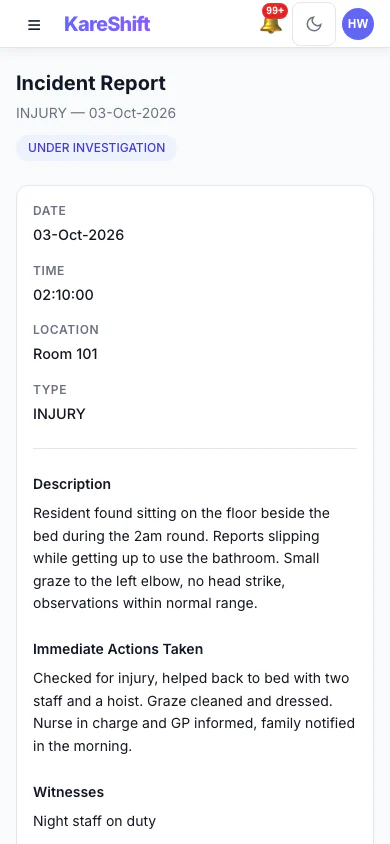
Incident Detail (Mobile)
An incident with its status, details and the update trail of who did what.
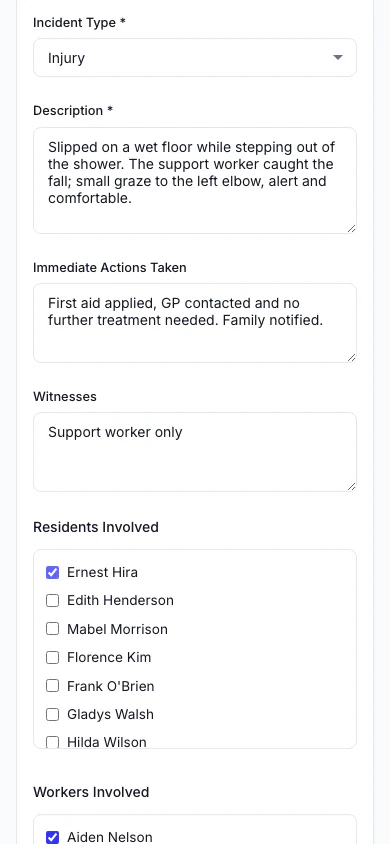
Report an Incident (Mobile)
Record what happened, who was involved and what was done straight away.
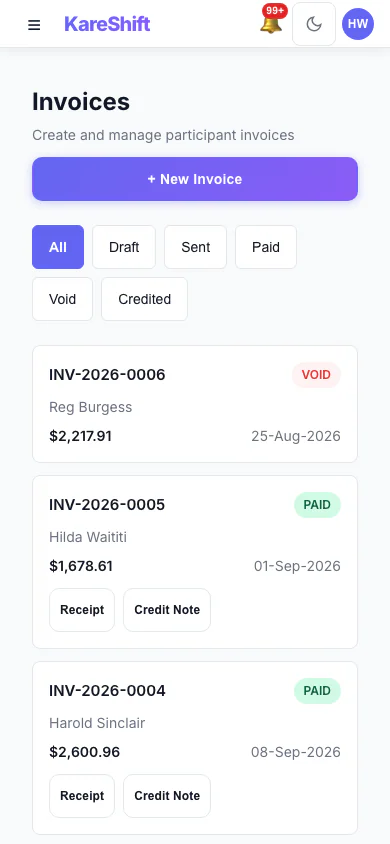
Invoices (Mobile)
Draft, sent, paid and voided invoices in one list, with PDF, receipt and credit note actions.
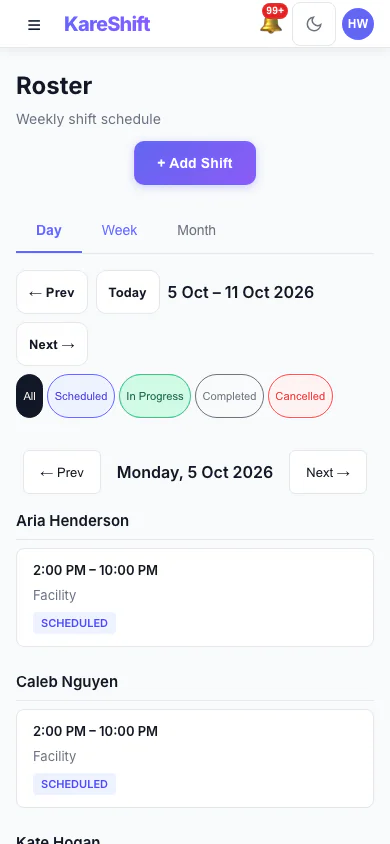
Roster — Day View (Mobile)
One day's shifts grouped by worker.
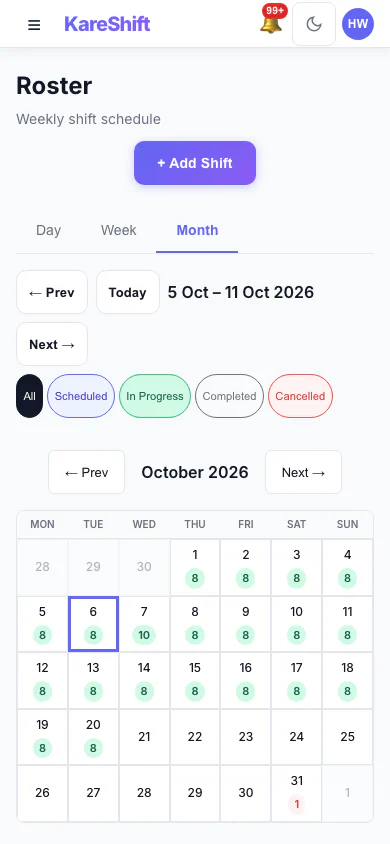
Roster — Month View (Mobile)
A month at a glance with shift counts for each day.
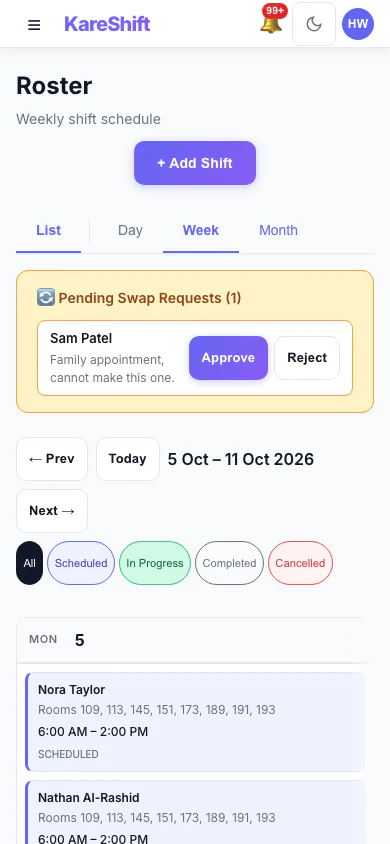
Shift Swap Requests (Mobile)
Pending swap requests with approve and reject.
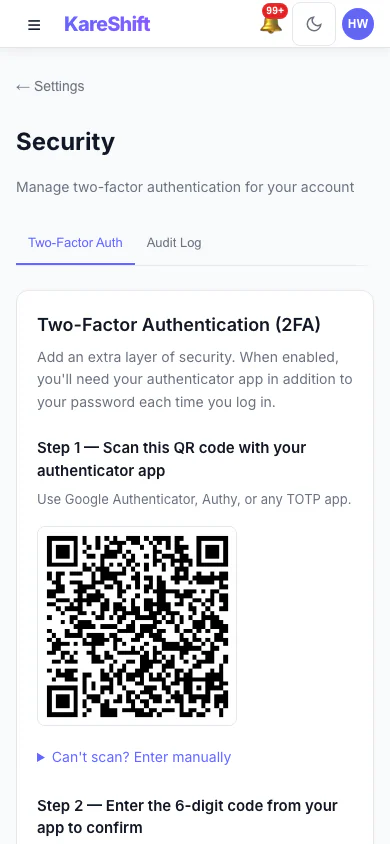
Set Up Two-Factor Authentication (Mobile)
Scan a code with an authenticator app, then enter the six-digit code to switch it on.
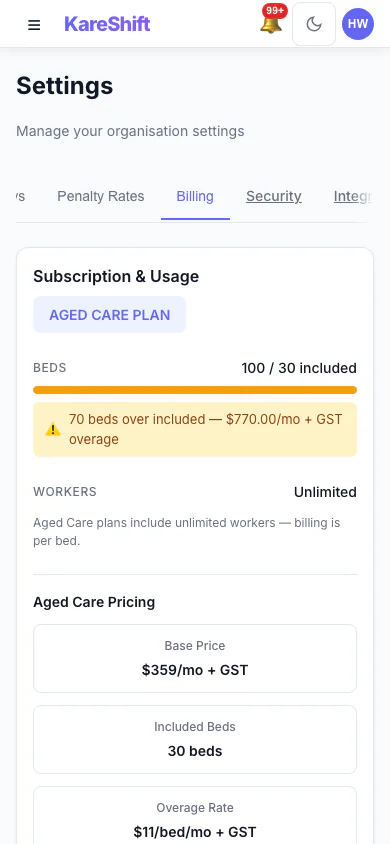
Billing and Plan (Mobile)
Your plan, worker usage and billing history.
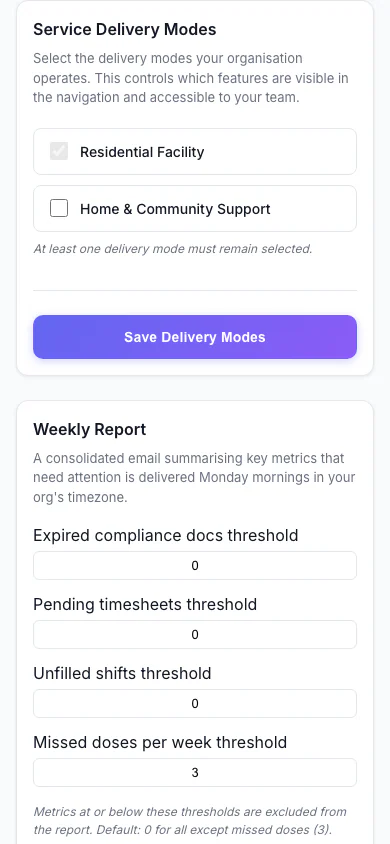
Service Delivery Modes (Mobile)
Choose which kinds of service your organisation delivers.
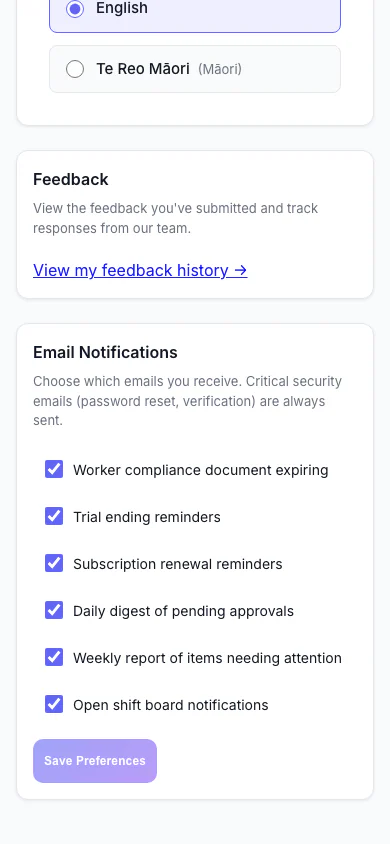
Notification Preferences (Mobile)
Choose which emails you receive.
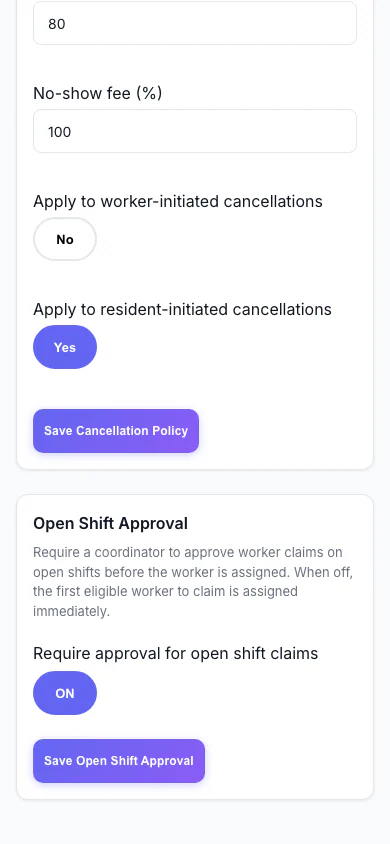
Open Shift Approval (Mobile)
Decide whether workers can claim open shifts straight away or need approval.
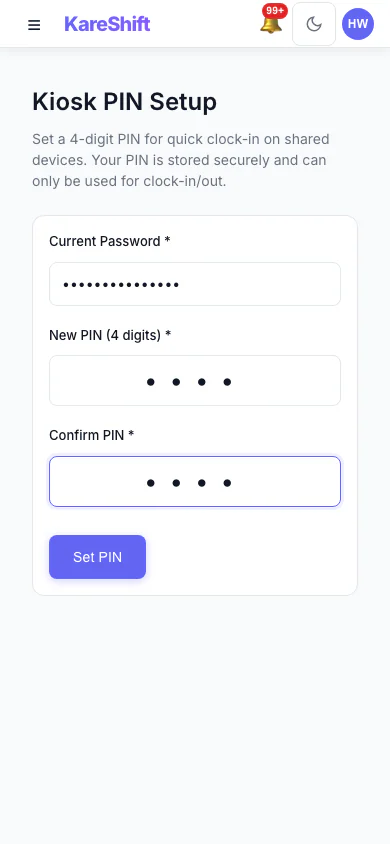
Kiosk PIN (Mobile)
Set the PIN workers use at a shared kiosk.
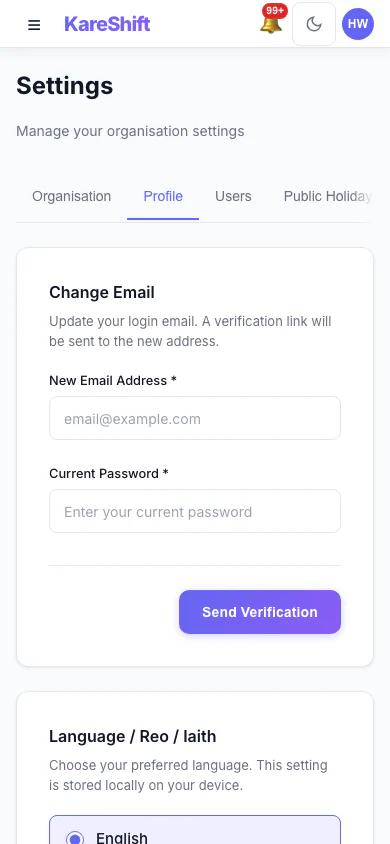
Your Profile Settings (Mobile)
Your login email and email notification choices.
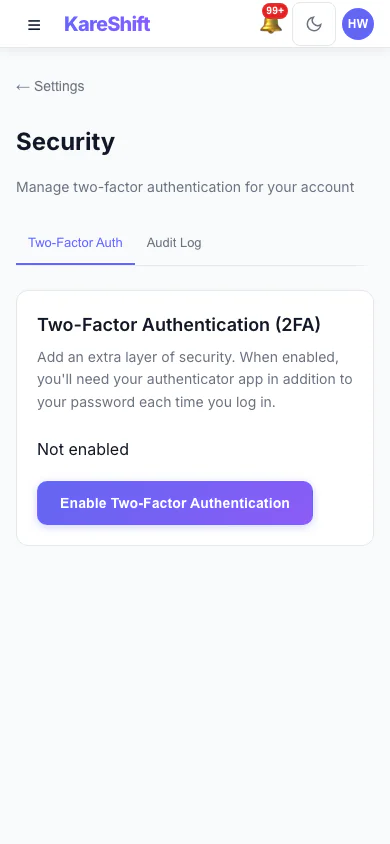
Security Settings (Mobile)
Two-factor status for your account, with trusted devices and an audit log for owners.
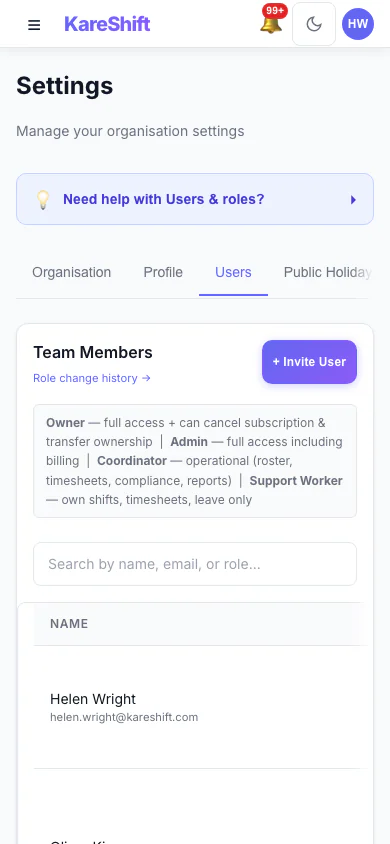
Team Members and Roles (Mobile)
Everyone in your organisation, their status and roles.
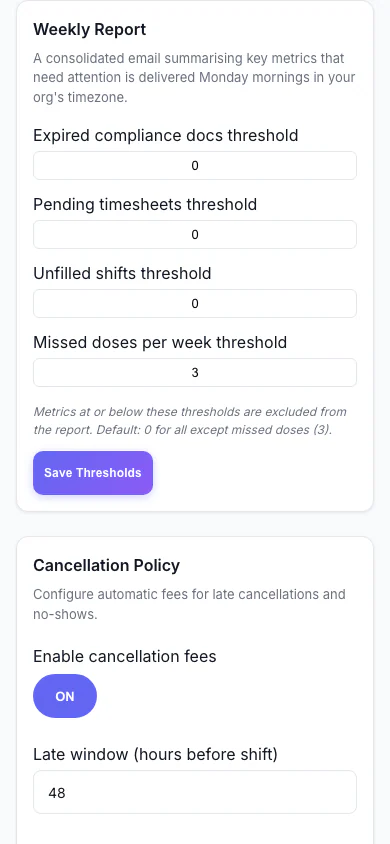
Weekly Report (Mobile)
Set the thresholds for the weekly summary email.
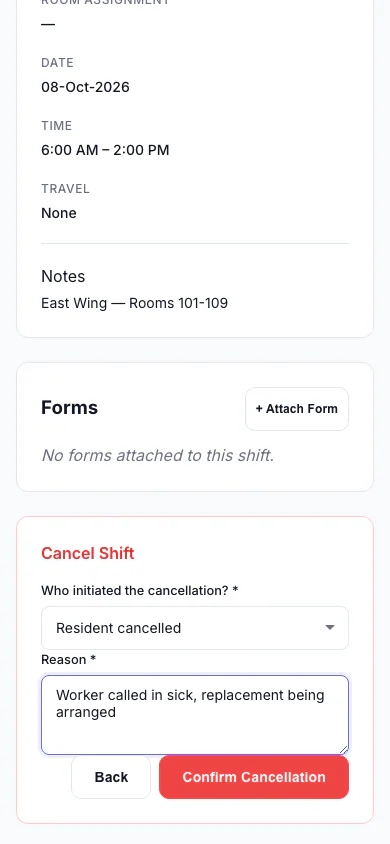
Cancel a Shift (Mobile)
Record who cancelled and why, so the right fee is applied.
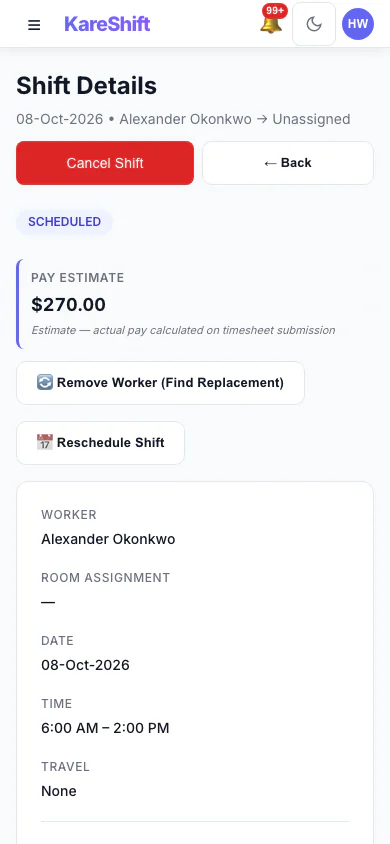
Shift Detail (Mobile)
A shift with its worker, pay estimate and attached forms.
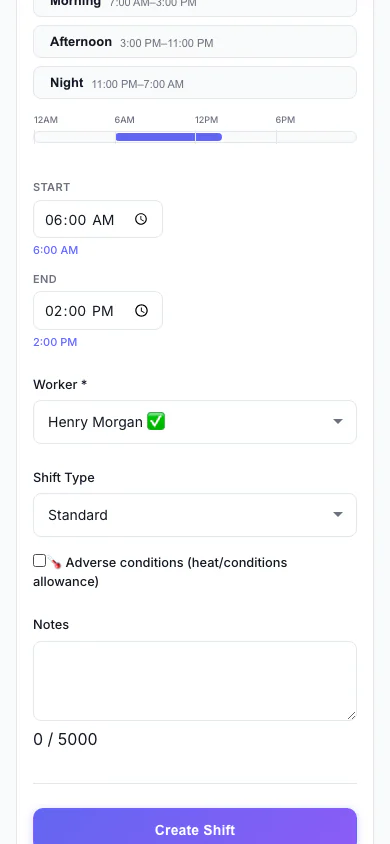
Add a Shift (Mobile)
Pick the person, date and times, and see suggested workers.
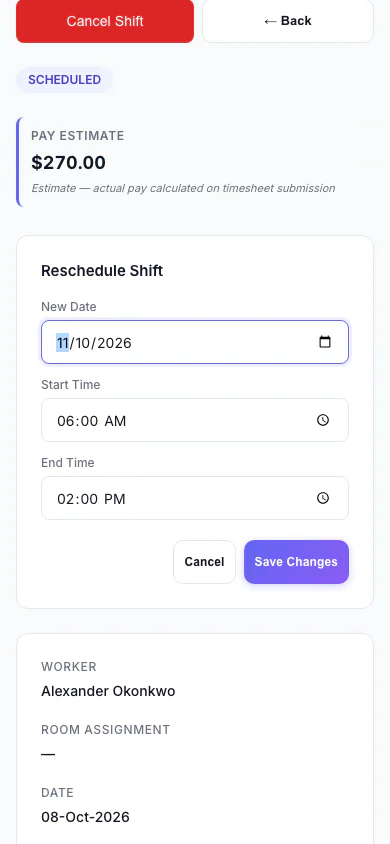
Reschedule a Shift (Mobile)
Move a shift to a new date and time.
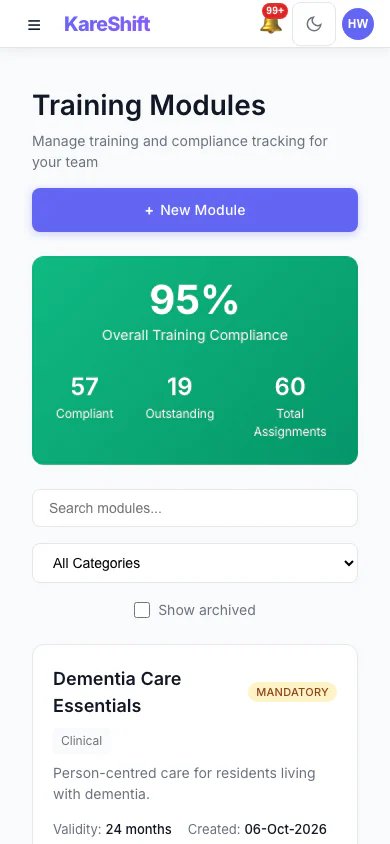
Training Modules (Mobile)
Mandatory and optional training, overall compliance and who is due.
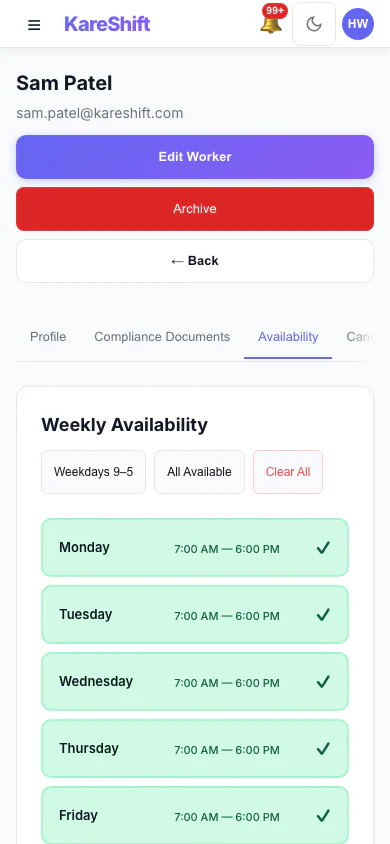
Worker Availability (Mobile)
A worker's weekly availability grid.
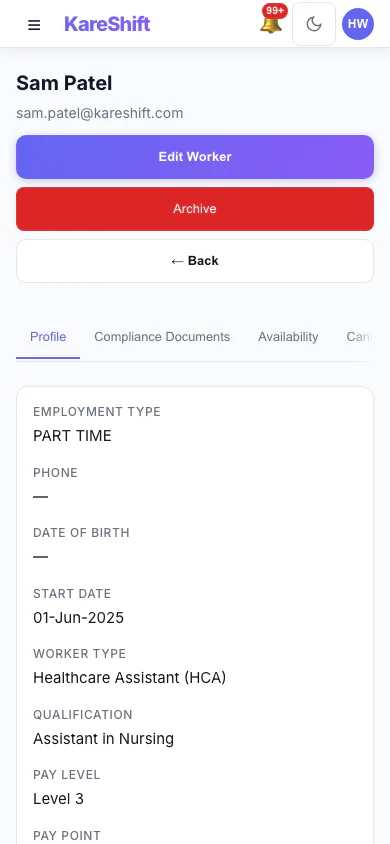
Worker Profile (Mobile)
A worker's profile and details.
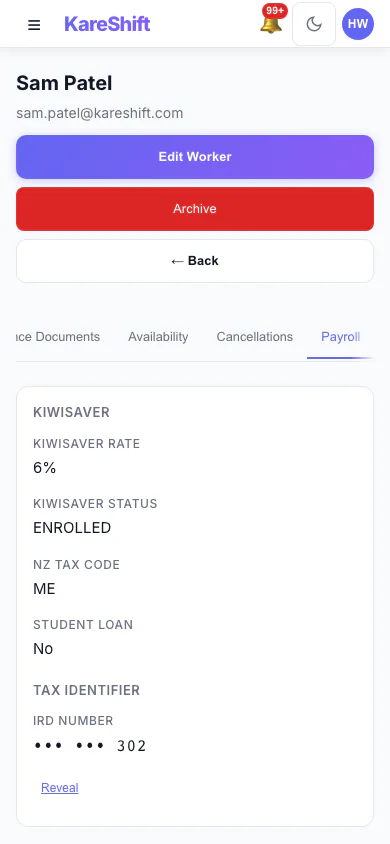
Worker Payroll Details (Mobile)
Payroll details and allowance settings for a worker.
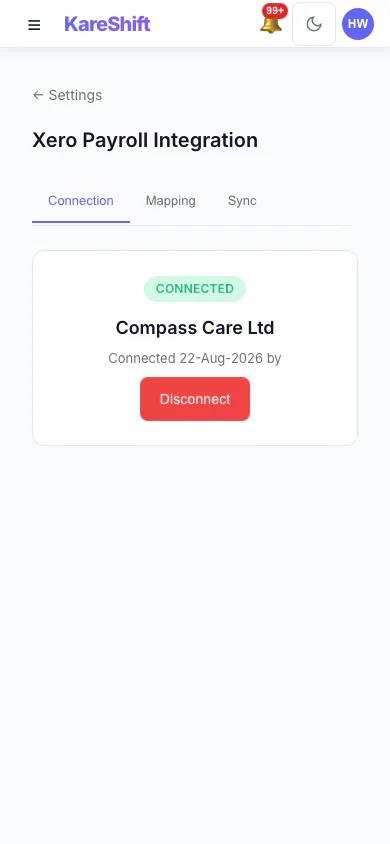
Xero Connection (Mobile)
Connect your Xero organisation once.
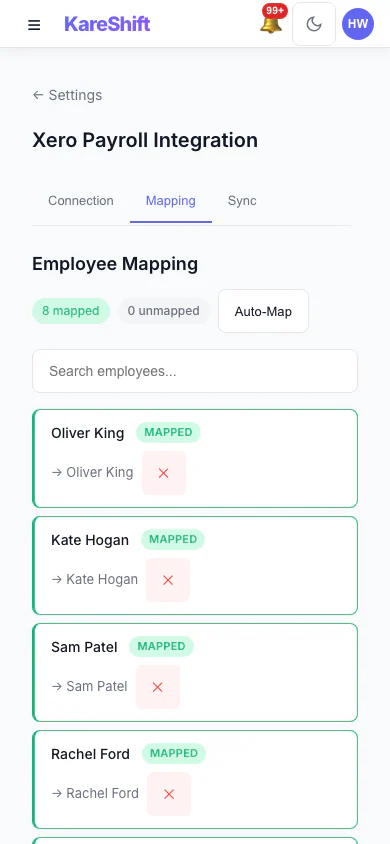
Xero Pay-Item Mapping (Mobile)
Map KareShift pay categories to your Xero earnings rates.
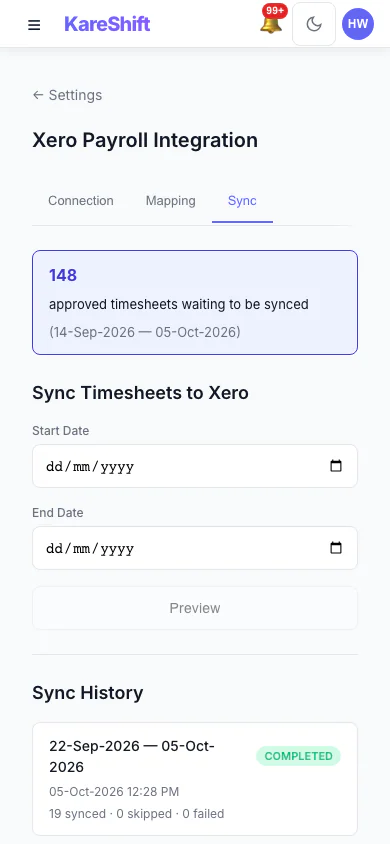
Xero Sync History (Mobile)
Past syncs with what succeeded and what failed.
Aged Care — Care Worker View
What care workers see — shift tasks, clinical observations, handover, messaging.
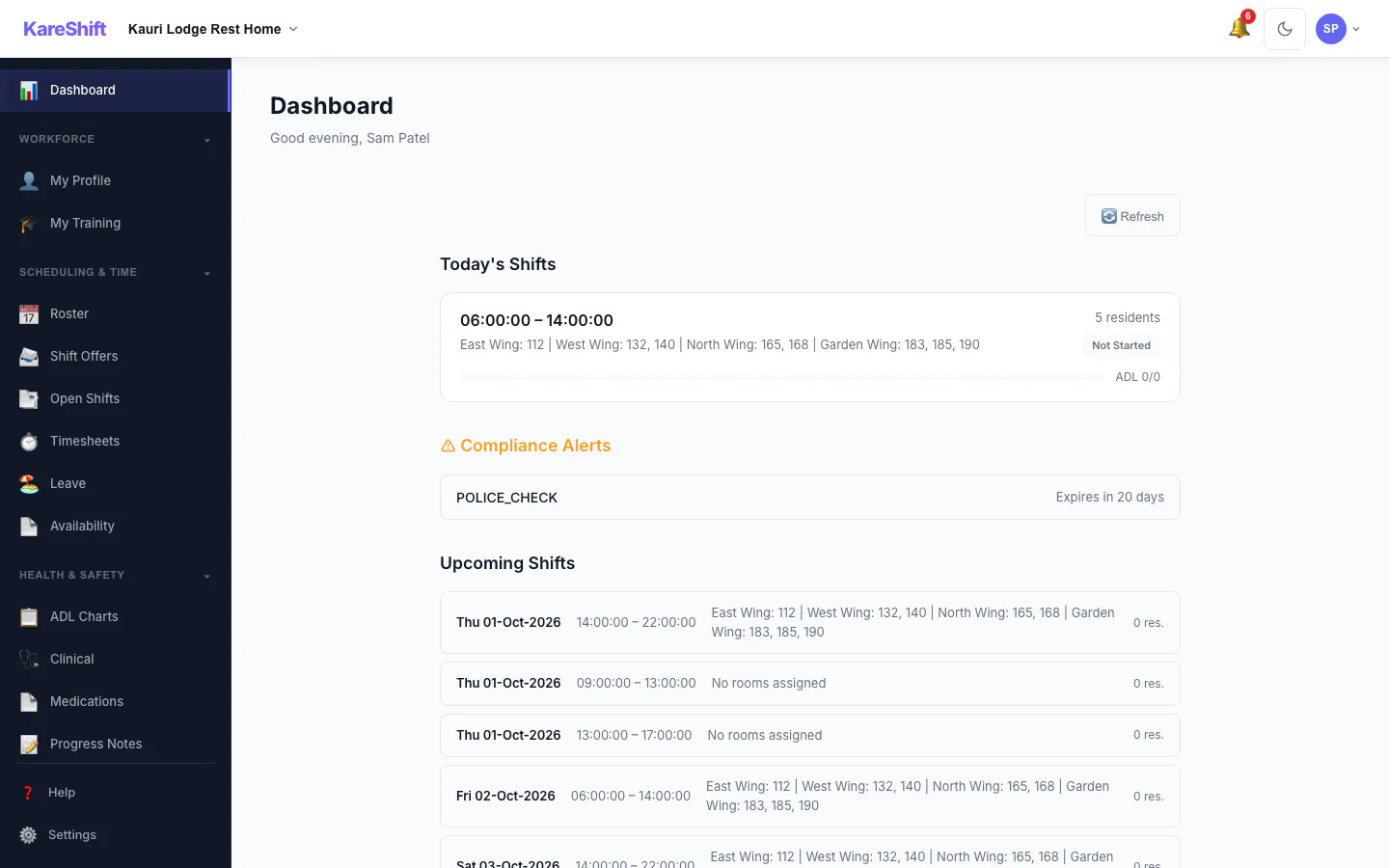
Worker Dashboard
Today's tasks, clock-in, and alerts.
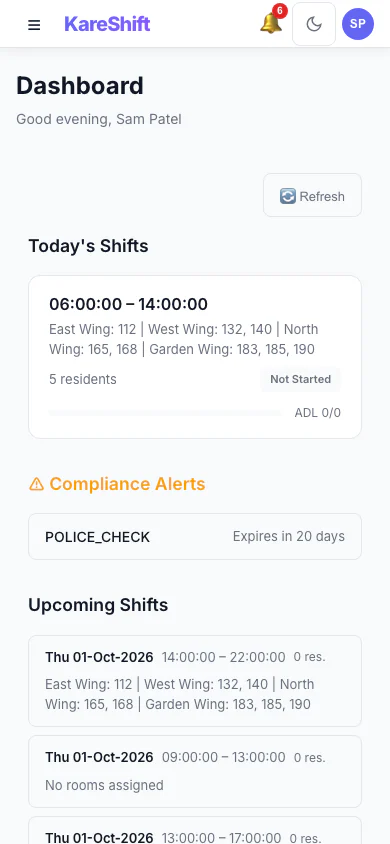
Dashboard (Mobile)
Worker view on phone.
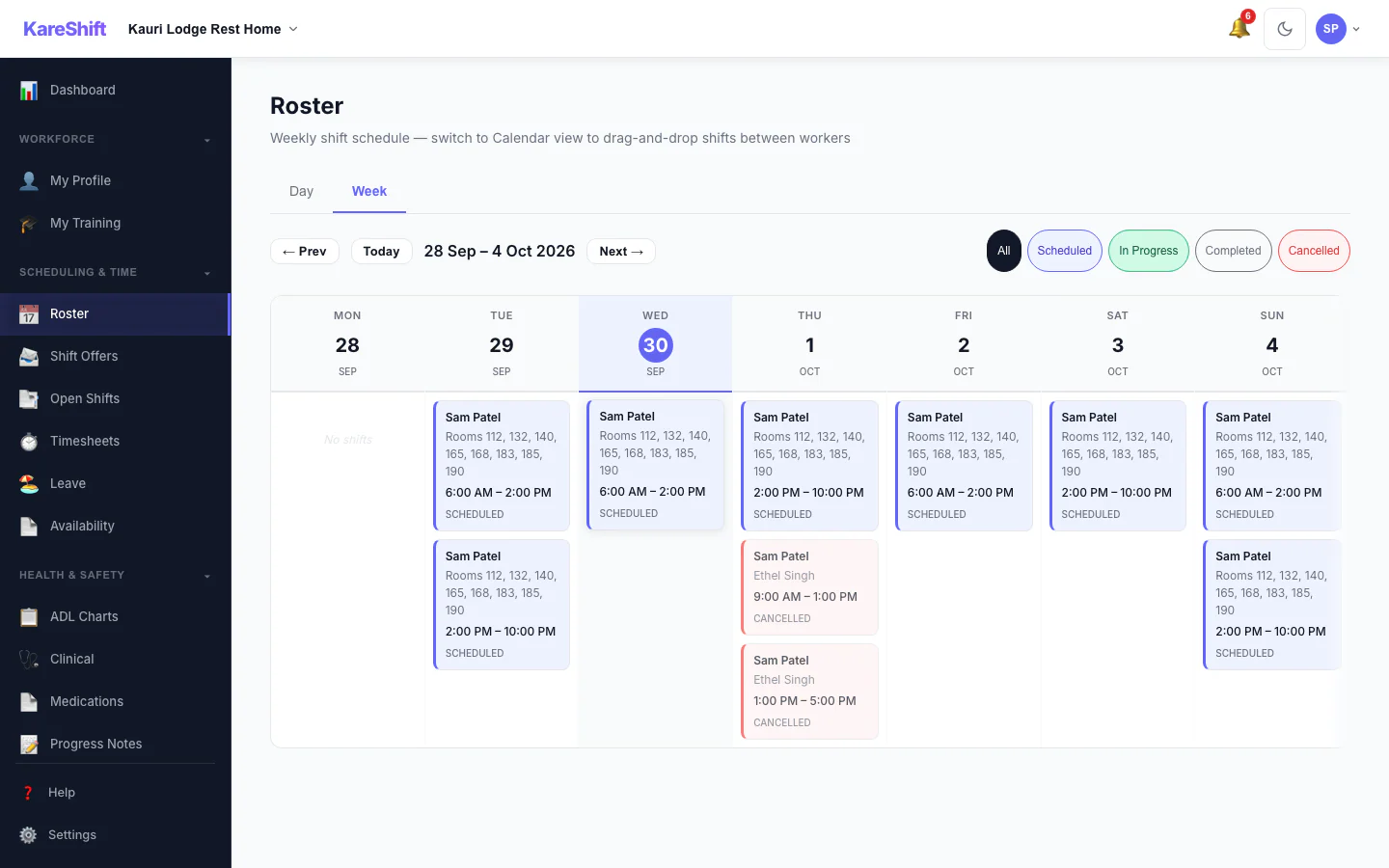
My Shifts
Assigned shifts for the week.
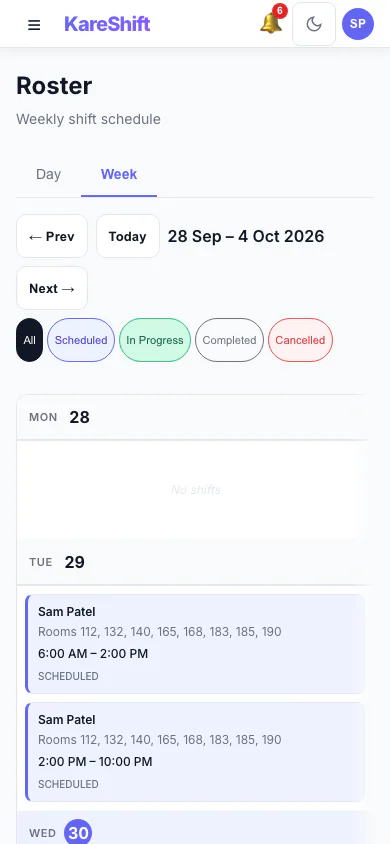
Shifts (Mobile)
View shifts on phone.
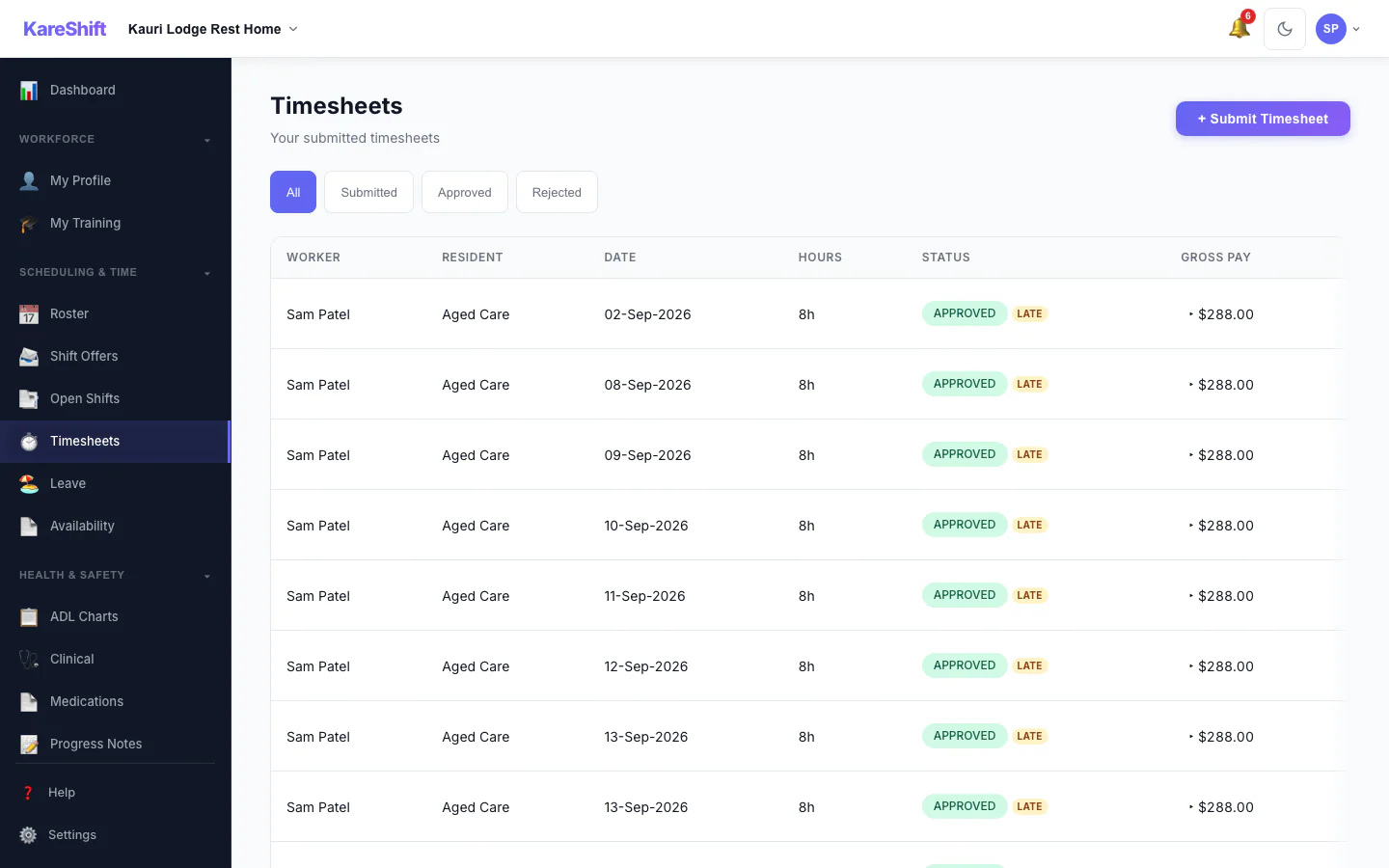
Timesheets
Submitted hours and status.
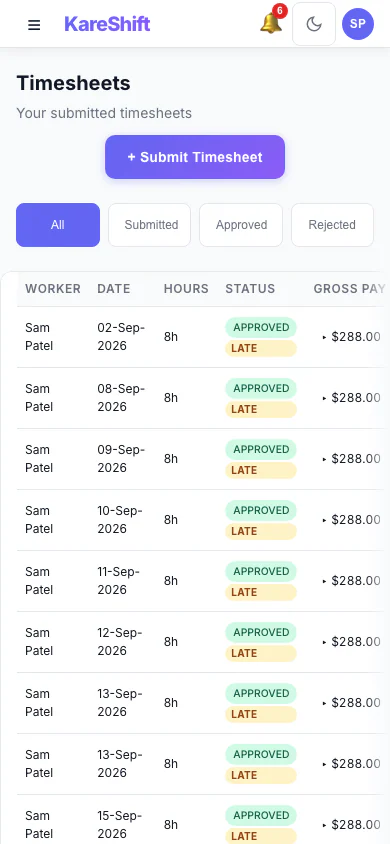
Timesheets (Mobile)
Hours on mobile.
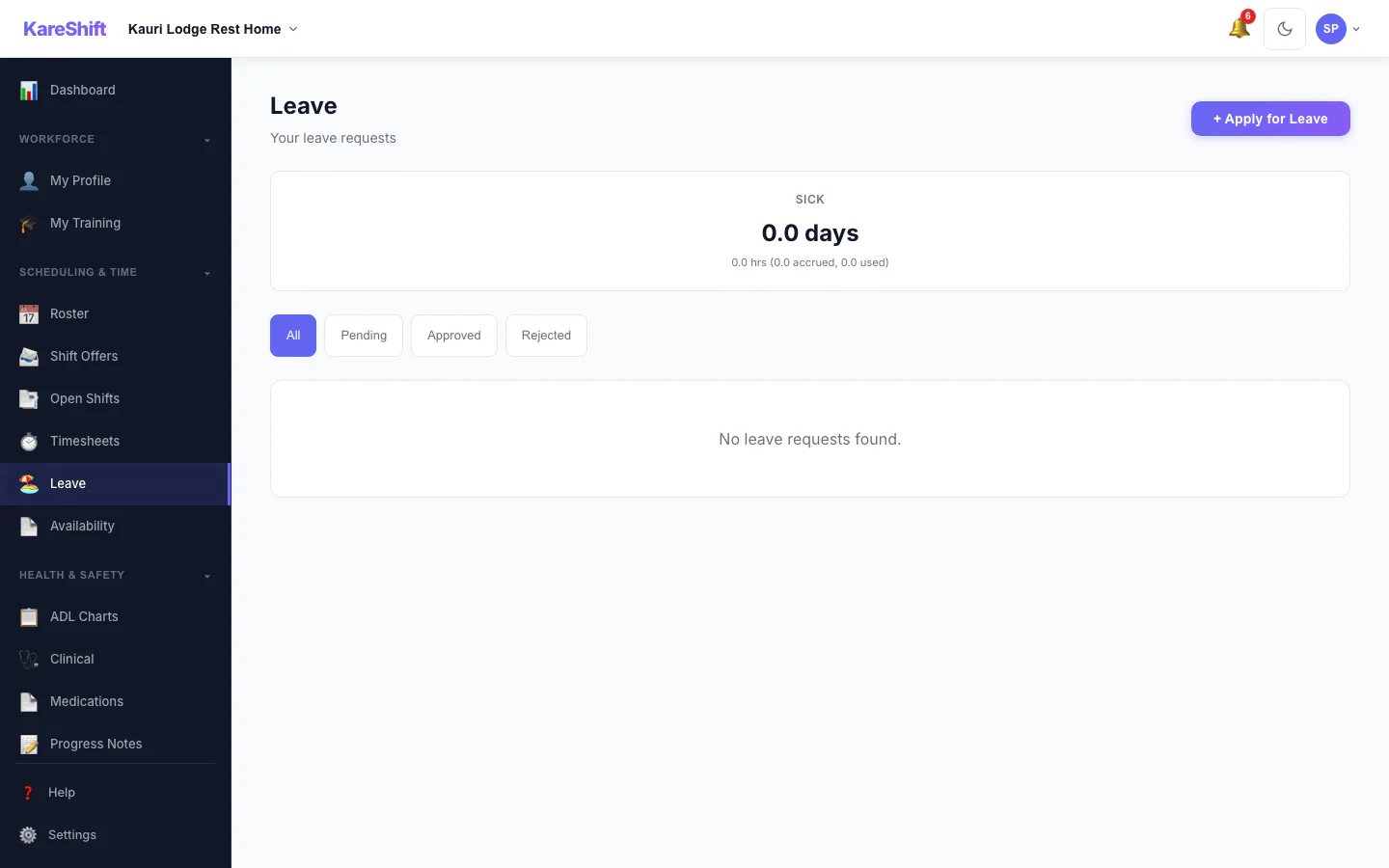
Leave
Apply for leave.
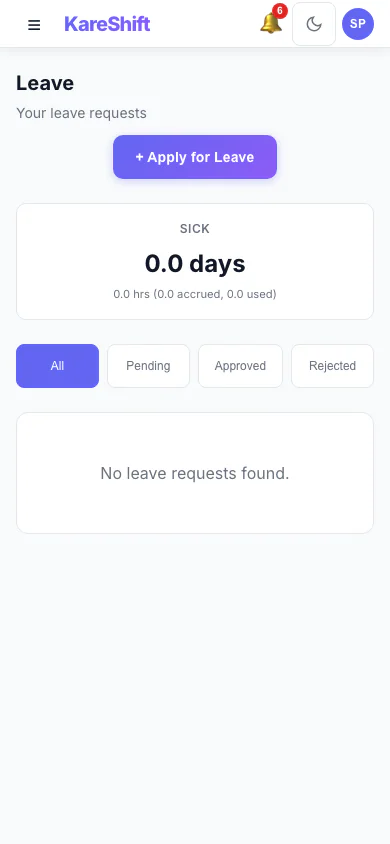
Leave (Mobile)
Leave on phone.
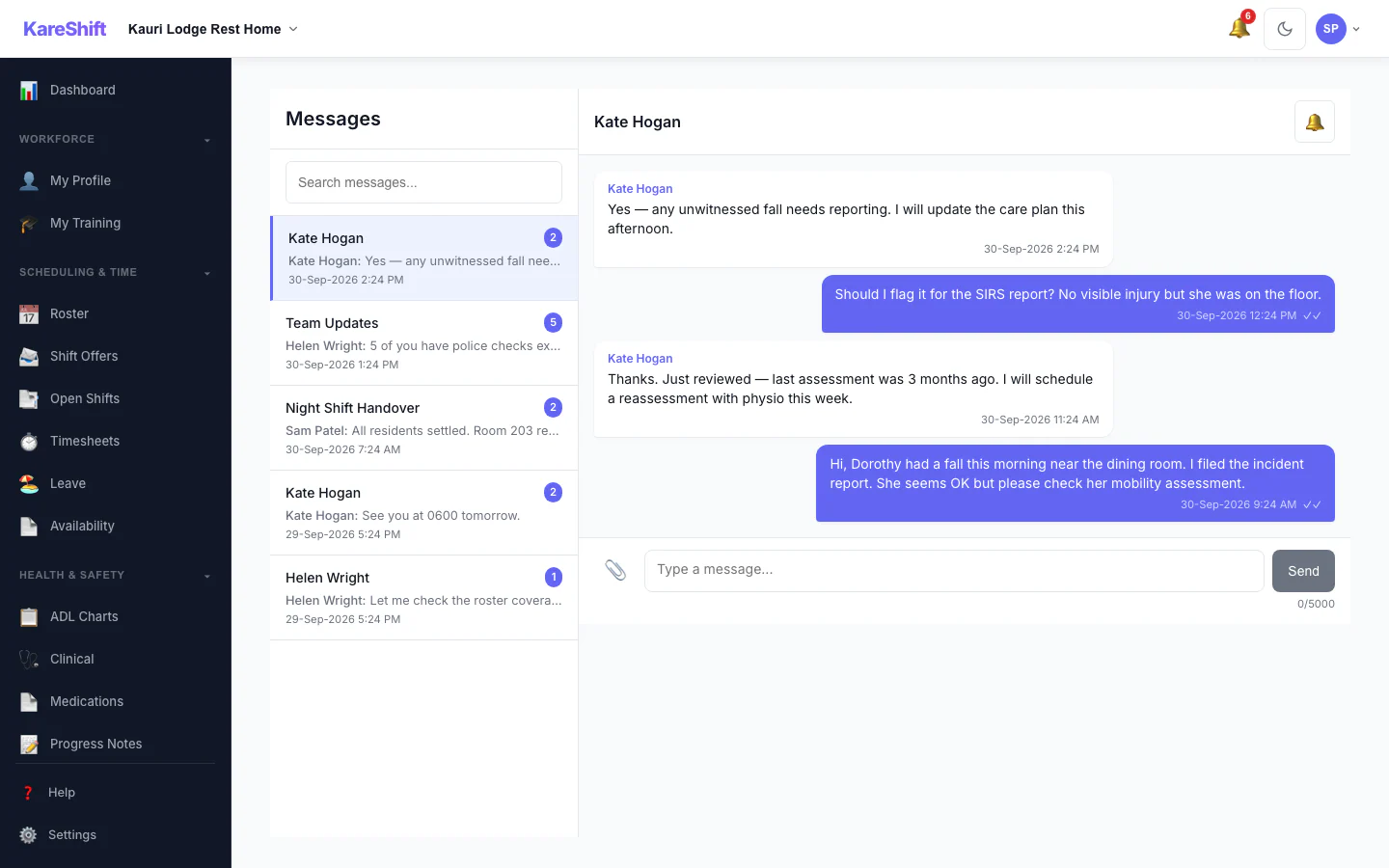
Messages
Team chat.
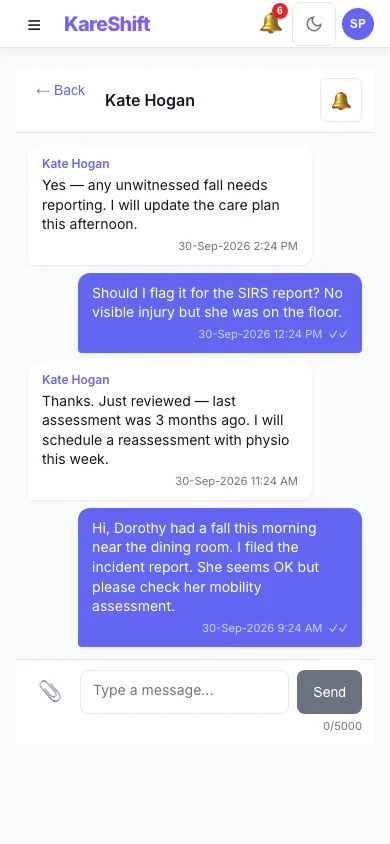
Messages (Mobile)
Chat on phone.
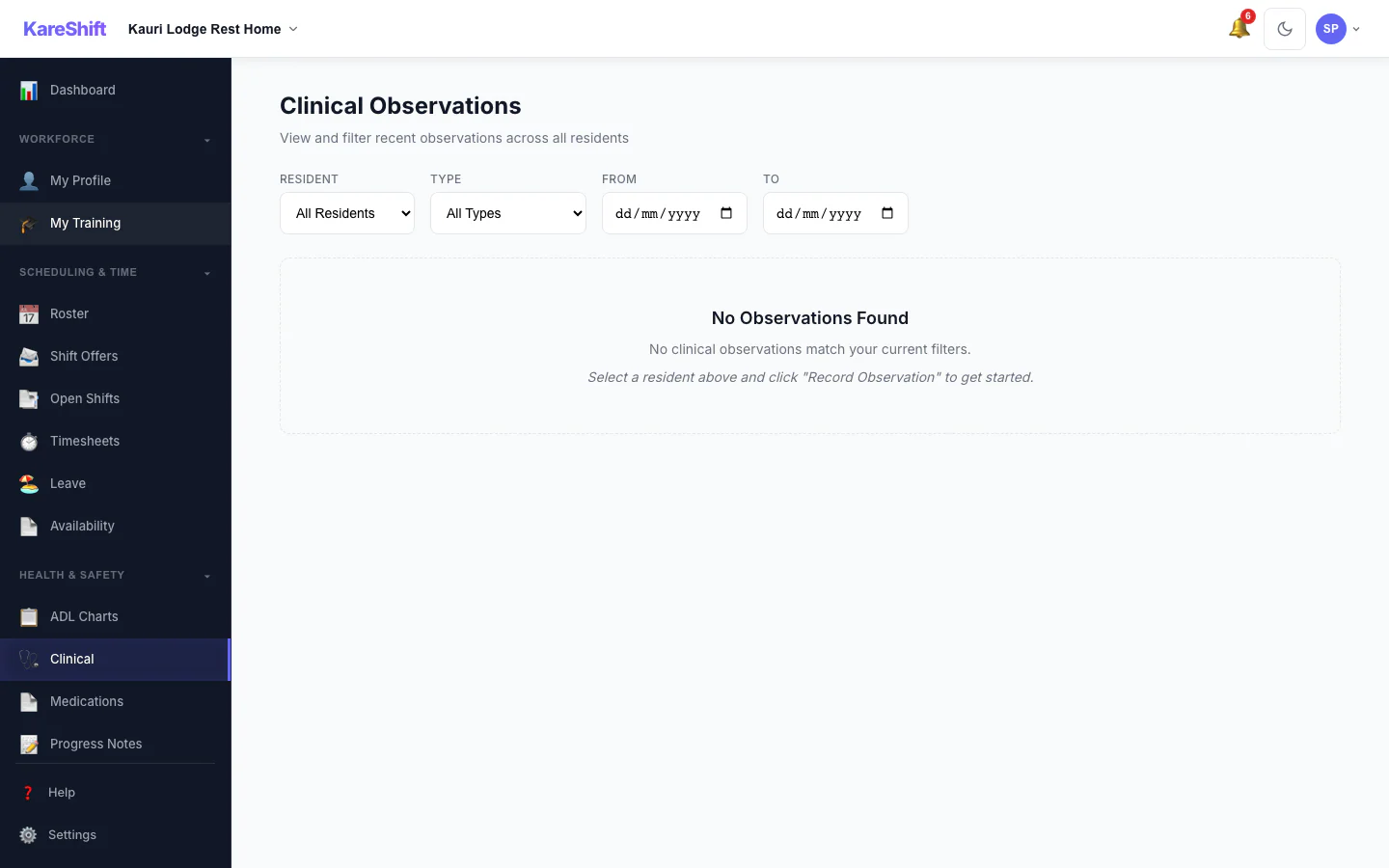
Clinical Observations
Record vitals and observations.
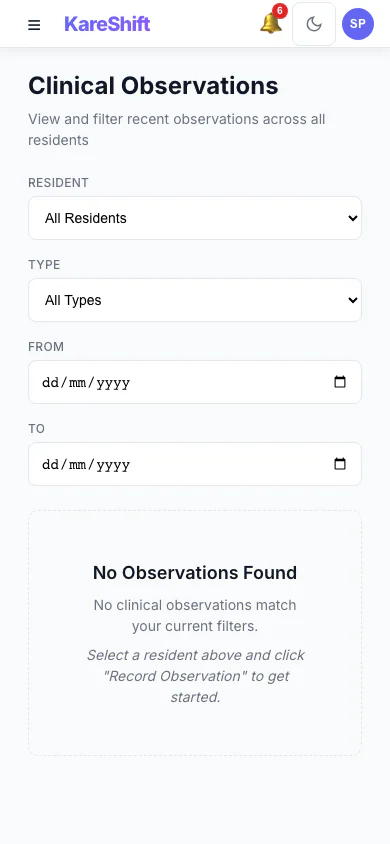
Clinical (Mobile)
Observations on phone.
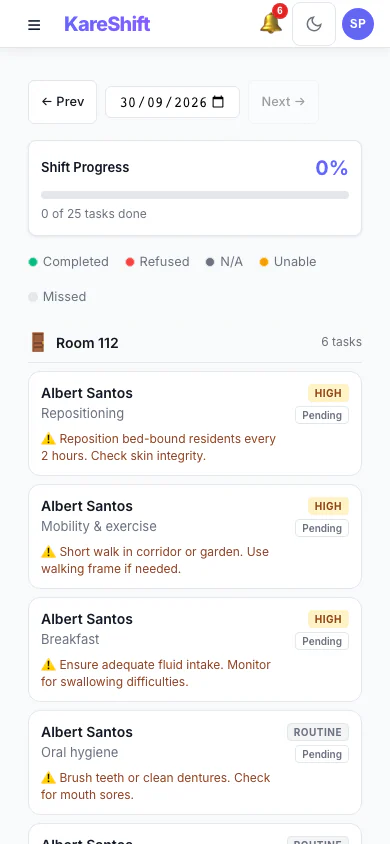
ADL Tasks (Mobile)
Task list on phone.
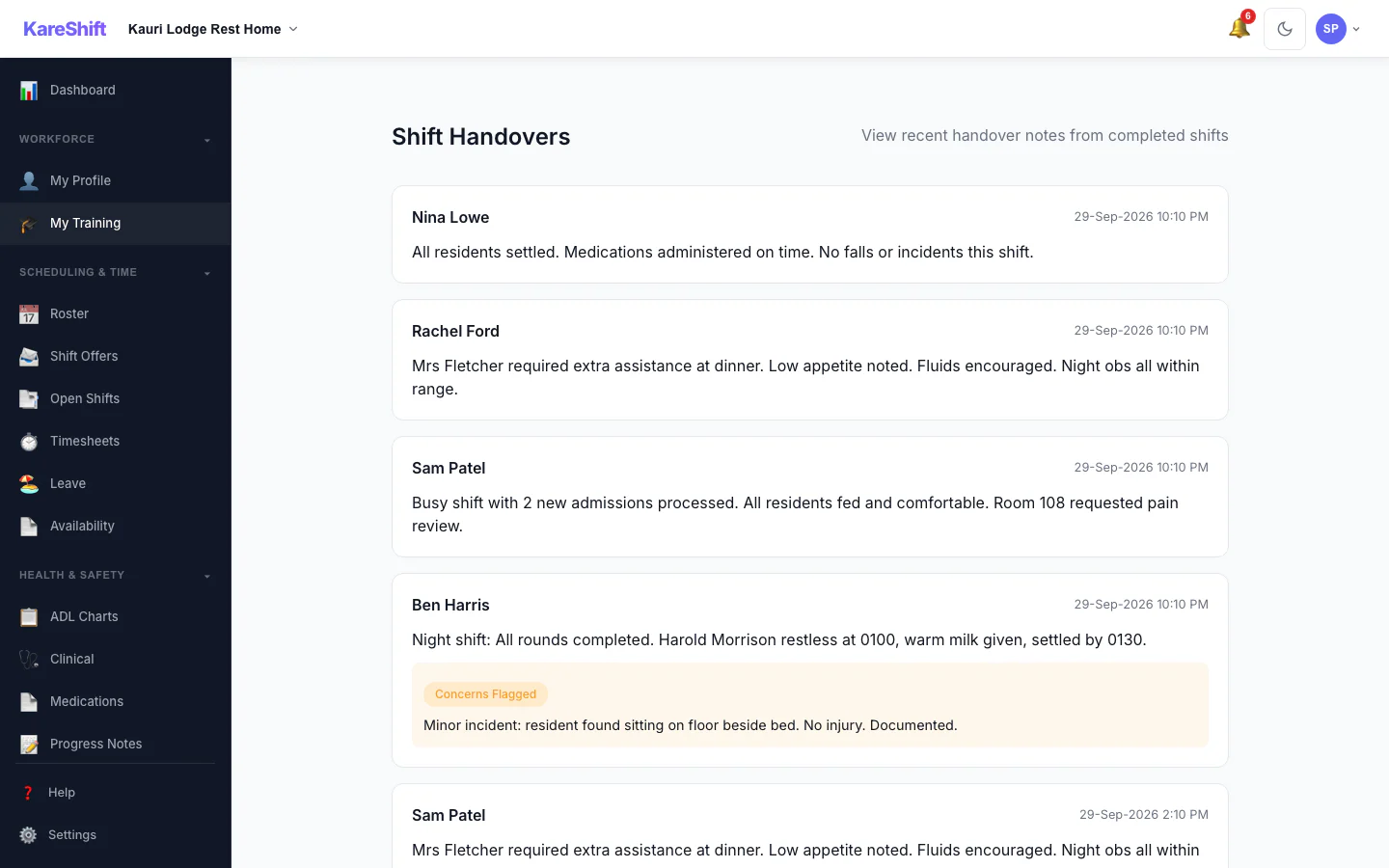
Handover
Receive handover from outgoing staff.
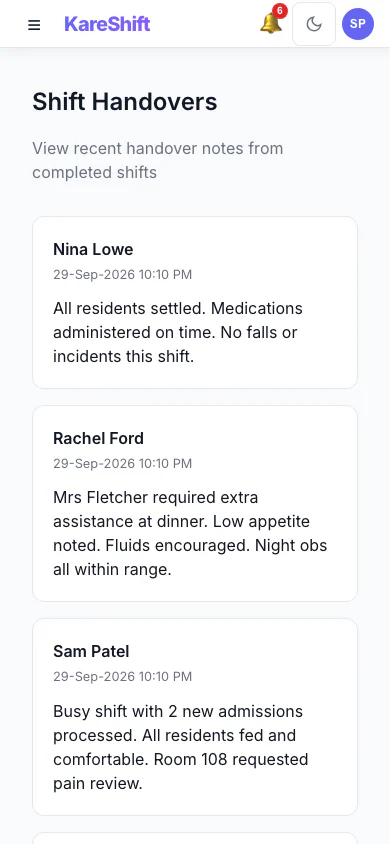
Handover (Mobile)
Handover on phone.
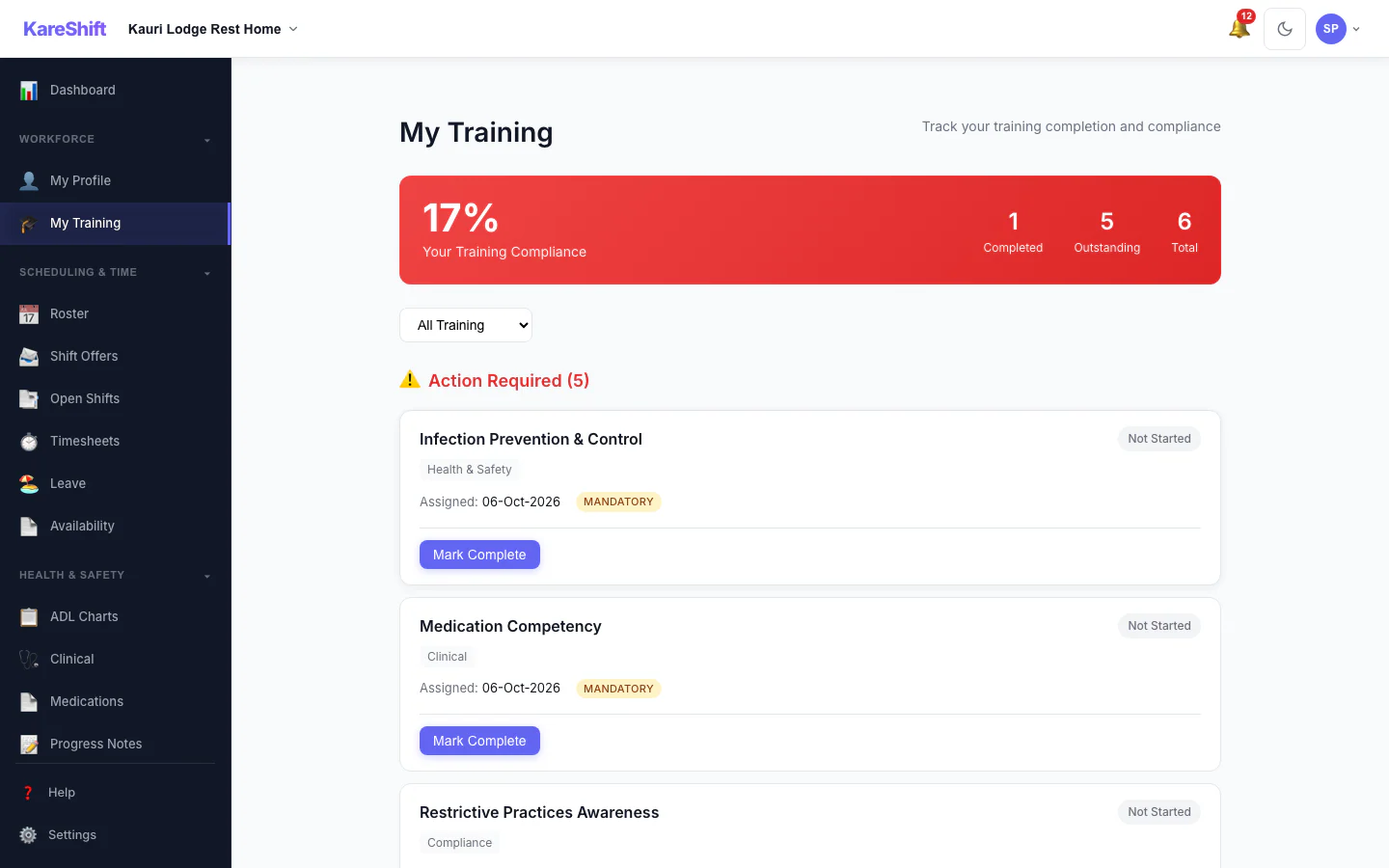
My Training
A worker sees the training assigned to them and what is complete.
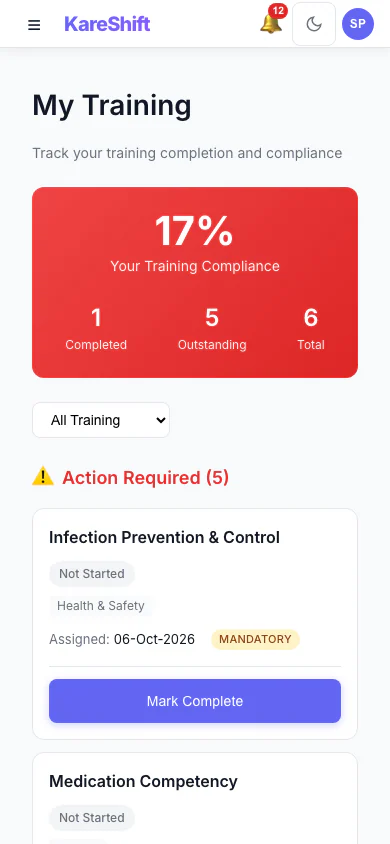
My Training (Mobile)
A worker sees the training assigned to them and what is complete.
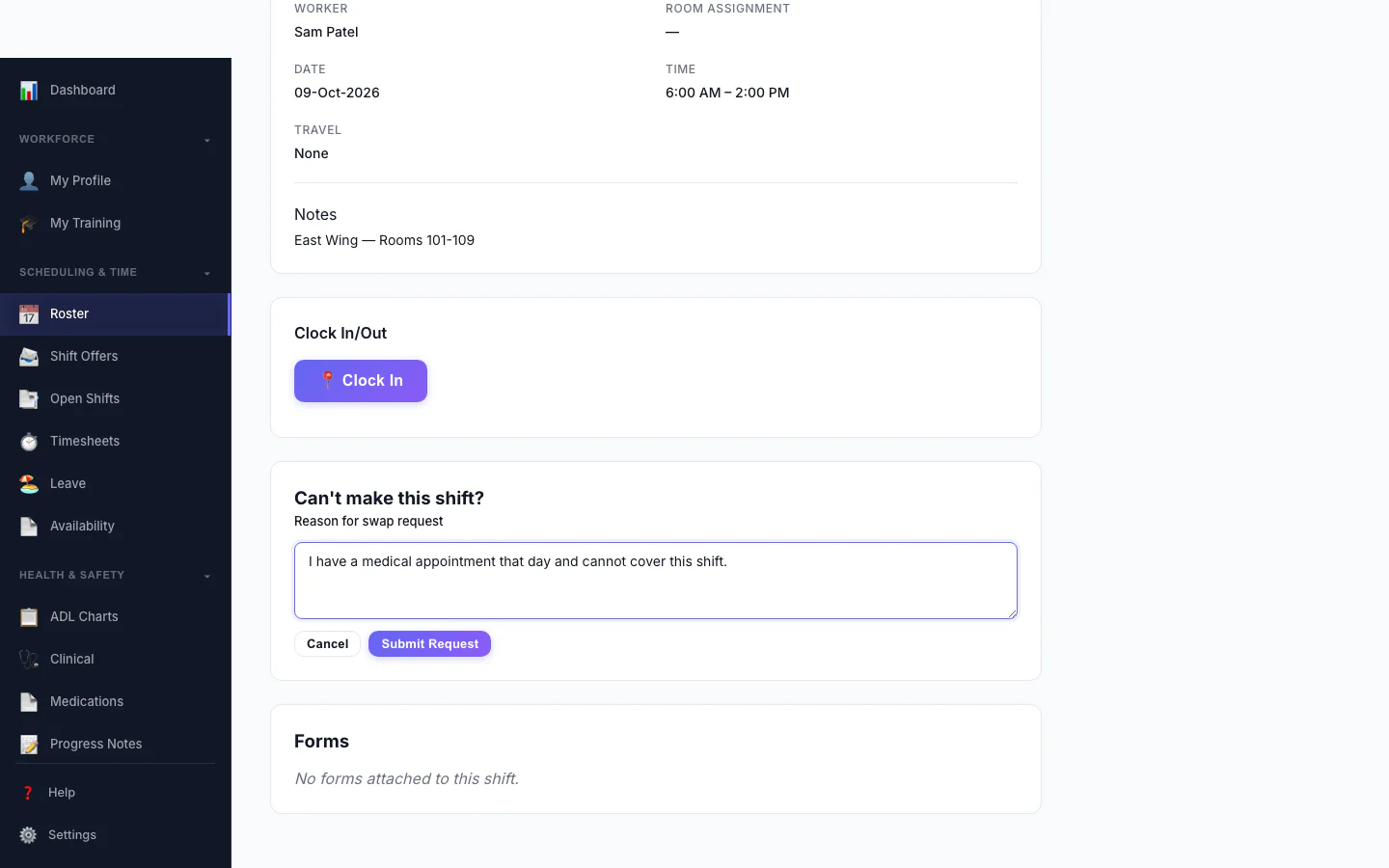
Ask to Swap a Shift
A worker who can't make a shift asks to swap it and says why.
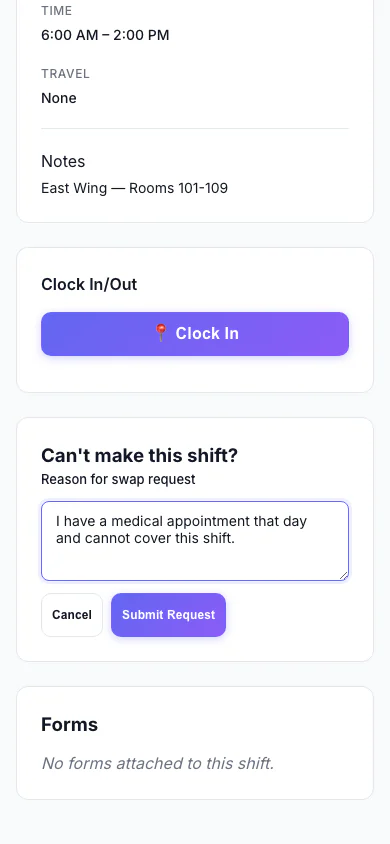
Ask to Swap a Shift (Mobile)
A worker who can't make a shift asks to swap it and says why.
Dual-Role View — NZ Disability
Every page as seen by a coordinator who also works shifts — role-switcher visible in navigation.
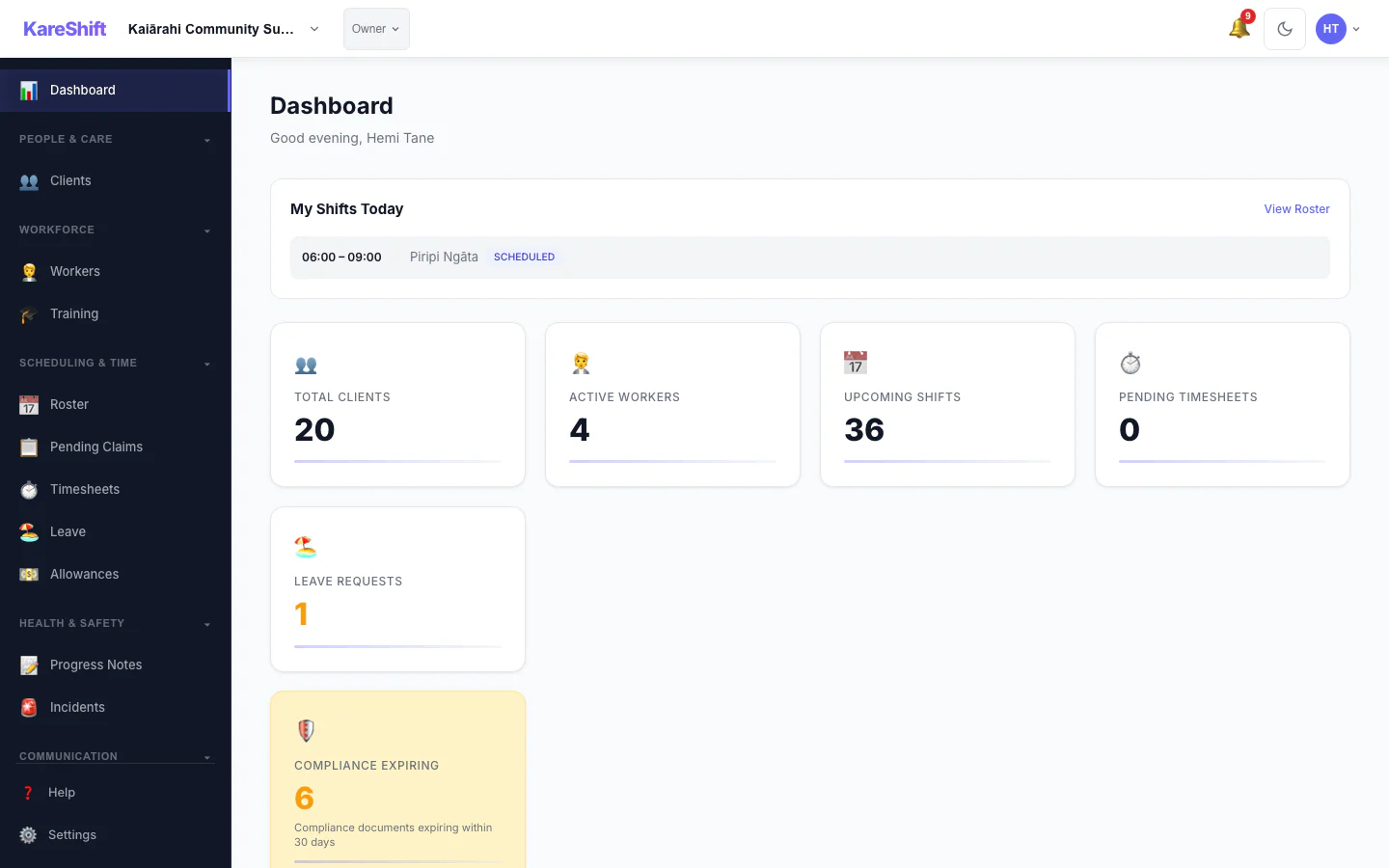
Dashboard
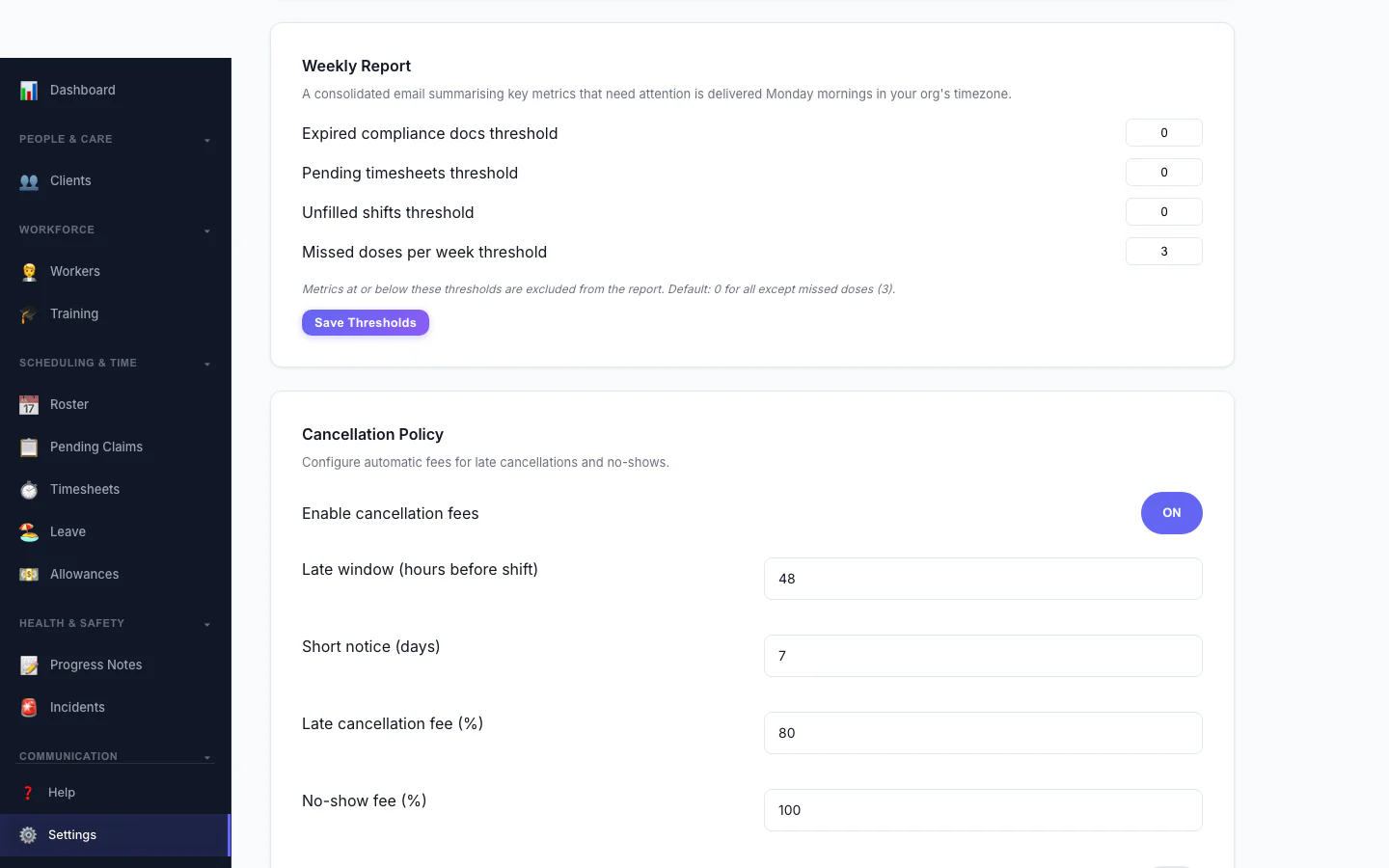
Cancellation Policy
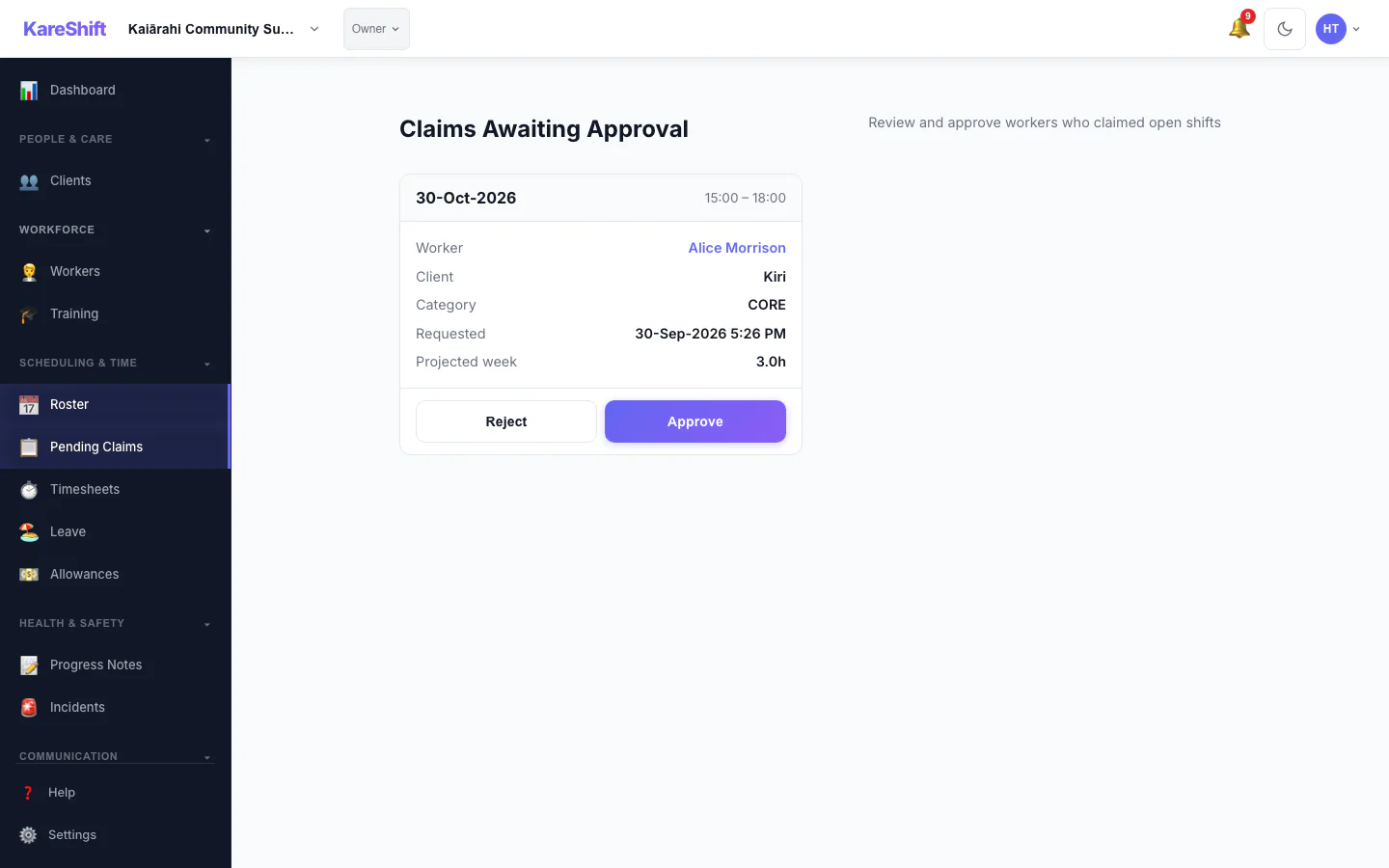
Claim Approval
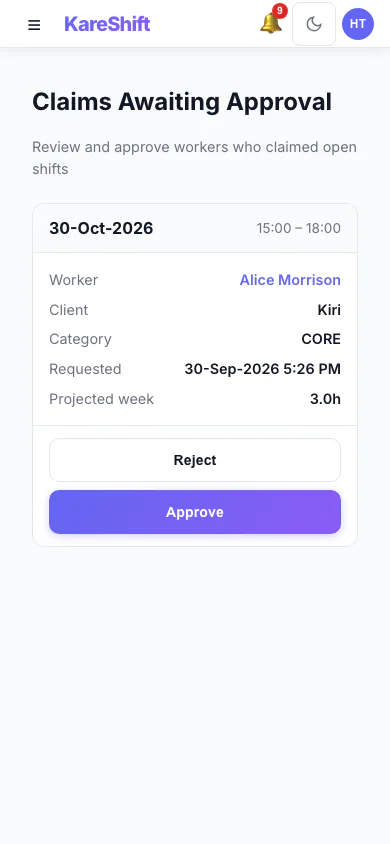
Claim Approval (Mobile)
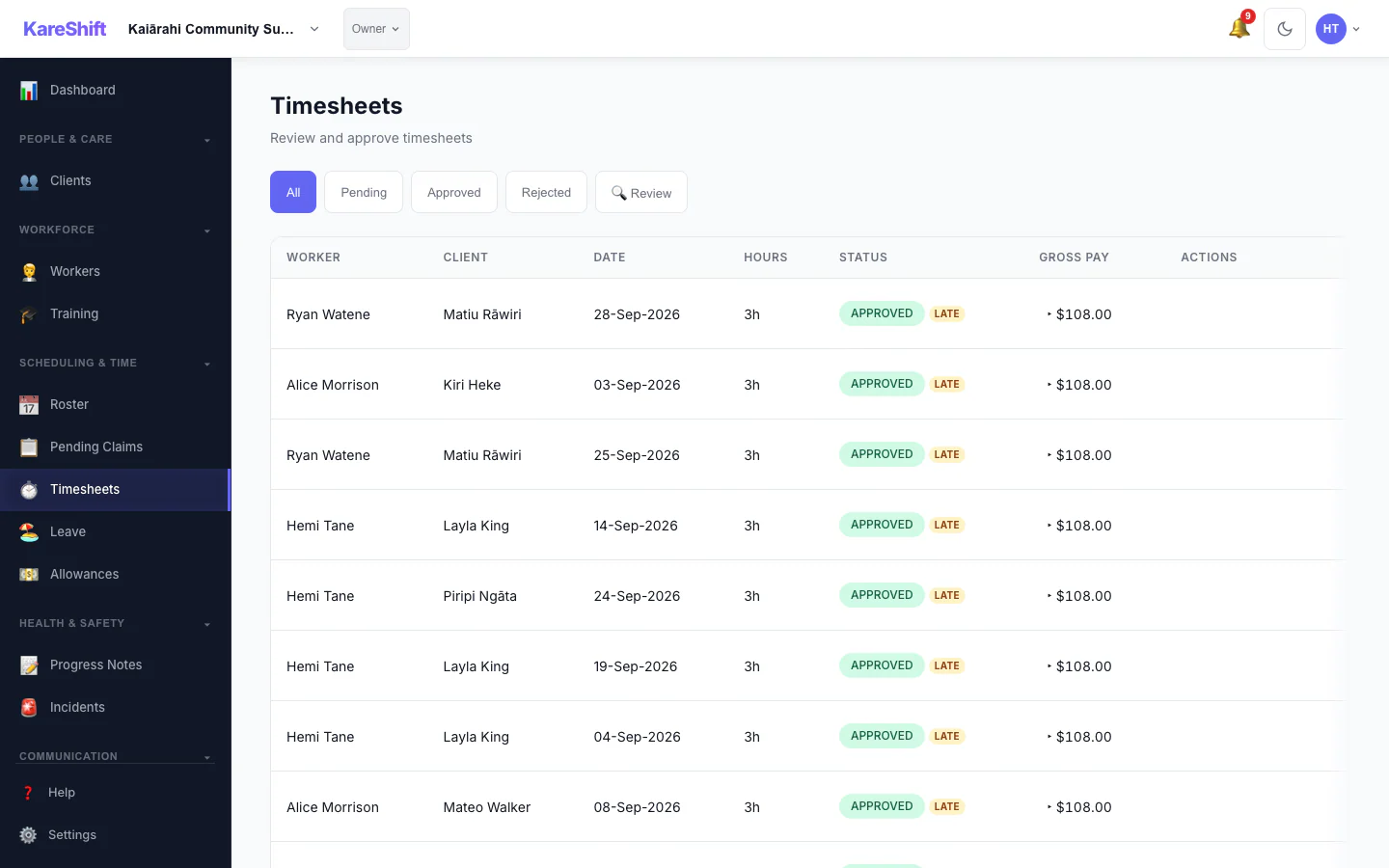
Visit Confirmation
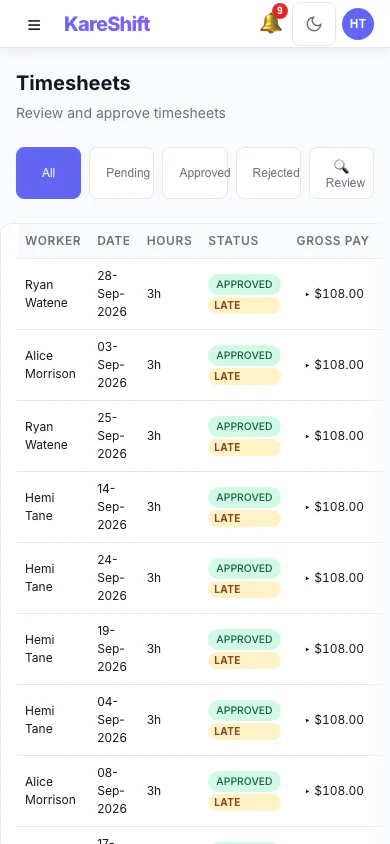
Visit Confirmation (Mobile)
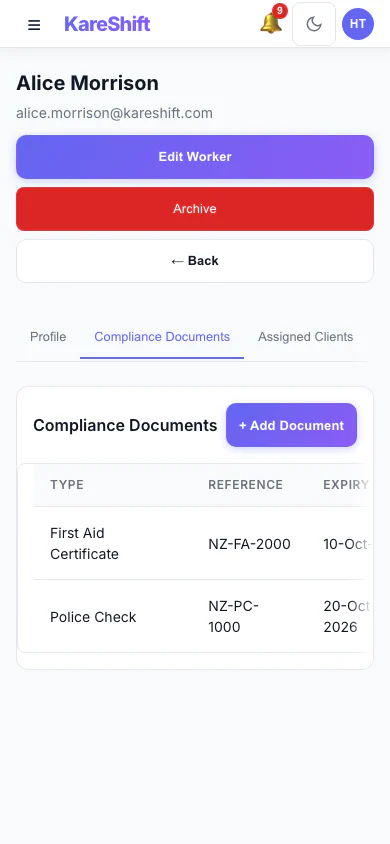
Worker Compliance (Mobile)
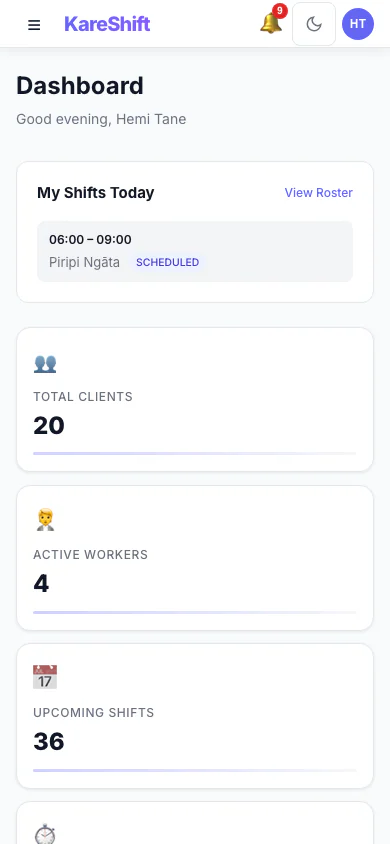
Dashboard (Mobile)
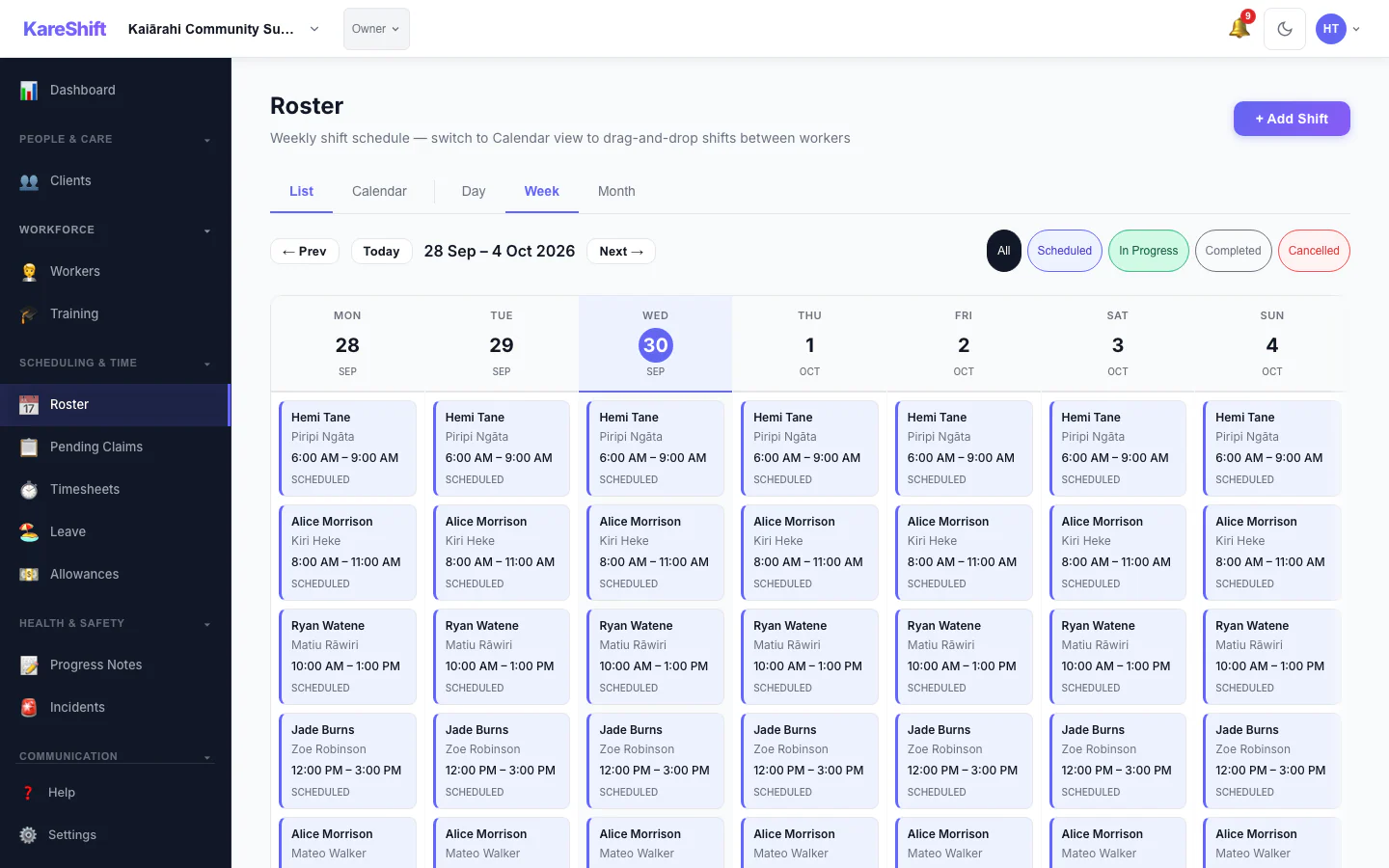
Roster
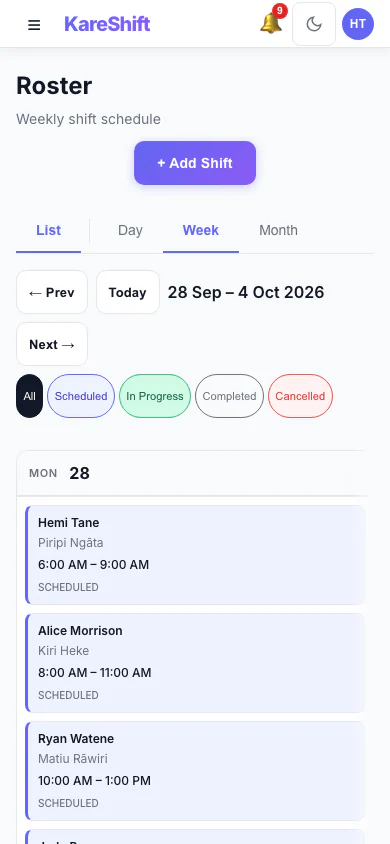
Roster (Mobile)
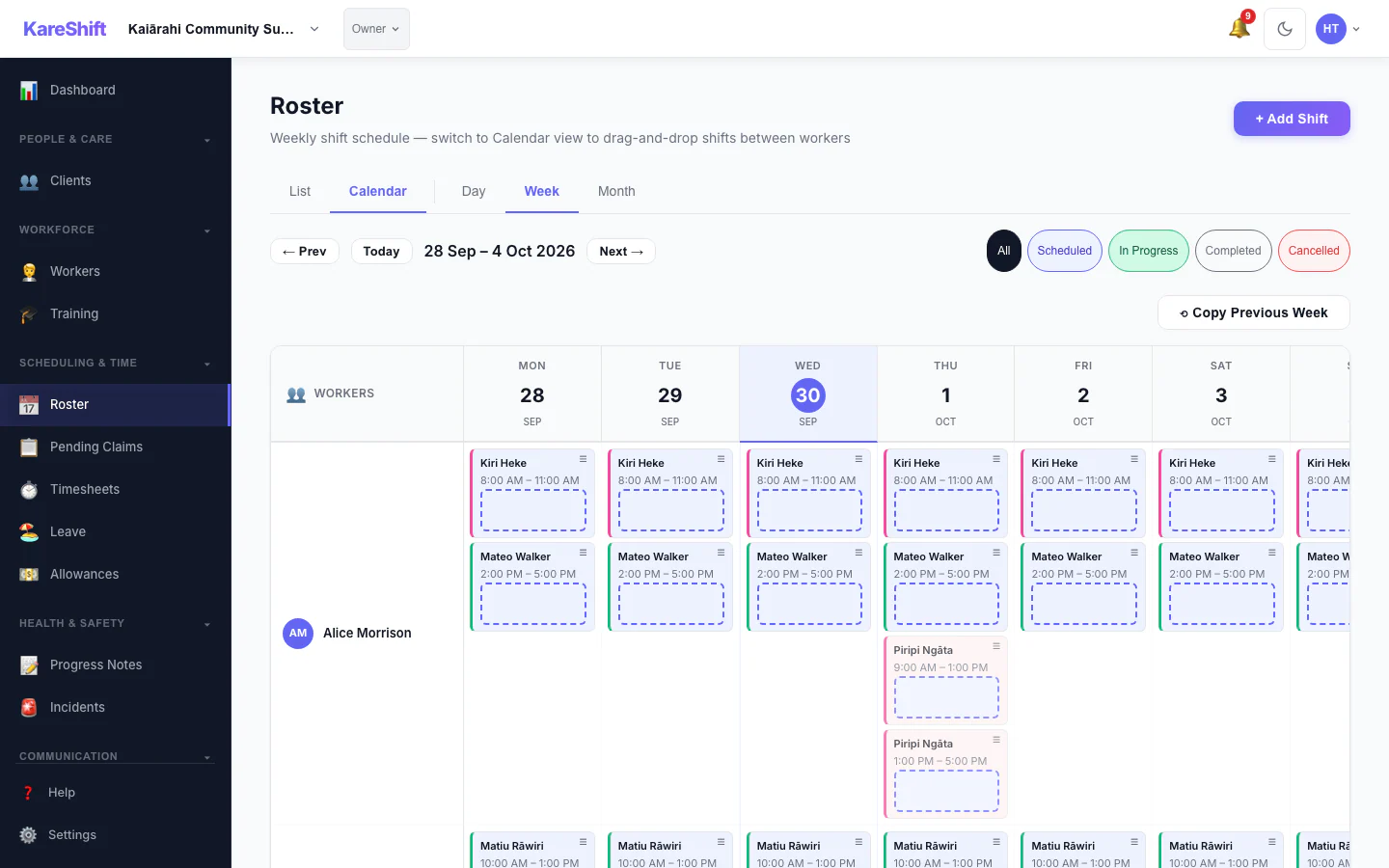
Calendar
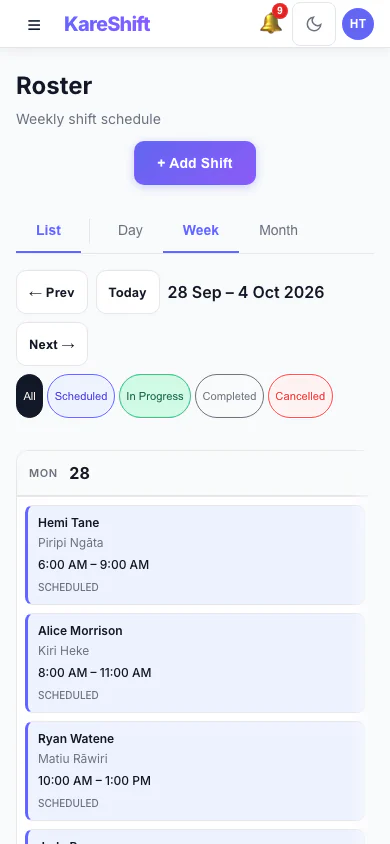
Calendar (Mobile)
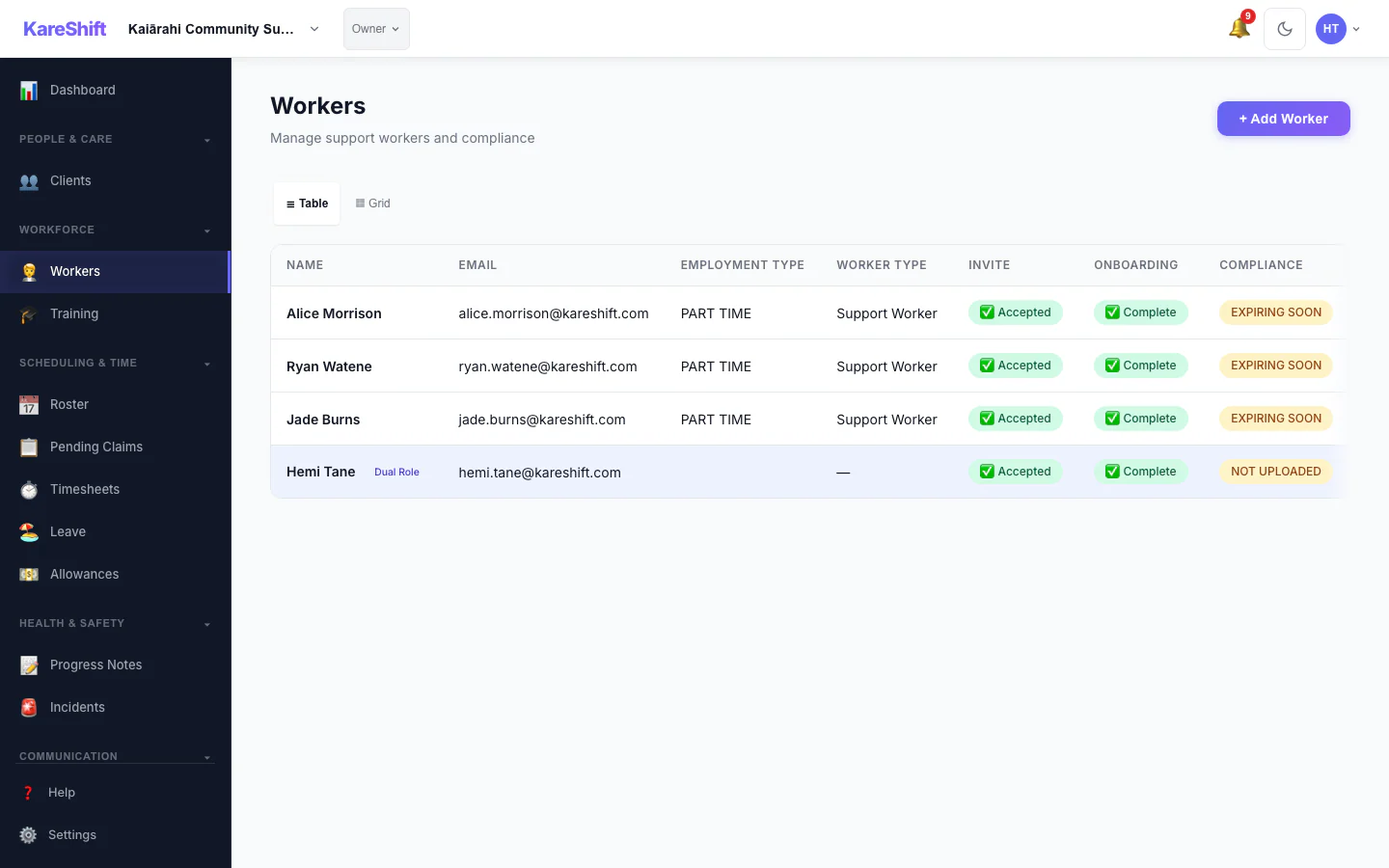
Workers
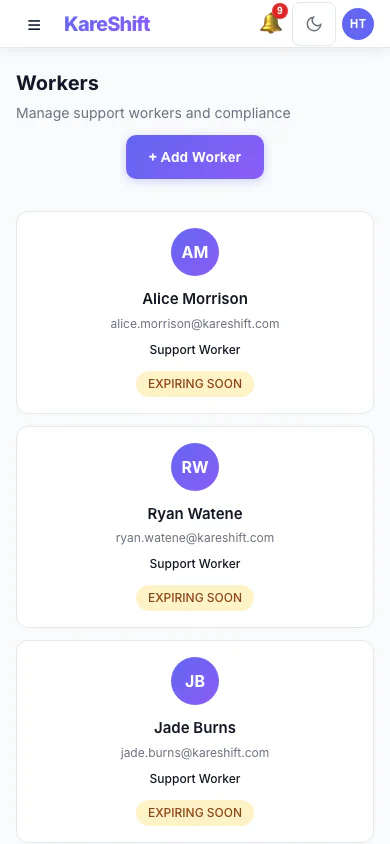
Workers (Mobile)
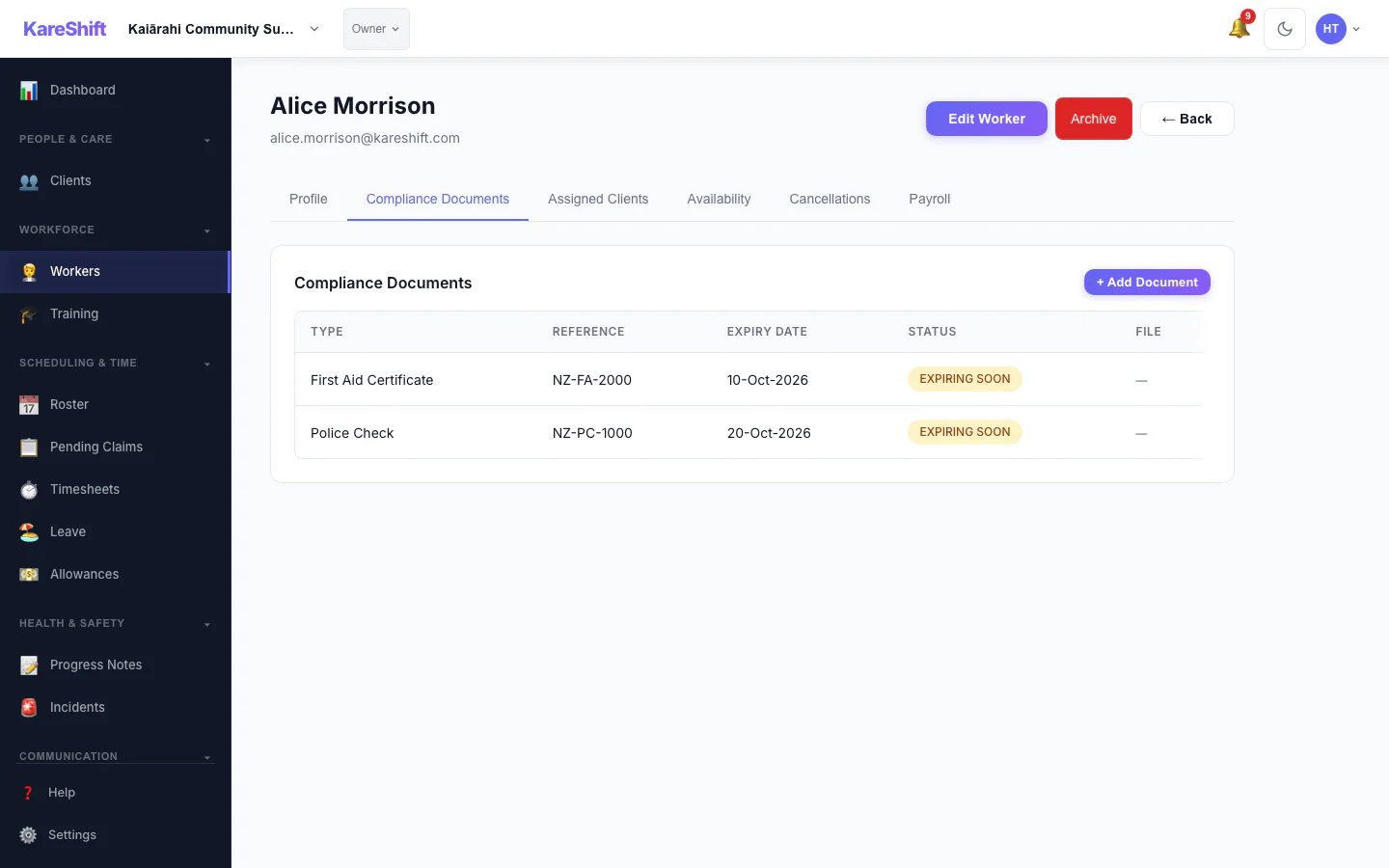
Compliance
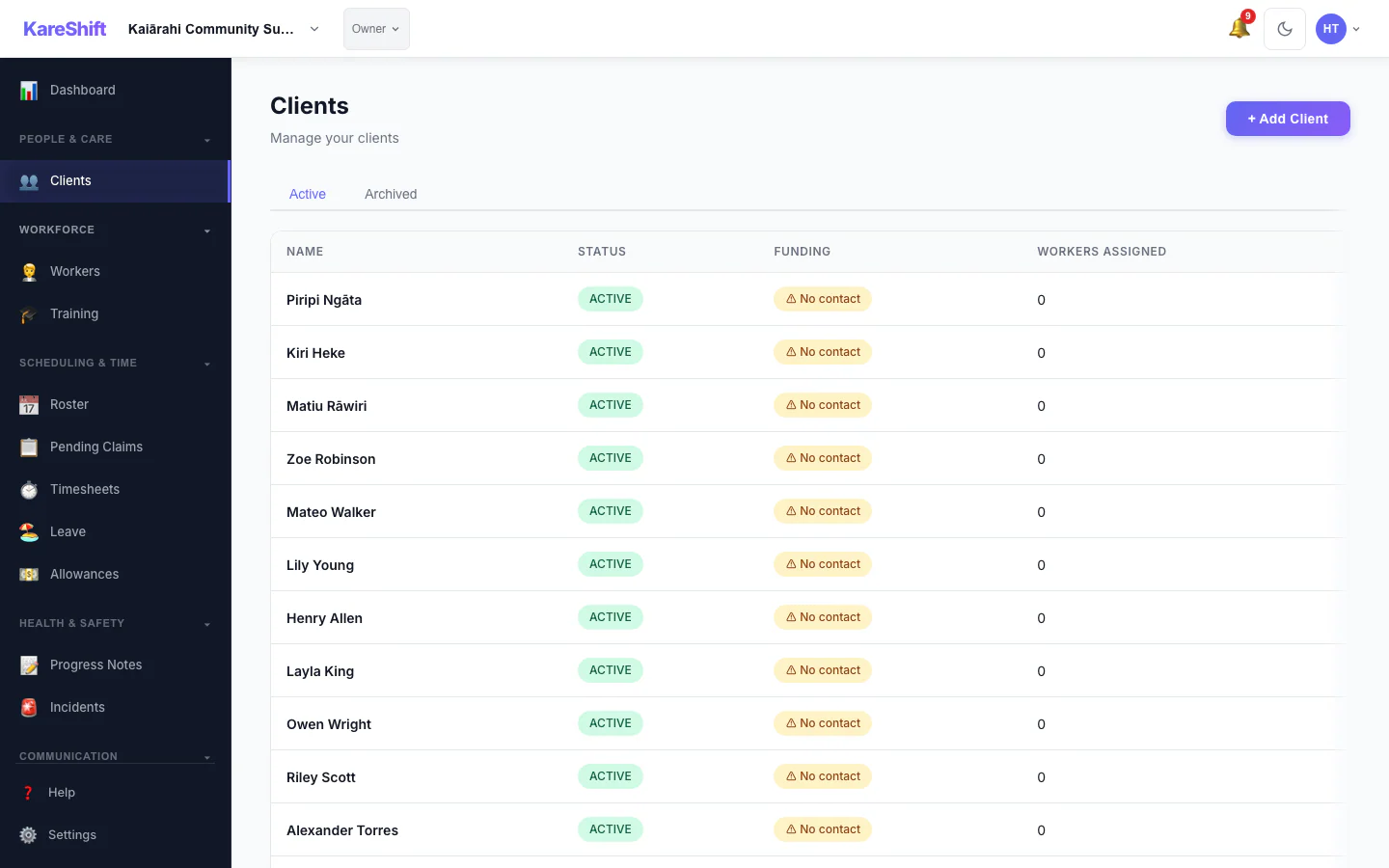
Clients
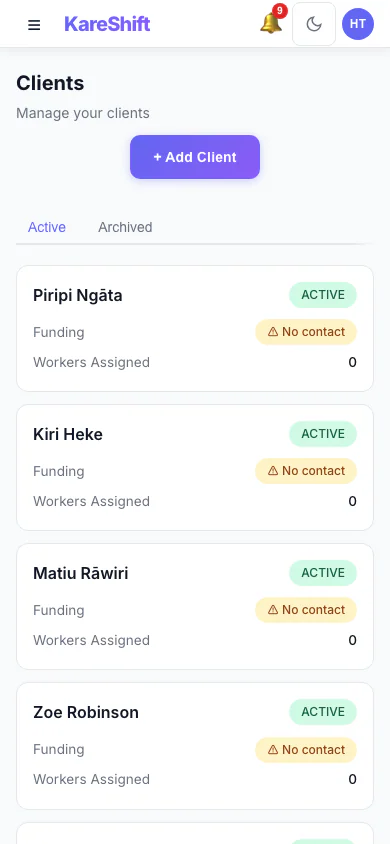
Clients (Mobile)
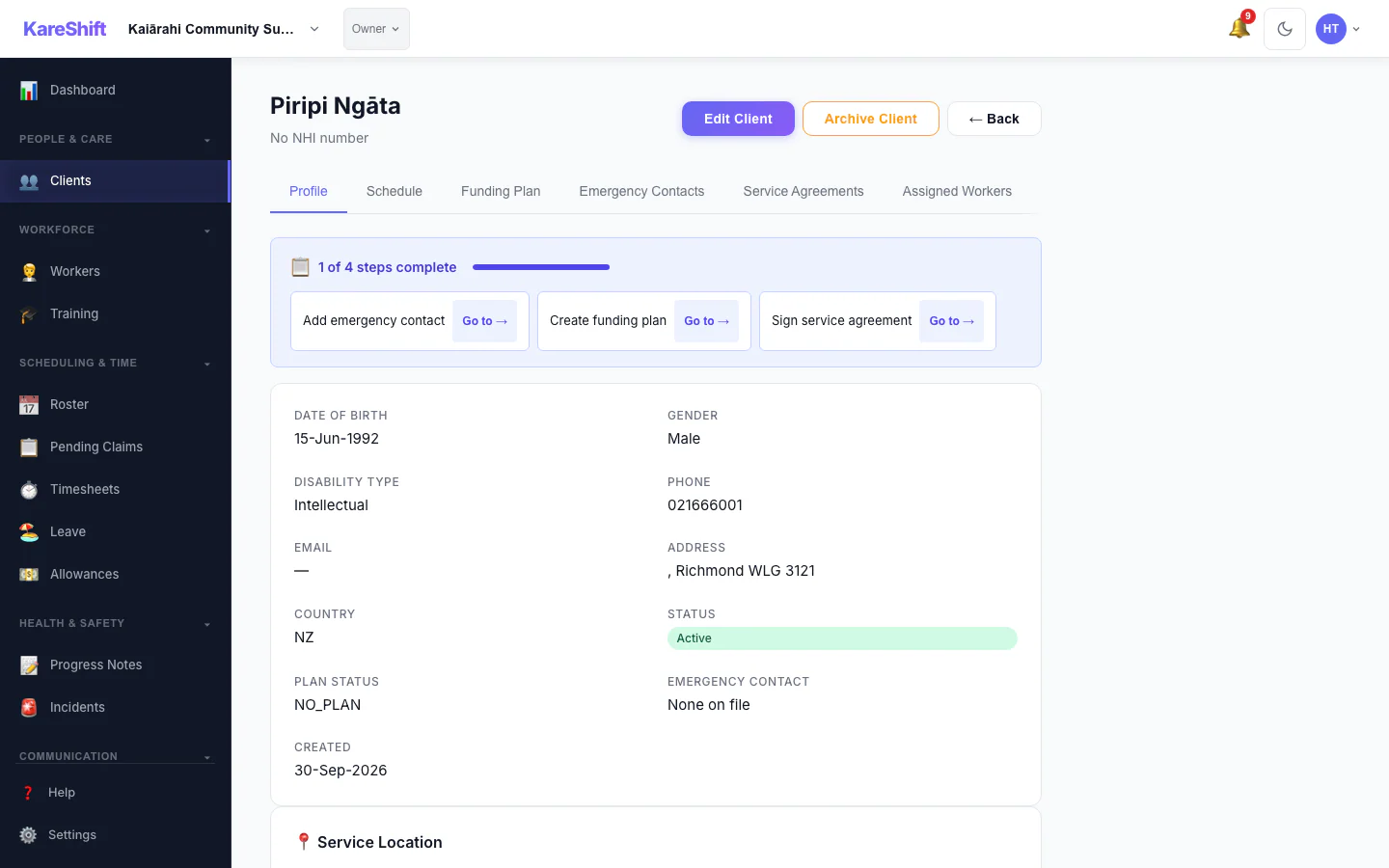
Client Detail
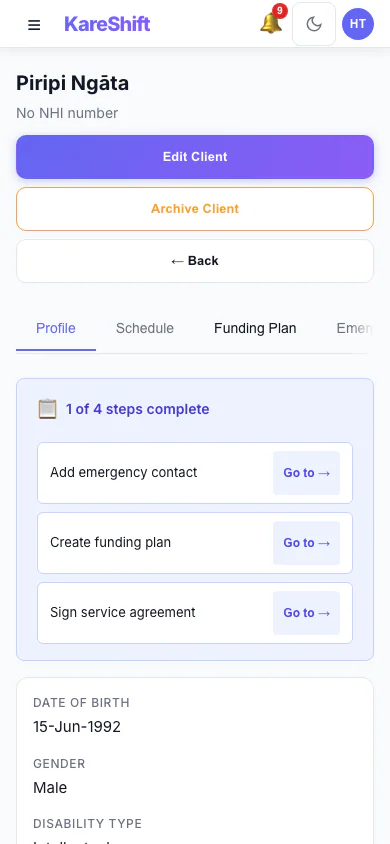
Client (Mobile)
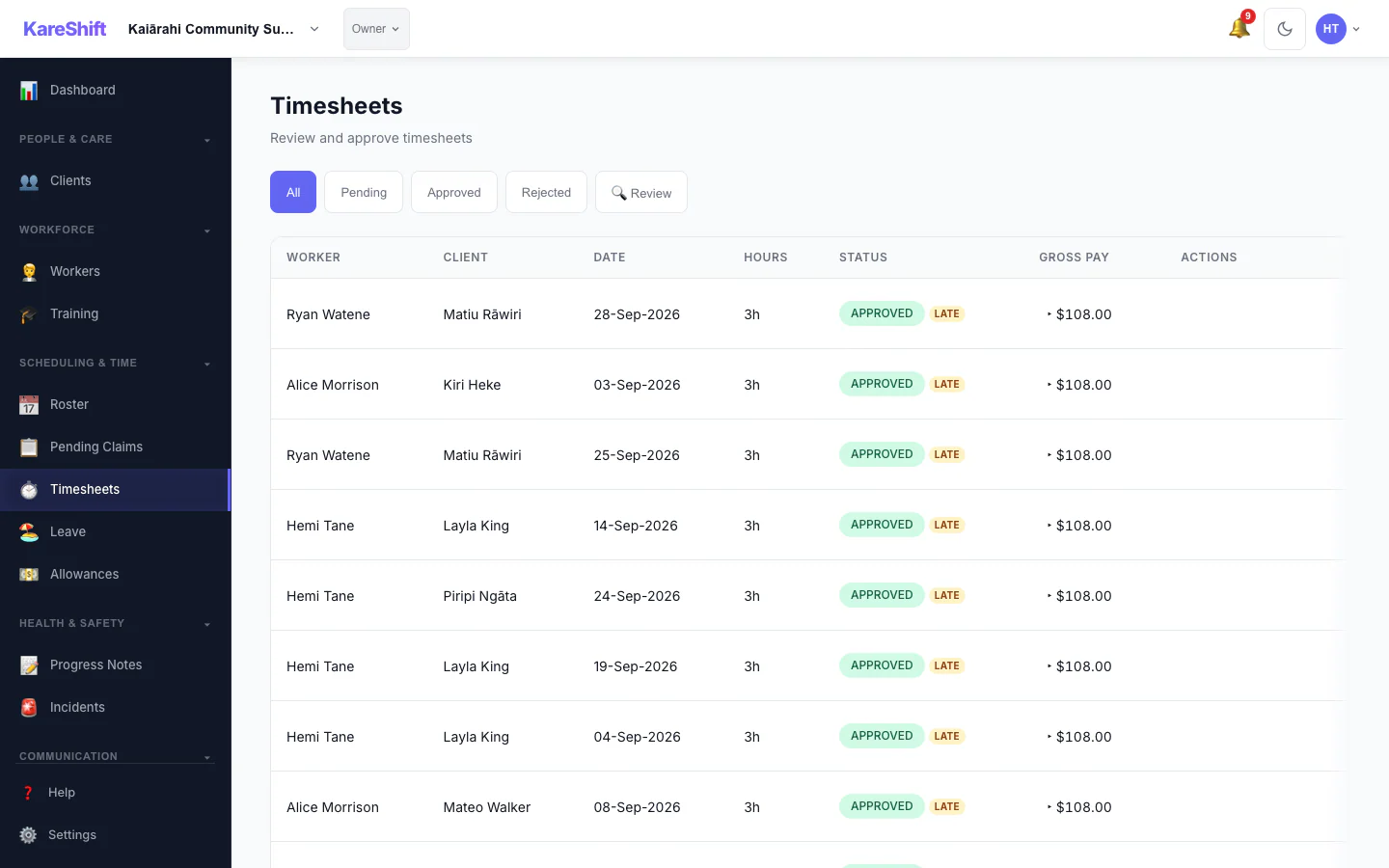
Timesheets
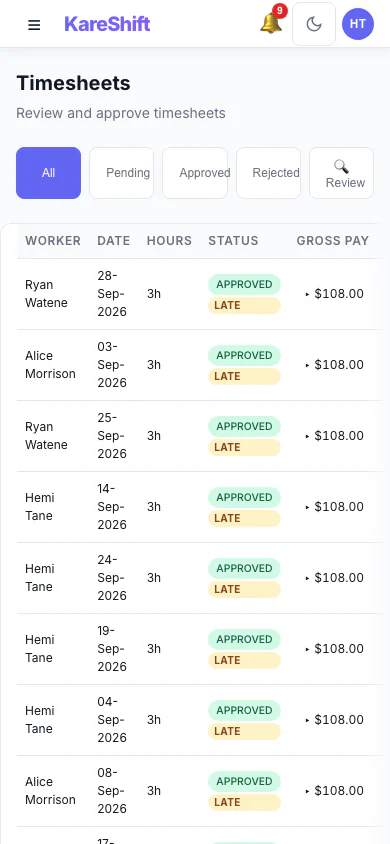
Timesheets (Mobile)
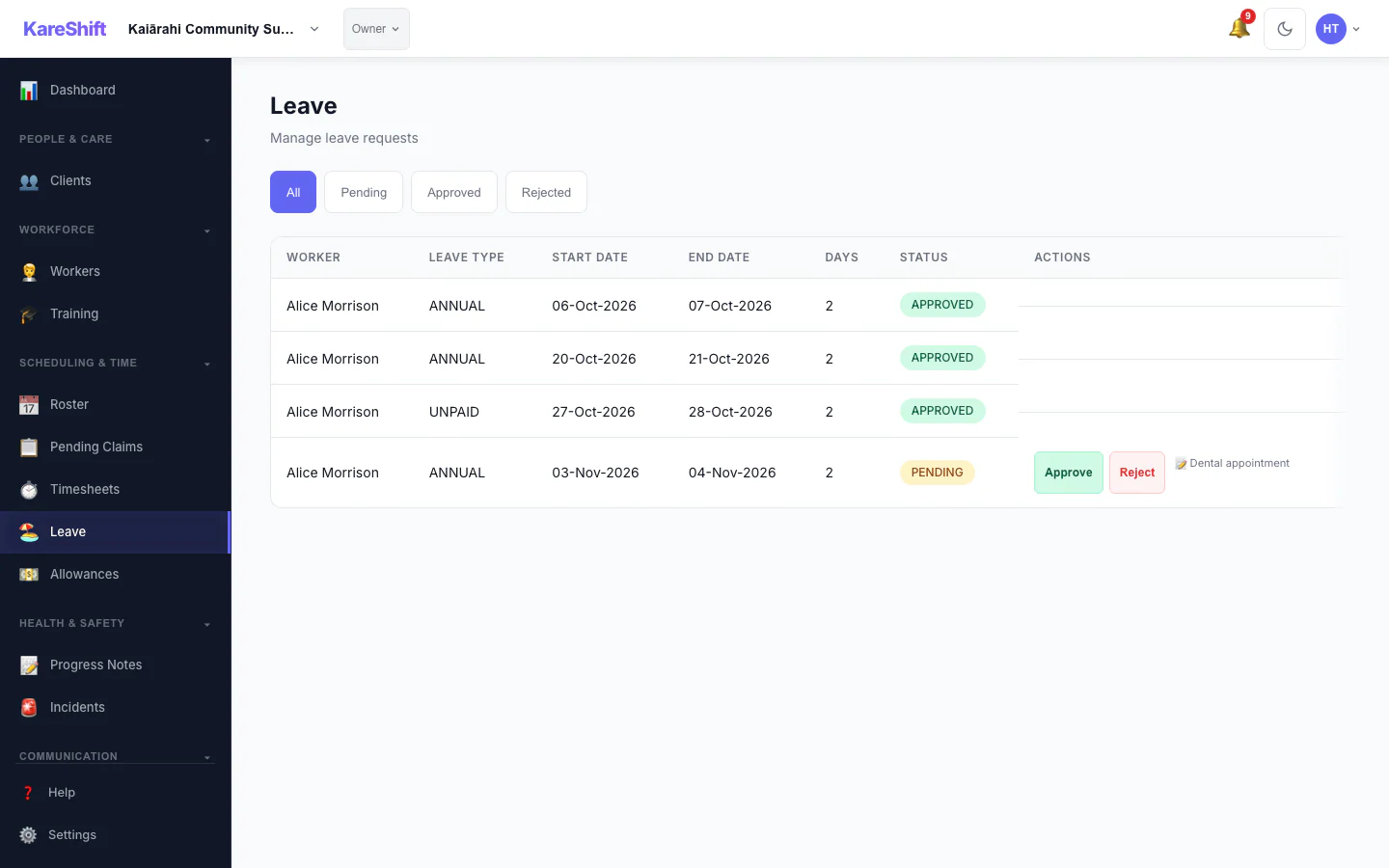
Leave
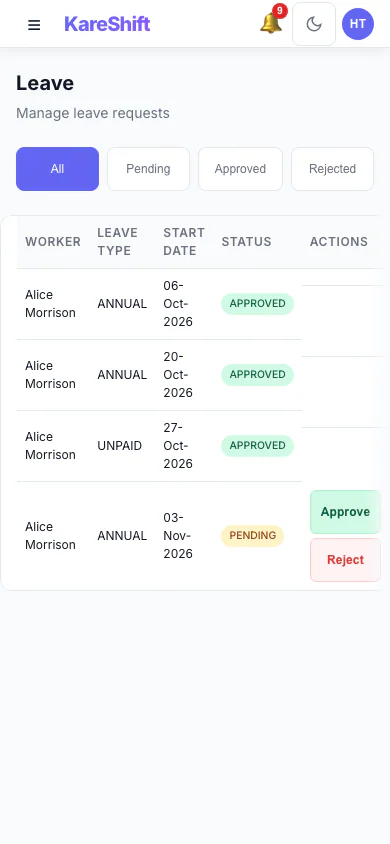
Leave (Mobile)
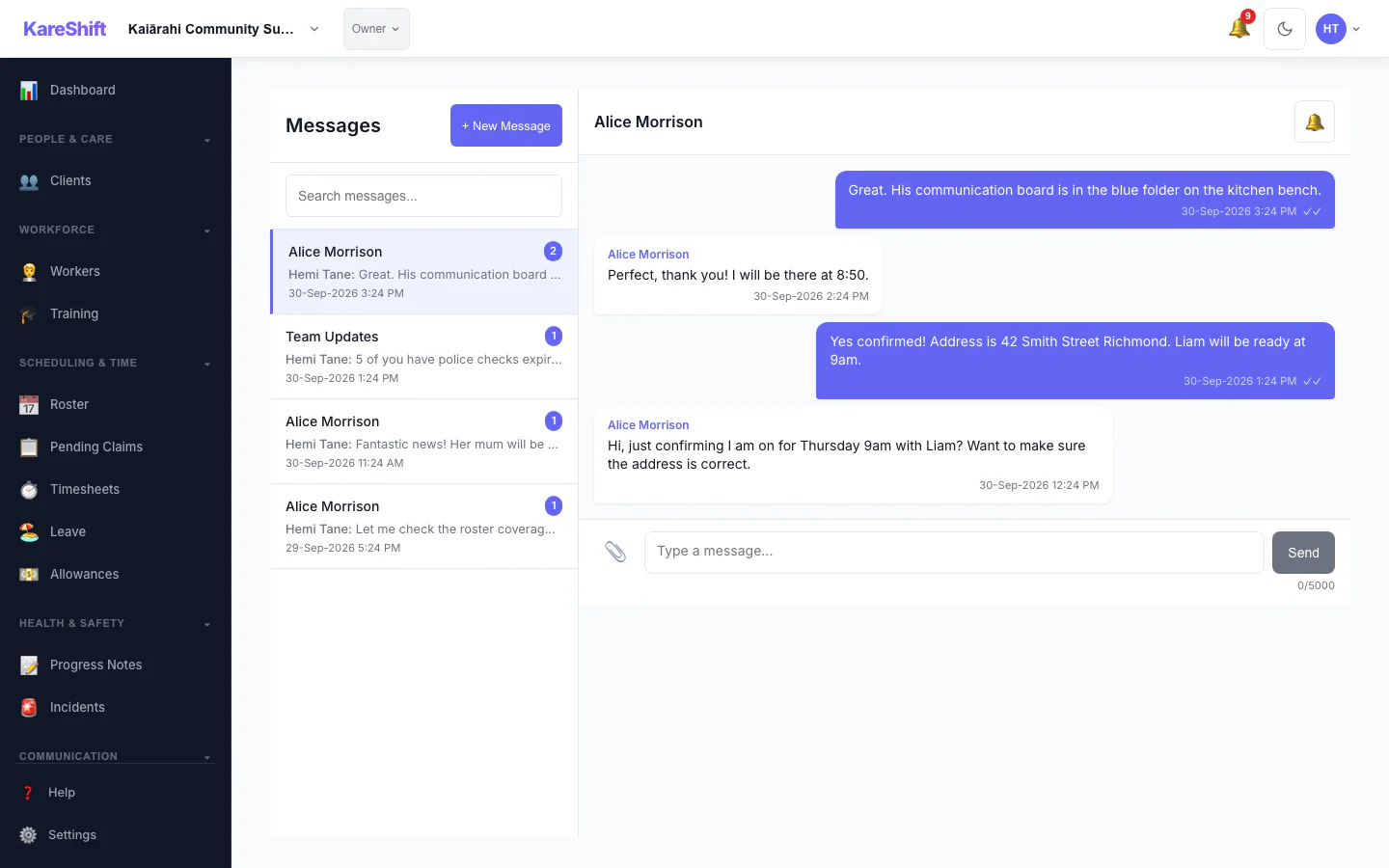
Messages
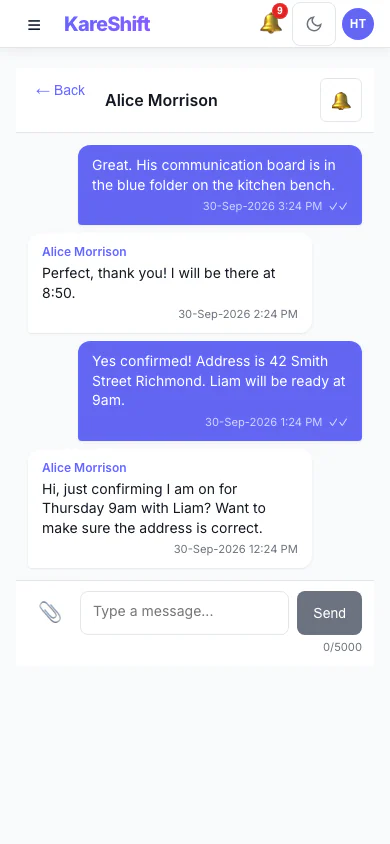
Messages (Mobile)
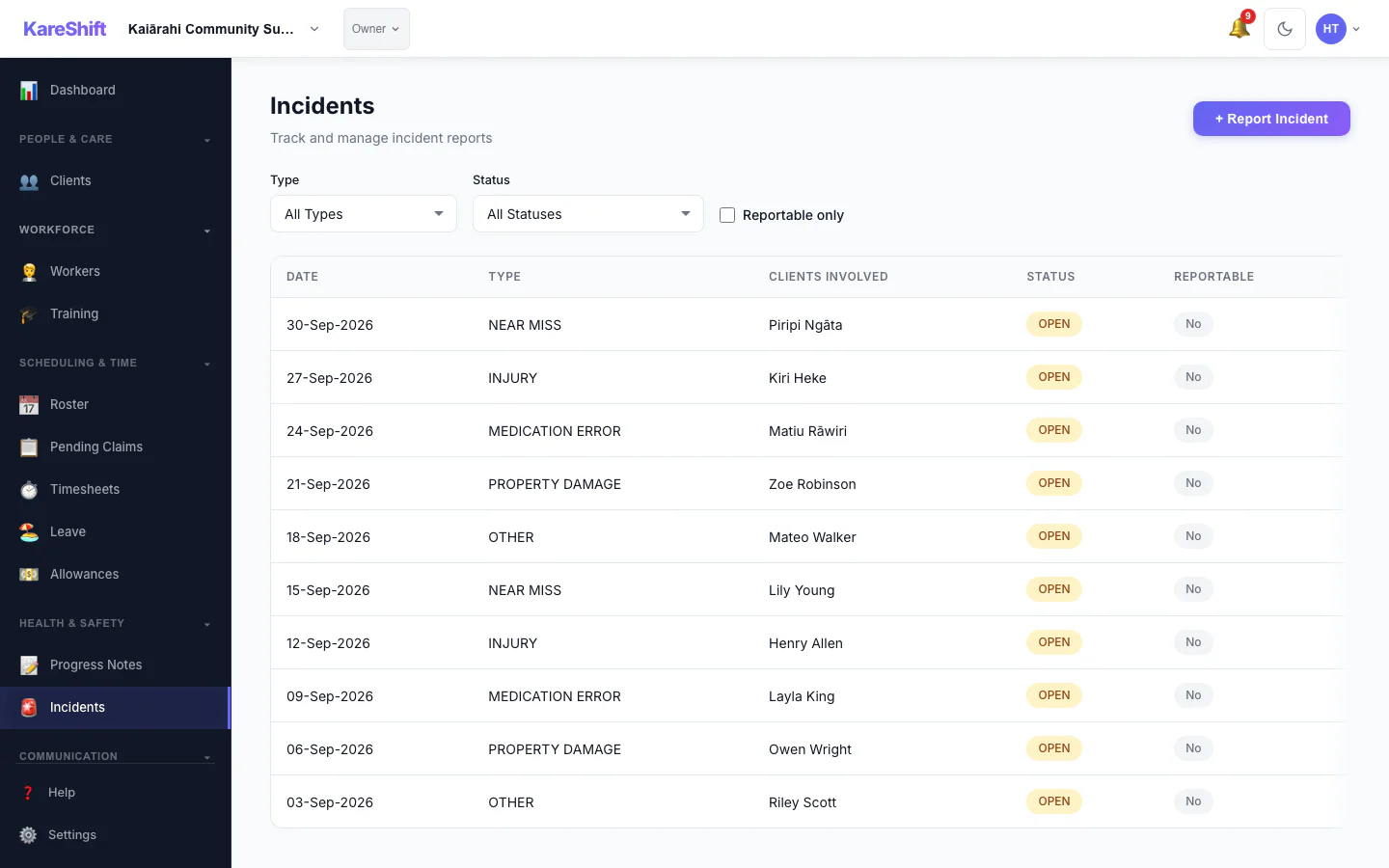
Incidents
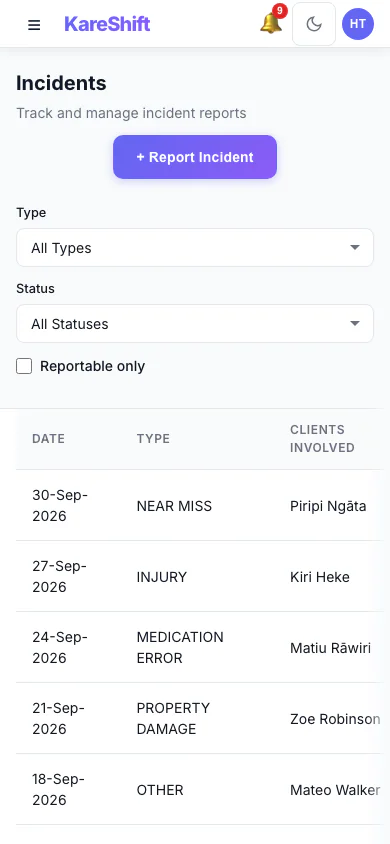
Incidents (Mobile)
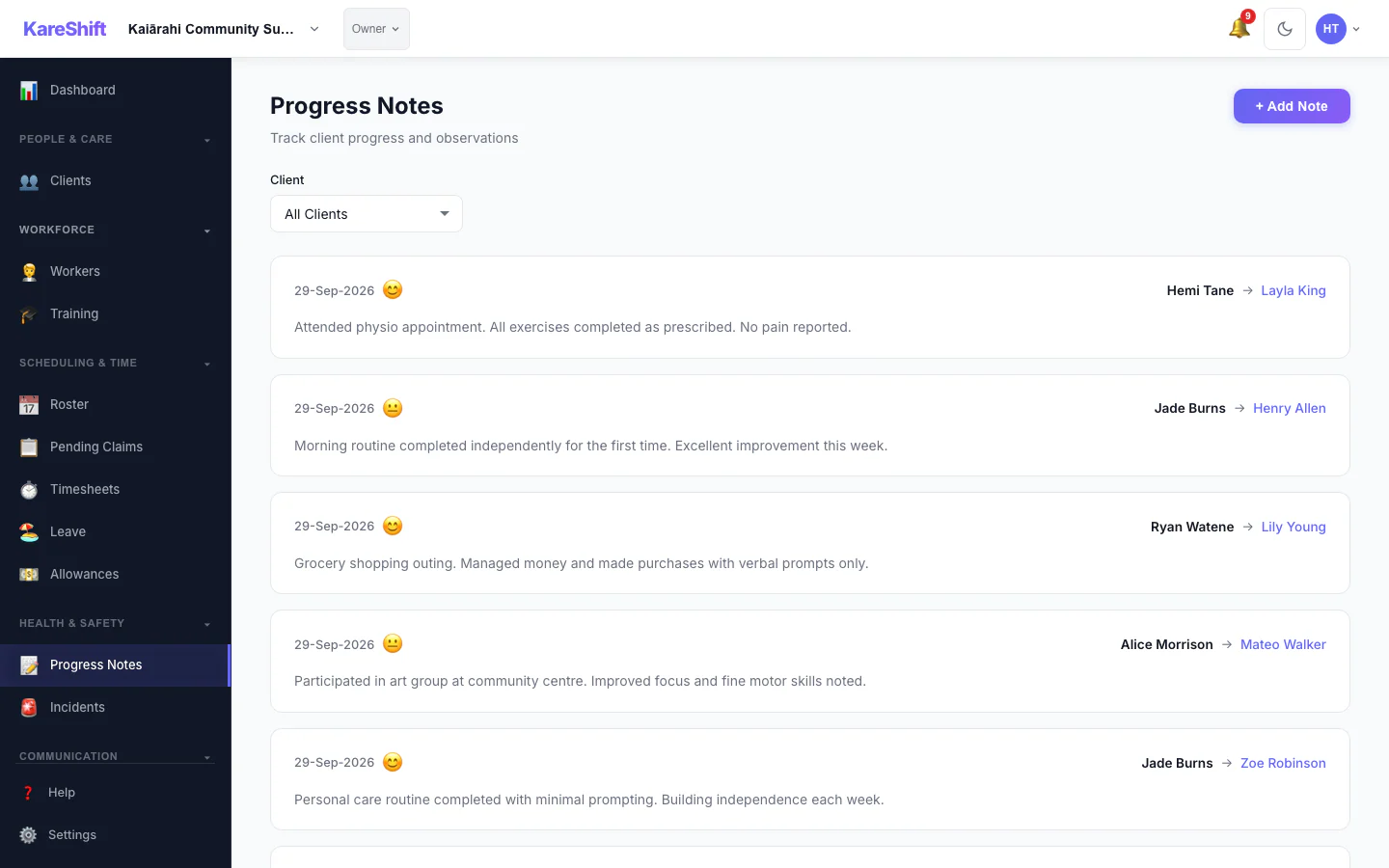
Support Notes
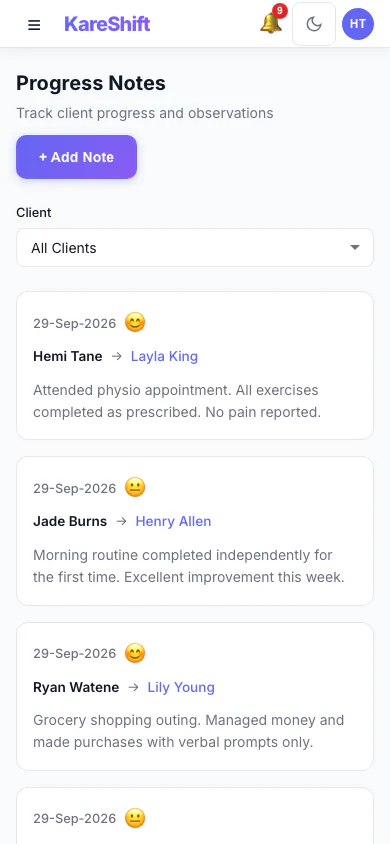
Notes (Mobile)
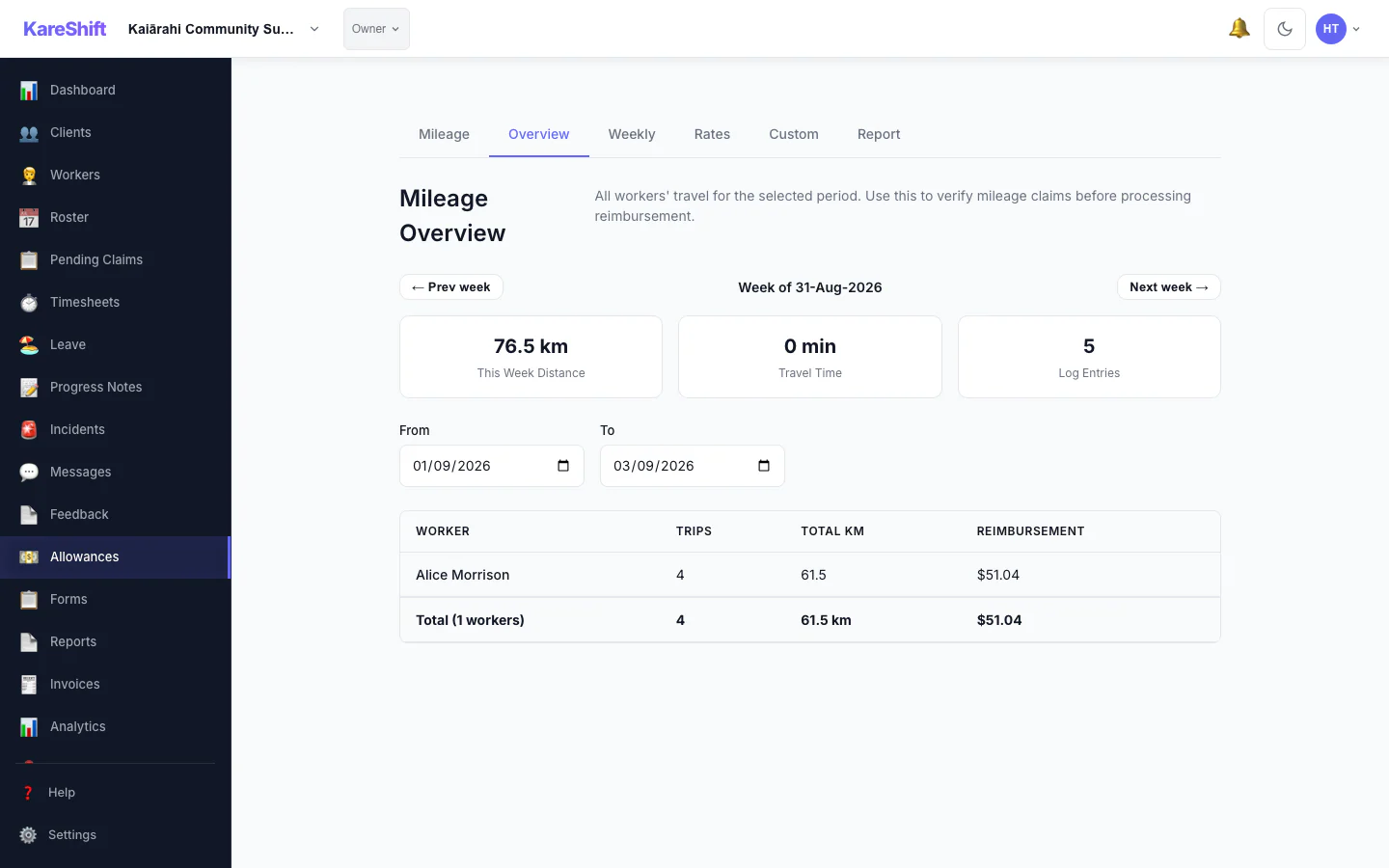
Mileage
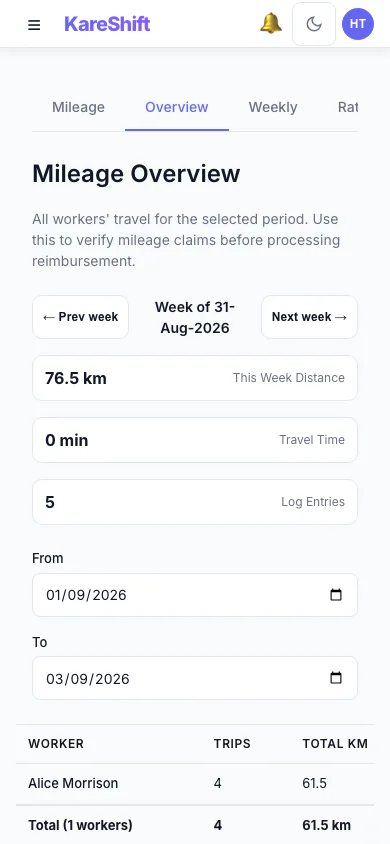
Mileage (Mobile)
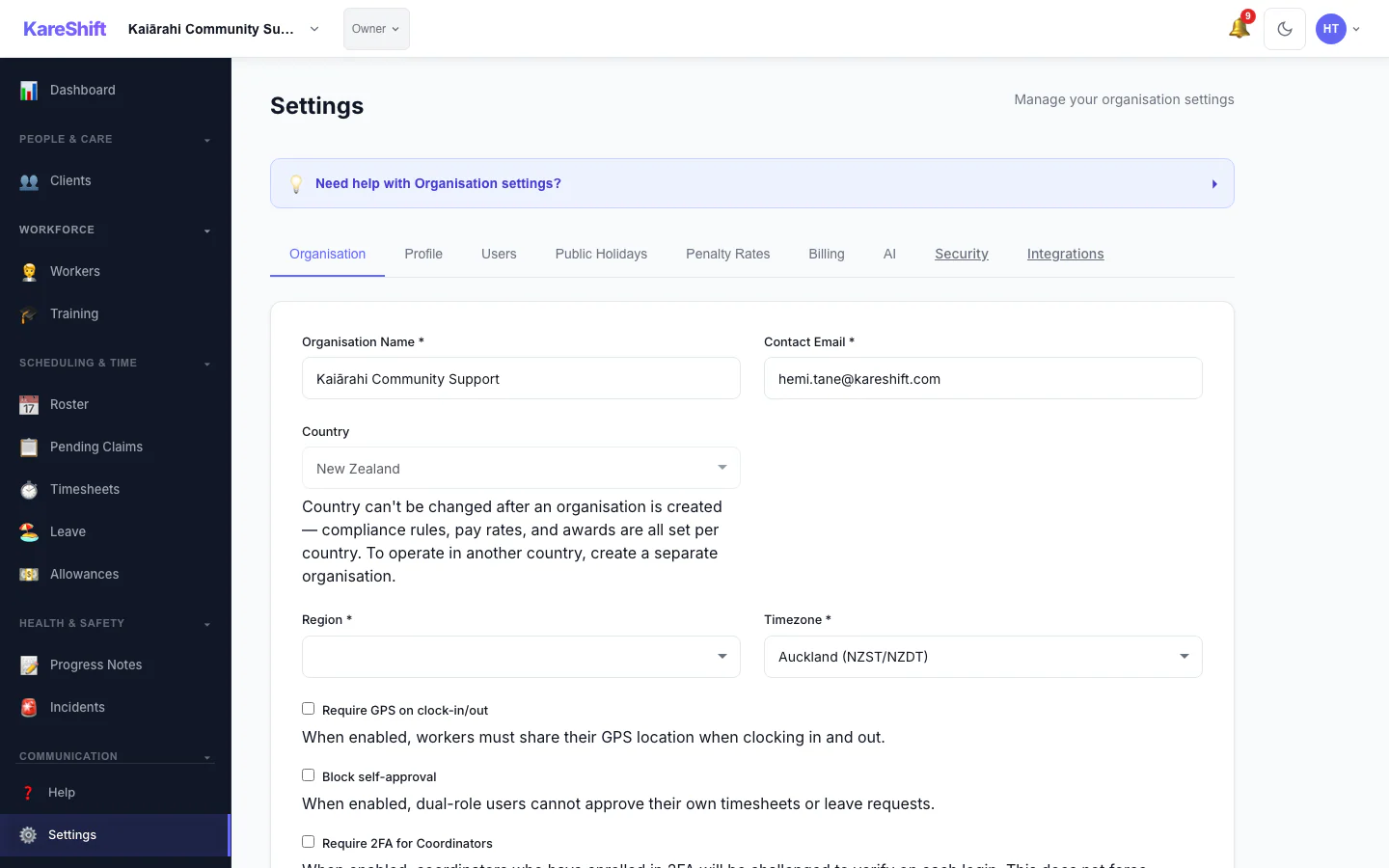
Settings
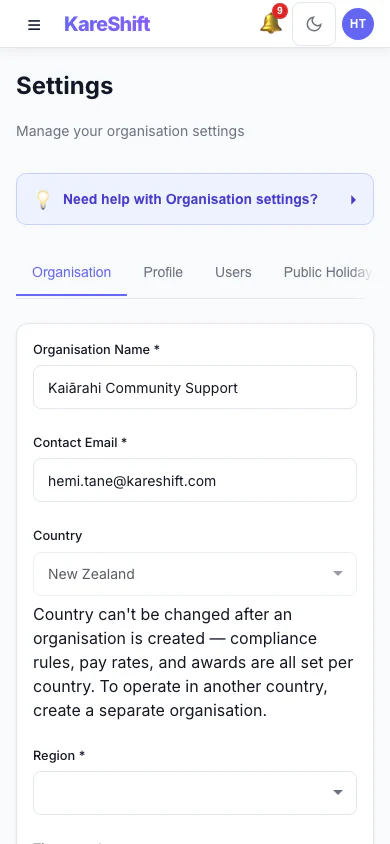
Settings (Mobile)
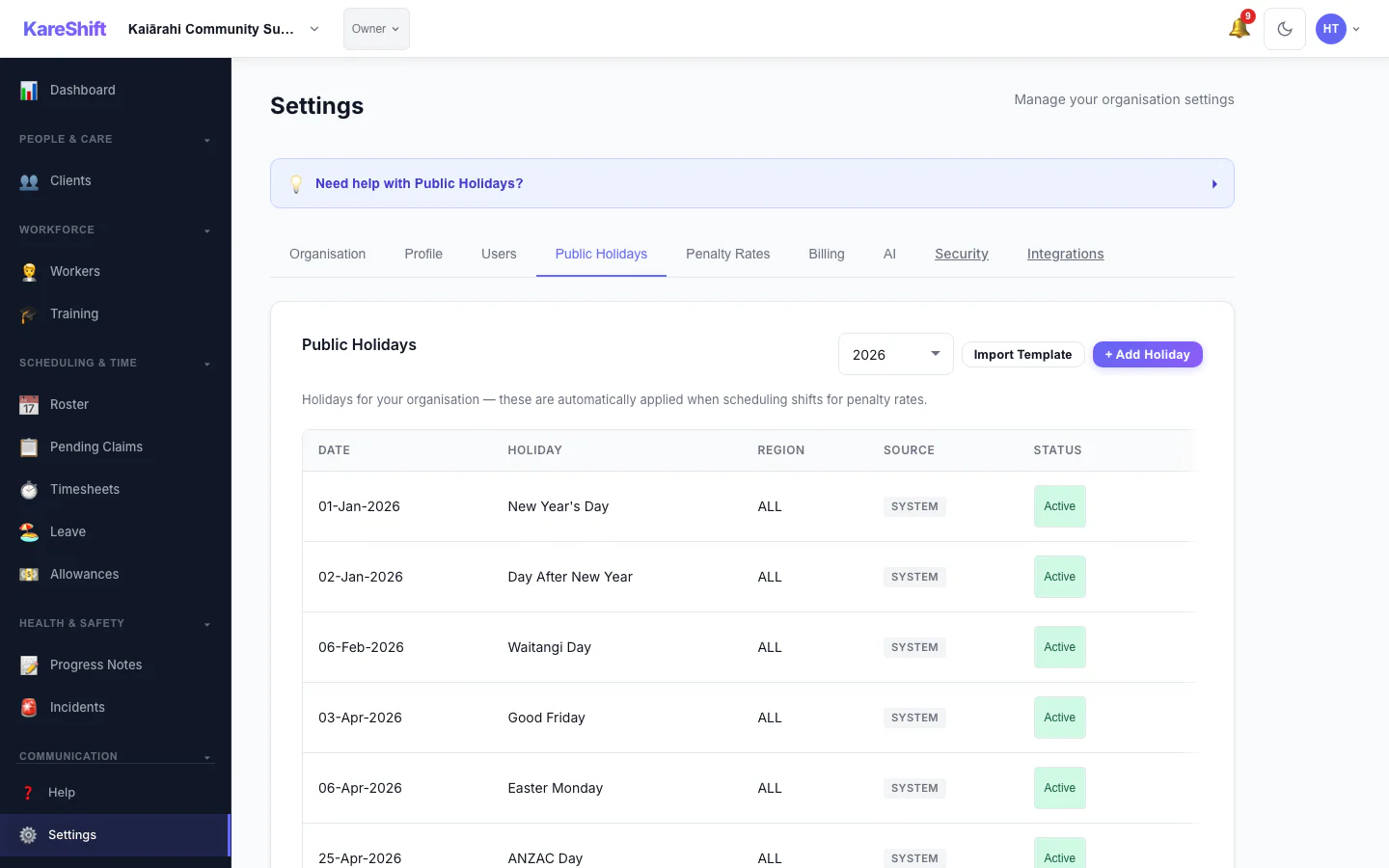
Holidays
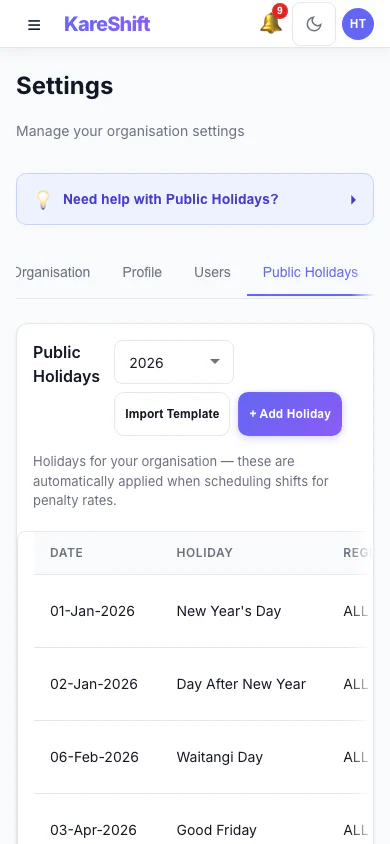
Holidays (Mobile)
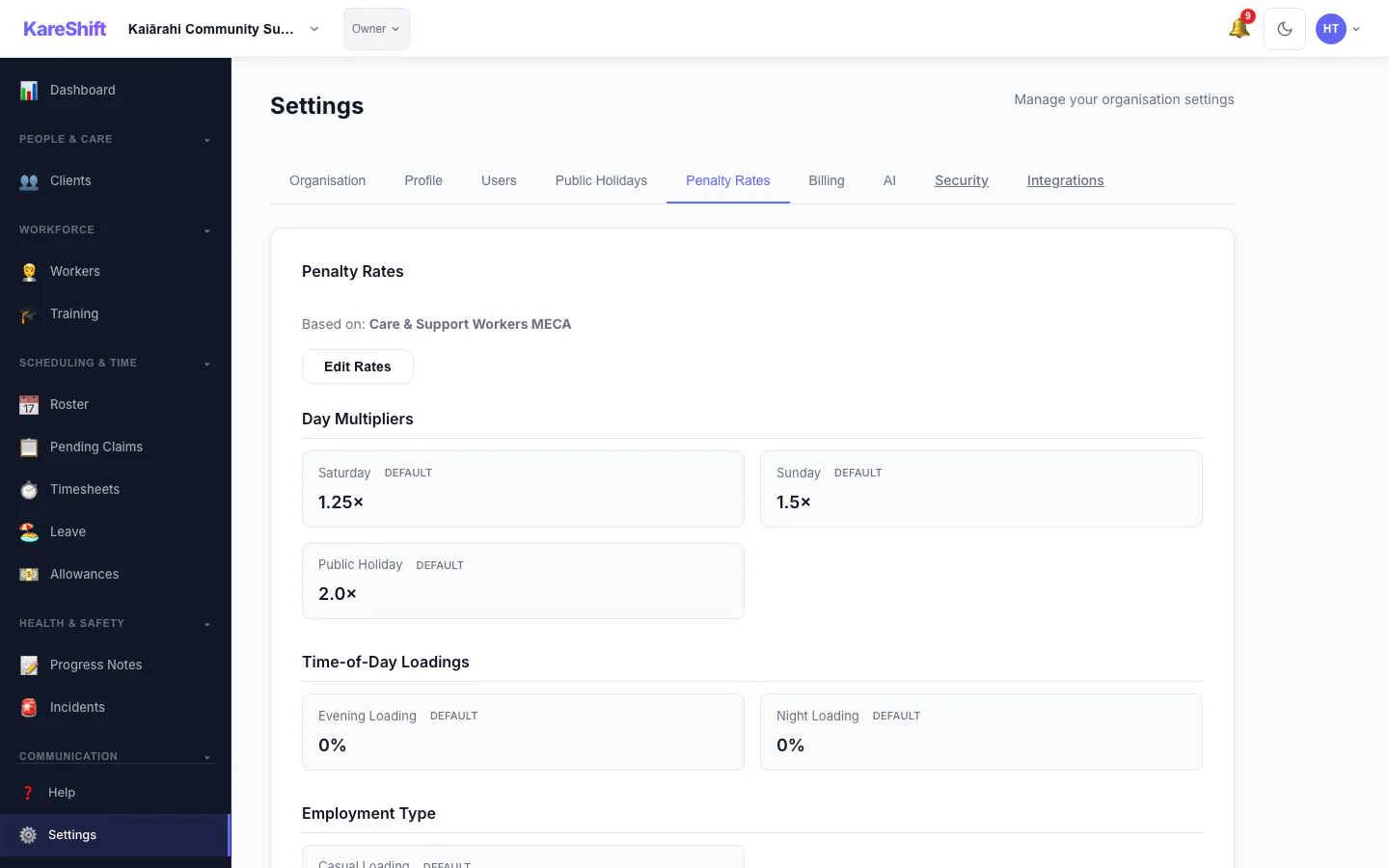
Penalty Rates
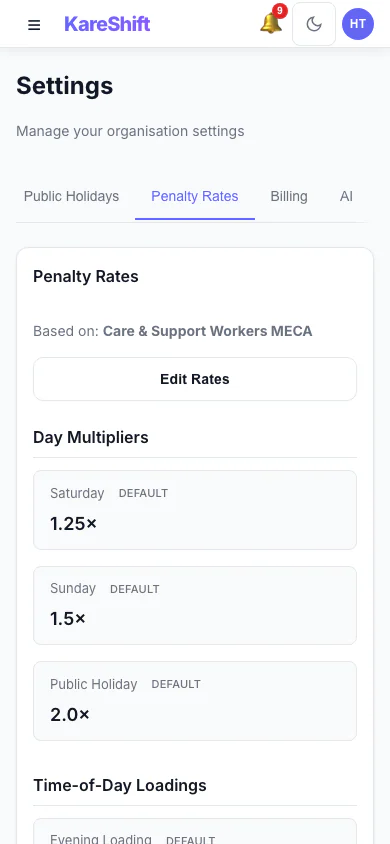
Penalty Rates (Mobile)
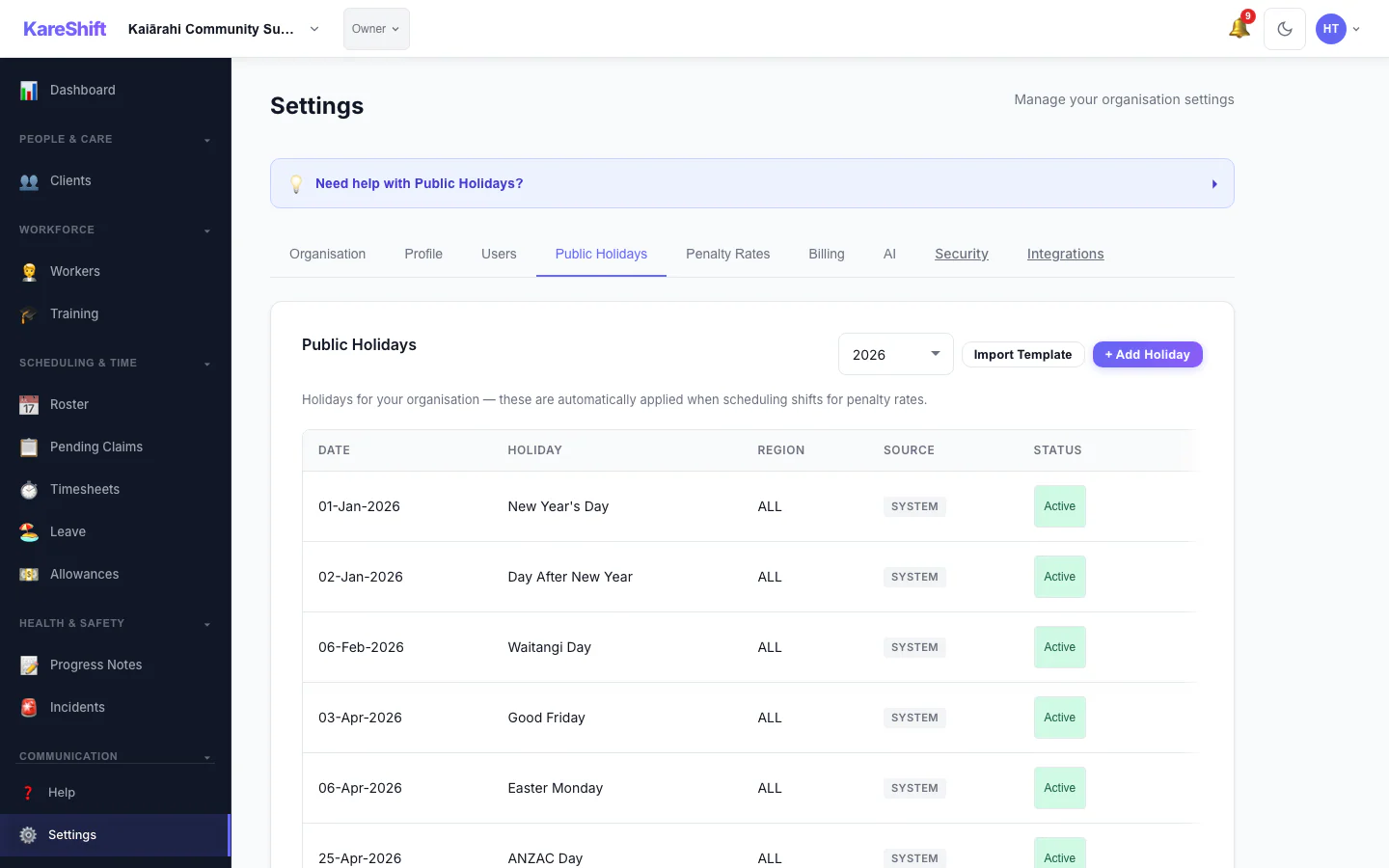
Holiday Exclusion
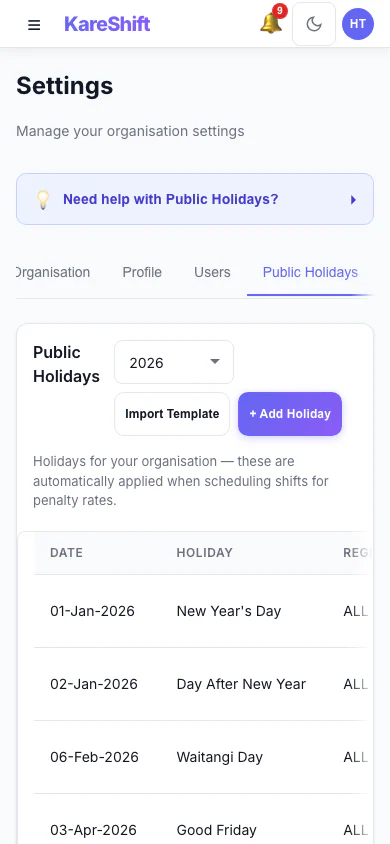
Exclusion (Mobile)
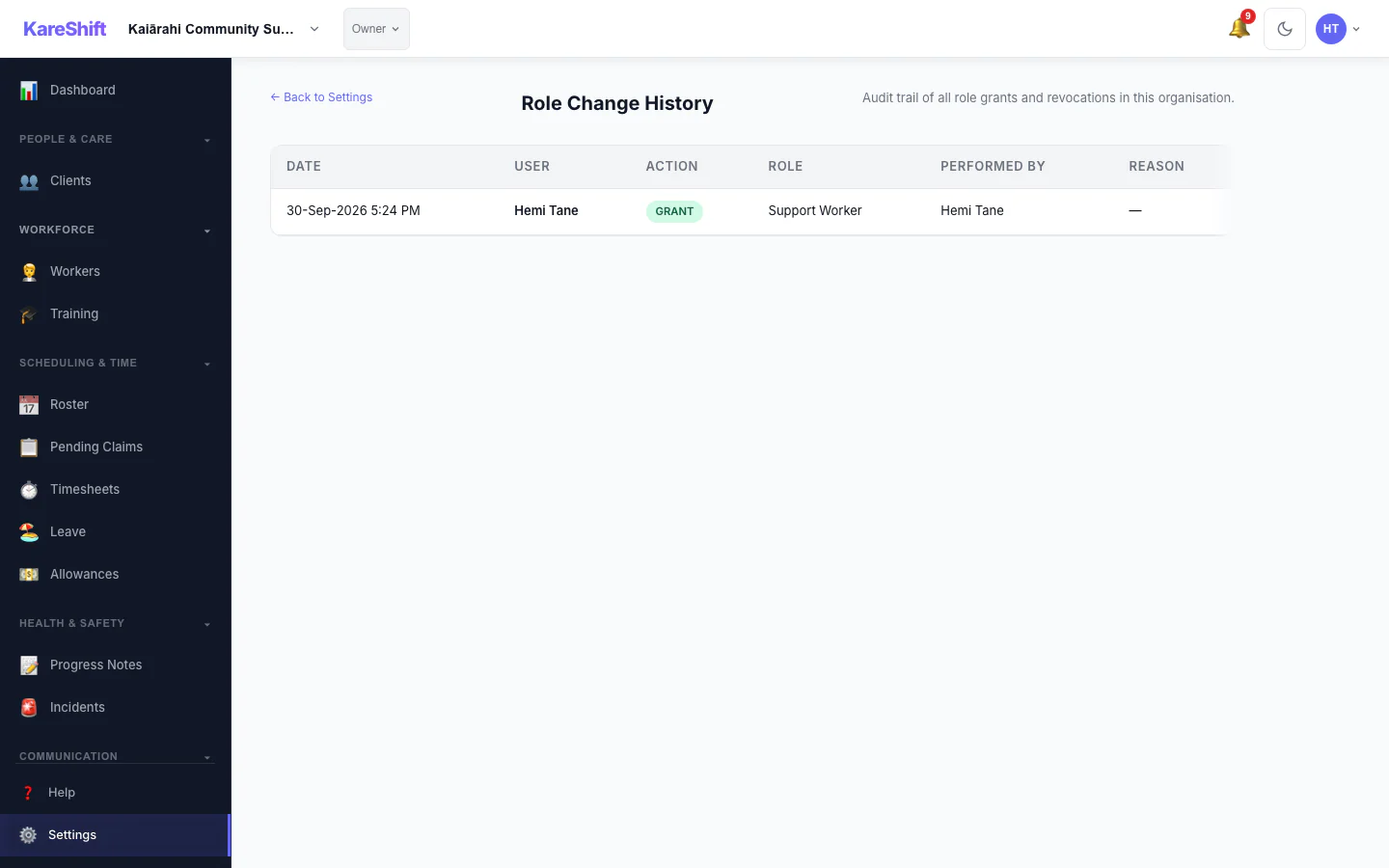
Role History
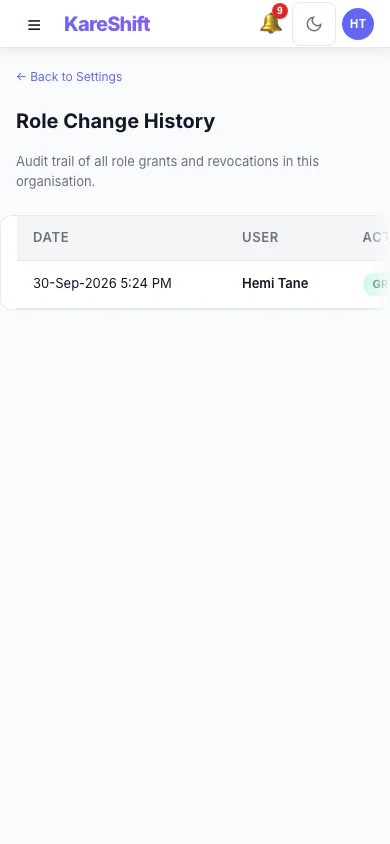
Role History (Mobile)
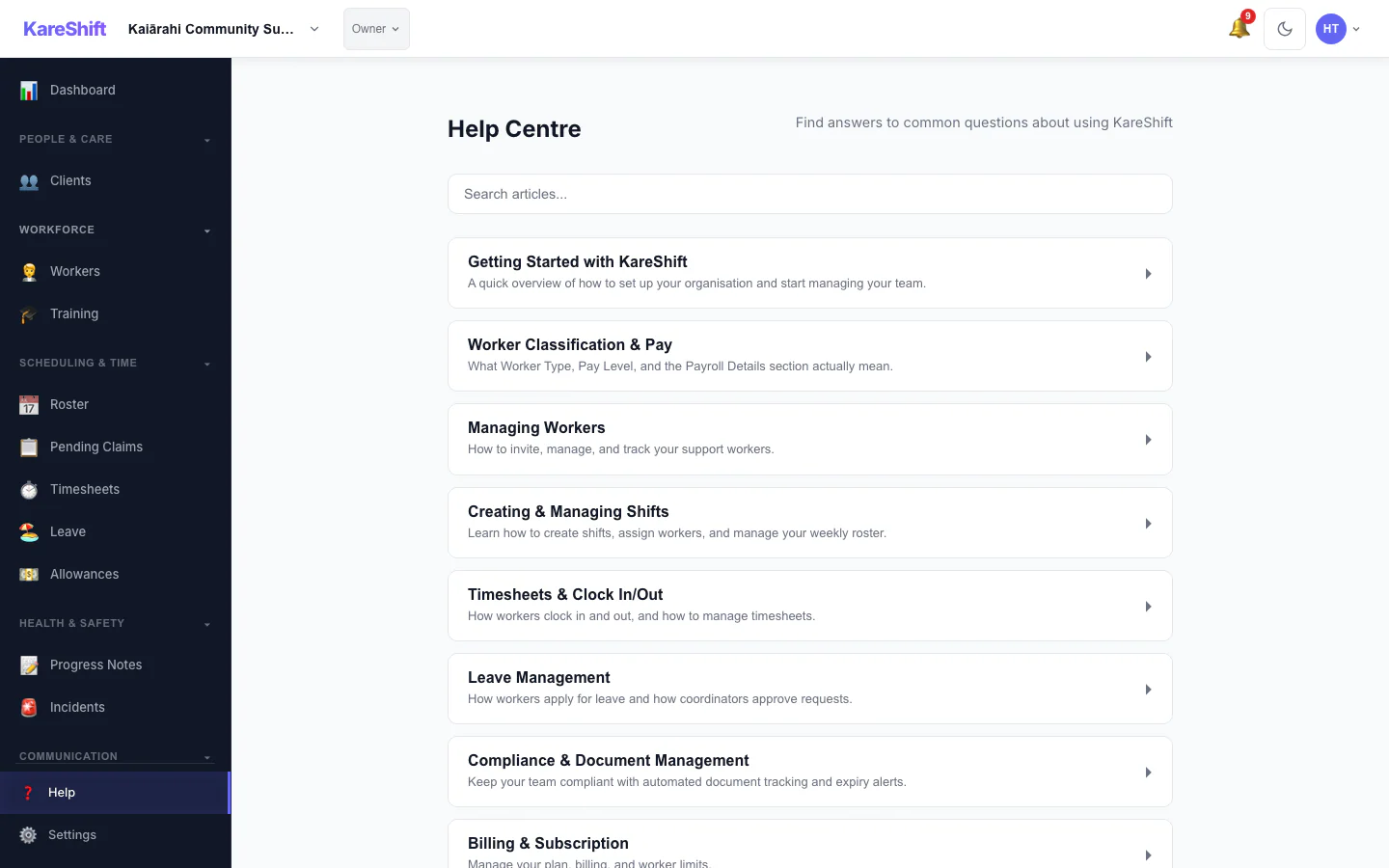
Help
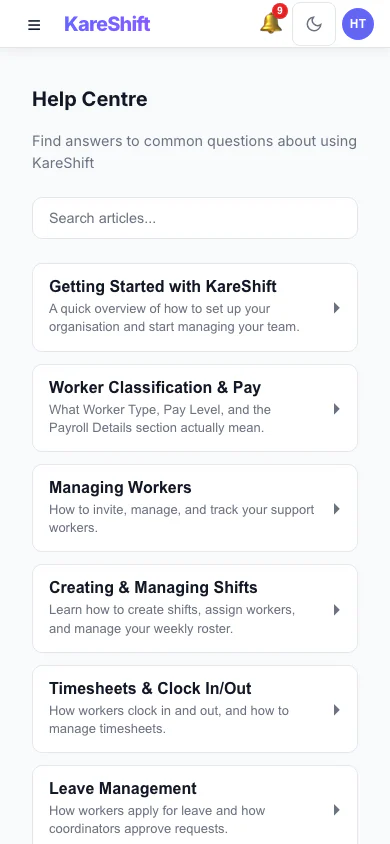
Help (Mobile)
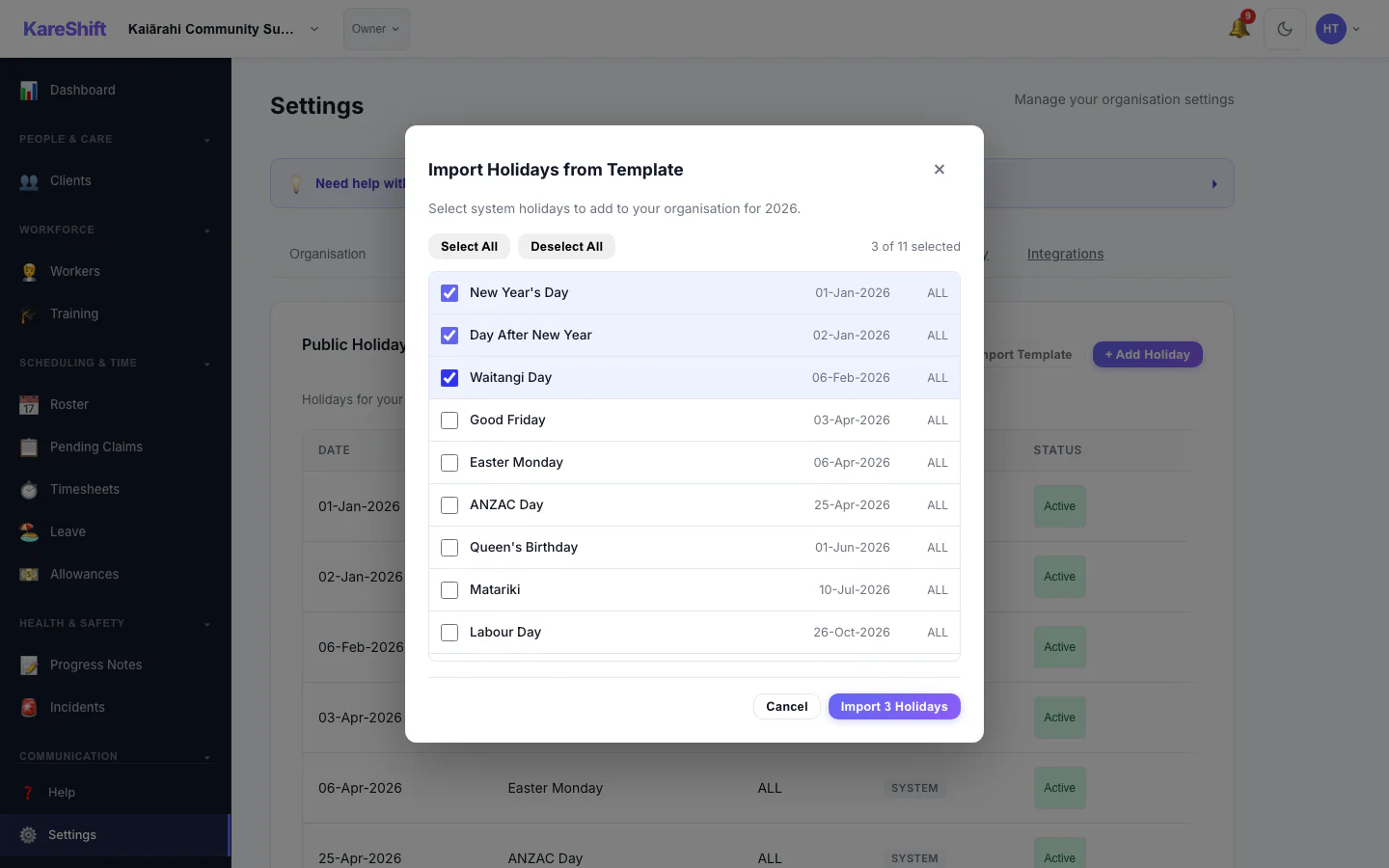
Template Import
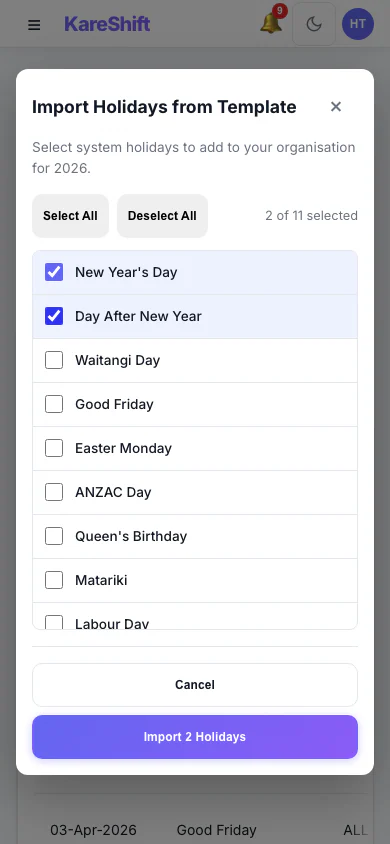
Template Import (Mobile)
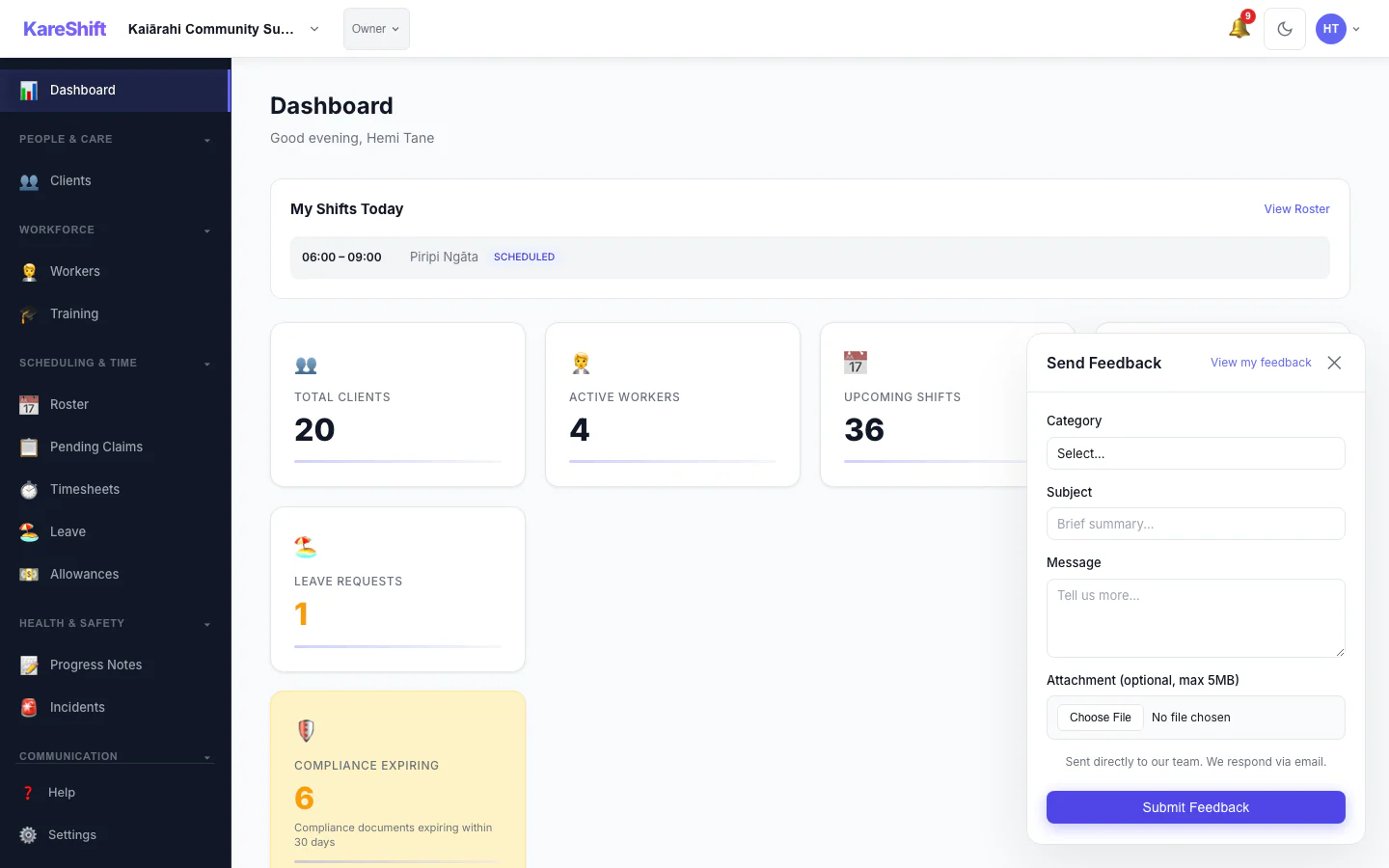
Feedback Widget
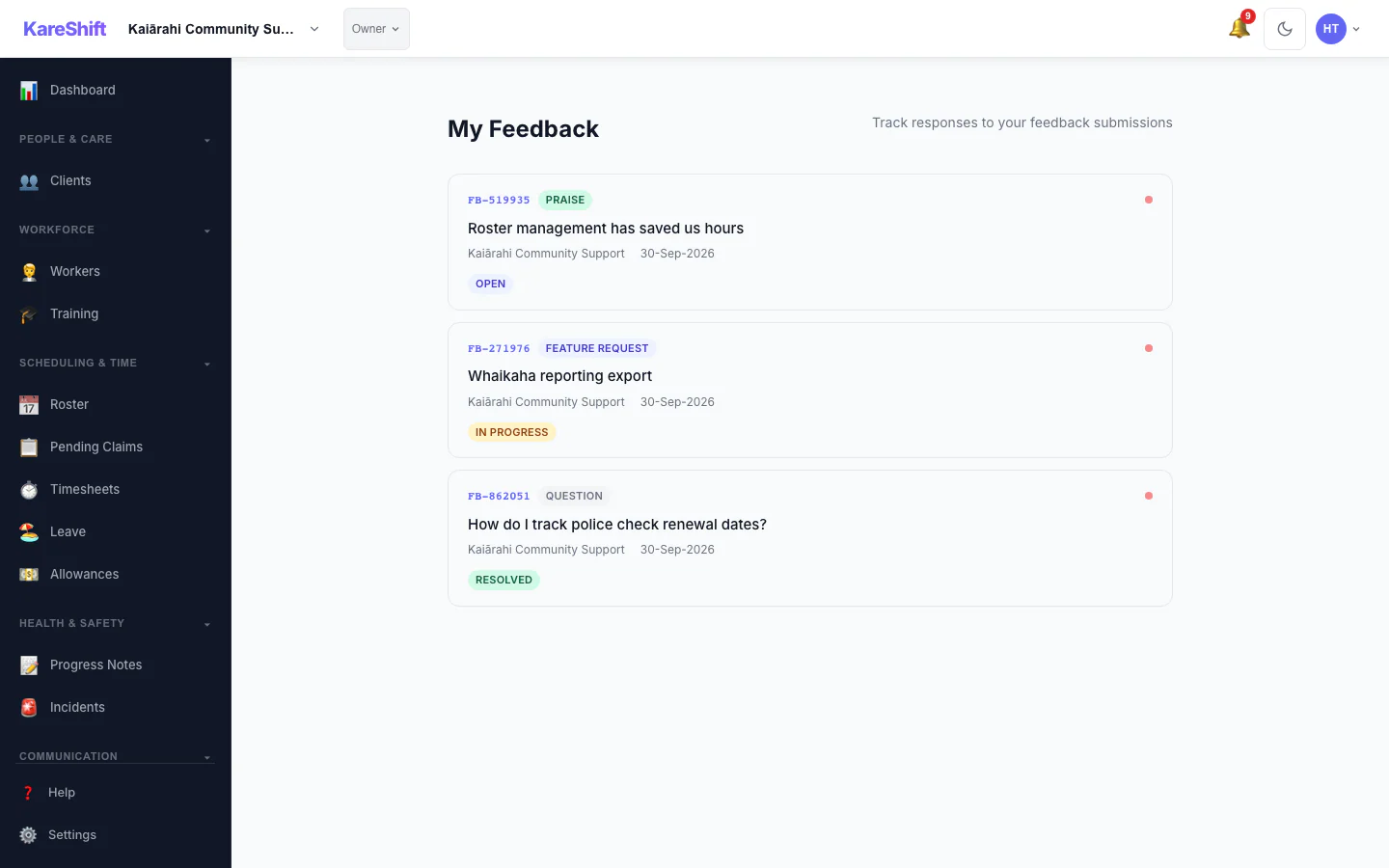
Feedback List
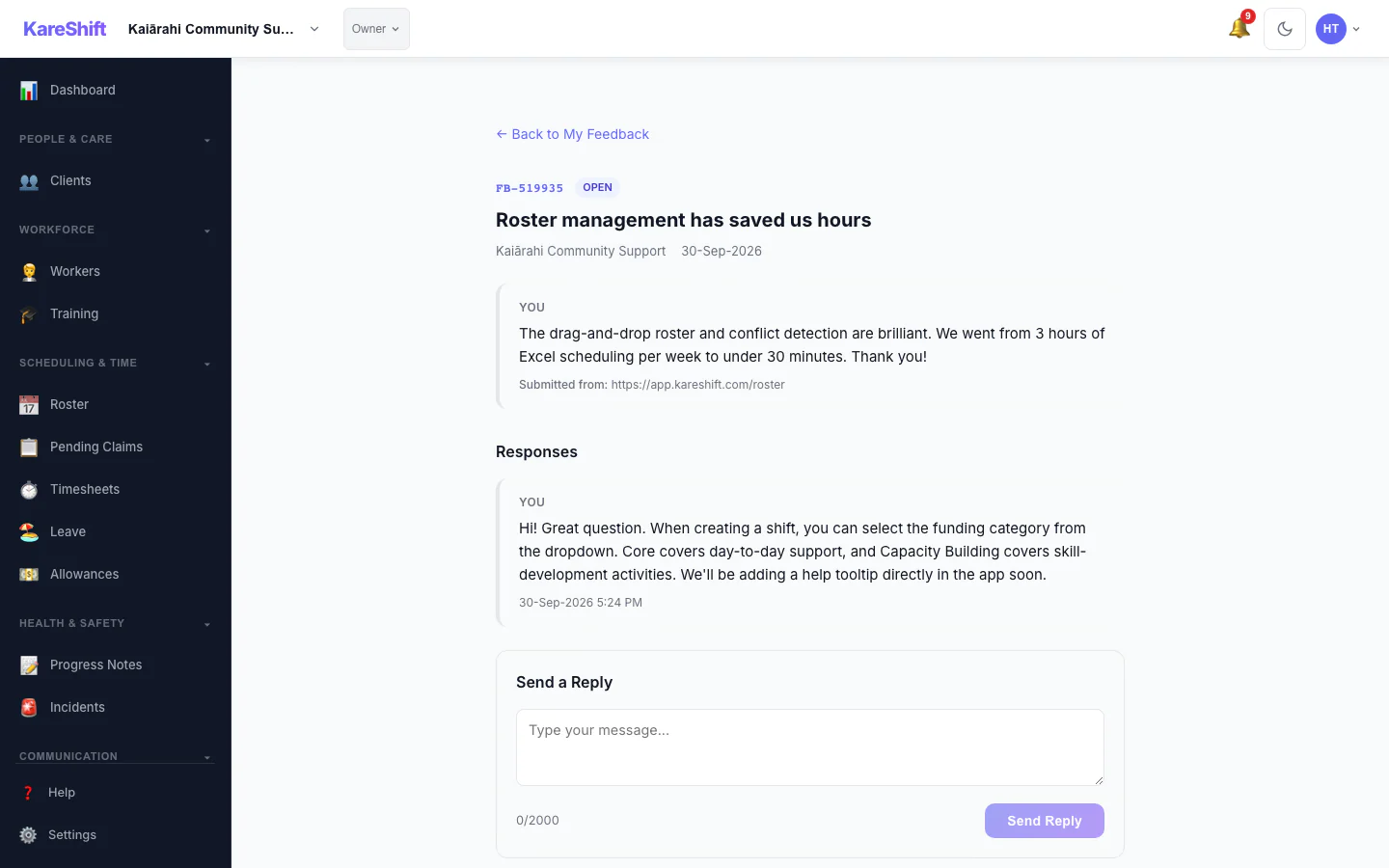
Feedback Detail
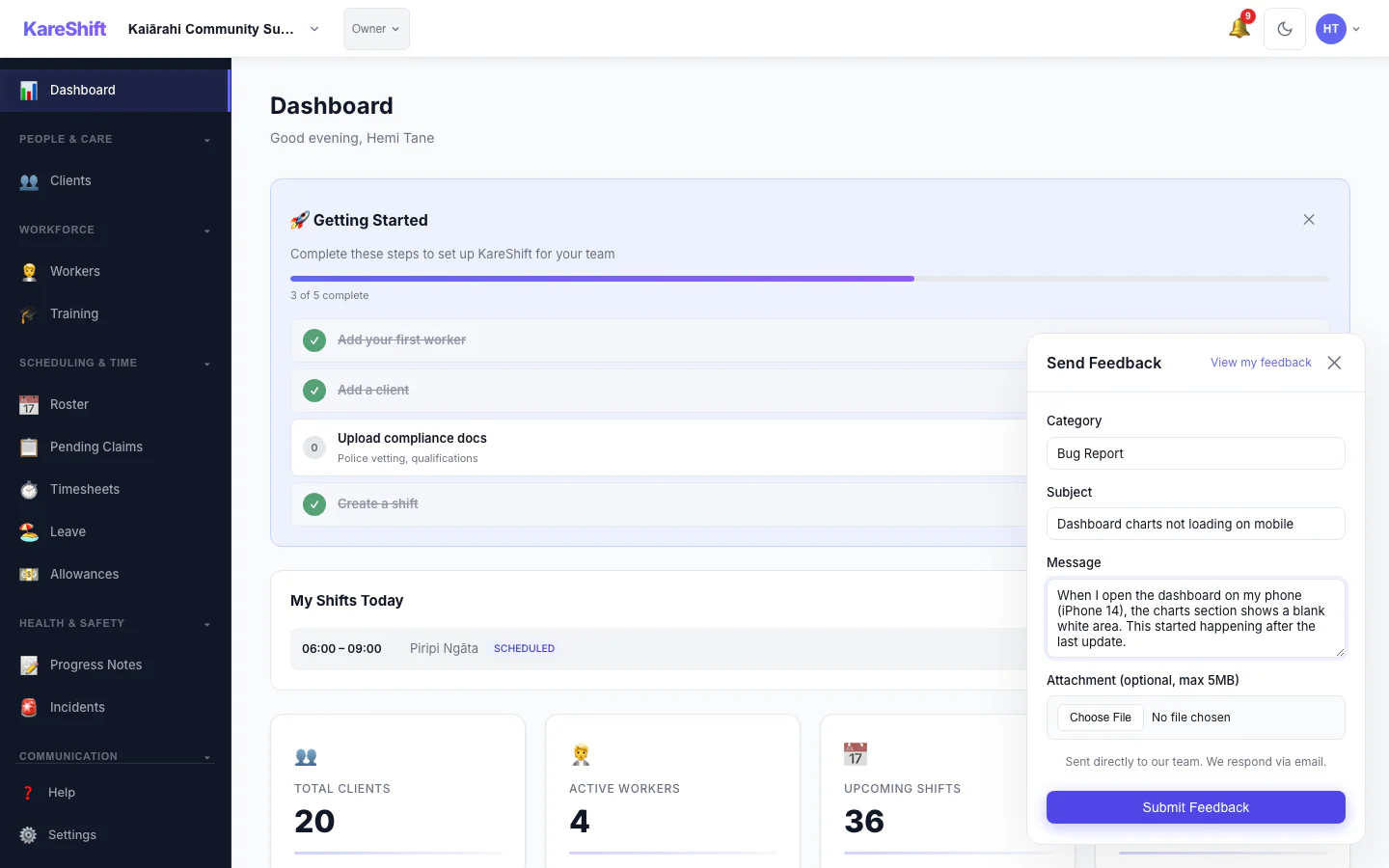
Submit Feedback
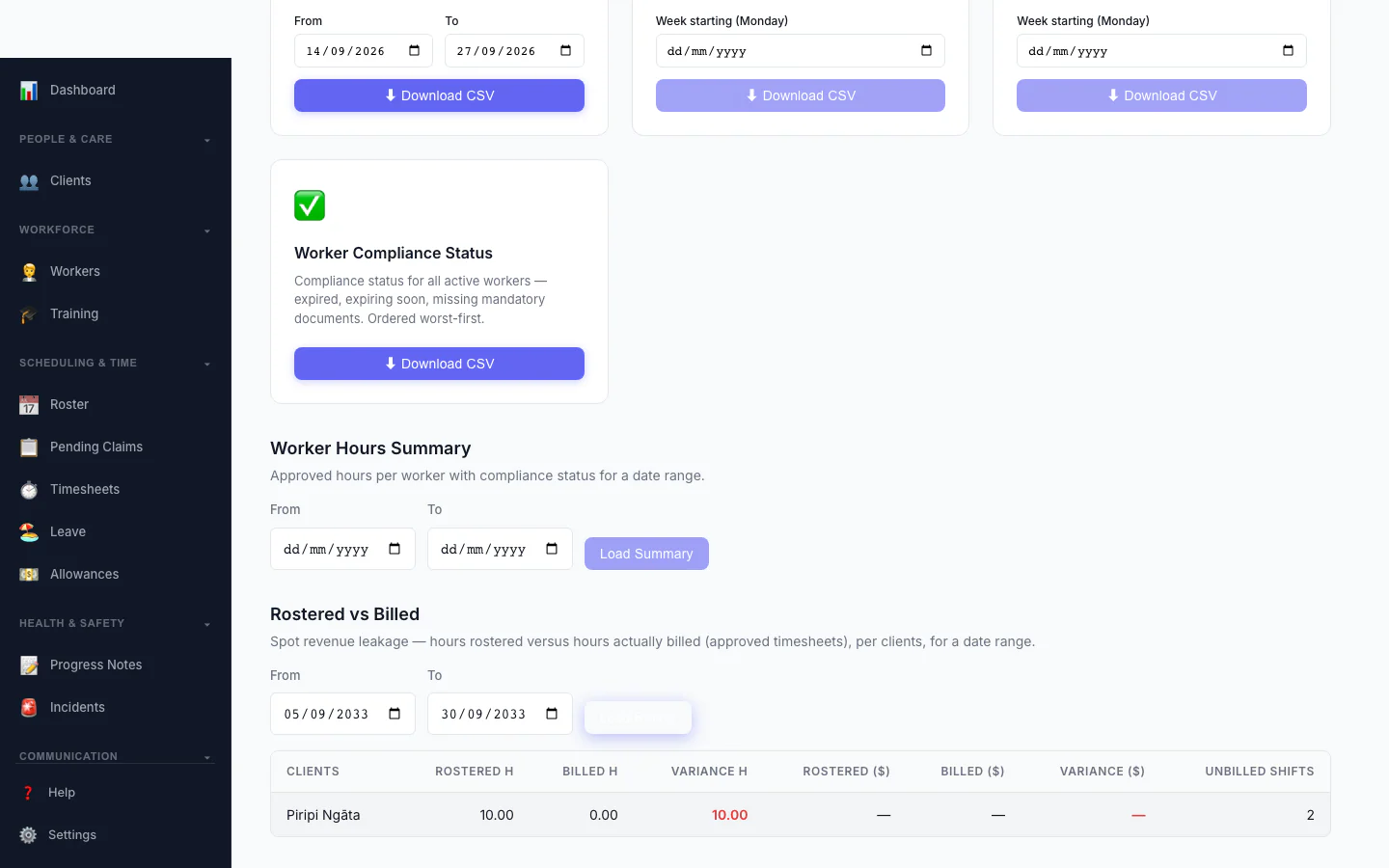
Rostered vs Billed
Spot revenue leakage at a glance — rostered hours versus hours actually billed, per client, with the shortfall highlighted.
Worker View (Dual-Role)
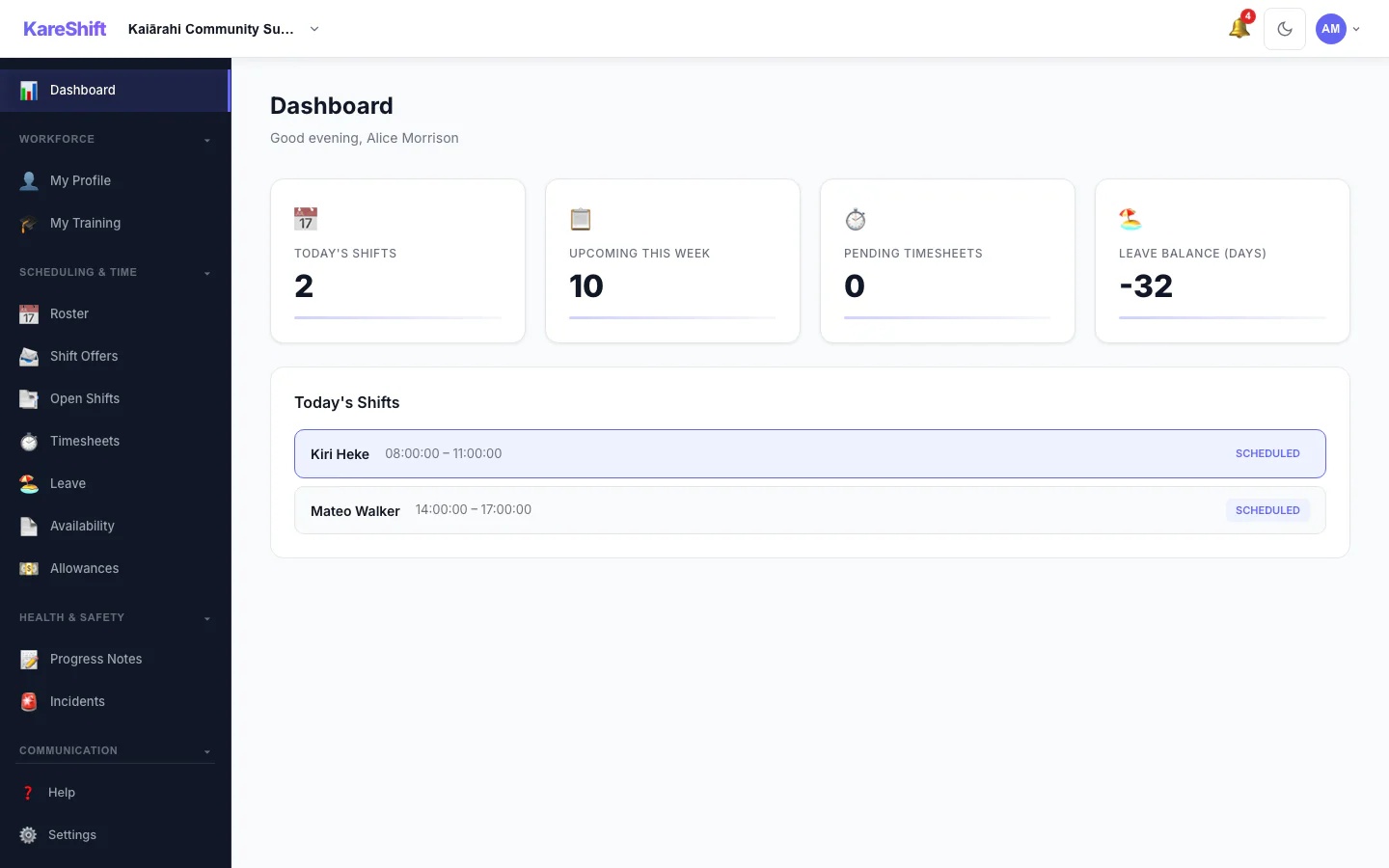
Worker Dashboard
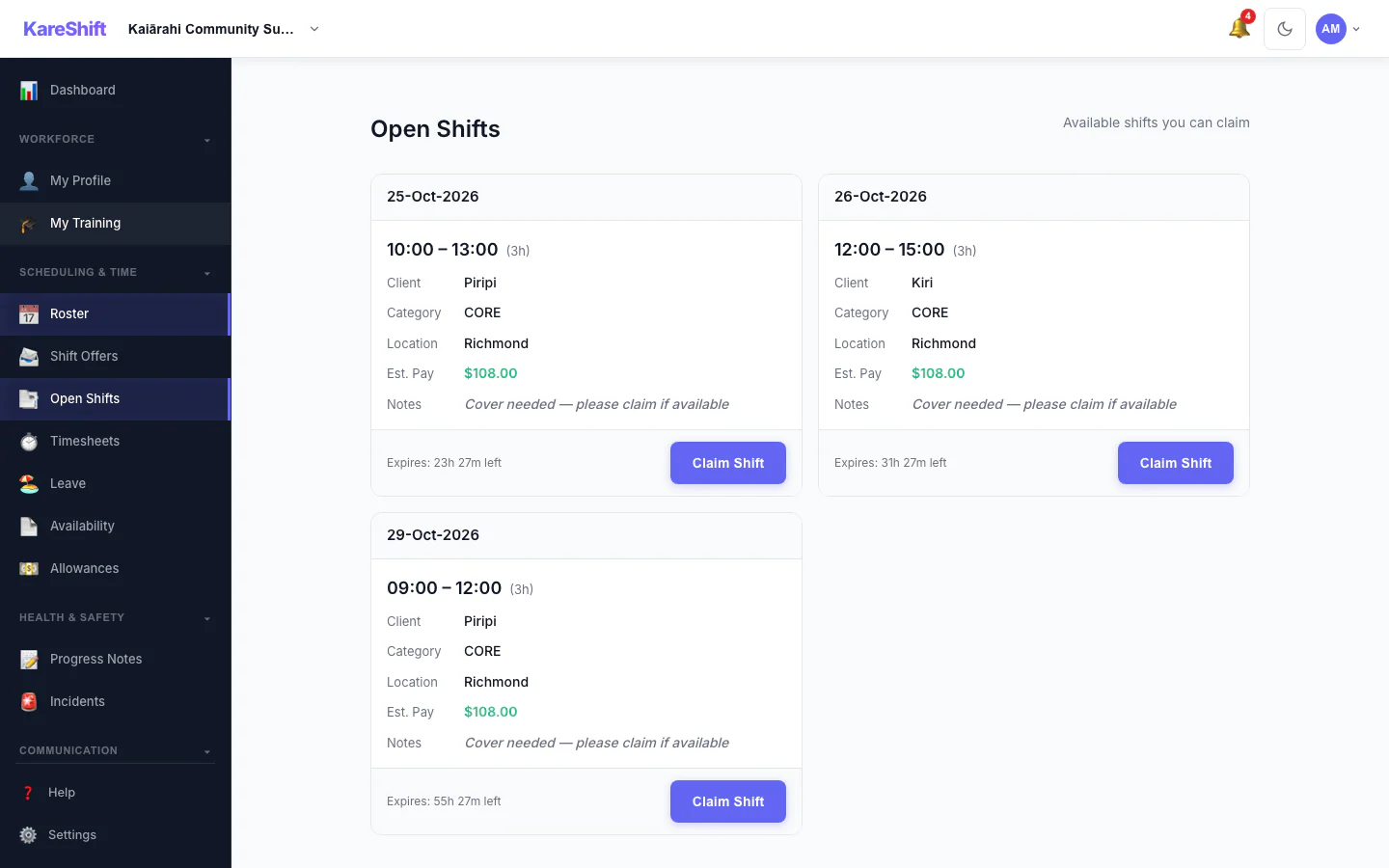
Open Shift Board
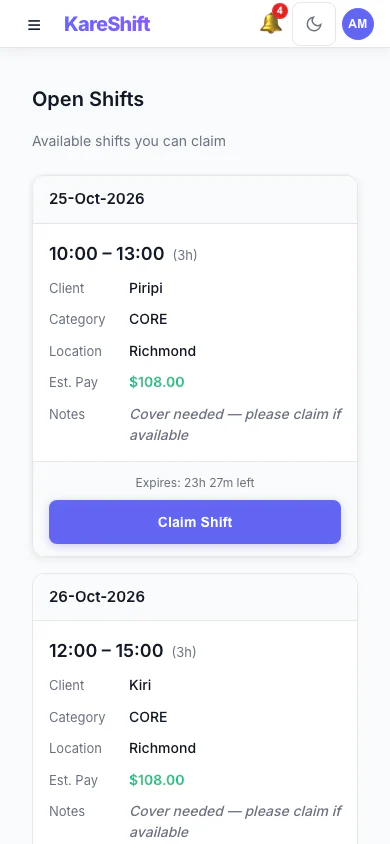
Open Shift Board (Mobile)
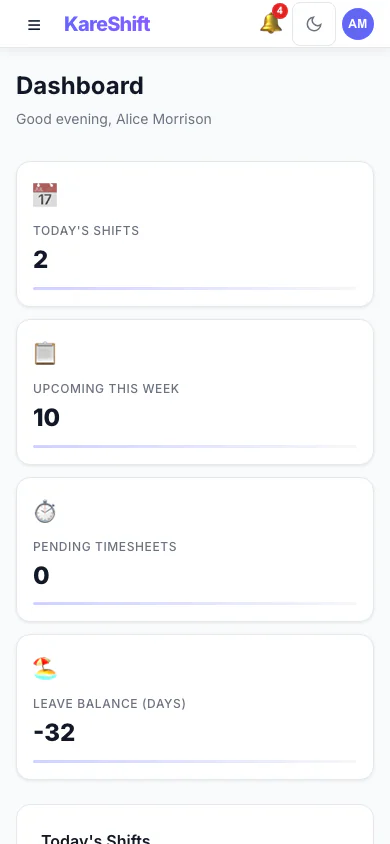
Dashboard (Mobile)
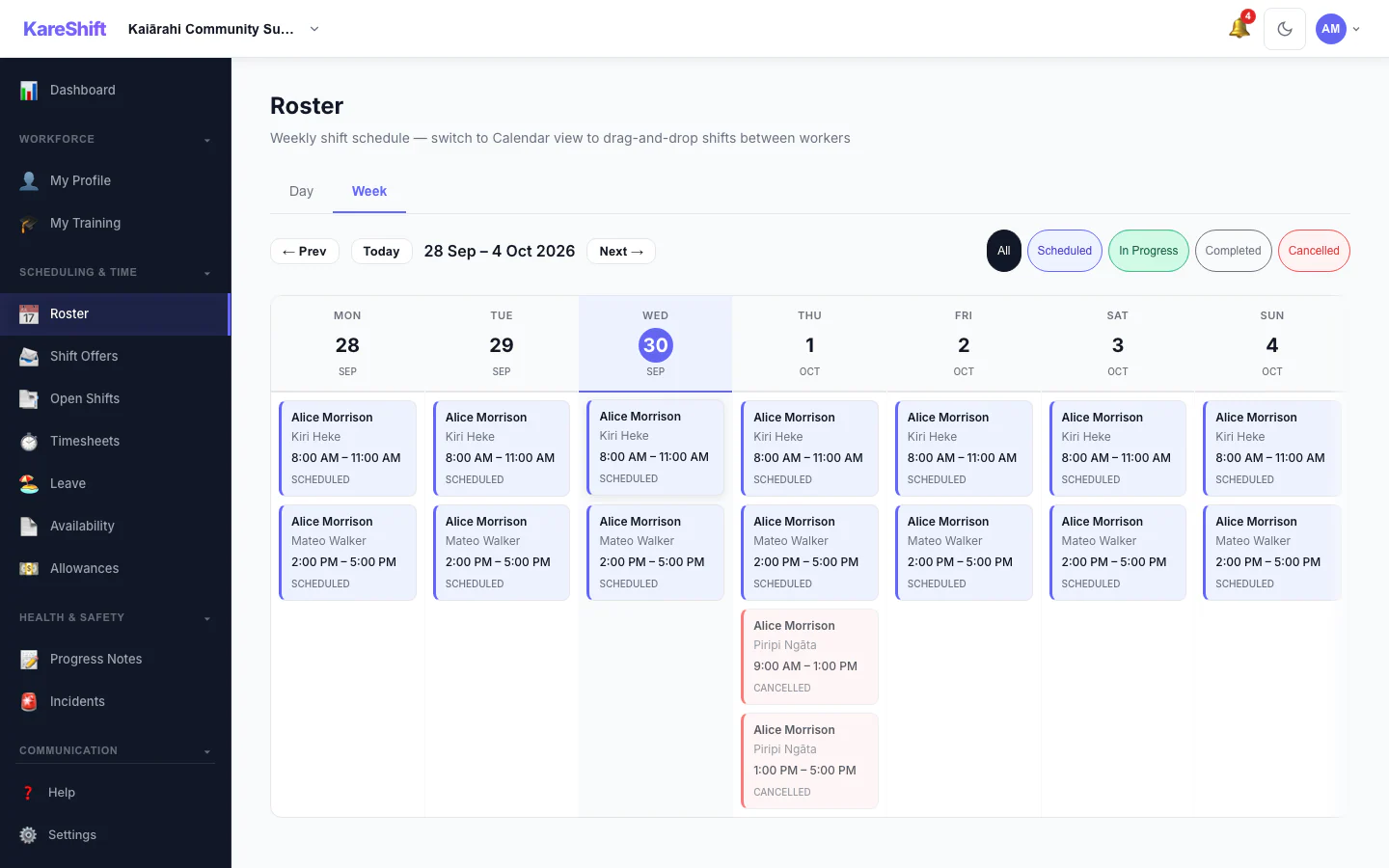
My Shifts
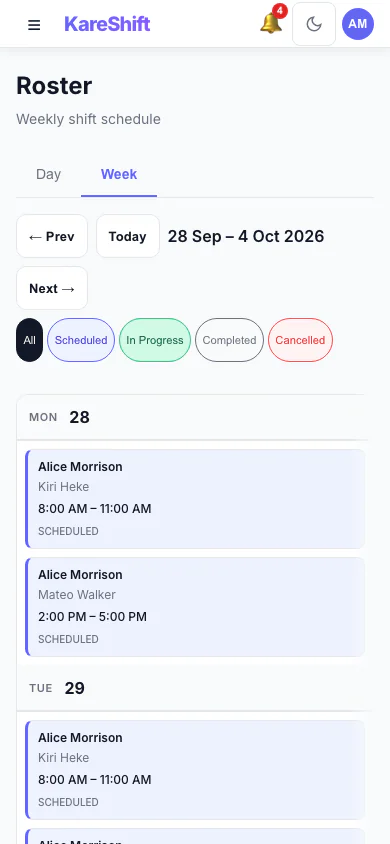
Shifts (Mobile)
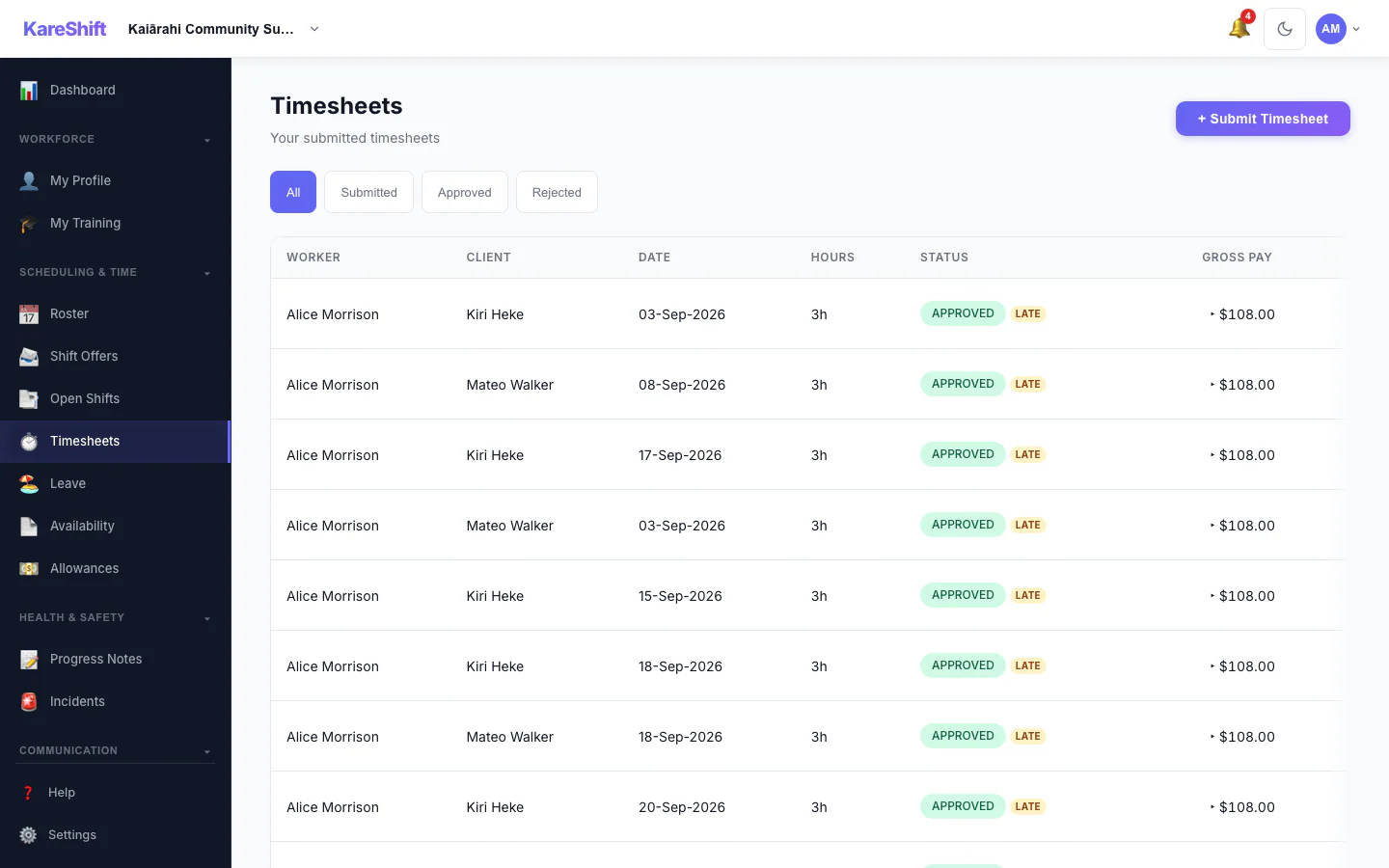
Timesheets
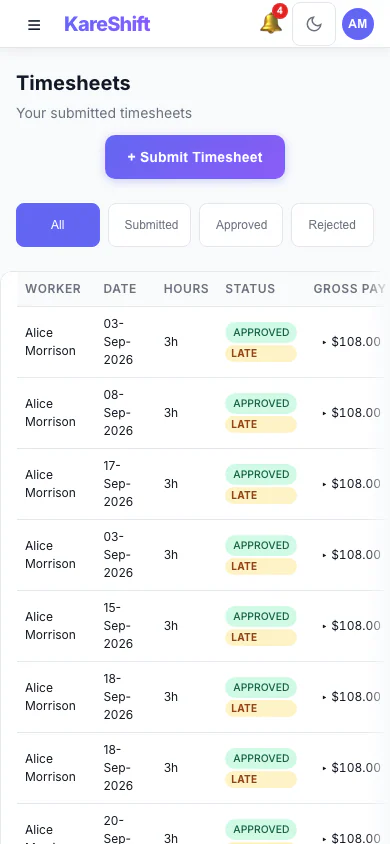
Timesheets (Mobile)
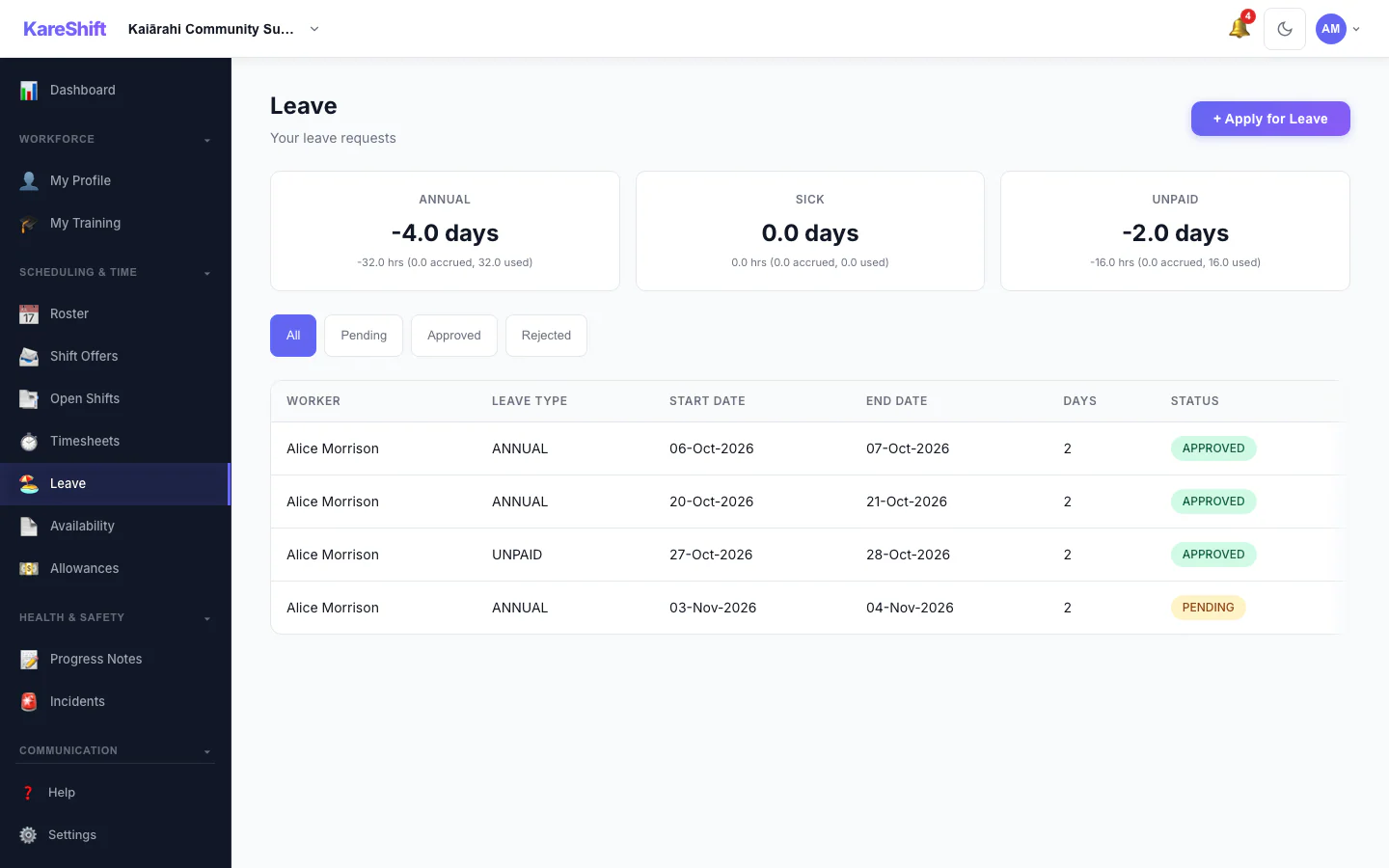
Leave
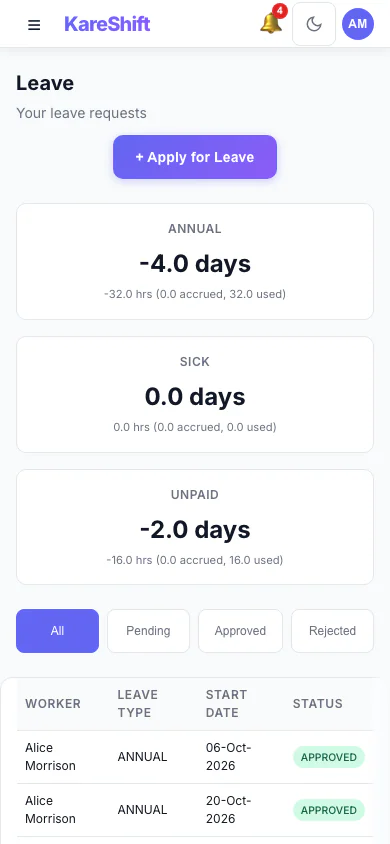
Leave (Mobile)
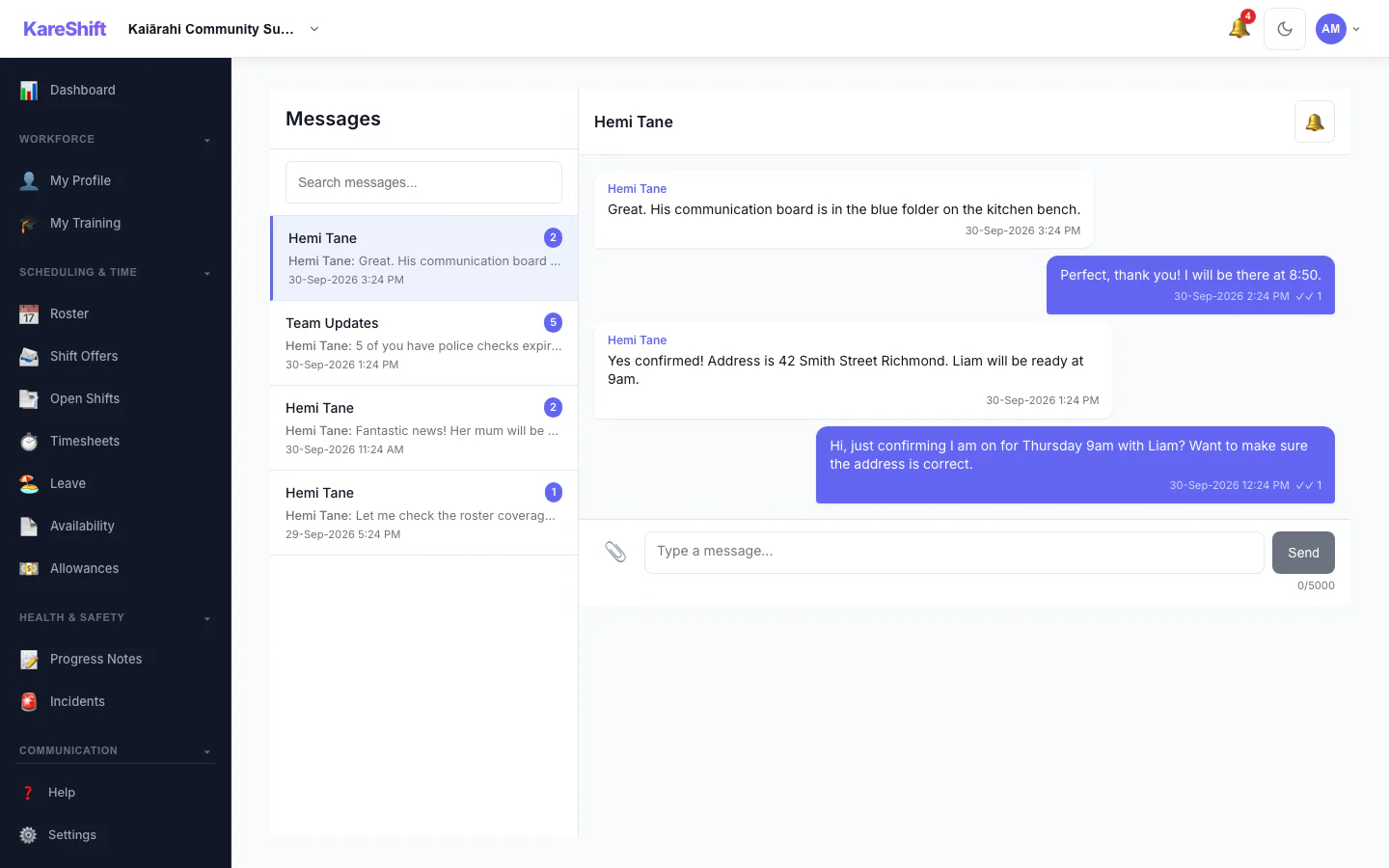
Messages
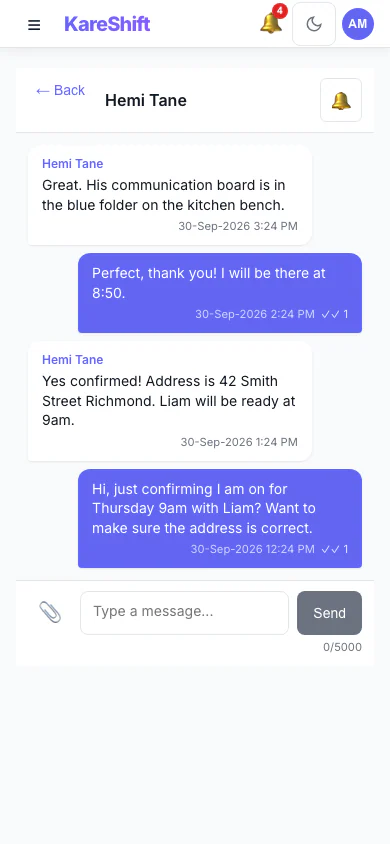
Messages (Mobile)
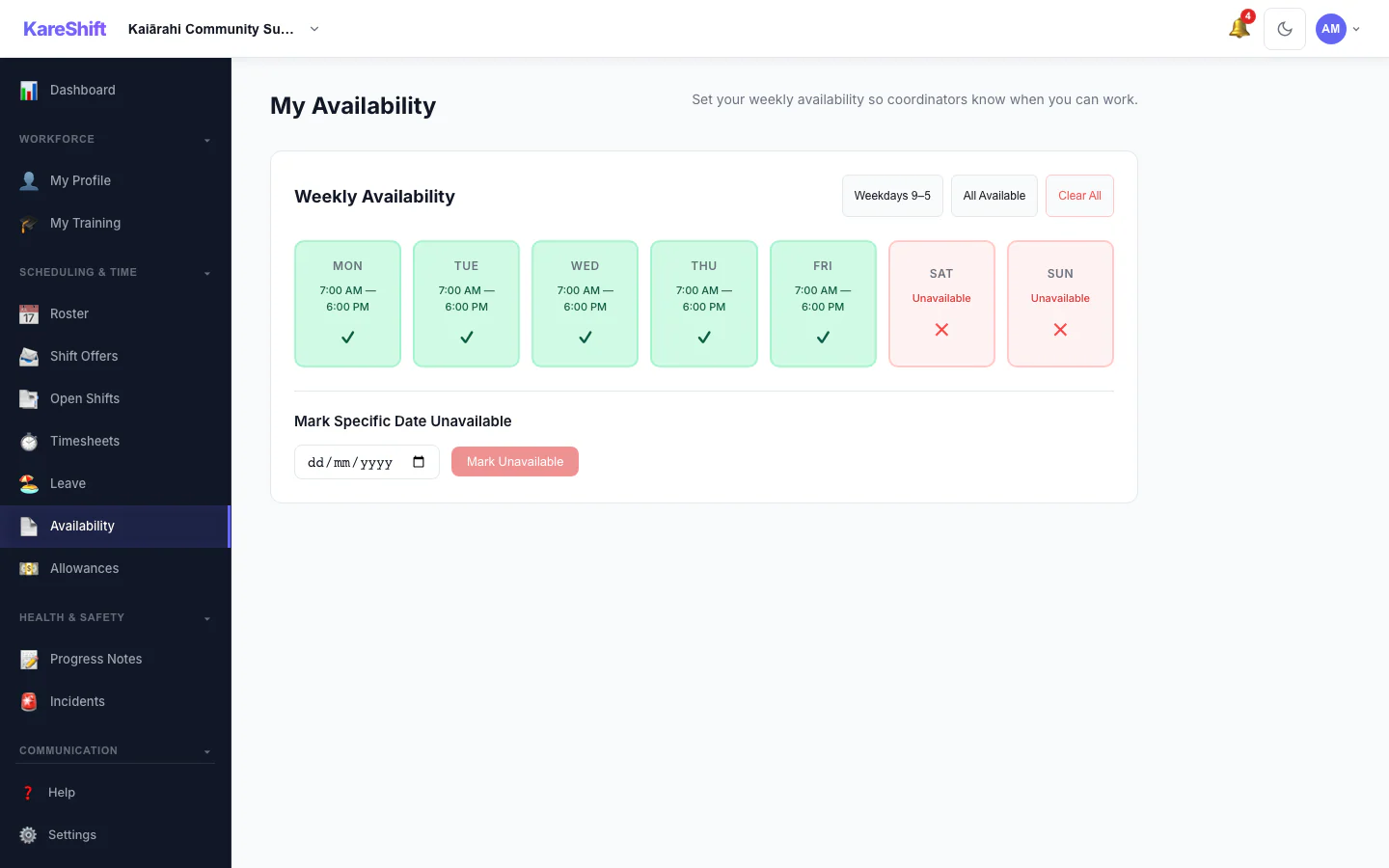
Availability
Availability (Mobile)
Onboarding
Onboarding (Mobile)
Rostered vs Billed (Mobile)
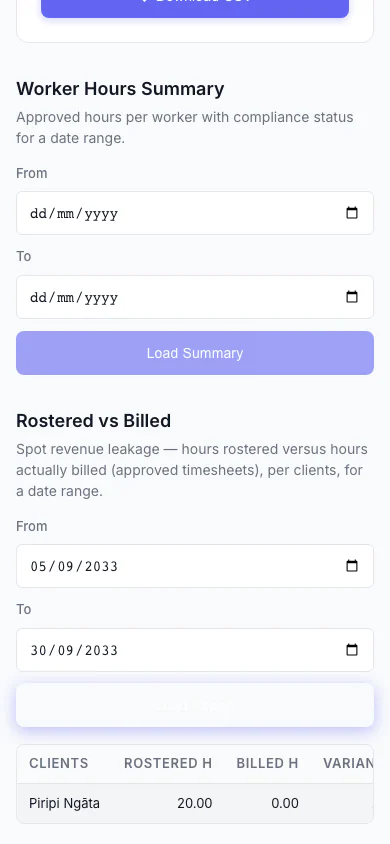
Spot revenue leakage at a glance — rostered hours versus hours actually billed, per client, with the shortfall highlighted.
Try KareShift free for 90 days
No credit card. No sales call. Sign up and see it yourself.
Start Free Trial — No Credit Card